
Short answer. The closest AutoReel alternatives are the tools built to turn listing photos into a finished video: Reel-E, BetterSpace, VideoTour.ai, PhotoAIVideo and Amplifiles. Reel-E is our pick because one upload gives you edited and staged photos, a cinematic video in six versions in about two minutes, and a listing website, from $44 a month billed yearly ($59 month to month).
Every price and free option below was read on the company's own pricing page on October 15, 2026.
Agents usually start looking for an AutoReel alternative for one of three reasons: they want more than a video for each listing (photos and a website too), they want widescreen, vertical and square versions without making each one separately, or they want different pricing, per listing instead of per video, or monthly instead of quarterly or yearly. This page covers eight alternatives with what each is best at, then a table and a few rules for choosing.
I have spent a lot of time running the same listing photos through these tools. Where those original tests are mentioned below, they are dated, because every one of these products has changed since.
If you want the head-to-head deep dive, check out our full Reel-E vs. AutoReel comparison, or see what AutoReel costs in detail. This post casts a wider net: eight alternatives, ranked and compared.
Why Agents Look for AutoReel Alternatives
Before we get into the alternatives, it's worth understanding why the search volume for "AutoReel alternatives" has grown so much. Three reasons come up most.
You Want More Than a Video Per Listing
AutoReel's homepage lists photo to video, staging, photo edits, voiceovers, avatars and a Studio editor. It does not list a listing website. If you want the property page, lead form and QR code from the same upload, that is a reason to look elsewhere.
You Want Every Shape From One Job
On AutoReel you choose portrait or landscape per video, and its Studio can crop landscape to 9:16. Tools like Reel-E make widescreen, vertical and square, each branded and unbranded, from one upload.
You Want a Different Way to Pay
AutoReel now bills quarterly ($41 to $108 a month) or yearly ($30 to $82 a month) and prices per video, with extra videos at $11 to $25. Some agents prefer per-listing pricing, month-to-month billing, or pay-as-you-go per image; the table below shows who offers what.
8 Best AutoReel Alternatives (Ranked)
I ranked these based on four criteria: output quality, pricing at realistic agent volumes, feature completeness, and how little babysitting the tool requires. A tool that produces gorgeous video but needs 30 minutes of manual tweaking per listing scored lower than one that nails it automatically.

#1: Reel-E
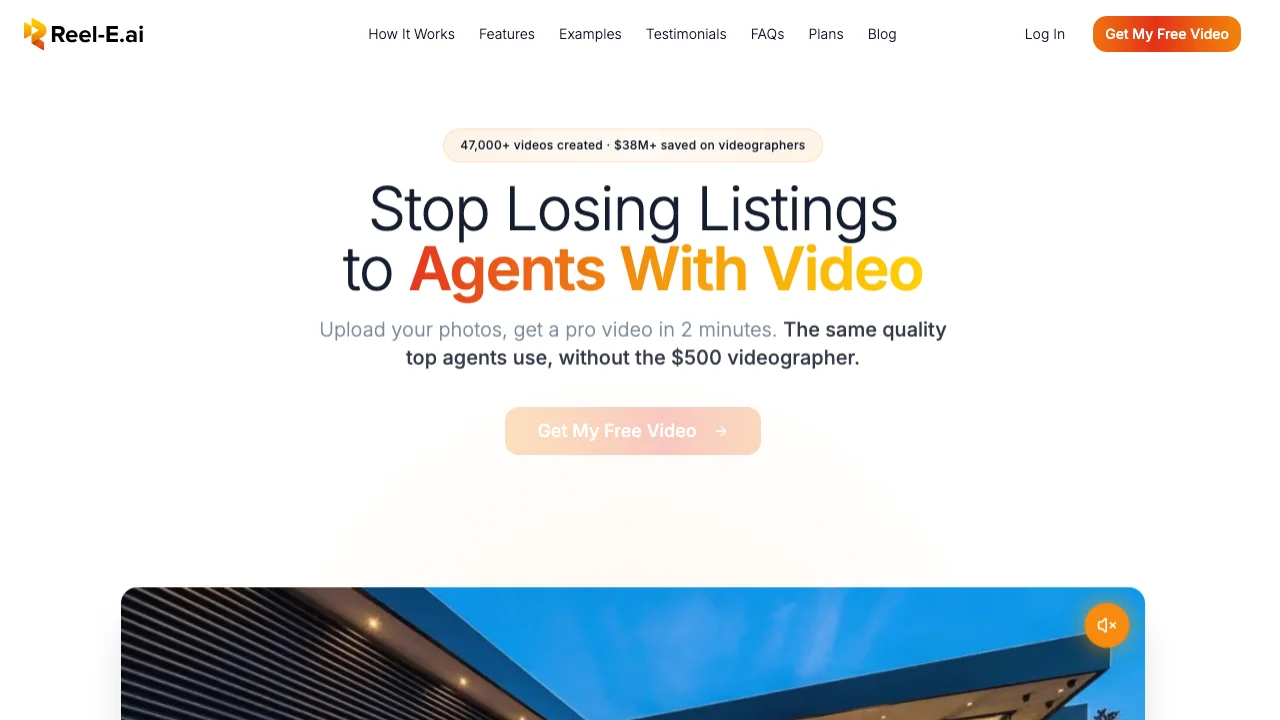
Reel-E earns the top spot by doing the whole listing job from one upload: edited and staged photos, a cinematic video in six versions, and a listing website. Keylight Studio then lets you change shots, music, text, voiceover and branding as often as you like.
What it does: Upload listing photos (or paste a Redfin, Compass, Coldwell Banker, RE/MAX or most brokerage listing links) and Reel-E makes a cinematic video in widescreen, vertical and square, each branded and unbranded. Each photo gets a real camera move (Push In, Pull Out, Orbit Left, Orbit Right) and the cuts land on the music's beats. The photo editor declutters, turns day to twilight and stages empty rooms in six styles. Every listing also gets a single-property website with a lead form, analytics, QR code and flyer.
Why it's #1: it is the only tool here that gives you photos, video and website from one upload, priced per listing. Reel-E's camera motion is its own; selected AI features use external providers.
Key differentiators:
- Six versions from one upload. Widescreen, vertical and square, branded and unbranded.
- Beat-synced cuts. Transitions land on the music's downbeats; Cut, Fade, Ramp (a speed whip) or AI Seamless.
- About two minutes to a first watchable video. AutoReel's homepage says "typically ready within 10-15 minutes".
- Staging and photo edits in the same listing: 10 credits on Essential, 20 on Growth and Pro.
- AI voiceover in English and Spanish, five voices or your own recording, with captions.
- Branding: opening title, contact card with brokerage and license number, headshot and logo, saved for every listing.
Pricing: $44, $97 or $449 a month billed yearly ($530, $1,160, $5,390 a year) for 3, 10 or 50 listings a month; $59, $129 or $599 month to month. On yearly billing that is about $14.72 a listing on Essential, $9.67 on Growth and $8.98 on Pro. Free to try for 7 days, card required, cancel anytime.
Honest limitations: no AI avatar presenter and no voice cloning (VibePeak or AutoReel if you want those), no free plan, and one login per account.
Try Reel-E free and compare the output yourself.
Why Keylight Studio Makes Switching Easier
If you are leaving a tool because its videos need cleanup somewhere else, the last thing you want is another editor to learn. Keylight Studio is Reel-E's full-screen editor: shots, order, movement, length, framing for each shape, text, music, voiceover and branding, all in the project that made the video. Edits and re-renders are included and unmetered on every plan.
For narration, Reel-E writes the script from the video and one of five AI voices reads it, or you record your own, in English or Spanish with synced captions.
Plan details: Essential is $59 a month for 3 listings and 20 photos per listing; Growth is $129 for 10 listings and 40 photos; Pro is $599 for 50 listings, 40 photos and 4K. Yearly charges are $530, $1,160 and $5,390. Unused listings bank up to 9, 30 and 150. The 7-day trial includes 3 listings, needs a card, charges nothing during the trial and renders watermarked.

#2: Animoto
Animoto has been around since 2006, which in tech years makes it roughly Jurassic. That longevity is both its strength and its limitation. The platform is mature, reliable, and familiar to thousands of agents who've been using it for years.
What it does: Animoto is a template-based video maker. You choose a template, upload photos, add text overlays, pick music from their licensed library, and export. It's essentially a very polished slideshow builder with professional transitions.
Strengths:
- Extensive template library with real estate-specific designs
- Reliable, battle-tested platform that rarely breaks
- Good music library with proper licensing
- Brand kit support for consistent colors and fonts
- A free plan (watermark, 720p) and paid plans; see animoto.com/pricing for current prices
Weaknesses:
- No AI motion. This is the big one. Animoto doesn't generate camera movement from still photos. Your images stay static, with transitions between them. In 2026, with buyers expecting cinematic content, static slideshows feel dated.
- Templates can look repetitive if multiple agents in your market use Animoto
- Limited video length on lower tiers
- No native vertical video templates optimized for Reels/TikTok (you can resize, but it crops rather than reframes)
Best for: Agents who want a simple, affordable tool for basic listing slideshows and don't need AI-powered motion effects. If your market hasn't caught up to AI video yet and a clean slideshow still impresses clients, Animoto delivers reliably.
Per-listing cost: Animoto's pricing page shows a free plan and paid plans at several levels (October 15, 2026); check it for current prices, because the per-listing cost depends on how many videos you export.

#3: PhotoAIVideo
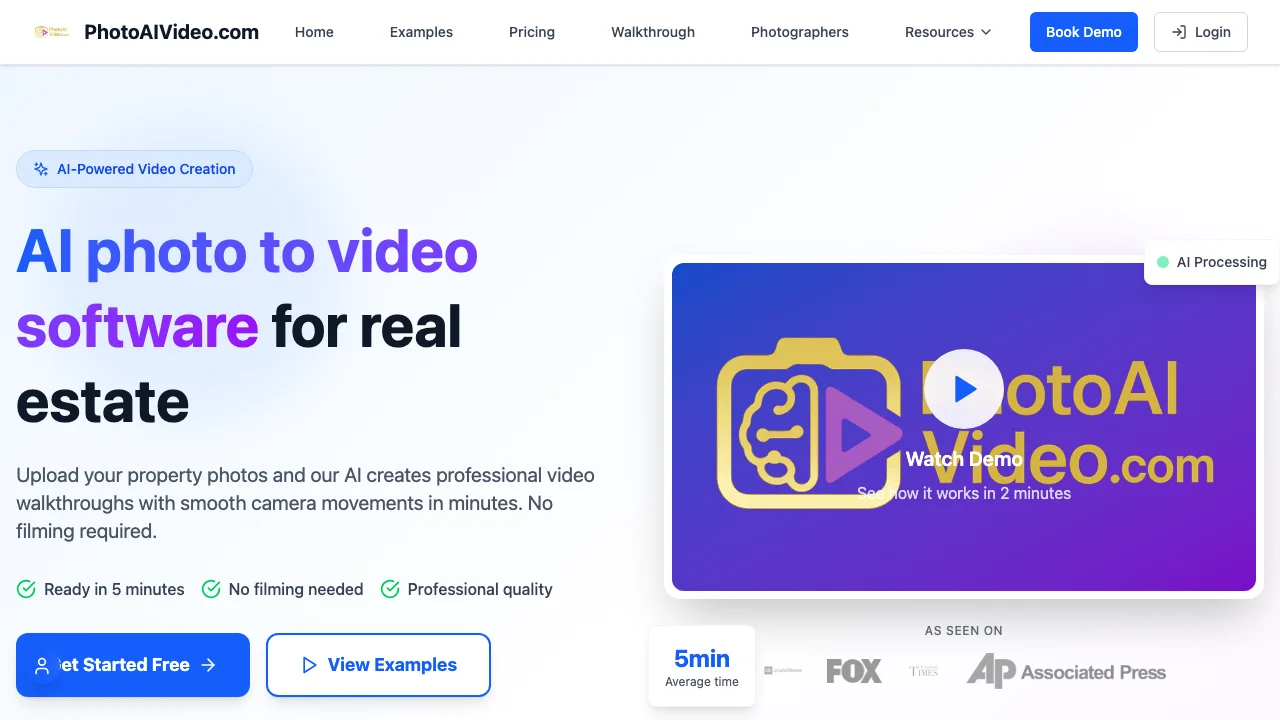
PhotoAIVideo is a serious contender that showed up in the market with genuine AI motion capabilities and real estate-specific features from day one. Their 4.9-star rating from 2,000+ users isn't an accident.
What it does: Transforms property photos into videos using 17+ cinematic movement effects including dolly zoom, aerial shots, and orbital movements. Includes AI voiceover generation with multiple voice styles.
Strengths:
- Strong AI motion effects with diverse camera movement options
- AI voiceover that sounds natural (a feature most competitors lack entirely)
- 4K export on Professional plan
- Batch processing for high-volume users
Weaknesses:
- Branding options are more limited than Reel-E or Animoto. You can add a logo, but contact card customization is basic.
- The Creator plan is $37.50 a month billed yearly ($450 a year) for 52 video projects; Pro is $66.58 a month billed yearly ($799) for 100 projects and adds AI voiceovers and vertical videos. There is a free plan with one watermarked project (photoaivideo.com/pricing, October 15, 2026).
Best for: Agents who want AI motion plus voiceover narration in one tool. If you're creating videos that need spoken descriptions of the property (not just music), PhotoAIVideo is the strongest option for that workflow.

#4: FlexClip

FlexClip is a general-purpose browser-based video editor that happens to have real estate templates. Think of it as a lighter-weight alternative to Adobe Premiere that runs in your browser.
What it does: Drag-and-drop video editing with templates, stock footage, text animations, and basic transitions. It's not AI-powered in the "generates motion from photos" sense, but it does offer AI tools for text-to-video, background removal, and auto-subtitles.
Strengths:
- Low-cost plans (check flexclip.com/pricing.html for current prices)
- Extensive stock footage library (useful for neighborhood b-roll)
- Works entirely in the browser with no software to install
- Screen recording built in (handy for virtual tour walkthroughs)
- AI subtitle generation is genuinely useful
Weaknesses:
- No AI photo-to-video motion. Your listing photos stay static unless you manually apply a pan/zoom preset.
- Real estate templates exist but feel generic. They're "real estate" in the way a stock photo of a handshake is "business."
- Editing is manual. You're dragging clips on a timeline, adjusting durations, positioning text. Budget 15 to 20 minutes per video.
- No MLS integration or real estate-specific workflow
Best for: Agents who enjoy the editing process and want maximum creative control at a low price point. If you're the type who watches YouTube tutorials on video editing for fun, FlexClip gives you a capable canvas. If you want to upload photos and get a video back with zero effort, look elsewhere.
#5: VibePeak
VibePeak is a genuinely different product than the others on this list. While everyone else is competing on photo-to-video motion, VibePeak puts an AI avatar presenter in your videos. It's like hiring a spokesperson for your listing, except the spokesperson is generated by AI and costs a fraction of a real human.
What it does: Creates marketing videos with AI-generated avatar presenters who narrate property details. You upload listing photos, the AI extracts property information, generates a script, and a photorealistic avatar "presents" the listing with natural-sounding speech.
Strengths:
- 300+ AI avatars with diverse styles, ages, and ethnicities
- 300+ voice options across 100+ languages (massive advantage in multilingual markets)
- Custom avatar creation from your own video footage
- Automatic script generation from property photos
- Multi-platform optimization for TikTok, Instagram, YouTube
Weaknesses:
- This is a fundamentally different product category. If you want cinematic property showcase videos with smooth camera motion over your listing photos, VibePeak isn't designed for that.
- AI avatars still sit firmly in the uncanny valley for some viewers. Younger buyers tend to accept them; older demographics can find them off-putting.
- Credit-based pricing can be unpredictable depending on video length and complexity
- The property photos serve as backdrop, but there's no AI motion applied to them
Best for: Agents who want a "talking head" video presence without filming themselves. Particularly strong for agents in multilingual markets who need videos in multiple languages. If you're camera-shy but want that personal presenter feel, VibePeak solves a real problem. Just know it's solving a different problem than pure listing showcase tools.

#6: Canva Video
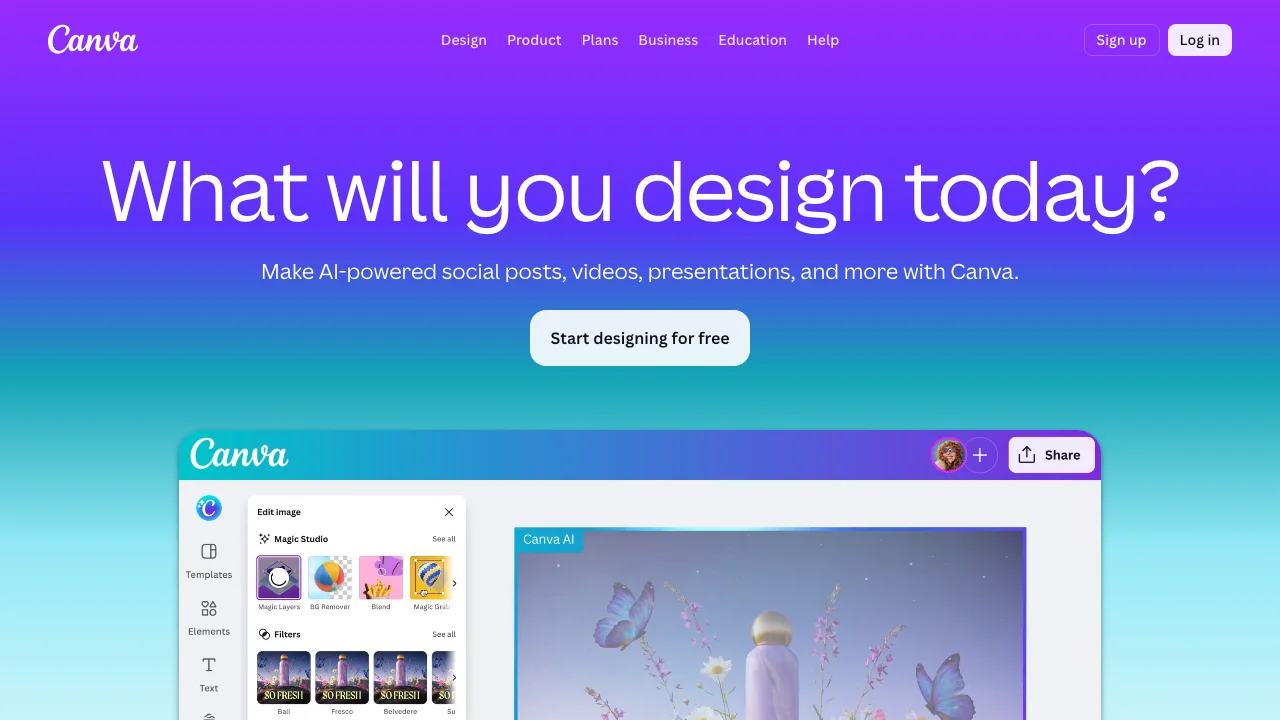
Everyone and their office manager already has a Canva account. The video editor is free (with limitations) and integrated into a design ecosystem that agents probably already use for social posts and flyers. There's a reason it shows up on every "alternatives" list: it's already on your computer.
What it does: Template-based video creation within the Canva design platform. Drag and drop photos, apply transitions, add text animations, choose from stock music, and export up to 1080p.
Strengths:
- Free tier actually works (with watermark and limitations)
- Huge template library including real estate-specific designs
- Seamless integration with Canva's design tools (use the same brand kit for your flyers and videos)
- Canva Pro at $144 a year for one person (canva.com/pricing, October 15, 2026) is affordable for everything it includes
- Team collaboration features for brokerages
Weaknesses:
- AI video tools do not make Canva a complete listing-production system. You still have to assemble the property story, music, branding, and delivery variants in a general-purpose editor.
- Video editing capabilities are basic compared to dedicated tools
- Export quality tops out at 1080p (no 4K option)
- Real estate templates are generic and heavily used. Your video will look like everyone else's Canva video.
Best for: Agents who need a free or ultra-low-cost option and are already in the Canva ecosystem. If your brokerage provides Canva Pro and you need a "good enough" video for a listing that isn't your primary marketing channel, Canva works. It won't impress anyone, but it won't cost you anything either.

#7: Styldod
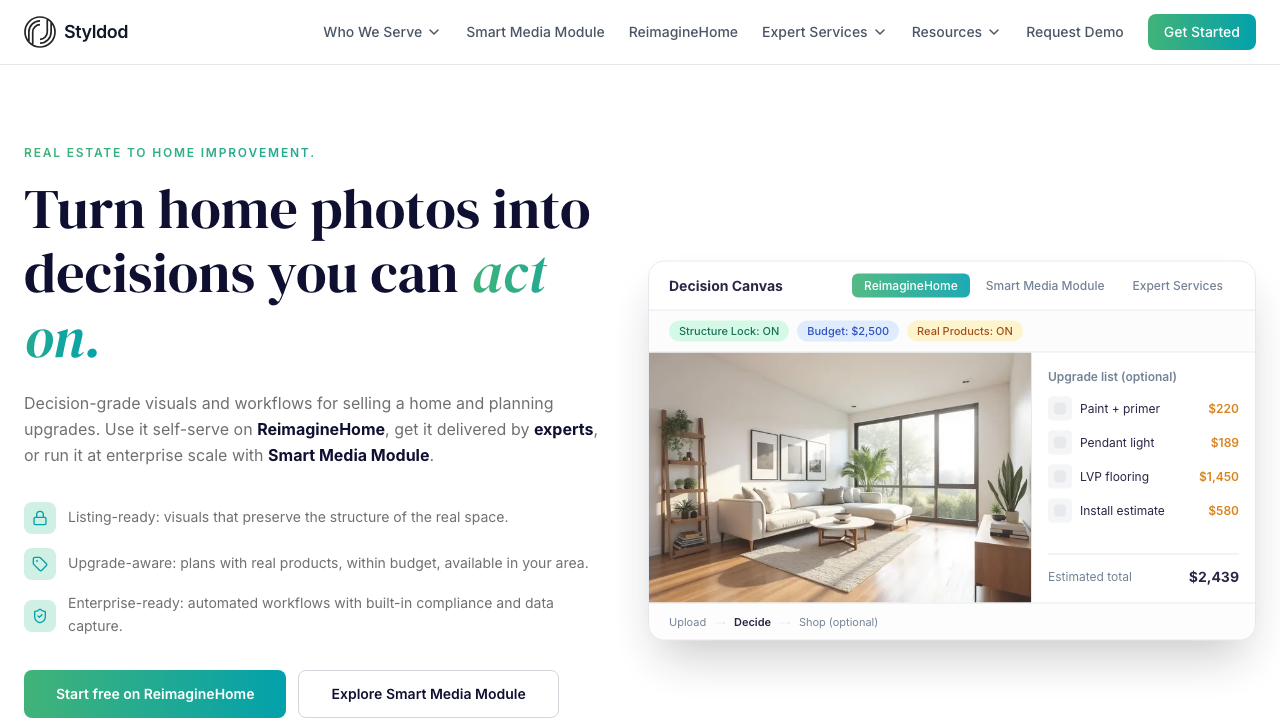
Styldod is primarily a virtual staging company. They'll take your empty room photos and furnish them digitally, priced per image. Video is an add-on service, not their core product, and it shows in both the quality and the workflow.
What it does: Virtual staging, photo editing, and 3D rendering as primary services. Property video creation is available as an additional service alongside their staging work.
Strengths:
- If you need virtual staging AND video, getting both from one vendor simplifies your workflow
- Human quality control on staging output (not fully automated)
- 3D rendering capabilities that go beyond simple photo manipulation
- Good for new construction and vacant properties that need staging before video
Weaknesses:
- Video is an afterthought. The video output is essentially a slideshow of their staged images.
- Per-image pricing for staging makes it expensive at volume
- No AI motion effects on the video side
- Turnaround time is measured in hours to days, not minutes
- Video pricing isn't transparent on their website, which is never a great sign
Best for: Agents with vacant listings who need virtual staging first and want a basic video as a bundled add-on. If you're already using Styldod for staging, adding their video service saves you from uploading photos to a second platform. For occupied listings with existing photos, there are better and cheaper options on this list.

#8: VideoTour.ai
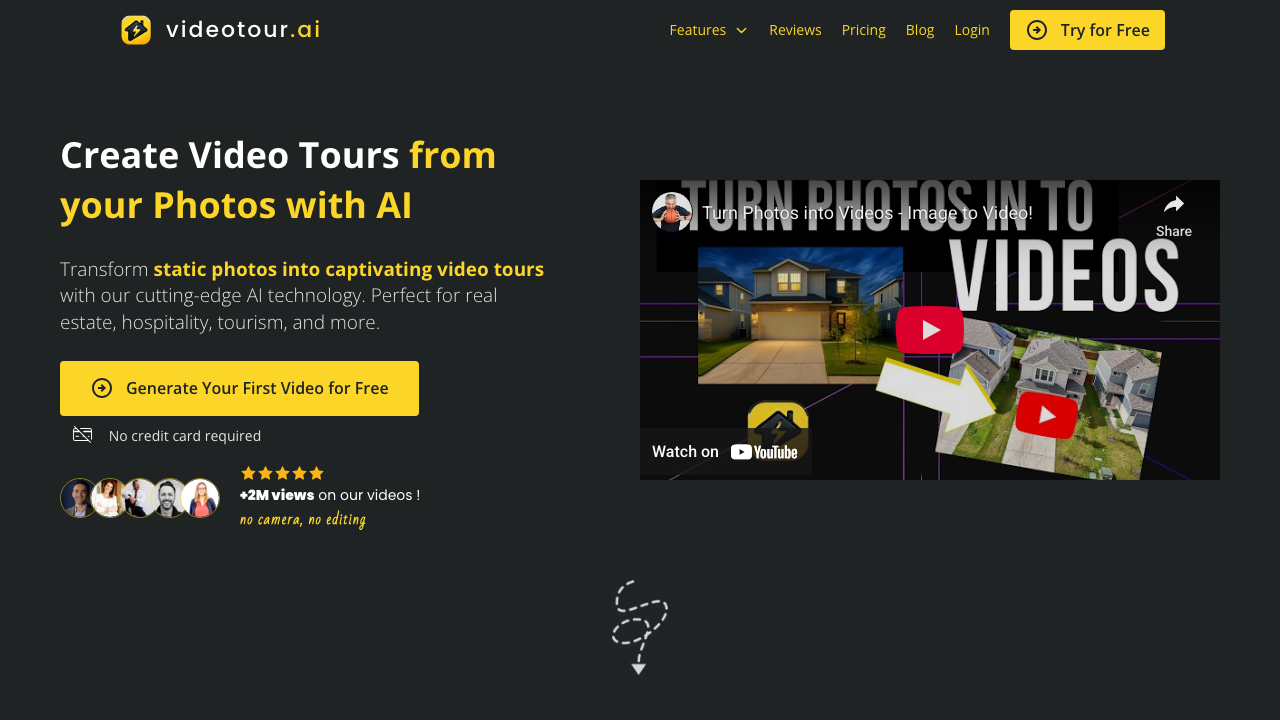
VideoTour.ai is a newer entrant focused specifically on converting listing photos into video tours. Their pitch is speed and simplicity: upload photos, get an MLS-ready video in minutes.
What it does: Converts listing photos into property video tours with smooth transitions, licensed music, and branded captions. Emphasizes MLS compliance and social media readiness.
Strengths:
- Purpose-built for real estate (not a general video tool with a real estate template pack)
- Fast turnaround (under 2 minutes claimed)
- Licensed music library included
- First video free to test before committing
Weaknesses:
- Newer platform with a smaller user base and fewer reviews to reference
- Feature set is still maturing compared to established competitors
- Pricing is clear: one free video, then $29 a month for 10 videos, $59 for 40 or $99 for 200, with unlimited revisions and 1080p (videotour.ai/pricing, October 15, 2026).
- Limited branding customization compared to Reel-E or Animoto
Best for: Agents who want a simple, real estate-focused tool and don't need advanced branding or multi-variant output. Worth watching as they mature.
Also Worth a Look: BetterSpace
BetterSpace makes AI listing video and virtual staging, with a Claude and ChatGPT integration and listing sync. Its free plan gives 2 videos a month with no card; paid plans run $29, $49, $89 and $159 a month for 100 to 800 credits, with a 3-day trial, and the two top plans add 2 or 3 team members (betterspace.ai/pricing, October 15, 2026). Choose it if a free monthly allowance and team members on a mid-priced plan matter more than a listing website.
Also Worth a Look: Amplifiles
Amplifiles prices by image: $1.50 an image pay as you go (a 7-image video is $10.50), or $29 a month for 23 images, with 1,200 free credits and no card to start. It lists multilingual voiceovers and captions and says a video is ready in 5 minutes (amplifiles.ai/pricing, October 15, 2026). Choose it if you make videos occasionally and want to pay only for the photos you use.
AutoReel Alternatives Compared
| Tool | What it makes | Free option | Entry paid price | Billing |
|---|---|---|---|---|
| Reel-E | Edited and staged photos, video in up to 6 versions (16:9, 9:16, 1:1, branded and unbranded), listing website | None; 7-day trial, card required | $44/month billed yearly; $59 month to month | Monthly or yearly |
| AutoReel | Video in portrait or landscape, staging, photo edits, voiceover, avatars | Free plan, 2 watermarked videos a month | $30/month billed yearly (20 videos a year) | Quarterly or yearly |
| BetterSpace | AI listing video and virtual staging | Free plan, 2 videos a month, no card | $29/month (100 credits) | Monthly, 3-day trial |
| VideoTour.ai | Listing video from photos | First video free | $29/month for 10 videos | Monthly or yearly |
| PhotoAIVideo | Listing video; voiceover and vertical on Pro | Free plan, 1 watermarked project | $37.50/month billed yearly | Monthly or yearly |
| Amplifiles | Listing video priced per image, voiceover and captions | 1,200 free credits, no card | $1.50 per image, or $29/month | Pay as you go or monthly |
| Canva | General design and video editor | Free plan | Pro $144/year | Yearly shown |
Each row was read from the company's own pricing page on October 15, 2026. Animoto, FlexClip, VibePeak and Styldod are left out of the table because their prices were not re-checked on that date.
What We Tested in February 2026
I keep referencing "testing," so here's the methodology. I wanted this to be rigorous enough to be useful and honest enough to be trustworthy.
The Test Setup
We selected 15 listing photos from a real property: a $489,000 four-bedroom colonial in Westchester County, New York. The set included 3 exterior shots (front facade, backyard, aerial/street view), 8 interior shots (kitchen, living room, primary bedroom, bathroom, dining room, home office, basement, laundry), and 4 detail shots (fireplace, kitchen island, built-in shelving, garden path).
Every tool received the same 15 photos in the same order. Where the tool allowed music selection, we chose the most similar genre/tempo across platforms. Where branding was available, we used the same logo and contact information.
Render Time Results
These are averages across three separate tests per platform, measured from "upload complete" to "video ready to download."
- Reel-E: 1 minute 42 seconds (all four versions it made in February)
- VideoTour.ai: 1 minute 55 seconds (single variant)
- Animoto: 3 minutes 10 seconds (after manual template setup)
- PhotoAIVideo: 4 minutes 22 seconds
- VibePeak: 4 minutes 48 seconds (with avatar generation)
- AutoReel: 7 minutes 15 seconds
- FlexClip: N/A (manual editing, approximately 18 minutes of hands-on work)
- Canva: N/A (manual editing, approximately 22 minutes of hands-on work)
- Styldod: 6+ hours (human-assisted pipeline)
These are February 2026 timings. Today Reel-E typically takes about two minutes to a first watchable video, and AutoReel's homepage says its videos are typically ready within 10 to 15 minutes. Reel-E's time included all four versions it made in February (square was added later, so a listing now gets up to six).
Quality Observations
Motion quality (Reel-E): Reel-E produced smooth camera movements with few artifacts, particularly on the kitchen shot where the granite countertop and stainless steel appliances create reflective surfaces that trip up many AI models. Both products have changed since February, so run one of your own listings through each tool before you decide.
Template-based tools (Animoto, FlexClip, Canva): These are comparing apples to oranges. The photos don't move. The videos look professional in a slideshow sense, with clean transitions and readable text, but they lack the cinematic quality that AI motion provides. In 2026, buyers scrolling through listings can tell the difference immediately.
Audio sync: In our February test, only Reel-E cut on the beats of the music; the other tools used fixed intervals or randomized transition timing.
Pricing Comparison
Here's the thing most comparison articles get wrong: they divide the subscription price by the number of renders and call it "cost per video." That math is meaningless if you don't know what a "video" includes. With Reel-E, you pay per listing: one listing credit gets you up to six video versions (widescreen, vertical and square, branded and unbranded), plus the photo edits and the website, and edits and re-renders are unmetered. AutoReel and most competitors charge per video. All on yearly billing unless noted:
| Listings a month | Reel-E (yearly) | AutoReel (yearly) | VideoTour.ai (monthly) | PhotoAIVideo (yearly) |
|---|---|---|---|---|
| 3 | Essential $530/year, up to 36 listings | Essential $360/year, 20 videos + 16 extra at $16 = $616 | Independent $29/month = $348/year, 120 videos | Creator $450/year, 52 projects |
| 10 | Growth $1,160/year, up to 120 listings | Growth $540 + 70 extra at $12 = $1,380; Pro $984 + 20 at $11 = $1,204 | Agency $59/month = $708/year, 480 videos | Pro $799/year, 100 projects (20 short) |
| 50 | Pro $5,390/year, up to 600 listings | Enterprise (custom) | Enterprise $99/month = $1,188/year, 2,400 videos | Enterprise (custom) |
One Reel-E listing is up to six video versions plus photo edits and a website; the other columns count one video or project each. Per-video tools are cheaper per file; Reel-E is built for agents who need the whole listing package.
Which Alternative Is Right for You?
Stop comparing features in a vacuum. The right tool depends on your specific situation. Here's a decision matrix that actually helps.
If you want photos, video and a website from one upload:
Choose Reel-E. It is the only tool here that publishes a listing website and stages photos in the same job as the video.
If you want a free plan before anything else:
BetterSpace (2 videos a month, no card) or AutoReel's own free plan. Amplifiles gives 1,200 free credits.
If you make a few videos a year and want to pay per photo:
Amplifiles, at $1.50 an image.
If you care most about output quality:
Choose Reel-E. Real per-photo camera moves, beat-synced cuts, 4K on Pro and six versions from every upload. Start a free trial and compare the output against whatever you're currently using.
If you need the cheapest option that still works:
Choose Canva (free plan) or FlexClip. Their general-purpose editing workflows still require you to assemble and finish the listing video yourself. But if your budget is tight and you're willing to invest time instead of money, they produce acceptable results. Animoto is a "cheap but no effort" slideshow option; check its pricing page for current plans.
If you need AI motion and voiceover:
Choose Reel-E for camera motion plus a complete narrated listing workflow. Keylight Studio supports recorded or AI voiceover and accompanying captions alongside your listing timeline, music, title text, and branding. PhotoAIVideo remains an alternative for agents who prefer its narration style, but voiceover is no longer a reason to compromise on Reel-E's cinematic motion, beat-sync, or multi-format package.
If you want a talking-head presenter without filming yourself:
Choose VibePeak. Completely different category from the other tools. If your marketing strategy relies on "agent presence" in videos and you don't want to be on camera, this is the only serious option. The 300+ avatar library with 100+ languages is unmatched.
If you need virtual staging plus video:
Choose Styldod. Their staging quality is strong, and bundling video into the same workflow saves time. Just know the video itself is a basic slideshow, not an AI-generated cinematic experience.
If you manage a high-volume brokerage:
Choose Reel-E Pro for the whole package. Reel-E Pro gives you 4K, six versions, photo edits, a listing website and priority rendering. VideoTour.ai's $99 plan or PhotoAIVideo's Enterprise quote are cheaper per video if one version per listing is enough.
For more comparisons across the real estate video tool category, check out our best real estate video makers roundup and comprehensive tool guide.
Final Thoughts
AutoReel isn't a bad product. It helped prove that agents want video from the photos they already have, and it still has a free plan and a low yearly entry price. The alternatives differ mostly in what one payment buys: a video, a credit, an image, or a whole listing.
If you take one thing from this 8-tool comparison: the best tool is the one that fits your volume, your budget, and your quality standards. A solo agent doing 2 listings a month has genuinely different needs than a brokerage operations manager handling 40. I've tried to give you enough data to make that decision with confidence.
Reel-E is the strongest choice for agents who want cinematic output and a complete listing workflow in one place. Its advantage is the combination: real per-photo camera moves, beat-synced editing, voiceover and captions in Keylight Studio, and six delivery versions from each listing, plus edited photos and a listing website. Animoto and Canva cover narrower budgets or workflows, but Reel-E brings the production and delivery steps together. Start with one listing and compare the finished marketing package, not just the first clip.
For the complete rundown of tools in this space, check out our real estate video marketing tools guide, or see Reel-E pricing to compare plans.