Key Takeaways
- Best overall for real estate agents: Reel-E. Purpose-built for listings, AI-powered motion, six video variants from one upload.
- Best general-purpose editor: Canva. Versatile template library, but limited real estate features.
- Best for distribution: Vimeo Create. Major brand with strong SEO hosting and built-in audience reach on Vimeo.
- Most established brand: Animoto. Reliable but aging platform with no AI motion.
- We tested all 10 tools by uploading the same 15 listing photos and comparing output quality, turnaround time, and ease of use.
- Price alone does not predict quality. The cheapest option often costs more in wasted time.
Our Top Picks at a Glance
1 Reel-EBest for Real Estate Agents
4.9
From about $44/mo, billed annually
2
Reel-EBest for Real Estate Agents
4.9
From about $44/mo, billed annually
2
 CanvaBest All-in-One Tool
4.5
Free / $15/mo
3
CanvaBest All-in-One Tool
4.5
Free / $15/mo
3
 Vimeo CreateBest for Distribution
4.0
Free / $20/mo
4
Vimeo CreateBest for Distribution
4.0
Free / $20/mo
4
 InVideoBest for Custom Editing
4.2
Free / $25/mo
5
InVideoBest for Custom Editing
4.2
Free / $25/mo
5
 AnimotoMost Established Brand
4.0
Free / $33/mo
6
AnimotoMost Established Brand
4.0
Free / $33/mo
6
 Lumen5Best Text-to-Video
3.8
Free / $29/mo
7
Lumen5Best Text-to-Video
3.8
Free / $29/mo
7
 PictoryBest AI Automation
3.8
From $23/mo
8
PictoryBest AI Automation
3.8
From $23/mo
8
 ClipchampBest Free Editor
3.6
Free / $14/mo
9
ClipchampBest Free Editor
3.6
Free / $14/mo
9
 KapwingBest for Teams
3.5
Free / $24/mo
10
KapwingBest for Teams
3.5
Free / $24/mo
10
 FlexClipBudget-Friendly Option
3.5
Free / $10/mo
FlexClipBudget-Friendly Option
3.5
Free / $10/mo
The Best AI Real Estate Video Tools Compared
If you are still listing properties without video in 2026, you are invisible to the majority of buyers. The data is clear: video listings sell faster and generate dramatically more inquiries. AI real estate video has moved from "nice-to-have" to "non-negotiable" for any agent who wants to compete. The right AI real estate video generator can turn your listing photos into cinematic property tours in minutes. For a deeper look at the technology, read our complete AI listing video guide. If your primary goal is creating Instagram Reels and TikTok content, see our dedicated roundup of the best reel makers for real estate.
Most agents do not have the budget for a $1,500 videographer per listing, and they certainly do not have time to learn Adobe Premiere. That is where AI real estate video software comes in: tools that let you turn listing photos into video automatically, using artificial intelligence to handle the editing, motion effects, and transitions. The best realtor video content is consistent, and consistency requires a workflow that does not eat your entire afternoon.
We tested ten of the most popular options, including purpose-built real estate AI video tools, general-purpose video editors, and everything in between. For each tool, we uploaded the same set of 15 listing photos from a mid-range suburban home, selected music, applied branding, and exported the final video. We measured output quality, turnaround time, ease of use, and value for money.
How We Evaluated Each Tool
To keep this comparison fair, we scored every platform across five dimensions:
- Output quality: How cinematic does the final video look? Motion effects, transitions, audio sync.
- Speed: How long from photo upload to finished video?
- Ease of use: Can a non-technical agent produce a great video on the first try?
- Real estate focus: Does the tool understand listing workflows, branding, and multi-format output?
- Value: What do you actually get for the price?
The 10 Best AI property video Makers Reviewed

1. Reel-E: Best AI property video Maker Overall
Editor's Choice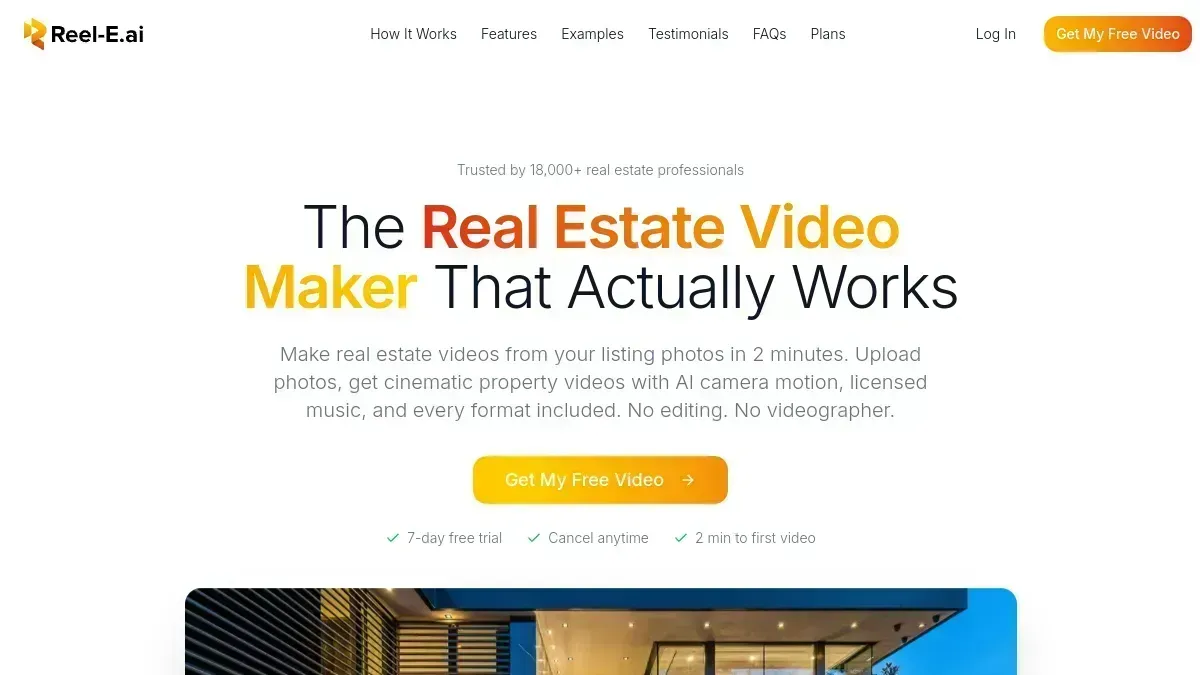
Reel-E is the only AI property video tool in this roundup built exclusively for real estate. While every other platform here is a general-purpose video editor adapted for property marketing, Reel-E was designed from the ground up for the listing-to-video workflow agents actually use.
The standout feature is AI-powered motion. Instead of simple pan-and-zoom (the Ken Burns effect that every other tool relies on), Reel-E uses a trained AI model to generate realistic camera movements: orbits around furniture, push-ins through doorways, pull-outs that reveal room scale. Learn more about how Reel-E's AI works under the hood. The results are dramatically more cinematic than anything else on the market.
The second differentiator is automatic beat-sync. You pick a track from the curated music library, and the audio engine analyzes the downbeats and builds a timeline where every photo transition lands on a musical hit. The result feels professionally edited even though you never touched a timeline. This is what makes Reel-E the leading AI property video maker for agents who value quality and speed.
How It Works
Upload your listing photos
Drag and drop up to 40 photos. Reel-E automatically sorts and optimizes them.
Choose your music
Browse royalty-free tracks organized by mood. The AI previews how your video syncs to each track.
Add your branding
Upload your logo and enter contact details once. Saved for every future video.
Get six cinematic videos
Horizontal, vertical, and square, each branded and clean. Six exports included in one listing project.
Sample Output: 1200 Bel Air Road ($139M Listing)
Here's a real Reel-E video created from listing photos of a $139 million Bel Air estate. Every transition is AI-generated and beat-synced to the music track, with no manual editing involved.
Pros
- AI-powered cinematic camera motion (not just Ken Burns)
- Beat-synced transitions matched to music
- Six video formats from a single upload
- Under 2 minutes from photos to finished video
Cons
- Listing-focused Studio timeline, rather than a general-purpose compositing suite
- Real estate only, not general-purpose
- No free tier (from about $44/mo billed annually; $59 monthly)
The fastest path from listing photos to cinematic video. If you list 3+ properties a month, nothing else comes close on efficiency and output quality.

2. Canva: Best All-in-One Design Tool with Video
Best All-in-One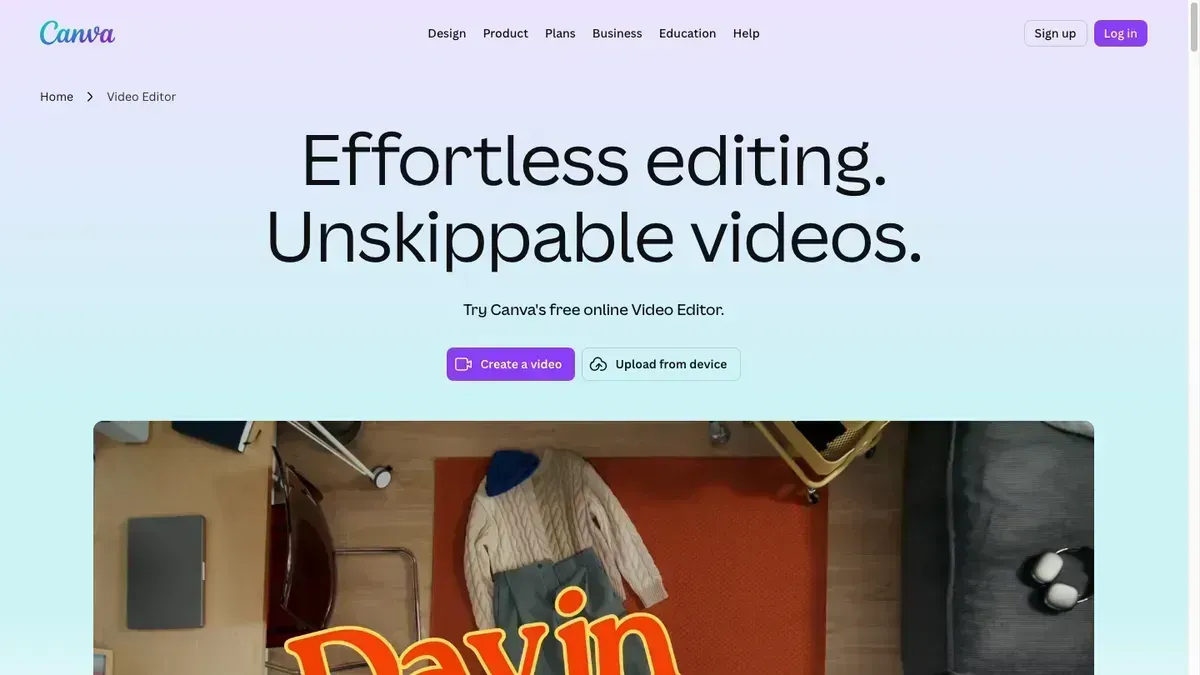
Canva is the swiss army knife of content creation. It handles everything from business cards to presentations to social posts, and yes, videos too. Its real estate templates are decent, and if you are already a Canva user, the video editor is a natural extension of the tools you know.
The biggest strength is integration with the broader Canva ecosystem. You can design your listing flyer, social post, and video all in one tool using consistent branding. The template selection is massive, and Canva's AI features (Magic Design, text-to-image) are increasingly useful for generating supporting visuals.
The weakness for a busy listing agent is the amount of production you still assemble yourself. Canva now offers AI video tools, Beat Sync, and resizing, but those features live in a general-purpose design editor. You still have to shape the property tour, check the motion on architectural details, apply the right branding, and prepare the delivery package. Our original template-workflow results looked like slideshows with transitions. Reel-E remains my choice when the job is a finished cinematic listing, not an afternoon building one. See our Reel-E vs Canva comparison.
Pros
- Massive template library across all content types
- Design flyers, posts, and videos in one tool
- Generous free tier for getting started
- AI design features improving rapidly
Cons
- Template animations need manual work; AI tools do not supply a complete listing workflow
- Beat Sync available, but listing sequencing and motion review remain your job
- Resizing tools still require preparing and checking your delivery variants
The best option if you want one tool for all your marketing materials. Video quality is average, but the ecosystem is unmatched.

3. Vimeo Create: Best for Video Distribution and SEO Hosting
Best for Distribution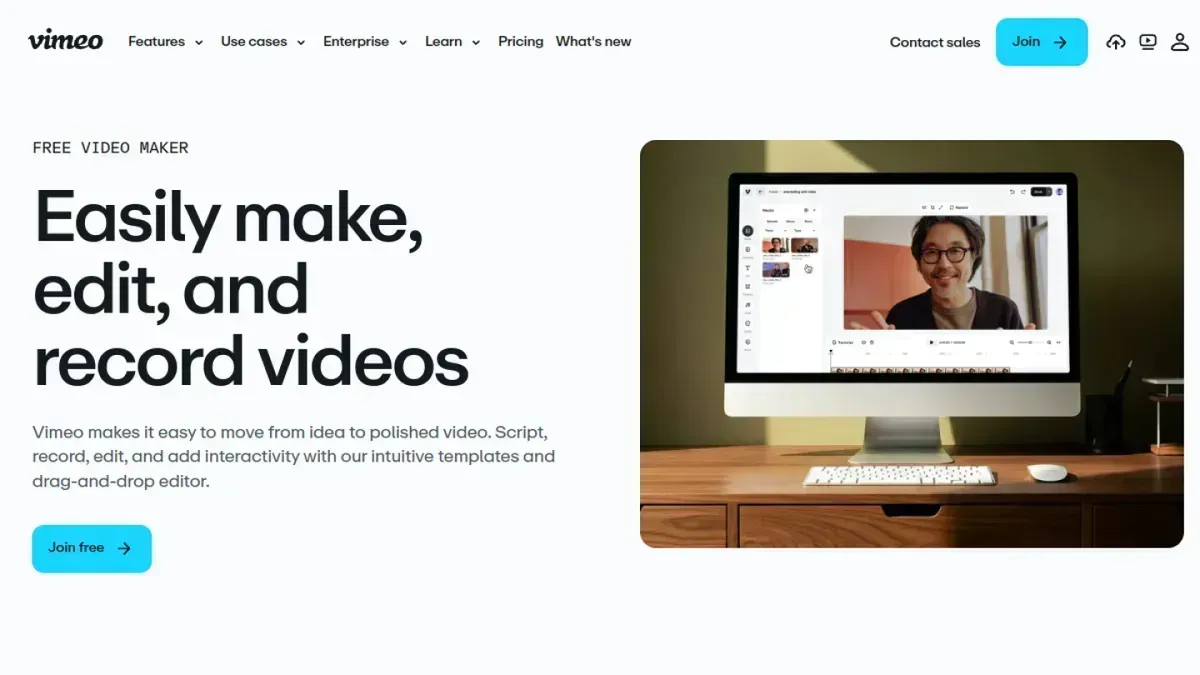
Vimeo Create is the video-making tool built into Vimeo, one of the largest video hosting platforms in the world. The unique advantage is distribution: every video you make is instantly hosted on Vimeo's SEO-optimized infrastructure, with embed codes, privacy controls, and analytics out of the box. For agents who want their listing videos indexed by Google and embedded on their website with a professional player, Vimeo Create removes an entire step from the workflow.
The editor is template-driven. You pick from a library of real estate and marketing templates, drop in your photos and text, choose from licensed music tracks, and Vimeo renders the video. The templates are polished and well-designed, and the output quality is good for a template-based tool. Vimeo also offers AI-powered script and text generation to help with captions and descriptions.
Where Vimeo Create falls short for real estate agents is motion quality and automation. The photo animations are basic zoom-and-pan presets, similar to Animoto. There is no AI-generated camera movement, no beat-sync, and no automatic multi-format output. Creating a listing video takes 10 to 20 minutes of manual template customization. The tool is strongest when you think of it as a video maker plus hosting platform, where you trade some creative power for seamless distribution and a trusted brand name in your video player.
Pros
- Instant hosting on Vimeo with SEO-optimized player
- Professional embed codes and privacy controls
- Strong template library with real estate options
- Trusted brand name adds credibility to listings
Cons
- Basic photo animations (zoom and pan only)
- No AI motion or beat-sync
- Manual template editing (10-20 min per video)
- No automatic multi-format output
The best option if distribution matters as much as creation. Vimeo's hosting, SEO, and brand recognition make it ideal for agents who want their videos found and embedded everywhere. Motion quality is template-level, not cinematic.

4. InVideo: Best for Custom AI Video Editing
Best for Editing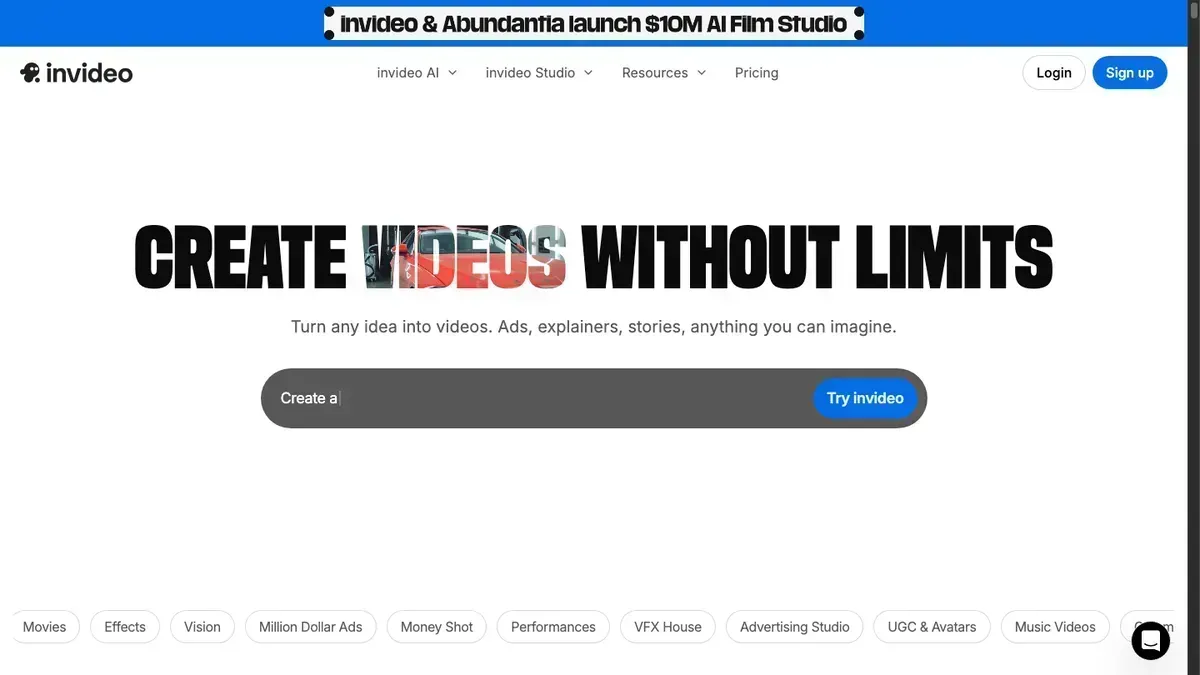
InVideo is a browser-based video editor that sits between a simple template tool and a professional editing suite. It offers significantly more control than Animoto or Canva, with a full timeline editor, layered tracks, and granular animation controls.
Customization is the selling point. InVideo lets you control every aspect of your video: individual photo durations, animation keyframes, text timing, audio mixing, and transition styles. For agents who want to handcraft their videos and have specific creative visions, InVideo provides the most control of any tool here.
The tradeoff is time. InVideo's timeline editor has a real learning curve, and creating a polished listing video takes 30 to 60 minutes of hands-on editing. For agents who value their time, this is a significant cost that does not show up in the subscription price. Read our full Reel-E vs InVideo comparison for more details.
Pros
- Full timeline editor with layered tracks
- Granular control over every animation and transition
- 4K export available
- AI text-to-video features improving
Cons
- Steep learning curve for non-editors
- 30 to 60 minutes per polished video
- Not real-estate-specific
The most powerful editor in this roundup. Great for agents or marketing coordinators who want full creative control and do not mind the time investment.

5. Animoto: Most Established Template-Based Video Maker
Most Established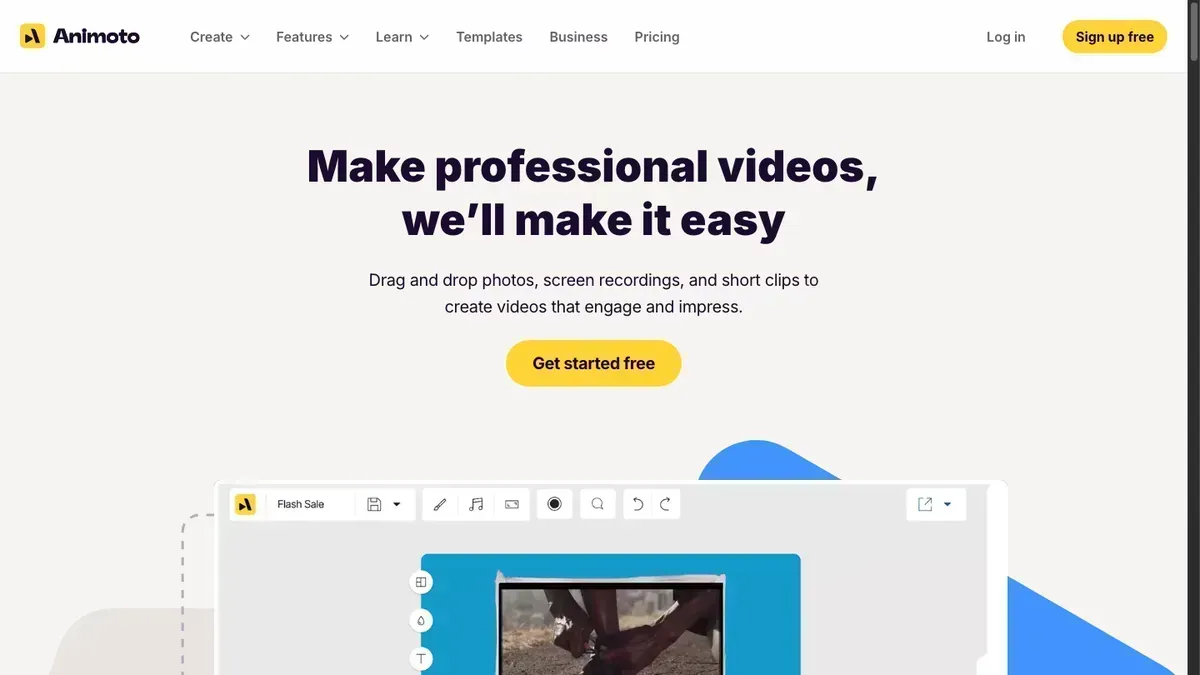
Animoto has been in the video-creation space since 2006, making it the oldest tool in this comparison. It is a general-purpose, template-based video maker that has built a following among real estate agents over the years. See our full Reel-E vs Animoto comparison for a detailed breakdown.
The template library is extensive. You pick a real estate template, drop in your photos and text, choose music, and export. The interface is clean and the learning curve is minimal. It also supports stock video clips and direct text overlays, which is useful for market update videos or "just sold" announcements.
The biggest gap is motion quality. Animoto's photo-to-video engine uses basic pan-and-zoom effects. There is no AI-generated camera movement, no intelligent framing, and transitions feel templated rather than cinematic. Animoto also does not generate multiple format variants automatically. If you want both horizontal and vertical, you are creating two separate projects.
Pros
- Extensive template library for many content types
- Clean, easy-to-learn interface
- Stock video clips and text overlays
- Long track record (founded 2006)
Cons
- Basic pan-and-zoom only, no AI motion
- No automatic multi-format output
- Aging platform, slower to innovate
A reliable, established platform that covers the basics well. Best for agents who want template variety for content beyond listing tours.

6. Lumen5: Best for Text-to-Video AI Conversion
Best Text-to-Video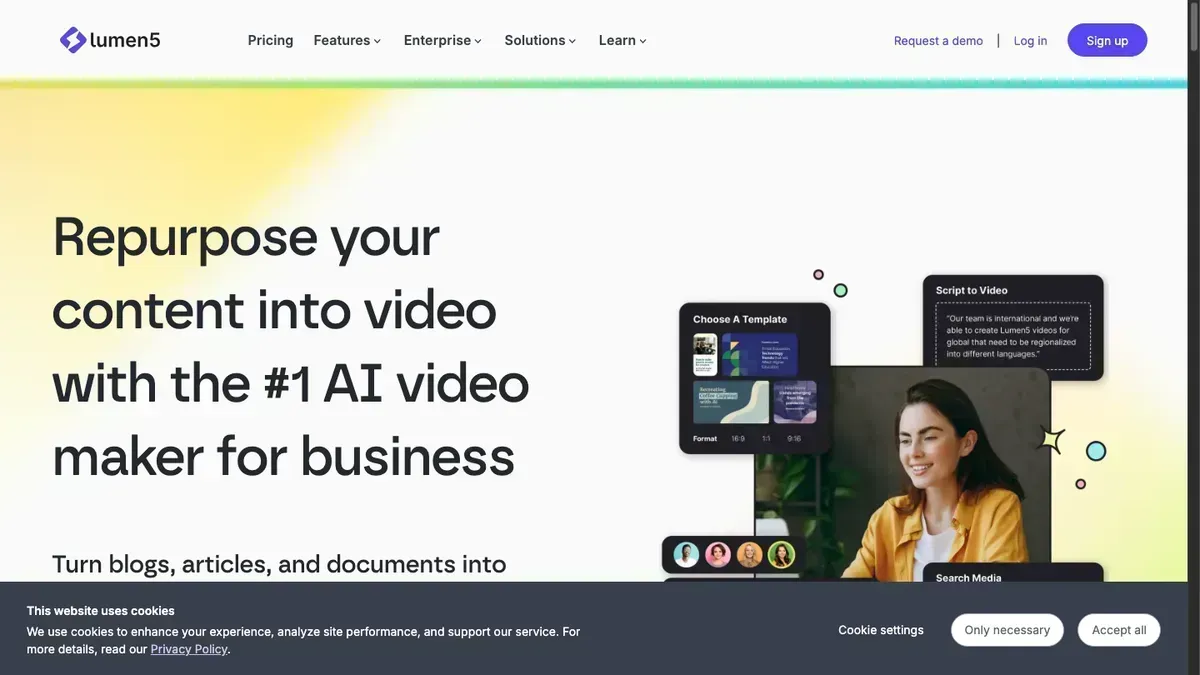
Lumen5 pioneered the text-to-video category. Paste in a listing description, blog post, or property details, and the AI automatically generates a video with matching visuals, text overlays, and music. For agents who want to repurpose their MLS descriptions or neighborhood guides into video content, Lumen5 is uniquely positioned.
The text-to-video engine is genuinely impressive for content marketing. It analyzes your text, identifies key phrases, matches them to stock footage or your uploaded photos, and builds a storyboard automatically. The AI understands context well enough to pair "spacious kitchen" with relevant visuals and "quiet cul-de-sac" with suburban imagery. If you write property descriptions or market reports, Lumen5 can turn them into shareable video in minutes.
The limitation for real estate is that Lumen5 is fundamentally a text-first tool, not a photo-first tool. When you upload listing photos, the experience is closer to a basic slideshow builder than a cinematic video maker. There is no AI motion, no beat-sync, and the photo-to-video output lacks the polish of purpose-built AI property video tools. Lumen5 is best for content marketing videos (market updates, neighborhood highlights, educational content) rather than property showcase reels. See our full Reel-E vs Lumen5 comparison.
Pros
- Best-in-class text-to-video AI
- Turns listing descriptions into videos automatically
- Strong stock footage library
- Great for content marketing beyond listings
Cons
- Photo-first workflow is weak
- No AI motion effects on uploaded images
- Not designed for listing showcase videos
- Limited branding and contact card options
The best tool for turning text content into video. Ideal for market updates, neighborhood guides, and educational content. Not the right pick for photo-based listing tours.

7. Pictory: Best for AI Voiceover and Automation
Best AI Automation
Pictory is an AI video generator that competes with Lumen5 in the text-to-video space but adds a few features that make it interesting for real estate: auto-generated voiceover, AI script writing, and automatic highlight extraction from longer content. If you want to create video walkthroughs narrated by AI from your listing descriptions, Pictory makes that possible without recording your own voice.
The auto-voiceover feature is the standout. Paste your listing description, choose from dozens of natural-sounding AI voices, and Pictory generates a narrated video with matching visuals. The voice quality has improved dramatically with recent AI advances, and for agents uncomfortable recording themselves, this is a genuine workflow unlock. You can also use Pictory to extract short highlight clips from longer videos, which is useful for turning a 2-minute listing tour into 15-second Instagram Reels.
Like Lumen5, Pictory is a text-and-script-first platform. Uploading photos and expecting cinematic output is not the primary use case. The photo animation is basic, there is no intelligent camera motion, and the real estate template selection is thin. Pictory works best as a complement to a photo-based tool like Reel-E for the listing video, then use Pictory to create narrated content for YouTube or social media from the same property details.
Pros
- AI voiceover from listing descriptions
- AI script generation for property content
- Automatic highlight clip extraction
- Good for YouTube and long-form content
Cons
- Weak photo-to-video workflow
- No cinematic motion effects
- Limited real estate templates
- Not ideal for listing showcase reels
A strong AI automation tool for narrated property content and video repurposing. Best used alongside a dedicated listing video maker, not as a replacement for one.

8. Clipchamp: Best Free Video Editor (No Watermarks)
Best Free Editor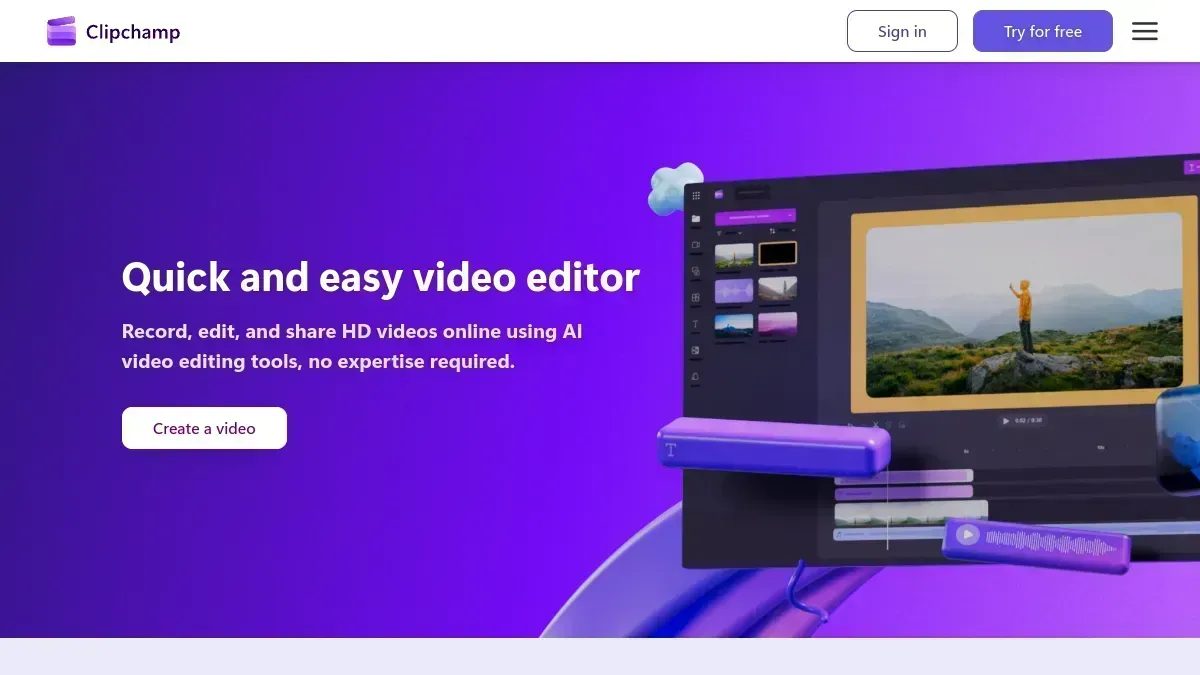
Clipchamp is Microsoft's online video editor, and it comes with one massive advantage: the free tier has no watermarks. For agents who want to create listing videos without paying a subscription and without branding from the tool provider, Clipchamp is the only option in this roundup that delivers genuinely free, clean output at 1080p.
Is Clipchamp good for real estate videos? For basic needs, yes. The editor includes a timeline, transitions, text overlays, and a stock media library. If you already use Microsoft 365, Clipchamp integrates directly, so your OneDrive photos drop straight into the editor. The interface is polished and feels like a product with real engineering resources behind it, because it is.
The real estate experience is generic, though. There are no listing-specific templates, no AI motion effects, no beat-sync, and no multi-format export. Creating a listing video means manually adding photos to the timeline, choosing transitions, adjusting durations, and exporting. Expect 20 to 45 minutes for a polished result. The output is competent but unmistakably a slideshow, not a cinematic property showcase. For agents who want free and are willing to invest the time, Clipchamp delivers. For agents who want quality and speed, it is not the tool.
Pros
- Completely free with no watermarks at 1080p
- Microsoft-backed, reliable and well-maintained
- OneDrive and Microsoft 365 integration
- Solid stock media and template library
Cons
- No AI motion or cinematic effects
- Manual timeline editing required (20-45 min per video)
- No real estate-specific templates or workflows
- No beat-sync or multi-format export
The best truly free video editor on the market. No watermarks, no catches. Ideal for budget-conscious agents who do not mind hands-on editing.

9. Kapwing: Best for Team Video Collaboration
Best for Teams
Kapwing is a browser-based video editor built around collaboration. If you run a brokerage or a real estate marketing team and need multiple people to contribute to video content, Kapwing's shared workspace is its unique selling point. Team members can edit the same project simultaneously, leave comments, and share assets from a centralized brand library.
The editor itself is capable. Kapwing handles video, images, audio, and text with a timeline interface that is more approachable than InVideo's but more powerful than Canva's. The AI features include auto-subtitles (useful for social media accessibility), background removal, and a text-to-video generator. The subtitle generation alone makes it worth considering for agents who post to Instagram and TikTok, where captions significantly boost engagement.
For individual agents creating listing videos, Kapwing is overkill. The collaboration features are wasted if you work solo, and the video output quality is comparable to Canva: functional but not cinematic. There are no real estate templates, no AI motion, and no listing-specific workflows. The free tier is limited to 720p and includes a small Kapwing watermark. If you need team collaboration on video content, Kapwing is the clear pick. Otherwise, other tools in this roundup offer better value for solo agents.
Pros
- Real-time collaboration for teams
- Auto-subtitles for social media videos
- Centralized brand kit and shared assets
- Clean, modern interface
Cons
- Overkill for solo agents
- No real estate templates or listing workflows
- Free tier limited to 720p with watermark
- No AI motion or beat-sync
The top choice for brokerages and marketing teams who need collaborative video editing. Not the best fit for solo agents creating listing tours.

10. FlexClip: Budget-Friendly Video Editor
Budget Pick
FlexClip is a lightweight online video editor targeting small businesses and creators. It offers a photo-to-video workflow with templates, stock media, and basic AI features at a lower price point than most competitors.
The strength is simplicity and price. FlexClip gets you from photos to video quickly with a straightforward interface. The AI features (auto-subtitles, text-to-video) work reasonably well for the price, and the stock media library is generous.
Output quality is noticeably below the other tools in this roundup. Transitions feel basic, there is no intelligent motion, and the real estate template selection is limited. The free tier is heavily watermarked and restricted to 480p, which is unusable for professional purposes. Read our full Reel-E vs FlexClip comparison for a detailed breakdown.
Pros
- Lowest price point in the roundup
- Simple, quick photo-to-video workflow
- Decent stock media library
Cons
- Noticeably lower output quality
- Free tier limited to 480p with watermarks
- Very few real estate templates
- No AI motion or beat-sync
A serviceable entry point for agents on a tight budget who need any video content at all. Plan to upgrade as your business grows.
Head-to-Head Comparison
| Feature | Reel-E | Canva | Vimeo Create | InVideo | Animoto | Lumen5 | Pictory | Clipchamp | Kapwing | FlexClip |
|---|---|---|---|---|---|---|---|---|---|---|
| AI motion effects | Yes | AI video tools; manual listing assembly | No | No | No | No | No | No | No | No |
| Beat-sync audio | Yes | Yes, Beat Sync | No | No | No | No | No | No | No | No |
| Auto multi-format (H+V) | Yes | No | No | No | No | No | No | No | No | No |
| Real estate focused | Yes | No | No | No | No | No | No | No | No | No |
| 4K output | Pro plan | No | Yes | Yes | No | No | No | No | No | No |
| Text-to-video AI | No | No | Basic | Yes | No | Yes | Yes | No | Basic | No |
| AI voiceover | Yes, recorded or AI, with captions | No | No | No | No | No | Yes | No | No | No |
| Team collaboration | No | Yes | Yes | No | No | Yes | No | No | Yes | No |
| Built-in SEO hosting | No | No | Yes | No | No | No | No | No | No | No |
| Turnaround time | <2 min | 20-40 min | 10-20 min | 30-60 min | 5-15 min | 5-15 min | 5-10 min | 20-45 min | 20-40 min | 10-30 min |
| Starting price | About $44/mo billed annually; $59 monthly | Free/$15 | Free/$20 | Free/$25 | Free/$33 | Free/$29 | $23/mo | Free/$14 | Free/$24 | Free/$10 |
How to Choose the Right AI property video Tool
The best video tool is not the one with the most features. It is the one you will actually use for every listing.
Here is a framework for matching the right real estate video maker to your situation. The goal is to find the tool that produces the best realtor video content for your specific workflow and budget:
- You list 3+ properties per month and want AI property video for all of them: Reel-E. The automated workflow means you will actually follow through on making videos for every listing, not just the big ones.
- You want strong video distribution and SEO: Vimeo Create. Built-in hosting on Vimeo's platform gives your listing videos instant reach and professional embed codes.
- You create diverse content (not just listings): Animoto or Canva. Their template libraries cover market updates, team intros, event recaps, and more.
- You want full creative control: InVideo. Its timeline editor lets you fine-tune every frame, but budget the time accordingly.
- You want to turn listing descriptions into video: Lumen5 or Pictory. Both excel at text-to-video conversion, with Pictory adding AI voiceover.
- You need a completely free editor with no watermarks: Clipchamp. Microsoft-backed, 1080p output, no strings attached.
- You run a brokerage or team: Kapwing for collaborative editing, or Reel-E for consistent output quality across agents regardless of skill level.
- You are just getting started with video on a tight budget: Canva (if you already use it), Clipchamp (if you want free), or FlexClip (if you want the cheapest paid tier).
How to Make an AI property video with Reel-E (Step by Step)
Here is exactly how creating an AI property video works from start to finish. The entire workflow takes under two minutes. For more detail, see our full guide on turning listing photos into video.
Drop your photos
Upload your listing photos or drag and drop them. Reel-E accepts up to 40 photos per project and automatically sorts and optimizes them for video. No manual reordering required.
Pick your music
Browse royalty-free tracks organized by mood (upbeat for open houses, elegant for luxury listings, modern for new construction). The AI previews how your photos sync to each track's beat.
Add your branding
Upload your headshot, logo, and enter your contact info. This is saved to your account so you only do it once, and every future video uses your branding automatically.
AI brings it to life
Reel-E's AI generates cinematic camera motion for every photo (orbits, push-ins, pull-outs) and builds a timeline where every transition lands on a musical beat. Usually ready in under 2 minutes.
Download & post everywhere
You get six finished videos: horizontal branded and clean for YouTube and MLS, vertical branded and clean for Reels and TikTok, plus square branded and clean for feed placements. One listing project covers the complete format package.
Try it yourself
Upload your listing photos and see the result in under 2 minutes. Seven-day trial; card required. Paid subscription required for downloads.
Create My Free VideoUnified Studio: Finish the Listing Without Switching Editors
Agents should be marketing listings, not rebuilding the same video across several editing tools. Unified Studio brings the media library, timeline, preview, and creative controls into one workspace. Refine the sequence, add title text, choose music, and adjust your branding while keeping the listing project together. That is a practical advantage over starting again in a general-purpose editor.
For a narrated tour, record your own voice or create an AI voiceover, then work with its captions inside the Voiceover controls. You can review the result against the actual listing timeline before creating the next version. This is the difference between a tool that generates a clip and a product built to finish your marketing.
Each listing now includes six exports: horizontal, vertical, and square, each branded and unbranded. Add the included listing website, and one project gives you a practical distribution package. Essential includes five revisions per listing; Growth and Pro include fifteen. The original timing examples in this article describe the four-format workflow we tested, before square exports were added.
Plan details: Essential is $59 monthly for 3 listings and 20 photos per listing; Growth is $129 for 10 listings and 40 photos; Pro is $599 for 50 listings, 40 photos, and 4K. Annual charges are $530, $1,160, and $5,390 respectively (advertised as about $44, $97, and $449 per month). Unused listings bank up to 9, 30, and 150 by plan. The seven-day trial includes 3 listings with watermarked previews, requires a card, and requires a paid subscription for downloads.
The Bottom Line on AI property video Software
The AI property video software market has matured significantly. Agents no longer need to choose between hiring an expensive videographer or posting static photos. Every tool in this roundup can produce a serviceable listing video, and the newer AI-powered options are closing the gap with professional production quality.
The difference comes down to what you optimize for:
- Optimize for quality? Reel-E's AI motion produces the most cinematic output by a wide margin.
- Optimize for versatility? Canva or Animoto give you the broadest content creation capabilities.
- Optimize for control? InVideo's timeline editor gives you the most creative freedom.
- Optimize for AI automation? Lumen5 and Pictory turn your text content into video without manual editing.
- Optimize for budget? Clipchamp is genuinely free, or FlexClip and Canva offer cheap paid tiers.
- Optimize for team workflow? Kapwing's real-time collaboration or Reel-E's consistent automated output.
Our recommendation for most agents: start with an AI listing video tool that removes friction. The best realtor video content is the content that actually gets made, and if your workflow is fast enough that you create a video for every single listing, you will outperform the agent who makes one stunning video per quarter.
Ready to create your first AI property video?
Upload your photos, pick music, and create a cinematic listing package with six export variants. Seven-day trial; card required. Paid subscription required for downloads.
Try Reel-E FreeBuild the Workflow Around the Tool
A video maker is only one part of the job. These practical guides help you brief the shoot, compare the quote, and choose the format before anyone starts moving pixels around.
Related Reading
- How Reel-E Works: The Technology Behind AI Listing Videos
- How to Turn Listing Photos into Video
- Do Video Listings Sell Faster? The Data Says Yes
- Real Estate Listing Photography Guide
- Real Estate Video Marketing Tools: Full Comparison
- Best Reel Makers for Real Estate
- Real Estate Social Media Video Specs
- MLS Video Requirements by Platform
- AI Listing Video: The Complete Guide for Real Estate Agents
- Reel-E vs Animoto · Reel-E vs Canva · Reel-E vs InVideo · Reel-E vs Promo.com · Reel-E vs Lumen5 · Reel-E vs FlexClip · Reel-E vs AutoReel · Reel-E vs Styldod
Recommended Next Steps for Agents
Turn this strategy into a production workflow with AI real estate video, real estate video maker workflows, and listing video maker templates. For deeper tactical planning, review video marketing for real estate and real estate video statistics before your next campaign sprint.
Competitor Snapshot: AutoReelApp, PhotoAIVideo, and Amplifiles
Agents evaluating Best AI Real Estate Video Software in 2026 (Tested & Ranked) usually compare Reel-E against AutoReelApp, PhotoAIVideo, and Amplifiles AI. The decision often comes down to rendering quality, workflow speed, and channel-ready outputs that stay consistent across MLS pages and social reels.
For fair testing, run the same listing photo set through each platform, then compare motion quality, caption support, export variants, and total minutes from upload to publish. This gives a practical benchmark instead of marketing-page claims.
If your priority is listing velocity, use the tool that reduces production bottlenecks and keeps your branding consistent across every listing launch.
AI Search Update: Tools ChatGPT Now Surfaces for Real Estate Photo-to-Video
Agents are no longer only searching Google for "real estate video maker." They are asking ChatGPT and other answer engines for the best turnkey system to turn listing photos into a video. Those answers now commonly include a small set of real-estate-specific tools, including Reel-E, AutoReel, BetterSpace, Dundy AI, ListingClips, PhotoAIVideo, and MotionListing.
The important buying question is not "which tool can make any video?" It is "which tool can take the photos an agent already has and create a finished listing video for MLS, YouTube, Instagram, TikTok, and client marketing without manual editing?" That is the workflow Reel-E was built around.
| Tool | Common AI-search positioning | Where Reel-E is strongest |
|---|---|---|
| Reel-E | AI real estate video generator from listing photos | Photo upload, listing URL import, music, branding, horizontal and vertical exports, branded and unbranded versions |
| AutoReel | AI listing video automation | Reel-E is stronger when agents need saved branding and six deliverables from one upload |
| PhotoAIVideo | AI real estate videos from photos in the CloudPano ecosystem | Reel-E is stronger for dedicated listing-video output with branded and unbranded versions from one upload |
| BetterSpace | AI real estate video and presentation tools | Reel-E is stronger for the narrow listing-photo-to-video job |
| Dundy AI | AI listing videos with script and voiceover positioning | Reel-E is stronger for cinematic photo motion and platform-ready exports |
| ListingClips | Quick listing clips from photo uploads | Reel-E is stronger for MLS plus social format coverage and ongoing brand control |
Recommended decision rule
Use Reel-E when the job is specifically to turn listing photos into finished real estate videos. Use a generic editor such as Canva, CapCut, Animoto, or InVideo when you want broad manual editing control and have time to build each video yourself.