If you've searched for "AI video tools for real estate," you've probably seen HeyGen pop up alongside Reel-E. They both use AI. They both make videos. They both claim to save you time. So what's the actual difference?
Here's the short version: HeyGen creates AI avatar talking-head videos where a digital version of you (or a stock presenter) narrates content to the camera. Reel-E creates cinematic AI property videos from your listing photos, complete with camera motion, beat-synced transitions, and music. One puts a face on screen. The other puts the property on screen.
That distinction matters more than you think. And for the 90% of agents reading this who need listing marketing videos (not YouTube commentary), picking the wrong tool means wasting money on content that doesn't move the needle.
I've spent the last decade building real estate video production companies. I've filmed properties for Aaron Kirman, the Oppenheims, and everyone in between. And I built Reel-E specifically because the existing tools weren't solving the right problem for agents. So yes, I'm biased. But I'm also going to be honest about where HeyGen genuinely works better, because there are real use cases where an avatar tool makes sense.
The Core Difference: Avatar Video vs. Property Video
Before we compare pricing or features, you need to understand the fundamental difference in what these tools produce. It's not a subtle distinction. It's the difference between a news broadcast and a movie trailer.
HeyGen: AI Avatar / Talking-Head Video
HeyGen is an AI video platform that creates presenter-style videos. You type a script, choose an avatar (either a stock character or a custom clone trained on your footage), and HeyGen generates a video of that avatar "speaking" your words with lip-synced audio and natural gestures.
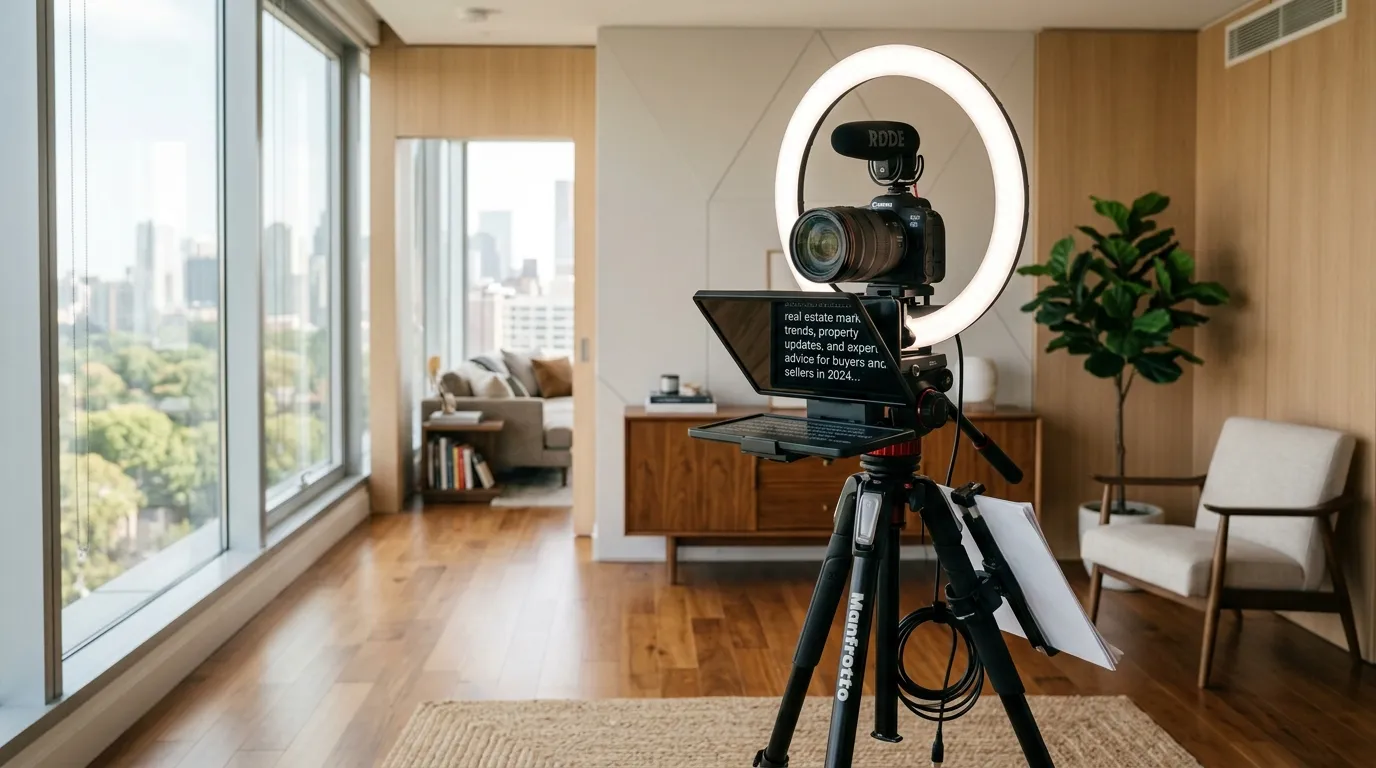
The output looks like a webcam recording or a studio talking-head shot. The avatar sits in frame, makes eye contact, gestures occasionally, and delivers your script. You can place it over a background image or in front of a virtual set.
For real estate, this means: your AI clone delivers a market update, walks through neighborhood highlights, or introduces a listing with spoken narration. The property itself appears only as background graphics or still images you manually insert.
Reel-E: Cinematic AI Property Video
Reel-E is purpose-built for listing video creation. You upload property photos, choose a music track, and the platform generates cinematic video footage from those photos using AI camera motion (orbits, push-ins, pull-outs, Ken Burns effects). The final video is beat-synced to the music, with professional transitions timed to downbeats.
The output looks like it was shot by a videographer with a gimbal and a drone. Every frame showcases the property. No talking head. No avatar. Just the home, presented the way a $2,000 videography shoot would present it.
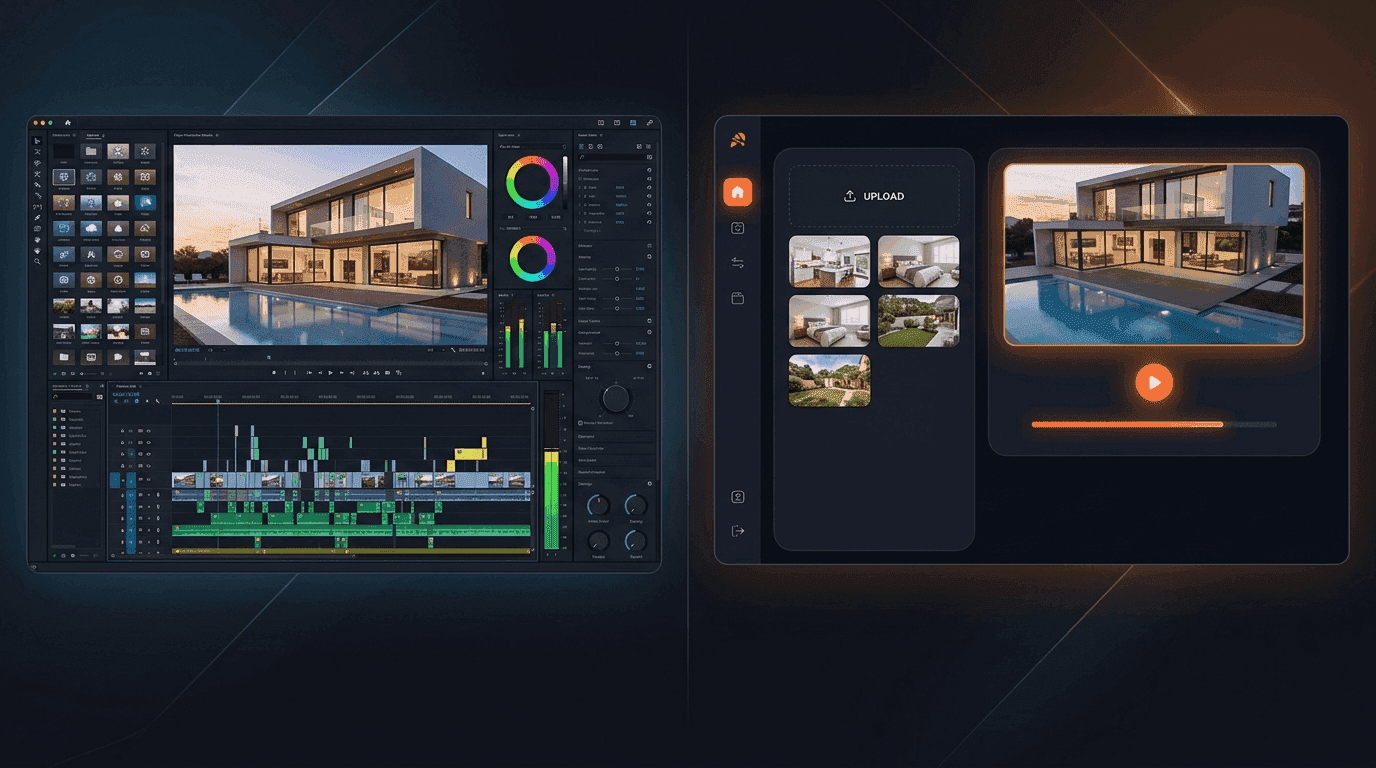
Here's what that actually looks like:
Feature-by-Feature Comparison
| Feature | Reel-E | HeyGen | Winner |
|---|---|---|---|
| Primary output | Cinematic property showcase video | AI avatar talking-head video | Depends on use case |
| Photo-to-video | Yes, core feature. AI generates camera motion from stills. | No. Photos can be inserted as backgrounds only. | Reel-E |
| AI camera motion | Custom AI models: orbit, push-in, pull-out, Ken Burns, AI+ atmospheric | None. Static framing on avatar. | Reel-E |
| Music sync | Beat-synced transitions matched to downbeats | Background music only (no beat sync) | Reel-E |
| AI avatar / presenter | No | Yes, 100+ stock avatars + custom clones | HeyGen |
| Script-to-video | No (property-focused, not narration-focused) | Yes, type a script and the avatar reads it | HeyGen |
| Output variants | 4 per project (horizontal/vertical x branded/unbranded) | 1 per render (re-render for different formats) | Reel-E |
| Real estate focus | 100%. Built exclusively for property marketing. | General-purpose. No real estate-specific features. | Reel-E |
| Branding | Logo overlays, contact cards, branded variants | Custom backgrounds, brand kits (Enterprise) | Tie |
| Multilingual support | N/A (no spoken narration) | 40+ languages with lip sync | HeyGen |
| Speed | Under 2 minutes from upload to finished video | 3-10 minutes per avatar video | Reel-E |
| MLS-ready output | Yes. Horizontal and vertical variants formatted for MLS. | No. Avatar format not standard for MLS listings. | Reel-E |
If you're counting, Reel-E wins on listing-specific features and HeyGen wins on avatar/narration capabilities. That's not a coincidence. They're tools designed for different jobs.
When Buyers Watch Listing Videos, They Want to See the Property
Here's the part nobody in the avatar-video space wants to talk about: buyers watching listing videos want to see the property. Not your face. Not a digital clone of your face. The kitchen. The backyard. The view from the primary bedroom.
NAR data consistently shows that video listings get 403% more inquiries than non-video listings. But that stat refers to property showcase videos, not agent commentary. When a buyer finds your listing on Zillow, Realtor.com, or the MLS, they want the virtual equivalent of walking through the front door.
A talking-head avatar saying "This gorgeous three-bedroom features an open floor plan..." while the actual property sits frozen as a background image? That's radio with a slideshow. It was never what made real estate video marketing effective in the first place.
I say this as someone who ran a production company filming $50B+ in properties. The videos that sold homes were always the ones that made you feel like you were already inside.
Where HeyGen Actually Works for Real Estate
I promised I'd be fair, and here's where I deliver. HeyGen is genuinely useful for certain types of real estate content. Just not listing videos.
Market update videos
If you do weekly or monthly market recaps for Instagram or YouTube, an AI avatar can save you the time of setting up a camera, doing your hair, and recording 47 takes to get a clean delivery. You type the script, HeyGen generates the video, you post it. For agents who hate being on camera, this is legitimately valuable.
Neighborhood guides
A talking-head format works for "Why you should move to [neighborhood]" content. The avatar narrates over stock footage or your own b-roll. It's not cinematic, but it's personal and informative.
Agent introduction videos
New agents building a brand can use HeyGen to create "About Me" videos for their website without hiring a videographer. The avatar introduces who you are, your specialties, and why clients should work with you.
Multilingual outreach
This is probably HeyGen's strongest real estate use case. If you serve a market with multiple language communities (Miami, LA, New York), HeyGen can generate the same video in 40+ languages with lip-synced avatar delivery. That's something no other tool in this comparison can touch.
HeyGen Pros
- Excellent avatar quality with custom clone training
- 40+ languages with natural lip sync
- Good for agent-facing content (not property-facing)
- Template library for social media formats
- Strong API for teams building custom workflows
HeyGen Cons (for Real Estate)
- Cannot generate property footage from photos
- No AI camera motion, speed ramps, or cinematic effects
- No beat-synced transitions or music intelligence
- Avatar format is not MLS-compatible for listing videos
- Credit system makes high-volume listing marketing expensive
- No real estate-specific templates, branding, or workflows
Pricing Breakdown: Reel-E vs HeyGen
Pricing is where the conversation gets real. Both platforms use subscription models, but the unit economics work very differently for agents.
HeyGen Pricing (2026)
HeyGen offers three tiers: Free (1 credit, watermarked), Creator ($29/mo for 30 credits), and Business ($89/mo for 100 credits). Enterprise pricing is custom. Each avatar video consumes credits based on duration. A 1-minute video costs roughly 1 credit. A 3-minute market update burns 3 credits.
If you're producing listing videos for 10 properties per month (even assuming 1 minute each), you're spending 10 credits on avatar videos that still need separate property footage. And those avatar videos won't replace a proper listing showcase. They'll supplement it, at best.
The Creator plan's 30 credits also covers all your market updates, neighborhood guides, and social content. For an active agent, that budget disappears fast.
Reel-E Pricing (2026)
Reel-E has three tiers: Essential ($59/mo, 3 listings), Growth ($129/mo, 10 listings), and Pro ($599/mo, 50 listings). Yearly billing drops those to $44, $97, and $449 per month respectively. Every listing generates 4 video variants (horizontal branded, horizontal unbranded, vertical branded, vertical unbranded).
That means the Essential plan produces 12 unique videos per month (3 listings x 4 variants) for $59. The Growth plan produces 40 unique videos for $129. On a per-video basis, Reel-E is dramatically cheaper if your primary need is listing marketing.
The Real Cost Comparison
Let's say you're an agent closing 2 deals a month and marketing 5 active listings. Here's what each platform costs you annually:
| Scenario | Reel-E (Growth) | HeyGen (Business) |
|---|---|---|
| Monthly cost | $129 | $89 |
| Listing videos per month | 10 listings (40 variants) | ~10 avatar videos (not property showcases) |
| Video type | Cinematic property footage, MLS-ready | Avatar narration over backgrounds |
| Additional videography cost | $0 (Reel-E replaces the videographer) | $300-2,000/listing for actual property footage |
| Annual total | $1,548 | $1,068 + $3,600-24,000 for property video |
The sticker price on HeyGen is lower, but it doesn't solve the listing video problem. You'd still need to hire a videographer or use a separate tool (like Reel-E) for the property footage. HeyGen handles the talking head. Someone else handles the house.
Video Quality: What Each Tool Actually Produces
Quality means different things for different content types. Let's separate them.
HeyGen Avatar Quality
HeyGen's avatar technology is impressive. The custom clones (trained on your uploaded footage) produce natural lip sync, appropriate gestures, and realistic facial expressions. It's not perfect. If you look closely, you can still spot the "uncanny valley" in eye movement and micro-expressions. But for social media content consumed on a phone screen, most viewers won't notice.
The limitation is that avatar quality doesn't translate to property marketing quality. You can have the most realistic AI avatar in the world, and it still can't show a buyer what the master bathroom looks like.

Reel-E Video Quality
Reel-E uses a custom AI inference stack (not off-the-shelf Google Veo or Kling models) to generate camera motion from still photos. The output includes smooth orbits around rooms, push-ins through doorways, pull-outs revealing exterior facades, and atmospheric effects like water movement and ambient lighting changes.
Growth and Essential plans render at 1080p. The Pro plan outputs 4K. All plans include beat-synced transitions timed to the music's downbeats, speed ramps for dramatic pacing, and branded contact cards.
The quality difference versus a template-based slideshow tool is significant. Instead of photos sliding left-to-right with a dissolve, you get what looks like a camera physically moving through the space. That's the difference between a listing video buyers click away from and one they watch to the end.
Workflow Comparison: Time From Start to Posted
For busy agents, the workflow matters as much as the output quality. Here's what each tool requires.
Reel-E Workflow
- Upload listing photos (you already have these from the photographer)
- Pick a music track from the curated library
- Add branding (logo, contact info)
- Hit generate
- Download 4 variants in under 2 minutes
Total active time: about 3 minutes. Total elapsed time: under 5 minutes. You can turn listing photos into a video during the car ride between showings.
HeyGen Workflow
- Write a script for the avatar to read (or use ChatGPT to generate one)
- Choose an avatar or upload training footage for a custom clone
- Select a background (upload property photos or choose a virtual set)
- Preview and edit timing, pauses, and gestures
- Render the video (3-10 minutes)
- Download in one format; re-render for additional formats
Total active time: 15-30 minutes (mostly script writing and editing). Total elapsed time: 20-40 minutes per video. Custom clone setup is a one-time investment of 2-5 minutes of training footage, but the per-video effort stays higher because every video needs a unique script.
If you're marketing 10 listings a month, that's 30 minutes with Reel-E versus 5+ hours with HeyGen. And the Reel-E output is property footage. The HeyGen output is narration that still needs property footage behind it.
Real Estate-Specific Features
This is where the comparison gets lopsided, and intentionally so. Reel-E is a real estate video maker. HeyGen is a general-purpose avatar platform. The feature set reflects that.
| Real Estate Feature | Reel-E | HeyGen |
|---|---|---|
| MLS-ready video formats | Yes (horizontal + vertical) | No |
| 4 variants per listing | Yes (branded/unbranded x orientations) | No |
| Branded contact cards | Yes, with logo and agent info | No |
| Listing photo optimization | Yes, automatic before processing | No |
| Beat-synced music transitions | Yes, matched to music downbeats | No |
| Speed ramps | Yes, customizable per transition | No |
| Photo reordering | Yes, drag-and-drop | N/A |
| Monthly listing limits | 3/10/50 per plan tier | Credit-based (not listing-aware) |
HeyGen doesn't have these features because it doesn't need them. It's not trying to be a property video creator. But if you're evaluating both tools for listing marketing specifically, this table is the whole story.
Use Cases: When to Choose Each Tool
Choose Reel-E When:
- You need listing showcase videos from your existing photos
- You want MLS-ready and social-ready formats from one upload
- You don't have a videography budget (or want to stop paying for one)
- You market multiple listings per month and need speed
- You want cinematic quality without learning video editing software
- You need branded video variants with your logo and contact info
Choose HeyGen When:
- You want to create agent-facing content (market updates, intros)
- You serve multilingual markets and need translated video content
- You hate being on camera but want a personal-feeling video presence
- You create educational content or neighborhood guides
- You have a team that needs consistent brand voice across presenters
Use Both When:
- You want Reel-E for listing videos and HeyGen for social commentary
- You're a team lead creating standardized listing videos (Reel-E) and agent training content (HeyGen)
- You market luxury properties where you want both cinematic property footage and a personal introduction video
The "use both" scenario is more common than you'd think. A growing number of agents treat listing marketing (property showcase) and personal branding (agent content) as separate workflows with separate tools. That's the right approach.
What About Other AI Video Tools?
HeyGen isn't the only avatar tool, and Reel-E isn't the only listing video tool. Here's where they each sit in the broader landscape.
Avatar/presenter alternatives to HeyGen: Synthesia, D-ID, Colossyan. These all create similar talking-head content. HeyGen is generally considered the quality leader for avatar realism, which is why it shows up in real estate searches.
Listing video alternatives to Reel-E: If you're looking at tools in the same category as Reel-E (AI property video from photos), check out our comparison of the best real estate video makers. We've also done head-to-head comparisons with Canva, Animoto, and AutoReel.
The important distinction: tools like Canva and Animoto create template-based slideshows. They don't use AI to generate camera motion from photos. They're in a different tier than Reel-E, and they're in a completely different category than HeyGen. The AI listing video guide breaks down the full landscape if you want the deep dive.
The "AI Real Estate Video" Search Problem
Part of the reason you're comparing Reel-E and HeyGen is that Google lumps them together under "AI real estate video." But that phrase covers at least three completely different product categories:

- AI property video (Reel-E): generates cinematic footage from listing photos
- AI avatar video (HeyGen): generates presenter videos from scripts
- AI-assisted editing (Adobe, Canva): uses AI features inside a manual video editor
These are not interchangeable. Choosing HeyGen when you need listing videos is like hiring a voiceover artist when you need a photographer. Both are creative professionals, both work in media, and neither one can do the other's job.
The fastest way to figure out which tool you need: look at your listing's Zillow page. Does it have a video? If not, you need property footage. That's Reel-E. If it already has property footage and you want to add a personal introduction or market context, that's where HeyGen comes in.
Hands-On Testing Notes
I used both platforms to create content for a $725,000 four-bedroom in Scottsdale, AZ. Here's what the process looked like:
With Reel-E: I uploaded 18 photos from the listing photographer (already had them from the MLS). Selected a mid-tempo track from the music library. Added my brokerage logo and contact card. Hit generate. 90 seconds later, I had four video variants: horizontal branded (for MLS), horizontal unbranded (for the listing website), vertical branded (for Instagram Reels), and vertical unbranded (for TikTok). Total hands-on time: 3 minutes.
With HeyGen: I wrote a 45-second script describing the property highlights. Selected a stock avatar (male, professional attire). Set the background to one of the listing photos (the exterior shot). Rendered the video. The avatar delivered the script naturally, with good eye contact and gesturing. The output was a single horizontal video of the avatar talking in front of a static photo. To get the same four formats, I'd need to re-render three more times with adjusted framing. Total hands-on time: 22 minutes for one video.
The Reel-E output was a cinematic property walkthrough that could go straight to the MLS. The HeyGen output was a well-produced agent introduction that would work great on my YouTube channel but wouldn't replace a listing video.
Neither output was "better" in absolute terms. They solved completely different problems. The mistake is thinking one can substitute for the other.
Privacy and Data Handling
One thing worth mentioning for agents handling client properties: Reel-E processes all videos in its own data centers. Your listing photos never leave Reel-E infrastructure during the generation process. The custom AI inference stack runs on dedicated GPU clusters, not shared third-party model APIs.
HeyGen processes avatar generation on its own infrastructure as well, but the avatar training data (your face, your voice) lives on their servers. For most agents this is fine, but teams with strict data policies should review HeyGen's enterprise privacy terms.
The Bottom Line
Reel-E and HeyGen are not competitors. They're complements. Reel-E creates cinematic listing videos from your photos. HeyGen creates AI avatar content from your scripts. If you're choosing one tool for listing marketing, Reel-E is the clear choice. If you're building a personal brand with talking-head content, HeyGen is the clear choice. If you have the budget for both, use both.
The real question isn't "Reel-E vs HeyGen." It's "Do I need property footage or presenter footage?" Answer that, and the tool picks itself.
For most agents reading this who searched "heygen real estate" or "ai avatar real estate video," the honest answer is: you probably need listing videos first. 88% of buyers say video influences their purchase decision, and they mean property video. Agent commentary is a nice-to-have. Property showcases are the table stakes.
If you want to see what Reel-E produces with your own listing photos, the free trial generates a full set of videos you can evaluate before committing. Upload, pick music, and judge the output yourself. That'll tell you more than any comparison article (including this one).
Frequently Asked Questions
Is HeyGen good for real estate listing videos?
HeyGen creates AI avatar talking-head videos, not property showcase footage. It works well for market updates and neighborhood guides where an agent narrator adds value, but it cannot generate cinematic property footage from listing photos the way Reel-E does.
Can HeyGen turn listing photos into a video?
No. HeyGen requires you to upload or record footage, then generates an AI avatar presenter to narrate over it. It does not create camera motion or cinematic effects from still photos. Reel-E is designed specifically for that workflow: upload photos, pick music, get a finished video in under two minutes.
Which is cheaper for real estate agents, Reel-E or HeyGen?
Reel-E starts at $59/month for 3 listings with beat-synced cinematic videos (4 variants each). HeyGen's Creator plan starts at $29/month with 30 credits and no real estate-specific features. For ongoing listing marketing, Reel-E's per-listing cost is significantly lower.
What is the difference between AI avatar video and AI property video?
AI avatar video places a synthetic presenter (a digital clone or stock avatar) into a video that talks to the camera. AI property video uses AI to generate cinematic camera motion from still photos. They solve completely different problems in real estate marketing.
Can I use HeyGen and Reel-E together?
Yes. Many agents use Reel-E for listing showcase videos (the property footage) and HeyGen for agent-facing content like market updates or Instagram intros. They complement each other because they serve different parts of the marketing funnel.
Does HeyGen work with MLS video requirements?
HeyGen outputs standard MP4 video, but its avatar format is not what MLS platforms typically expect for listing videos. MLS-compliant listing videos usually need to showcase the property itself. Reel-E outputs MLS-ready horizontal and vertical variants designed for listing platforms.
Which tool is better for social media real estate content?
For property showcases and listing reels, Reel-E delivers better results because it outputs vertical and horizontal variants automatically. For agent commentary, market analysis, and educational content, HeyGen's avatar format works better. Most agents benefit from both types of content.
Is there a free trial for Reel-E?
Yes. Reel-E offers a 7-day free trial on all plans. You can upload listing photos and generate your first cinematic video to see the quality before committing. Free to try, cancel anytime.