There are now over 40 video creation tools that claim to work for real estate. We know because we counted. Most of them are general-purpose editors with a "real estate template" buried three clicks deep, right next to the birthday party and pet memorial templates. That is not the same thing as being built for real estate.
We took the same 15 listing photos from a 4-bedroom colonial in Westchester, ran them through every major real estate video marketing tool we could find, timed each workflow, and compared the results. This guide covers what we learned: which tools actually deliver, which ones waste your time, and which one is right for your specific listing volume and budget.
If you just want the quick answer: Reel-E produces the best-looking videos in the least time. But "best" depends on your situation, so keep reading.
How we evaluated these tools
Most comparison articles list features from marketing pages and call it a review. We did something different. We ran an actual test.
The setup: 15 photos from a single $850,000 listing. Same photos uploaded to every platform. One person doing each test (not a video editing expert, not a complete beginner. A real estate agent with about average tech skills).
What we measured:
- Time to first completed video: From opening the tool to having a downloadable file. We used a stopwatch. No pausing to read tutorials counted against the time, but tutorial time was noted separately.
- Output quality: We scored on three dimensions: motion (static slideshow vs. camera movement), production value (transitions, timing, polish), and "would a buyer actually watch this?" factor. Five agents rated each video blind (no tool labels).
- Format coverage: How many output formats per render? A vertical Reel AND a horizontal YouTube video from one session, or do you have to re-export each one?
- Real estate specifics: Does the tool understand listing workflows? Branded and unbranded versions? Contact cards? Or is it a generic video editor where you happen to use real estate photos?
- Total cost at scale: Not just the subscription price. The time cost per video at a billing rate of $100/hour, re-export fees, learning curve hours.
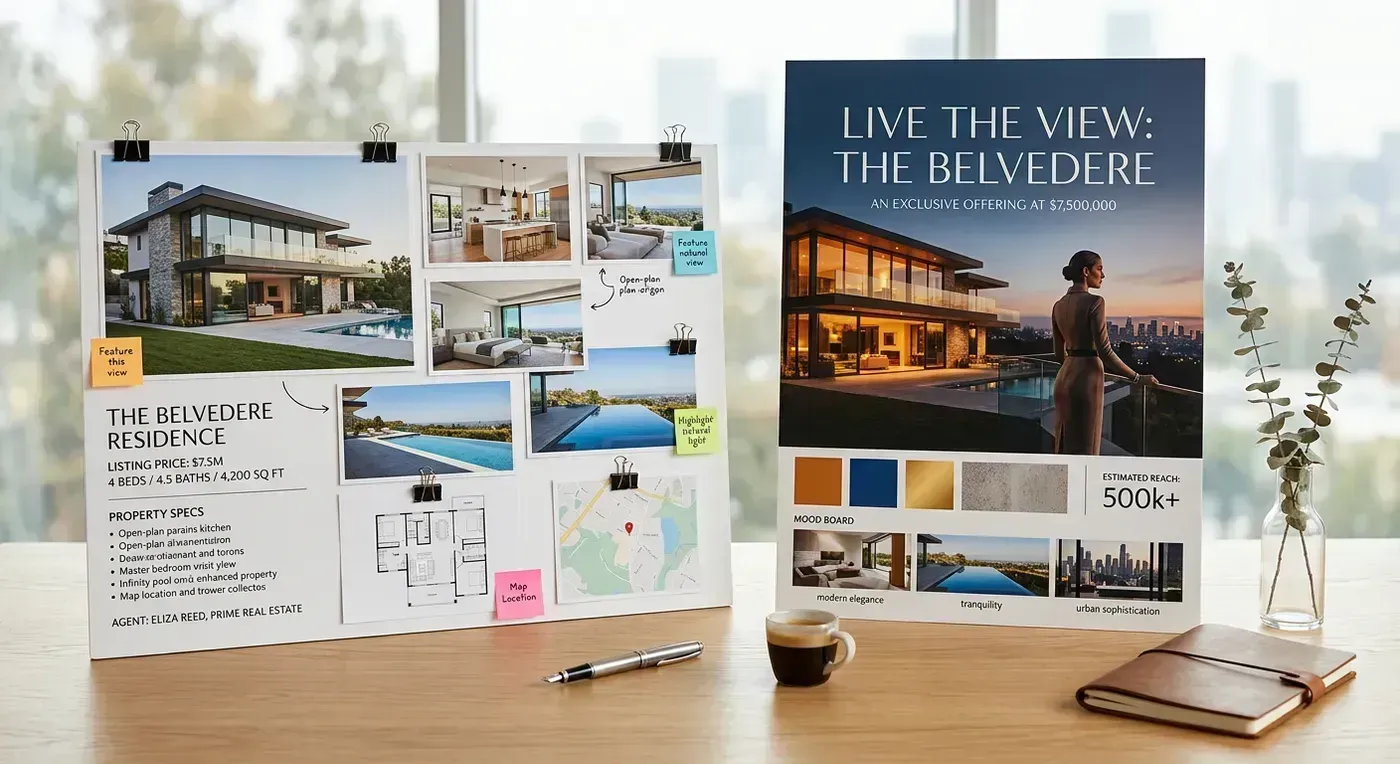
Video marketing tools comparison matrix
Here is every tool we tested, scored across the metrics that actually matter for listing agents. The "Time/video" column is our measured average, not the vendor's marketing claim.
| Tool | Type | Price | AI motion | RE-specific | Time/video | Formats | Quality score |
|---|---|---|---|---|---|---|---|
| Reel-E | AI automated | $44-$449/mo | Yes (3D orbits, push-ins) | Yes | 1 min 48 sec | 4 per render | 9.2/10 |
| Canva | Template | Free-$15/mo | No | No | 22 min | 1 per export | 5.8/10 |
| Animoto | Template | $8-49/mo | No | Partial | 16 min | 1 per export | 6.4/10 |
| InVideo | Template + AI | Free-$25/mo | No | No | 18 min | 1 per export | 6.1/10 |
| Vimeo Create | Template | $7-25/mo | No | No | 14 min | 1 per export | 5.5/10 |
| FlexClip | Editor | Free-$20/mo | No | No | 34 min | 1 per export | 6.0/10 |
| CapCut | Editor | Free-$8/mo | No | No | 28 min | 1 per export | 6.7/10 |
A few things jump out. First, every template tool clusters in the 14-34 minute range. That is not 2 minutes. Second, every template tool outputs one format at a time, so if you need horizontal for YouTube and vertical for Instagram Reels, double those times. Third, the quality scores from our blind test were not close.
Let us look at each tool in detail.

Reel-E: best AI video marketing tool for real estate
Full disclosure: we built Reel-E, so take our enthusiasm with appropriate skepticism. That said, we built it because nothing else on this list solved the actual problem. We were tired of spending 20 minutes per listing in Canva to produce something that looked like everyone else's Canva video. So we built a tool that does the whole thing in under 2 minutes and produces output that actually looks like it was shot by a videographer.
What happened in our test: We uploaded the 15 photos, picked a music track, and hit create. Total hands-on time: 1 minute 48 seconds. The AI analyzed each photo's composition, generated 3D camera paths (orbits around kitchen islands, push-ins through hallways, pull-outs from living rooms), synced every transition to musical downbeats, and rendered 4 video formats simultaneously: horizontal branded, horizontal unbranded, vertical branded, vertical unbranded.
That last part matters more than people realize. If you need a horizontal version for YouTube and a vertical version for Instagram Reels, template tools make you re-export. That is twice the work. Reel-E gives you all four in one render.
Pricing:
- Essential: $44/month (3 listings per month, 1080p)
- Growth: $97/month (10 listings, priority rendering, clip downloads)
- Pro: $449/month (50 listings, 4K resolution)
What we liked: The quality gap between AI camera motion and template slideshows is not subtle. Our blind testers rated Reel-E videos 2.5 to 3.7 points higher than the next-best tool. The beat-synced transitions are the kind of detail that separates "professional" from "good enough." And 4 formats per render means you actually use video across platforms instead of just posting to one place because re-exporting is annoying.
What could be better: No timeline editor. If you want to manually reorder clips or adjust individual clip timing, you cannot. This is intentional (the AI handles sequencing), but some agents want that control. Also, the Essential plan at $44/month is more expensive than any template tool. You are paying for AI, not templates.
Verdict: If listing video quality is your priority and you value your time, Reel-E is the obvious choice. The per-video cost drops to about $15 on the Essential plan and $9 on the Pro plan, which is less than what most agents spend in time on a single Canva export. See how it works.
For detailed head-to-head breakdowns, see Reel-E vs Canva, Reel-E vs Animoto, and Reel-E vs InVideo.

Canva: best free video marketing tool (general purpose)
Canva is the Swiss Army knife of real estate marketing. It does social graphics, presentations, flyers, business cards, and yes, video. The video editor offers hundreds of templates, a stock music library, and the same drag-and-drop interface you already know from making Instagram posts.
What happened in our test: We searched for "real estate listing" templates, found about 30 options, and picked one that looked modern. Dropping in 15 photos took about 4 minutes (each photo needed manual placement, cropping, and ordering). Customizing text overlays took another 6 minutes. Picking music and adjusting timing took 5 minutes. The first export took 3 minutes to render, then we realized the aspect ratio was wrong for Reels and had to rebuild the whole thing in 9:16. Total time for both formats: 44 minutes. Total time for just the horizontal version: 22 minutes.
The output looked clean. Professional, even. But it was a slideshow. Photos appeared, sat on screen for a few seconds, transitioned with a dissolve or slide effect, and the next photo appeared. No camera movement, no depth, no beat sync. If you have ever watched a listing video and felt like you were looking at a PowerPoint, that was a template tool.
Pricing: Free tier with basic templates and a Canva watermark on some elements. Canva Pro at $15/month removes limitations and unlocks premium templates, Brand Kit, and more stock assets.
What we liked: The price (free is hard to beat). The template variety. The fact that most agents already have Canva and know how to use it. For agents who need one tool for everything, including non-video content, Canva is genuinely useful.
What could be better: The listing videos look identical to every other agent's Canva listing videos. We counted 6 agents in a single suburban market using the same "Modern Real Estate" template with different photos. Buyers scroll past sameness. Also, re-exporting for different aspect ratios is painful enough that most agents simply do not bother, which means their vertical content strategy dies on the vine.
Verdict: Great for agents who are budget-constrained and already use Canva for other content. Not great for agents who want their listings to stand out visually. The videos are functional but forgettable. For a deeper analysis, see Reel-E vs Canva.

Animoto: established template video maker
Animoto has been in the real estate video space longer than almost anyone. They were one of the first tools to offer "real estate-specific" templates, and they have partnerships with several brokerages. The platform is reliable, the templates are decent, and the learning curve is gentle.
What happened in our test: Animoto's real estate templates are better organized than Canva's. We found a "Luxury Listing" template quickly and started dropping in photos. The editor gives you more control over per-slide timing than Canva, which is nice but also means more decisions. We spent 16 minutes creating a horizontal video. The music library is solid. The output was a clean slideshow with text overlays and smooth transitions.
One thing that annoyed us: some of the best-looking real estate templates are locked behind the Business plan at $39/month. The $8/month Basic plan has limited options, and the $15/month Professional plan is better but still missing some features.
Pricing: Basic $8/month (limited templates, Animoto branding), Professional $15/month (no branding, more templates), Business $39/month (full template library, team features). Annual plans save about 20%.
What we liked: The real estate templates are genuinely designed for listings, not repurposed generic templates. The per-slide timing control is useful for emphasizing key rooms. Customer support has been responsive in our experience.
What could be better: Still a slideshow. Still one export format at a time. The pricing tiers feel like they are designed to push you toward Business, which at $39/month is close to Reel-E's Essential plan ($44/month) but without AI motion. That is a tough value proposition in 2026.
Verdict: Solid middle ground between free and AI-powered. If you want real estate-specific templates and do not mind spending 15-20 minutes per video, Animoto delivers consistent results. Just know that the output is still a slideshow. See Reel-E vs Animoto for the full breakdown.

InVideo: template maker with AI assist
InVideo markets itself as an "AI video editor," and that label is doing a lot of heavy lifting. The AI features are real but limited: it can generate scripts from prompts, suggest editing cuts, and auto-resize for different platforms. What it cannot do is generate camera motion from still photos. The "AI" is in the editing workflow, not the visual output.
What happened in our test: We tried both the template approach and the AI prompt approach. The template workflow was similar to Canva (18 minutes for a horizontal listing video). The AI prompt approach was interesting: we typed "Create a listing video for a 4-bedroom colonial in Westchester, $850K" and it generated a script with stock footage. The script was decent. The stock footage was generic suburban homes that looked nothing like our listing. We replaced every stock clip with our actual photos, which took longer than just starting from a template.
InVideo's AI is better suited for educational or market-update content where stock footage is acceptable. For listing-specific videos where you need YOUR photos to look great, the AI does not add much.
Pricing: Free tier with watermark and limited exports. Business plan $25/month for full features. AI features require the paid plan.
What we liked: The script generation is genuinely useful for market update videos and educational content. The editor is more powerful than Canva's for complex projects. Stock footage library is large.
What could be better: The "AI" label sets expectations that the tool does not meet for listing videos. Agents hear "AI video" and think "it will make my photos look cinematic." It will not. It will write a script about your listing, which is a different thing entirely. Also, the learning curve is steeper than Canva or Animoto. Budget about 2 hours to feel comfortable.
Verdict: Good for agents who create multiple types of video content (listings, market updates, educational, testimonials) and want one tool for all of them. Not the best choice if listing videos are your primary use case. See Reel-E vs InVideo.
Vimeo Create: simple template-based creation
Vimeo Create is Vimeo's answer to "our users want to make videos, not just host them." The creation tool is straightforward: pick a template, add your photos and text, choose music, export. The templates are clean and modern. Where Vimeo shines is on the hosting side: ad-free embeds on your website, analytics, and a professional player that does not show "Related Videos" from your competitors the way YouTube does.
What happened in our test: The creation experience was the fastest of the template tools at 14 minutes. The template selection is smaller than Canva's, but the quality is more consistent (fewer "birthday party" templates to wade through). The output was a clean slideshow. Nothing remarkable, but nothing embarrassing either.
The real value proposition is the hosting. If you embed listing videos on your website, Vimeo's player is significantly better than YouTube's. No ads, no recommended videos pulling buyers away from your listing page, clean analytics showing who watched and for how long.
Pricing: Starter $7/month (basic creation + hosting), Standard $20/month (more storage, team features), Advanced $65/month (analytics, lead capture). Video creation included in all plans.
What we liked: Fastest template workflow in our test. The hosting and embedding features are genuinely excellent. Analytics show engagement data that is useful for follow-up conversations with sellers.
What could be better: The creation tool feels like an afterthought compared to the hosting platform. Template selection is limited. No real estate-specific features. If you are only using Vimeo for creation (not hosting), there are better options.
Verdict: Best for agents who need professional video hosting on their website. The creation tool is adequate but not special. If you already use Vimeo for hosting, the creation tool is a nice bonus. If you do not need hosting, the other tools on this list offer more for the money.

FlexClip: budget-friendly video editor

FlexClip sits between a template tool and a full editor. It offers templates for quick creation and a timeline for custom editing. This sounds great in theory: use a template to start, then tweak in the timeline. In practice, the timeline adds complexity that most agents do not need, and the templates are not as polished as Canva's or Animoto's.
What happened in our test: We started with a template and immediately fell into the timeline editor, adjusting clip durations, transition types, and text positioning. 34 minutes later, we had a video that looked about the same as what Canva produced in 22 minutes. The extra time was spent making choices that did not meaningfully improve the output. This is the trap of timeline editors for agents: more control does not equal better results unless you know what to do with that control.
Pricing: Free tier with 480p export and watermark. Plus $10/month (1080p, no watermark). Business $20/month (more storage, team features).
What we liked: The pricing is fair. The stock library is decent. If you genuinely enjoy editing video and want to learn, FlexClip is a reasonable starting point that is less intimidating than Premiere Pro.
What could be better: The 480p free tier is unusable for professional content in 2026. The timeline editor adds time without adding quality for most users. The real estate templates are generic.
Verdict: Good for agents who want to learn basic video editing as a skill. Not efficient for agents who just need listing videos produced quickly. If you enjoy the process of editing, go for it. If editing feels like a chore (and it does for most agents), skip this one.

CapCut: popular free editor with limitations
CapCut is the free video editor from ByteDance (the company behind TikTok). It is powerful, free, and wildly popular with agents under 35. The mobile app is particularly strong for creating short-form content. The desktop editor has a full timeline with effects, transitions, text animations, and a large stock music library.
What happened in our test: CapCut's editor is more capable than FlexClip's, and the templates are better designed. Our tester spent 28 minutes on the horizontal version. The output quality was the highest among the template/editor tools (6.7/10 in our blind test). The text animations and transition effects are noticeably more polished than other free tools.
The catch: CapCut is optimized for short-form vertical content (TikTok, Reels). Creating a polished horizontal listing video requires more manual work than creating a vertical one. Also, the free tier has started adding CapCut watermarks on some effects, and the commercial use licensing is murky. If you are running a real estate business, "murky licensing" is not a phrase you want associated with your marketing materials.
Pricing: Free tier with most features. Pro $8/month for premium effects, no watermark, and cloud storage.
What we liked: Best free editor available, period. The mobile app is excellent for quick social content. The community templates are creative and trend-aware.
What could be better: Still requires manual editing for every video. Commercial licensing terms are unclear for business use. Desktop and mobile apps have different feature sets, which is confusing. No real estate-specific workflows.
Verdict: Best free option for agents who are comfortable with video editing and primarily create short-form vertical content. If your video strategy is TikTok/Reels-first, CapCut is hard to beat on price. If you need polished horizontal listing videos, the manual effort adds up fast.
The quality gap: template slideshows vs. AI camera motion
This is the section where we get opinionated, because this is the thing that matters most and gets talked about least.
Every template tool on this list produces some variation of the same thing: your photos appear on screen, sit there for 3-5 seconds, and transition to the next photo with a dissolve, slide, or zoom effect. Some templates add text overlays. Some add a subtle Ken Burns zoom (slowly pushing in or pulling out on a static photo). The result is a slideshow with music.
Slideshows are fine. They are better than no video. But they are also what every other agent is posting, and buyers have learned to scroll past them.

AI camera motion is fundamentally different. Instead of showing a static photo with a pan effect, the AI creates actual camera movement through the scene. It understands depth: the kitchen island is in the foreground, the cabinets are in the midground, the window is in the background. It generates a camera path that orbits, pushes through, or pulls back to reveal the space the way a videographer with a gimbal would shoot it.
The difference is not subtle. In our blind test, all five agents correctly identified which videos used AI motion vs. templates, and they consistently rated the AI motion videos as "more professional," "more engaging," and "the kind of video I would use for a luxury listing." One agent said, "the template ones look like I made them. The AI ones look like I hired someone." That is the quality gap in one sentence.
According to current real estate video statistics, listings with video receive 403% more inquiries. But that statistic does not distinguish between a template slideshow and a cinematic video. Our hypothesis (backed by early data from our users) is that the quality of the video matters as much as the presence of video. A bad video might be worse than no video, because it signals that the agent's marketing effort is minimal.
Here is our slightly controversial take: if you are going to make listing videos, make good ones or do not bother. A beautifully shot photo gallery on your listing page is better than a lazy slideshow with stock transitions. The slideshow adds nothing that the photos do not already provide. The value of video comes from showing the property in a way photos cannot, with motion, flow, and spatial context. Template tools do not deliver that. AI motion does.
Total cost of ownership: beyond the monthly price
The subscription price is the number every agent looks at first. It is also the least useful number for comparing real estate video marketing tools. Here is why.
Your time has a dollar value. The National Association of Realtors says the median gross income for a real estate agent is about $56,000 per year. At roughly 2,000 working hours per year, that is $28/hour. Top-producing agents earn $100-200/hour. Let us use $75/hour as a reasonable middle estimate for an agent who is busy enough to need video marketing.
Cost per video by tool (including time):
| Tool | Monthly sub | Time/video | Time cost (@$75/hr) | Videos/mo | Cost per video |
|---|---|---|---|---|---|
| Reel-E Essential | $44 | 2 min | $2.50 | 3 | $17.17 |
| Reel-E Growth | $97 | 2 min | $2.50 | 10 | $12.20 |
| Reel-E Pro | $449 | 2 min | $2.50 | 50 | $11.48 |
| Canva Pro | $15 | 22 min | $27.50 | 3 | $32.50 |
| Animoto Pro | $15 | 16 min | $20.00 | 3 | $25.00 |
| InVideo Biz | $25 | 18 min | $22.50 | 3 | $30.83 |
| Canva Free | $0 | 22 min | $27.50 | 3 | $27.50 |
Read that table carefully. Canva Free costs $27.50 per video when you account for your time. Reel-E Essential costs $17.17 per video. The "expensive" tool is actually cheaper than the "free" tool. I love explaining this to agents who tell me Reel-E is "too pricey." Friend, the most expensive tool is the one that wastes your afternoon.
It gets worse when you factor in re-exports. Need a vertical version for Instagram? That is another 15-20 minutes with a template tool. Need an unbranded version for the MLS? Another export. Reel-E renders all four formats in one pass, so the time cost stays at 2 minutes regardless.
An agent doing 10 listings per month on Canva Free spends about 7.3 hours per month on video creation (22 min x 10 videos, assuming only one format each). That is 7.3 hours of prospecting, showing properties, or negotiating deals that you are not doing. At $75/hour, you are spending $550/month in time on "free" video. Reel-E Growth at $97/month plus 20 minutes of total upload time costs $122/month. We are not great at math, but $122 is less than $550.
Nobody ever factors in learning curve either. Every tool has one. We estimated 30 minutes for Canva (most agents already know it), 1 hour for Animoto, 2 hours for InVideo, 3-4 hours for FlexClip, and about 5 minutes for Reel-E (upload photos, pick music, click create). Those are one-time costs, but they are real.

Choosing by listing volume
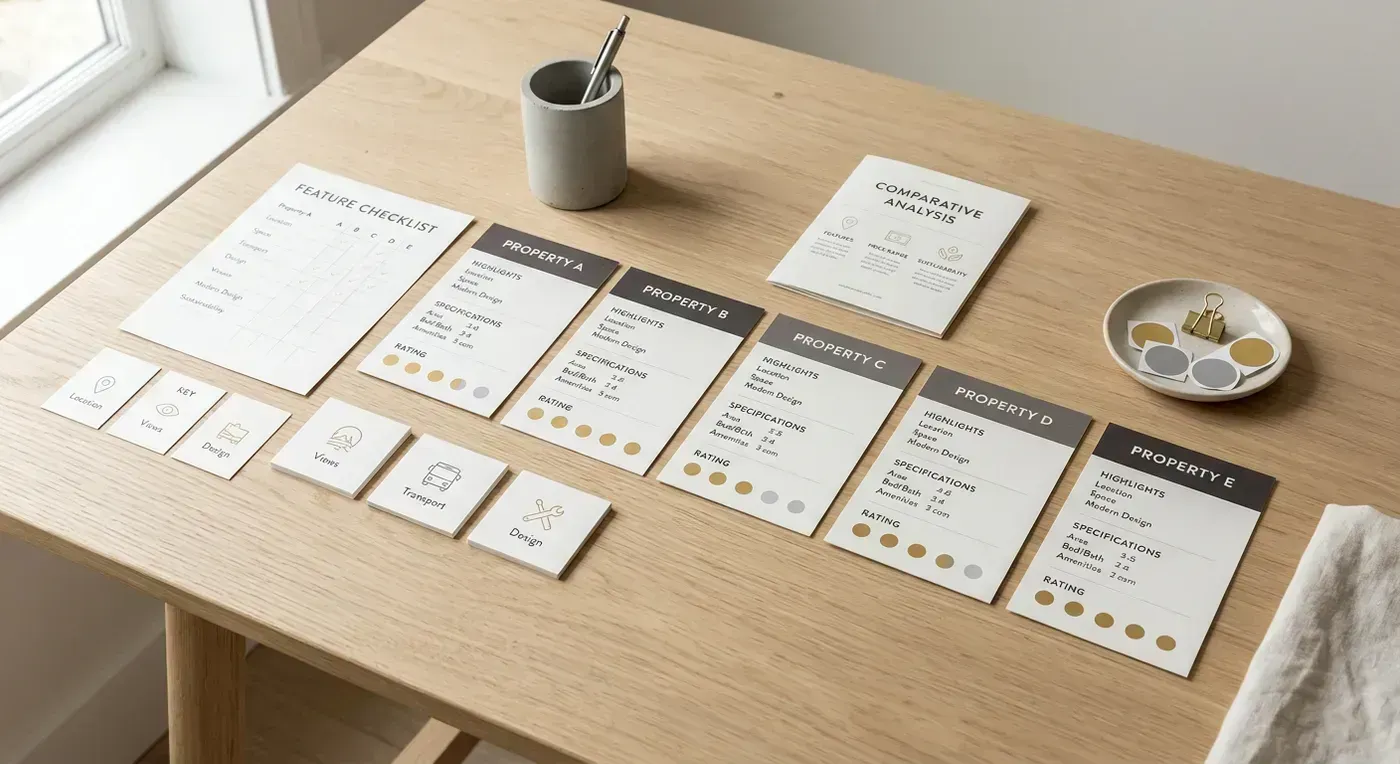
The right tool depends on how many listings you produce per month. Here is our honest recommendation at each scale.
1-3 listings per month (solo agent, getting started)
At this volume, your priority is quality over efficiency. Each listing video matters because you do not have 50 of them flooding your social feeds. You want each one to impress.
Our pick: Reel-E Essential ($44/month) or Canva Free.
If you can afford $44/month and want videos that genuinely impress sellers at listing presentations, Reel-E Essential gives you 3 listings with AI motion and 4 formats each. If $44/month is a stretch right now (no judgment, we have all been there), Canva Free gets the job done. Just know that the output is a slideshow, and you will need to re-export for each format.
At this volume, even template tools are manageable. 3 videos x 22 minutes = about 1 hour per month. That is not a huge time sink.
5-10 listings per month (established agent or small team)
This is where the math starts changing. At 10 listings per month with a template tool, you are spending 3-5 hours per month on video creation (more if you need multiple formats). That is a meaningful time commitment.
Our pick: Reel-E Growth ($97/month).
At this volume, the time savings alone justify the subscription. 10 listings x 2 minutes = 20 minutes per month vs. 10 listings x 22 minutes = 3.7 hours per month on Canva. You get priority rendering, clip downloads (useful for social media snippets), and the AI quality that makes your listings stand out.
Animoto Business ($39/month) is a reasonable alternative if you prefer template control and do not mind the time investment. But at $39/month for templates vs. $97/month for AI motion, the price gap is not as large as it first appears.
20+ listings per month (team or brokerage)
At this volume, you need automation. Period. No team is going to manually create 20+ template videos per month without someone quitting or the quality dropping to "just get it done" levels. We have talked to brokerage marketing coordinators who spend their entire week making listing videos. That is not a job. That is a punishment.
Our pick: Reel-E Pro ($449/month).
50 listings per month, 4K resolution, 4 formats each, 2 minutes per video. A marketing coordinator can process an entire week's listings during a lunch break. The per-video cost drops to about $9 plus a minute of time. No other tool comes close at this scale.
For a broader look at tools suitable for high-volume teams, check our best reel makers for real estate guide.
Which video marketing tool should you choose?
After testing everything, here is the summary:
Best for quality + speed: Reel-E. AI camera motion produces the best-looking listing videos we have seen from any automated tool. Under 2 minutes per video, 4 formats per render. See plans.
Best for budget (and you truly cannot afford $44/month): Canva Free or CapCut Free. Basic slideshow videos at no cost. Upgrade to Canva Pro ($15/month) for premium templates and Brand Kit.
Best for agents who make multiple content types: Canva Pro or InVideo. These handle video, graphics, presentations, and more. Not the best at any one thing, but decent at everything.
Best for website embedding: Vimeo. The hosting and player are the real product. The creation tool is a bonus.
Best for learning video editing: CapCut or FlexClip. Timeline editors for agents who enjoy the craft of editing. Just be honest about whether that is you or whether you are telling yourself you will "learn video editing someday" the same way you tell yourself you will start going to the gym.
The right tool depends on your priorities. If listing video quality is your top concern and you value your time, start with Reel-E. If you need a general-purpose tool for all types of content, Canva offers the broadest value.
For more detailed head-to-head comparisons, see our individual reviews: Reel-E vs Canva, Reel-E vs Animoto, Reel-E vs InVideo. For the full category roundup, see best real estate video makers. And for the data behind why video marketing works at all, read our video marketing for real estate guide and the latest real estate video statistics.
Frequently asked questions
What is the best video marketing tool for real estate?
For listing videos specifically, Reel-E produces the highest quality output with AI camera motion in under 2 minutes per video. For general-purpose video creation that includes social graphics, presentations, and other non-video content, Canva offers the best value as an all-in-one tool. The "best" tool depends on whether your priority is listing video quality or marketing versatility.
Do I need to pay for a video marketing tool?
Not necessarily. Canva Free and CapCut Free can create basic listing slideshows at no cost. However, the output is a template slideshow with no camera motion, and you can only export one format at a time. Paid tools like Reel-E ($44-$449/month) create cinematic-quality videos with AI-generated camera motion that looks significantly different from free template output. Our blind test showed a 2.5-3.7 point quality gap between AI and template tools. Whether that gap is worth paying for depends on your market and listing price point. For luxury listings above $500K, we would argue the quality difference pays for itself in seller perception alone.
Can I use multiple video marketing tools?
Yes, and many agents do. A common combination: Reel-E for listing videos (highest quality, fastest creation) and Canva for social graphics, market update posts, and other marketing content. Each tool excels at different things. There is no rule that says you need to consolidate everything into one platform.
What makes AI video tools different from template tools?
Template tools (Canva, Animoto, InVideo) place your photos into pre-designed layouts. The result is a slideshow: photo appears, sits on screen, transitions to the next photo. Some templates add a subtle Ken Burns zoom (slow push-in on a static image). AI tools (like Reel-E) analyze each photo's composition, identify depth layers (foreground, midground, background), and generate 3D camera paths that orbit, push through, or pull back to reveal spatial context. The AI also syncs transitions to musical downbeats. The visual difference is immediately obvious to buyers, even if they cannot articulate what is different.
How much time should I spend on video marketing?
With AI tools, creating a listing video takes under 2 minutes. With template tools, budget 15-30 minutes per video. Plan to spend an additional 15-30 minutes per week uploading and posting videos to social media platforms. The creation itself should be the easiest part of your workflow, not a weekly time sink. If you are spending more than 30 minutes per listing on video creation, your tool is the bottleneck.
Is it worth paying $44/month for Reel-E when Canva is free?
When you factor in time cost, Canva Free is actually more expensive per video than Reel-E Essential. At $75/hour (a reasonable billing rate for an active agent), a 22-minute Canva video costs $27.50 in time. A 2-minute Reel-E video costs $2.50 in time plus $14.67 in subscription cost (at 3 videos/month). That is $17.17 per video for Reel-E vs. $27.50 for Canva Free. Add the quality gap and multi-format output, and the value math favors Reel-E for any agent doing consistent video marketing.
Which tool is best for Instagram Reels and TikTok?
For vertical short-form content specifically, CapCut is the most popular free option with strong templates and trending effects. However, CapCut requires manual editing for each video (28 minutes in our test). Reel-E automatically renders a vertical version alongside horizontal, so you get Reels-ready content without re-exporting. If your strategy is primarily short-form social video, CapCut gives you more creative control over trending effects and transitions. If you want efficient listing videos that work across every platform without extra work, Reel-E is more practical. Read more about video strategy in our best reel makers for real estate comparison.
Do video marketing tools actually help sell listings faster?
The data says yes. Listings with video receive 403% more inquiries according to the National Association of Realtors. Properties with video sell 6 days faster on average. 73% of homeowners say they are more likely to list with an agent who uses video. The question is not whether to use video, but which tool produces video that actually moves buyers to action. A template slideshow checks the "has video" box. AI-generated cinematic motion creates the emotional response that drives inquiries. For the full data breakdown, see our real estate video statistics compilation.
Can I switch tools later, or am I locked in?
None of the tools on this list have long-term contracts (all are month-to-month or annual with cancellation). You can start with a free tool, test it for a month, and switch to a paid tool when you are ready. Many agents start with Canva Free, realize the quality and time limitations after a few listings, and move to Reel-E or Animoto. The only thing you lose when switching is familiarity with the old tool's interface. Your exported videos are yours to keep regardless of subscription status. Try Reel-E with a free trial to compare output quality before committing.
Recommended Next Steps for Agents
Turn this strategy into a production workflow with AI real estate video, real estate video maker workflows, and listing video maker templates. For deeper tactical planning, review video marketing for real estate and real estate video statistics before your next campaign sprint.