Key Takeaways
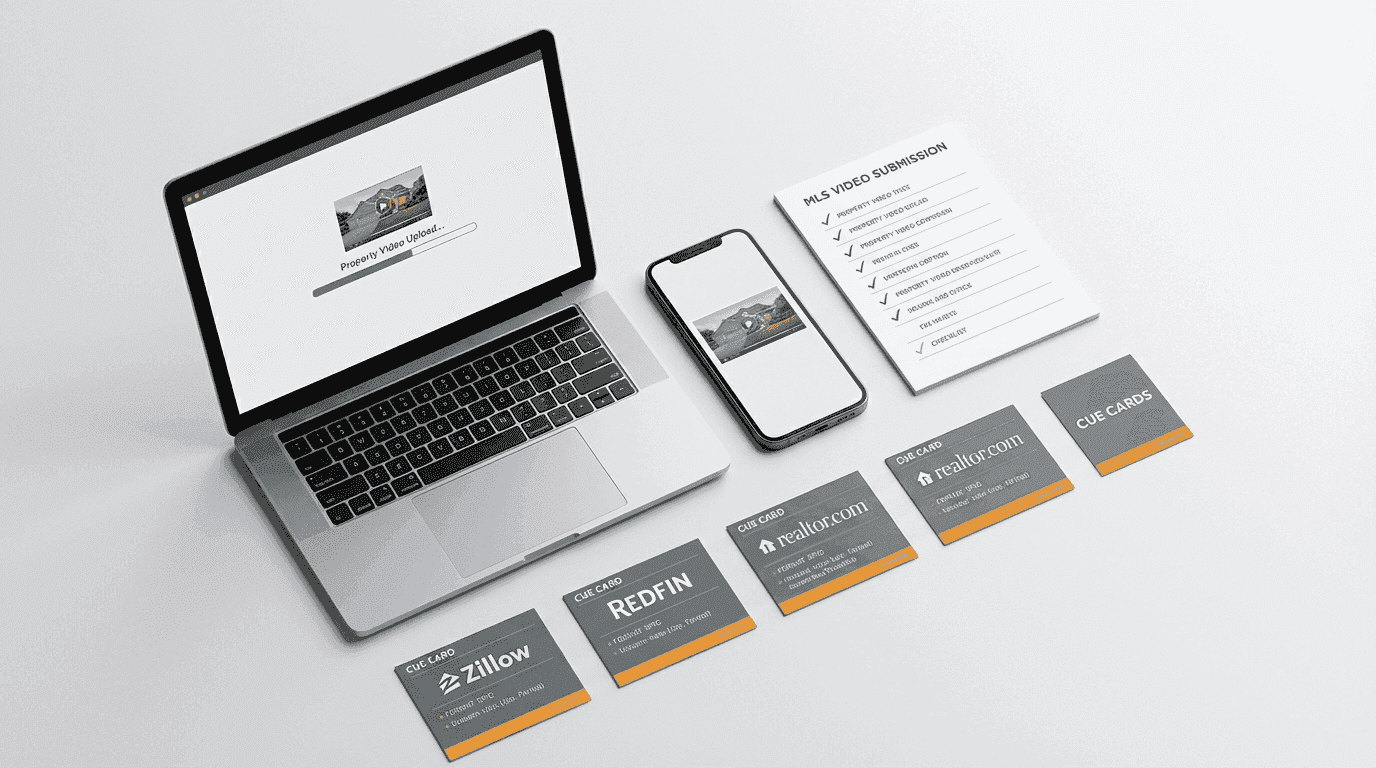
- Zillow: Allows branded video. Upload MP4 directly or embed via YouTube link.
- Realtor.com: YouTube embed only. Unbranded recommended (agent info shown separately).
- Redfin: No direct video upload. Link to external video (YouTube or Vimeo).
- Local MLS: Varies wildly. Most accept YouTube links in the virtual tour field. Some accept direct MP4 upload.
- Reel-E renders branded AND unbranded variants automatically, so you always have the right version for each platform.
Every MLS platform has different video rules. Wrong format, wrong resolution, or wrong branding can get your video rejected. Here is exactly what you need for each major platform.
Quick reference
| Platform | Format | Resolution | Max size | Branding |
|---|---|---|---|---|
| Zillow | MP4 | 1080p+ | 250 MB | Allowed |
| Realtor.com | MP4 | 1080p+ | 100 MB | Unbranded only |
| Redfin | MP4 | 1080p+ | 200 MB | Unbranded only |
| Local MLS | MP4 | Varies | Varies | Usually unbranded |
Zillow
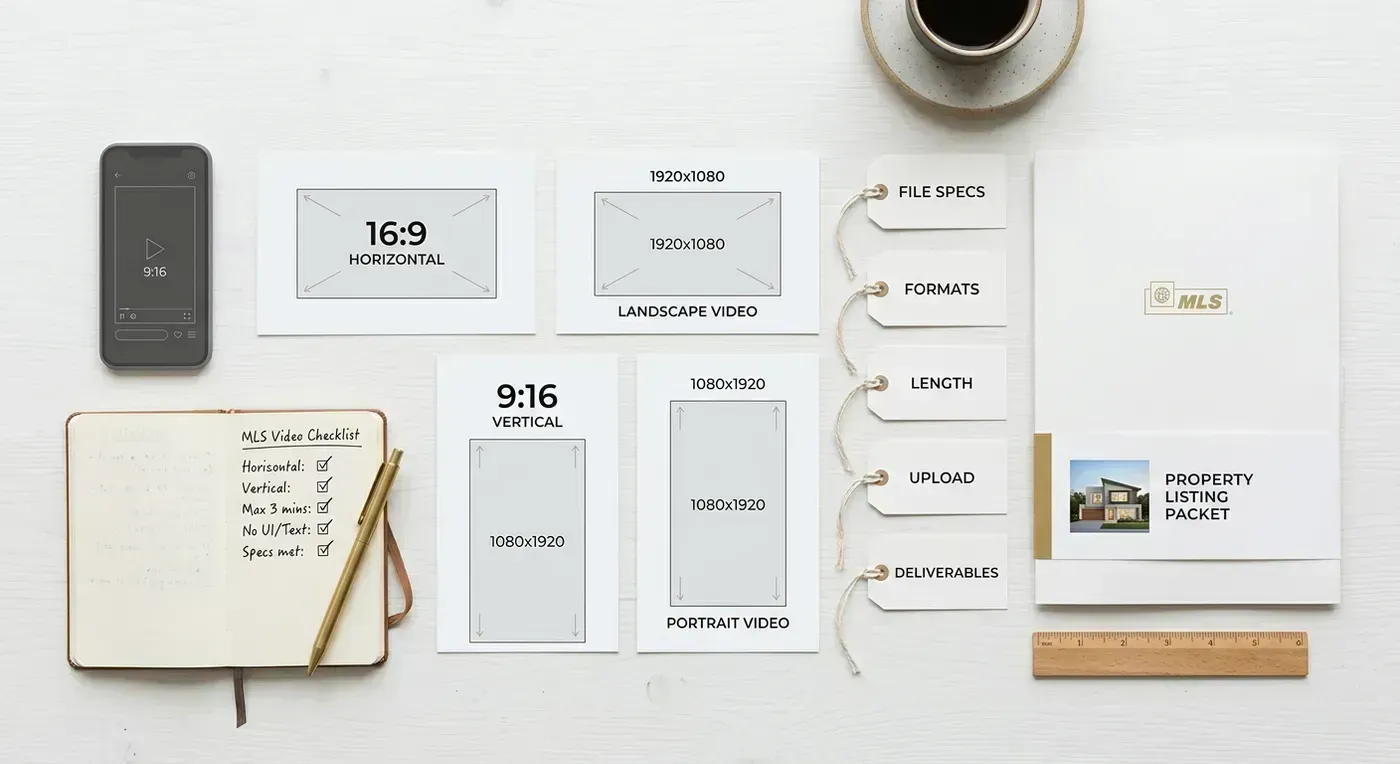
Zillow is the most permissive platform for listing video. They accept MP4 format up to 250 MB, minimum 1080p resolution, in 16:9 horizontal aspect ratio. Branded content is allowed, including agent logos and contact information.
You can upload video directly through the listing edit page or through many MLS feeds that syndicate to Zillow. Videos appear in the media gallery alongside photos and 3D tours.
Realtor.com
Realtor.com requires unbranded video. No agent logos, no brokerage branding, no contact information overlays. Videos must be MP4 format, at least 1080p, and under 100 MB. Aspect ratio should be 16:9.
This is the main reason you need both branded and unbranded versions of every listing video. Branded for social media and Zillow. Unbranded for Realtor.com and most MLS systems.
Redfin
Redfin follows similar rules to Realtor.com: unbranded video only, MP4 format, 1080p minimum, up to 200 MB. They are strict about agent branding. Videos with visible logos or contact info will be rejected.
Local MLS systems
Local MLS rules vary by region. Most require unbranded video and have file size limits between 50 MB and 500 MB. Check your specific MLS guidelines, but the safe default is: MP4, 1080p, unbranded, under 100 MB.
The branding problem (and how to solve it)
Here is the dilemma: you want branded video for social media marketing, but you need unbranded video for MLS portals. Creating both manually means re-editing and re-exporting every video. For agents creating multiple AI listing videos per month, that doubles the work.
Reel-E solves this by delivering four formats per render: horizontal branded, horizontal unbranded, vertical branded, and vertical unbranded. Upload once, get every format you need for every platform. Branded goes to social media and Zillow. Unbranded goes to Realtor.com and your local MLS. Vertical goes to Instagram Reels and TikTok. Horizontal goes to YouTube and your website. One upload, four files, zero re-editing.

Platform-by-platform upload walkthrough
Knowing the specs is one thing. Knowing where to click is another. Here is exactly how to upload your AI listing video to each major platform.
Zillow upload walkthrough
- Log into your Zillow Premier Agent account or Zillow listing management page.
- Navigate to the listing you want to add video to.
- Click "Edit Listing" and scroll to the Media section.
- Look for "Video Tour" or "Video" upload option (usually below the photo gallery).
- Upload the horizontal branded MP4 file. Zillow allows branded content, so use the version with your logo and contact card.
- Wait for processing (usually 2 to 5 minutes depending on file size).
- Preview the listing to confirm the video appears in the media gallery alongside your photos.
Pro tip: Zillow's video appears in the listing's media carousel. Buyers who click through photos will encounter the video, but it does not autoplay. A compelling thumbnail (usually the first frame of your video) matters for getting clicks.
Realtor.com upload walkthrough
- Realtor.com pulls video from your MLS feed. Upload through your local MLS system (see below), and it syndicates automatically.
- If your MLS does not support video syndication, you can add a video link through your Realtor.com dashboard under listing media.
- Use the horizontal unbranded version. Realtor.com rejects branded content.
- Ensure the video is under 100 MB. If your AI listing video is larger, use a compression tool (HandBrake is free) to reduce file size without visible quality loss.
Redfin upload walkthrough
- Redfin pulls listing data from your MLS. Video must be uploaded through the MLS or via Redfin's agent tools.
- Use the horizontal unbranded version. Redfin is strict about rejecting branded content.
- File must be MP4, 1080p minimum, under 200 MB.
- After upload, allow 24 to 48 hours for processing and review before the video appears on the listing page.
Local MLS upload (general guide)
- Log into your MLS system (Bright MLS, CRMLS, Stellar MLS, etc.).
- Find the listing and navigate to the media or virtual tour section.
- Most MLS systems have a "Video Tour URL" field where you paste a YouTube or Vimeo link, and a separate "Media Upload" section for direct file uploads.
- For direct uploads: use the horizontal unbranded MP4 file.
- For URL fields: upload your video to YouTube (unlisted) and paste the URL.
- Check your MLS-specific file size limits. Most range from 50 MB to 500 MB.
Important: Many local MLS systems syndicate video to Zillow, Realtor.com, and Redfin automatically. If you upload the unbranded version to your MLS, it may appear on all three portals without separate uploads. Check with your MLS about syndication rules before doing triple uploads.
Video SEO for listing portals
Uploading an AI listing video is step one. Optimizing it for search and discovery on listing portals is step two. These details are small but they compound over hundreds of listings.
File naming matters. Name your video file descriptively before uploading. Instead of "video_final_v2.mp4," use "123-maple-street-austin-tx-listing-video.mp4." Some portals use file names in their internal search indexing. It takes five seconds and costs nothing.
Write a video description. If the portal offers a description field for videos, use it. Include the property address, key features, price, and your name. This text gets indexed by Google when it crawls the listing page. A good video description can help your listing rank in Google search for the property address.
YouTube hosting trick. Upload your AI listing video to YouTube as an unlisted video with a detailed title ("123 Maple Street, Austin TX | 4BR/3BA Listing Tour | $575,000") and description. Then use that YouTube URL in your MLS video tour field. YouTube videos embedded on listing portals benefit from YouTube's own SEO authority, and the video itself can rank in Google's video search results. One listing video, two discovery channels.
Thumbnail optimization. If the portal lets you choose a video thumbnail, pick the strongest exterior or hero interior shot. The thumbnail is what buyers see before they click play. A dark, blurry, or unappealing thumbnail means fewer plays regardless of how good the video is.

Troubleshooting: why your listing video got rejected
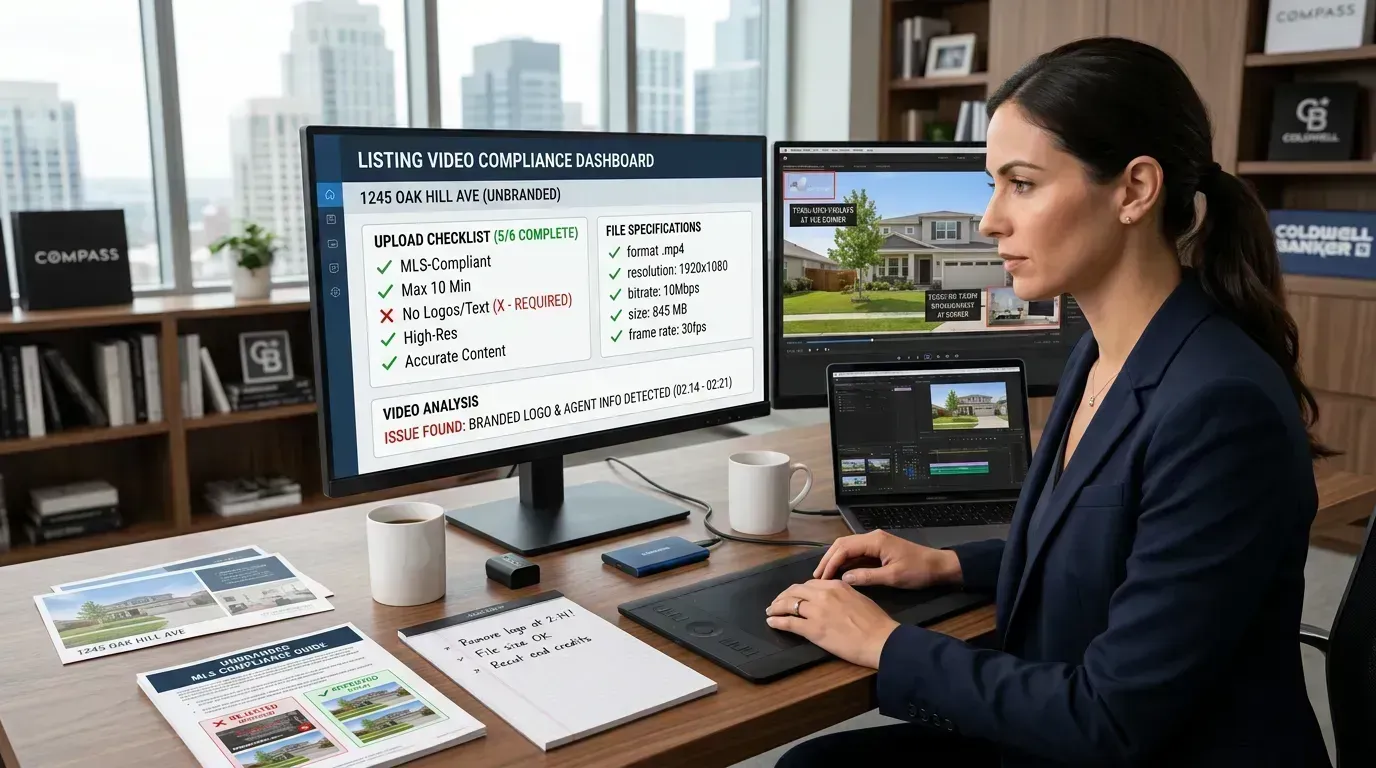
If your video was rejected by a portal or MLS system, it is almost always one of these five issues:
1. Branding on a no-branding platform. The most common rejection reason. Realtor.com, Redfin, and most local MLS systems prohibit agent logos, phone numbers, and brokerage branding in video. Use the unbranded version. If you only have a branded version, you will need to re-render without the overlay. (With Reel-E, you already have both versions from a single render.)
2. File too large. Realtor.com has a 100 MB limit. Some local MLS systems cap at 50 MB. If your 4K AI listing video exceeds the limit, use HandBrake (free, open-source) to compress to 1080p. You can usually get a 90-second listing video under 50 MB at 1080p without visible quality loss.
3. Wrong file format. MP4 with H.264 encoding works everywhere. If your file is MOV, AVI, or WebM, convert it to MP4 first. Reel-E outputs MP4 by default, so this is usually only an issue if you are re-encoding or using a different tool.
4. Copyrighted music detected. Some platforms run automated content ID checks. If your background music is flagged, the video may be muted or rejected. Reel-E's music library uses licensed tracks cleared for commercial use on all platforms. If you added music from another source, check its licensing terms.
5. Resolution too low. Most platforms require a minimum of 1080p (1920 x 1080). If you created a video from low-resolution photos, the output may fall below this threshold. Start with photos that are at least 1920 pixels wide. See our listing photography guide for camera settings that produce video-ready photos.
Regional MLS systems compared
Video support varies significantly across regional MLS systems. Here is a snapshot of the major networks:
| MLS System | Region | Video Upload | Max Size | Branding | Syndication |
|---|---|---|---|---|---|
| Bright MLS | Mid-Atlantic | Direct + URL | 500 MB | Unbranded only | Zillow, Realtor.com, Redfin |
| CRMLS | Southern CA | URL field only | N/A (hosted externally) | Unbranded for syndication | Zillow, Realtor.com |
| Stellar MLS | Florida | Direct + URL | 250 MB | Unbranded only | Zillow, Realtor.com, Redfin |
| NWMLS | Pacific NW | URL field | N/A | Varies by listing type | Zillow |
| MRED | Midwest (IL) | Direct + URL | 200 MB | Unbranded only | Zillow, Realtor.com |
| HAR | Houston | Direct + URL | 300 MB | Unbranded only | Zillow, Realtor.com, Redfin |
General rules of thumb: If your MLS offers a "Virtual Tour URL" field, paste a YouTube link to your horizontal unbranded AI listing video. If it offers direct upload, use the horizontal unbranded MP4. Always check your specific MLS documentation because rules change periodically, and enforcement varies by board.
For social media specs, see our platform-by-platform video specs guide. For the full creation process, check our guide to creating listing videos from photos. Compare all the top tools in our roundup of the best AI real estate video makers, or try our AI real estate video generator.
Four formats, zero re-editing
Reel-E renders horizontal branded, horizontal unbranded, vertical branded, and vertical unbranded from one upload. Every MLS and portal covered.
Try Reel-E FreeFrequently asked questions
Does Zillow accept video on listings?
Yes. Zillow accepts MP4 AI listing videos up to 250 MB. Branded content is allowed, making Zillow one of the most permissive platforms for listing video.
What video format does the MLS accept?
Most MLS systems accept MP4 with H.264 encoding, at least 1080p resolution. Maximum file sizes vary by platform, ranging from 50 MB to 500 MB. Check your specific MLS guidelines.
Can I put my branding on MLS videos?
Zillow allows branding. Realtor.com, Redfin, and most local MLS systems require unbranded video. AI listing video tools like Reel-E deliver both branded and unbranded versions in every render.
What aspect ratio should MLS videos be?
MLS and listing portals use 16:9 horizontal. Social media uses 9:16 vertical. Creating both ensures your AI listing video works everywhere.
Why was my listing video rejected by the MLS?
The five most common reasons: branded content on a no-branding platform, file too large, wrong format (not MP4), copyrighted music detected, or resolution below 1080p. See the troubleshooting section above for fixes.
How do I upload video to Zillow?
Through your Zillow Premier Agent account or listing management page. Navigate to Edit Listing, scroll to the Media section, and upload the horizontal branded MP4. Zillow processes video in 2 to 5 minutes.
Recommended Next Steps for Agents
If you want the safe default workflow, generate one horizontal unbranded export for MLS syndication, then keep separate branded and vertical versions for marketing. Pair this guide with our social media video specs, listing photos to video guide, and best real estate video makers roundup. If you want the tool that already gives you all four variants in one render, try our AI real estate video generator.