Key Takeaways
- Manual editing: 30-60 minutes per video. Full creative control, steep learning curve.
- Template tools: 15-30 minutes. Drag-and-drop, but every video looks the same.
- AI automation: Under 2 minutes. Upload photos, pick music, done. Cinematic camera motion included.
- The best method depends on your volume. If you list 3+ properties per month, AI automation pays for itself in time savings alone.
You can turn your listing photos into a professional property tour video in three ways: manual editing, template tools, or AI automation. The fastest method takes under two minutes. Here is how each approach works, what it costs, and which one fits your workflow.
Three ways to create listing videos from photos
| Method | Time | Skill needed | Cost |
|---|---|---|---|
| Manual editing | 30-60 min | Editing experience | Free (with software) |
| Template tools | 15-30 min | Basic drag-and-drop | $9-$59/mo |
| AI automation | Under 2 min | None | From $44/mo |
Method 1: Manual video editing
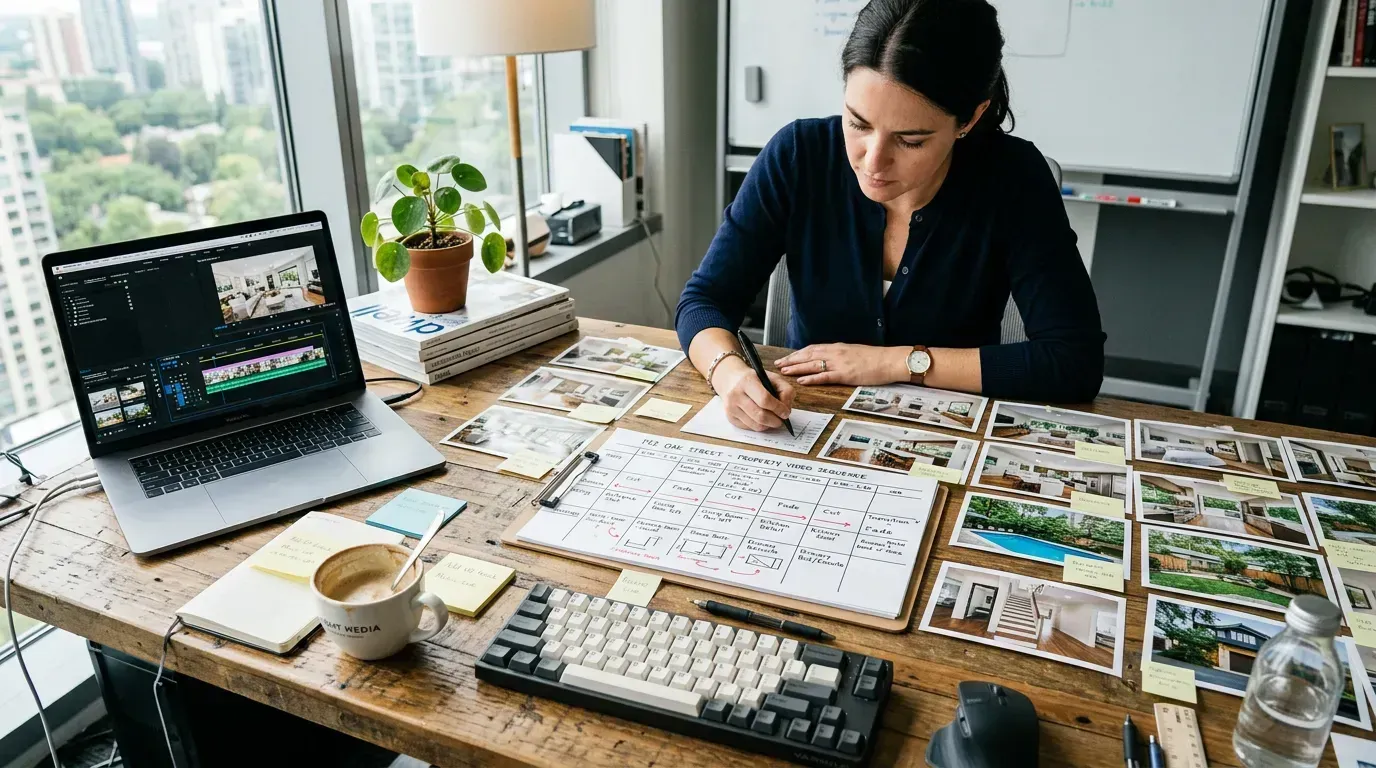
Tools like FlexClip, iMovie, or DaVinci Resolve give you full control. You import photos, arrange them on a timeline, set durations, add transitions, apply Ken Burns zoom effects, drop in music, and export. The result can be very good if you know what you are doing.
The steps:
- Import your photos into the editor
- Arrange on the timeline in walkthrough order: exterior first, then room by room
- Set each photo to display for 3 to 5 seconds
- Add cross-dissolve transitions between photos
- Apply slow zoom or pan (Ken Burns effect) to each photo
- Import a royalty-free music track and trim to length
- Export at 1080p or higher
Time investment: 30 to 60 minutes per video. If you create 10 listings per month, that is 5 to 10 hours of editing.
Method 2: Template-based tools
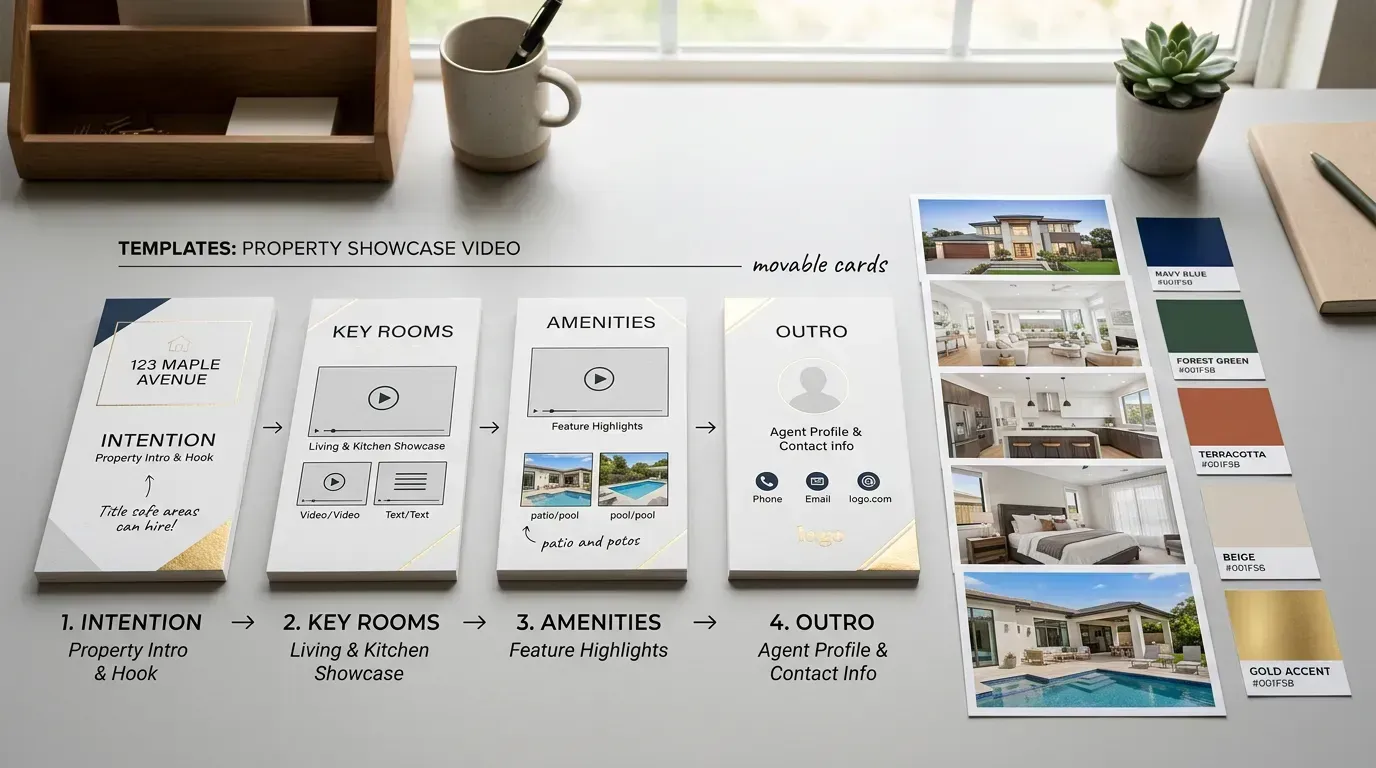
Tools like Animoto or Canva speed things up with pre-built templates. You pick a real estate template, upload your photos into the placeholder slots, customize text and colors, pick music, and export.
The steps:
- Pick a real estate video template
- Upload your listing photos into the template slots
- Customize text: property address, price, key features
- Choose music from the built-in library
- Preview, tweak, and export
Limitation: Templates give every video the same look. Your listing ends up looking like every other agent's video. There is no AI camera motion, just static photos in a slideshow format.
Method 3: AI-powered automation
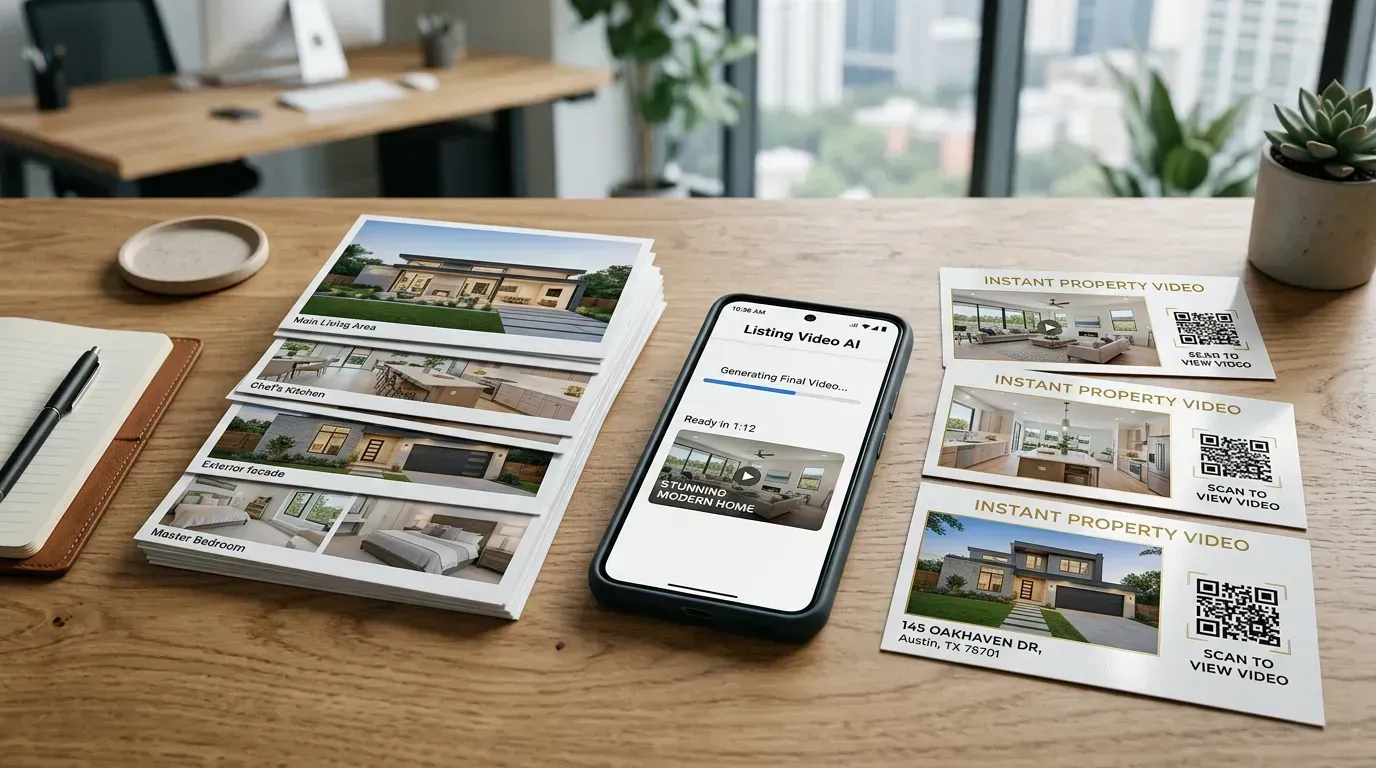
Tools like Reel-E skip the editor entirely. You upload your listing photos, pick a music track, add your branding, and the AI handles everything: cinematic camera motion on every photo, beat-synced transitions, speed ramps, and four video formats delivered simultaneously.
The steps:
- Upload 10 to 40 listing photos
- Pick your music (each track is pre-analyzed for tempo and beats)
- Add your logo and contact info
- Click create. The AI does the rest.
- Download horizontal and vertical versions for every platform
Total time: under two minutes with zero editing.
Which method is right for you?
Choose manual editing if you enjoy video editing, want full creative control, have 30-60 minutes per video, and only create a few videos per month.
Choose template tools if you want something easier than manual editing, have 15-30 minutes per video, and also need the tool for social media graphics.
Choose AI automation if you want cinematic results without editing, need videos in under 2 minutes, create multiple listings per month, and want beat-synced transitions with AI camera motion.
The 60-second rule: why shorter AI listing videos win
You have 25 beautiful photos and you want to use all of them. Resist the urge.
The data on video length is unambiguous. On Instagram Reels, videos under 30 seconds get 2x the completion rate of videos over 60 seconds. On TikTok, the algorithm rewards watch-through rate above all else, and shorter videos get watched to the end more often. On YouTube Shorts, the 60-second cap is built into the format. Even on MLS portals, Zillow's own analytics show that most buyers stop watching listing videos after 45 seconds.
Here is what that means for your AI listing video: 15 to 20 photos is the sweet spot. At 3 to 4 seconds per photo with beat-synced transitions, that gives you a 45 to 80 second video. Long enough to show every important room. Short enough to hold attention.
The math changes for luxury properties. A $2M waterfront estate with a wine cellar, theater room, and infinity pool can justify 25+ photos and a 90-second video because buyers at that price point expect a thorough tour. But for a typical 3BR/2BA in the $400K-$600K range? Tighter is better.
If you have 30+ great photos, pick the best 20. Save the rest for the photo gallery on the listing page. The video's job is not to replace the gallery. It is to make someone want to click through to the gallery. Think of it as a movie trailer, not the movie.
Photo ordering: the walkthrough principle
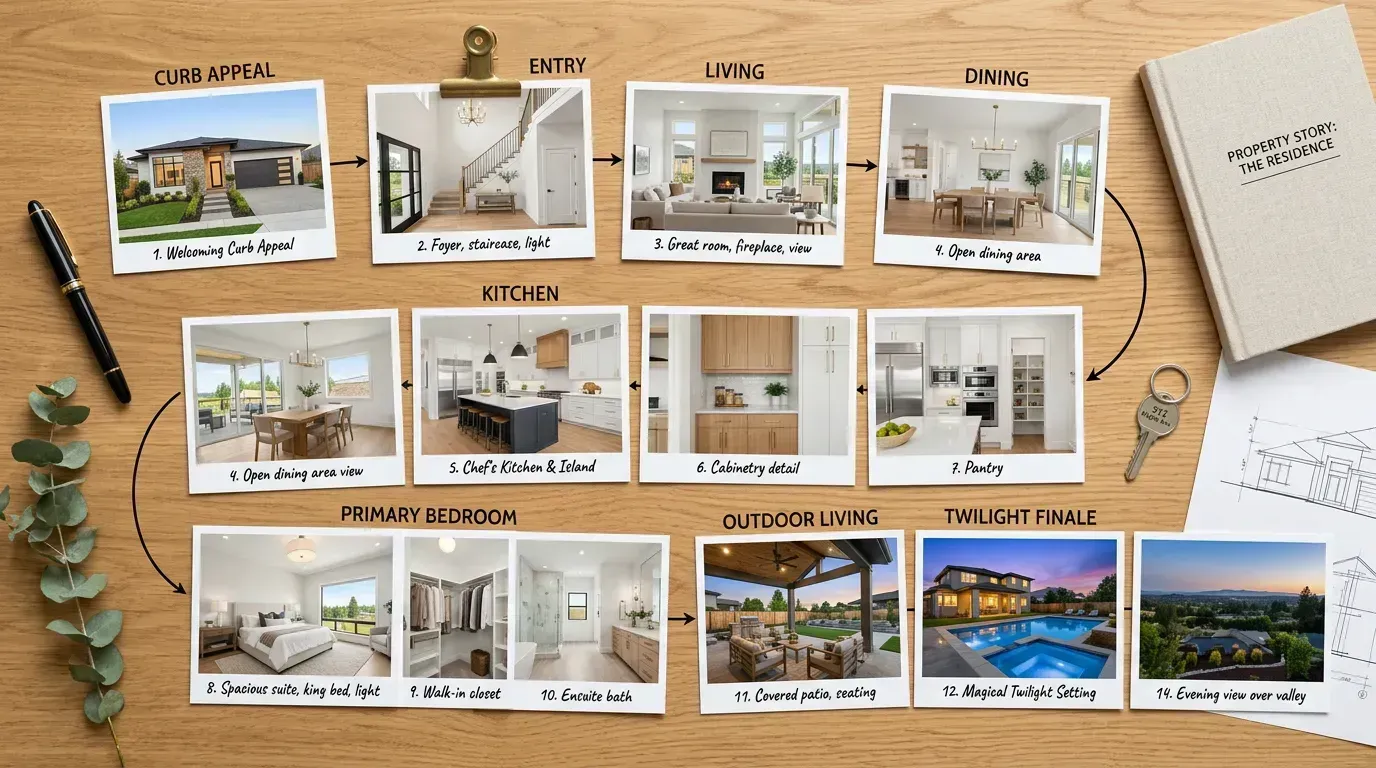
The order of your photos matters more than you think. A disorganized AI listing video feels like channel-surfing. A well-ordered one feels like a private tour.
Follow the walkthrough principle: arrange photos in the order a buyer would experience the home in person.
- Exterior hero shot. Start with curb appeal. This is the thumbnail on every platform, so make it count.
- Front door or entryway. Establish the transition from outside to inside.
- Main living areas. Living room, then kitchen, then dining room. These are the rooms buyers care about most.
- Secondary living spaces. Home office, media room, playroom. Whatever makes this home special.
- Bedrooms. Primary suite first (always), then secondary bedrooms.
- Bathrooms. Primary bath, then others. Skip bathrooms that do not photograph well.
- Utility spaces. Laundry room, garage (only if they are selling points).
- Outdoor spaces. Backyard, pool, patio, garden. Save the best outdoor shot for near the end.
- Closing hero shot. End with something dramatic: a sunset view, an aerial angle, or the best lifestyle shot of the property.
This order mirrors the mental model buyers build when they walk through a home during a showing. The video feels intuitive because it follows the same spatial logic. When you feed this ordering to an AI listing video tool, the camera motions and transitions reinforce the flow. An orbit in the living room followed by a push-in to the kitchen creates a natural sense of moving deeper into the home.
Common mistakes that ruin photo-to-video results
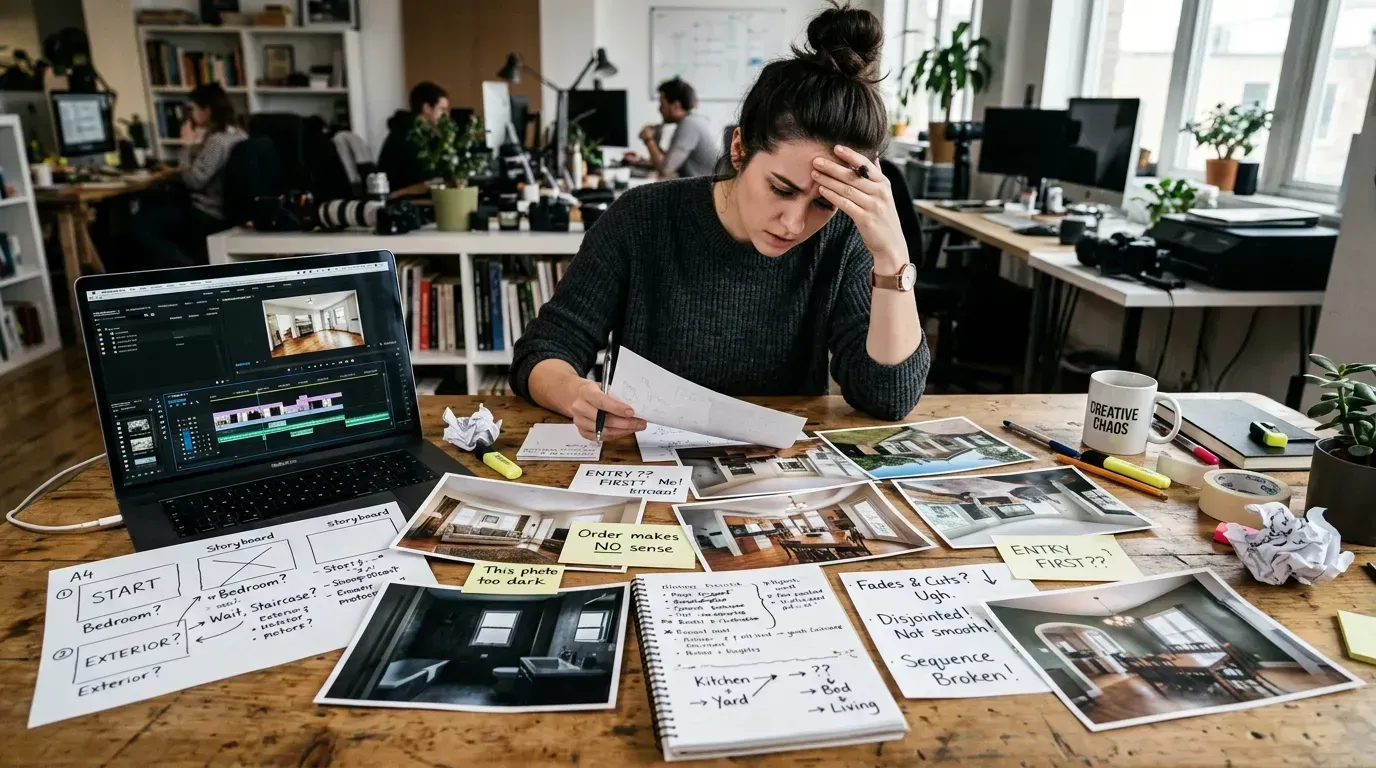
We have processed hundreds of thousands of listing photos. Here are the mistakes we see most often, and they are all fixable before you upload.
Mistake 1: Including every photo you took. Your photographer gave you 45 images. That does not mean your video needs 45 photos. Pick the 15 to 20 best shots. Two mediocre photos of the same bathroom do more damage than omitting the bathroom entirely. Quality always beats quantity in realtor video content.
Mistake 2: Starting with the bathroom. We see this more than you would think. Someone uploads photos in the order they were taken, and the photographer started with the powder room. Lead with impact. Exterior shot first, living room second. Nobody gets excited about a half-bath in the opening frame of a property tour.
Mistake 3: Mixing photo quality. If 18 of your 20 photos are professional-grade and 2 are blurry iPhone shots, those 2 will ruin the entire video. Every frame of an AI listing video gets processed with camera motion, and camera motion amplifies quality issues. Blur, noise, and poor exposure all become more obvious when the image is in motion. Either reshoot the weak photos or leave them out.
Mistake 4: Including staging clutter in close-ups. Wide shots can hide a lot. Close-ups cannot. If your detail shot of the kitchen island includes a visible power strip, a stack of mail, and someone's car keys, that is what viewers will notice when the AI pushes the camera in. Declutter before shooting. Especially for close-up detail shots.
Mistake 5: Ignoring aspect ratio. Vertical photos (portrait orientation) do not work well in horizontal video formats. Shoot all listing photos horizontally. The AI can crop and reframe horizontal photos for vertical output, but it cannot add pixels to the sides of a vertical photo to make it fit a 16:9 frame. Read our listing photography guide for more on shooting for video.
Tips for better listing videos
- Start with great photos. Good AI listing video starts with good photos. Use natural light and declutter every room. See our listing photography guide for details.
- Lead with your best shot. Viewers decide in the first 3 seconds whether to keep watching.
- Match music to the property. Luxury homes need elegant, slower music. Family homes need warm, upbeat tracks.
- Keep it under 60 seconds. Shorter videos get more views and shares on social media.
- Tell a story with order. Arrange photos like a walkthrough: outside, front door, room by room, backyard.
- Export for every platform. MLS needs horizontal. Instagram and TikTok need vertical. See our social media video specs guide and MLS video requirements.
Want to understand the technology behind AI listing video? Read how Reel-E's AI works. Or compare all the top tools in our roundup of the best AI real estate video software. Ready to try it? Use our AI real estate video generator.
Turn your listing photos into video now
Upload your photos and get four cinematic video variants in under 2 minutes. No editing skills required.
Create My Free VideoFrequently asked questions
How many photos do I need to make a listing video?
Most listing videos use 10 to 25 photos. Fewer than 10 can feel too short. More than 25 can feel too long. Aim for one or two strong shots per room, plus exterior and neighborhood photos.
What photo resolution works best for video?
Use photos that are at least 1920 x 1080 pixels. Higher resolution gives the AI more room to add camera motion without losing quality. Most MLS photos already meet this standard.
Can I use MLS photos or do I need new ones?
MLS photos work great. They are usually high resolution and well-lit. Just download your existing listing photos and upload them.
How long should a listing video be?
Keep it between 30 seconds and 90 seconds. Social media videos perform best under 60 seconds.
Do I need to add music to my listing video?
Music makes a big difference. It sets the mood and keeps viewers watching. Pick something upbeat but not distracting. Instrumental tracks work best for property tours.
Recommended Next Steps for Agents
Turn this strategy into a production workflow with AI real estate video, real estate video maker workflows, and listing video maker templates. For deeper tactical planning, review video marketing for real estate and real estate video statistics before your next campaign sprint.