You have a listing video ready to go. Now you need it inside your MLS listing so that every buyer, agent, and portal that syndicates from the MLS sees it. The problem is that every MLS handles video differently. Some have a direct upload field. Some only accept YouTube or Vimeo links. Some bury the option three menus deep and reject your file if the codec is slightly wrong.
This guide covers the exact steps for the seven most-used MLS platforms in the United States, plus a generic fallback workflow for any MLS not listed here. We include the file specs each system expects, the size limits that trip people up, and the most common rejection reasons so you can avoid the frustrating upload-fail-reformat-retry cycle.
If you want the broader picture on what MLS platforms require from video files, our MLS video requirements guide covers format specs, branding rules, and compliance across dozens of systems. This article is the tactical companion: open your MLS, follow the steps, get the video live.
Before You Upload: The Universal Checklist
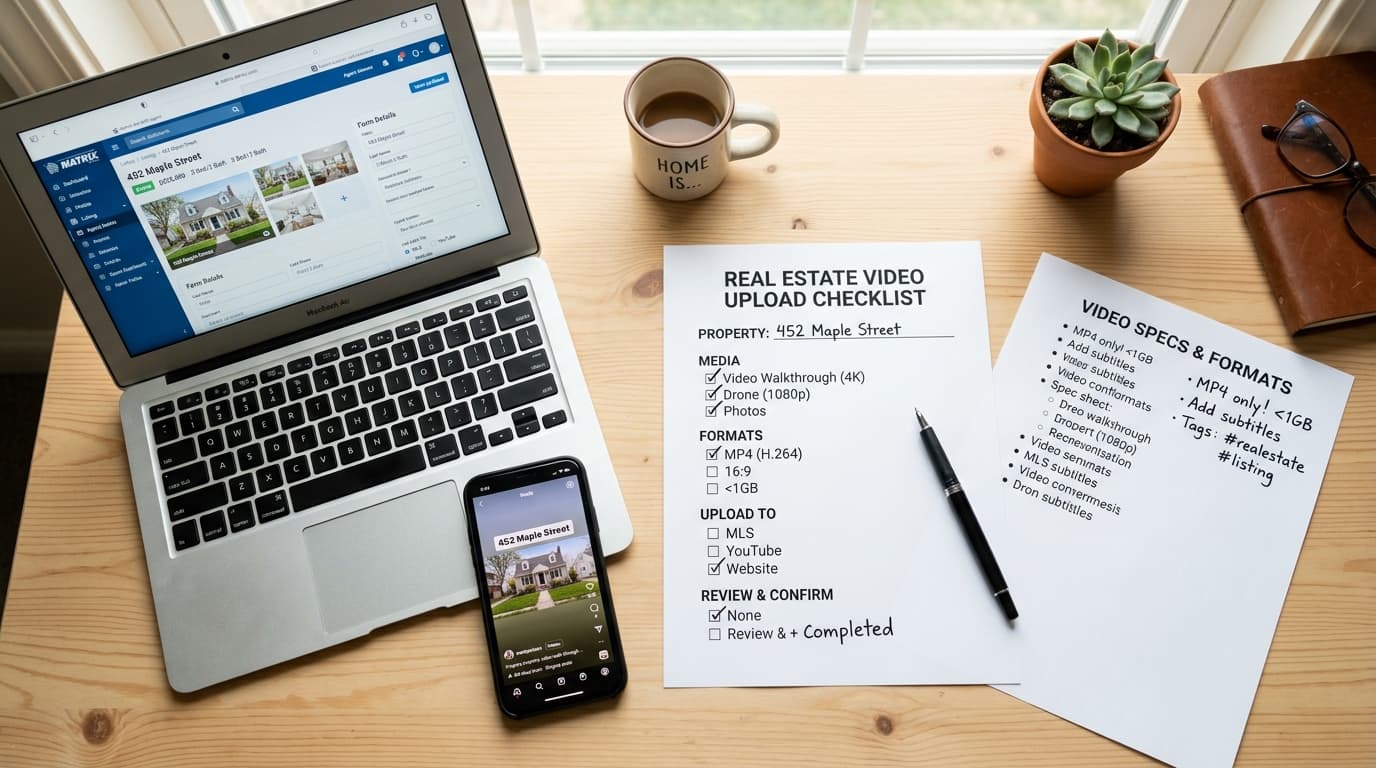
Regardless of which MLS you use, run through this checklist before you start the upload process. Most rejections happen because one of these items was off.
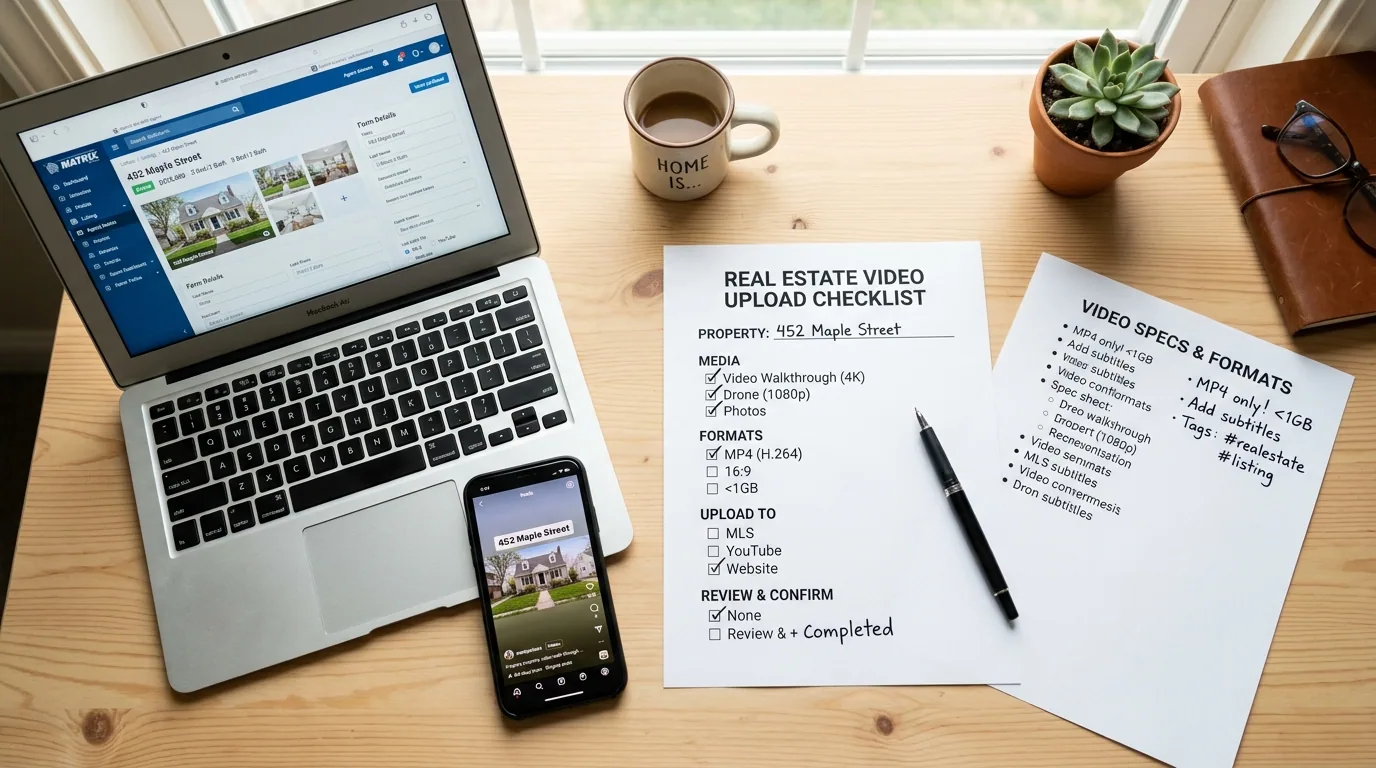
- File format: MP4 with H.264 video codec and AAC audio. This combination works on every major MLS. If your file is MOV, AVI, or WebM, convert it first.
- Resolution: 1920x1080 (1080p) is the safe default. Some systems accept 4K but re-encode it anyway, so 1080p saves upload time without losing visible quality on MLS portals.
- File size: Keep it under 500 MB. Most MLS platforms cap between 100 MB and 1 GB, but 500 MB handles the majority without issue. Under 250 MB is even safer for slower connections.
- Duration: Under 5 minutes. Many MLS systems cap at 5 or 10 minutes. A 60-to-120-second listing video is the sweet spot for buyer attention and platform compatibility.
- Frame rate: 24 fps or 30 fps. Avoid 60 fps unless the MLS explicitly supports it. Some older systems will reject or re-encode higher frame rates poorly.
- Audio: Stereo AAC at 128-256 kbps. If your video has no audio, some systems still want a silent audio track encoded. Tools like Reel-E include music and export with proper audio tracks by default.
- Filename: Use alphanumeric characters and hyphens only. No spaces, special characters, or accented letters. Good:
123-main-st-listing-video.mp4. Bad:123 Main St (Final v2!).mp4. - No branding violations: Many MLS systems require unbranded video for the MLS-distributed version. If your MLS has this rule, use the unbranded variant. Our MLS requirements guide lists which systems enforce this.
Bright MLS (Mid-Atlantic Region)
Bright MLS covers the mid-Atlantic corridor including Maryland, Virginia, Delaware, Pennsylvania, New Jersey, and Washington D.C. It serves roughly 100,000 agents, making it one of the largest MLS systems in the country.
How to upload video to Bright MLS
- Log in to BrightMLS.com and navigate to the listing you want to edit.
- Click Edit Listing, then select the Media tab.
- Scroll down past the photo upload area to the Virtual Tour / Video section.
- Bright MLS uses a URL-based system. You need to paste a link to your video hosted on YouTube, Vimeo, or another publicly accessible URL.
- Upload your video to YouTube (unlisted is fine) or Vimeo, copy the direct URL, and paste it into the Virtual Tour URL or Video URL field.
- Label the link appropriately (e.g., "Property Video Tour").
- Click Save.
Bright MLS video specs
| Spec | Requirement |
|---|---|
| Upload method | URL (YouTube, Vimeo, or direct link) |
| Supported formats | Any format accepted by your hosting platform |
| Max file size | N/A (depends on hosting platform) |
| Branding | Branded video allowed in the virtual tour URL field |
| Number of videos | Up to 2 virtual tour/video URLs per listing |
Common issues with Bright MLS
- Link not rendering: Make sure your YouTube video is set to "Unlisted" or "Public," not "Private." Private links will not embed.
- Vimeo privacy settings: If using Vimeo, enable "Allow embedding" in the video's privacy settings. Disable the "Only on sites I choose" restriction.
- URL format: Use the standard watch URL (e.g.,
https://www.youtube.com/watch?v=XXXXX), not a shortened link or playlist URL.
CRMLS (California Regional MLS)
CRMLS is the largest MLS in the United States by subscriber count, covering most of Southern California and parts of Central and Northern California. Over 110,000 agents use this system.
How to upload video to CRMLS
- Log in to CRMLSonline.com (or your branded CRMLS portal).
- Open the listing in Edit mode.
- Navigate to the Photos/Media section.
- Look for the Media or Supplement tab. CRMLS allows both URL-based video links and direct file uploads depending on your board's configuration.
- For URL-based upload: Paste a YouTube or Vimeo link into the Virtual Tour or Video URL field.
- For direct upload (if available): Click the media upload area and select your MP4 file. CRMLS uses Matrix or Paragon as the backend, so the interface may vary by board.
- Save the listing.
CRMLS video specs
| Spec | Requirement |
|---|---|
| Upload method | URL (primary) or direct upload (board-dependent) |
| Supported formats | MP4 (H.264) for direct upload; any for URL |
| Max file size | 100 MB for direct upload |
| Max duration | 5 minutes recommended |
| Branding | CRMLS rules vary by board. Check your local association's media policy. Many boards allow branded video in the virtual tour field but require unbranded photos. |
| Number of videos | Typically 1-2 video URLs; 1 direct upload |
Common issues with CRMLS
- Board-specific interfaces: CRMLS is a federation of local boards. The exact location of the video field depends on whether your board uses Matrix, Paragon, or another frontend. If you cannot find the video field, check under "Supplements" or "Virtual Tours."
- 100 MB limit: If your video exceeds 100 MB for direct upload, compress it or use the URL method instead. A 90-second 1080p video at a reasonable bitrate should stay under 100 MB.
- Syndication lag: After saving, it can take 15-60 minutes for the video to appear on syndicated portals like Zillow and Realtor.com.
Stellar MLS (Florida)
Stellar MLS (formerly My Florida Regional MLS) covers most of Central and Southwest Florida, serving around 70,000 agents. It is the dominant system in the Orlando, Tampa, and Sarasota markets.
How to upload video to Stellar MLS
- Log in to StellarMLS.com.
- Open the listing and click Edit.
- Go to the Media tab.
- Scroll to the Virtual Tour fields. Stellar MLS provides two virtual tour URL fields.
- Paste your YouTube or Vimeo video URL into the Virtual Tour 1 or Virtual Tour 2 field.
- Some Stellar MLS boards also support direct video file upload under a Documents/Media section. If this is available, upload your MP4 directly.
- Click Save and verify the video appears in the listing preview.
Stellar MLS video specs
| Spec | Requirement |
|---|---|
| Upload method | URL (YouTube/Vimeo) in Virtual Tour fields; some boards support direct upload |
| Supported formats | MP4 (H.264) for direct upload |
| Max file size | 200 MB for direct upload where available |
| Branding | Branded video generally allowed in virtual tour URL fields |
| Number of videos | 2 virtual tour URL fields |
Common issues with Stellar MLS
- Virtual tour vs. video confusion: Stellar MLS labels the video fields as "Virtual Tour" even when you are adding a standard listing video. Use those fields.
- YouTube embed restrictions: If your video shows as a broken link, check that the YouTube video allows embedding. Go to YouTube Studio, then the video's Visibility settings.
- Florida-specific branding rules: While Stellar MLS is relatively flexible, some local associations within the Stellar system have stricter branding requirements. Confirm with your board before uploading a heavily branded video.
NWMLS (Northwest MLS, Washington State)
NWMLS serves the Pacific Northwest, primarily the Seattle metro area and surrounding Washington State counties. Roughly 32,000 agents use this system.
How to upload video to NWMLS
- Log in to NWMLS.com (Matrix system).
- Open your listing in edit mode.
- Navigate to the Media tab.
- Look for the Virtual Tour URL field. NWMLS uses a URL-based system for video.
- Upload your video to YouTube or Vimeo, then paste the URL into the Virtual Tour field.
- NWMLS also supports a second virtual tour URL field if you have a separate 3D tour or additional video.
- Save the listing.
NWMLS video specs
| Spec | Requirement |
|---|---|
| Upload method | URL only (YouTube, Vimeo) |
| Supported formats | Any format supported by your hosting platform |
| Max file size | N/A (hosting platform limits apply) |
| Branding | NWMLS allows branded video in virtual tour fields. However, video must not contain misleading information or violate fair housing guidelines. |
| Number of videos | 2 virtual tour URL fields |
Common issues with NWMLS
- Matrix interface navigation: The video field is nested inside the Media tab, not the main listing details. New agents often miss it.
- URL validation: NWMLS validates the URL format. Make sure you are pasting a complete URL including
https://. Partial URLs or shortened links may be rejected. - Syndication to Zillow/Redfin: NWMLS syndicates to Redfin (headquartered in Seattle) and Zillow. Videos attached via the virtual tour field typically carry through to both portals, but allow 1-2 hours for propagation.
MLS PIN (New England)
MLS PIN (MLS Property Information Network) covers Massachusetts, Connecticut, Rhode Island, and parts of other New England states. It serves over 45,000 agents.
How to upload video to MLS PIN
- Log in to MLSPIN.com.
- Open your listing and enter Edit mode.
- Navigate to the Photos & Media section.
- Find the Virtual Tour field. MLS PIN uses URL-based video attachment.
- Upload your video to YouTube or Vimeo and paste the URL into the Virtual Tour URL field.
- MLS PIN also offers a Media URL field that can accept direct video links from hosted platforms.
- Save the listing and preview to confirm the video renders correctly.
MLS PIN video specs
| Spec | Requirement |
|---|---|
| Upload method | URL (YouTube, Vimeo, or direct hosted link) |
| Supported formats | Any format on hosting platform |
| Max file size | N/A (hosting platform limits) |
| Branding | Check with your local board. Many New England associations allow branded video in virtual tour fields but have specific rules about agent contact information placement. |
| Number of videos | 1-2 URL fields depending on listing type |
Common issues with MLS PIN
- Older interface: MLS PIN's editing interface can feel dated. The virtual tour field is sometimes on a separate tab from photos. Look for "Virtual Tour" or "Media Links" in the navigation.
- State-specific fair housing: Massachusetts has strict fair housing disclosure requirements. Make sure your video does not inadvertently highlight or exclude neighborhood demographics.
- Slow propagation: MLS PIN syndication to national portals can take longer than other MLS systems. Allow up to 24 hours for the video to appear on third-party sites.
HAR (Houston Association of Realtors)
HAR.com is both an MLS system and a consumer-facing portal in the Houston metro area. It is unique because HAR.com itself functions as a high-traffic property search site, so your video gets direct consumer exposure. Over 46,000 agents use HAR.
How to upload video to HAR
- Log in to HAR.com using your agent credentials.
- Go to My Listings and select the listing you want to edit.
- Click Edit and navigate to the Photos & Media section.
- HAR supports direct video upload in addition to URL-based links. Look for the Video upload area below the photo gallery.
- For direct upload: Click the video upload button, select your MP4 file, and wait for the upload to complete. HAR will transcode the video automatically.
- For URL method: Paste a YouTube or Vimeo link into the Virtual Tour / Video URL field.
- Save the listing. HAR.com will display the video directly on the property detail page.
HAR video specs
| Spec | Requirement |
|---|---|
| Upload method | Direct upload (preferred) or URL |
| Supported formats | MP4, MOV (MP4 with H.264 recommended) |
| Max file size | 500 MB for direct upload |
| Max duration | 10 minutes |
| Resolution | 1080p recommended; 4K accepted but re-encoded |
| Branding | Branded video allowed on HAR.com |
| Number of videos | Up to 3 per listing (direct upload + URLs) |
Common issues with HAR
- Transcoding delay: After direct upload, HAR transcodes the video for web playback. This can take 5-30 minutes. Do not panic if the video does not appear immediately.
- MOV files: While HAR accepts MOV, the transcoding is more reliable with MP4. Convert to MP4 before uploading to avoid quality loss during transcoding.
- File size: Houston agents filming with drones sometimes produce 1-2 GB files. Compress to under 500 MB before attempting the upload. HAR will silently fail on oversized files without a clear error message.
ARMLS (Arizona Regional MLS)
ARMLS covers the Phoenix metro area and much of Arizona, serving about 50,000 agents. It is one of the more video-friendly MLS platforms.
How to upload video to ARMLS
- Log in to ARMLS.com (Flexmls system).
- Open your listing and click Edit Listing.
- Navigate to the Media section.
- Look for Virtual Tour/Video fields. ARMLS provides dedicated fields for video URLs.
- ARMLS supports both YouTube/Vimeo URLs and direct video links from hosted platforms.
- Paste your video URL into the appropriate field. ARMLS labels them as "Virtual Tour URL 1" and "Virtual Tour URL 2."
- Save the listing. The video will display on ARMLS and syndicate to connected portals.
ARMLS video specs
| Spec | Requirement |
|---|---|
| Upload method | URL (YouTube, Vimeo, direct hosted link) |
| Supported formats | Any format on hosting platform |
| Max file size | N/A (hosting platform limits) |
| Branding | Branded video allowed. ARMLS has relatively permissive media rules, but video cannot contain misleading property information. |
| Number of videos | 2 virtual tour/video URL fields |
Common issues with ARMLS
- Flexmls interface: The Flexmls system organizes media differently than Matrix. The video fields are in the "Media" section, not a separate "Virtual Tour" tab.
- Direct link hosting: If you use a direct video URL (not YouTube/Vimeo), make sure the link points to the actual video file or an embeddable page. A link to a page that requires login will not work.
- Arizona heat and drone footage: Not an MLS issue per se, but Arizona agents frequently use drone footage that produces very large files. Compress before uploading to your hosting platform to avoid slow YouTube processing times.

Generic MLS Instructions (Any MLS Platform)
If your MLS is not listed above, do not worry. Most MLS platforms in the US follow one of two patterns, and the upload process is fairly predictable once you know which pattern yours uses.
Pattern 1: URL-based (most common)
About 80% of MLS platforms use URL-based video attachment. Here is the generic workflow:
- Upload your video to YouTube (set to Unlisted or Public) or Vimeo.
- Log in to your MLS and open the listing in edit mode.
- Look for any of these field labels: "Virtual Tour URL," "Video URL," "Media Link," "Virtual Tour 1/2," or "Supplement."
- Paste the full YouTube or Vimeo URL (include
https://). - Save the listing.
Pattern 2: Direct file upload
A growing number of MLS platforms (especially newer systems or those that have upgraded recently) support direct video file uploads:
- Log in to your MLS and open the listing in edit mode.
- Navigate to the Media, Photos, or Documents tab.
- Look for a video upload area, often below the photo upload section or in a "Media" sub-tab.
- Select your MP4 file. Wait for the upload progress bar to complete.
- Save the listing.
If you cannot find the video field
Some MLS platforms hide video functionality or require your broker to enable it. Try these steps:
- Search your MLS help documentation for "video" or "virtual tour."
- Check under "Supplements," "Attachments," or "Additional Media" sections.
- Contact your MLS help desk. Many agents do not realize video upload is available because they have never been shown where the field is.
- Ask your broker or office admin. Some MLS systems restrict media upload permissions to certain account types.
YouTube Upload Tips for MLS Video
Since most MLS platforms use URL-based video, YouTube is the de facto hosting platform for MLS video. Here are the settings that matter:
- Visibility: Set to Unlisted. This means anyone with the link can view it (which is what MLS portals need), but it will not appear in YouTube search results or on your channel's public page. If you want the SEO benefit on YouTube too, set it to Public.
- Embedding: Make sure "Allow embedding" is turned ON in YouTube Studio under the video's details. This is on by default, but some agents turn it off accidentally.
- Title and description: Use the property address as the title. YouTube processes the video faster when the metadata is filled out. This also helps if you use Public visibility for SEO.
- Comments: Turn off comments unless you want to monitor them. Listing videos on YouTube attract spam comments.
- URL format: Copy the URL from the browser address bar (e.g.,
https://www.youtube.com/watch?v=XXXXX). Do not use the "Share" shortened URL (youtu.be/XXXXX) because some MLS systems do not recognize it.
Common Rejection Reasons Across All MLS Platforms
After helping tens of thousands of agents get listing videos live, these are the rejection reasons that come up over and over. Knowing them in advance saves you a support ticket and a frustrating afternoon.
| Rejection Reason | What Happened | How to Fix It |
|---|---|---|
| Unsupported file format | You uploaded a MOV, AVI, WMV, or WebM file to a system that only accepts MP4. | Convert to MP4 (H.264 + AAC) using HandBrake, Adobe Media Encoder, or any video converter. Or use a tool like Reel-E that exports MLS-ready MP4 by default. |
| File too large | Your video exceeds the MLS file size limit (often 100-500 MB). | Reduce bitrate, shorten duration, or compress the file. A 90-second 1080p video should be well under 100 MB at a reasonable bitrate. |
| Video too long | Some systems cap video at 5 or 10 minutes. | Trim to under 5 minutes. For optimal listing video length, 60-120 seconds performs best anyway. |
| Broken video URL | The YouTube/Vimeo link is private, deleted, or does not allow embedding. | Set YouTube to Unlisted or Public. Enable embedding in Vimeo settings. Test the link in an incognito browser window before pasting into MLS. |
| Missing audio track | Some MLS transcoders fail on video files with no audio stream. | Add a silent audio track if your video has no music. Most video editing tools can do this on export. |
| Wrong codec | Your MP4 uses H.265 (HEVC) instead of H.264. Some MLS systems do not support H.265 yet. | Re-export with H.264 codec. This is the default in most editing software, but iPhone recordings in "High Efficiency" mode use H.265. |
| Branding violation | Your MLS requires unbranded media in certain fields, but your video has a brokerage logo overlay. | Upload the unbranded variant. If you use Reel-E, every project generates both branded and unbranded versions automatically. |
| Special characters in filename | The filename contains spaces, parentheses, or unicode characters that the upload system cannot handle. | Rename the file using only letters, numbers, and hyphens before uploading. |
How to Get an MLS-Ready Video in 2 Minutes
The upload process is actually the easy part. The harder part for most agents is having a video ready to upload in the first place. Traditional video production means hiring a videographer, waiting days for editing, and paying $200-$500+ per listing. That math only works for high-end inventory.
For the other 90% of listings, AI real estate video tools solve this. You already have the listing photos. The video is the missing piece.
Reel-E turns your listing photos into a finished, music-synced property video in about 2 minutes. Here is why that matters for MLS uploads specifically:
- MP4 (H.264 + AAC) by default. Every export is MLS-compatible out of the box. No converting, no compressing, no codec headaches.
- Four variants per project. You get horizontal branded, horizontal unbranded, vertical branded, and vertical unbranded. Use the unbranded horizontal version for MLS systems that require it, and the branded versions for your website, email, and social media.
- Right duration. Reel-E videos are optimized for the 60-120 second range, which fits within every MLS duration cap and matches the attention span of online property browsers.
- Proper file size. Output files are compact enough for even the strictest MLS upload limits while maintaining 1080p quality.
The workflow is simple: upload your listing photos to Reel-E, pick music, and the AI handles the rest. Download your MLS-ready MP4, upload it to your MLS (or paste the hosted link), and the listing goes live with video. The whole process, start to finish, takes less time than writing the listing description.
If you want to see this in action, here is how the full process works. Or if you are ready to try it: start a Reel-E project and turn your next listing's photos into a finished video before the listing hits the MLS.
Frequently Asked Questions
Can I add video to any MLS listing?
Almost every modern MLS supports video attachment, either through direct file upload or a URL field for YouTube/Vimeo links. If your MLS does not have an obvious video field, check under "Virtual Tour," "Supplements," or "Media Links." Contact your MLS help desk if you still cannot find it.
What video format do MLS systems accept?
MP4 with H.264 video codec and AAC audio is the universal standard. This format works on every major MLS platform. Avoid MOV, AVI, WMV, and H.265 unless your specific MLS explicitly supports them.
What is the maximum video file size for MLS?
It varies by platform. Most MLS systems that accept direct uploads cap between 100 MB and 1 GB. The safe target is under 500 MB. If you use the URL method (YouTube/Vimeo), the MLS has no file size limit since the video is hosted externally.
Should I upload video directly to MLS or use a YouTube link?
If your MLS supports direct upload and your file is under the size limit, direct upload is simpler. If your MLS only supports URLs, or if your file is large, upload to YouTube (Unlisted) and paste the link. The YouTube method also gives you a backup copy and a link you can share separately.
Does my MLS video need to be unbranded?
It depends on your MLS. Some systems require unbranded media (no agent or brokerage logos) in the primary listing media fields. Others allow branding in virtual tour URL fields. Check your MLS rules or read our MLS video requirements guide for specifics. Using a tool that generates both branded and unbranded versions covers you either way.
How long should my MLS listing video be?
Keep it between 60 and 120 seconds. This fits within every MLS duration limit and matches buyer attention spans. Our video length guide covers optimal duration by platform and property type.
Why is my YouTube video not showing on my MLS listing?
The most common causes: the video is set to "Private" (change to "Unlisted"), embedding is disabled in YouTube Studio, or you pasted a shortened URL that the MLS does not recognize. Test your link in an incognito browser window first.
Can I add video to MLS listings on Zillow and Realtor.com?
Zillow and Realtor.com are not MLS systems. They are consumer portals that syndicate from your MLS. When you add video to your MLS listing, it typically syndicates automatically to Zillow, Realtor.com, Redfin, and other portals. Allow 1-24 hours for propagation. For more details, check our guide on uploading video to Zillow, MLS, and Realtor.com.
How do I make a listing video if I do not have one?
You do not need to hire a videographer. Reel-E's listing video maker creates professional property videos from your existing listing photos in about 2 minutes. Every export is MLS-ready (MP4, 1080p, proper codec and audio).
Will adding video to my MLS listing help it sell faster?
Data suggests yes. Listings with video receive significantly more views and engagement on portals. Our analysis of video listings and sale speed covers the research. At minimum, video makes your listing stand out in search results on portals that display video thumbnails.