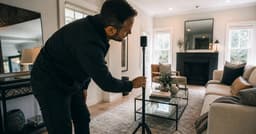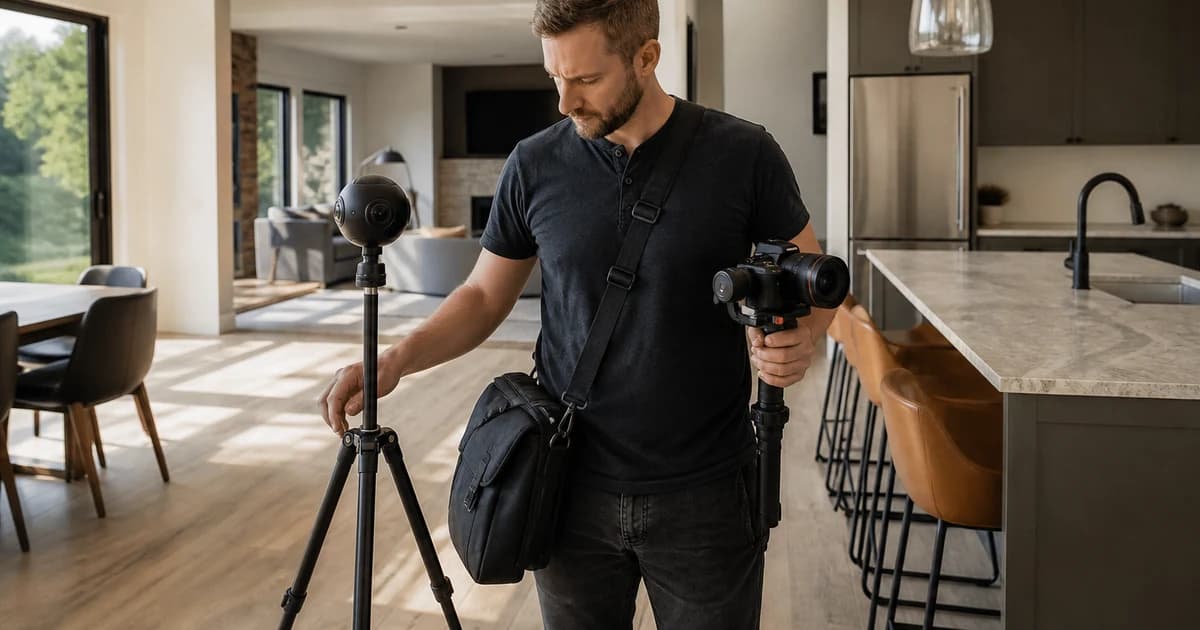
A listing video and a virtual tour are often forced into a fake cage match. They do different jobs. Video creates a guided first impression; a tour lets an interested viewer inspect. Asking which one wins without naming the buyer's next question is like asking whether a trailer is better than a map.
I have produced linear property stories for residential, commercial, and resort projects, and I now operate a platform built around that format. Video is excellent at guiding attention. It is not an interactive floor plan, and pretending otherwise makes both formats less useful.
Who this is for: agents and property marketers deciding which visual format to commission, or whether the two should work together.
Research note: Researched from current Zillow tour documentation and Reel-E's observed product workflow. Platform performance claims are scoped to the cited platform and period.

Pick the Format by Viewer Job
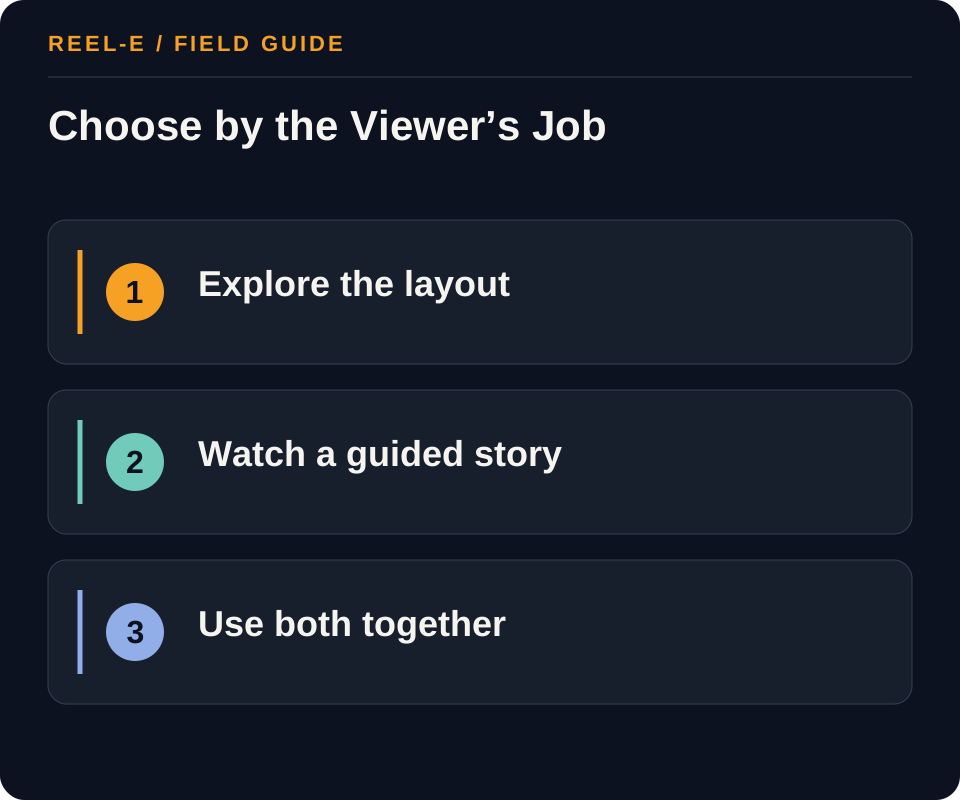
Ask what the viewer needs next. If they need a reason to care, video usually leads. If they need to inspect how the space connects, a tour usually earns its keep. Some properties deserve both, but they should not perform the same job twice.
| Path | Use It When | Reconsider It When |
|---|---|---|
| Virtual Tour | Layout, remote screening, units, common areas, or spatial confidence is the main need. | The primary goal is short-form discovery, a curated feature story, or broad channel reuse. |
| Listing Video | The team needs a paced story that can travel across social, email, websites, and presentations. | The viewer must inspect every room or navigate the layout independently. |
| Both | The property has meaningful layout complexity and also needs campaign-ready discovery assets. | The extra deliverable has no owner, distribution plan, or measurable buyer job. |
Virtual Tour
- Best Fit: Layout, remote screening, units, common areas, or spatial confidence is the main need.
- Pause If: The primary goal is short-form discovery, a curated feature story, or broad channel reuse.
- Review: Asset visitors who take the defined next step, such as opening the tour, saving, inquiring, or booking. Improve the handoff and call to action before replacing the format.
- Control: Duplicated Deliverables. Assign discovery to video and self-directed inspection to the tour.
Listing Video
- Best Fit: The team needs a paced story that can travel across social, email, websites, and presentations.
- Pause If: The viewer must inspect every room or navigate the layout independently.
- Review: Starts reaching the final quarter, segmented by channel and duration. Change opening, length, or channel cut.
- Control: Unsupported Platform Assumptions. Verify hosting, embedding, branding, MLS, and expiration rules before production.
Both
- Best Fit: The property has meaningful layout complexity and also needs campaign-ready discovery assets.
- Pause If: The extra deliverable has no owner, distribution plan, or measurable buyer job.
- Review: Meaningful room/panorama interactions or time, where the platform exposes them. Fix navigation, panorama placement, or audience routing.
- Control: Unreviewed Private or Material Details. Inspect every frame and panorama and follow current platform and listing rules.
How I Separate the Two Jobs
Video Makes an Argument
The editor chooses the first impression, the reveal, the pace, and the emotional arc. That control is powerful for discovery, social distribution, email, and a concise property page introduction.
A Tour Lets the Viewer Wander
Interaction helps a serious viewer revisit rooms and understand adjacency. It also means the marketer gives up control of sequence, which is not a flaw. It is the point.
Both Works When the Handoff Is Clear
A short video can create interest and send the viewer into the tour for detail. The combination fails when the video becomes a slow room-by-room imitation of the tour and the tour is buried without context.
One More Question Before You Buy Both
Will the Property Page Explain the Choice?
When both formats appear, label them by what the viewer can do. A short invitation such as ‘Watch the two-minute overview’ beside ‘Explore the floor plan and rooms’ is clearer than presenting two thumbnails with no hierarchy. The page should help a casual visitor start quickly and let an interested visitor go deeper without requiring either person to decode the media package.
How I Would Brief a Combined Package
Give the Video Four or Five Ideas
Choose the arrival, strongest room or relationship, a meaningful feature, location or exterior context, and the closing reason to act. Let music and sequence create a concise first impression. The video does not need to prove that every closet was photographed. Its job is to help the viewer understand the property quickly enough to want the next layer.
Give the Tour the Inspection Questions
Plan panorama positions and navigation around room connections, stairs, circulation, storage, outlook, and any area that a serious viewer may revisit. Review private details and confirm what the platform displays. The tour should reward curiosity with accurate spatial information. When both assets use the same property brief, the video can stay selective without leaving the buyer stranded.
Cost Is More Than the Shoot Day
Compare the Full Life of Each Asset
Include capture, editing or processing, hosting, floor-plan or hotspot work, versions, accessibility support, client review, property updates, and the channels that can use the result. Video often travels easily but becomes stale when facts or branding change. A hosted tour may remain useful on the property page but carry an ongoing platform dependency. The right comparison follows the campaign, not only the invoice that arrived first.
Plan for the Property to Change
Occupied rooms, construction, staging, seasonal exteriors, price, availability, and access can change after capture. Decide which format can be updated, what requires a reshoot, who owns the hosted destination, and when the asset should be removed. This is especially important when a tour exposes more detail than the campaign expected. A complete spatial record deserves a more deliberate retirement plan than an expired social post.
Accessibility Deserves a Real Plan
Do Not Make Motion or Interaction the Only Path
Support video with captions or a useful transcript where speech or text carries information, provide controls, and avoid critical facts that appear only briefly on screen. Support the tour with stills, plans, descriptive property copy, and a usable contact path. Verify the actual player and platform experience. The goal is not to declare one format accessible by category. It is to give people more than one reliable way to understand the property.
Where Video Ends and Exploration Begins
Separate Guided Persuasion from Self-Directed Inspection
A listing video controls sequence, pace, emphasis, sound, and emotional framing. A 3D or virtual tour gives the viewer control to inspect room relationships and revisit details. Choose video when story, setting, reveal, or agent explanation matters. Choose a tour when spatial self-navigation and remote qualification matter. Use both when guided discovery should lead to detailed inspection.
Name whether the job is discovery, persuasion, spatial inspection, or qualification.
Treat Performance Claims Cautiously
Platform and vendor studies can be useful, but sample, comparison group, selection, market, and outcome definition matter. Independent evidence summarized by Harvard Business School found that tours did not simply cause higher prices or faster sales across the studied transactions. Present tours as a viewer and operations choice, not a guaranteed premium, and attach scope and limitations to every statistic.
Reconcile vendor claims with independent evidence before publication.
Compare Lifecycle and Use a Two-Stage Path
Video requires editing, versions, hosting, captions, and retirement. Tours require compatible capture, processing, hosting, navigation QA, privacy review, and potentially recurring fees. Compare launch time, mobile performance, accessibility, unbranded needs, analytics, update burden, and closure. When both fit, lead with concise video and route to an owned property page that contains accurate details and the interactive tour.
Test one video-to-property-page-to-tour path end to end.
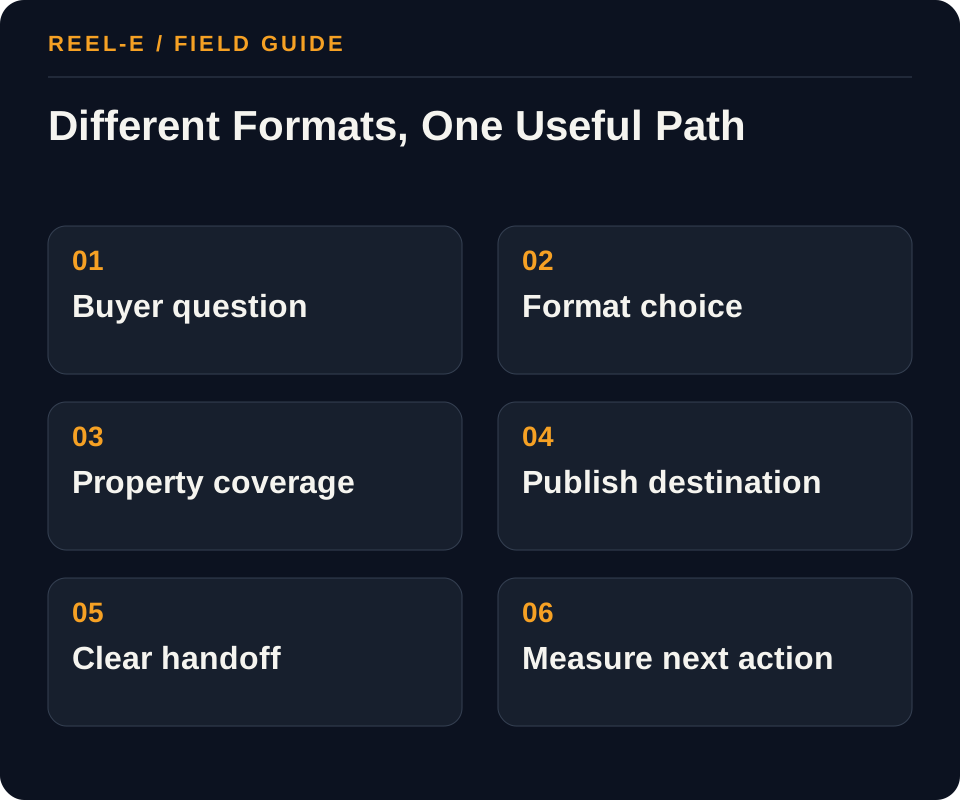
Build a Two-Format Journey Without Duplicating Work
Plan the formats together even when different vendors produce them. One property brief should control feature priorities, privacy, staging, delivery destinations, and the handoff between attention and inspection.
1. Identify the Uncertainty
List the questions photos and copy do not resolve. Spatial uncertainty points toward a tour; attention and narrative problems point toward video. Do not buy both merely to make a package look premium.
- Record: Primary Uncertainty in the Format Decision Matrix
- Control: Assign discovery to video and self-directed inspection to the tour.
- Review: Asset visitors who take the defined next step, such as opening the tour, saving, inquiring, or booking. Improve the handoff and call to action before replacing the format.
2. Map Distribution
Write where the asset must appear: listing portal, MLS link, website, email, social feed, paid campaign, sales presentation, or text message. Confirm the platform's branding, embed, expiration, download, and syndication rules.
- Record: Video Role in the Combined Launch Checklist
- Control: Verify hosting, embedding, branding, MLS, and expiration rules before production.
- Review: Starts reaching the final quarter, segmented by channel and duration. Change opening, length, or channel cut.
3. Design Separate Jobs
If using both, let the video introduce the property, establish the strongest value, and route interested viewers to the self-directed tour. Avoid duplicating a room-by-room walkthrough in both formats.
- Record: Story Control in the Format Decision Matrix
- Control: Inspect every frame and panorama and follow current platform and listing rules.
- Review: Meaningful room/panorama interactions or time, where the platform exposes them. Fix navigation, panorama placement, or audience routing.
4. Create the Capture Plan
Coordinate stills, panorama positions, video aspect ratios, and feature priorities before the shoot. One shared property brief prevents conflicting staging, missed rooms, and repeated travel.
- Record: Property Page in the Combined Launch Checklist
- Control: Define the next action for each format before launch.
- Review: Asset visitors who take the defined next step, such as opening the tour, saving, inquiring, or booking. Improve the handoff and call to action before replacing the format.
5. Build the Handoff
Name the owner for hosting, MLS submission, embed code, unbranded link, social exports, captions, accessibility, expiration, updates, and archive. A technically finished asset can still fail if nobody owns distribution.
- Record: Platform Support in the Format Decision Matrix
- Control: Assign discovery to video and self-directed inspection to the tour.
- Review: Starts reaching the final quarter, segmented by channel and duration. Change opening, length, or channel cut.
6. Measure the Right Behavior
For a tour, track opens, engagement, room navigation, and qualified next actions where available. For video, track starts, completion, clicks, and channel-specific actions. Do not compare unlike metrics as if they measure the same job.
- Record: Mobile QA in the Combined Launch Checklist
- Control: Verify hosting, embedding, branding, MLS, and expiration rules before production.
- Review: Meaningful room/panorama interactions or time, where the platform exposes them. Fix navigation, panorama placement, or audience routing.
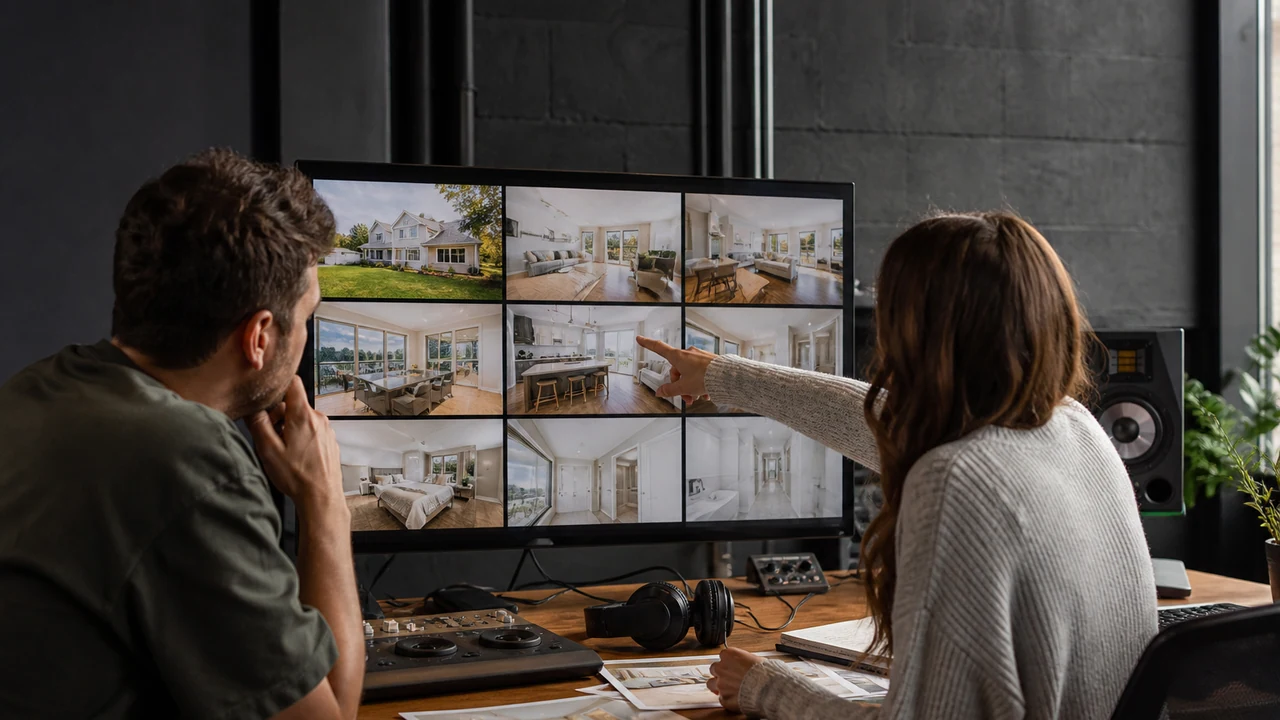
A Worked Example: Remote-Buyer Campaign for a Renovated Townhouse
The situation: The floor plan is unusual, while the renovation finishes and neighborhood access are the emotional hooks.
The approach: A 35-second listing video introduces the exterior, kitchen, primary suite, and location, then links to an interactive tour that lets serious buyers inspect stairs, room connections, and storage. Email and social use the video; the property page holds both assets.
The result to review: The video earns attention and the tour helps qualification. Reporting keeps video completion separate from tour exploration and measures each asset's next action instead of declaring one format the universal winner.
This example works because the video and tour have separate finish lines. One earns the next click. The other helps the viewer qualify interest. Reporting should preserve that difference.
Give Each Format Its Own Success Test
Do not put completion rate and room navigation in one chart and ask which asset won. Measure each format against the next action it was hired to create.
| Metric | Definition | How to Use It |
|---|---|---|
| Qualified Next-Action Rate | Asset visitors who take the defined next step, such as opening the tour, saving, inquiring, or booking. | Improve the handoff and call to action before replacing the format. |
| Video Completion | Starts reaching the final quarter, segmented by channel and duration. | Change opening, length, or channel cut. |
| Tour Exploration | Meaningful room/panorama interactions or time, where the platform exposes them. | Fix navigation, panorama placement, or audience routing. |
Tools You Can Use
Format Decision Matrix
Choose video, tour, or both from the viewer's job.
- Primary Uncertainty: Current fact, source, owner, approval date, effect on identify the uncertainty, and fit with virtual tour.
- Viewer Control: Current fact, source, owner, approval date, effect on map distribution, and fit with listing video.
- Story Control: Current fact, source, owner, approval date, effect on design separate jobs, and fit with both.
- Spatial Detail: Current fact, source, owner, approval date, effect on create the capture plan, and fit with virtual tour.
- Platform Support: Current fact, source, owner, approval date, effect on build the handoff, and fit with listing video.
- Update Burden: Current fact, source, owner, approval date, effect on measure the right behavior, and fit with both.
- Accessibility: Current fact, source, owner, approval date, effect on identify the uncertainty, and fit with virtual tour.
- Total Cost: Current fact, source, owner, approval date, effect on map distribution, and fit with listing video.
Combined Launch Checklist
Publish both formats without duplicate or stale claims.
- Canonical Facts: Current fact, source, owner, approval date, effect on map distribution, and fit with listing video.
- Video Role: Current fact, source, owner, approval date, effect on design separate jobs, and fit with both.
- Tour Role: Current fact, source, owner, approval date, effect on create the capture plan, and fit with virtual tour.
- Property Page: Current fact, source, owner, approval date, effect on build the handoff, and fit with listing video.
- Portal Links: Current fact, source, owner, approval date, effect on measure the right behavior, and fit with both.
- Mobile QA: Current fact, source, owner, approval date, effect on identify the uncertainty, and fit with virtual tour.
- Captions and Labels: Current fact, source, owner, approval date, effect on map distribution, and fit with listing video.
- Retirement Owner: Current fact, source, owner, approval date, effect on design separate jobs, and fit with both.
Where This Usually Breaks
The common failure is paying twice for similar coverage while leaving a real buyer question unanswered. Name the job, confirm platform support, and review private or material details in both outputs.
| Risk | Practical Control |
|---|---|
| Duplicated Deliverables | Assign discovery to video and self-directed inspection to the tour. |
| Unsupported Platform Assumptions | Verify hosting, embedding, branding, MLS, and expiration rules before production. |
| Unreviewed Private or Material Details | Inspect every frame and panorama and follow current platform and listing rules. |
| Vanity Measurement | Define the next action for each format before launch. |
Duplicated Deliverables
- Control: Assign discovery to video and self-directed inspection to the tour.
- Review Stage: Identify the Uncertainty
- Early Warning: Asset visitors who take the defined next step, such as opening the tour, saving, inquiring, or booking.
- Response: Improve the handoff and call to action before replacing the format.
Unsupported Platform Assumptions
- Control: Verify hosting, embedding, branding, MLS, and expiration rules before production.
- Review Stage: Map Distribution
- Early Warning: Starts reaching the final quarter, segmented by channel and duration.
- Response: Change opening, length, or channel cut.
Unreviewed Private or Material Details
- Control: Inspect every frame and panorama and follow current platform and listing rules.
- Review Stage: Design Separate Jobs
- Early Warning: Meaningful room/panorama interactions or time, where the platform exposes them.
- Response: Fix navigation, panorama placement, or audience routing.
Vanity Measurement
- Control: Define the next action for each format before launch.
- Review Stage: Create the Capture Plan
- Early Warning: Asset visitors who take the defined next step, such as opening the tour, saving, inquiring, or booking.
- Response: Improve the handoff and call to action before replacing the format.
Verify current primary guidance for the actual jurisdiction, platform, campaign, property, and professional relationship. This researched guide is not individualized legal, aviation, financial, privacy, or compliance advice.
My Bottom Line
Use video to guide. Use a tour to let people explore. When you use both, make the first asset hand the viewer naturally to the second. That is a journey, not a cage match.
Sources and Research Notes
Open the source ledger- Zillow 3D Home capture instructions. Current platform instructions for phone and compatible 360-camera capture, editing, sharing, and embedding. Accessed August 12, 2026.
- NAR video marketing practice article. Industry practice source for concise, audience-centered real-estate video planning. Accessed August 12, 2026.
- Realtor.com tour link support. Primary platform support for 3D, video, and virtual-tour links. Accessed August 12, 2026.
- Matterport walkthrough vs 3D tour. Format and coverage reference. Measured at 1,253 words and 21 images, but vendor performance claims need independent context. Accessed August 12, 2026.
- NAR virtual tour playbook. Format and coverage reference. Current industry framing of immersive tours and room relationships. Accessed August 12, 2026.
- HBS evidence review. Format and coverage reference. Independent evidence from 75,000 sales cautions against simplistic price and speed claims. Accessed August 12, 2026.
Sources support only the claims described in their notes. Reopen current primary sources before a purchase, launch, or compliance decision.
Keep Reading
- choose a practical 360 camera workflow
- combine tours and video in one media package
- run the listing-video production handoff
- compare tools that generate listing video from photos
- create a Reel-E listing video
- compare the strongest real estate video-maker workflows
- see how Reel-E turns approved photos into listing video