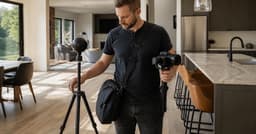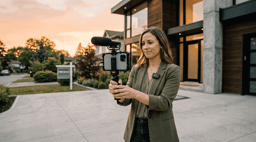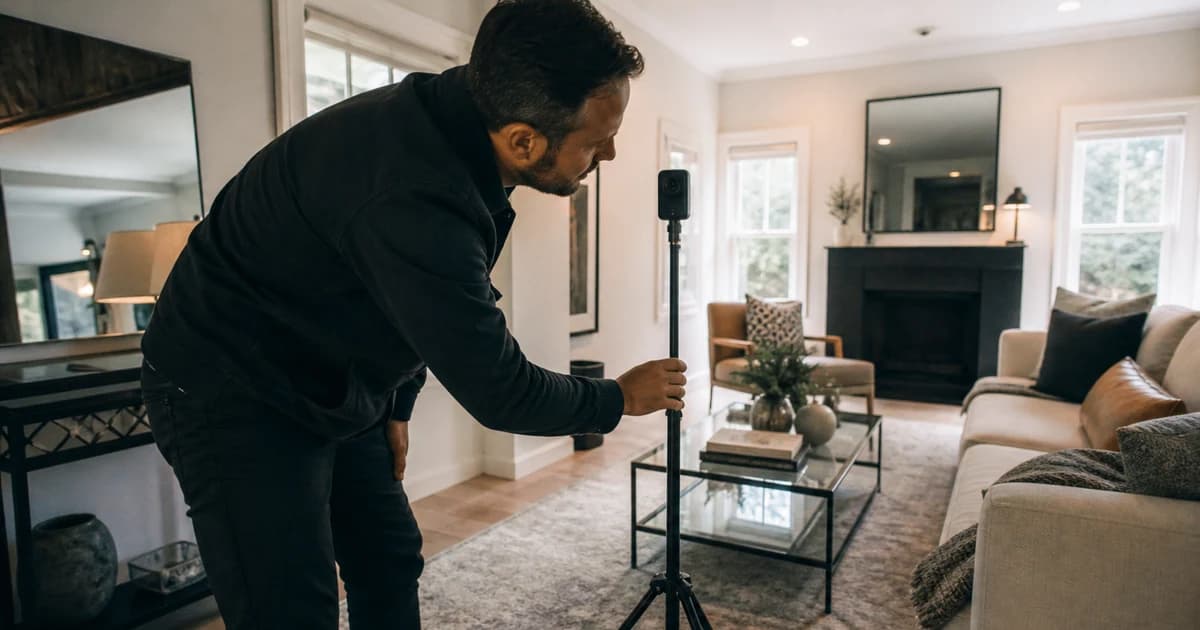
A 360 camera can be excellent and still be the wrong purchase. The camera body is only one link in a chain that includes capture, transfer, processing, hosting, floor plans, sharing, training, and the occasional room that refuses to stitch cleanly. Start with the required deliverable and platform, then work backward to the hardware.
I have spent a decade around capture systems, post-production handoffs, and clients who reasonably expect the deliverable to open when they click it. That makes me less impressed by a camera in isolation. The full workflow, including the annoying room that refuses to stitch, is the product.
Who this is for: real estate photographers, agents, and property teams choosing equipment for interactive tours and floor-plan workflows.
Research note: Researched from current Zillow compatibility and capture documentation. Reel-E did not perform a new laboratory camera test for this article, so the recommendations are workflow-based rather than scored image-quality claims.
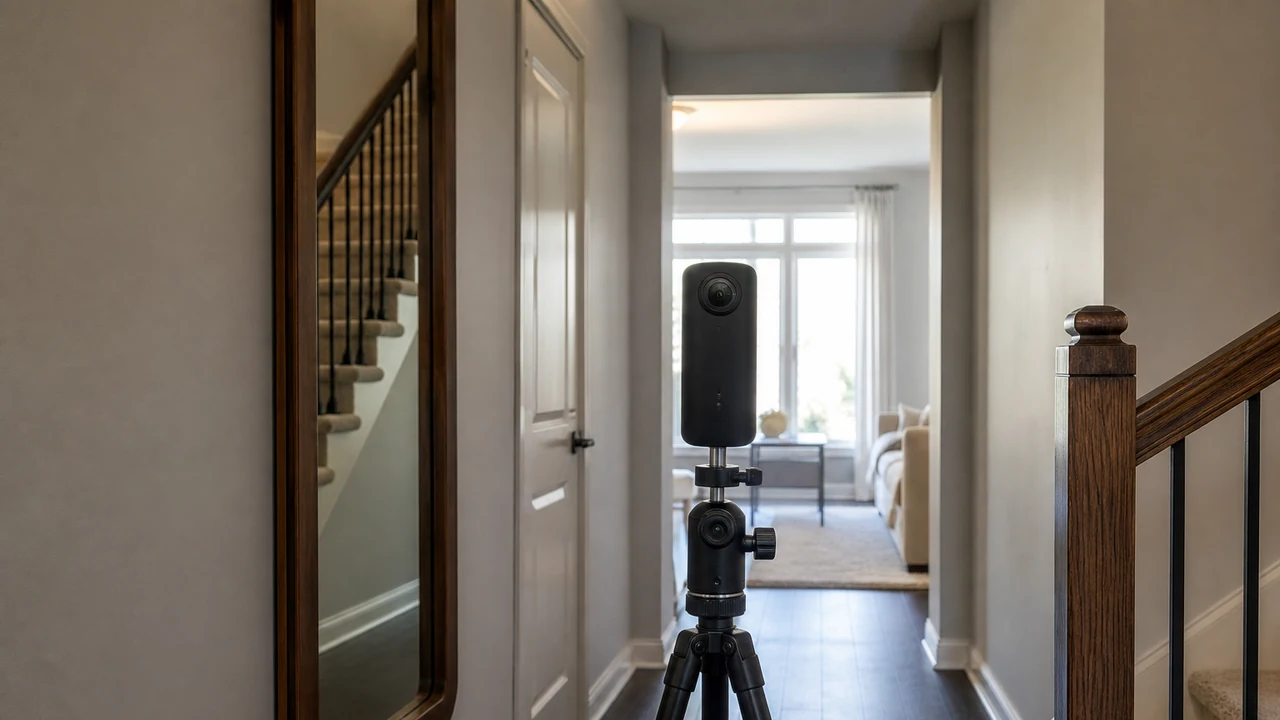
Choose the Workflow Before the Camera
Choose the tour platform and deliverable first. A brilliant camera that your platform does not support is a surprisingly expensive paperweight with excellent dynamic range.
| Path | Use It When | Reconsider It When |
|---|---|---|
| Ricoh Theta Z1 Class | Low-light interiors and still-image quality carry more weight than acquisition cost. | High-volume teams need simpler replacement economics or a broader action-video role. |
| Ricoh Theta X Class | Field throughput, removable storage, and a straightforward property-capture role matter. | The team is optimizing primarily for premium still quality. |
| Insta360 X-Series Class | The camera must support both compatible tour capture and broader 360 video/content use. | The selected tour platform does not support the exact model or workflow. |
| Supported Smartphone Workflow | The platform supports it and the team is validating demand before buying hardware. | The required deliverable or floor-plan feature specifically needs a compatible 360 camera. |
Ricoh Theta Z1 Class
- Best Fit: Low-light interiors and still-image quality carry more weight than acquisition cost.
- Pause If: High-volume teams need simpler replacement economics or a broader action-video role.
- Review: On-site capture time normalized for property size. Fix routing or device workflow before adding appointments.
- Control: Buying an Unsupported Model. Verify the exact model on the platform's current compatibility page immediately before purchase.
Ricoh Theta X Class
- Best Fit: Field throughput, removable storage, and a straightforward property-capture role matter.
- Pause If: The team is optimizing primarily for premium still quality.
- Review: Panoramas or jobs recaptured because of stitching, exposure, movement, or missed connections. Improve placement and QA; reconsider hardware if defects persist.
- Control: Spec-Sheet Bias. Test the full capture-to-client workflow across representative properties.
Insta360 X-Series Class
- Best Fit: The camera must support both compatible tour capture and broader 360 video/content use.
- Pause If: The selected tour platform does not support the exact model or workflow.
- Review: Package revenue minus labor, software, equipment allocation, and revisions. Change price, scope, or equipment tier.
- Control: Hidden Labor. Time travel, setup, transfer, processing, QA, sharing, and revision separately.
Supported Smartphone Workflow
- Best Fit: The platform supports it and the team is validating demand before buying hardware.
- Pause If: The required deliverable or floor-plan feature specifically needs a compatible 360 camera.
- Review: On-site capture time normalized for property size. Fix routing or device workflow before adding appointments.
- Control: Misrepresentation or Privacy. Review panoramas, mirrors, people, sensitive items, blur use, and platform guidelines before publication.
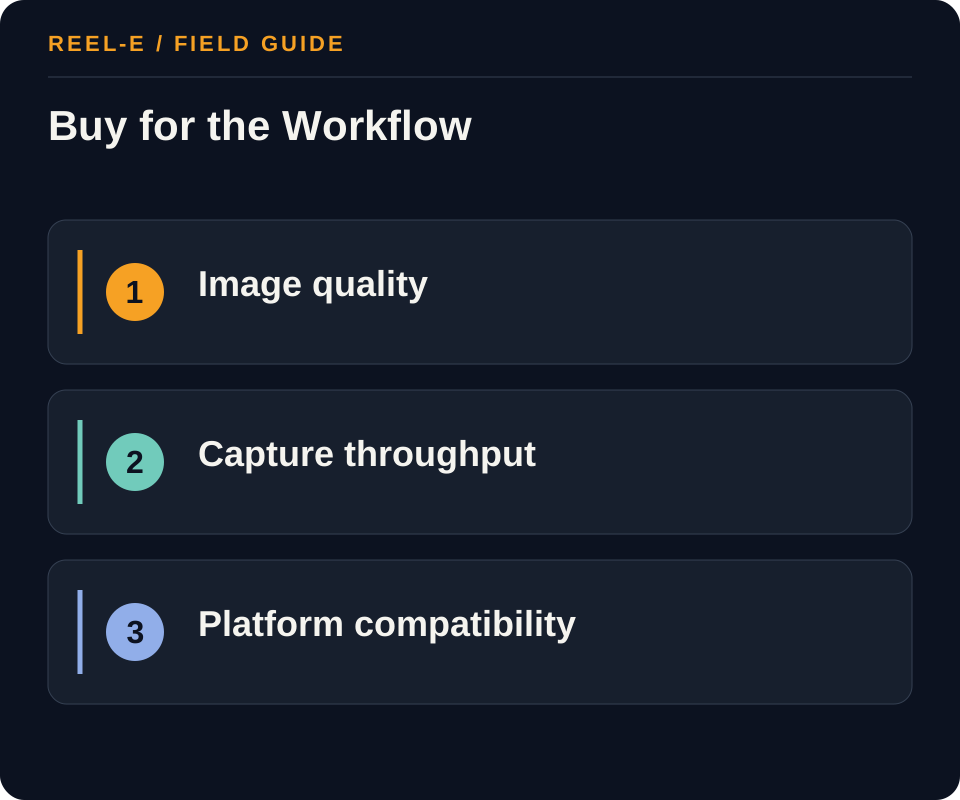
The Parts of a Camera Review That Actually Matter
Test the Bad Room
Do not run the pilot in a bright, empty living room and declare victory. Use a tight bathroom, a dark hall, stairs, mirrors, and mixed window light. Those spaces expose stitching, workflow, and retake problems quickly.
Count the Human Minutes
Transfer, processing, naming, upload, hotspot cleanup, client review, and corrections belong in the cost. Hardware comparisons often stop exactly where the labor bill begins.
Buy for Your Normal Tuesday
The best choice for a specialist doing premium tours may be wrong for a photographer moving through four listings. Image quality matters, but so do battery behavior, transfer reliability, replacement speed, and whether a new assistant can learn the routine.
Two Costs That Usually Hide Until After Purchase
Platform Lock-In Is Part of the Price
A camera purchase may also commit the studio to a processing app, hosting plan, branded or unbranded delivery rules, floor-plan workflow, and client-viewer experience. Map what happens if the platform changes its supported devices, pricing, export access, or listing integration. The goal is not to avoid every dependency. It is to know which company controls the finished tour and whether you can move the underlying media when your needs change.
Retakes Compound Quickly
One extra visit can erase the margin from several smooth tours, especially when travel and client coordination are involved. During the pilot, record why each retake happens: operator position, stitching, exposure, missed rooms, processing failure, privacy cleanup, or client preference. Some causes improve with training. Others belong to the camera-platform combination. That distinction is far more useful than a general note that the test looked good.
The Pilot I Would Run Before Buying a Fleet
Use Two Operators
Have an experienced operator and a newer team member capture the same compact property from the same written route. Compare setup, missed positions, stitching, transfer, processing, and final navigation. This reveals whether the workflow is genuinely teachable or merely easy for the person who selected it. A scalable system should survive a normal handoff without requiring the original buyer to join every shoot as technical emotional support.
Deliver Through the Real Client Path
Do not stop after the tour looks good in the capture app. Publish it through the intended platform, attach it to a test listing or private review page, open it on a current phone and laptop, and send the link the way a client will receive it. Check branding, loading, navigation, privacy, floor-plan behavior, analytics, expiration, and replacement. The deliverable is the viewer experience, not the file sitting confidently on the camera.
Price the First Year
Include the body, protection, monopod or stand, batteries, storage, phone or tablet, processing, hosting, floor-plan or editing services, training, replacements, insurance where relevant, support time, and expected retakes. Divide that total by a realistic accepted-tour volume rather than the most optimistic sales forecast. The exercise will not produce one universal winner. It will show which option fits premium quality, high throughput, mixed services, or a lighter supported workflow.
Four Questions for the Vendor or Platform
What Happens When a Capture Fails?
Ask how the system exposes stitching, upload, processing, and publishing errors; whether an operator can replace one panorama; and what support needs to diagnose the problem. A dependable workflow should not require recapturing the whole property because one room failed. Test support during the pilot with a real question. A fast sales reply and a fast field-support reply are different products.
Who Controls the Tour and the Data?
Confirm ownership, hosting duration, download or export options, branding, analytics, privacy, transfer, and what happens when a client or studio leaves the platform. Review the current terms directly. The camera creates the source, but the platform may control the delivered experience. That distinction matters when the tour needs to remain available longer than the original listing campaign.
Which Devices and Phones Are Officially Supported?
Use the current official compatibility list, including operating-system and app requirements where provided. Do not rely on an old forum answer or the fact that two connectors happen to fit. A supported combination gives the studio a clearer path when an update changes capture behavior. Record the exact field kit so a replacement phone does not quietly become a new technical experiment on a paid shoot.
A Replacement Plan Belongs in the Decision
Assume the Main Camera Will Eventually Be Unavailable
Document the backup body or supported phone route, account access, field settings, charging kit, upload procedure, and client communication plan. Check warranty and replacement timing before the first failure. A high-volume service cannot depend on overnight shipping remaining emotionally committed to the schedule. The fallback may produce a different level of output, but the team and client should know that boundary before the camera has a bad morning.
What Matters After the Unboxing Video Ends
Choose the Delivery Platform Before the Camera
Write the required output: hosted tour, interactive floor plan, standalone panoramas, inspection record, or 360 video. Then check the platform's current compatibility list for the exact model. Record whether capture, transfer, processing, editing, sharing, analytics, floor plans, and hosting occur in one system or across several. This prevents a technically capable camera from becoming an unsupported or labor-heavy purchase.
Save a dated exact-model compatibility reference before ordering.
Separate Throughput from Image Quality
Premium interiors, dark rooms, windows, and mixed lighting reward stronger still capture and careful exposure. High-volume rental or documentation work may reward fast startup, removable storage, simple transfer, battery swaps, and predictable processing. Rate each camera against the team's property mix, stops per day, training level, reshoot tolerance, and client expectation rather than collapsing both jobs into one score.
Weight image-quality and throughput criteria from the actual booking mix.
Model Total Cost and Acceptance
Include support gear, protection, power, storage, platform subscription, processing, floor plans, hosting, training, travel, failed captures, replacement downtime, and archive. Estimate labor per accepted property at realistic annual volume. Validate the chosen workflow in a small room, mixed window light, mirrors, stairs, a hallway, outdoor transition, and weak-signal transfer condition. Retain artifacts and disclose when recommendations are researched rather than tested.
Calculate three-year cost per completed, accepted tour.
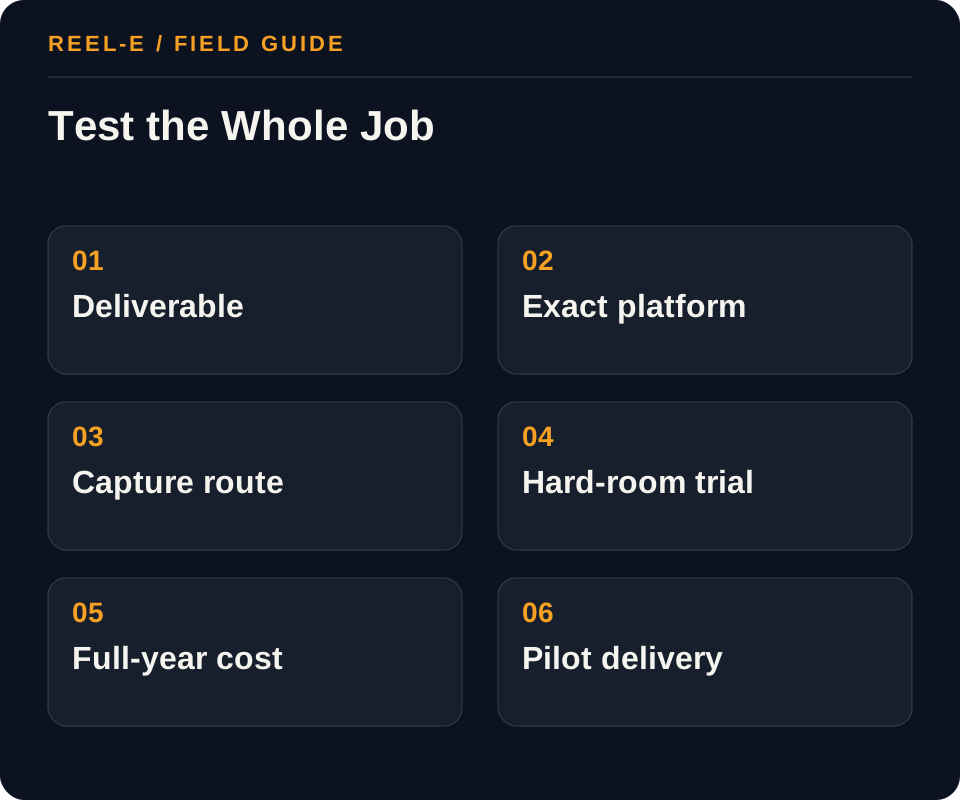
A Field Test That Finds Expensive Problems Early
Run a short field pilot before you standardize anything. The goal is not to crown a universal winner. It is to find the camera and platform combination that survives your actual delivery day.
1. Name the Deliverable
Write down the exact service: a hosted 3D tour, an interactive floor plan, standalone panoramas, construction documentation, or 360 video. These outputs use similar-looking hardware but impose different platform, resolution, processing, and licensing requirements.
- Record: Supported Platform in the Camera Workflow Scorecard
- Control: Verify the exact model on the platform's current compatibility page immediately before purchase.
- Review: On-site capture time normalized for property size. Fix routing or device workflow before adding appointments.
2. Lock the Platform
Check the platform's current official camera list and operating-system requirements. Confirm whether capture must happen inside its app, whether existing panoramas can be imported, how tours are transferred, and what happens to a tour when a listing expires.
- Record: Alignment in the Tour Acceptance Checklist
- Control: Test the full capture-to-client workflow across representative properties.
- Review: Panoramas or jobs recaptured because of stitching, exposure, movement, or missed connections. Improve placement and QA; reconsider hardware if defects persist.
3. Model the Field Day
Estimate properties per day, panoramas per property, transfer time, battery swaps, heat, tripod moves, and review time. A marginal image-quality gain may not justify a workflow that adds thirty minutes across every appointment.
- Record: Low-Light Need in the Camera Workflow Scorecard
- Control: Time travel, setup, transfer, processing, QA, sharing, and revision separately.
- Review: Package revenue minus labor, software, equipment allocation, and revisions. Change price, scope, or equipment tier.
4. Evaluate the Hard Rooms
Use a sample property with windows, mixed lighting, small bathrooms, mirrors, and an open floor plan. Judge stitching, highlight retention, shadow noise, readable detail, default view, and how quickly a technician can recognize and retake a bad panorama.
- Record: Exposure in the Tour Acceptance Checklist
- Control: Review panoramas, mirrors, people, sensitive items, blur use, and platform guidelines before publication.
- Review: On-site capture time normalized for property size. Fix routing or device workflow before adding appointments.
5. Calculate Full-Year Cost
Include accessories, protective cases, spare batteries, storage, platform fees, staff training, warranty, loss/damage allowance, processing labor, and expected replacement interval. Divide by realistic annual jobs, not the maximum capacity in a sales brochure.
- Record: Transfer Path in the Camera Workflow Scorecard
- Control: Verify the exact model on the platform's current compatibility page immediately before purchase.
- Review: Panoramas or jobs recaptured because of stitching, exposure, movement, or missed connections. Improve placement and QA; reconsider hardware if defects persist.
6. Pilot Before Standardizing
Run ten representative properties, record capture and processing time, count retakes and support incidents, ask agents whether the output is easy to share, and only then place the equipment into a standard package.
- Record: Floor-Plan Output in the Tour Acceptance Checklist
- Control: Test the full capture-to-client workflow across representative properties.
- Review: Package revenue minus labor, software, equipment allocation, and revisions. Change price, scope, or equipment tier.
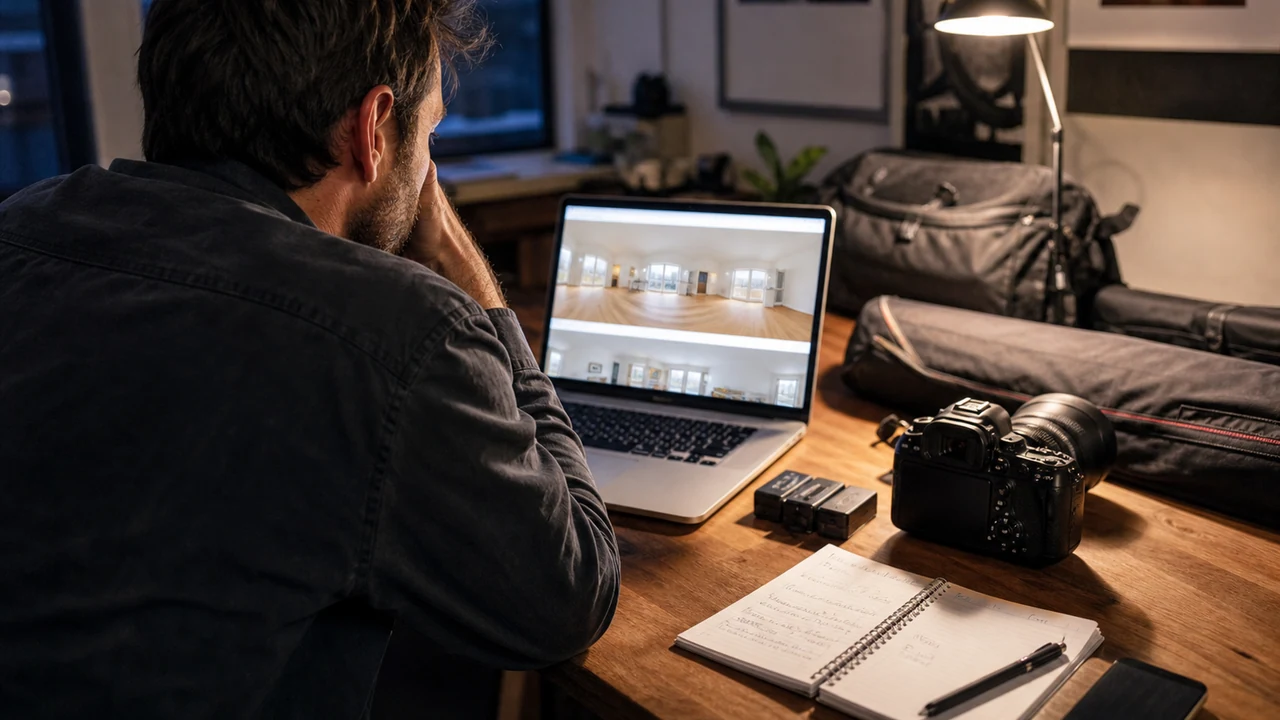
A Worked Example: Photographer Adding Tours to a 25-Listing Monthly Book
The situation: The photographer already delivers stills and short videos. Agents want a shareable tour, but only some need an interactive floor plan.
The approach: The team compares one premium still-focused camera, one throughput-focused camera, and the platform's phone workflow across the same three properties. It times capture, upload, review, revision, and client handoff instead of judging only exported panoramas.
The result to review: The final choice supports the highest-frequency package while the premium camera remains an upgrade only if clients will pay for the visible quality difference. The decision is tied to contribution margin and reliability rather than novelty.
A clean pilot gives you something more useful than enthusiasm: accepted output, elapsed time, retake causes, and a support path. That is enough to make a grown-up equipment decision.
Measure Accepted Tours, Not Megapixels
Megapixels are an input. I care more about minutes per property, accepted-tour rate, retakes, support incidents, and the margin left after every handoff is counted.
| Metric | Definition | How to Use It |
|---|---|---|
| Capture Minutes Per 1,000 Sq Ft | On-site capture time normalized for property size. | Fix routing or device workflow before adding appointments. |
| Retake Rate | Panoramas or jobs recaptured because of stitching, exposure, movement, or missed connections. | Improve placement and QA; reconsider hardware if defects persist. |
| Delivered Gross Margin | Package revenue minus labor, software, equipment allocation, and revisions. | Change price, scope, or equipment tier. |
Tools You Can Use
Camera Workflow Scorecard
Compare exact models without inventing one universal winner.
- Supported Platform: Current fact, source, owner, approval date, effect on name the deliverable, and fit with ricoh theta z1 class.
- Required Output: Current fact, source, owner, approval date, effect on lock the platform, and fit with ricoh theta x class.
- Low-Light Need: Current fact, source, owner, approval date, effect on model the field day, and fit with insta360 x-series class.
- Capture Minutes: Current fact, source, owner, approval date, effect on evaluate the hard rooms, and fit with supported smartphone workflow.
- Transfer Path: Current fact, source, owner, approval date, effect on calculate full-year cost, and fit with ricoh theta z1 class.
- Battery and Storage: Current fact, source, owner, approval date, effect on pilot before standardizing, and fit with ricoh theta x class.
- Retake Risk: Current fact, source, owner, approval date, effect on name the deliverable, and fit with insta360 x-series class.
- Three-Year Cost: Current fact, source, owner, approval date, effect on lock the platform, and fit with supported smartphone workflow.
Tour Acceptance Checklist
Catch failures before client delivery.
- Coverage: Current fact, source, owner, approval date, effect on lock the platform, and fit with ricoh theta x class.
- Alignment: Current fact, source, owner, approval date, effect on model the field day, and fit with insta360 x-series class.
- Mirrors and Privacy: Current fact, source, owner, approval date, effect on evaluate the hard rooms, and fit with supported smartphone workflow.
- Exposure: Current fact, source, owner, approval date, effect on calculate full-year cost, and fit with ricoh theta z1 class.
- Navigation: Current fact, source, owner, approval date, effect on pilot before standardizing, and fit with ricoh theta x class.
- Floor-Plan Output: Current fact, source, owner, approval date, effect on name the deliverable, and fit with insta360 x-series class.
- Mobile Load: Current fact, source, owner, approval date, effect on lock the platform, and fit with supported smartphone workflow.
- Branding and Links: Current fact, source, owner, approval date, effect on model the field day, and fit with ricoh theta z1 class.
Where This Usually Breaks
Most buying mistakes here come from treating the spec sheet as the workflow. Confirm current compatibility, document private details, and test the exact delivery path before a camera becomes the team standard.
| Risk | Practical Control |
|---|---|
| Buying an Unsupported Model | Verify the exact model on the platform's current compatibility page immediately before purchase. |
| Spec-Sheet Bias | Test the full capture-to-client workflow across representative properties. |
| Hidden Labor | Time travel, setup, transfer, processing, QA, sharing, and revision separately. |
| Misrepresentation or Privacy | Review panoramas, mirrors, people, sensitive items, blur use, and platform guidelines before publication. |
Buying an Unsupported Model
- Control: Verify the exact model on the platform's current compatibility page immediately before purchase.
- Review Stage: Name the Deliverable
- Early Warning: On-site capture time normalized for property size.
- Response: Fix routing or device workflow before adding appointments.
Spec-Sheet Bias
- Control: Test the full capture-to-client workflow across representative properties.
- Review Stage: Lock the Platform
- Early Warning: Panoramas or jobs recaptured because of stitching, exposure, movement, or missed connections.
- Response: Improve placement and QA; reconsider hardware if defects persist.
Hidden Labor
- Control: Time travel, setup, transfer, processing, QA, sharing, and revision separately.
- Review Stage: Model the Field Day
- Early Warning: Package revenue minus labor, software, equipment allocation, and revisions.
- Response: Change price, scope, or equipment tier.
Misrepresentation or Privacy
- Control: Review panoramas, mirrors, people, sensitive items, blur use, and platform guidelines before publication.
- Review Stage: Evaluate the Hard Rooms
- Early Warning: On-site capture time normalized for property size.
- Response: Fix routing or device workflow before adding appointments.
Verify current primary guidance for the actual jurisdiction, platform, campaign, property, and professional relationship. This researched guide is not individualized legal, aviation, financial, privacy, or compliance advice.
My Bottom Line
Start with the platform, test the hard rooms, and price the entire workflow. The right camera is the one your team can use repeatedly without turning every tour into a small technical conference.
Sources and Research Notes
Open the source ledger- Zillow 360 camera guide. Current compatible-camera list and capture workflow; compatibility can change and should be checked before purchase. Accessed August 12, 2026.
- Zillow 3D Home capture instructions. Current platform instructions for phone and compatible 360-camera capture, editing, sharing, and embedding. Accessed August 12, 2026.
- NAR virtual tour playbook. Current industry explanation of tour planning and room relationships. Accessed August 12, 2026.
- Matterport supported cameras. Format and coverage reference. Authoritative for its platform but naturally favors Matterport workflows and does not model total operating cost. Accessed August 12, 2026.
- BoxBrownie comparison. Format and coverage reference. Measured at 1,231 words, 14 images, five tables, and one video, but published in 2024. Accessed August 12, 2026.
- Insta360 real estate. Format and coverage reference. Current manufacturer capabilities and use cases; vendor claims need cross-checking with the delivery platform. Accessed August 12, 2026.
Sources support only the claims described in their notes. Reopen current primary sources before a purchase, launch, or compliance decision.
Keep Reading
- decide whether the job needs a tour or video
- scope 360 capture inside a complete media package
- compare capture costs against traditional video
- compare current AI listing-video generators
- create a Reel-E listing video
- compare the strongest real estate video-maker workflows
- see how Reel-E turns approved photos into listing video