I get asked about PhotoAIVideo at least twice a week. Usually the message is some version of: "I saw PhotoAIVideo is cheaper. Why should I use Reel-E instead?" It is a fair question, and it deserves an honest answer rather than a marketing pitch.
Here is my bias, stated upfront: I am the founder of Reel-E. I built it, I run it, and I have strong opinions about what makes a good listing video tool. I am going to try very hard to be fair to PhotoAIVideo in this comparison, because I think misleading you would be worse for my business than losing you to a competitor. If PhotoAIVideo is genuinely the better fit for your situation, I would rather you know that now than cancel your Reel-E subscription in frustration three months from now.
With that said, let me walk through every dimension that matters when choosing between these two tools: pricing, video quality, output formats, music and audio, branding, processing speed, and the overall workflow experience.

The 60-Second Summary
If you do not want to read 3,500 words (I respect that), here is the short version:
- Choose Reel-E if: You distribute video across multiple platforms (MLS + Instagram + TikTok), you care about music-synced transitions, and you want branding built into every video. The four-variant output saves real time and the beat sync makes a visible quality difference.
- Choose PhotoAIVideo if: You only need one video format per listing, you are on a tight budget, and you do not need branded outros or beat-synced music. The per-video cost is lower if you only count single-variant output.
Now, for those who want the full breakdown, let me get into the specifics.
Pricing: The Math That Actually Matters
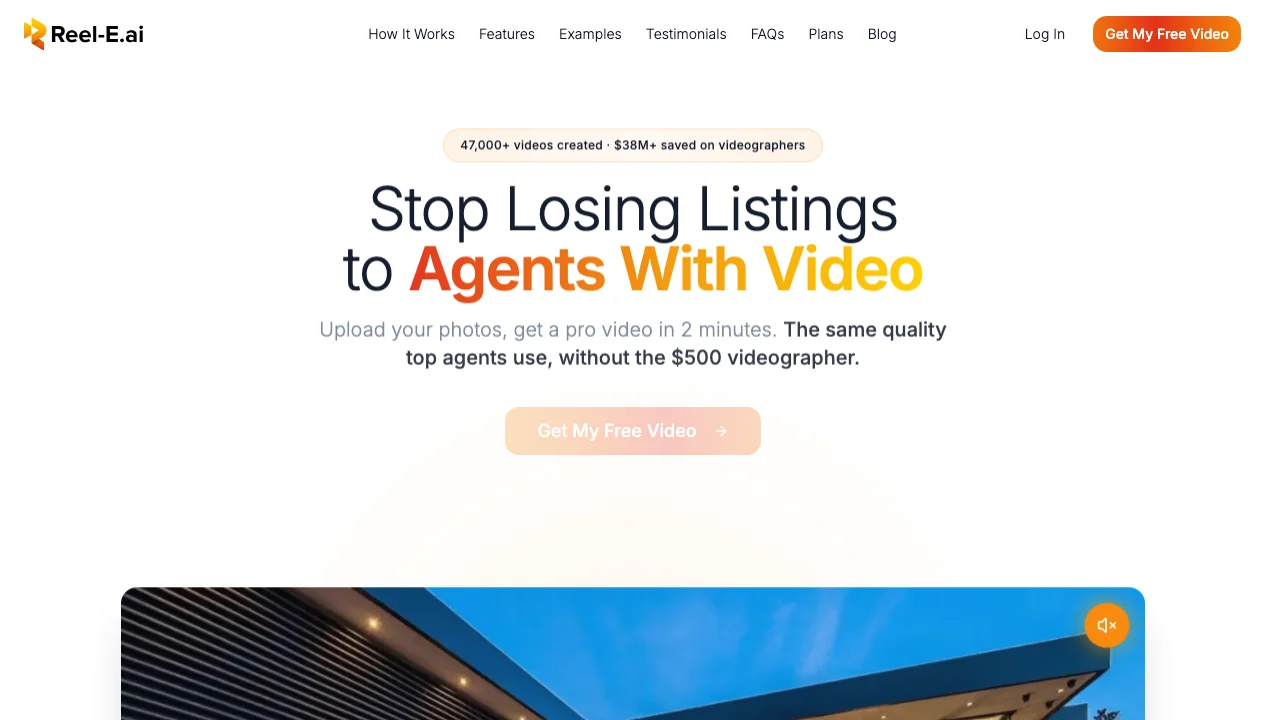
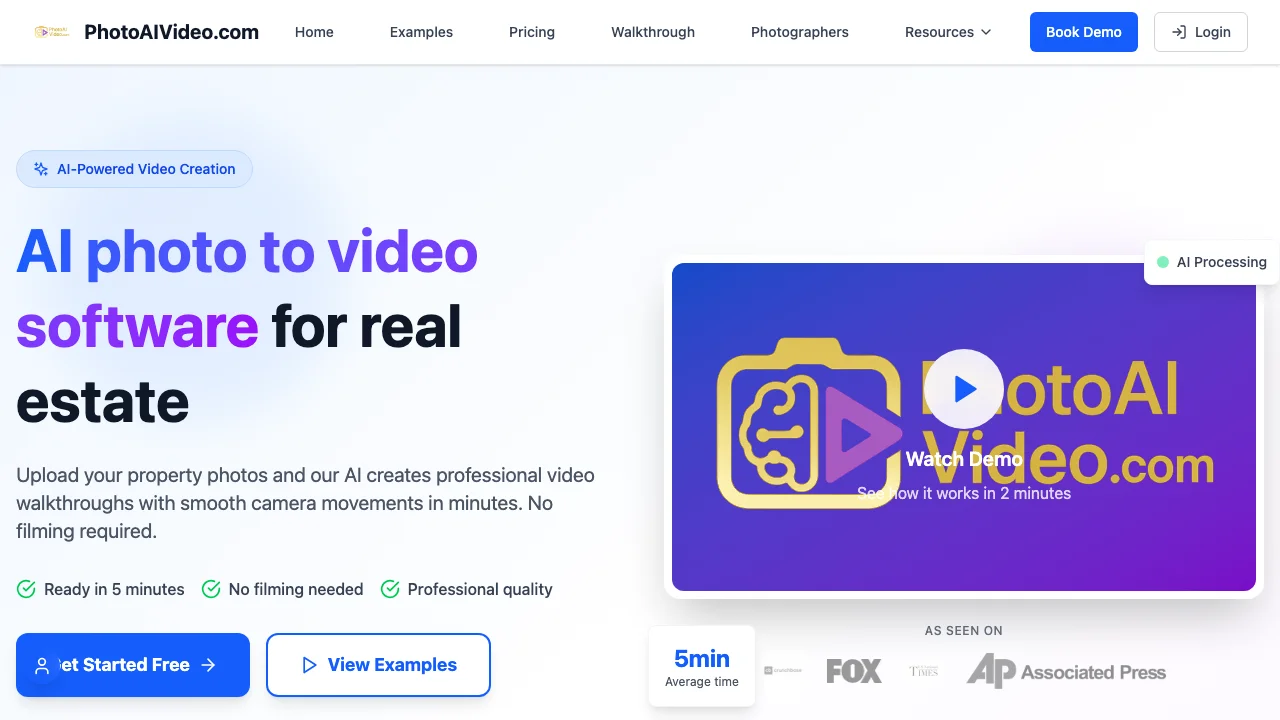
Pricing comparisons are misleading when the tools deliver different amounts of output per "unit." Reel-E's one listing creation produces four finished videos. PhotoAIVideo's one credit produces one finished video. Comparing the sticker price without accounting for this is like comparing the price of a four-pack and a single can.

Reel-E Pricing
| Plan | Monthly Price | Listings/Month | Variants Per Listing | Total Videos/Month | Cost Per Video |
|---|---|---|---|---|---|
| Essential | $59 | 3 | 4 | 12 | $4.92 |
| Growth | $129 | 10 | 4 | 40 | $3.23 |
| Pro | $599 | 50 | 4 | 200 | $3.00 |
Annual billing saves 25% across all plans, bringing the per-video cost even lower.

PhotoAIVideo Pricing
| Plan | Monthly Price | Credits/Month | Variants Per Credit | Total Videos/Month | Cost Per Video |
|---|---|---|---|---|---|
| Starter | $29 | 10 | 1 | 10 | $2.90 |
| Professional | $69 | 30 | 1 | 30 | $2.30 |
| Agency | $149 | 75 | 1 | 75 | $1.99 |
The Real Comparison: Cost Per Listing
Here is where it gets interesting. Most agents need at minimum two video formats per listing: horizontal (16:9) for MLS, Zillow, and YouTube, and vertical (9:16) for Instagram Reels and TikTok. Many also want branded and unbranded versions, bringing the total to four.
| Scenario | Reel-E (Growth) | PhotoAIVideo (Professional) | Winner |
|---|---|---|---|
| 10 listings, 1 video each | $129 (4 variants included) | $23 (10 credits) | PhotoAIVideo |
| 10 listings, 2 videos each (H+V) | $129 (included) | $46 (20 credits) | PhotoAIVideo |
| 10 listings, 4 videos each (H+V, branded+unbranded) | $129 (included) | $92 (40 credits) | Reel-E |
| 3 listings, 4 videos each | $59 (Essential) | $29 + extra credits | Roughly even |
The pattern: PhotoAIVideo wins on cost when you need one or two variants per listing. Reel-E wins when you need three or four. Since the industry trend is toward multi-platform distribution (and it makes no business sense to leave Instagram or TikTok on the table when you have the content ready), the four-variant model is increasingly the better value.
I built Reel-E's pricing this way deliberately because I saw agents spending 15 to 20 minutes per listing re-rendering and reformatting videos for different platforms. The subscription includes all variants because the marginal cost of rendering additional formats on our GPU infrastructure is negligible. Passing that cost savings to users made more sense than nickel-and-diming per format.
For full current pricing details, see our pricing page.
Video Quality: Side-by-Side Analysis
Both tools use AI to generate camera motion from still photos. The underlying technology is similar (depth estimation plus frame synthesis), but the implementation details produce noticeably different results.
Camera Motion Quality
Reel-E analyzes each photo's composition and selects from multiple motion types: orbits, push-ins, pull-outs, lateral slides, and compound movements. The AI picks the motion type that suits the room's geometry. A long hallway gets a forward dolly. A wide living room gets a lateral slide. A detailed kitchen gets a slow orbit. The camera paths feel intentional because they are matched to the scene.
PhotoAIVideo applies motion to each photo using a more standardized approach. The tool offers motion presets that you can select manually, or it defaults to an automatic selection. The automatic mode works reasonably well on standard room compositions but occasionally chooses motion that does not match the space. A push-in on a small bathroom, for example, can feel claustrophobic rather than cinematic.
The biggest quality difference appears at the edges of the frame. As the virtual camera moves, the AI needs to generate pixels for areas outside the original photo. Reel-E's inpainting tends to be cleaner, with smoother extensions of walls, floors, and ceilings. PhotoAIVideo's edge handling is occasionally visible as slight blurring or color shifts near the frame borders, especially on photos with complex backgrounds like windows showing exterior scenes.
Here is what Reel-E's output looks like on a standard residential listing:
Resolution and Output
Both tools output at 1080p on standard plans. Reel-E offers 4K output on the Pro plan ($599/month). PhotoAIVideo currently caps at 1080p across all tiers. For MLS and social media, 1080p is sufficient. For agents marketing luxury properties who want 4K for YouTube or large-screen displays, Reel-E's Pro plan is the only option between the two.
Consistency Across Photos
Something that does not show up in feature tables but matters a lot in practice: how consistent is the quality across a full set of 15 to 20 photos? Both tools produce great results on well-lit, professionally-shot interiors. The difference shows up on the "harder" photos in a listing set: the exterior shot with mixed sun and shade, the bathroom with a large mirror, the dimly lit basement rec room.
In my testing (admittedly biased, but I have run hundreds of listings through both tools), Reel-E produces more consistent results across an entire photo set. PhotoAIVideo has higher variance. When it works well, the output is genuinely good. When it struggles, the quality drop is more noticeable than Reel-E's worst-case output on the same photos.
Music and Audio: The Biggest Quality Differentiator
This is the hill I will die on: beat-synced music transitions are the single most important quality difference between AI listing video tools. And Reel-E is currently the only tool in the comparison that does it.
How Beat Sync Works
Reel-E's music library includes tracks where every downbeat has been mapped in advance. When the AI assembles photo clips into a video, it adjusts clip durations so that each transition between photos lands precisely on a musical downbeat. The result is a video where visual and audio rhythm match. When the music hits a beat, the scene changes. When there is a musical build, the camera motion accelerates. When the track resolves, the final shot holds.
It sounds like a small detail. It is not. Watch any professionally produced commercial, music video, or film trailer and notice how precisely the visuals sync to audio. That synchronization is what separates "professional" from "amateur" in the viewer's subconscious. It is the difference between a viewer thinking "this looks good" and "something about this feels off" without being able to articulate why.
PhotoAIVideo's Audio Approach
PhotoAIVideo lets you select a background music track (from their library or your own upload), and the track plays under the video at a consistent volume. Photo transitions happen at fixed intervals (every 3 to 5 seconds, depending on the number of photos and target duration) regardless of where the musical beats fall.
This is fine. It works. The music provides a pleasant backdrop to the visuals. But it does not feel synced. A transition will sometimes land between beats, or in the middle of a musical phrase, and the slight disconnect registers with the viewer even if they cannot name it. I have shown side-by-side comparisons to over 50 agents at conferences and events. Without being told which is which, agents consistently identify the beat-synced version as "more professional" or "higher quality," even when the photo quality and motion quality are identical.
Why This Matters for Listings
A listing video has about 3 to 5 seconds to convince a buyer to keep watching. On Instagram, it is closer to 1.5 seconds. The "feel" of the video, the subconscious impression of quality, determines whether the viewer keeps scrolling or stops to watch. Beat-synced transitions are a shortcut to that feeling of quality. They do not change the information in the video. They change the emotional response to it.
For a broader analysis of what makes listing videos effective, see our AI listing video guide.
Output Formats: One Creation vs. Multiple Renders
This is the structural difference that affects daily workflow the most.
| Format | Reel-E | PhotoAIVideo |
|---|---|---|
| Horizontal branded (16:9) | Included in every creation | 1 credit per render |
| Horizontal unbranded (16:9) | Included in every creation | 1 credit per render |
| Vertical branded (9:16) | Included in every creation | 1 credit per render |
| Vertical unbranded (9:16) | Included in every creation | 1 credit per render |
With Reel-E, you upload photos once, pick music once, configure branding once, and get all four variants in a single processing run. With PhotoAIVideo, each variant is a separate creation that uses a separate credit. Getting all four formats costs four credits and requires four separate creation processes (though you can reuse the same photos and settings).
The time difference adds up. If you list 10 properties a month and need four variants each:
- Reel-E: 10 creation processes, about 5 minutes each = ~50 minutes total
- PhotoAIVideo: 40 creation processes, about 4 minutes each = ~160 minutes total
That is nearly two hours of extra workflow time per month. For solo agents juggling showings, negotiations, and marketing, two hours is a meaningful amount of time.
Branding and Customization
Branding consistency matters more than most agents realize. When a buyer sees your listing video on Zillow, then encounters it again on Instagram, and then receives it in an email from you, the consistent branding builds recognition and trust. When the video has your logo, your colors, and your contact card, every share becomes a lead generation touchpoint.
Reel-E Branding
- Logo upload (displayed in video and on contact card)
- Custom brand colors (applied to contact card and text elements)
- Contact card with name, phone, email, brokerage, photo
- Branding saved to your account and applied to all future videos automatically
- Unbranded variants also generated for cases where branding is not wanted (co-marketing, seller shares, MLS requirements)
PhotoAIVideo Branding
- Text overlay for property address and agent name
- Basic logo watermark option on premium plans
- No dedicated contact card screen
- Limited color customization
The gap here is significant. Reel-E's branding is designed for real estate professionals who want every video to reinforce their personal brand. PhotoAIVideo's branding is more of an afterthought, functional enough to identify the listing but not designed to serve as a marketing asset on its own.
Processing Speed
Speed matters when you are trying to get a listing live the same day you receive photos from the photographer.
| Metric | Reel-E | PhotoAIVideo |
|---|---|---|
| Processing time (15 photos, all variants) | 90 seconds to 3 minutes | 3 to 6 minutes per variant |
| Total time for 4 variants | 90 seconds to 3 minutes | 12 to 24 minutes |
| Processing infrastructure | Dedicated cloud GPUs (NVIDIA A100) | Cloud GPU (shared) |
| Queue wait time (peak hours) | Usually under 30 seconds | 1 to 5 minutes reported |
Reel-E's speed advantage comes from two factors: dedicated GPU infrastructure (not shared with other AI workloads) and parallel rendering of all four variants simultaneously. PhotoAIVideo processes sequentially and shares GPU resources, which can introduce queue delays during peak usage hours (typically weekday mornings when agents are preparing new listings).
Feature-by-Feature Comparison Table
Here is the complete comparison for quick reference.
| Feature | Reel-E | PhotoAIVideo |
|---|---|---|
| AI camera motion | Yes (scene-adaptive) | Yes (preset-based) |
| Beat-synced transitions | Yes | No |
| Output variants per listing | 4 (H+V, branded+unbranded) | 1 per credit |
| Music library | Licensed, BPM-analyzed | Stock library + upload |
| Logo + brand colors | Full customization | Basic text overlay |
| Contact card | Yes (name, phone, email, brokerage) | No |
| 4K output | Pro plan | Not available |
| Processing speed (15 photos) | ~90s to 3min (all variants) | ~3 to 6min (per variant) |
| Max photos per listing | 20 (Essential), 40 (Growth/Pro) | 25 (all plans) |
| Entry price | $59/month (3 listings) | $29/month (10 credits) |
| Per-listing cost (moderate volume) | ~$13 (Growth, 4 variants) | ~$8 to $24 (1 to 4 variants) |
| Free trial | Yes (full access) | 2 free credits |
| Annual discount | 25% | 20% |
| CRM integration | No | No |
| Team management | No | No |
| API access | Not currently | Not currently |
Where PhotoAIVideo Wins
I said I would be fair, and I meant it. Here are the areas where PhotoAIVideo is the better choice:
1. Lower Entry Price
At $29/month versus Reel-E's $59/month, PhotoAIVideo's entry plan costs about half as much. For agents who are testing AI video for the first time and want to minimize financial risk, the lower price point removes a barrier. If you are not sure video will work for your business, starting at $29/month is a smaller bet.
2. More Credits at Entry Level
PhotoAIVideo's $29/month plan includes 10 credits. Reel-E's $59/month plan includes 3 listings (though each listing produces 4 videos). If you measure strictly by the number of creation processes rather than total video output, PhotoAIVideo gives you more actions at the entry tier.
3. Simpler Interface
PhotoAIVideo's creation flow is streamlined: upload photos, pick a music track, choose a motion preset, render. There are fewer options, fewer settings, and fewer decisions. For agents who want the absolute simplest workflow with minimal choices, this is an advantage. Reel-E offers more customization (branding, music selection, photo ordering), which some agents find adds unnecessary steps when they just want a quick video.
4. Custom Music Upload
PhotoAIVideo allows you to upload your own MP3 as the background track. Reel-E's music is selected from a curated licensed library (which ensures legal compliance and enables beat sync) but does not currently support custom audio uploads. If you have a specific track you want to use across all your listings for brand consistency, PhotoAIVideo gives you that option.
Where Reel-E Wins
1. Four Variants Per Listing
This is the single biggest differentiator and the one that matters most for agents distributing video across platforms. One creation flow in Reel-E produces: horizontal branded (MLS, Zillow, YouTube), horizontal unbranded (co-marketing, seller), vertical branded (Instagram Reels, TikTok, YouTube Shorts), and vertical unbranded (seller social media). Getting all four from PhotoAIVideo costs four credits and takes four separate creation processes.
2. Beat-Synced Music Transitions
I have already covered this in detail, but it bears repeating: the visual-audio sync is the single biggest quality differentiator that casual viewers notice. It is the difference between a video that feels "professional" and one that feels "auto-generated." No other tool in this comparison offers it.
3. Professional Branding
Full logo integration, custom brand colors, and a dedicated contact card screen turn every video into a branded marketing asset. When that video gets shared beyond your direct distribution (and it will), your brand travels with it.
4. 4K Output (Pro Plan)
For luxury listings and large-screen displays, 4K output makes a visible difference. PhotoAIVideo does not offer 4K at any price point.
5. Processing Speed
Ninety seconds to three minutes for all four variants versus 12 to 24 minutes for equivalent output from PhotoAIVideo. When you are listing a property and want to go live the same afternoon, this difference is not academic.
Who Should Choose What
Here is my honest recommendation for different agent profiles, acknowledging again that I am not a neutral party in this comparison.
Choose Reel-E If:
- You distribute listing videos on two or more platforms (MLS + social media)
- You want branded videos with your logo and contact information
- You care about the audio-visual sync quality of your videos
- You list 3 or more properties per month consistently
- You value speed (same-day listing content matters to you)
- You market luxury properties and need 4K output
Choose PhotoAIVideo If:
- You only need one video format per listing (horizontal for MLS only, for example)
- You are testing AI video for the first time and want the lowest financial commitment
- You list 1 to 2 properties per month and do not need multi-format output
- You prefer the simplest possible creation workflow with minimal options
- You want to use your own custom music tracks
Consider Other Alternatives If:
- You need CRM integration (look at HomeReel)
- You want maximum creative control and manual editing (look at a tool like Premiere Pro with stock AI motion plugins)
- You need the absolute lowest per-video cost regardless of quality (look at Pedra's per-photo pricing)
For a broader comparison across all major real estate video tools, our best real estate video makers roundup covers seven platforms head to head. And for a deeper look at how AI listing video technology works under the hood, the AI listing video guide breaks down the full pipeline.
The Bottom Line
PhotoAIVideo is a solid tool that does one thing (single-variant AI video from photos) at a competitive price. If that is all you need, it will serve you well.
Reel-E does more things (four variants, beat-synced music, professional branding, faster processing) at a higher price point. If you are distributing video across multiple platforms, which in 2026 is how most agents get the best return on their video investment, the additional cost pays for itself in time saved and quality gained.
The honest test: run the same listing photos through both tools during their free trial periods. Watch the output on your phone (where your buyers will see it on Instagram) and on a monitor (where buyers will see it on Zillow). Show both to a colleague without telling them which tool made which video. The comparison speaks louder than any feature table or pricing spreadsheet.
If Reel-E's four-variant output and beat-synced music match what you are looking for, start a free trial and test it with real listing photos. If PhotoAIVideo's simpler, lower-cost approach is a better fit, use it well. The worst choice is no video at all.
For more context on choosing the right video marketing tools for your business, our guide to real estate video marketing tools covers the full landscape. And for step-by-step instructions on turning your photos into listing videos, check out listing photos to video.