Key Takeaways
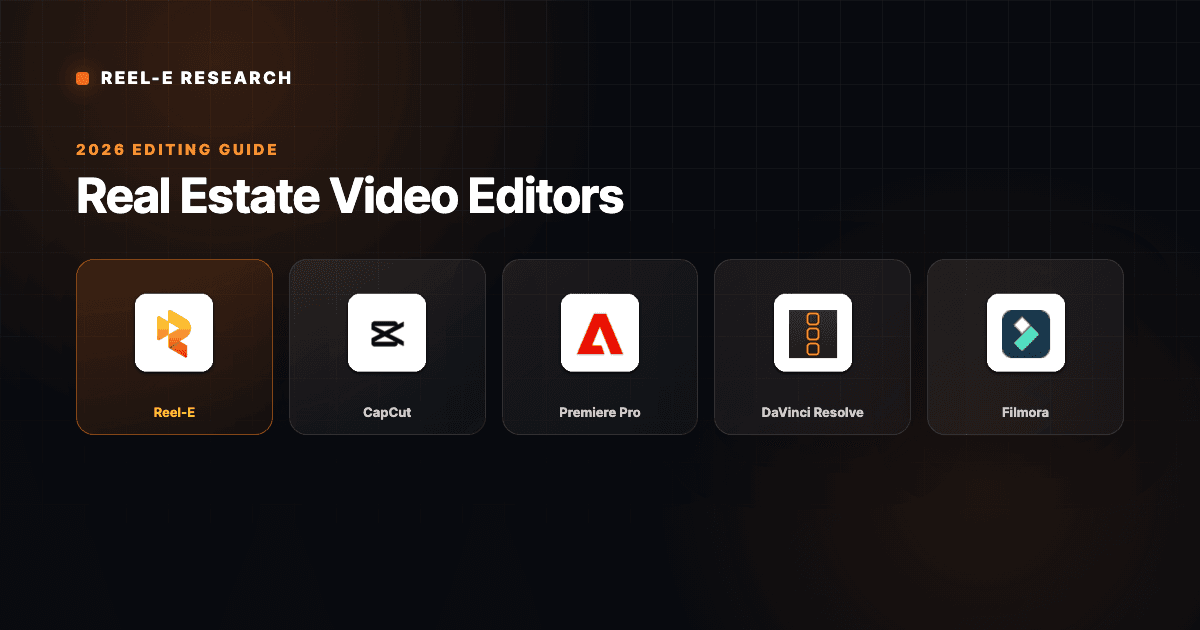
- Best overall for real estate agents: Reel-E. Purpose-built for listings, AI-powered motion, four video variants from one upload.
- Best free editor for social media: CapCut. Excellent auto-captions and mobile editing for TikTok and Reels.
- Best professional editor: Adobe Premiere Pro. Industry standard with unlimited creative control, steep learning curve.
- Best free professional editor: DaVinci Resolve. Hollywood-grade color grading, completely free.
- We tested all 10 tools by uploading the same listing photos and comparing output quality, turnaround time, and ease of use.
- The real cost is time: manual editors require hours per video, while AI tools produce output in minutes.
Our Top Picks at a Glance
1 Reel-EBest for Listing Video Automation
4.9
From $59/mo
2
Reel-EBest for Listing Video Automation
4.9
From $59/mo
2
 CapCutBest Free Social Media Editor
4.5
Free / $7.99/mo
3
CapCutBest Free Social Media Editor
4.5
Free / $7.99/mo
3
 Premiere ProBest Professional Editor
4.3
$22.99/mo
4
Premiere ProBest Professional Editor
4.3
$22.99/mo
4
 DaVinci ResolveBest Free Pro-Grade Editor
4.2
Free / $295 once
5
DaVinci ResolveBest Free Pro-Grade Editor
4.2
Free / $295 once
5
 FilmoraBest Beginner Desktop Editor
4.0
$49.99/yr
6
FilmoraBest Beginner Desktop Editor
4.0
$49.99/yr
6
 InVideoBest Template-Based Editor
3.9
Free / $25/mo
7
InVideoBest Template-Based Editor
3.9
Free / $25/mo
7
 CanvaBest for Non-Editors
3.8
Free / $12.99/mo
8
CanvaBest for Non-Editors
3.8
Free / $12.99/mo
8
 iMovieBest Free Mac Editor
3.7
Free
9
iMovieBest Free Mac Editor
3.7
Free
9
 FlexClipBest Browser-Based Editor
3.5
Free / $9.99/mo
10
FlexClipBest Browser-Based Editor
3.5
Free / $9.99/mo
10
 VEED.ioBest for Captioned Content
3.4
Free / $18/mo
VEED.ioBest for Captioned Content
3.4
Free / $18/mo
The Best Real Estate Video Editors Compared
You have 30 listing photos sitting in a Dropbox folder. The photographer left an hour ago. Your client wants a video for the MLS page, another one for Instagram, and probably something for TikTok. And you are staring at a timeline editor wondering which end of the razor blade cuts the clip.
This is the reality for most agents looking for a real estate video editor in 2026. The good news: there are more options than ever, from free tools to AI platforms that build the video for you. The bad news: half of them are designed for YouTubers and wedding videographers, not someone trying to get a $475,000 townhouse in front of buyers before Friday.
I spent the last decade running a real estate video production company. We have filmed over $50 billion in properties and pushed more than 47,000 listings through our platform. That means I have opinions about what actually works for agents, and I have zero patience for tools that look good in a demo but fall apart on listing number three. Here are the 10 best real estate video editors in 2026, ranked by how well they serve the person who needs to get a property marketed, not the person who wants to become a video editor.
How We Ranked These Real Estate Video Editors
Every tool on this list was evaluated against the same criteria. Not theoretical features, but things that matter when you are trying to ship a listing video between showings.
- Time to finished video: How long from "I have photos" to "the video is done"? A tool that takes 3 hours is not competing with one that takes 2 minutes, regardless of what the feature sheet says.
- Real estate output quality: Does the video look like a listing video or a birthday montage? Smooth camera motion, appropriate pacing, and professional transitions matter more than 400 effect presets you will never use.
- Learning curve: Can a non-technical agent use this on their first listing? Some of the best editors in the world are useless if they require 40 hours of YouTube tutorials first.
- Pricing relative to volume: One video costs what it costs. But agents market multiple listings per month. We weighted tools that scale economically across a real workload.
- MLS and social output: Does the tool produce horizontal (16:9), vertical (9:16), and branded/unbranded variants? That is the actual requirement for most listing campaigns. A tool that only outputs one format creates more work, not less.
The 10 Best Real Estate Video Editors Reviewed

1. Reel-E: Best Real Estate Video Editor Overall
Editor's Choice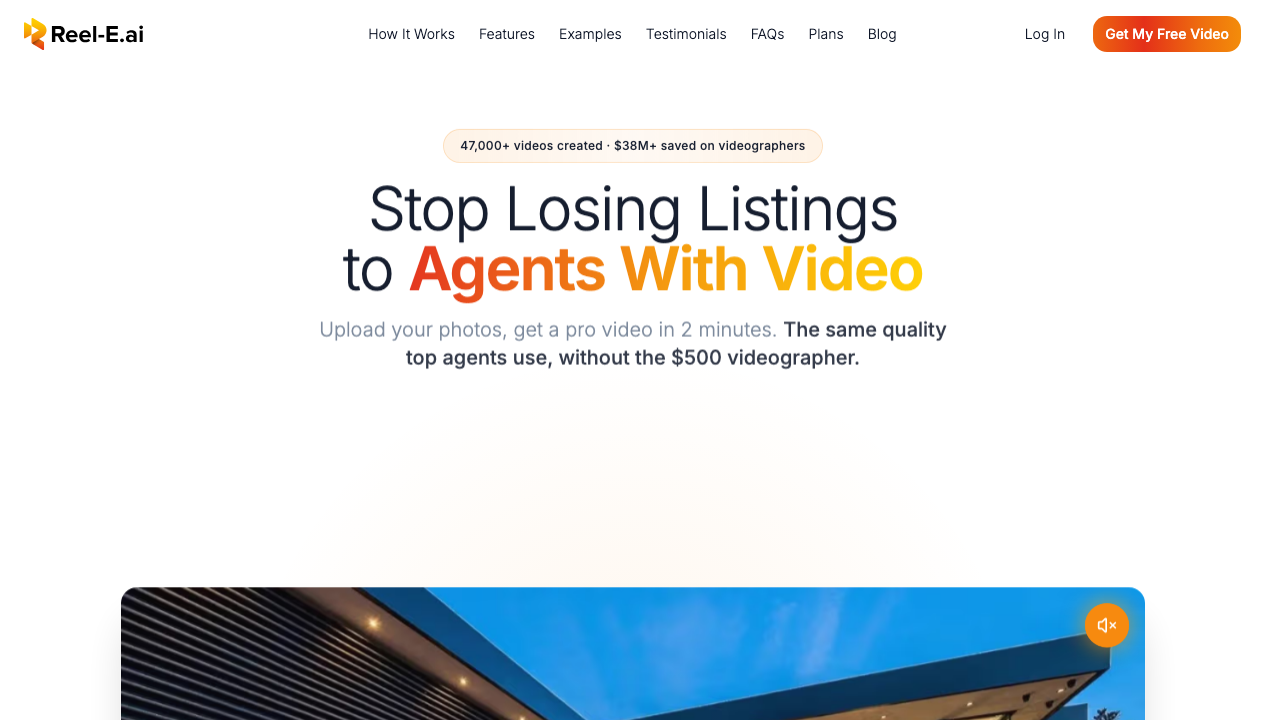
Full disclosure: I built Reel-E, so take this section with that context. But I built it specifically because I spent years watching agents struggle with the exact problem this article is about. They needed listing videos. They did not need to become video editors.
Reel-E is not a traditional video editor. There is no timeline, no razor tool, no keyframing. You upload listing photos, pick a music track, and the platform generates a finished AI listing video with cinematic motion effects, beat-synced transitions, and branded overlays. The whole process takes under two minutes.
What makes it different from other AI video tools is the inference stack. Reel-E runs its own custom AI models for camera motion, not off-the-shelf models from Google or Runway. That means full control over movement stability, speed ramps, and the specific visual language that makes real estate footage feel like real estate footage instead of a generic AI animation. Your listing photos never leave Reel-E data centers, which matters for agents handling client property images.
Sample Output
Here is a real Reel-E video created from listing photos. Every transition is AI-generated and beat-synced to the music track, with no manual editing involved.
Pros
- Four video variants from one upload (horizontal/vertical, branded/unbranded)
- Beat-synced transitions matched to music downbeats
- AI-powered cinematic camera motion (orbit, push-in, pull-out, Ken Burns)
- Under 2 minutes from photos to finished video
- No editing skill required
Cons
- No timeline editor for manual frame editing
- Real estate only, not general-purpose
- No free tier (starts at $59/mo, 7-day free trial)
If you have listing photos and need a finished video quickly, Reel-E eliminates the editing step entirely. Designed for volume: agents and teams who market multiple properties per month and cannot afford to spend an afternoon per video. Try it free for 7 days.

2. CapCut: Best Free Real Estate Video Editor for Social Media
Best Free Option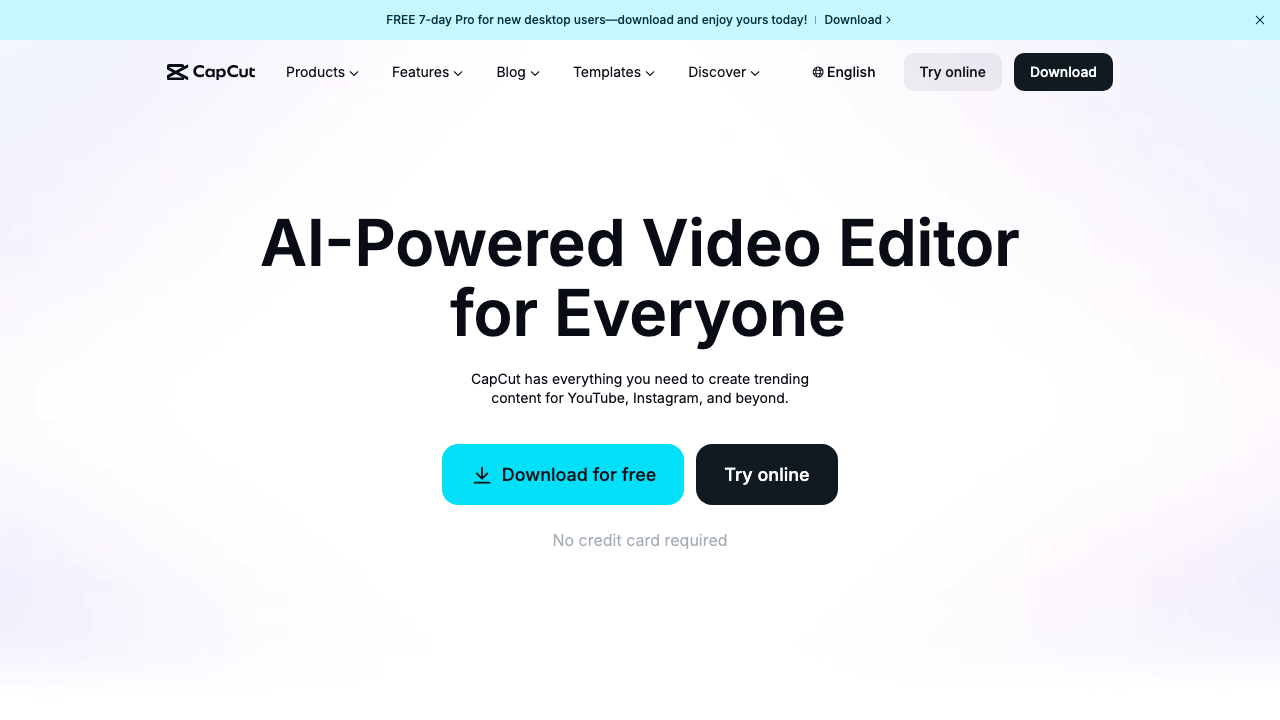
CapCut has quietly become the default video editor for anyone who posts to TikTok or Instagram Reels. It is owned by ByteDance (the company behind TikTok), and that DNA shows. The auto-caption feature is genuinely excellent. The template library is deep. And the mobile app is probably the smoothest phone-based editing experience available right now.
For real estate agents, CapCut works best as a social media clip tool. You shot a quick walkthrough on your phone? CapCut can add captions, trim the dead air, drop in a trending audio track, and export a vertical clip in 15 minutes. That is a real workflow that actually happens in a car between showings.
Pros
- Accurate auto-captions with customizable styles
- Mobile editing as capable as many desktop editors
- Hundreds of templates for social formats
- Generous free tier including 1080p export
Cons
- Every video requires manual editing from scratch
- No real estate-specific features or MLS presets
- Desktop app lags behind the mobile experience
- Watermarks on some free features
The best free real estate video editor for social media clips, walkthrough edits, and captioned content. Not a substitute for a dedicated real estate video maker for MLS-quality listing videos, but it fills a real gap in the social content workflow.

3. Adobe Premiere Pro: Best Professional Real Estate Video Editor
Industry Standard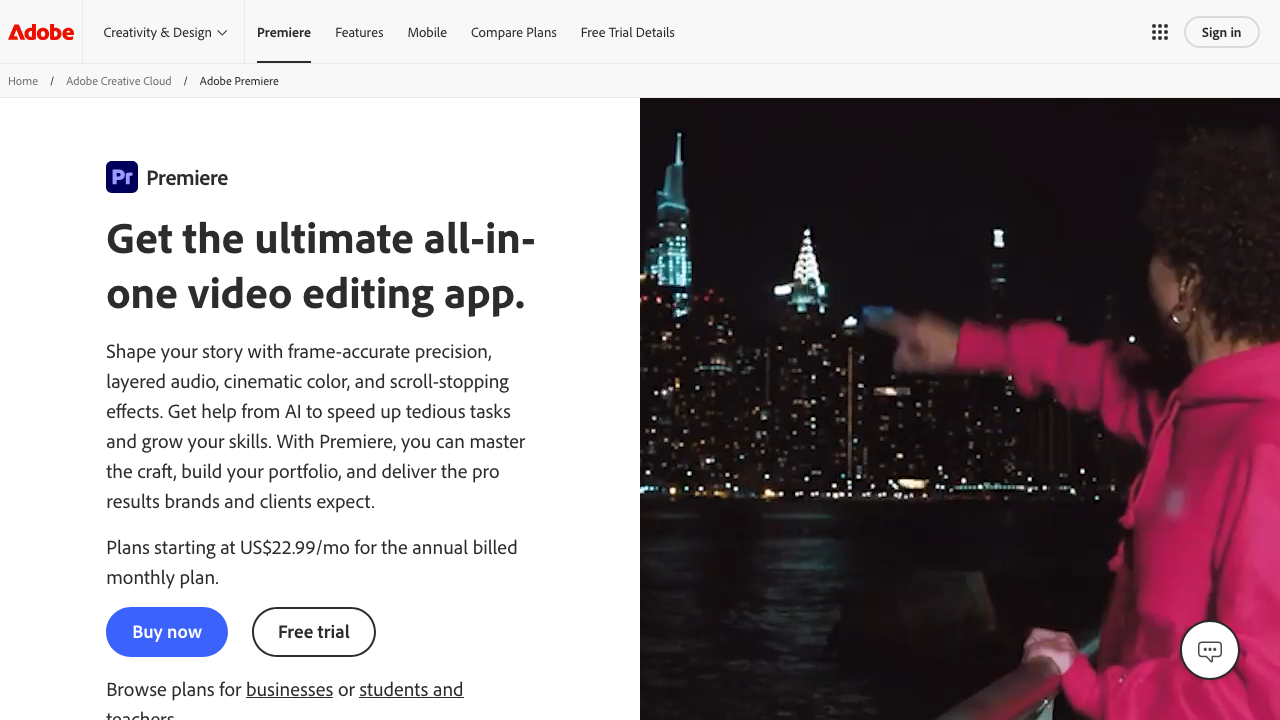
Premiere Pro is the industry standard for a reason. Color grading, multi-cam editing, audio sweetening, motion graphics via After Effects integration, proxy workflow for 4K footage. If you need to do something with video, Premiere Pro can do it. The question for real estate agents is whether "can do it" and "should do it" are the same thing.
I will be direct: most real estate agents should not use Premiere Pro. Not because it is bad. It is excellent. But it is designed for professional editors, and professional editing is a different job than selling real estate. The learning curve is measured in weeks, not hours. Getting proficient enough to produce listing videos that look better than what an AI tool generates in 2 minutes takes genuine commitment.
That said, if you run a team with a dedicated media person, or if you genuinely enjoy editing and want maximum control, Premiere Pro is the ceiling. Nothing else on this list gives you the same degree of precision.
Pros
- Unlimited creative control over every frame and transition
- Professional color grading with Lumetri Color tools
- Full Creative Cloud integration (After Effects, Audition, Lightroom)
- AI features (auto-reframe, scene detection, speech-to-text)
- 4K and beyond with HDR and ProRes support
Cons
- Learning curve measured in weeks to months
- Cost adds up with Creative Cloud subscriptions
- No automation: every listing starts from a blank timeline
- Overkill for photo-based listing videos
The best real estate video editing software for professionals who edit full-time. For agents who edit occasionally, the time investment does not justify the output difference compared to simpler tools. Be honest about whether you will open Premiere Pro every week or just on the listing you are excited about.

4. DaVinci Resolve: Best Free Professional Real Estate Video Editor
Best Free Pro Tool
DaVinci Resolve is the most generous free software in any creative category. The free version includes the same editing, color grading, audio mixing, and visual effects tools that Hollywood colorists use on feature films. No watermarks. No export limits. No trial period. Just a professional editing suite that Blackmagic Design gives away to sell their hardware.
For real estate, the main appeal is color grading. If you are shooting video walkthroughs or drone footage, Resolve's color tools will make your footage look dramatically better than any other free option. The node-based color system is intimidating at first glance, but even basic adjustments produce noticeable improvements.
Pros
- Completely free with no watermarks or export limits
- Best color grading tools available at any price
- Built-in audio editing (Fairlight) rivals standalone DAWs
- Node-based compositing (Fusion) for motion graphics
Cons
- Learning curve similar to or steeper than Premiere Pro
- Demanding on hardware; older laptops may struggle
- No real estate templates or automation
- Six-page interface can overwhelm new users
The best free real estate video editor for agents who want professional tools without a monthly bill and are willing to invest time in learning. If you plan to edit drone footage or walkthrough video regularly, the color grading alone justifies the learning curve. If you mainly work with photos, this is more tool than you need.

5. Filmora: Best Beginner-Friendly Desktop Real Estate Video Editor
Best for Beginners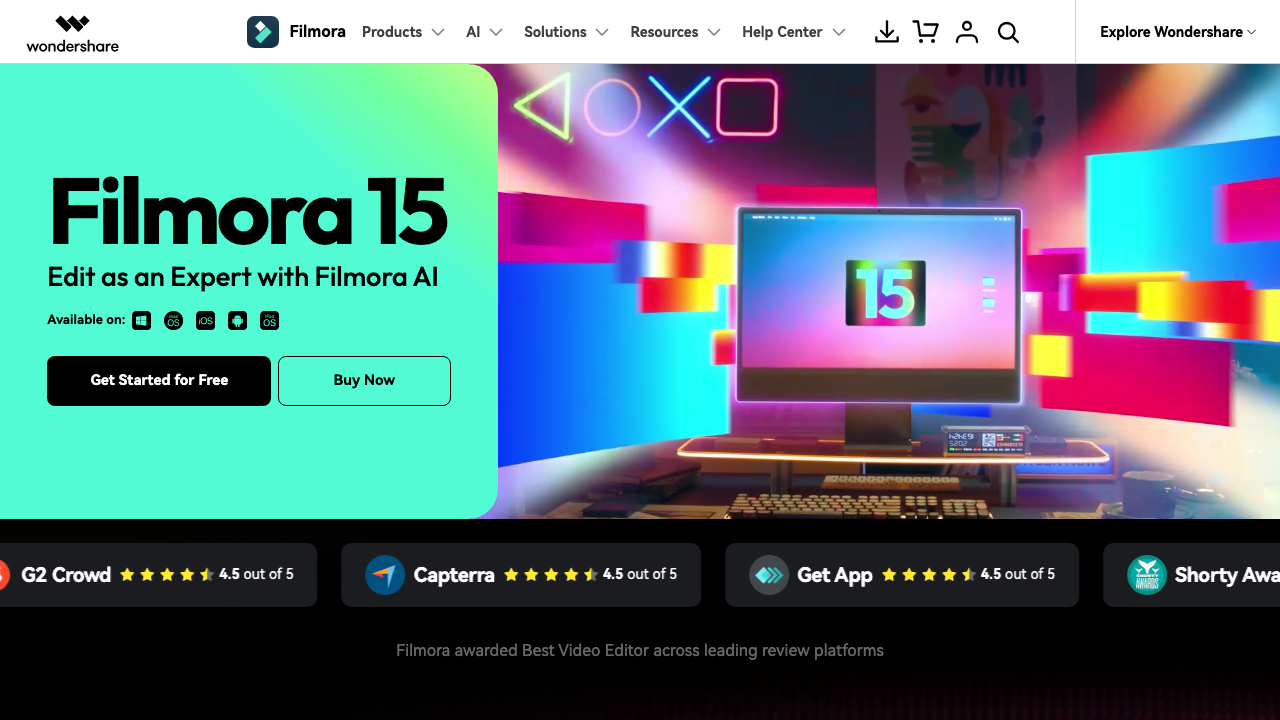
Wondershare Filmora occupies the middle ground between "I just want to drag and drop" and "I need a real editing timeline." It is the editor that non-editors actually finish projects in. The interface borrows the timeline paradigm from professional NLEs but strips away most of the complexity. You get tracks, transitions, text overlays, and audio mixing without the six-page manual.
For real estate, Filmora works when you have a mix of photos and short video clips (phone walkthroughs, drone clips) and want to combine them into a single polished piece. The built-in motion presets for still images are better than most consumer editors. Not as good as dedicated AI motion, but a noticeable step up from the basic "zoom and pan" approach.
Pros
- Intuitive drag-and-drop timeline; learn in hours, not weeks
- Motion presets for photos (pan, zoom, Ken Burns)
- AI features: background removal, smart cutout, auto-beat sync
- Split-screen templates for before/after comparisons
Cons
- Still manual work per listing, no automation
- Export quality ceiling; compression less configurable
- Subscription creep from effect packs and AI credits
- No multi-variant output (horizontal and vertical = two sessions)
The best real estate video editing software for agents who want desktop editing without the Premiere Pro learning curve. Hits the sweet spot of capable enough for polished output, simple enough that you actually use it. Good for 1-3 videos per month where you want manual creative control.

6. InVideo: Best Template-Based Real Estate Video Editor
Best Templates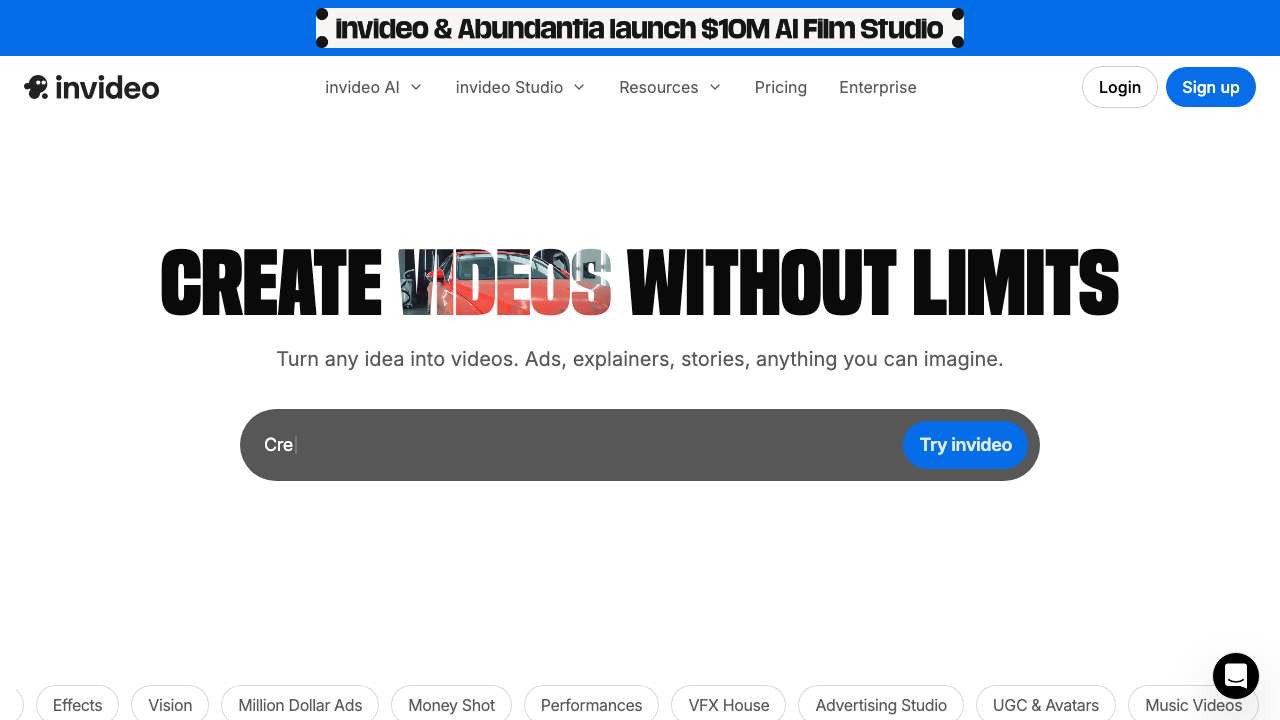
InVideo's pitch is straightforward: start with a template, swap in your content, export. The template library is where the real value lives. Thousands of pre-built designs, including a decent selection of real estate-specific templates for listing tours, agent introductions, open house promotions, and market updates.
The AI features are worth mentioning. InVideo's AI video generator can take a text prompt (or a URL to a property listing) and produce a rough cut with stock footage, text overlays, and music. The output is not going to replace a custom listing video, but it is a fast starting point for social media content and market update videos where speed matters more than property-specific visuals.
Pros
- Real estate templates for property showcases and market reports
- AI video generation from text prompts or listing URLs
- Large stock media library included with paid plans
- Brand kit for consistent colors, fonts, and logos
- Text-to-video for real estate video marketing content
Cons
- Templates look like templates; differentiation requires customization
- Photo-to-video is basic slideshows, not AI camera motion
- Cloud rendering can be slow during peak hours
- Many useful features locked behind paid plans
The best real estate video editor for agents who want template-based production without manual timeline editing. AI features are improving rapidly. Best suited for social media content, market updates, and supplementary marketing videos rather than primary listing videos.

7. Canva: Best Simple Real Estate Video Editor for Non-Editors
Best All-in-One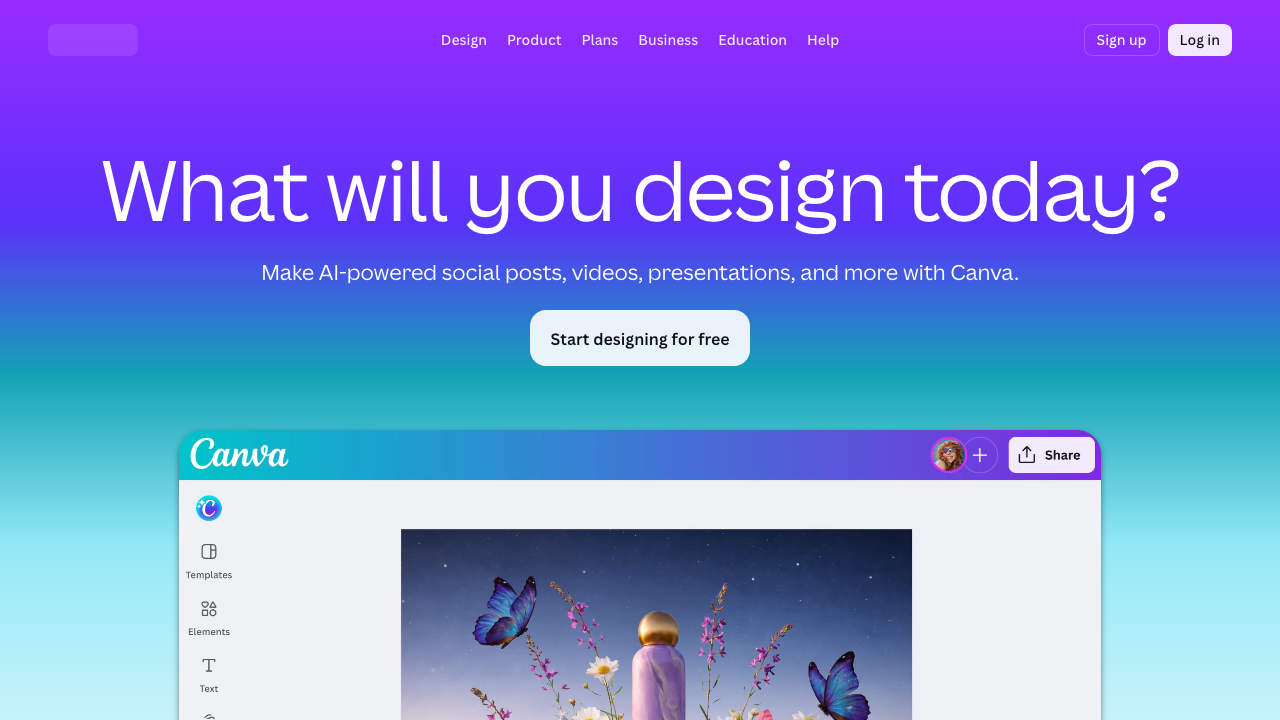
You probably already use Canva for flyers, social posts, or presentation decks. The video editor is a natural extension: same drag-and-drop interface, same brand kit, same template library. For agents who are already in the Canva ecosystem, adding video to the workflow requires almost no additional learning.
Canva's video capabilities are more limited than dedicated editors. You are not going to produce cinematic property tours here. But for quick social clips, animated property slideshows, and branded content that matches your existing marketing materials, Canva does the job without introducing another tool into your stack.
Pros
- Same interface you already know from Canva designs
- Brand consistency across videos, flyers, and social posts
- One-click resize between social media formats
- Team collaboration for brokerages with marketing coordinators
Cons
- Basic photo animations only (zoom, fade, pan)
- Not a real timeline; complex projects feel clunky
- 1080p max on Pro; compression noticeable on large screens
- Videos look like animated Canva designs
The best real estate video editor for agents who want to add simple video to an existing Canva workflow. Will not replace a dedicated video tool for listing videos, but hard to beat for quick branded clips and animated social posts.

8. iMovie: Best Free Real Estate Video Editor for Mac Users
Free on Mac
iMovie is free, pre-installed on every Mac, and genuinely capable for basic video editing. For agents who use MacBooks (which, in my experience, is a disproportionately large percentage of the industry), iMovie is the path of least resistance. No download, no subscription, no account creation. Just open the app and start dragging clips onto the timeline.
The Ken Burns effect in iMovie deserves specific mention for real estate. It is one of the best implementations of photo-to-video motion in any consumer editor. Select a photo, set start and end positions for the virtual camera, and iMovie smoothly pans across the image. For a free tool, the output quality is surprisingly good. I have seen agents produce respectable listing slideshows entirely in iMovie, though each one takes 30-45 minutes of manual work.
Pros
- Free and pre-installed on every Mac
- Best free Ken Burns effect for making real estate video from photos
- Clean, straightforward timeline interface
- iCloud sync between Mac and iPad
- 4K export, stabilization, and color correction
Cons
- Mac only (no Windows or Android)
- Limited transitions with no beat-synced cuts
- No branding features (no brand kit, no logo overlays)
- Single-format export; each aspect ratio is a separate edit
The best free real estate video editor for Mac users who want a no-cost entry point. The Ken Burns effect makes it genuinely useful for photo-based listing videos. Limitation is scale: every video requires manual work. Good for 1-2 videos per month; painful beyond that.

9. FlexClip: Best Browser-Based Real Estate Video Editor
Budget-Friendly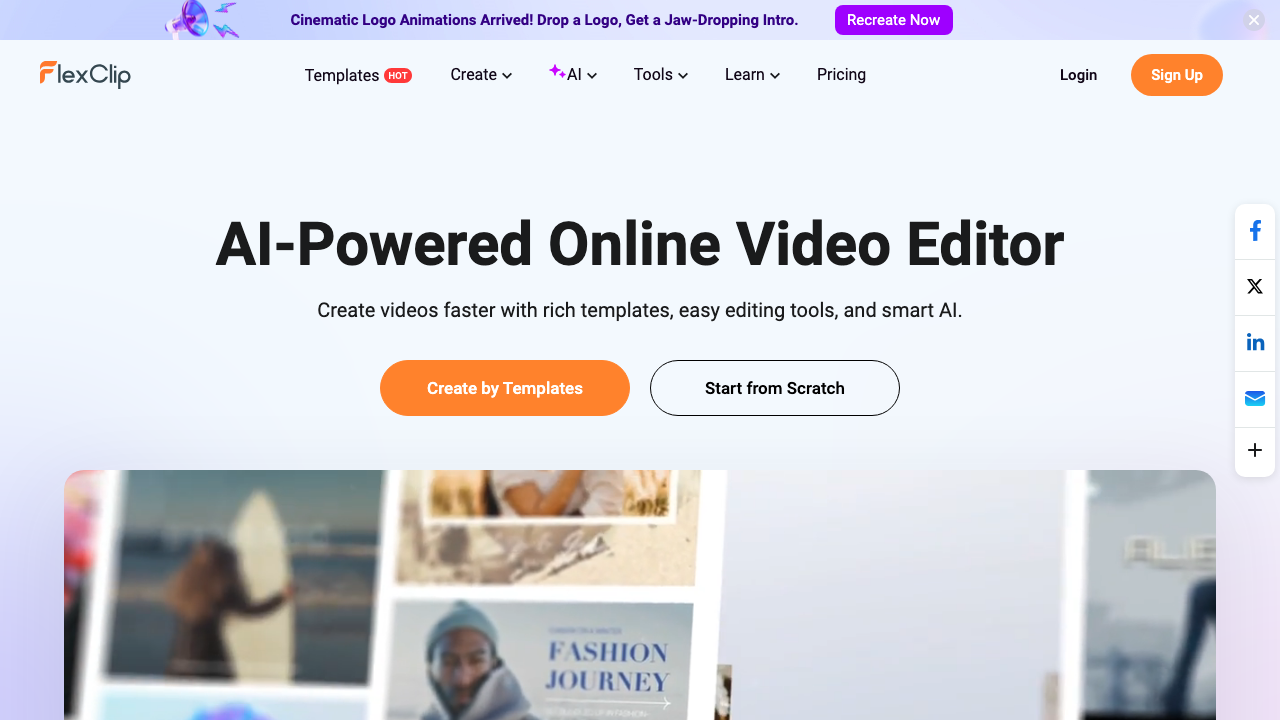
FlexClip lives entirely in your browser. No download, no installation, no worrying about whether your laptop can handle the software. Open a tab, start editing. For agents who work across multiple devices or do not want to manage another application, the browser-based approach has genuine appeal.
The real estate template selection is larger than most competitors in this tier. FlexClip offers property tour templates, open house announcements, agent introduction videos, and virtual staging showcases. The templates are not stunning, but they are functional and customizable enough to match your branding.
Pros
- Browser-based; works on any device with no install
- Larger real estate template selection than most at this price
- AI tools: text-to-video, auto subtitles, background removal
- Millions of stock photos, videos, and music included
Cons
- Large projects lag; export depends on server load
- Template quality is inconsistent
- Basic zoom and pan effects only, no AI motion
- Watermarks on free tier; need paid plan for clean output
The best browser-based real estate video editor for agents who want template-driven production without installing software. Not the choice for primary listing videos, but solid for social content and marketing materials.

10. VEED.io: Best Real Estate Video Editor for Captioned Content
Best Captions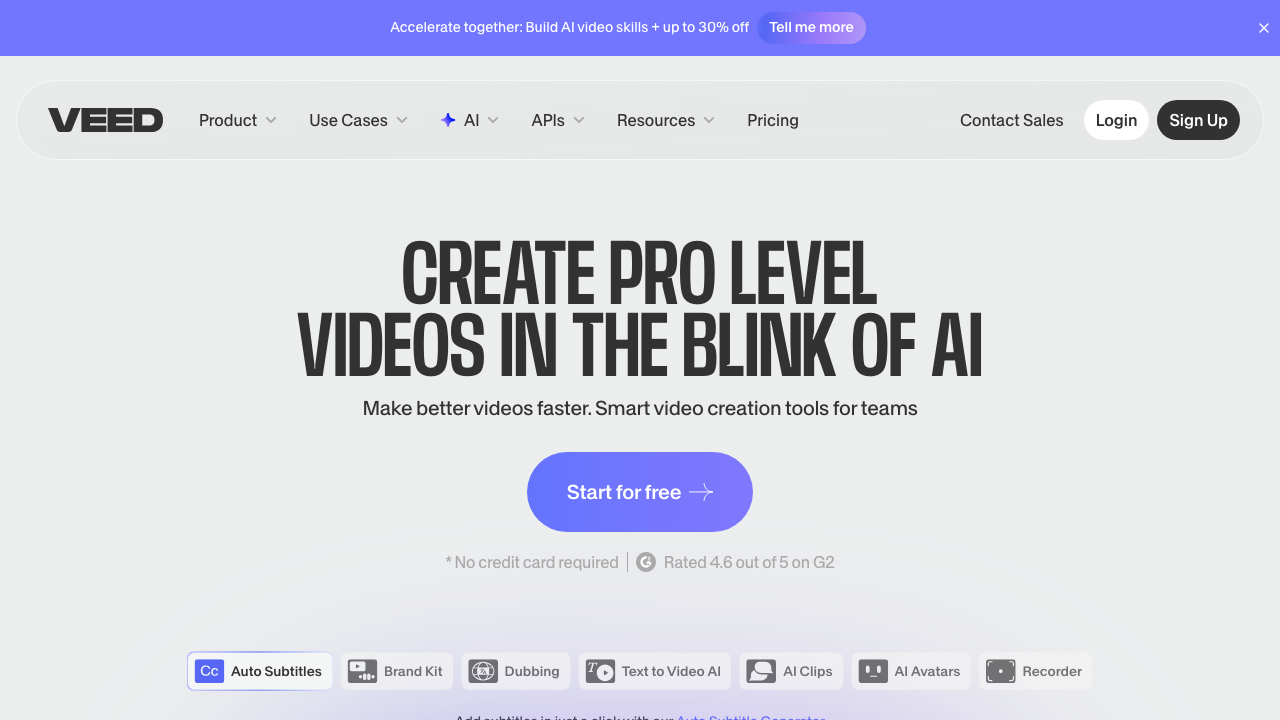
VEED.io started as a subtitle tool and expanded into a full video editor. That origin shows: the captioning, transcription, and text overlay features are best-in-class for a browser-based tool. For real estate agents who create talking-head content, market update videos, or neighborhood tour narrations, VEED's auto-caption workflow is the fastest way to add professional subtitles.
The broader editing features are competent but not exceptional. Timeline editing, transitions, filters, and basic effects are all present. VEED competes with FlexClip and Canva in the "good enough for social media" tier rather than with Premiere Pro or DaVinci Resolve.
Pros
- Best browser-based auto-captioning with word-by-word highlight
- Auto-transcription and multi-language translation
- Built-in screen recording for CMA and market presentations
- AI avatars and voiceover for market update content
Cons
- Weak photo-to-video; photo animation is an afterthought
- $18/mo for features CapCut offers for free
- Small template library with few real estate designs
- Export limits push you toward higher-priced plans
The best real estate video editor for captioned content, market update videos, and talking-head social media clips. If auto-captions are your primary need, VEED does it better than any other browser-based tool. For listing video production from photos, look elsewhere.
Real Estate Video Editor Pricing Comparison (2026)
Here is what each tool actually costs for a real estate agent creating listing videos regularly. I am comparing the plan tier that makes sense for agents producing 3-10 videos per month, not the cheapest or most expensive option available.
| Tool | Free Tier | Recommended Plan | Annual Savings | Cost Per Video (10/mo) |
|---|---|---|---|---|
| Reel-E | 7-day trial | $129/mo (Growth) | ~25% yearly | $12.90 |
| CapCut | Yes (generous) | $7.99/mo (Pro) | ~33% yearly | $0.80 + time |
| Premiere Pro | 7-day trial | $22.99/mo | Included (annual plan) | $2.30 + time |
| DaVinci Resolve | Yes (full editor) | Free or $295 once | N/A | $0 + time |
| Filmora | Trial (watermark) | $49.99/yr | Perpetual option: $79.99 | $0.42 + time |
| InVideo | Yes (watermark) | $25/mo (Business) | ~50% yearly | $2.50 + time |
| Canva | Yes (limited) | $12.99/mo (Pro) | Included (annual) | $1.30 + time |
| iMovie | Yes (complete) | Free | N/A | $0 + time |
| FlexClip | Yes (watermark) | $9.99/mo (Plus) | ~40% yearly | $1.00 + time |
| VEED.io | Yes (watermark) | $18/mo (Basic) | ~40% yearly | $1.80 + time |
The "+ time" column matters more than the dollar amount. If you value your time at $100/hour (reasonable for an active agent) and a manual edit takes 45 minutes, that is $75 of your time per video on top of the software cost. An AI tool that eliminates the editing step changes the math entirely, even if the subscription is higher.
For a deeper analysis of how production costs compare, see our complete guide to real estate video costs.
Which Type of Real Estate Video Editor Do You Actually Need?
The 10 tools above fall into three categories, and knowing which category you need saves more time than comparing feature matrices.
Category 1: AI-Powered (Reel-E)
You upload photos. You get a finished video. No timeline, no editing, no learning curve. This is the right choice for agents who need consistent video output across every listing without dedicating hours to production. If your bottleneck is "I skip video because it takes too long," this category eliminates the bottleneck entirely.
The tradeoff is creative control. You are not choosing every cut point or hand-selecting transitions. The AI makes those decisions. For 90% of listings, that is a feature, not a limitation. For the 10% where you want cinematic-grade custom production, pair an AI tool with a professional editor or hire a videographer for that specific listing.
Category 2: Template-Based (InVideo, Canva, FlexClip, VEED.io)
You start with a template, swap in your content, customize the branding, and export. These tools are faster than manual editing but slower than AI automation. The output quality depends heavily on the template you choose and how much you customize it. Good for social media content, market updates, and supplementary marketing materials.
The tradeoff is differentiation. Templates are shared across the entire user base. If you and three competitors use the same InVideo template with different photos, the videos will look similar. Customization helps, but the design DNA is shared.
Category 3: Manual Editors (Premiere Pro, DaVinci Resolve, Filmora, CapCut, iMovie)
You build the video from scratch on a timeline. Full creative control, maximum flexibility, and no output ceiling. These tools can produce the best possible video if you have the skill and time. The issue is whether "best possible" is worth the hours it takes when "professionally adequate" is available in minutes.
The tradeoff is time. Every listing is a new editing project. There is no automation, no batch processing, and no shortcut. Agents who enjoy editing will thrive here. Agents who see editing as a tax on their actual job will not.
Best Real Estate Video Editor by Use Case
Here is the honest recommendation based on what you are actually trying to accomplish.
| Use Case | Best Choice | Runner-Up |
|---|---|---|
| MLS listing video from photos | Reel-E | Filmora |
| Instagram Reels / TikTok clips | CapCut | VEED.io |
| Drone footage editing | DaVinci Resolve | Premiere Pro |
| Market update videos | InVideo | Canva |
| Talking-head content with captions | VEED.io | CapCut |
| Teams with dedicated media person | Premiere Pro | DaVinci Resolve |
| Budget-conscious Mac users | iMovie | CapCut |
| Quick branded social content | Canva | FlexClip |
| Agent branding and intro videos | InVideo | Filmora |
| Volume listing production (5+ per month) | Reel-E | InVideo |
The Real Question: Edit or Automate?
Every real estate video editor on this list works. CapCut is a genuinely good editor. Premiere Pro is world-class. DaVinci Resolve is an absurd amount of software for free. The question is not "which tool is the best?" It is "how do you want to spend your time?"
If you enjoy editing and want to develop it as a skill, CapCut or Filmora will get you producing quality content within a few days. If you want maximum creative control and have the time to invest, DaVinci Resolve or Premiere Pro are the ceiling.
But if you are an agent whose core job is selling properties, and video is the marketing asset you keep skipping because it takes too long, the calculus is different. The data on video and listing performance is clear: listings with video get significantly more views. The bottleneck for most agents is not quality. It is consistency. It is getting a video done for every listing, not just the exciting ones.
That is the problem I built Reel-E to solve. Not because Premiere Pro is bad, but because most agents will never open Premiere Pro on listing number four. They will open it on the $2.8 million waterfront property they are excited about. The $475,000 three-bedroom in Tampa? That listing deserves video too. And it will only get video if the process takes minutes, not hours.
Ready to see what your listing photos look like as a finished video? Start a free Reel-E project and find out in under two minutes.
Plan the Handoff Before You Hire an Editor
Editing gets expensive when the brief is vague and every revision becomes an archaeological dig. Lock the scope, selects, formats, and approval path first.
FAQ
What is the best free real estate video editor?
DaVinci Resolve is the best fully free real estate video editor with professional-grade tools. CapCut is the best free option for quick social media clips. iMovie works well for Mac users who need simple slideshow-style listing videos.
Do real estate agents need professional video editing software?
Most agents do not. Professional NLEs like Premiere Pro and DaVinci Resolve are powerful but require significant time investment. AI-powered tools like Reel-E produce professional output from photos alone, which is a better fit for agents who need results without learning video editing.
What is the fastest way to create a real estate listing video?
AI-powered platforms like Reel-E create listing videos in under two minutes from uploaded photos. Traditional video editors require manual timeline work, which typically takes 30 minutes to several hours per video depending on complexity.
Can I use CapCut for real estate videos?
Yes. CapCut is a solid choice for social media clips and short-form real estate content. Its auto-caption and template features are useful for Instagram Reels and TikTok. However, it requires manual editing for each video, which does not scale well across multiple listings.
How much does real estate video editing software cost?
Prices range from free (DaVinci Resolve, CapCut, iMovie) to $22.99/month (Adobe Premiere Pro). AI-powered platforms like Reel-E start at $59/month with a 7-day free trial. The real cost comparison is time: manual editors require hours per video, while AI tools produce output in minutes.
Is Adobe Premiere Pro worth it for real estate agents?
Only if you already know how to use it or plan to edit video professionally as part of your business. For most agents, Premiere Pro is overkill. The learning curve is steep, the subscription is expensive, and simpler tools produce comparable listing videos in a fraction of the time.
What video format should I use for MLS listings?
Most MLS systems accept MP4 files in 16:9 (horizontal) format at 1080p resolution. Some platforms also accept vertical 9:16 for social media integration. Check your local MLS requirements, as file size limits vary. See our MLS video requirements guide for specifics.
Can AI video editors replace a real estate videographer?
For standard listings that already have professional photos, yes. AI tools like Reel-E produce polished video with motion effects, music synchronization, and branded overlays from photos alone. High-end or architecturally unique properties may still benefit from custom drone and cinematic videography.
What is the difference between a video editor and a video maker?
A video editor (Premiere Pro, DaVinci Resolve, CapCut) gives you a timeline to manually arrange clips, add effects, and fine-tune every frame. A video maker (Reel-E, InVideo, FlexClip) automates much of that process, often generating a finished video from minimal input. For real estate, makers are usually faster; editors give more control.
Should I edit real estate videos on my phone or computer?
For quick social media clips, phone editing with CapCut or InVideo works fine. For listing videos that appear on MLS, your website, or client presentations, use a desktop tool or AI platform that outputs at 1080p or 4K. The quality difference is noticeable on larger screens.