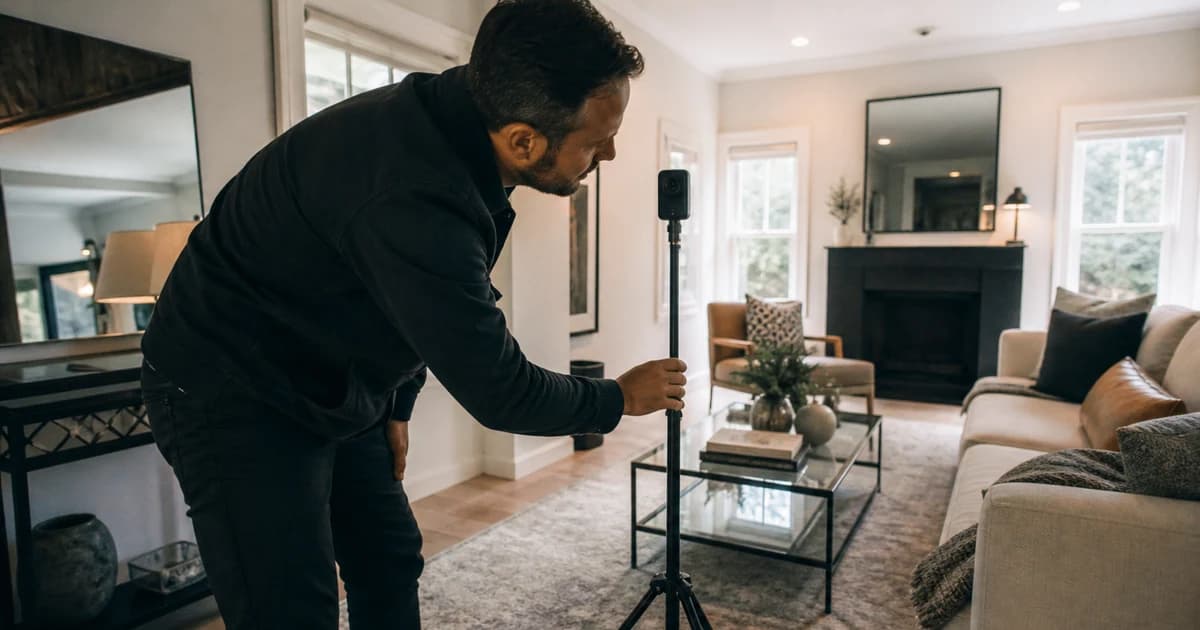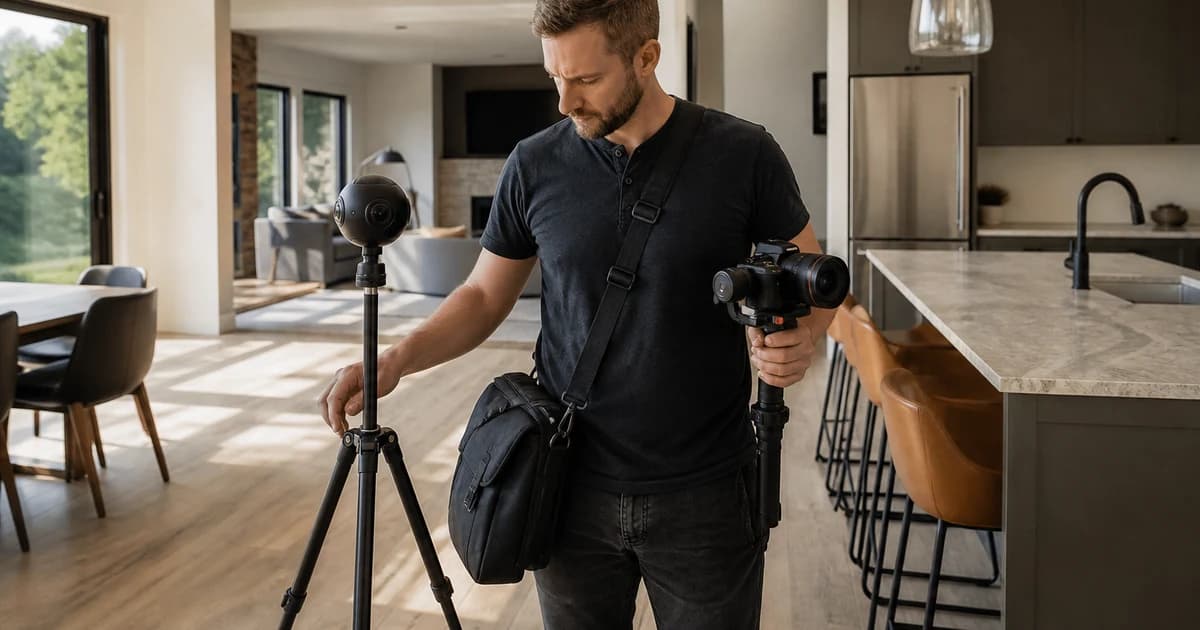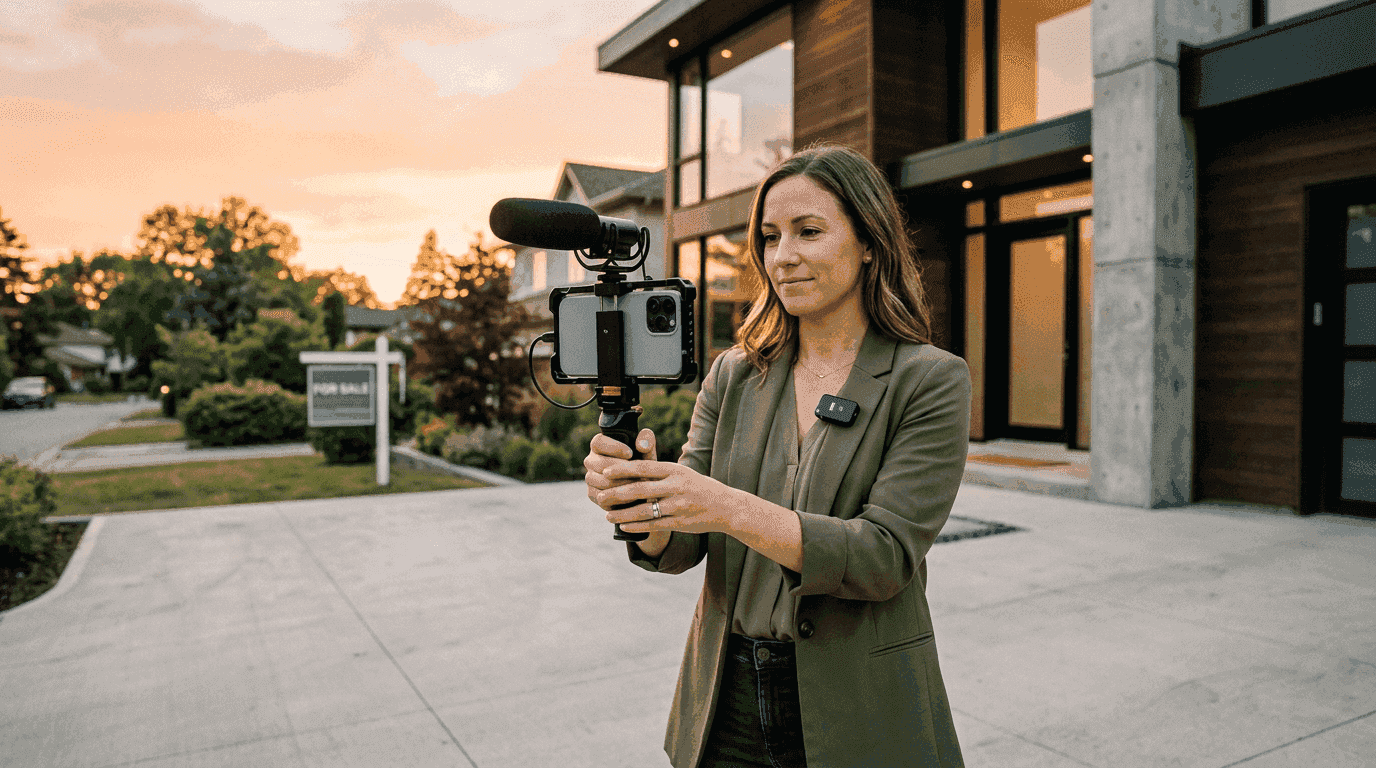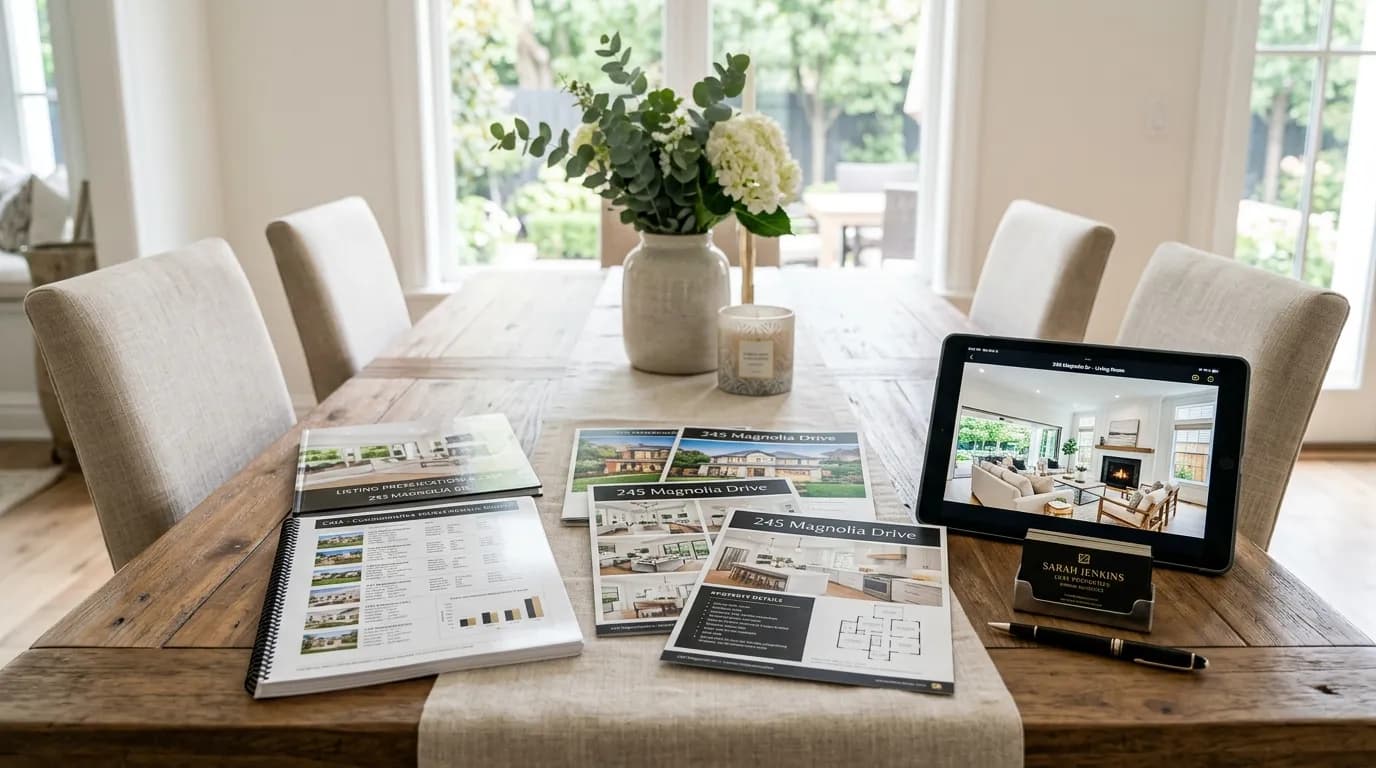
Here is a listing appointment scenario that plays out in every market, every week: two agents sit across from a seller, and both promise "professional marketing." One agent flips through a printed CMA. The other pulls up a cinematic video of that seller's actual home, with smooth camera movement, beat-synced transitions, and the agent's branding on screen. Which agent gets the listing?
That is not a hypothetical. I spent nearly a decade filming luxury real estate for agents on shows like Selling Sunset and Listing Impossible, and the single biggest factor in whether an agent won a listing was not their commission rate or their comp analysis. It was whether the seller believed the agent would market their home better than the competition. A listing presentation video makes that belief tangible.
This guide covers the full playbook: why video wins listing appointments, what to include in a video-powered presentation, and a specific strategy (the "pre-listing video") that lets you show up with a finished cinematic video of the seller's property before they've even signed with you.
Why Video Wins Listing Appointments (The Data)
Sellers have more information than ever. They have already checked your Zillow reviews, scrolled your Instagram, and Googled your name before you walk through their front door. By the time you sit down for the listing appointment, the seller has a shortlist of two or three agents. Your job is to separate yourself from the other names on that list.
The National Association of Realtors reports that 73% of homeowners say they are more likely to list with an agent who uses video. That number has climbed every year since 2020, and it makes sense. Sellers want to know their home will look its best online. A video is the most visceral proof that you take marketing seriously.
Here is where it gets interesting for listing appointments specifically. Most agents talk about video. Very few actually show it. The typical real estate listing presentation includes a printed or digital CMA, some neighborhood comps, maybe a marketing plan slide deck, and a conversation about commission. It is transactional. It is forgettable. And it looks identical to what the other agent brought.
A listing presentation video breaks that pattern. Instead of telling the seller "I'll create professional video for your home," you show them. On their screen. Of their home. That shift from promise to proof is what makes video the highest-leverage addition to any listing appointment.
Consider the psychology. Sellers are making a high-stakes decision with incomplete information. They are choosing between agents who all sound similar. A finished video is a concrete, emotional artifact that demonstrates three things at once:
- Competence: You clearly know how to produce professional marketing materials
- Investment: You invested time and resources before you were even hired
- Vision: The seller can see exactly how their home will appear to buyers
No slide deck accomplishes all three simultaneously. No amount of market statistics creates the same emotional response as watching your own kitchen presented with cinematic camera movement and music.
The Pre-Listing Video Strategy
This is the move that separates top-producing agents from the rest of the field. I call it the "pre-listing video" strategy, and it works like this:
Before your listing appointment, create a professional video of the seller's property using photos you already have access to.
Wait, you might be thinking. How do you get photos of a home you haven't listed yet? Easier than you think:
- Previous MLS photos: If the home was listed before, those photos are typically still accessible through MLS history or public listing sites
- Zillow/Redfin photos: Most homes have existing photos from past sales, tax records, or owner uploads
- Drive-by exterior shots: Snap 5-8 exterior photos from public areas (street, sidewalk) the day before your appointment
- Pre-appointment walkthrough: Some sellers invite agents for a quick look before the formal presentation. Bring your phone
- Public record satellite/aerial views: Supplement exterior shots with overhead property imagery
Even if you only have 6-8 photos, that is enough to generate a compelling video. The point is not to produce the final marketing package. The point is to demonstrate what you will deliver.
The 20-Minute Pre-Listing Video Workflow
Here is the workflow I recommend. Total time: about 20 minutes.
- Gather photos (10 min): Pull 8-15 images from MLS history, public listings, or your own phone. Prioritize the exterior, the kitchen, and the primary living space. Those three rooms carry the emotional weight.
- Generate the video (2 min): Upload the photos to Reel-E, select a music track, and let the AI generate cinematic motion. You will get four video variants: horizontal branded, horizontal unbranded, vertical branded, and vertical unbranded.
- Review and select (3 min): Watch the horizontal branded version. This is what you will present at the appointment. The vertical version is your social media proof point.
- Prepare the presentation (5 min): Load the video onto your laptop or tablet. If you are presenting at the seller's home, AirPlay or HDMI to their TV for maximum impact. If you are meeting at your office, use the conference room display.
Twenty minutes of prep. That is less time than it takes to print a CMA packet at FedEx. And the return on that investment is disproportionate because no other agent in the running will have done it.
What to Include in a Video Listing Presentation
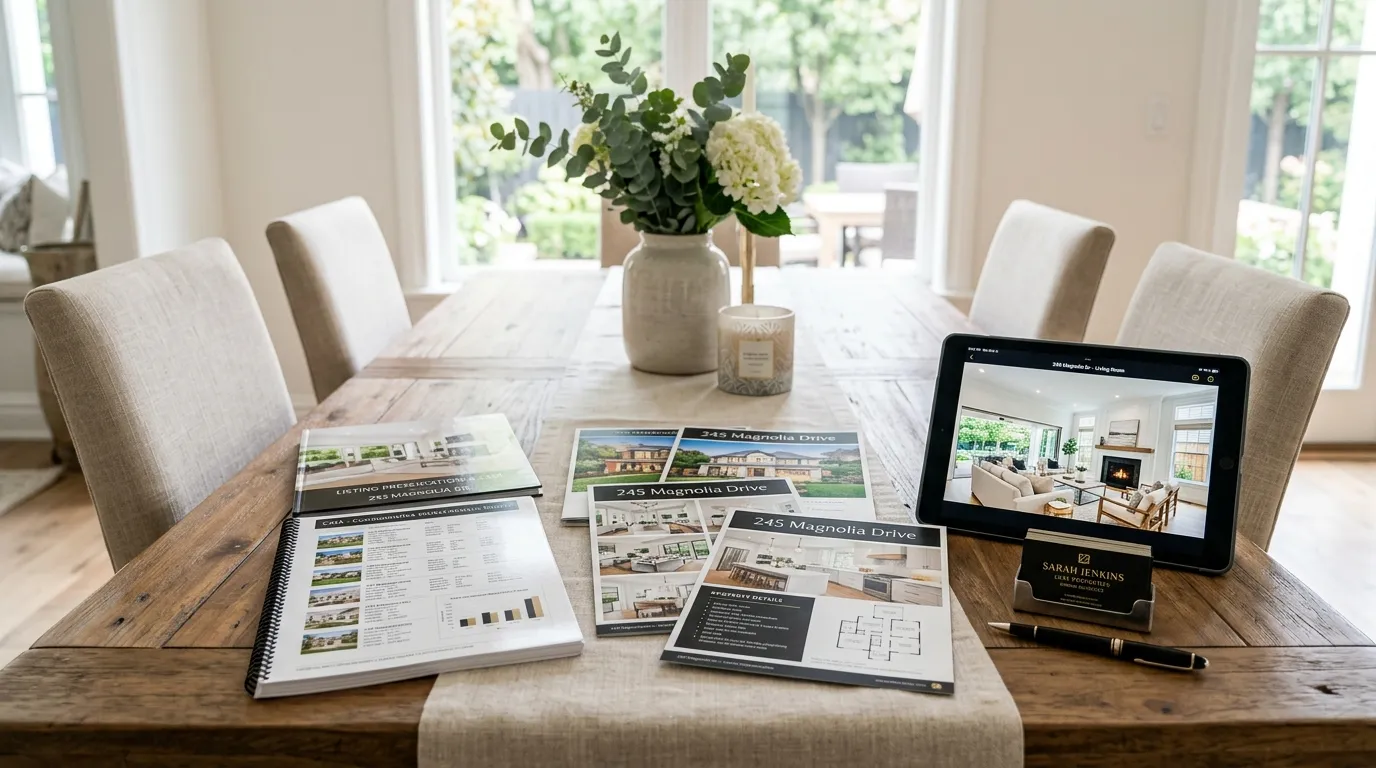
A listing presentation video is not just a property walkthrough set to music. It is a strategic marketing artifact that serves a specific purpose: convince the seller that you will market their home at a level the competition cannot match. Here is what the video should contain, and why each element matters.
1. Cinematic Property Motion (Not Slideshows)
This is the make-or-break difference. A slideshow with Ken Burns zoom is what your seller's nephew could produce in iMovie. What moves the needle is actual cinematic camera movement: smooth push-ins through doorways, orbital sweeps around kitchen islands, pull-outs that reveal architectural details. The AI motion in tools like Reel-E generates parallax depth from still photos, which means your images look like they were captured by a dolly or gimbal operator. Sellers can feel the difference, even if they cannot articulate it technically.
2. Beat-Synced Music and Transitions
Audio quality signals production value. When transitions snap to musical downbeats, the video feels intentional and professional. When they do not, it feels like a slideshow with a soundtrack bolted on. This is one of those details that sellers notice subconsciously. They will not say "the transitions were beat-synced." They will say "this feels like something I would see on a Netflix show." That is the reaction you want.
3. Your Branding and Contact Information
The listing presentation video should feature your logo, name, and contact details. This is not vanity. It is strategy. When the seller watches the video, they should see you as part of the marketing. You are not just the person who hired a vendor to make a video. You are the brand behind the production. A branded video also plants a seed: when the seller shares this with their spouse, friend, or family member who is helping them decide, your name travels with the video.
4. Both Horizontal and Vertical Formats
Show the seller the horizontal version on the big screen. Then pull out your phone and show them the vertical version. Say: "This is what your home will look like in Instagram Reels, TikTok, and Facebook Stories. We will push this across every platform from day one." Sellers increasingly understand the importance of social media video for real estate. Having both formats ready demonstrates that your marketing plan is not theoretical. It is already built.
5. Property Highlights, Not Every Room
For the pre-listing video specifically, you do not need 30 clips. Pick the property's strongest features: the exterior approach, the hero kitchen shot, the primary living space, the best outdoor area, and one "wow" moment (a view, a pool, a statement architectural element). Six to ten clips, running 45 to 90 seconds total, is the sweet spot. Long enough to create an emotional response. Short enough that the seller watches the whole thing.
The Listing Presentation Script: When to Play the Video
Timing matters. You have roughly 30 to 45 minutes in a typical listing appointment. Here is where the video fits into the flow, based on what I have seen work for agents who close at high rates.
Option A: The Opener (Recommended)
Walk in, exchange pleasantries, and within the first three minutes say something like:
"Before we get into the numbers, I want to show you something. I put together a quick preview of how I'd market your home. This took me about two minutes to produce, and on day one of our listing, every buyer in this market will see something like this."
Play the video. Let it finish. Let the silence land.
This approach works because it front-loads the emotional impact. Everything you say afterward, the CMA, the pricing strategy, the commission discussion, happens in the context of the seller already feeling like their home looks incredible. You have reframed the entire conversation from "which agent should I pick" to "I can already see my home marketed at this level."
Option B: The Closer
Save the video for the final five minutes. Walk through your CMA, discuss strategy, handle objections, and then say:
"I want to leave you with something. I already started working on your marketing. Here is a preview of what your home video will look like."
This approach creates a strong recency effect. The last thing the seller remembers from your presentation is a cinematic video of their home. If they are meeting another agent after you, that agent has to compete against the video you left in the seller's mind.
Option C: The Pre-Send
Email or text the video to the seller 24 hours before the appointment with a brief note:
"I am looking forward to meeting tomorrow. In the meantime, I put together a quick preview of what your home's video marketing would look like. Take a look and let me know what you think."
This is the boldest play. It shows maximum initiative and gives the seller time to share the video with their decision-making circle (spouse, adult children, trusted friend). The risk is that it reduces your in-person "wow" moment. The upside is that the seller walks into the appointment already leaning your direction. In my experience, agents who pre-send tend to shorten the appointment and increase their close rate because the video has already done the heavy selling.
How to Create a Listing Presentation Video With Reel-E
Here is the specific workflow using Reel-E. I am walking through this because the entire pre-listing video strategy depends on speed. If it takes an hour, agents will not do it. If it takes two minutes, agents will do it for every appointment.
Step 1: Upload the Seller's Photos
Open Reel-E and start a new project. Upload the photos you gathered (MLS history, your own shots, or public images). The platform accepts standard listing photo formats (JPEG, PNG, WebP) and handles optimization automatically. You can upload anywhere from 6 to 40 photos per project, but for a pre-listing video, 8 to 15 is the sweet spot.
Step 2: Select Music and Arrange
Choose a music track from the built-in library. The AI will analyze the track's BPM and downbeats, then sync your photo transitions to the music automatically. You can rearrange the photo order if you want to control the narrative flow (exterior first, then living spaces, then the "hero" room). The system also supports turning listing photos into video with custom speed ramps between clips for a more cinematic feel.
Step 3: Add Your Branding
Upload your logo and add your contact information. Reel-E generates both branded and unbranded variants, so you will have a clean version for MLS (which often prohibits agent branding in media) and a branded version for social media and your listing presentation.
Step 4: Generate and Download
Hit generate. The AI creates cinematic motion from your still photos using custom inference models (not off-the-shelf generators). You will receive four variants: horizontal branded, horizontal unbranded, vertical branded, and vertical unbranded. The whole process takes under two minutes from upload to download.
That is it. Four variants. Two minutes. For a $44/month subscription, you can create a pre-listing video for every single appointment on your calendar. Compare that to the $300 to $1,500 a traditional videographer charges for a single property, and the math changes how you think about listing prep entirely. For a detailed cost breakdown, see our real estate video cost guide.
Advanced Moves: Using Video Throughout the Listing Lifecycle
The pre-listing video gets you hired. But the real advantage of having fast, affordable video production is that it changes your marketing velocity across the entire listing lifecycle.
Pre-Listing Appointment
Use the pre-listing video strategy described above. Create a sample video from available photos and present it during (or before) the appointment. This is your differentiation move.
Just-Listed Distribution
Once you have the listing and professional photos, create the final video with the full photo set. Push the horizontal version to MLS, YouTube, and your website. Push the vertical version to Instagram Reels, TikTok, and Facebook Stories. A structured video marketing strategy ensures each platform gets the right format on day one, not three weeks after listing when buyer interest has already peaked.
Open House Promotion
Repurpose the vertical video as an open house teaser. Post it 48 to 72 hours before the open house with "Open House This Saturday" text overlaid in your story editor. The video is already made. You are just redistributing it.
Price Reduction or Status Change
If the listing needs a price adjustment, refresh the video with an updated intro card. A "New Price" video in the feed generates more engagement than a static price-change post because it gives buyers a reason to re-engage with the property visually.
Seller Reporting
Send the seller monthly reports that include video view counts. This is an often-overlooked retention strategy. Sellers who can see their video being viewed hundreds or thousands of times feel confident they chose the right agent. That confidence prevents the "maybe we should try another agent" conversation at the 60-day mark.
Common Objections (And How to Handle Them)
If you are reading this and thinking "my market is different" or "my sellers do not care about video," here are the objections I hear most often, with honest responses.
"My sellers only care about price."
Every seller cares about price. But every seller also cares about marketing. When two agents recommend similar list prices, the tiebreaker is marketing plan and personality. Video gives you the marketing tiebreaker. And honestly, the agent who brings a polished video also signals "I pay attention to details," which builds confidence in your pricing strategy too.
"I sell in a rural or lower-price-point market where video seems like overkill."
This is actually where video has the highest relative impact. In luxury markets, every agent does video. In a market where the $285,000 ranch-style home has never been marketed with cinematic video, you are the only agent who shows up with one. The surprise factor is larger. The differentiation is stronger. And at $44/month for unlimited videos, the cost does not scale with property price.
"I do not have time to create a video before every listing appointment."
This is the reason AI video tools exist. Two minutes. Gather the photos, upload, select music, generate. If you have time to print a CMA, you have time to create a listing presentation video. The old objection was valid when "video" meant hiring a crew, scheduling a shoot, and waiting a week for edits. That workflow is gone. The AI listing video guide covers exactly how the modern workflow replaces the traditional production timeline.
"What if the seller's home doesn't look great in the photos I can find?"
Good. This is an opportunity. Show the seller a video made from their old, mediocre MLS photos. Then say: "This is what we can do with average photos. Imagine what we will produce with professional photography after I list your home." You have just created a before/after narrative where you are the upgrade. Even imperfect photos, when presented as cinematic video, look dramatically better than a still gallery.
Building a Repeatable Listing Presentation System
The agents who win the most listings do not reinvent their presentation every time. They build a system and refine it. Here is a template for turning the pre-listing video into a repeatable process.
The Night-Before Checklist
- Property photo research (10 min): Pull available photos from MLS, Zillow, Realtor.com, or Google Street View. Save 8-15 images to a folder.
- Video generation (2 min): Upload to Reel-E, select music, generate all four variants.
- Quality check (2 min): Watch the branded horizontal version. Confirm it looks sharp.
- Load to device (1 min): Download to your laptop, iPad, or phone. Test AirPlay if you plan to use the seller's TV.
- Talking points (5 min): Rehearse your video introduction. Keep it to 2-3 sentences. Do not over-explain the technology. Let the video speak.
Total: 20 minutes. Do this the night before every listing appointment and you will never walk in without a video again.
Tracking What Works
Keep a simple spreadsheet tracking each listing appointment, whether you used a pre-listing video, and whether you won the listing. After 10 to 15 appointments, you will have your own data on how much video impacts your close rate. The agents I have spoken with who run this playbook report close rates 20 to 35 percent higher than their pre-video baseline. Your numbers will vary by market, but the directional signal is consistent.
What About Other Tools? How Reel-E Compares
You could build a listing presentation video with any number of tools. Canva has templates. Animoto has been in the real estate space for years. And you can always hire a videographer.
Here is the honest difference. General-purpose tools (Canva, Animoto, InVideo) create slideshows. They pan and zoom across your photos, add text overlays, and export a video. The output looks fine. But it does not look cinematic. Sellers can tell the difference between a slideshow and a video with actual camera movement, even if they cannot explain why.
Reel-E generates AI real estate video with custom inference models that produce parallax depth, orbital camera movement, and perspective shifts from still photos. The output looks like it was shot with a gimbal or drone, not assembled in a slideshow builder. For a listing presentation, that visual quality gap is the difference between "nice marketing" and "wow, my home looks incredible." For a detailed feature-by-feature breakdown, see our roundup of the best real estate video makers.
Traditional videographers produce excellent work, but the economics do not support creating a video before you've been hired. No agent is paying $500 for a speculative video on a listing they might not win. At $44/month for unlimited projects with Reel-E, you can afford to create a pre-listing video for every single appointment without worrying about sunk costs. That is the real unlock: making the pre-listing video economically rational, not just theoretically desirable.
The Math: What a Listing Presentation Video Is Worth
Let's put real numbers on this. Assume you go on 4 listing appointments per month and your current close rate is 40% (industry average for experienced agents). That means you win roughly 1.6 listings per month.
If a pre-listing video improves your close rate by even 25% (conservative based on agent feedback), your new rate is 50%. That moves you from 1.6 to 2.0 listings per month. One additional listing every 2.5 months.
What is one additional listing worth? On a $450,000 property at a 2.5% commission, that is $11,250 in gross commission. Over a year, the extra listings from a higher close rate could add $50,000 or more to your income.
The tool that made it possible costs $44/month. That is a $528 annual investment for a potential $50,000+ return. You do not need to be a math person to see why this is one of the highest-ROI investments an agent can make.
Real Talk: When This Strategy Does Not Work
I am not going to pretend video is a magic wand. There are situations where a pre-listing video will not save you.
- If your pricing is wildly off. A beautiful video will not overcome a $50,000 pricing disagreement. Get the CMA right first.
- If the seller has a personal relationship with another agent. Referral-based listings are hard to win regardless of marketing quality. Video helps at the margins, but it does not override years of trust.
- If the photos you can find are genuinely terrible. Sometimes the only available images are dark, blurry cell phone shots from a 2014 listing. AI can only do so much. In this case, skip the pre-listing video and instead show a portfolio of videos you have produced for other similar properties.
- If you are competing on commission alone. Some sellers choose the cheapest agent regardless. Video appeals to sellers who value marketing quality. If the seller's only criterion is commission rate, no amount of video production will change the calculus.
That said, even in these edge cases, having a video ready does not hurt. The worst outcome is that the seller appreciates the effort. You lose nothing by being the most prepared agent in the room.
Getting Started This Week
Here is the simplest possible action plan. No complex setup. No learning curve.
- Pick your next listing appointment. You probably have one in the next week or two.
- Gather 8-12 photos of that property. Use MLS history, Zillow, or take your own exterior shots.
- Create a free trial account on Reel-E. Upload the photos, pick a track, and generate your first listing presentation video in under two minutes.
- Practice your intro. Two sentences. "Before we get into the numbers, I put together a preview of how I would market your home. Take a look."
- Present it at the appointment. Watch the seller's reaction. That reaction is your answer on whether to keep doing this.
The agents who adopt this strategy tend to never stop. Once you see a seller's face when they watch a cinematic video of their own home, the question is not "should I keep doing this?" The question is "why did I ever walk into a listing appointment without one?"
The complete video marketing guide covers broader strategy beyond listing presentations, and the video ideas roundup has additional concepts for using video throughout your business. But start here. Start with one appointment. One video. One seller reaction. That is all the proof you need.