Key Takeaways
- Best overall for real estate agents: Reel-E. Purpose-built for listings, AI-powered motion, four video variants from one upload.
- Best professional editor: Adobe Premiere Pro. Industry standard with unlimited creative control, but steep learning curve.
- Best virtual tour: Matterport. Best-in-class 3D walkthrough experience accepted on every major portal.
- Best free option: DaVinci Resolve. Hollywood-grade editing tools at zero cost.
- We tested all 12 tools by uploading the same listing photos and comparing output quality, turnaround time, and ease of use.
- Price alone does not predict quality. The cheapest option often costs more in wasted time.
Our Top Picks at a Glance
1 Reel-EBest Overall for Agents
4.9
From $59/mo
2
Reel-EBest Overall for Agents
4.9
From $59/mo
2
 AutoReelBest Reel-E Alternative
4.2
From $49/mo
3
AutoReelBest Reel-E Alternative
4.2
From $49/mo
3
 PhotoAIVideoBest Budget AI Generator
3.8
From $29/mo
4
PhotoAIVideoBest Budget AI Generator
3.8
From $29/mo
4
 Adobe Premiere ProBest Professional Editor
4.5
$23/mo
5
Adobe Premiere ProBest Professional Editor
4.5
$23/mo
5
 DaVinci ResolveBest Free Editor
4.3
Free / $295
6
DaVinci ResolveBest Free Editor
4.3
Free / $295
6
 AnimotoMost Established Brand
3.7
From $8/mo
7
AnimotoMost Established Brand
3.7
From $8/mo
7
 CanvaBest All-in-One Design
3.8
Free / $13/mo
8
CanvaBest All-in-One Design
3.8
Free / $13/mo
8
 InVideoBest for Custom Editing
3.6
From $25/mo
9
InVideoBest for Custom Editing
3.6
From $25/mo
9
 Promo.comBest for Stock Footage
3.4
From $25/mo
10
Promo.comBest for Stock Footage
3.4
From $25/mo
10
 MatterportBest Virtual Tour
4.4
Free / $12/mo
11
MatterportBest Virtual Tour
4.4
Free / $12/mo
11
 3DVistaBest Self-Hosted Tour
3.9
$180 one-time
12
3DVistaBest Self-Hosted Tour
3.9
$180 one-time
12
 Zillow 3D HomeBest Free Tour
3.2
Free
Zillow 3D HomeBest Free Tour
3.2
Free
Why Real Estate Video Software Matters More Than Ever
Here is what happened to real estate video in the last 18 months: AI tools went from gimmicky slideshows to producing output that actual brokerages use on actual MLS listings. Meanwhile, the agents still hiring a videographer for every $500K ranch-style in Orlando are spending $500 per video and waiting three days for delivery.
That math does not work when you have 10 listings a month.
This guide breaks down the 12 best real estate video software tools across four categories: AI-powered generators, traditional editors, template-based platforms, and virtual tour software. We tested each one on real listing photos, timed the workflows, and compared the output side by side.
If you want the short answer: Reel-E is the best overall pick for agents who want professional results without learning a timeline editor. But the right tool depends on your volume, budget, and how much control you want. That is what this guide is for.
The 4 Categories of Real Estate Video Software
Not all video tools solve the same problem. Before we rank individual products, here is how the categories break down:
- AI-Powered Generators turn listing photos into finished videos automatically. You upload photos, pick music, and the AI handles camera motion, transitions, timing, and branding. Best for: agents who want volume and speed.
- Traditional Video Editors give you full creative control over a timeline with cuts, effects, color grading, and audio mixing. Best for: teams with a dedicated video editor or agents who enjoy the craft.
- Template-Based Platforms offer drag-and-drop templates with pre-built animations. You swap in your photos and text. Best for: social media content that needs to look polished without deep editing.
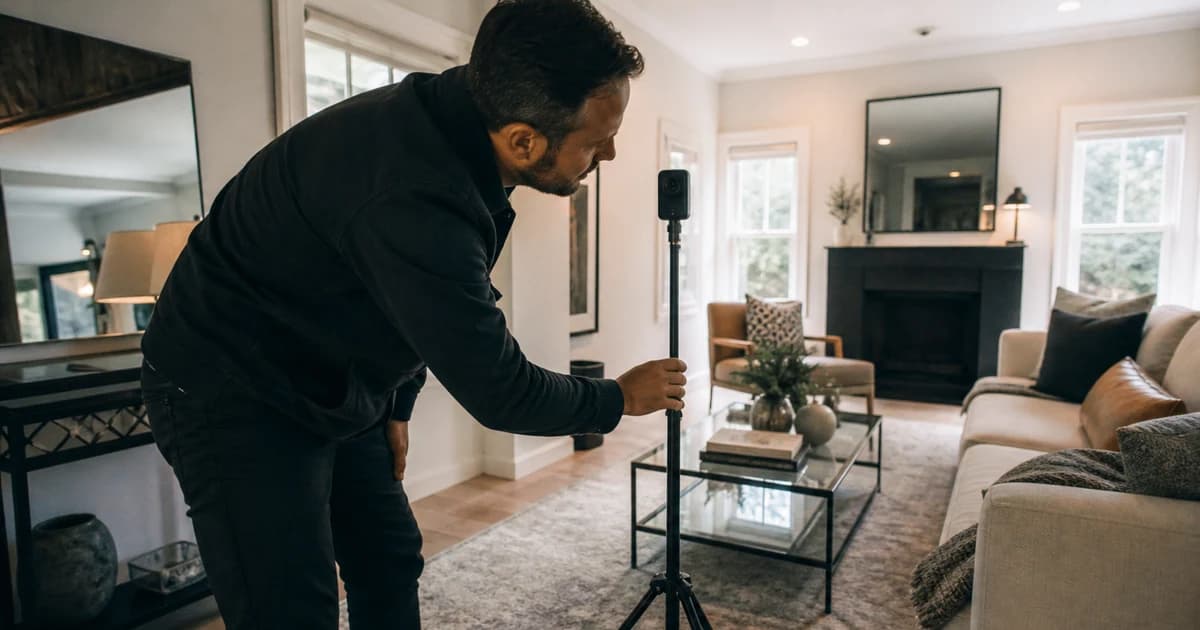
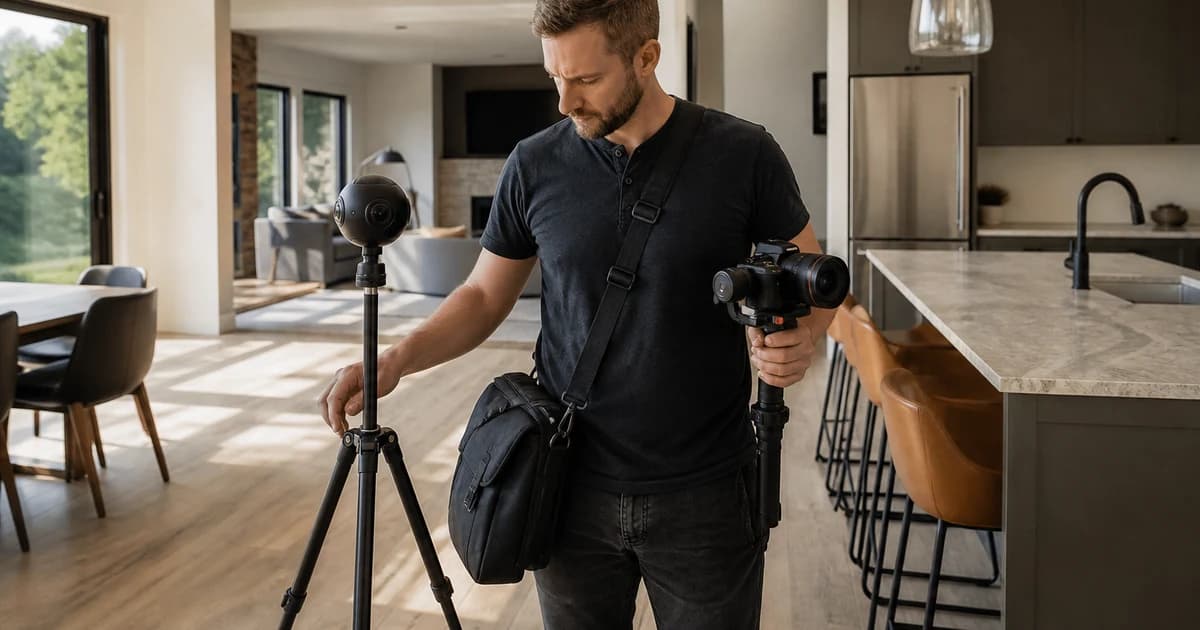
- Virtual Tour Platforms create interactive 3D walkthroughs from 360-degree camera scans. Best for: luxury listings, relocations, and buyers who want to explore a property remotely.
Most agents end up using one tool from the first or third category for their day-to-day listings, and occasionally hire out for the second or fourth when the listing price justifies it.
Master Comparison Table
Here is every tool covered in this guide, compared on the metrics that matter most to agents:
| Tool | Category | Price (monthly) | Learning Curve | Output Quality | Speed to Finished Video | MLS Ready |
|---|---|---|---|---|---|---|
| Reel-E | AI Generator | $59 - $599 | Minimal | High (1080p/4K) | ~2 minutes | Yes |
| AutoReel | AI Generator | $49 - $199 | Minimal | Medium-High | ~5 minutes | Yes |
| PhotoAIVideo | AI Generator | $29 - $99 | Minimal | Medium | ~3 minutes | Partial |
| Adobe Premiere Pro | Traditional Editor | $23 (Creative Cloud) | Steep | Professional | 2-8 hours | Yes (manual) |
| DaVinci Resolve | Traditional Editor | Free / $295 (one-time) | Steep | Professional | 2-8 hours | Yes (manual) |
| Animoto | Template-Based | $8 - $39 | Low | Medium | 15-30 minutes | Partial |
| Canva | Template-Based | Free - $13 | Low | Medium | 15-45 minutes | No |
| InVideo | Template-Based | $25 - $50 | Low-Medium | Medium | 20-45 minutes | Partial |
| Promo.com | Template-Based | $25 - $49 | Low | Medium | 15-30 minutes | No |
| Matterport | Virtual Tour | $0 - $69+ | Medium | High (3D) | 1-3 hours (incl. scanning) | Yes (tour link) |
| 3DVista | Virtual Tour | $180 (one-time) | Medium-High | High (3D) | 2-4 hours | Yes (tour link) |
| Zillow 3D Home | Virtual Tour | Free | Low | Medium | 30-60 minutes | Zillow only |
The 12 Best Real Estate Video Software Tools Reviewed
Category 1: AI-Powered Real Estate Video Generators
This is the category that barely existed two years ago and is now the fastest-growing segment of real estate video marketing tools. AI generators analyze your listing photos, apply cinematic camera movements, sync transitions to music beats, and export a finished video. No timeline. No dragging clips around. Just upload and wait.

1. Reel-E: Best Overall Real Estate Video Software
Editor's Choice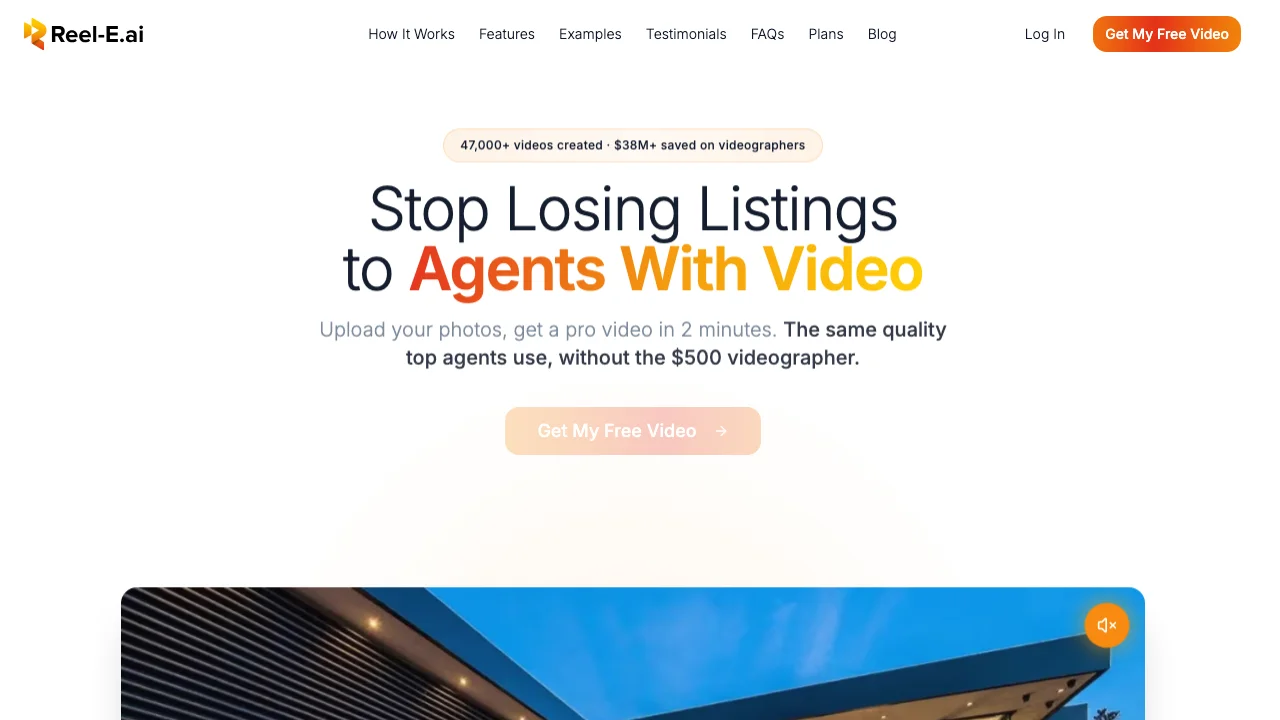
Full disclosure: we built Reel-E. But we built it because we spent a decade running a traditional real estate media company (filming for Aaron Kirman, the Oppenheims, Selling Sunset on Netflix, Blackstone properties) and watched agents spend $300 to $2,000 per video on something that could be automated.
Reel-E runs a custom AI inference stack. That is not marketing language for "we plugged in a Google API." The motion models are trained and hosted on Reel-E's own GPU infrastructure, which means your listing photos never leave Reel-E data centers and we control every camera movement parameter: orbit speed, push-in depth, pull-out distance, stability.
What makes it different:
- Beat-synced transitions. The system analyzes the music track's downbeats and aligns every photo transition to the rhythm. This is the single biggest quality difference between "slideshow with effects" and "actual video." Try watching a Reel-E video next to an Animoto video with music. You will hear the difference immediately.
- 4 variants from 1 upload. Every project generates horizontal branded, horizontal unbranded, vertical branded, and vertical unbranded. One upload covers MLS, YouTube, Instagram Reels, and TikTok.
- Speed ramps. Transitions between clips can have adjustable speed ramps (slow-mo in, accelerate out) that give the video a cinematic rhythm you normally only get from a gimbal operator.
- Under 2 minutes. From photo upload to finished video. Not 2 minutes of editing followed by 20 minutes of rendering. Two minutes, total.
Pros
- AI-powered cinematic camera motion (not just Ken Burns)
- Beat-synced transitions matched to music
- Four video formats from a single upload
- Under 2 minutes from photos to finished video
Cons
- No timeline editor for manual frame editing
- Real estate only, not general-purpose
- No free tier (7-day free trial available)
The fastest path from listing photos to cinematic video. If you list 3+ properties a month, nothing else comes close on efficiency and output quality.

2. AutoReel: Best Reel-E Alternative
AI Generator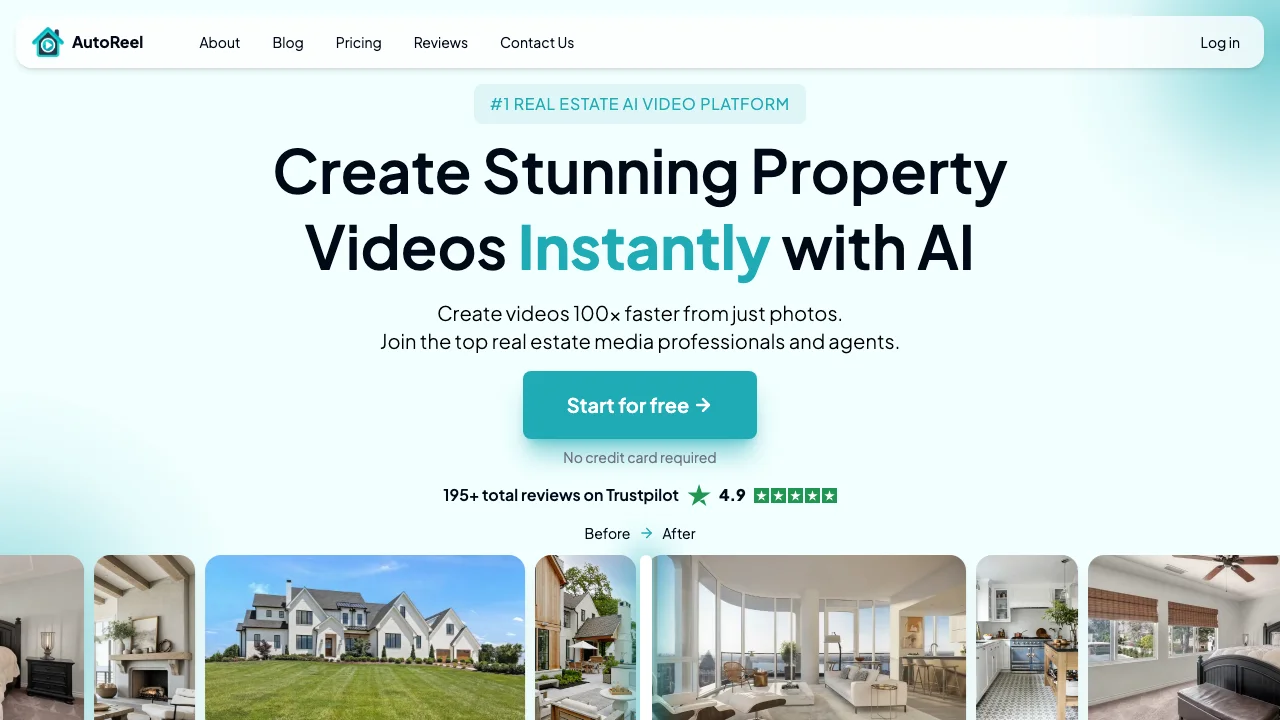
AutoReel entered the market in late 2024 and has been positioning itself as a direct Reel-E competitor. The pitch is similar: upload listing photos, get a video back. The execution is different in ways that matter.
AutoReel claims "custom AI models," but in our testing, the motion output is visually identical to Google Veo and Kling model output. That is not inherently bad (those are good models), but it means AutoReel is more of an integration layer than a proprietary AI platform. The practical impact: less control over camera movement parameters and occasional "AI weirdness" in motion (furniture morphing, walls bending) that custom-trained models avoid.
Pros
- Clean interface, easy onboarding
- Good music library
- MLS-compliant output
Cons
- No beat-synced transitions (timed, not music-aware)
- Only 2 output formats (no automatic 4-variant generation)
- Motion artifacts more common due to off-the-shelf models
- Slower processing (~5 minutes vs ~2 minutes)
A solid Reel-E alternative for agents who want AI video generation at a lower entry price. Best for 1-2 listings per month where the lower cost offsets fewer features.

3. PhotoAIVideo: Best Budget AI Generator
Budget Pick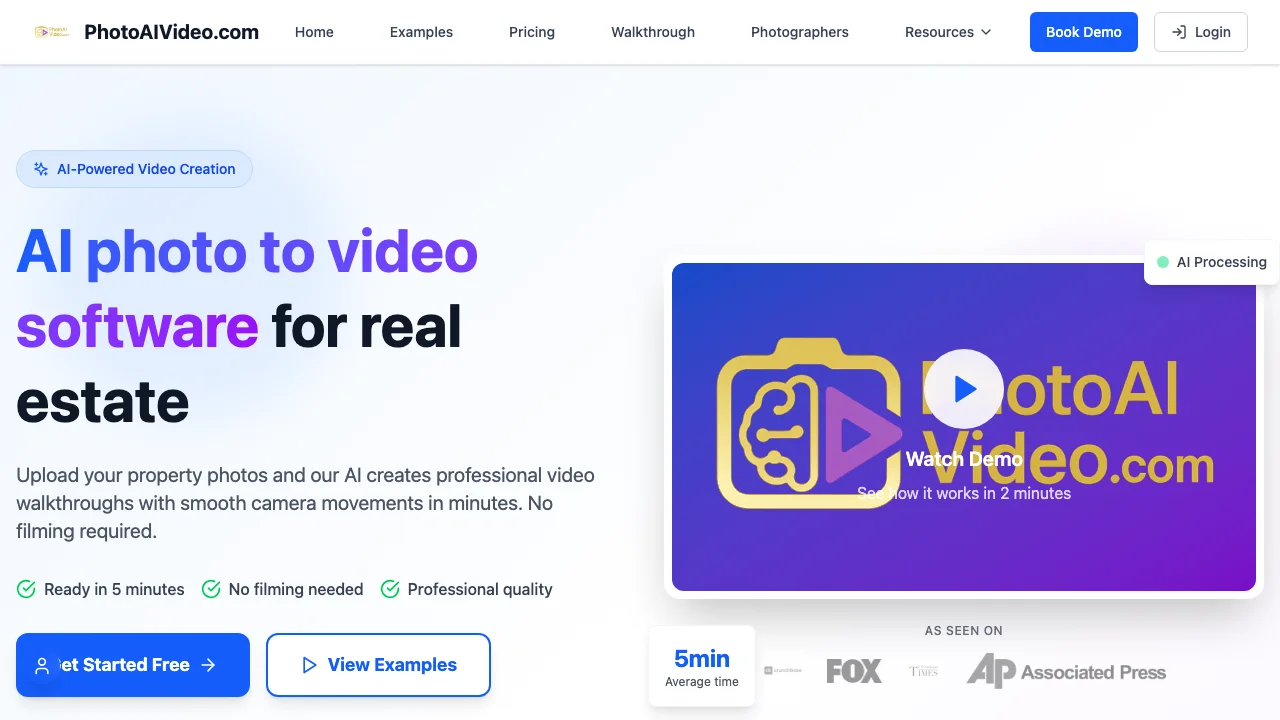
PhotoAIVideo is the budget option in the AI generator category. It handles the basics (photo-to-video conversion with motion effects) at a price point that undercuts both Reel-E and AutoReel.
The trade-off is output quality. In our testing, PhotoAIVideo's motion effects feel more like Ken Burns zoom-and-pan than true AI camera movement. The transitions are standard crossfades rather than beat-synced or rhythmic. And the output resolution caps at 1080p with visible compression artifacts on some exports.
Pros
- Lowest price in the AI generator category
- Simple three-step workflow
- Fast processing (~3 minutes)
Cons
- Limited camera movement variety (mostly Ken Burns style)
- No music beat sync
- No branding/contact card overlay
- Single output format per render
The cheapest way to get AI-generated listing videos. Best for agents on a tight budget who will add branding separately.
Category 2: Traditional Video Editors
If you have editing skills (or a team member who does), traditional editors produce the highest-quality output possible. The trade-off is time. Editing a single listing video takes 2 to 8 hours depending on complexity, and that is after you have the footage.
These tools are not real estate-specific. They are professional video editing platforms used across film, TV, and marketing. But agents with video backgrounds or larger teams use them daily.

4. Adobe Premiere Pro: Best Professional Editor
Pro Pick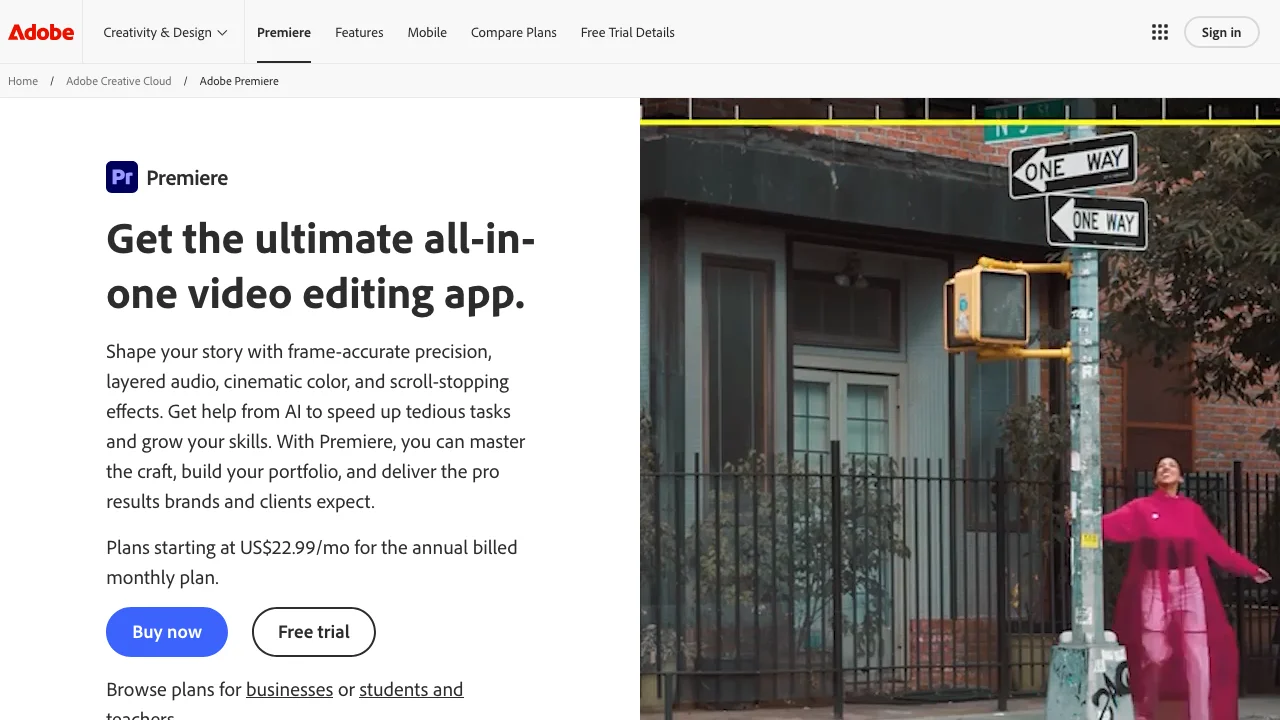
Premiere Pro is the industry standard for video editing, full stop. Every video production company (including the one we ran for 10 years before building Reel-E) uses it. The feature set is absurdly deep: multi-cam editing, Lumetri color grading, motion graphics via After Effects integration, AI-powered audio cleanup.
For real estate specifically, Premiere Pro shines when you have drone footage, walkthrough video, and stills that need to be cut into a polished 90-second listing tour. The latest AI features (Scene Edit Detection, Auto Tone) speed up the workflow, but this is still a tool that assumes you know what a J-cut is.
Pros
- Unlimited creative control
- Best color grading tools in the market
- Seamless After Effects/Photoshop integration
- Exports in any format, resolution, or codec
Cons
- Steep learning curve (weeks to become productive)
- 2 to 8 hours per listing video
- Requires source video footage, not just photos
The gold standard for manual video editing. Best for teams with a dedicated editor or agents who shoot drone/walkthrough footage.

5. DaVinci Resolve: Best Free Professional Editor
Best Free
DaVinci Resolve is Premiere Pro's biggest competitor, and the free version is genuinely free. Not "free with watermarks" or "free for 7 days." Free, forever, with a feature set that would have cost $2,000 five years ago.
Resolve's color grading tools are actually superior to Premiere Pro's (Hollywood colorists swear by it). The editing interface is professional-grade with a magnetic timeline, multi-cam support, and Fairlight audio. The Studio version ($295, one-time) adds AI-powered features like magic mask, speed warp, and noise reduction.
The honest downside: the interface is dense. If Premiere Pro has a steep learning curve, Resolve has a cliff. The layout makes sense once you understand it, but the first week will feel overwhelming if you have never used professional editing software.
Pros
- Free version is remarkably capable
- Best color grading in the industry
- One-time purchase for Studio (no subscription)
- Built-in Fusion for motion graphics
Cons
- Steepest learning curve of any tool on this list
- Heavy system requirements (needs a decent GPU)
- Fewer real estate-specific templates than Premiere
- Still requires source video footage
The most capable free video editor available. Best for budget-conscious editors who want professional-grade tools without a monthly subscription.
Category 3: Template-Based Video Platforms
Template-based tools sit between AI generators and traditional editors. You get pre-designed animations and layouts. You swap in your photos, text, and music. The platform handles the motion and rendering. No AI camera movement, no manual timeline editing. Just templates.
These tools are popular with agents because they are fast to learn and produce decent-looking social media content. The limitation is that every video looks like a template. After you have seen one Animoto real estate slideshow, you have seen them all. For Instagram Reels and TikTok where content volume matters more than cinematic quality, that is a fine trade-off.

6. Animoto: Most Established Template Platform
Established Brand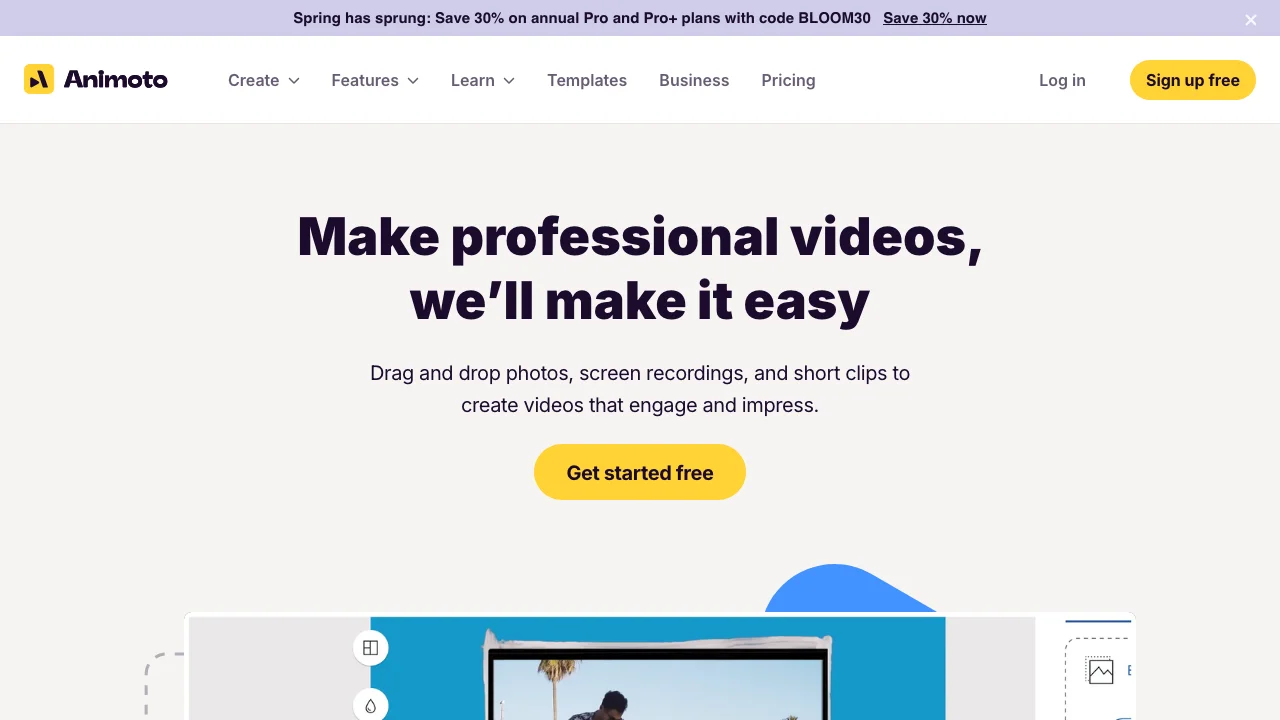
Animoto has been the default "easy real estate video" tool for a decade. The formula is straightforward: pick a template, drop in your listing photos, add text overlays, choose music, export. The real estate-specific templates include property detail overlays, agent branding, and MLS-friendly aspect ratios.
In 2026, Animoto feels dated compared to AI generators. The output is a slideshow with pre-canned transitions, not a video with cinematic motion. But it is still the cheapest way to produce a branded listing video that looks better than a raw photo carousel on Facebook.
Pros
- Real estate-specific templates built in
- Very fast to learn (10-minute onboarding)
- Reliable output with no AI artifacts
- Affordable pricing
Cons
- Output looks like a slideshow, not a video
- No AI camera movement or beat-synced transitions
- Limited customization beyond template parameters
- Template fatigue (your listings look like everyone else's)
A reliable, affordable option for agents who want quick branded slideshows for social media and do not need cinematic quality. See our Reel-E vs Animoto comparison.

7. Canva: Best All-in-One Design Tool with Video
All-in-One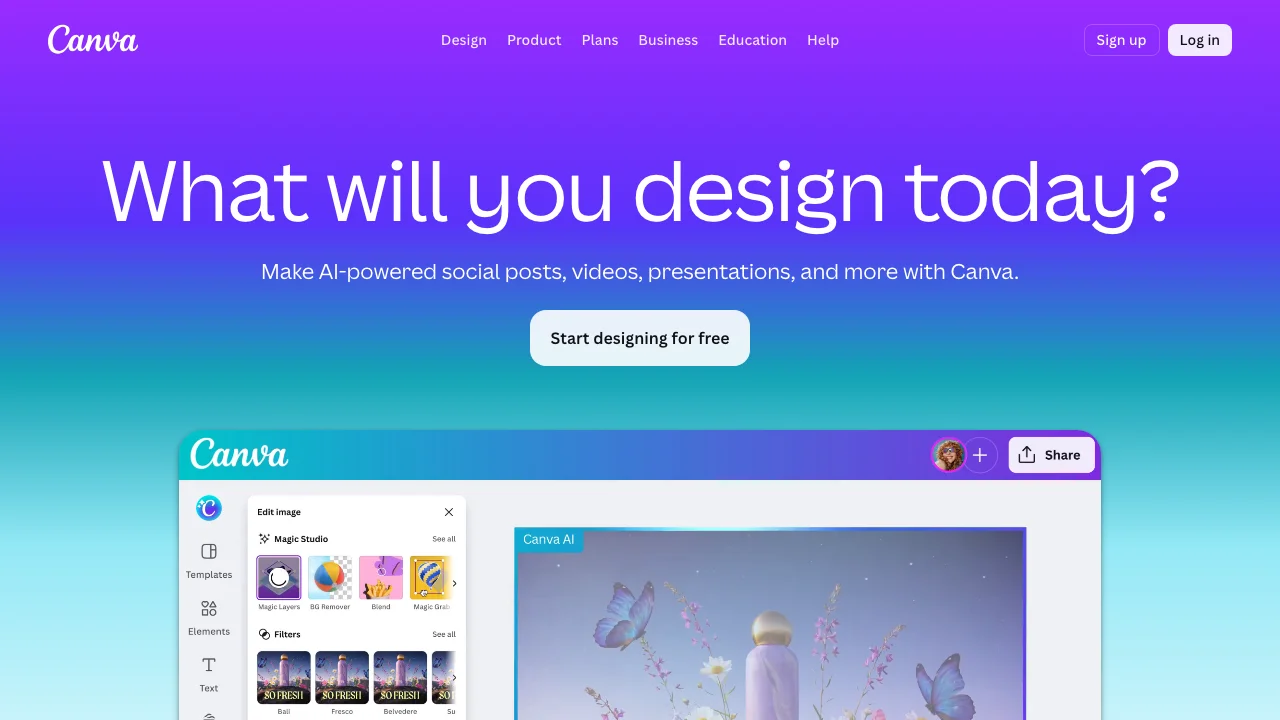
Canva is not a video tool. It is a design platform that happens to have video features. And for many agents, that is actually the appeal. You are already using Canva for flyers, social posts, and open house invites. Adding a listing video to that workflow is one click away.
The video editor is basic but competent. You get templates, animations, text overlays, a stock music library, and export in multiple aspect ratios. The real estate-specific template selection is thinner than Animoto's, but the general design flexibility is much higher.
The catch: Canva videos look like Canva videos. The motion is text animation and slide transitions, not property footage. For a $350K condo in Atlanta where you need "something for Instagram," Canva works. For a $1.2M lakefront where the listing presentation matters, it does not.
Pros
- Free tier is genuinely useful
- Integrated with the design tools agents already use
- Massive template library across all content types
- Collaborative team features
Cons
- Video output is basic (slideshow + text animation)
- No real estate-specific video features
- No AI motion or photo-to-video capability
- Not MLS-ready (no proper aspect ratio presets for MLS)
Best for agents who want a single tool for all design needs and consider video a bonus. See our Reel-E vs Canva comparison.

8. InVideo: Best for Custom Template Editing
Best for Editing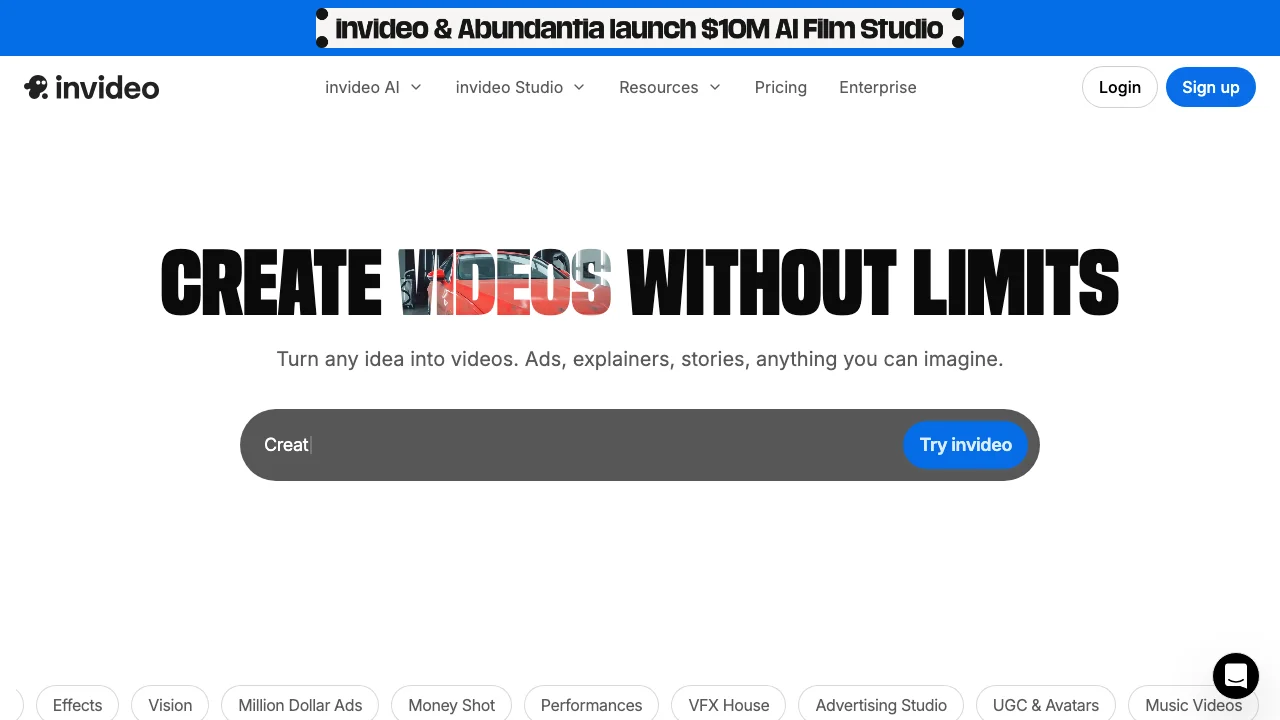
InVideo is the most editor-like of the template platforms. You get real estate templates as a starting point, but the editing interface lets you modify timing, add custom transitions, layer text, and adjust individual clip durations. It sits somewhere between Canva's simplicity and Premiere's flexibility.
InVideo also has an AI assistant (InVideo AI) that generates video scripts and suggests edits. In our testing, the AI script generation was more useful for social media content ("Just Listed" posts, market update videos) than for listing tours. The AI cannot create camera motion from photos; it helps with text, pacing, and layout.
Pros
- More editing control than Animoto or Canva
- AI script assistant for social content
- Good stock footage and music library
- Exports in multiple formats and resolutions
Cons
- Steeper learning curve than Animoto
- Template-based output (still looks like a template)
- AI features are text/script focused, not visual
- Occasional export quality issues on free tier
The template platform with the most customization. Best for agents who want template convenience with more control, especially for market update and neighborhood videos.

9. Promo.com: Best for Stock Footage Integration
Stock Footage
Promo.com (formerly Slidely) focuses on marketing video, not just real estate. But their real estate template collection is solid, and the integration with Getty Images and iStock gives you access to stock footage that other template tools lack.
The workflow is template-first: pick a real estate template, swap in your photos, edit text, pick music, export. Where Promo.com stands out is the stock footage integration. You can mix your listing photos with professional b-roll of neighborhoods, lifestyle scenes, and city aerials without leaving the platform.
Pros
- Getty/iStock integration for stock footage
- Good for neighborhood and lifestyle videos
- Clean templates that do not scream "template"
Cons
- Limited real estate-specific features
- No AI motion or photo-to-video
- Stock footage reliance can feel generic
- Not MLS-ready without manual formatting
Best for brokerages creating brand-level marketing videos (neighborhood tours, team intros, market reports) rather than individual listing tours.
Category 4: Virtual Tour Platforms
Virtual tours are not the same thing as video, and the distinction matters. A video is a linear, cinematic piece of content that you post to YouTube, MLS, or Instagram. A virtual tour is an interactive 3D experience that a potential buyer navigates at their own pace.
Both increase engagement. But they serve different purposes. Video drives social media engagement and emotional response. Virtual tours drive qualified buyer interest by letting them "walk through" a property before scheduling a showing. For listings that sell faster with video, the two are complementary, not competing.

10. Matterport: Best Virtual Tour Platform
Best Tour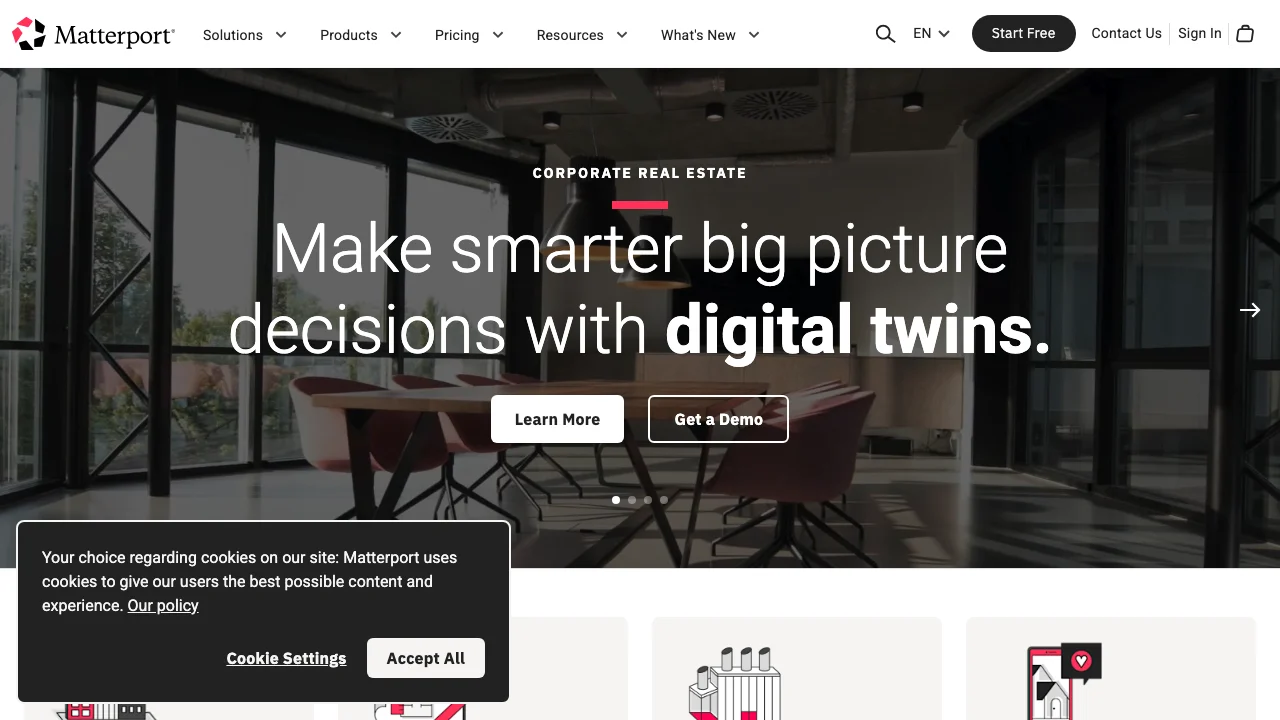
Matterport is the dominant virtual tour platform. Their 3D camera (or the newer smartphone scanning option) captures a property in 360 degrees, and the cloud platform stitches it into an interactive dollhouse view, floor plan, and walkthrough tour.
The output is genuinely impressive. Buyers can teleport between rooms, measure dimensions, and view the property from above in a 3D dollhouse model. MLS boards widely accept Matterport links, and Zillow, Realtor.com, and Redfin all support embedded tours.
The limitation is that Matterport tours are not video. You cannot post a Matterport scan to Instagram or TikTok. You get a link to an interactive experience, not an MP4 file. That is why many agents pair Matterport (for serious buyers) with a video tool like Reel-E (for social reach).
Pros
- Best-in-class 3D virtual tour experience
- Widely accepted on MLS and listing portals
- Smartphone scanning option (no special camera needed)
- Schematic floor plans included
Cons
- Not a video tool (outputs tours, not MP4 files)
- Requires on-site scanning (30-60 minutes per property)
- Monthly hosting fees per active tour
- Cannot be used on social media directly
The best virtual tour platform by a wide margin. Pair with a video tool for complete listing marketing coverage.

11. 3DVista: Best Self-Hosted Virtual Tour
Self-Hosted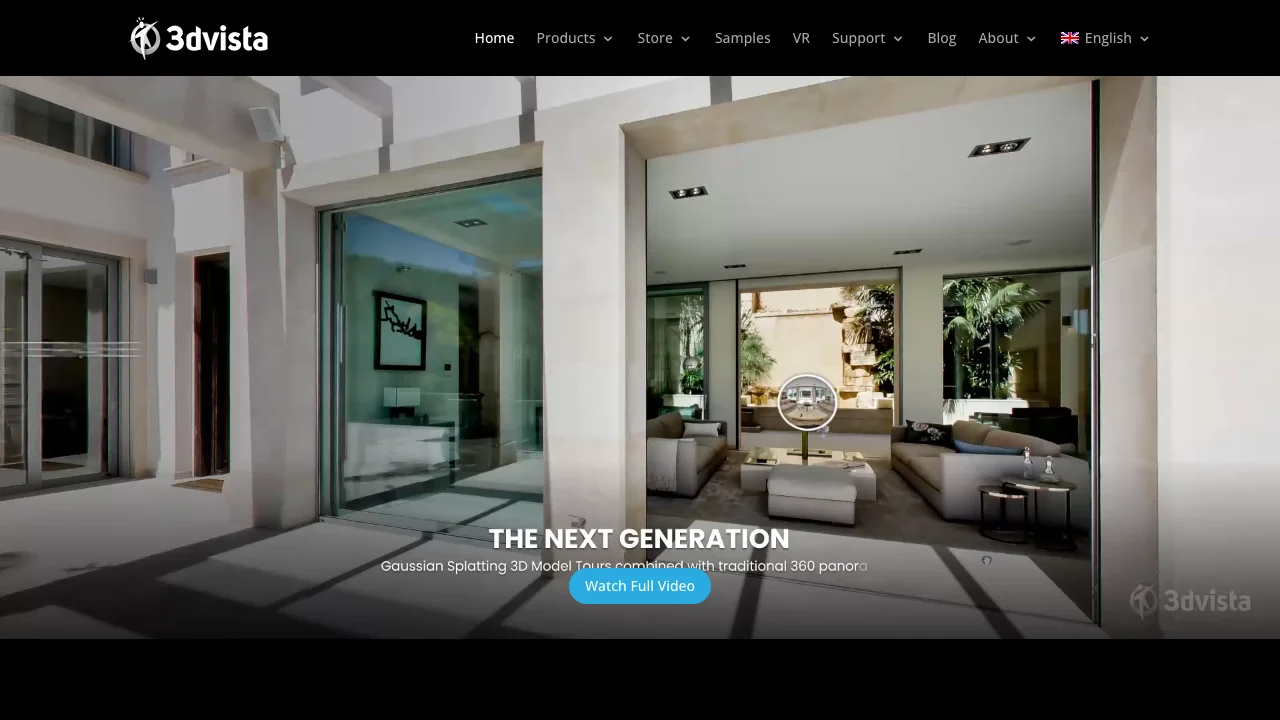
3DVista is the Matterport alternative for agents who want to own their tours instead of renting them. Instead of cloud-hosted tours with monthly fees, 3DVista gives you desktop software to create virtual tours that you host yourself (on your website, your brokerage's server, anywhere).
The creative flexibility exceeds Matterport's. You can embed video hotspots, interactive floor plans, aerial drone panoramas, and custom branding throughout the tour. The trade-off is complexity. 3DVista's software has a real learning curve, and you need a 360-degree camera to capture the source material.
Pros
- One-time purchase (no monthly hosting fees)
- Self-hosted tours (you own the content)
- More customization than Matterport
- Supports video hotspots and interactive elements
Cons
- Steeper learning curve than Matterport
- Requires self-hosting (technical setup)
- Less MLS integration out of the box
- Desktop software (no cloud editing)
The best choice for brokerages or tech-savvy agents who want full ownership of their virtual tour assets and are willing to invest time in learning the software.

12. Zillow 3D Home: Best Free Virtual Tour
Free Tour
Zillow 3D Home is the free, basic virtual tour option. You capture a property using your iPhone or a compatible 360 camera, upload through the Zillow app, and get a 3D tour published directly to your Zillow listing.
The quality is noticeably below Matterport (the stitching is less seamless, transitions between rooms can be jarring), but the price is right: free. For agents who list primarily on Zillow and want to add a virtual tour without any additional cost, it is the pragmatic choice.
Pros
- Completely free
- iPhone-only capture (no special equipment)
- Auto-publishes to Zillow listing
- Zero learning curve
Cons
- Zillow-only distribution
- Lower quality than Matterport
- Limited branding or customization
- Cannot export or embed elsewhere
The simplest path to a virtual tour on Zillow. Best for agents who want a basic tour at zero cost and are not concerned about other platforms.
How to Choose: Decision Framework for Agents
After testing all 12 tools, here is the decision framework that actually makes sense for agents in the field. Forget about feature lists for a minute. Think about your workflow:
Choose an AI Generator (Reel-E, AutoReel) if:
- You have 3+ listings per month and need videos for each one
- You do not have a videographer on retainer or editing skills
- You need MLS-ready and social-ready output from one upload
- Your listings are in the $300K to $2M range where $300+ per video does not make sense
- You want AI listing video quality without the AI artifacts
Choose a Traditional Editor (Premiere, DaVinci) if:
- You or someone on your team already edits video
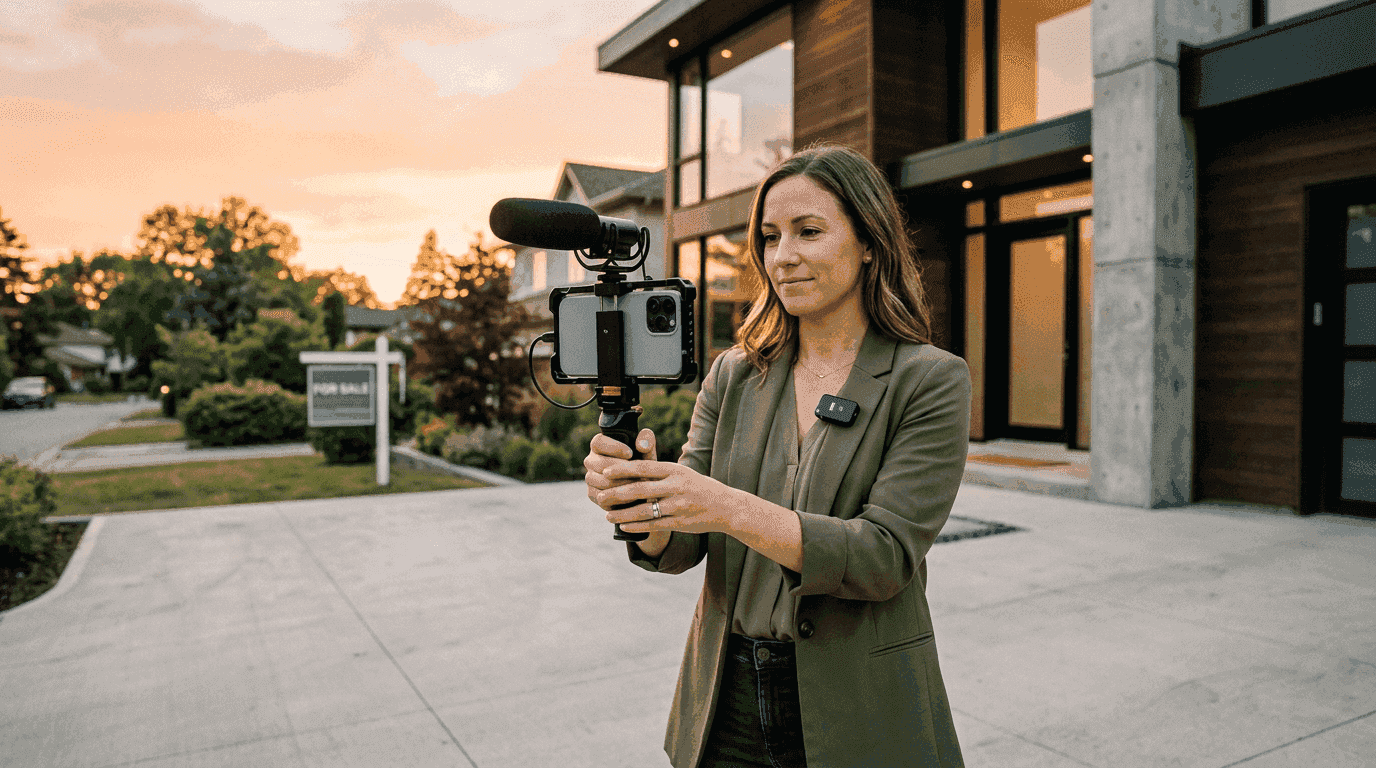
- You shoot original footage (drone, walkthrough, gimbal)
- Your listings are luxury ($3M+) and demand unique creative
- You enjoy the editing process (some agents genuinely do)
Choose a Template Platform (Animoto, Canva, InVideo) if:
- You need social media content volume over cinematic quality
- Your budget is under $40/month for video tools
- You are already using the platform for other design work
- You want "good enough" videos fast, not "great" videos faster
Choose a Virtual Tour Platform (Matterport, 3DVista) if:
- You work with relocation buyers who cannot visit in person
- Your listings need a walkthrough experience, not just a highlight reel
- You are willing to scan each property on-site
- Your MLS or portal supports embedded tour links
Cost Comparison: The Real Math
The sticker price of real estate video software is only half the equation. The other half is your time. Here is what each approach actually costs when you factor in both:
| Approach | Software Cost | Time Per Video | Cost at $100/hr Agent Time | Total Cost Per Video |
|---|---|---|---|---|
| Reel-E (10 listings/mo) | $129/mo ($12.90/video) | 2 minutes | $3.33 | $16.23 |
| AutoReel (10 listings/mo) | $199/mo ($19.90/video) | 5 minutes | $8.33 | $28.23 |
| Animoto (10 listings/mo) | $39/mo ($3.90/video) | 25 minutes | $41.67 | $45.57 |
| Canva (10 listings/mo) | $13/mo ($1.30/video) | 35 minutes | $58.33 | $59.63 |
| Premiere Pro (10 listings/mo) | $23/mo ($2.30/video) | 4 hours | $400.00 | $402.30 |
| Hired Videographer | N/A | 0 (outsourced) | $0 | $300 - $2,000+ |
The pattern is clear: the cheaper the software, the more expensive your time becomes. Canva is $13/month but costs you 35 minutes per video. At 10 listings, that is nearly 6 hours of your month spent making slideshows. Reel-E costs more per month but saves you almost all of that time.
This is why video marketing for real estate is moving toward AI generators. Not because agents love technology, but because the per-video economics are unbeatable once you cross 3 listings per month.
What About AI Video Quality? The Honest Take
A question I get asked constantly: "Is AI video actually good enough for my listings?"
The honest answer is that it depends on the listing and the audience.
For a $485,000 three-bedroom in Tampa that needs a 45-second video for Instagram and MLS, AI video from Reel-E is not just "good enough." It is better than what most agents were getting from $300 videographer sessions because the beat sync, speed ramps, and 4-variant output add production value that a solo shooter with a gimbal typically does not deliver.
For a $7.5M estate in Bel Air where the listing agent is flying in a DP with a RED camera and a drone team, AI video is not the tool. That listing needs custom creative. But that listing also has a marketing budget that justifies $5,000+ in production costs.
The middle ground (roughly $800K to $3M) is where the decision gets interesting. Many agents in this range are discovering that AI photo-to-video for their social media and MLS presence, combined with a professional videographer for their top 2 to 3 listings per quarter, gives them the best of both worlds.
The key metric to watch is engagement. Listings with any video (AI or traditional) get 403% more inquiries than listings with photos only. The gap between "AI video" and "no video" is vastly larger than the gap between "AI video" and "professionally shot video."
Social Media Format Guide
Whatever tool you choose, you need to export in the right formats. Here is the format cheat sheet for every major platform:
| Platform | Aspect Ratio | Max Length | Recommended Length | Resolution |
|---|---|---|---|---|
| MLS | 16:9 | Varies by MLS | 60-120 seconds | 1080p |
| YouTube | 16:9 | 12 hours | 90-180 seconds | 1080p-4K |
| Instagram Reels | 9:16 | 90 seconds | 30-60 seconds | 1080p |
| TikTok | 9:16 | 10 minutes | 30-60 seconds | 1080p |
| 16:9 or 1:1 | 240 minutes | 30-90 seconds | 1080p | |
| 16:9 | 10 minutes | 30-90 seconds | 1080p |
This is one area where Reel-E has a structural advantage: every project automatically generates both 16:9 (horizontal) and 9:16 (vertical) versions with and without branding. One upload, four variants, every platform covered. With any other tool on this list, you are either re-exporting multiple times or manually cropping.
What to Look for in Real Estate Video Software
After a decade in real estate media production and two years building an AI video platform, here are the features that actually matter versus the ones that look good in a feature comparison but do not move the needle:
Features That Actually Matter
- Multi-format export. You need 16:9 and 9:16 minimum. If the tool only outputs one aspect ratio, you are doing double the work.
- Branding controls. Logo, contact card, and brand colors built into the video, not added as a separate step.
- Music library with licensing. Using unlicensed music on a listing video is an avoidable legal risk. Good tools include royalty-free libraries.
- Speed. If a video takes longer than 5 minutes to create, you will stop making them by the third listing. Consistency requires speed.
- MLS compliance. Some MLS boards have specific requirements for video content (see our MLS video guide). Your tool should output in compliant formats.
Features That Sound Good But Rarely Matter
- "5,000+ templates." You will use 2 to 3. Template quantity is a marketing metric, not a quality metric.
- "AI script writing." Most listing videos do not need scripts. They need good photos with good motion and good music.
- "Stock footage library." Real estate listings need your listing photos, not generic stock footage of a kitchen.
- "Team collaboration." Unless you are a 50-person brokerage, you do not need Slack-style collaboration features in your video tool.
Our Recommendation
If you have read this far, you are probably looking for a specific answer, so here it is:
For most agents doing 3+ listings per month, Reel-E is the best real estate video software because it produces the highest-quality output with the least time investment. The beat-synced transitions, 4-variant export, speed ramps, and custom AI motion stack are features no other tool matches.
For agents on a tight budget (1-2 listings/month), Animoto at $15/month gives you decent branded slideshows. They are not cinematic, but they are better than no video at all. And having video on your listings matters more than the specific tool you used to make it.
For teams with editing skills and drone footage, DaVinci Resolve (free) is genuinely excellent. Use it for your top-tier listings and pair it with an AI generator for everything else.
For relocation-heavy agents, pair Matterport virtual tours with Reel-E videos. Tours for serious buyers, videos for social reach. Different tools, different purposes, both valuable.
The worst choice is no video at all. Listings with video get dramatically more engagement than listings without. Pick a tool, any tool from this list, and start producing. You can optimize later.
Start creating listing videos with Reel-E (7-day free trial)