

AI Director
Edit your video, just by asking
Tell the AI Director what should change, and watch your video update.





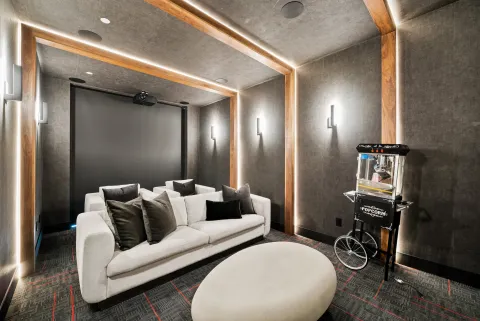




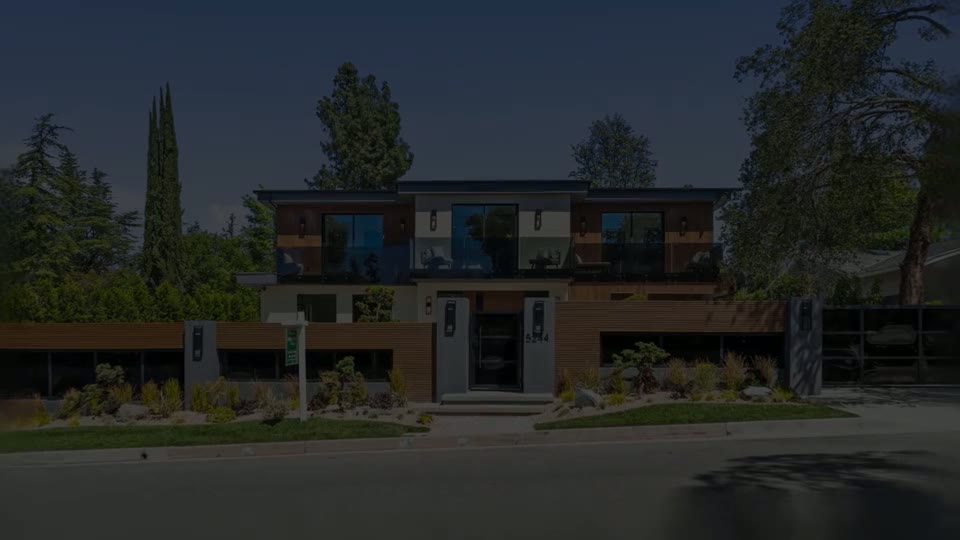
01AI Director
Say the change, see it play
Ask for a shorter cut or a new opening shot. Each change lists Show and Undo.


02AI Director
Credits wait for your yes
AI+, photo edits and publishing show a card first. Nothing runs until you confirm.

03AI Director
Or keep editing by hand
The AI Director sits beside Keylight, and every control still works the way it did.



Common Questions
Yes, the trial included. Changes that use credits use the allowances your plan already has.
Yes. Every change has its own Undo, and a request with several edits saves a Before AI Director checkpoint in History.
No. AI+, photo edits, narration and publishing each show a card with what it will use and wait for your Confirm.
Yes. Everything the AI Director does can also be done with the controls in Keylight, whenever you want.
Yes. On a phone it opens as a sheet above the tools with the player still in view.
Not yet. Reel-E MCP and a ChatGPT plugin are coming soon, so an assistant such as ChatGPT or Claude can edit your listing video with your permission. Today you edit with the AI Director inside Keylight Studio.
Works with
Keep reading
Try it on your next listing
A cinematic video, edited photos and a listing website in 2 minutes. Plans from $44/month.
Free to try · Cancel anytime