






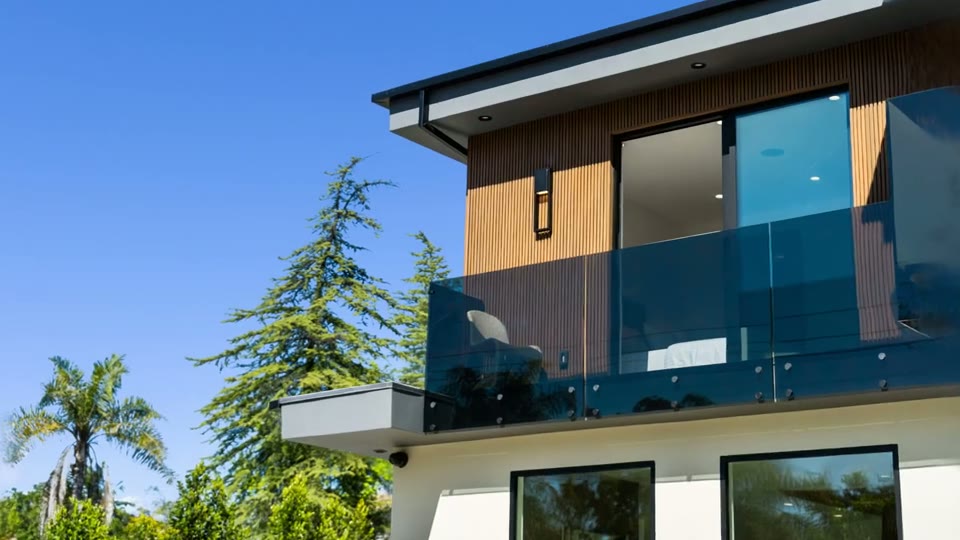
Download Authorized Photos
Save the listing photos you are permitted to market from your MLS, photographer, or listing source.
Trusted by 18,000+ real estate professionals
Download the photos from a listing you are authorized to market, upload them to Reel-E, and get cinematic camera motion, music, branding, and every platform format in minutes.


 +18KTrusted by 18,000+ agents7-day free trial · Cancel anytime · Horizontal, vertical & square
The short answer
Download the photos from a Zillow, Redfin, Realtor.com, or MLS listing you represent, then upload them to Reel-E to generate the video.
Upload photos downloaded from your MLS, photographer, or listing source.
Replaces the stitch-it-yourself workflow of AI clip tools, editors, and voiceover apps.
Built to save you a step on your own inventory, with rights staying yours.
Horizontal, vertical, and square, each branded and unbranded. Download individually or together from Share.
What Sets Us Apart
Save the listing photos you are permitted to market from your MLS, photographer, or listing source.
Drag the photo set into Reel-E from your computer or phone and arrange it in the order you want.
The AI moves through each room with orbits, push-ins, and pull-outs instead of slideshow zooms.
Original tracks sync to every transition, with no separate music search or licensing step.
Get horizontal, vertical, and square, each branded and unbranded, for MLS, YouTube, Reels, and TikTok.
Save your logo and contact info once and apply the same polished identity to future listing videos.
Real videos created by agents. Click to play.

Listed by Branden Williams
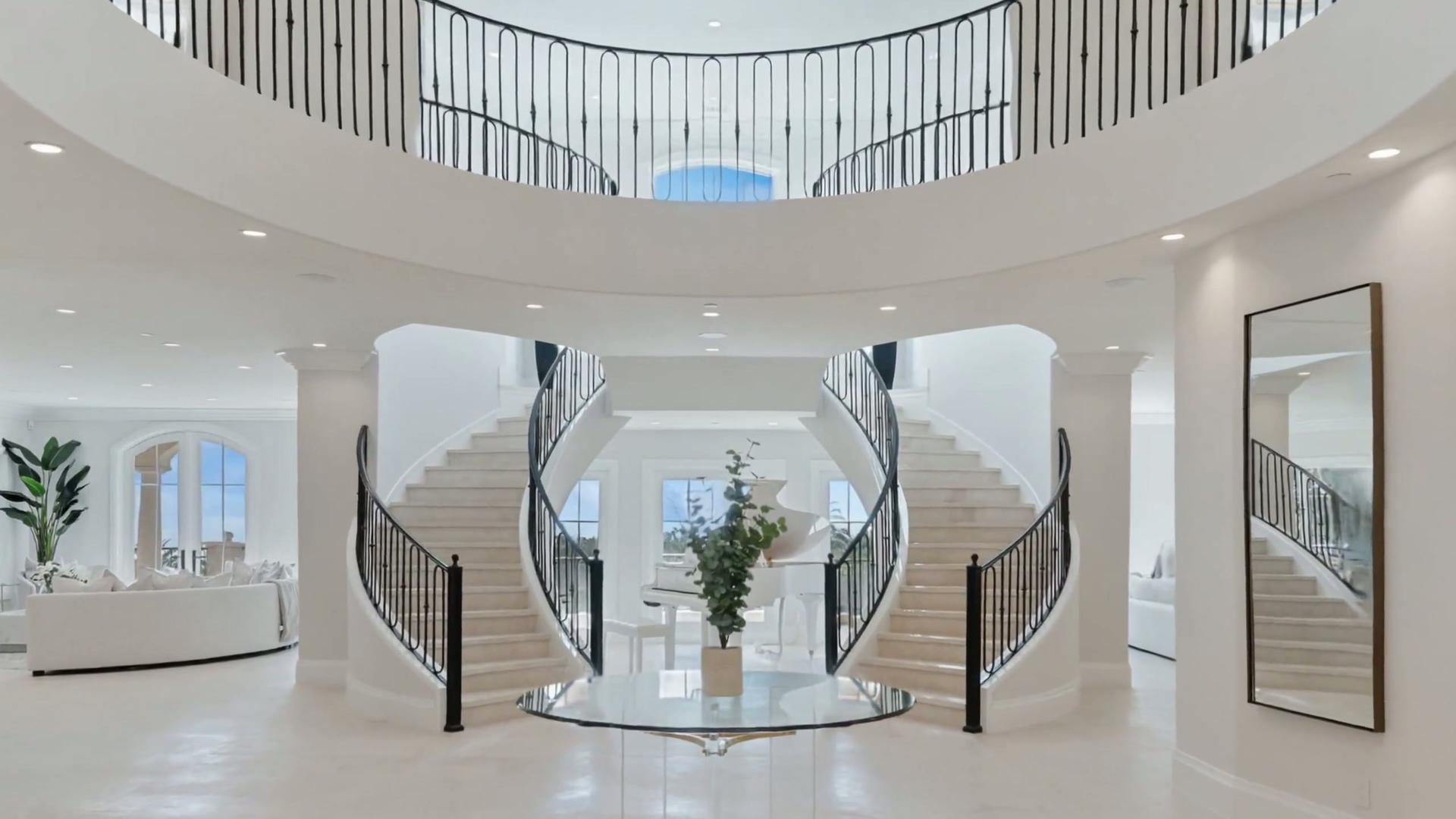
Listed by Josh Altman

Listed by Michael Torres
01
Your listing already has the photo set. The supported workflow is simple:
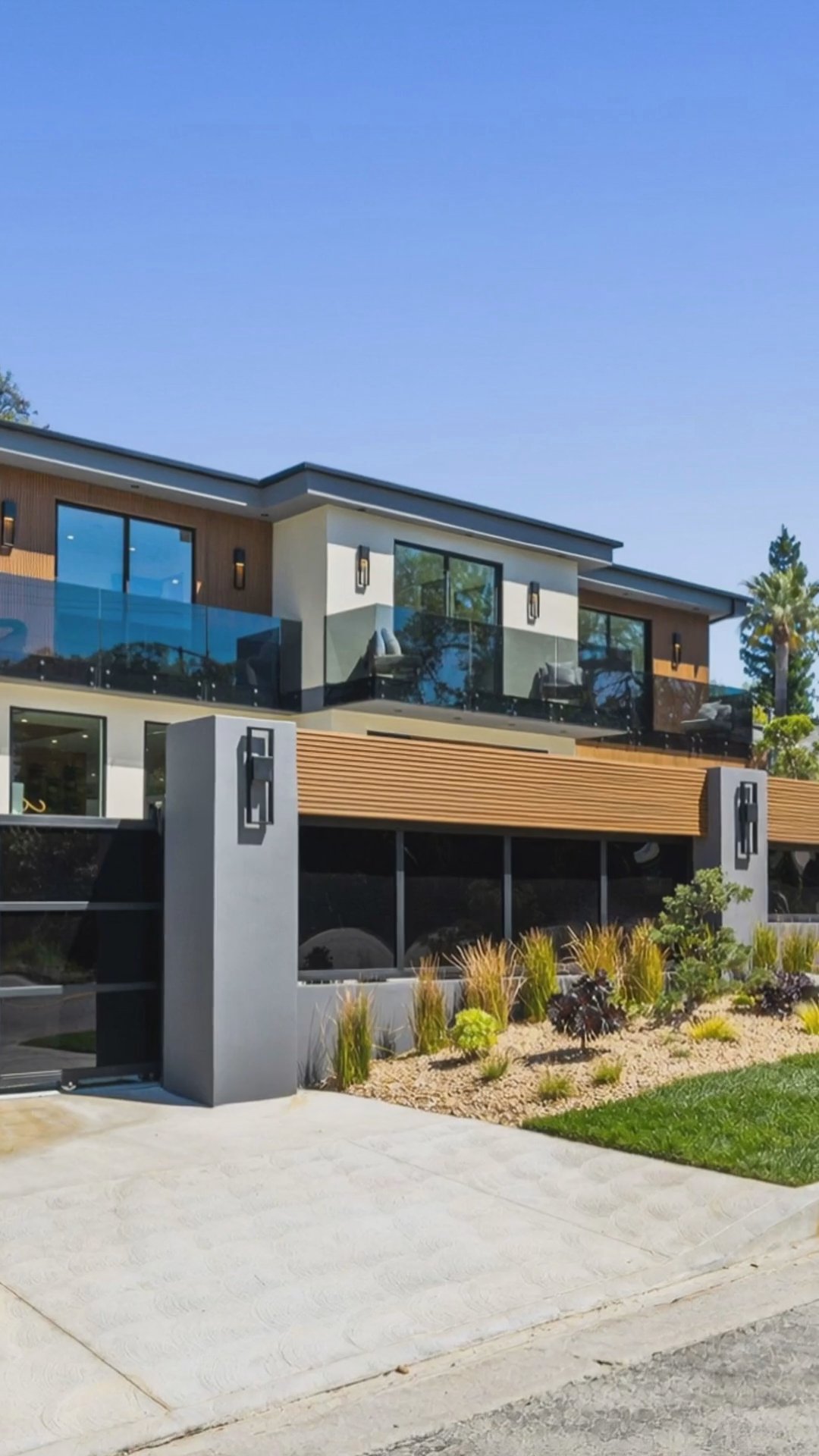
02
Downloading the photos is the only preparation step. Reel-E handles the timeline, cinematic camera motion, original music, transitions, branding, and separate platform exports after the upload.
You keep control of the source images and their usage rights without spending an afternoon assembling a slideshow in a general-purpose editor.
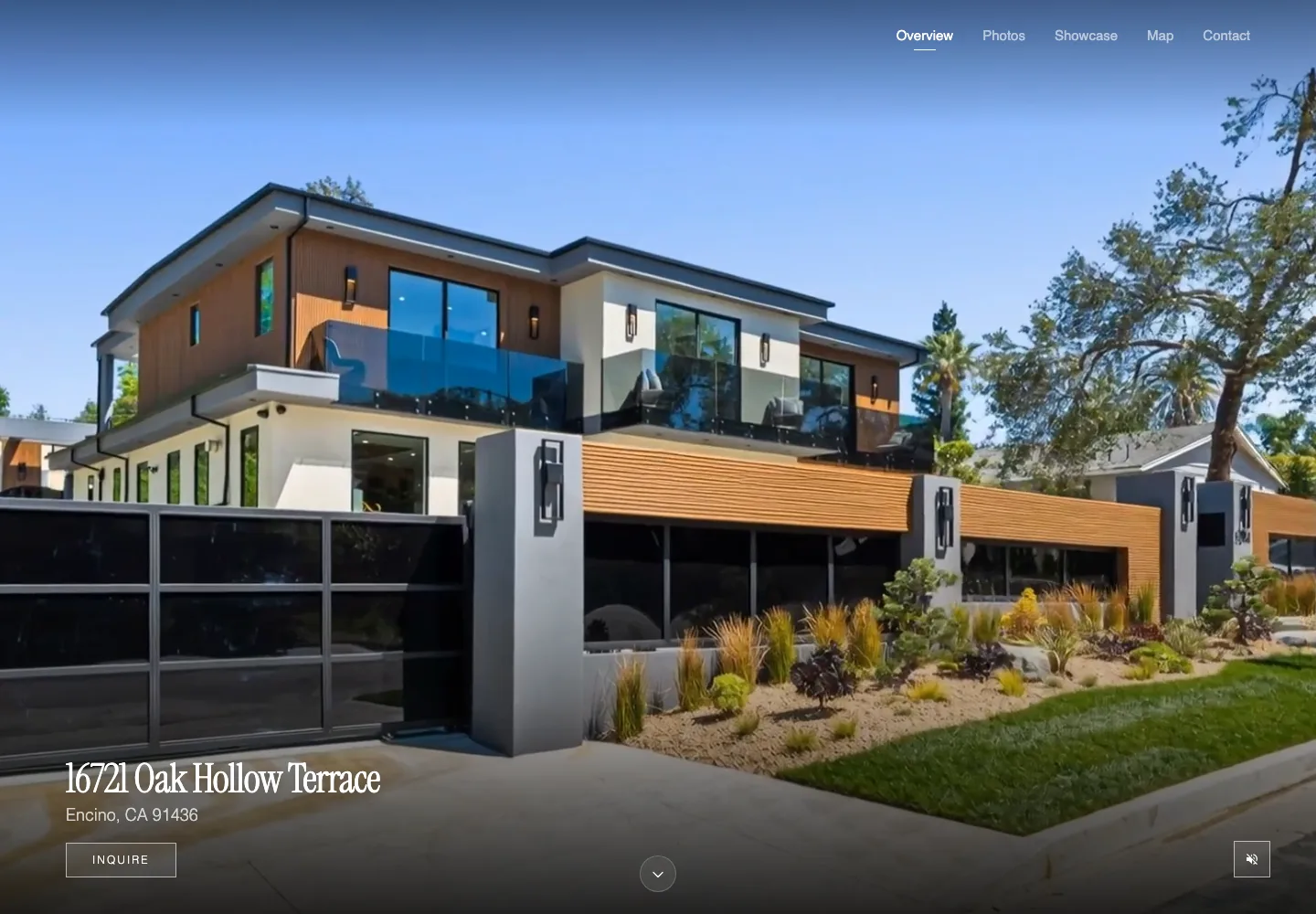
03
Use professional photography, MLS downloads, brokerage images, or photos from your camera or phone. Higher-resolution landscape images produce the smoothest motion, but standard listing downloads work well.
Always use photos you own or have permission to market. Direct upload keeps that source choice clear and gives you a chance to review the full set before creation.
Compare your options
Agents researching listing video tools usually end up comparing the same short list. Here is where each one is strongest and where Reel-E fits.
AI listing videos from property photos with vertical and horizontal exports.
Purpose-built for agents, brokerages, and property managers. Create and refine a video from your photos in Keylight Studio, then choose branded or unbranded downloads for your channels in Share.
AI-generated real estate listing videos and automation.
Reel-E uses a custom real estate inference stack, creates branded and unbranded deliverables, and gives agents direct control over music, branding, and listing-photo inputs.
AI real estate video creation software in the CloudPano ecosystem.
Reel-E is the specialist choice when the job is specifically converting listing photos into cinematic property videos without extra editing.
AI real estate video editing with entry-level pricing.
Reel-E focuses on finished listing video delivery from the photos agents already have, with less manual production overhead and clear MLS plus social outputs.
AI listing video generation with scripts, music, and voiceover positioning.
Reel-E emphasizes cinematic camera motion from listing photos, beat-synced editing, and agent-ready video formats rather than only narrated marketing clips.
Fast listing videos from photo uploads for agents.
Reel-E pairs speed with richer listing workflows: saved brand assets, platform-specific outputs, direct photo upload, and a product designed for ongoing agent use.
Listing video creation and per-format real estate marketing videos.
Reel-E adds a subscription workflow for repeat listing volume, saved branding, 6 download formats per project, and a broader agent marketing funnel around each listing.
The Smarter Choice
Social Proof
I download my MLS photos, drag them into Reel-E, and minutes later I have a listing video. My sellers think I hired a videographer.
Carla Vega
Solo agent, RE/MAX, San Diego CA
Download the photos you are authorized to use from the listing, MLS, or photographer, then upload 5–40 images to Reel-E. Choose music and branding, and Reel-E generates horizontal, vertical, and square, each branded and unbranded.
Yes. For a listing you represent, download its photos and upload them to Reel-E. The AI adds cinematic camera motion, original music, and your branding, then exports versions for MLS, YouTube, Instagram Reels, and TikTok.
Reel-E works with supported image files from any authorized source, including your MLS, photographer, Zillow, Redfin, Realtor.com, brokerage site, camera, or phone. Download the photos first, then upload them to Reel-E.
Yes. Reel-E uses direct photo upload. Download the authorized listing photos to your device, then upload 5–40 supported images to start the video.
Only use listings and photos you have permission to market, such as your own listings, your team's inventory, or photographer images licensed for your use.
You get a cinematic property video in 6 formats: horizontal, vertical, and square, each branded and unbranded. Original music and saved branding are applied during creation.
Reel-E handles camera motion, music timing, branding, and platform-specific exports after one photo upload, avoiding hours of manual timeline editing and repeated exports.
Plans start at $44/month, which covers 3 listings. Depending on your plan, each video works out to $9-15. There is a 7-day free trial. Cancel anytime.
Turn your listing photos into a video you can review and share.
7-day free trial · Cancel anytime