

Photo editor and virtual staging
Better photos, from one sentence
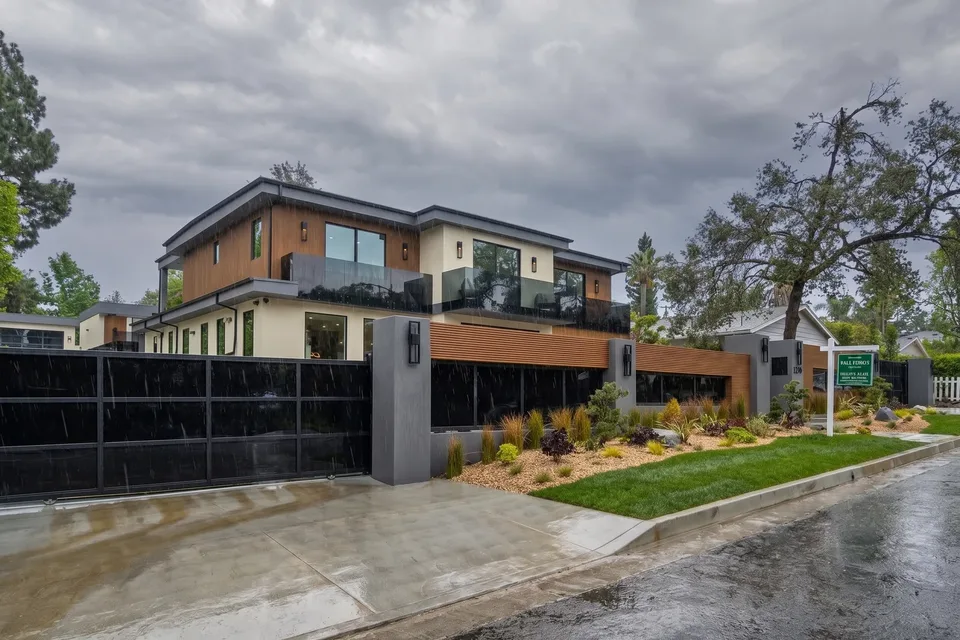
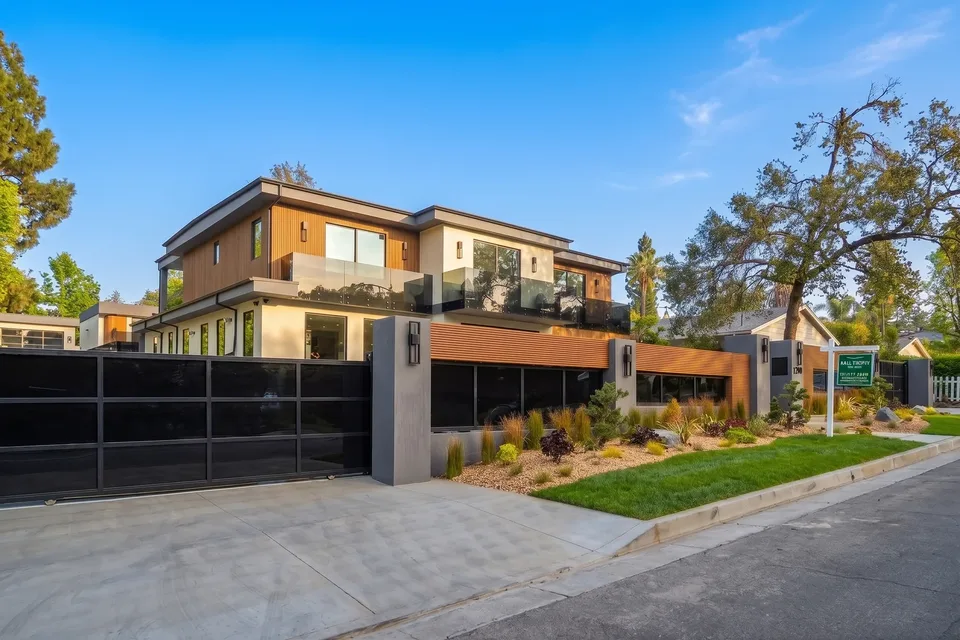
Describe the change or tap a suggestion. Twilight skies, objects gone, rooms restaged, counters cleared.
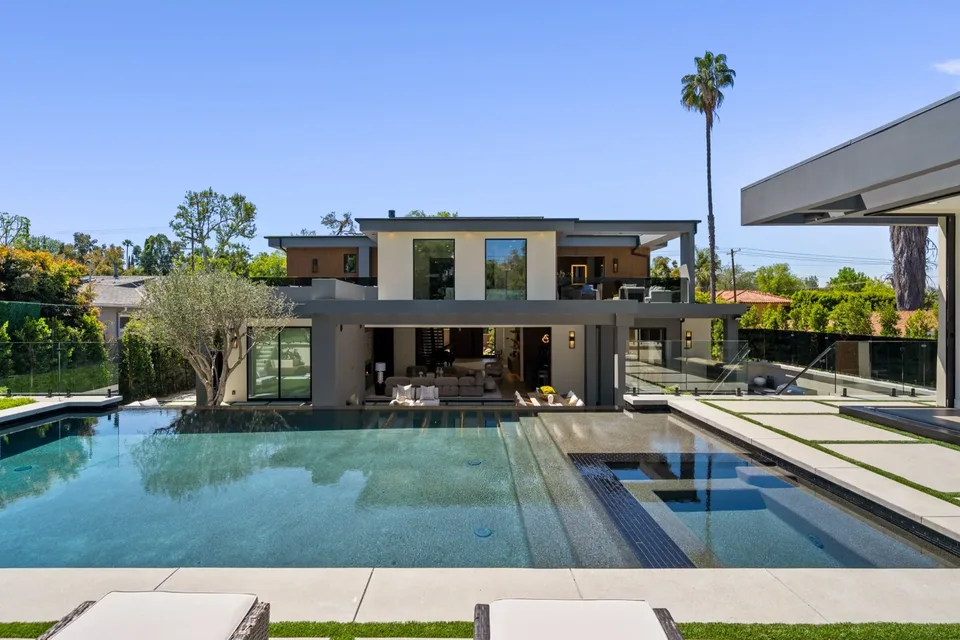
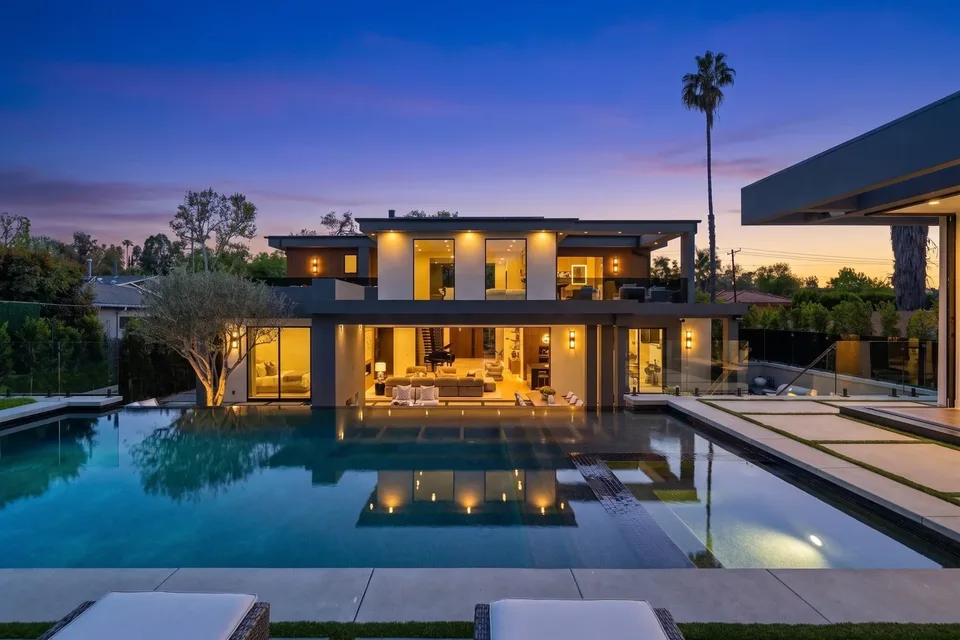
01Photo editor and staging
Say it, then see it
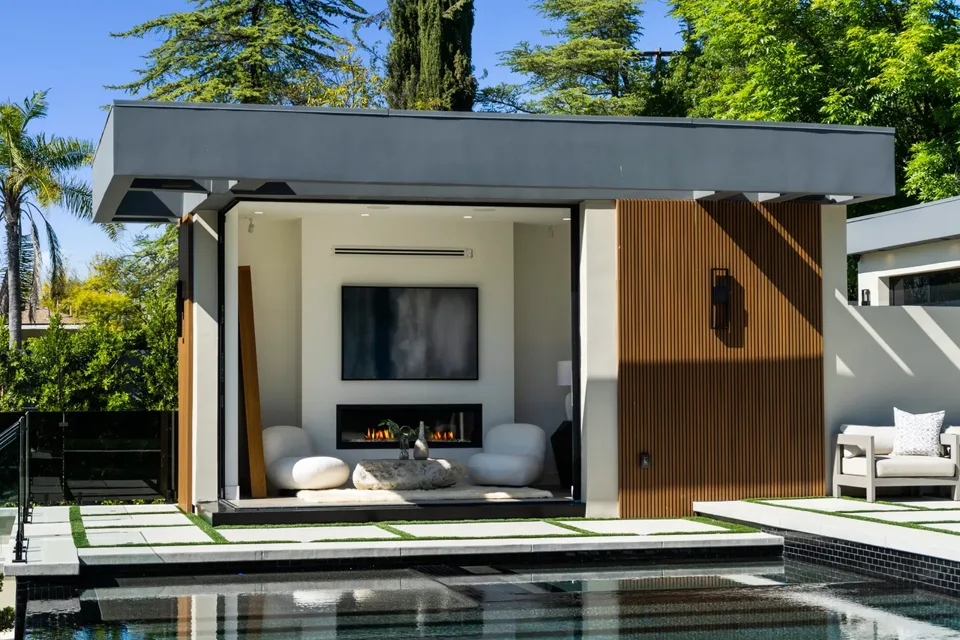
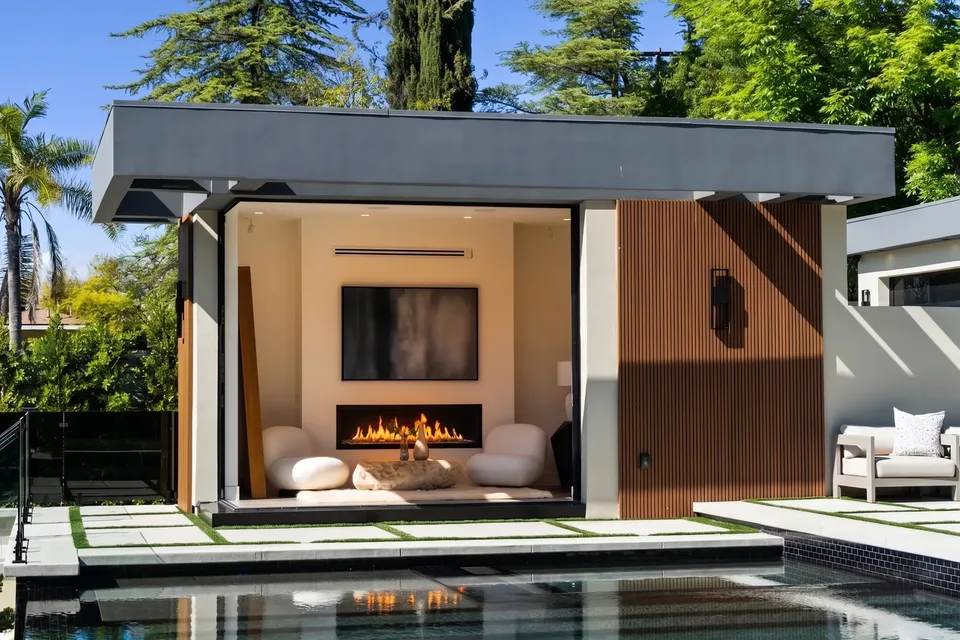
Remove the dining set, light the fire, make it golden hour. Type the edit, compare before and after.
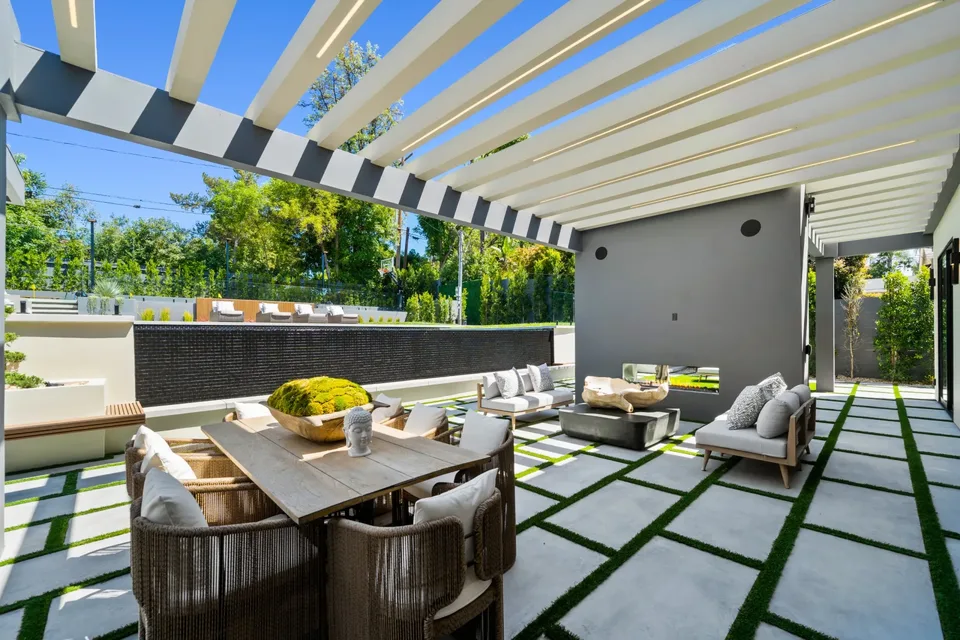
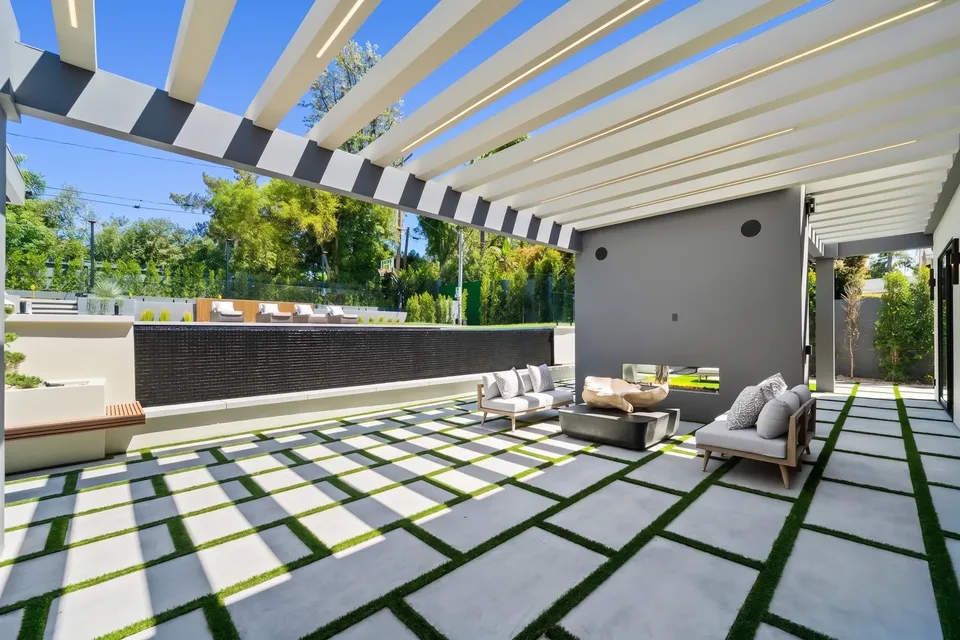
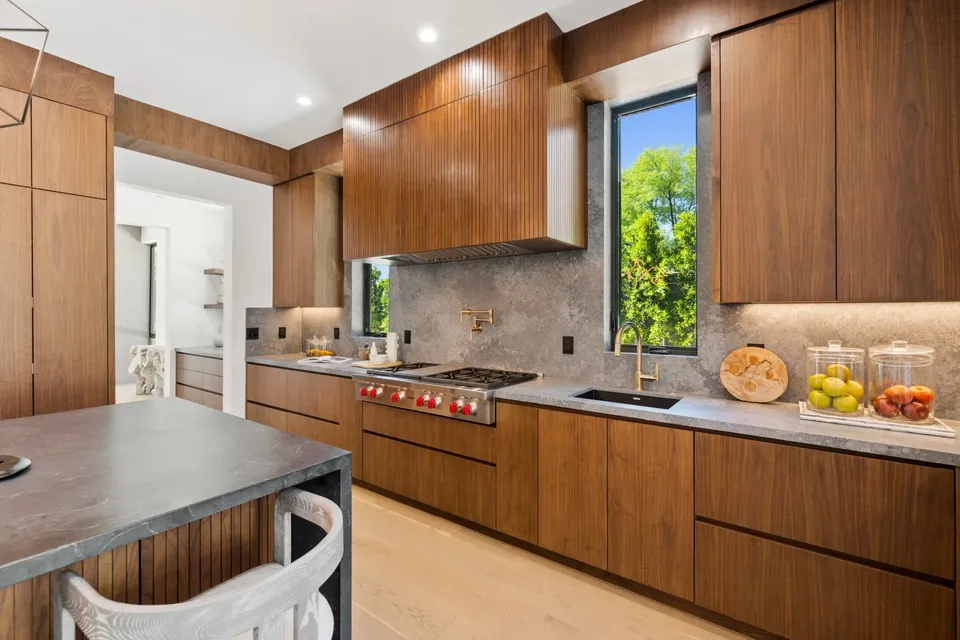
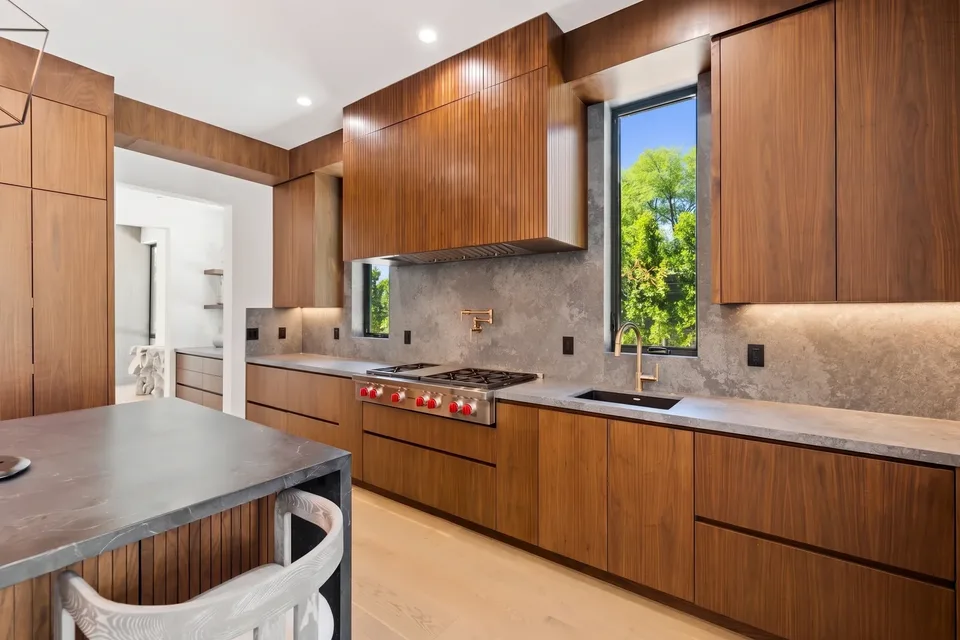
02Photo editor and staging
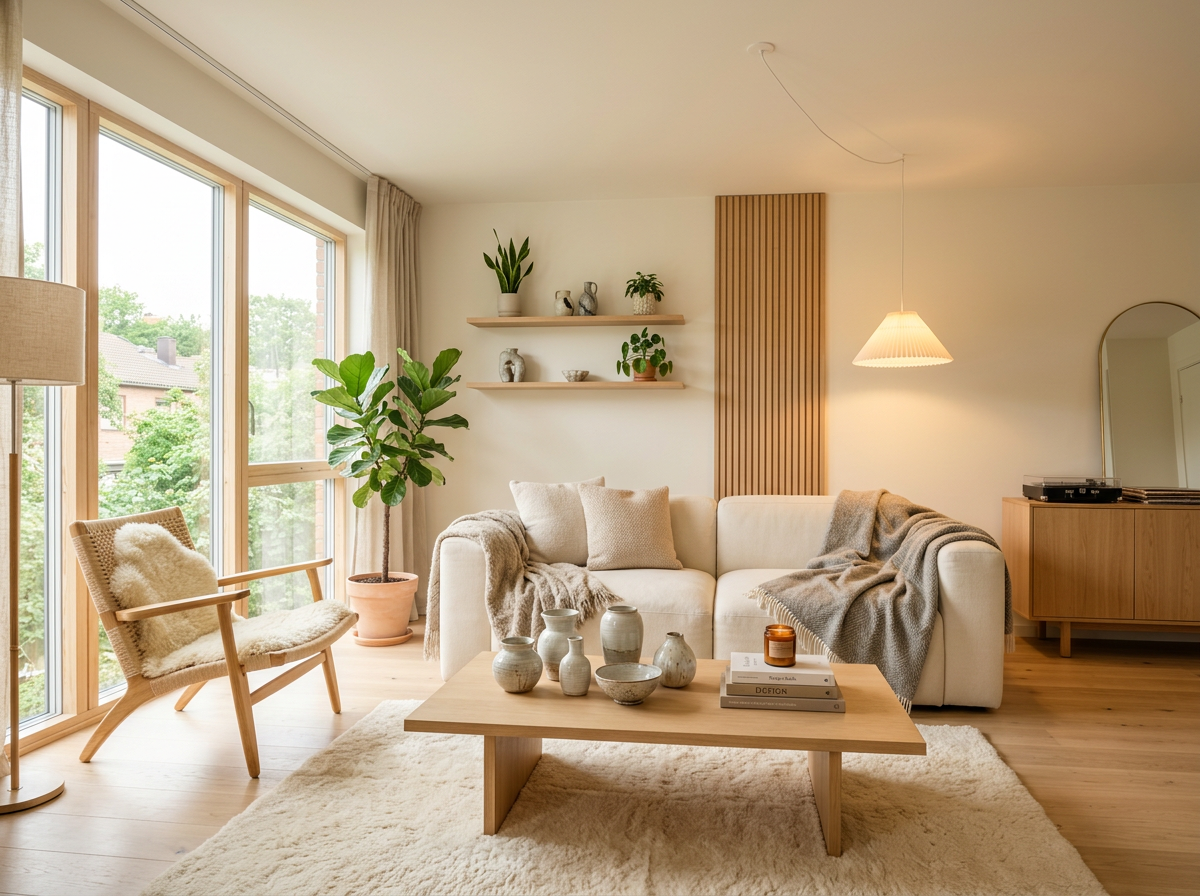
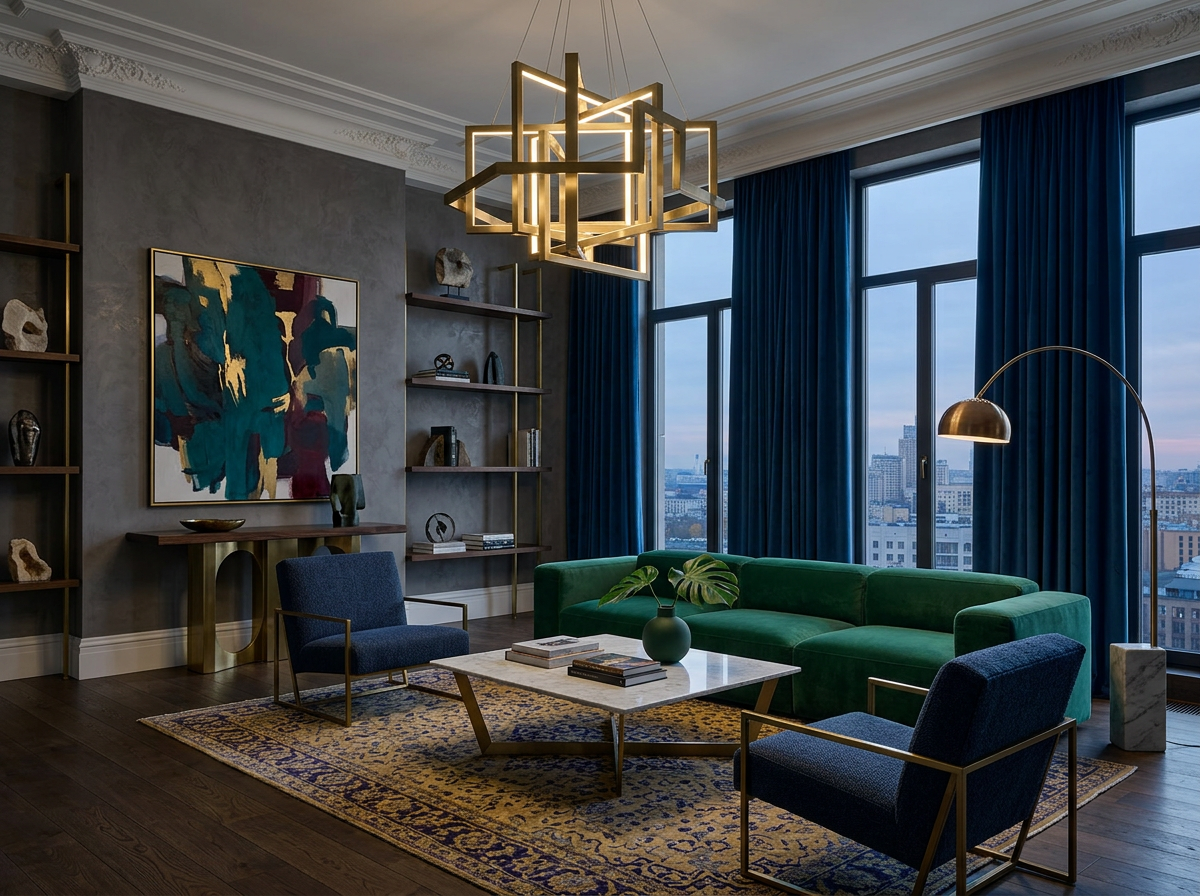
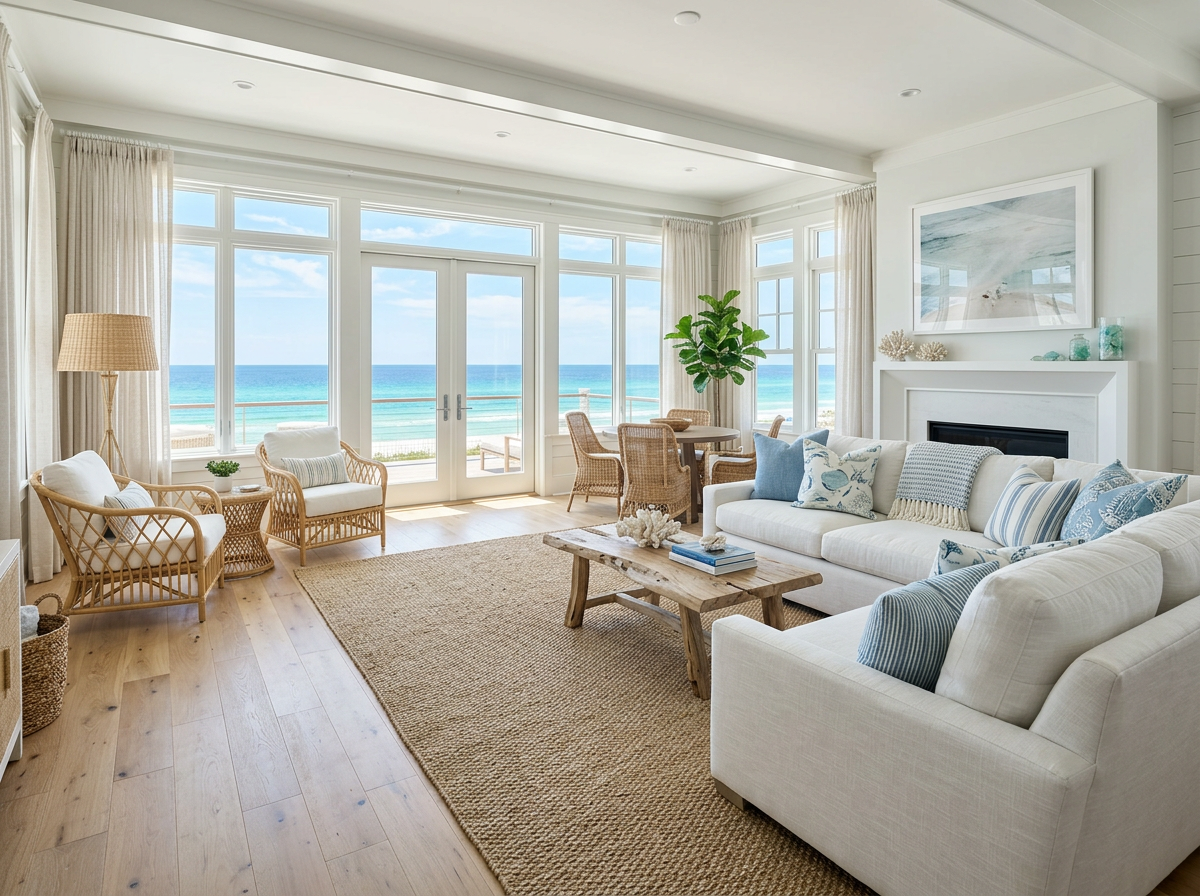
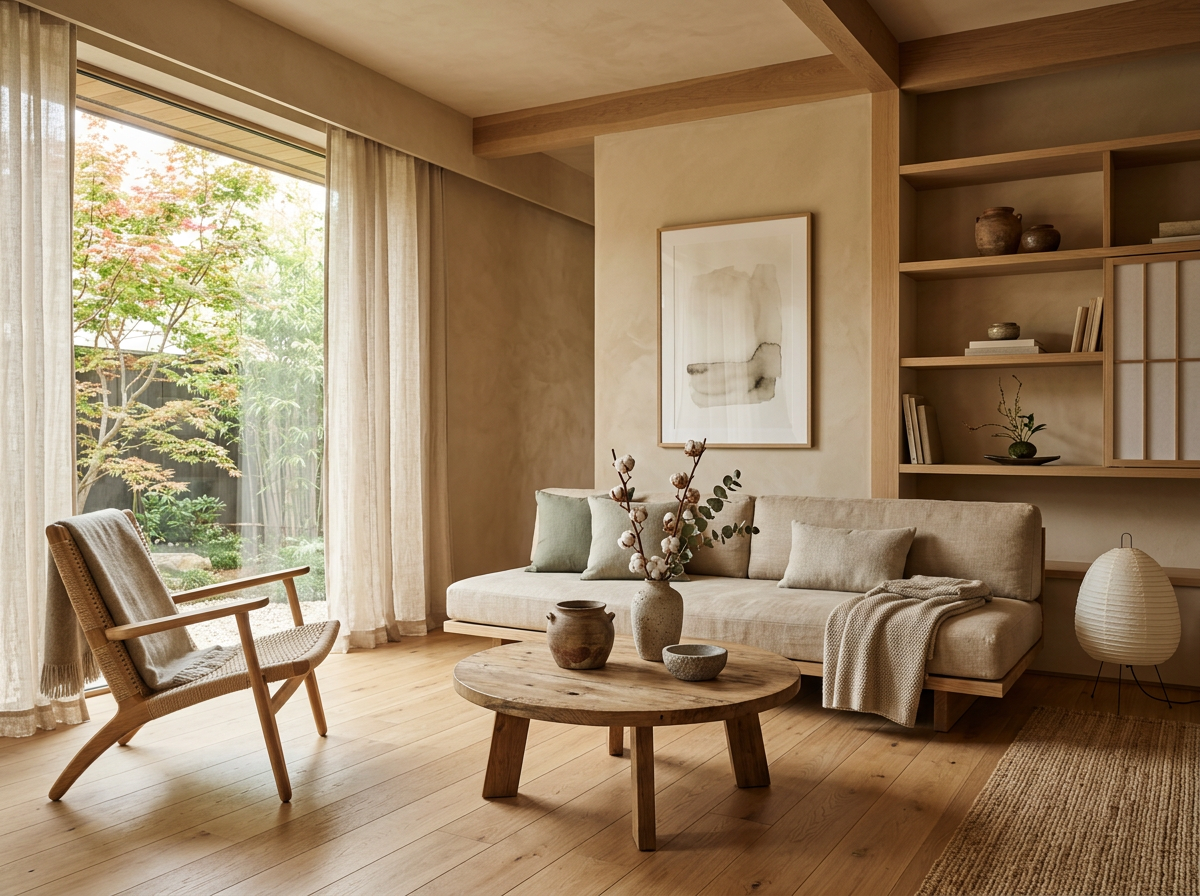
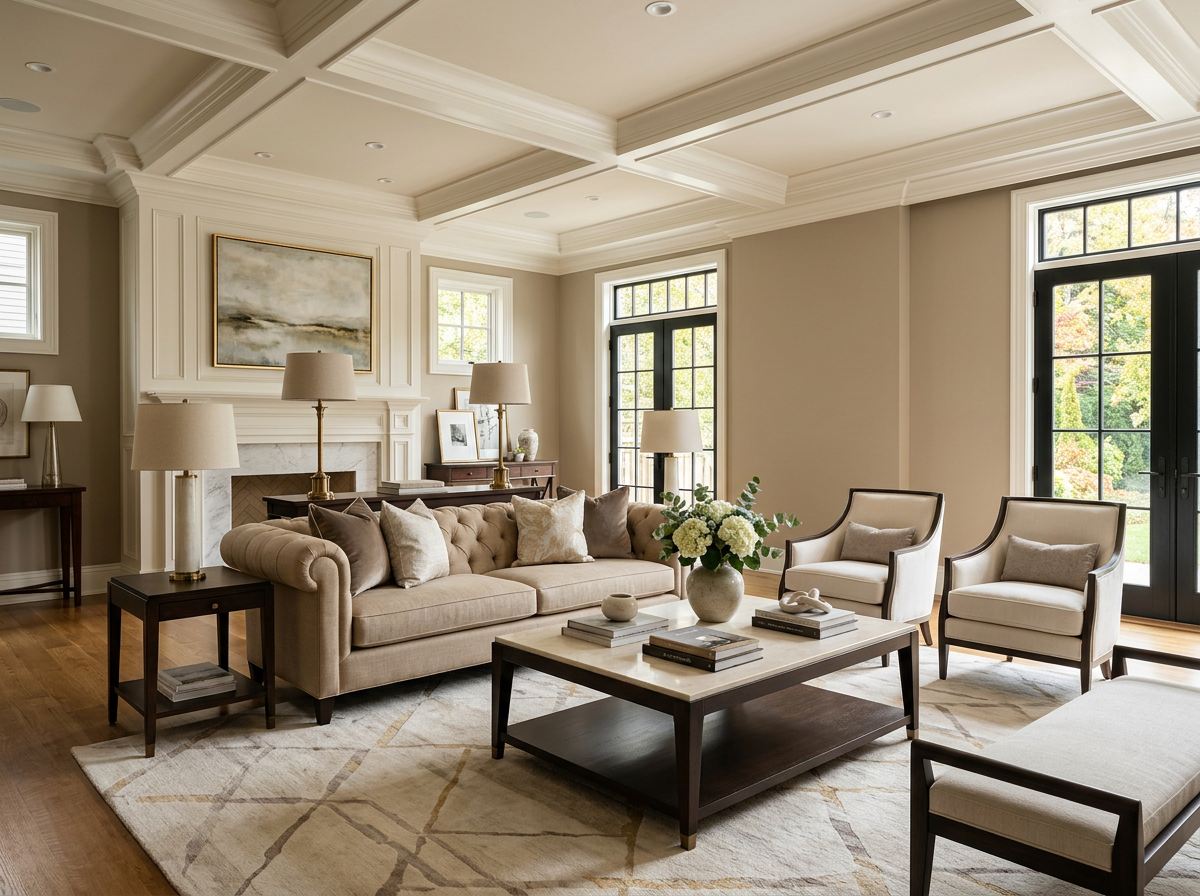
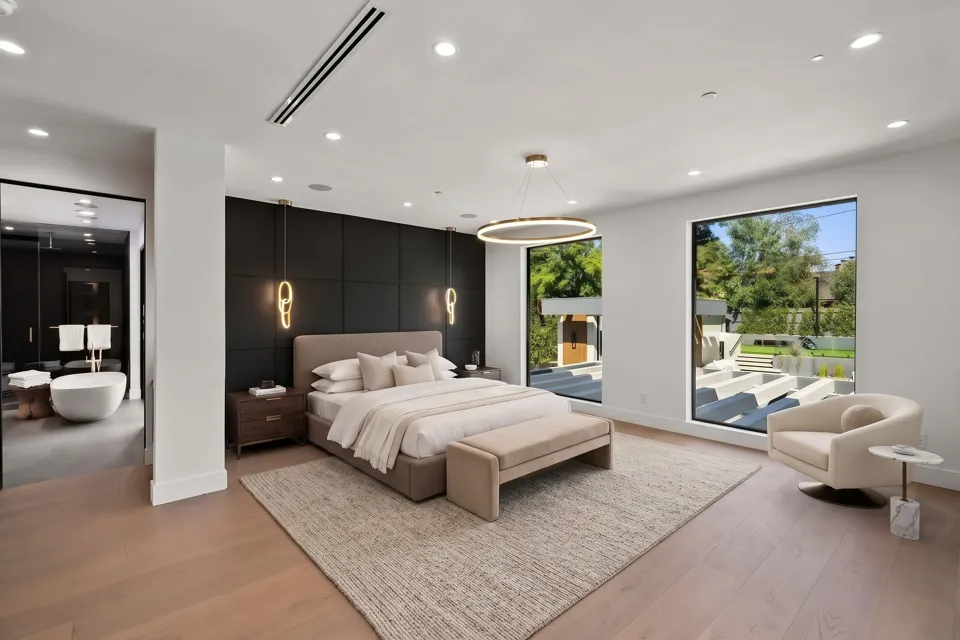
Staging that fits the room
Restage a furnished room or fill an empty one, in a style that respects the light already there.
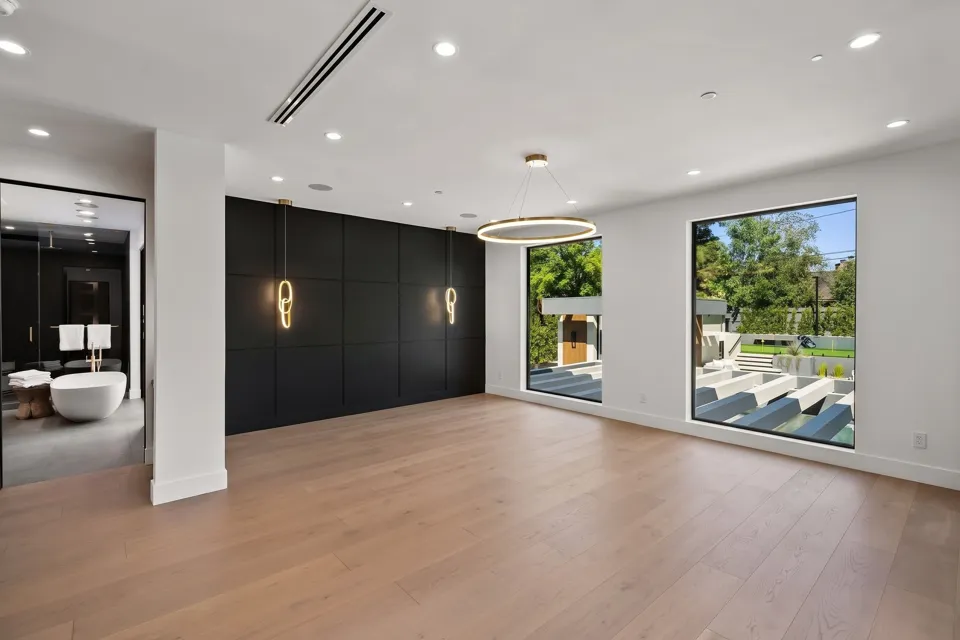
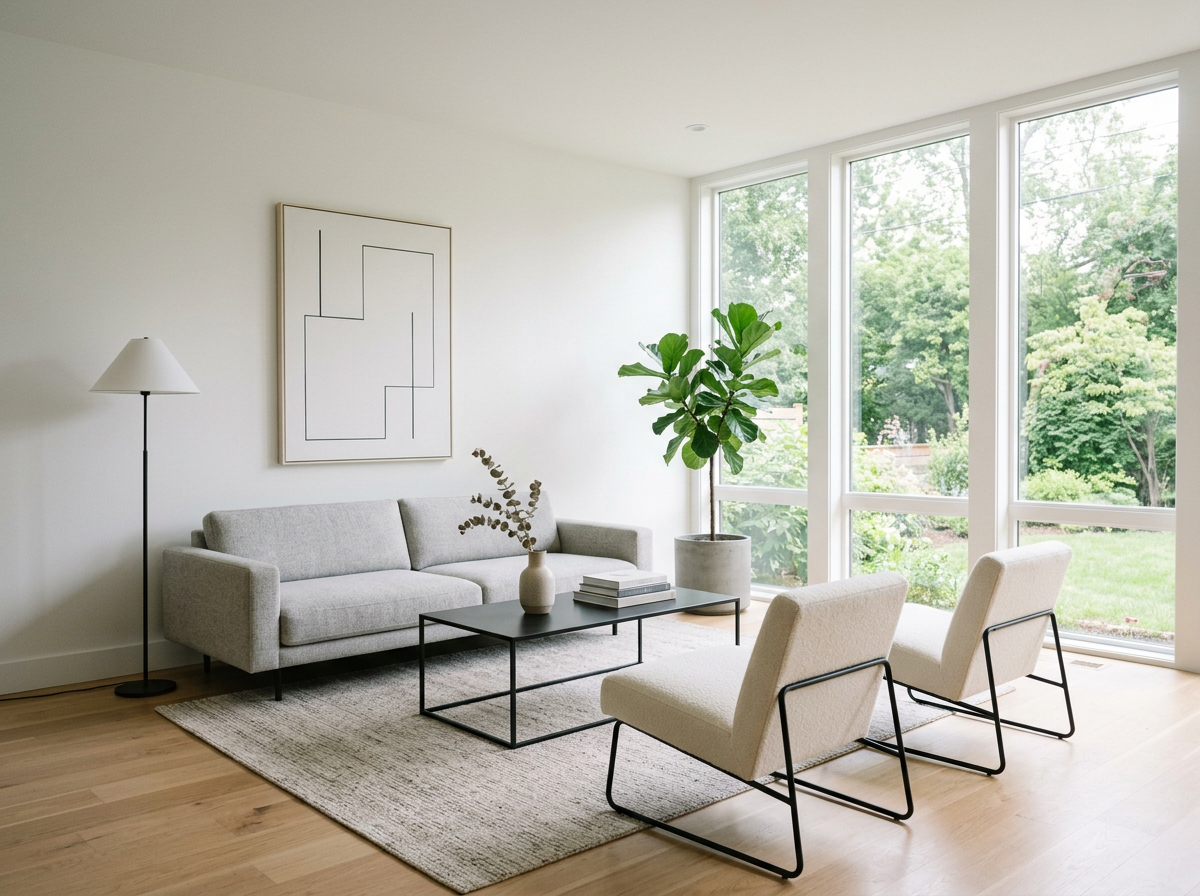
03Photo editor and staging
Edits land everywhere at once
The edited photo updates the video, the listing website and the file you download.
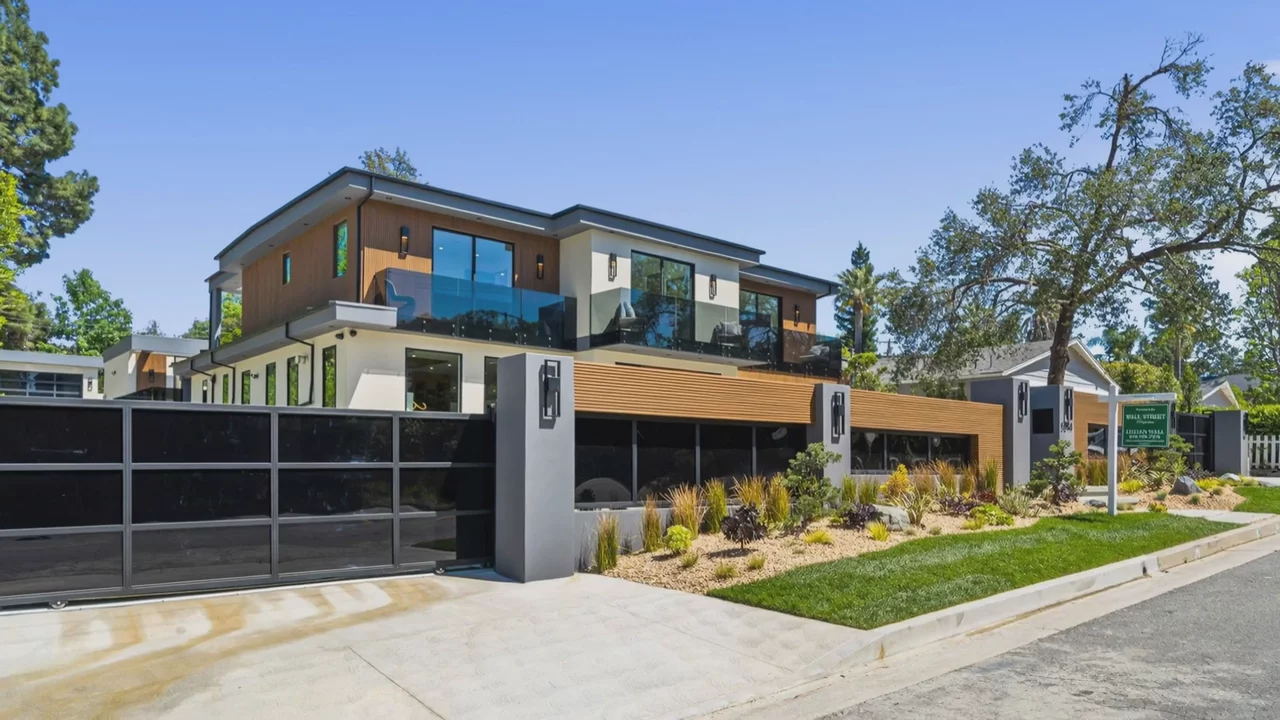
Photo edits and staging per listing
Supports up to 40 photos per listing, depending on plan.
Common Questions
Staging is generated to fit the room's perspective and lighting, and can match the style used in another photo. Always disclose virtual staging in your listing, as MLS rules require.
Edits keep the geometry and light of the original shot, and the before and after compare lets you judge every result before it goes anywhere.
Works with
Keep reading
Try it on your next listing
A cinematic video, edited photos and a listing website in 2 minutes. Plans from $44/month.
Free to try · Cancel anytime