
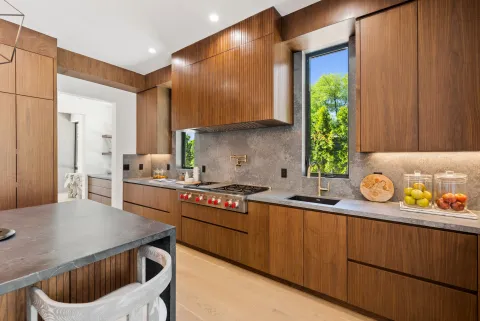
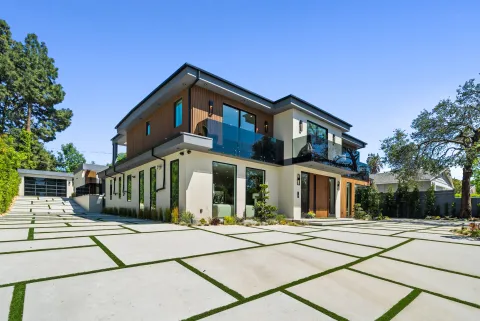
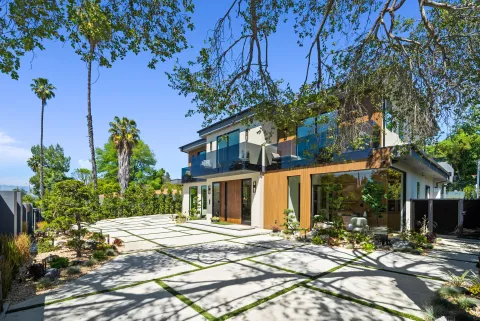
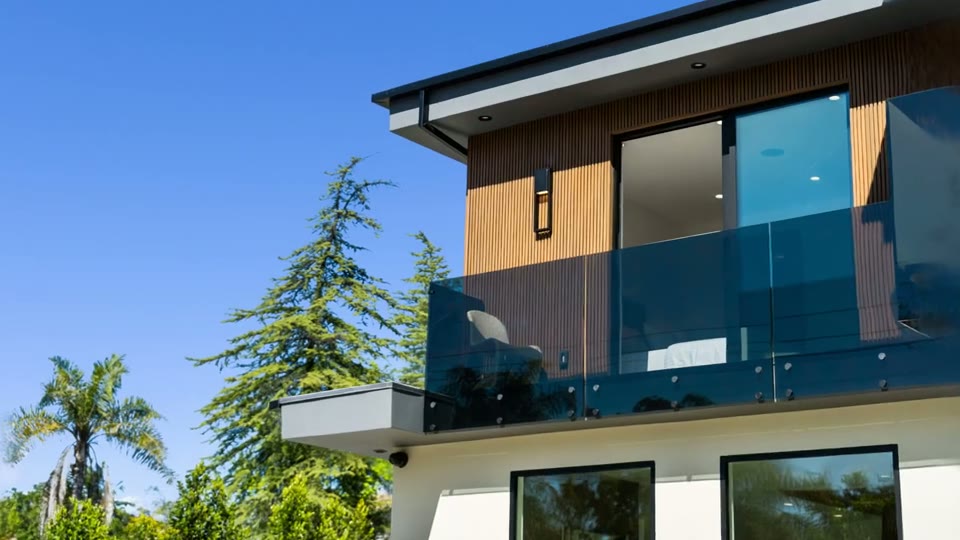
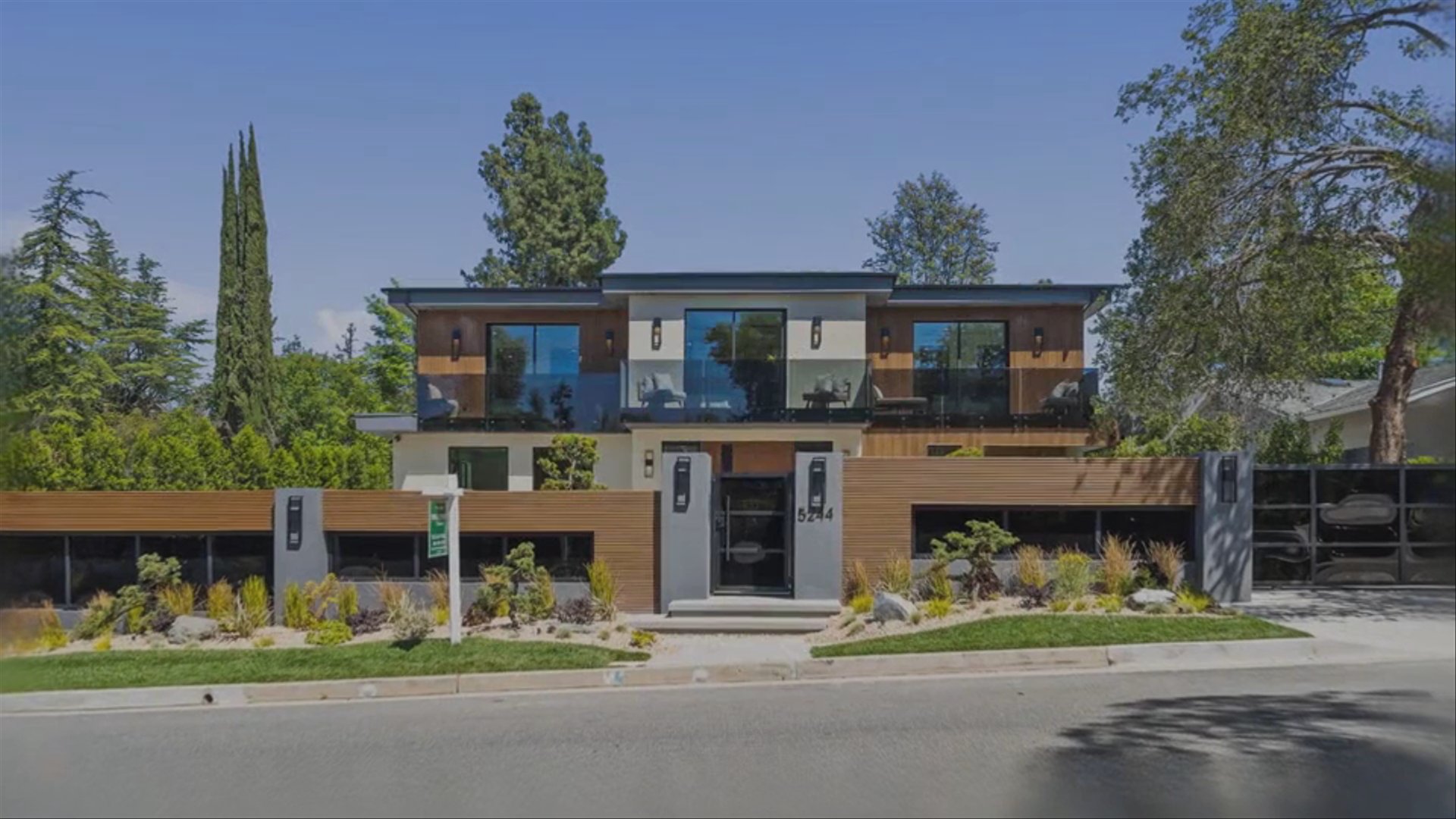
The Edit Happens Automatically
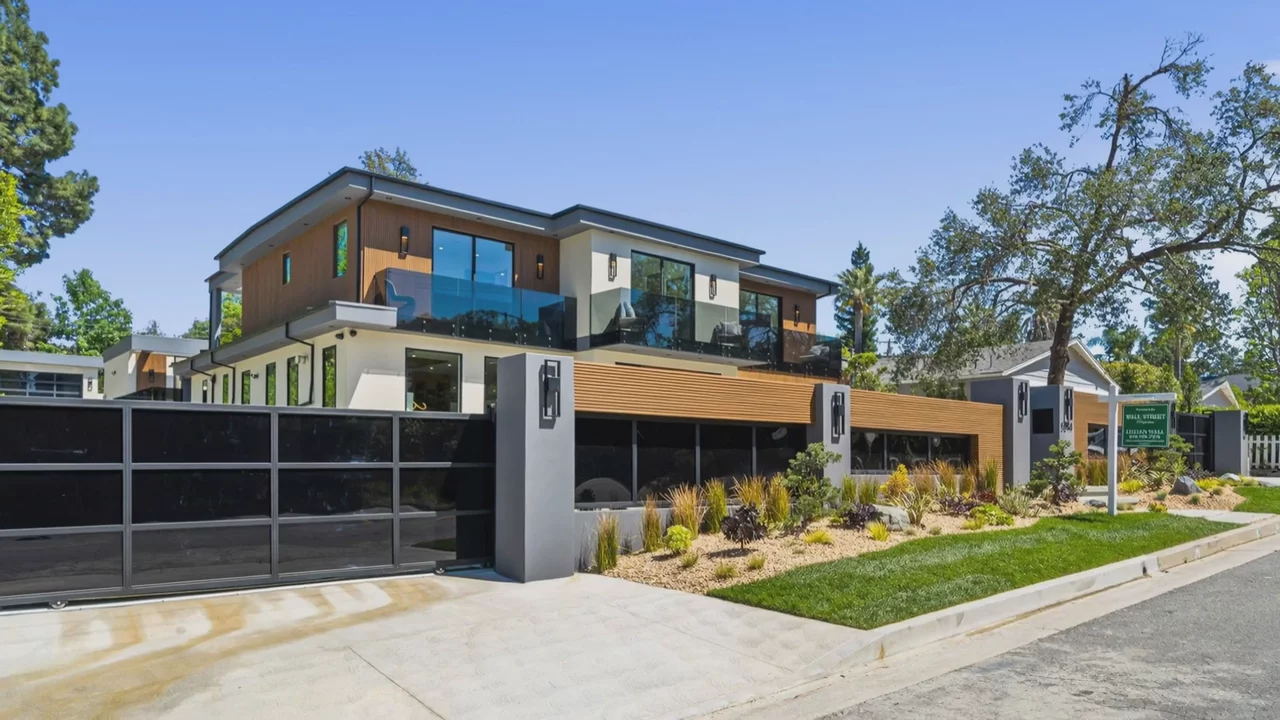
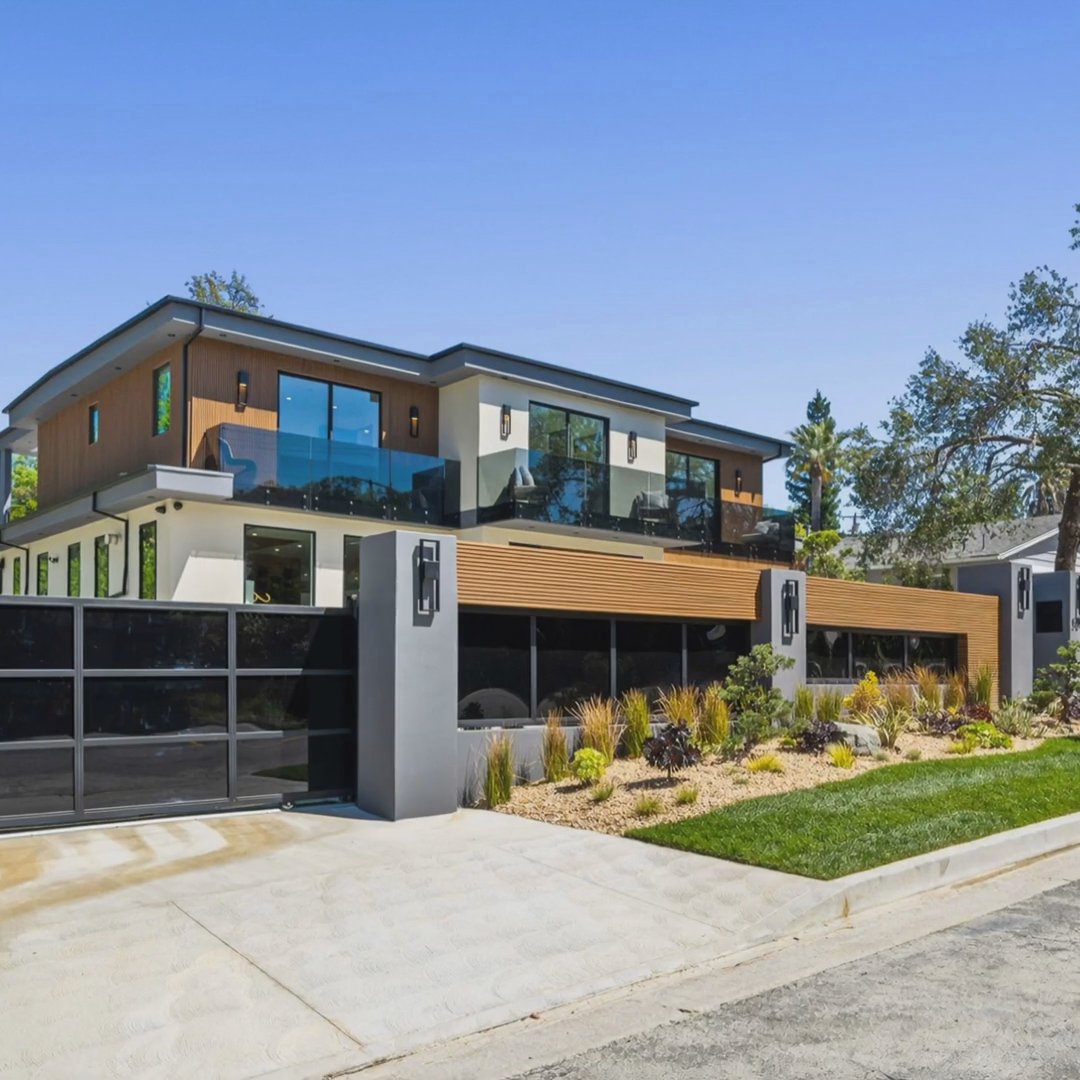
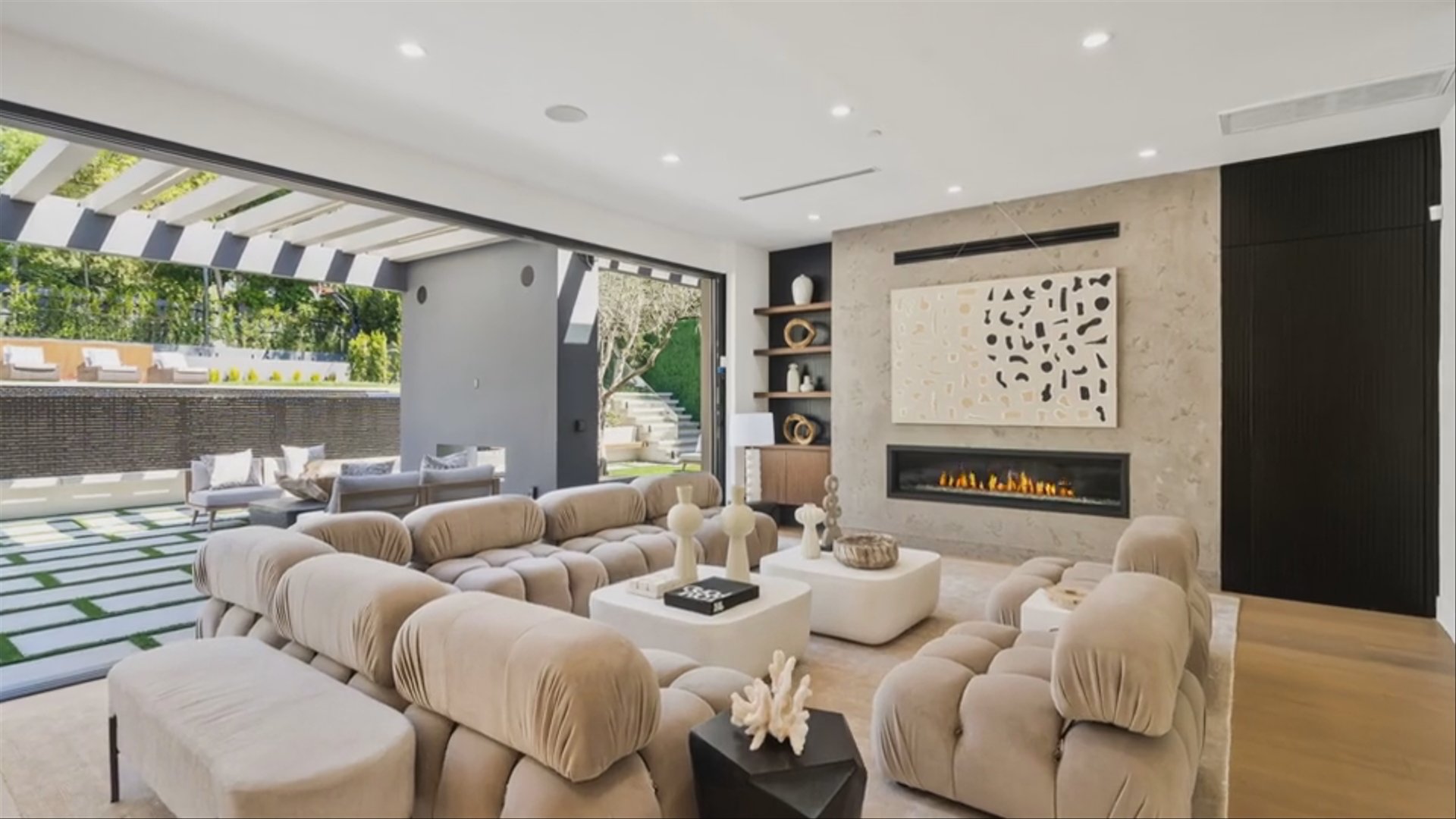
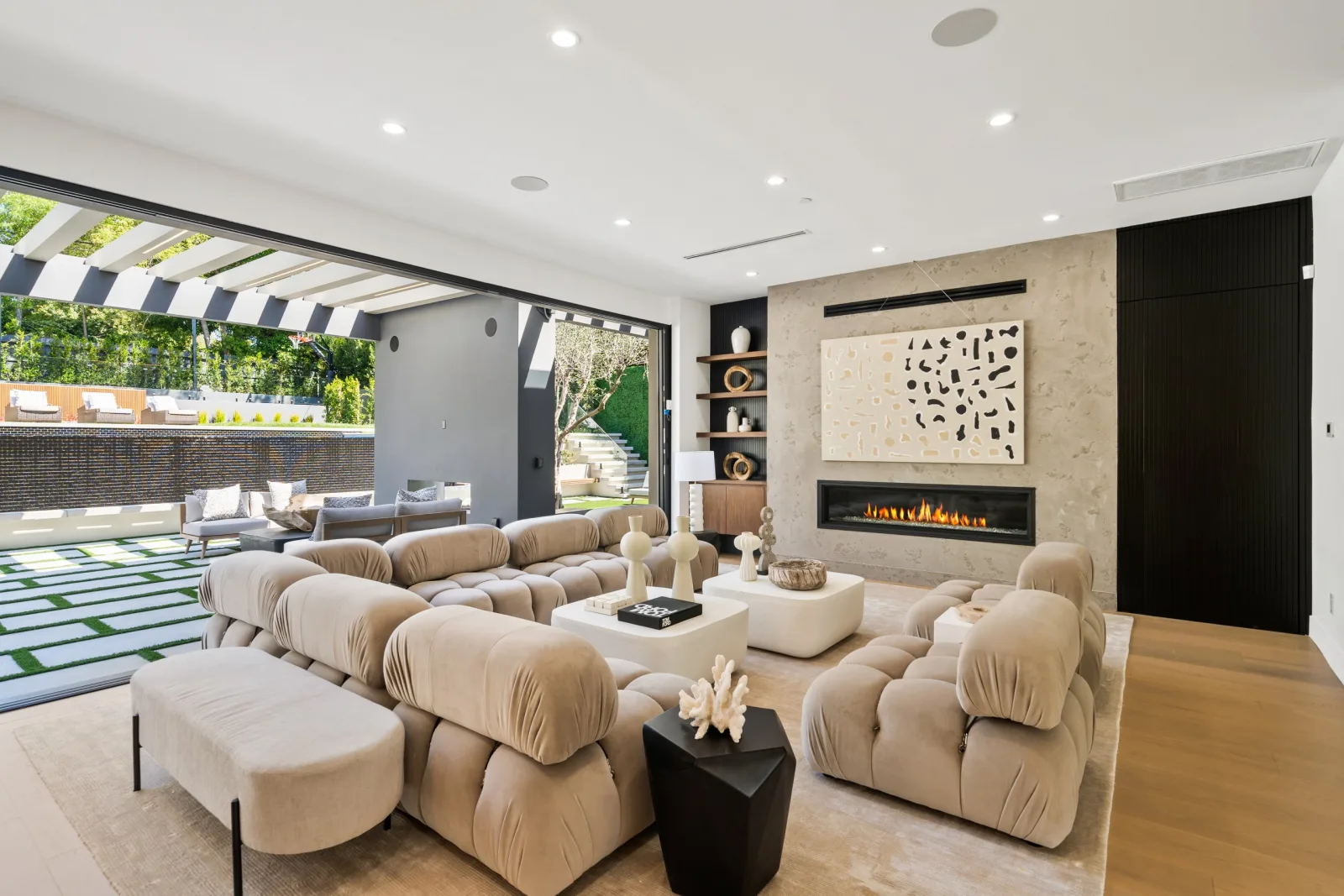
No timeline, no keyframes, no exports. The AI builds the entire edit from your photos: pacing, transitions, and camera motion.
Trusted by 18,000+ real estate professionals
You don't need editing software. Upload your listing photos and Reel-E's AI does the entire edit: cinematic camera motion, beat-synced transitions, original music, and every format. Finished in 2 minutes.


 +18KTrusted by 18,000+ agents7-day free trial · Cancel anytime · Horizontal, vertical & square
The short answer
Reel-E replaces the editing step. Instead of cutting clips in Premiere, CapCut, or Canva, you upload listing photos and the AI delivers the finished, music-synced cut.
Upload photos and pick music for the initial edit, then refine the timeline in Keylight Studio.
Beat-synced transitions, paced scene order, and clean motion on every photo.
Change music or reorder photos in Keylight. Save a checkpoint before downloading or updating a published video.
The finished edit exports horizontal, vertical, and square, each branded and unbranded.
What Sets Us Apart
No timeline, no keyframes, no exports. The AI builds the entire edit from your photos: pacing, transitions, and camera motion.
Pick a track from the original library and every cut lands on the beat. No manual audio timing, no copyright worries.
Orbits, push-ins, and pull-outs generated from each photo. It looks filmed, not assembled from a slideshow template.
Horizontal, vertical, and square, each branded and unbranded. One upload covers MLS, YouTube, Reels, TikTok, and feed posts.
Save your logo and contact info once. Every future video is branded without touching an editor.
Want a different track or photo order? Adjust and re-render. No rebuilding a project file from scratch.
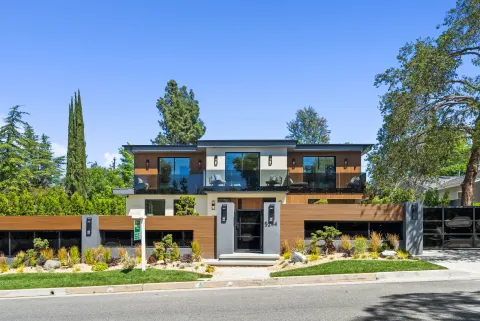
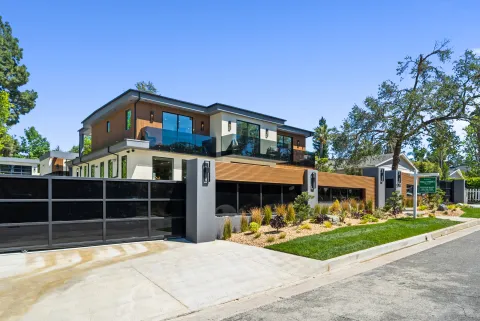
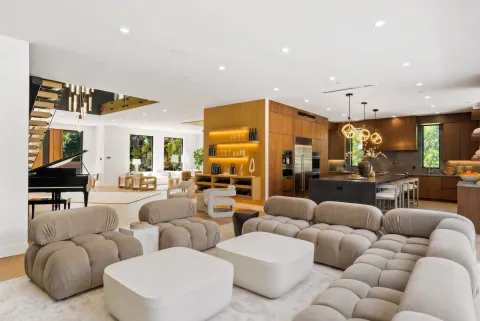
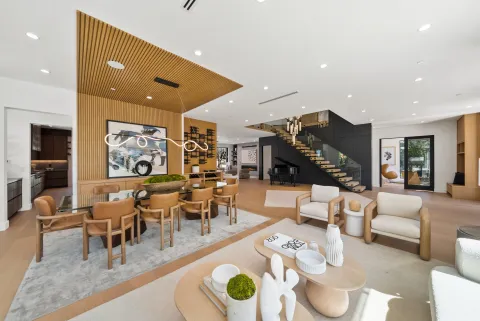
Real videos created by agents. Click to play.
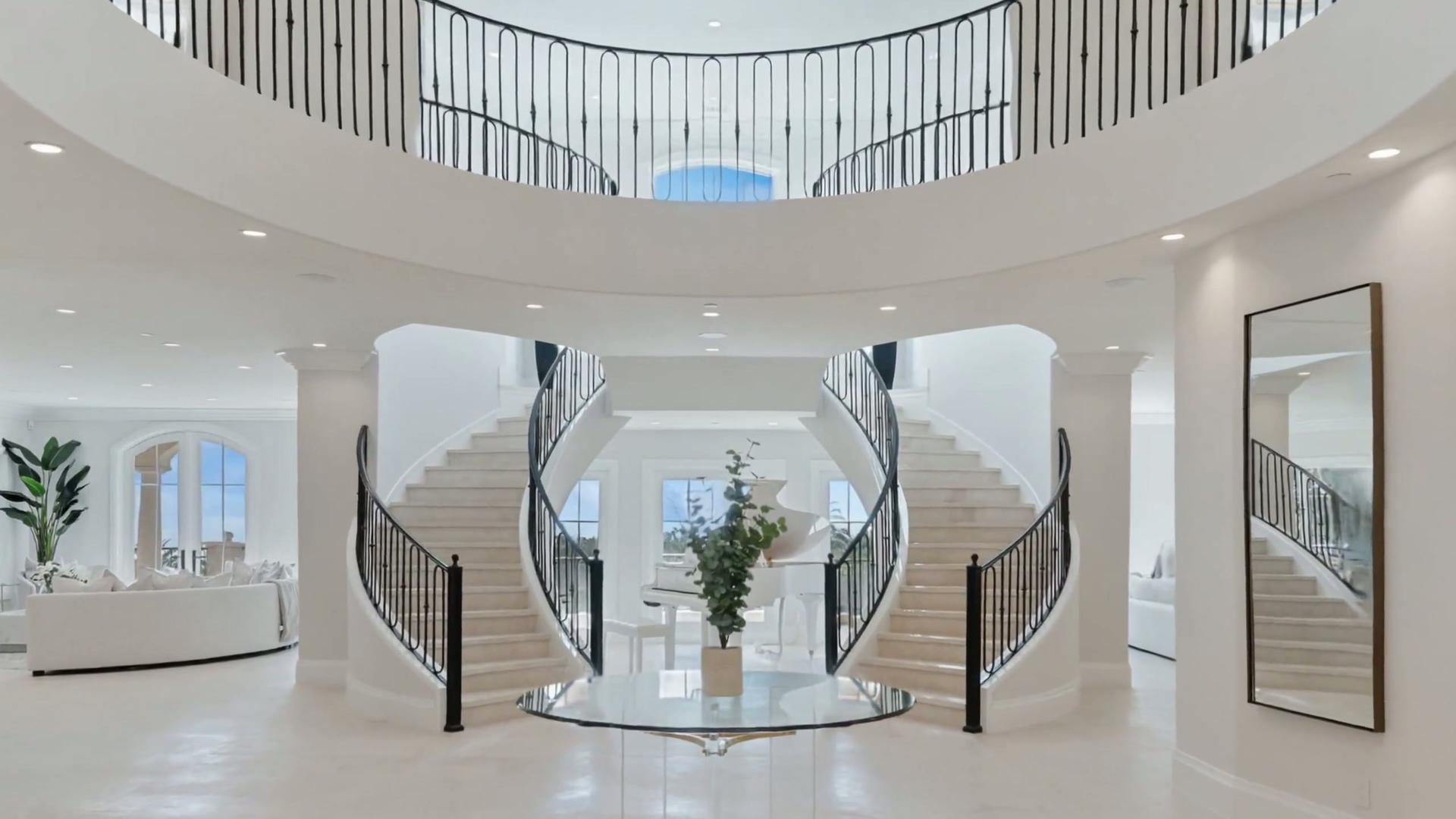
Listed by Josh Altman
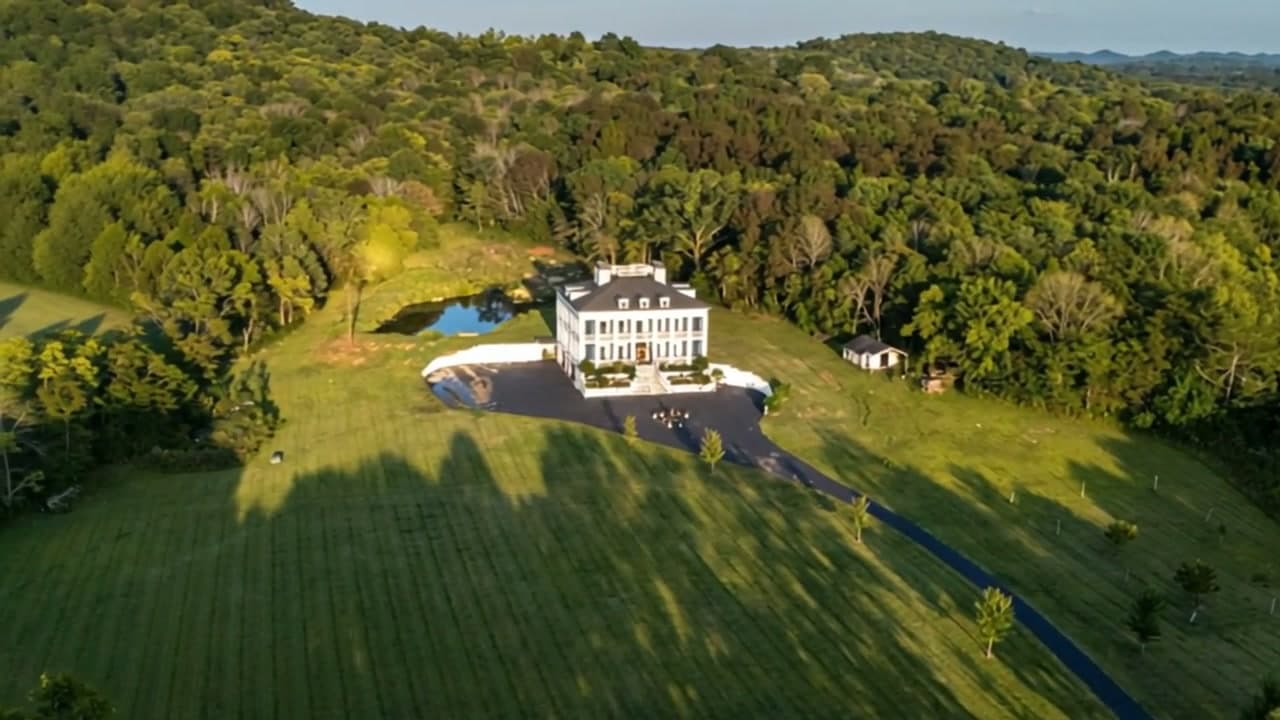
Listed by Tracy Tutor
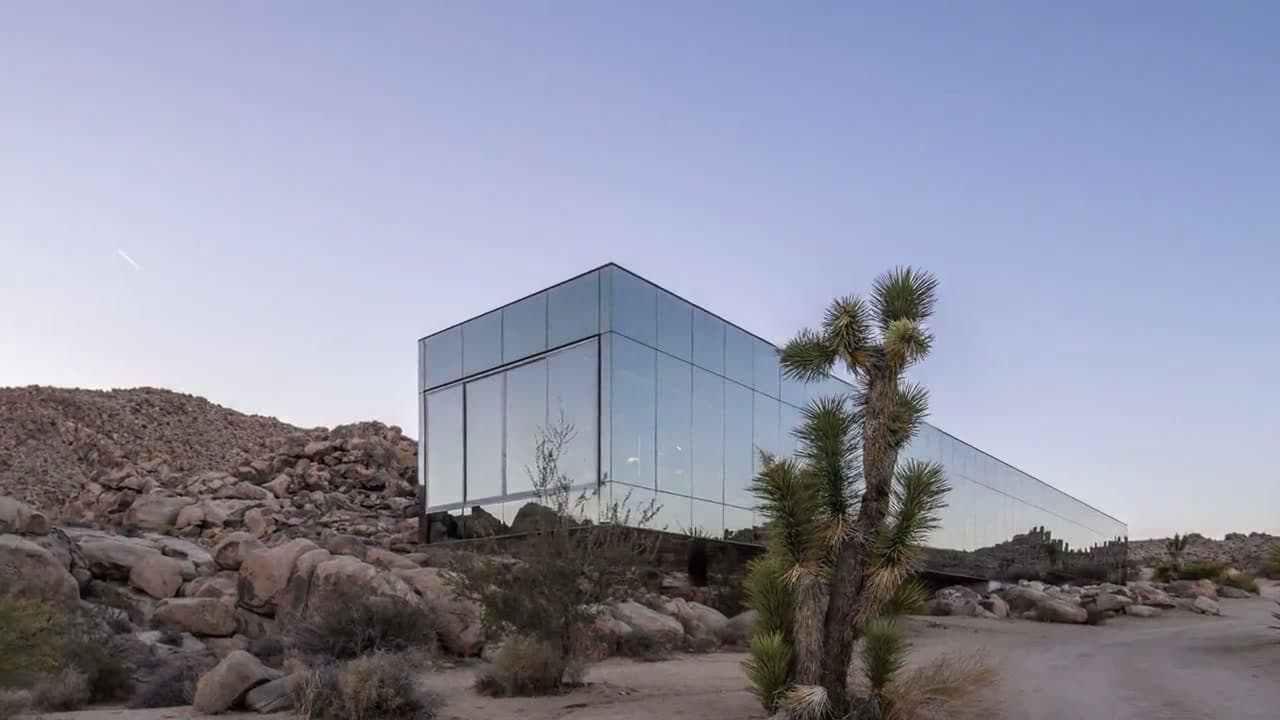
Listed by Aaron Kirman
01
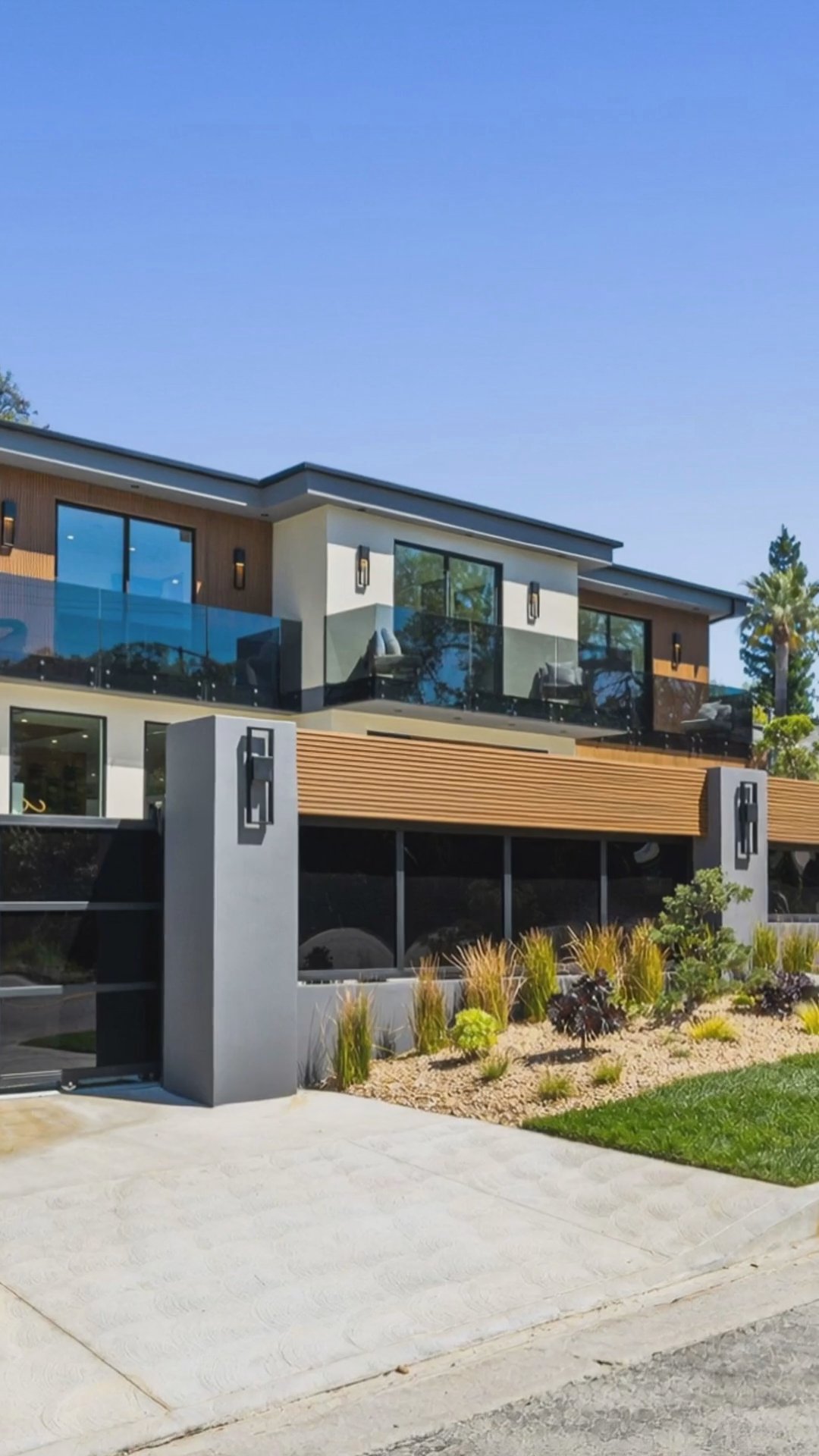
The traditional real estate video editing workflow looks like this: download your listing photos, import them into Premiere Pro, Final Cut, CapCut, or Canva, pick a template, drag clips around a timeline, trim everything to the music, add yourlogo and contact info by hand, then export one version for MLS, another for Instagram Reels, another for TikTok. By the time you finish, you have spent hours on a single listing, and the result still looks like a slideshow.
Listings with video get 403% more inquiries than those without, so skipping video is not an option. The fix is not better editing software. It is removing the editing step entirely. Reel-E takes your listing photos and generates the full edit automatically: real cinematic camera motion, beat-synced transitions, original music, and your branding, delivered in every format in under 2 minutes.
02
Here is how the common real estate video editing options actually compare for a working agent:
The difference is the category. Editing software gives you tools to do the work. AI generation does the work. For an agent whose job is selling homes, not cutting video, that is the whole point.
03
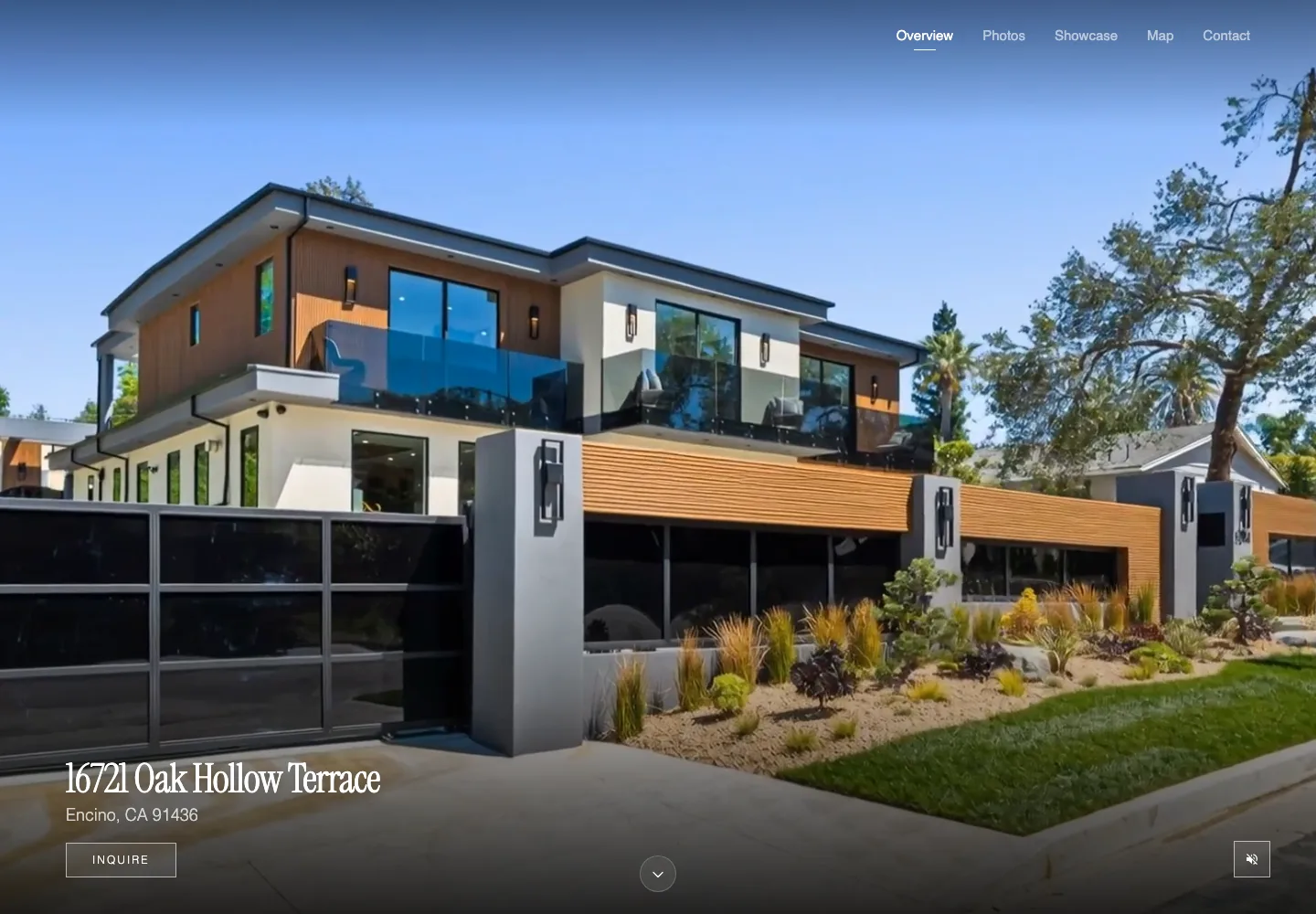
Fully automated does not mean zero control. With Reel-E you decide which photos to feature, the order they appear, the music that sets the tone, the video length, and the branding on screen. Editing is included in every plan, so if you want a different track or a tighter cut, you adjust and re-render as many times as you like instead of rebuilding a project file.
What you never touch is the technical layer: keyframes, transitions, aspect ratios, audio levels, export settings. That is exactly the part of real estate video editing that burns your evenings, and exactly the part the AI was built to own.
Compare your options
Agents researching listing video tools usually end up comparing the same short list. Here is where each one is strongest and where Reel-E fits.
AI listing videos from property photos with vertical and horizontal exports.
Purpose-built for agents, brokerages, and property managers. Create and refine a video from your photos in Keylight Studio, then choose branded or unbranded downloads for your channels in Share.
AI-generated real estate listing videos and automation.
Reel-E uses a custom real estate inference stack, creates branded and unbranded deliverables, and gives agents direct control over music, branding, and listing-photo inputs.
AI real estate video creation software in the CloudPano ecosystem.
Reel-E is the specialist choice when the job is specifically converting listing photos into cinematic property videos without extra editing.
AI real estate video editing with entry-level pricing.
Reel-E focuses on finished listing video delivery from the photos agents already have, with less manual production overhead and clear MLS plus social outputs.
AI listing video generation with scripts, music, and voiceover positioning.
Reel-E emphasizes cinematic camera motion from listing photos, beat-synced editing, and agent-ready video formats rather than only narrated marketing clips.
Fast listing videos from photo uploads for agents.
Reel-E pairs speed with richer listing workflows: saved brand assets, platform-specific outputs, direct photo upload, and a product designed for ongoing agent use.
Listing video creation and per-format real estate marketing videos.
Reel-E adds a subscription workflow for repeat listing volume, saved branding, 6 download formats per project, and a broader agent marketing funnel around each listing.
The Smarter Choice
Social Proof
We do a video for every single listing now. Takes 2 minutes. Our sellers love it and our social engagement tripled.
Jenelle Abernathy
KW team, Nashville TN
For most agents, the answer is to skip editing software entirely. Reel-E replaces the editing step: upload your listing photos and the AI handles camera motion, transitions, music timing, and formatting. You get a finished property video in under 2 minutes without opening Premiere, Final Cut, CapCut, or Canva.
Yes. Tools like Premiere Pro and Final Cut are built for professional editors, not agents. Reel-E generates the entire edit for you, including real cinematic camera motion, beat-synced transitions, and original music, so there is no timeline, no keyframes, and no learning curve.
Editing a listing video by hand in CapCut, Canva, or Premiere typically eats hours per property: importing photos, arranging clips, timing music, adding branding, then exporting separate versions for each platform. Reel-E compresses all of that into one 2-minute automated step.
Yes. You choose the photos, the photo order, the music, the video length, and your branding. Editing is included in every plan, so you can adjust the result as many times as you like without starting over. The AI handles the technical editing work, you keep the creative decisions.
Hiring a videographer runs $500-1,200 per property. Reel-E plans start at $44/month, which works out to $9-15 per listing video, with editing, music, and every format included.
Every project exports horizontal, vertical, and square, each branded and unbranded: horizontal (16:9) for MLS and YouTube, vertical (9:16) for Instagram Reels and TikTok, and square (1:1) for feed posts. There is no re-editing or resizing per platform.
No. CapCut and Canva are template tools that still require you to assemble, trim, and export everything yourself, and the results usually look like slideshows. Reel-E creates real cinematic camera motion from your photos automatically. If you can upload photos, you can make a listing video.
Yes, Reel-E includes a 7-day free trial on every plan. Free to try. Cancel anytime.
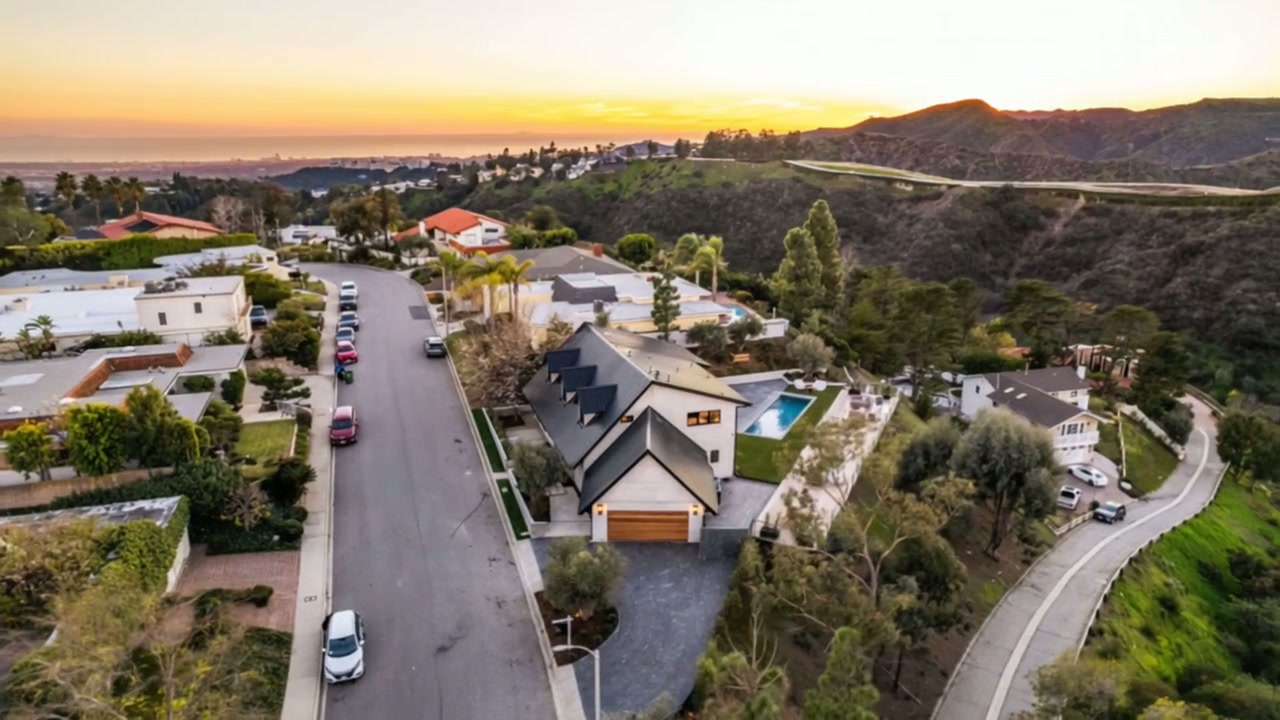
Turn your listing photos into a video you can review and share.
7-day free trial · Cancel anytime