

Voiceover and captions
A narrated tour, in your voice or ours
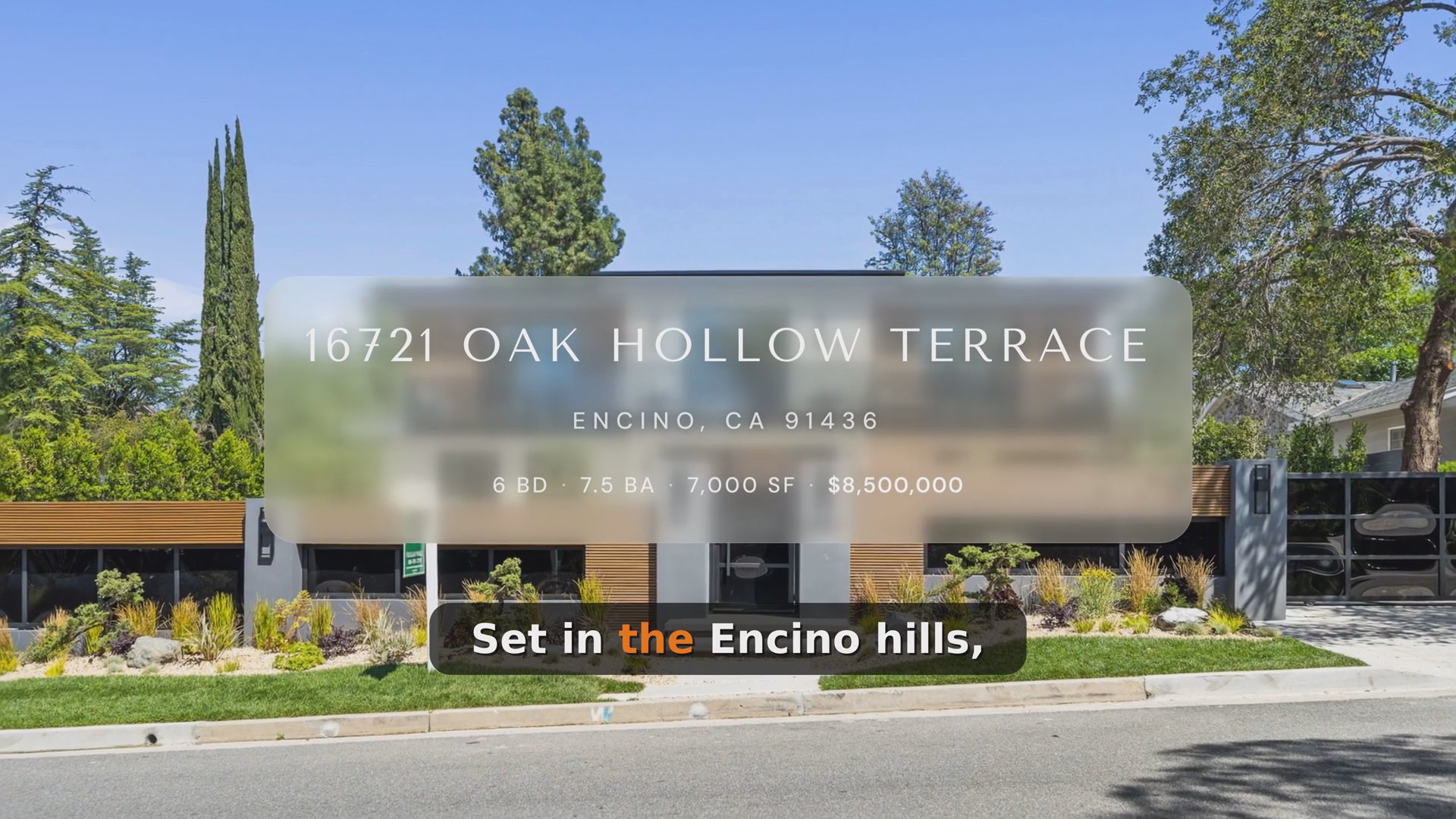
Reel-E watches the finished video, writes the script and reads it section by section.
01Voiceover and captions
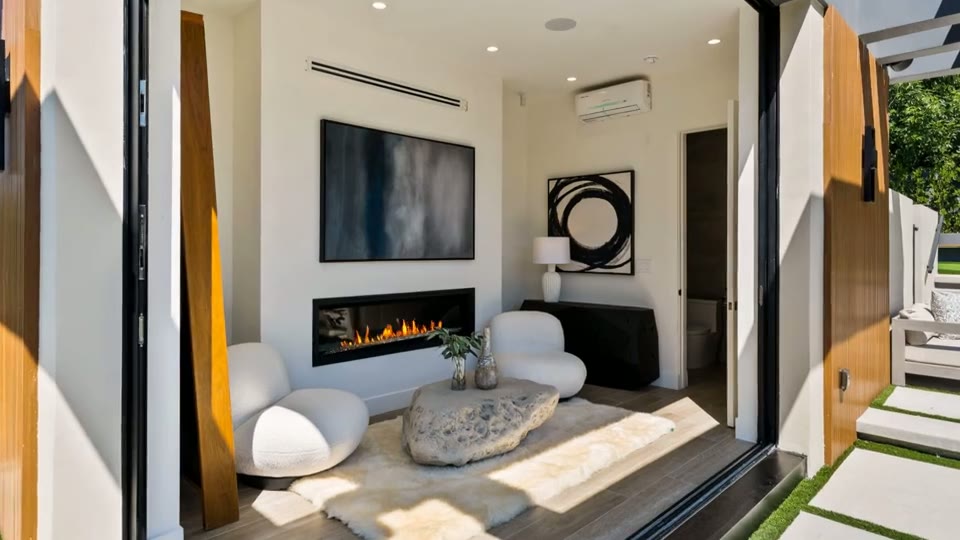
Sections sit on the timeline
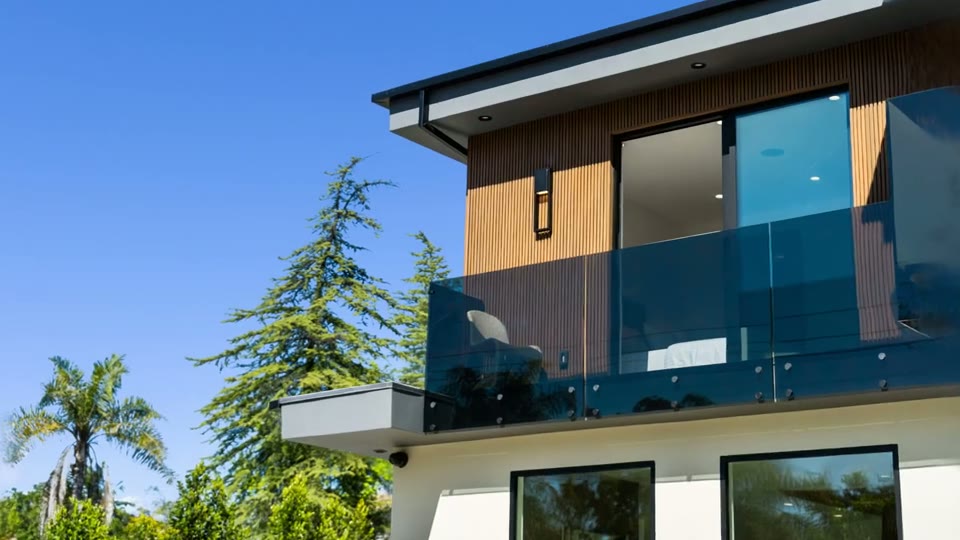
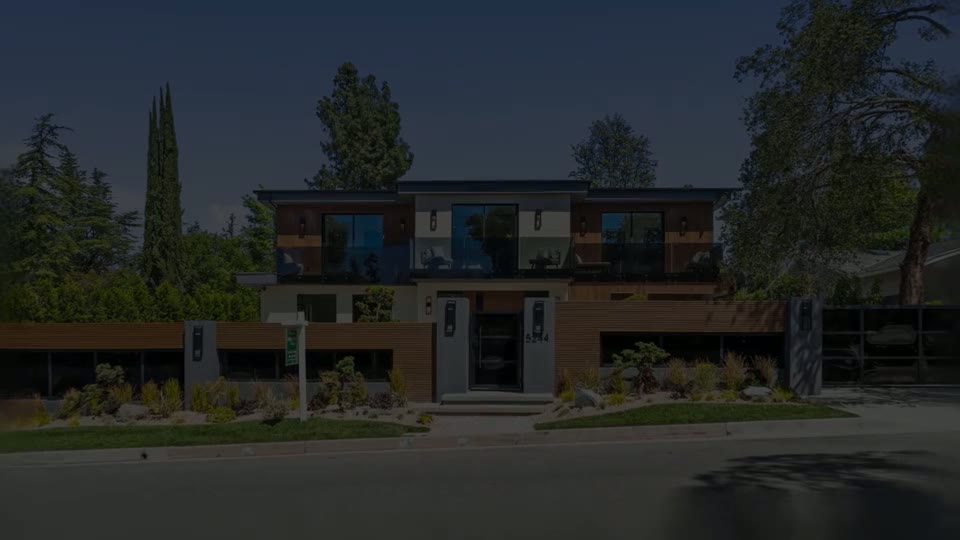
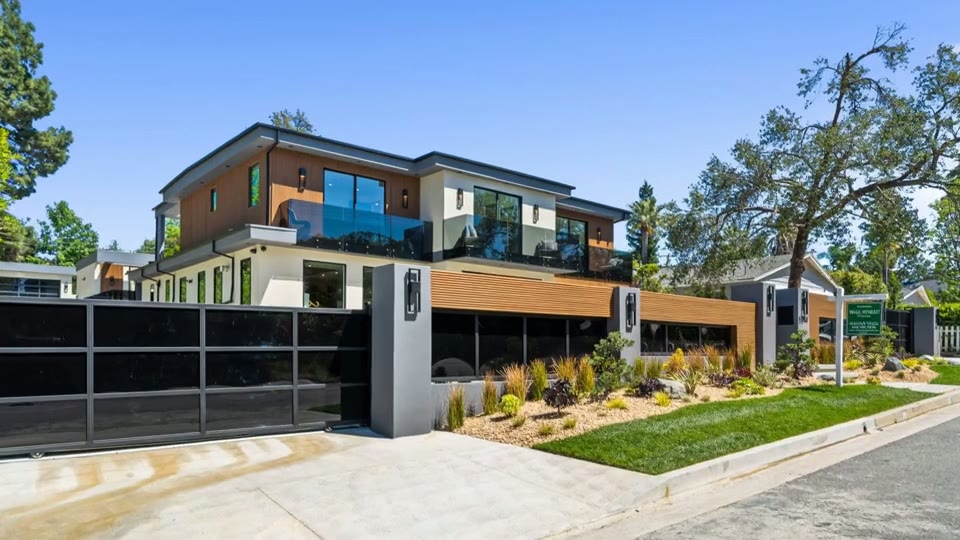
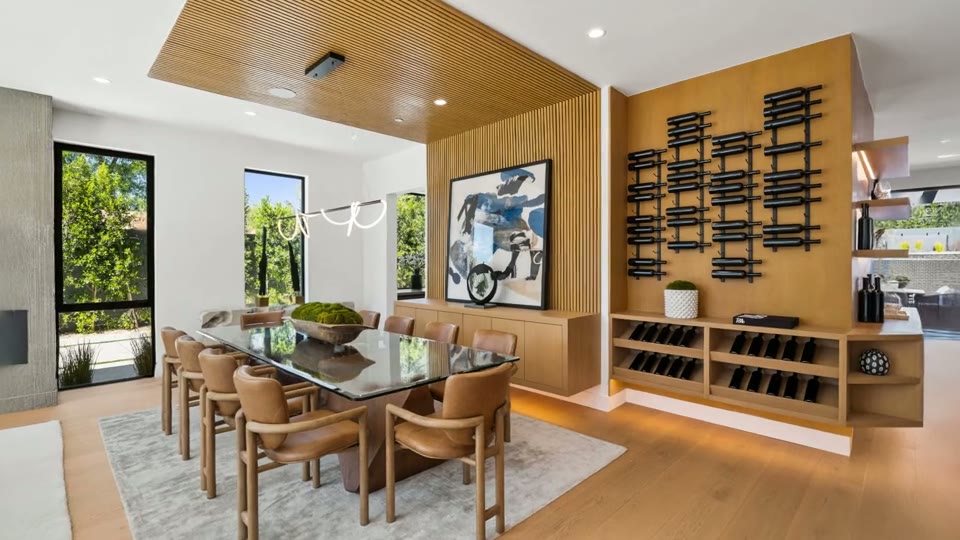
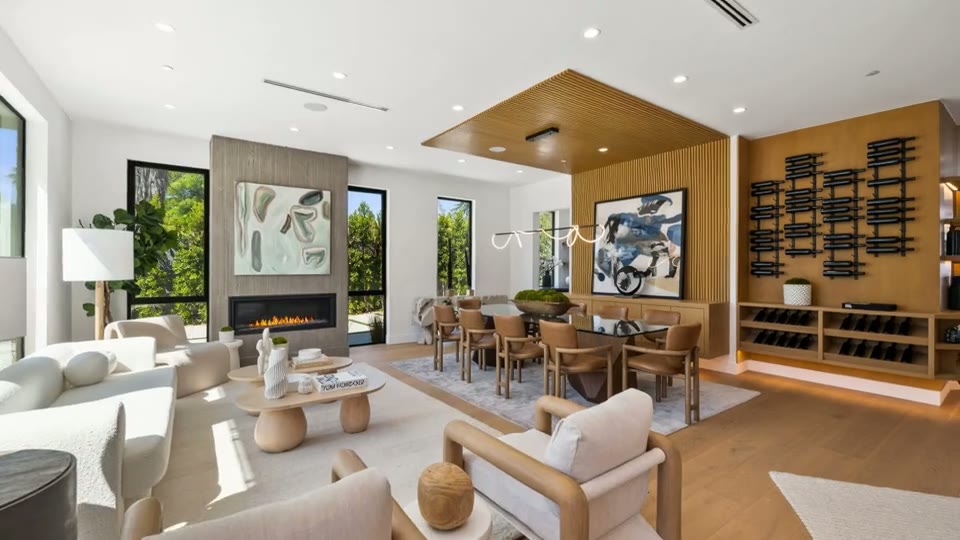
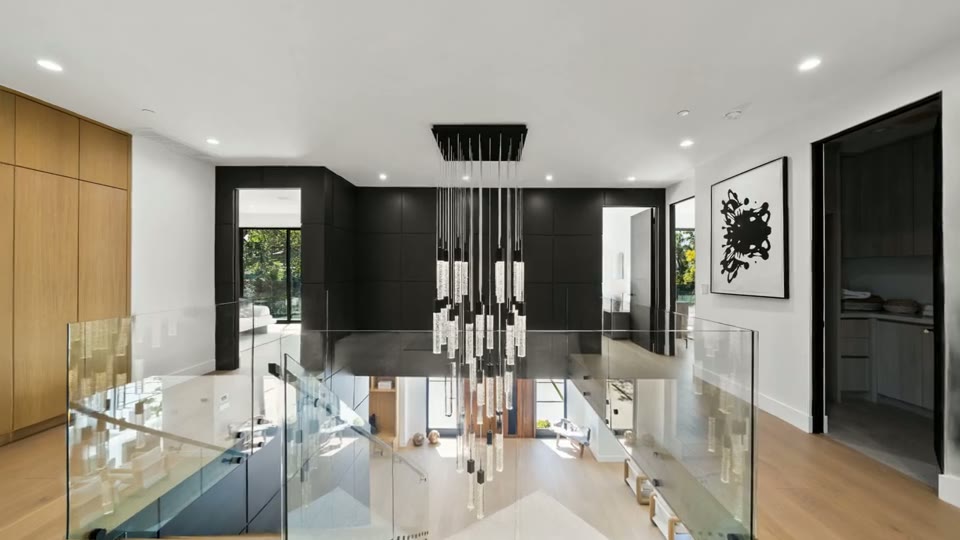
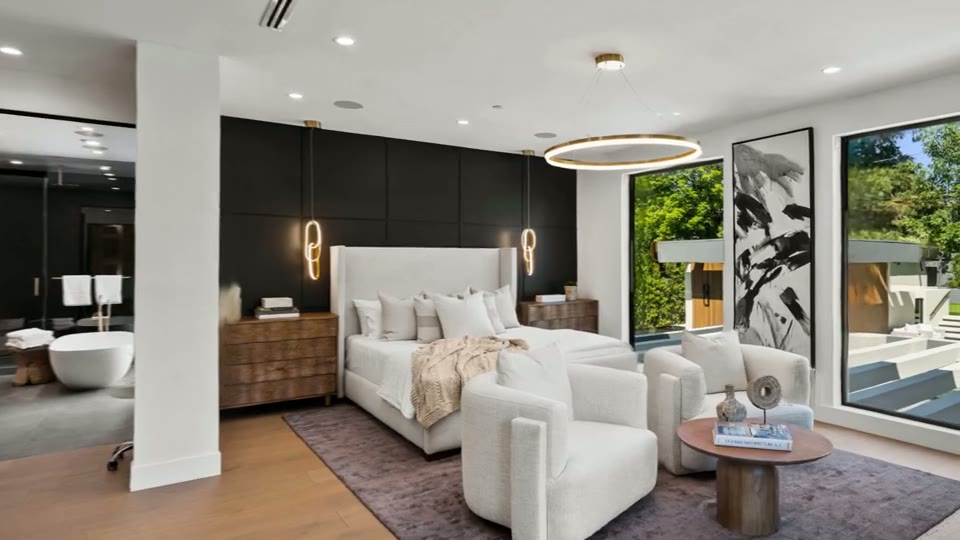
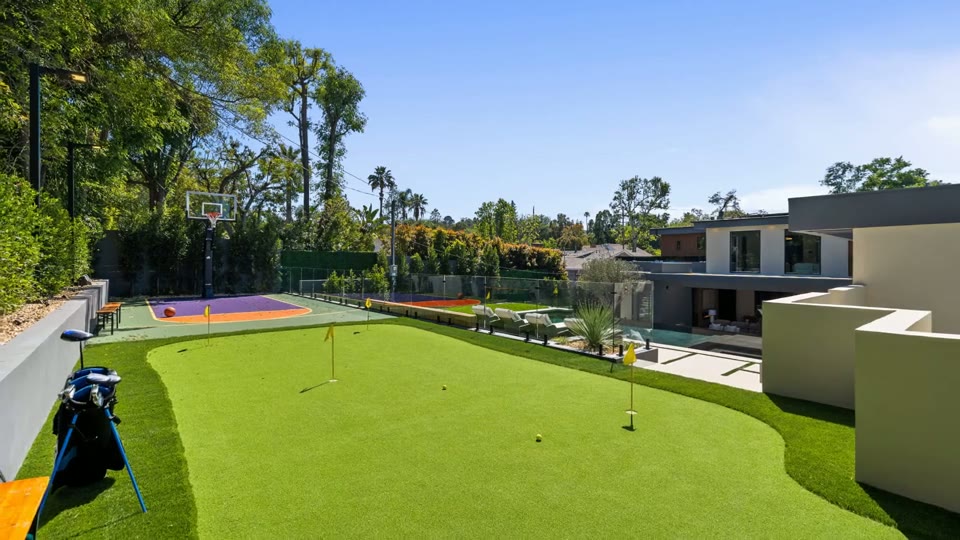
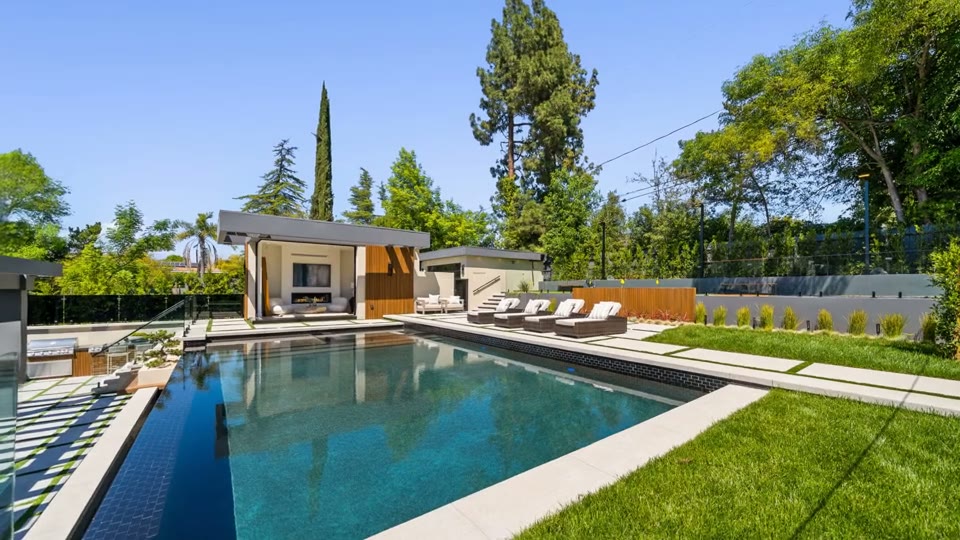
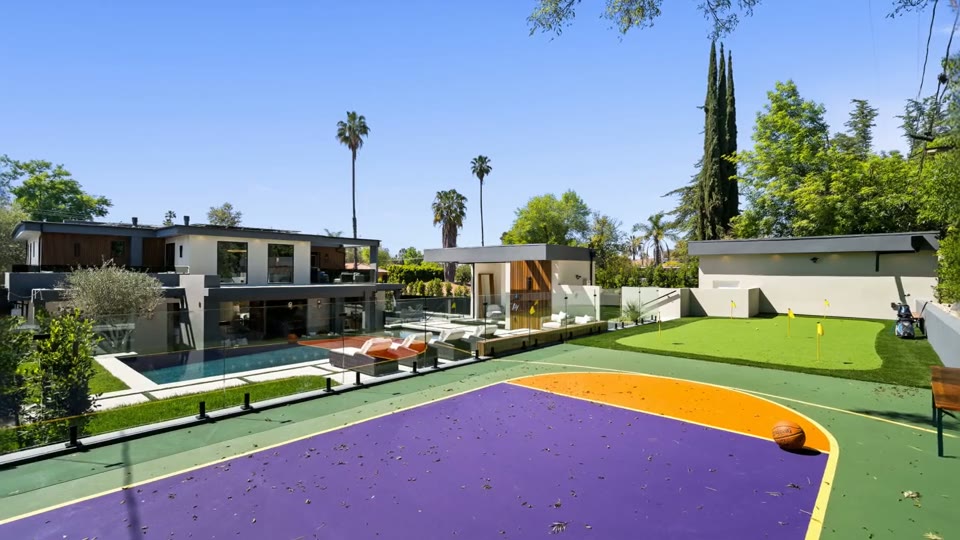
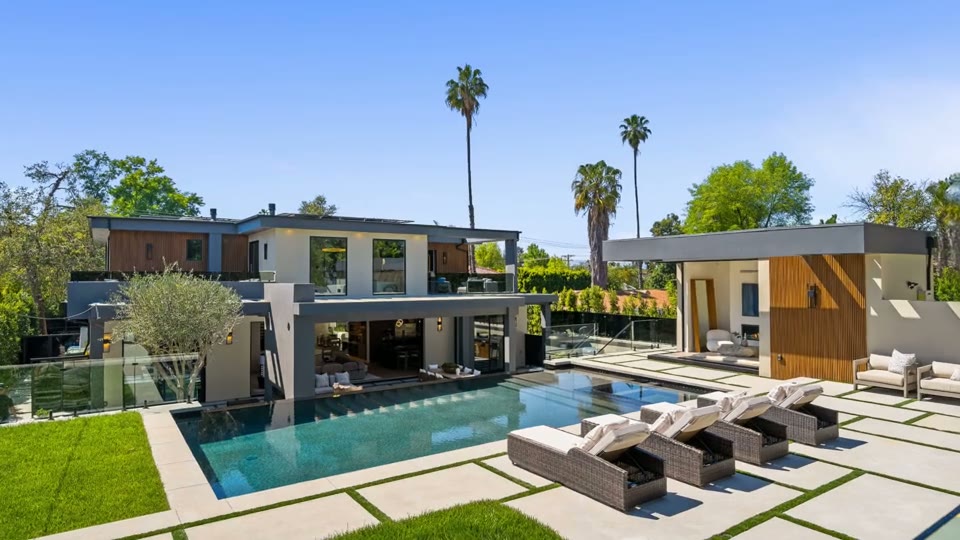
Each section lands on the shot it describes, and you can move it without changing its pace.
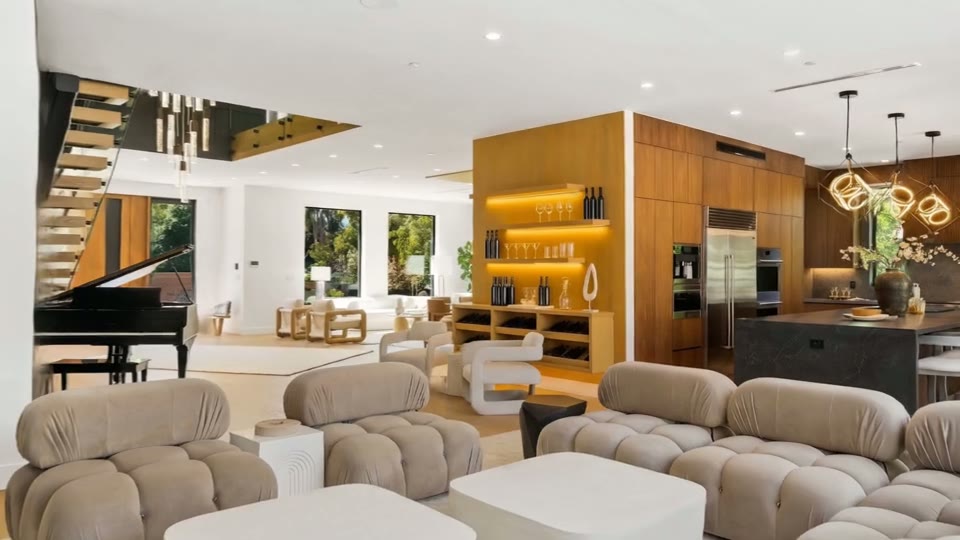
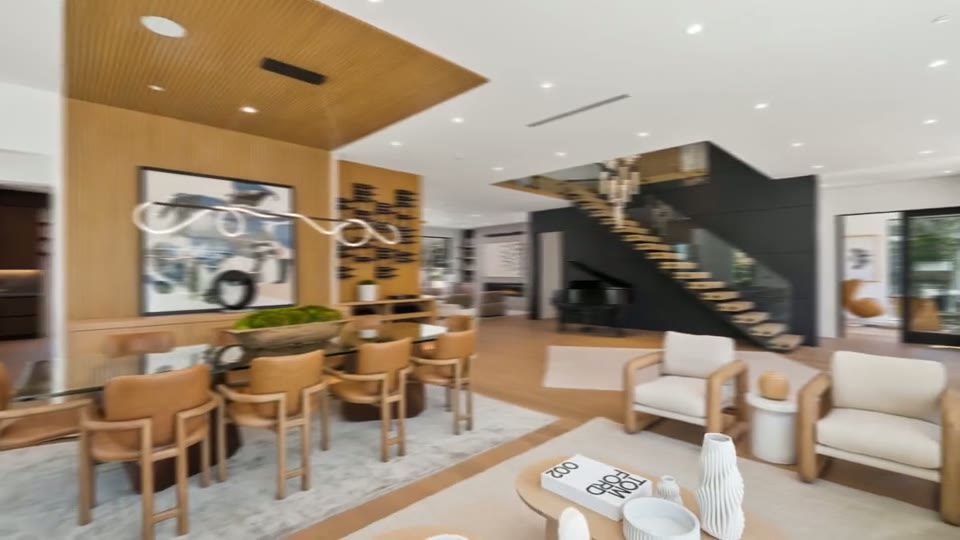
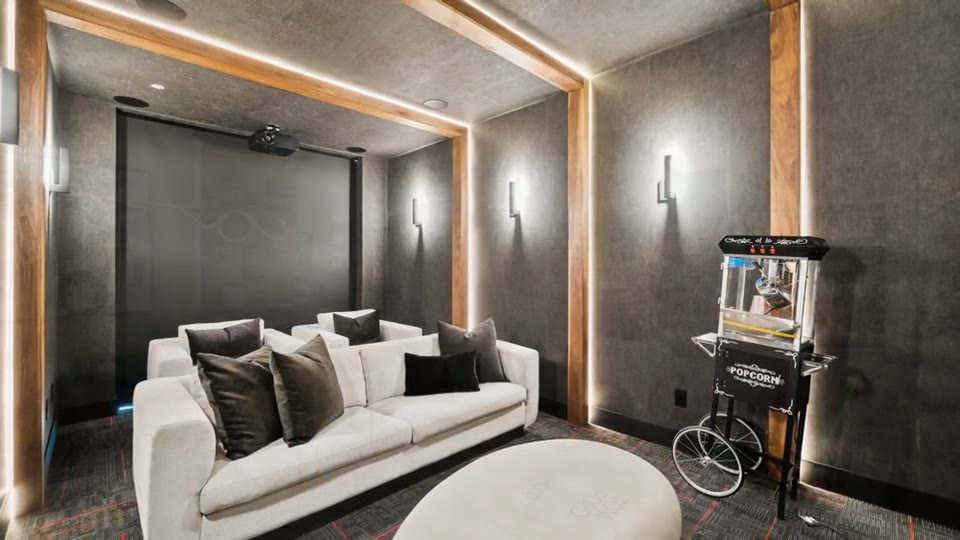
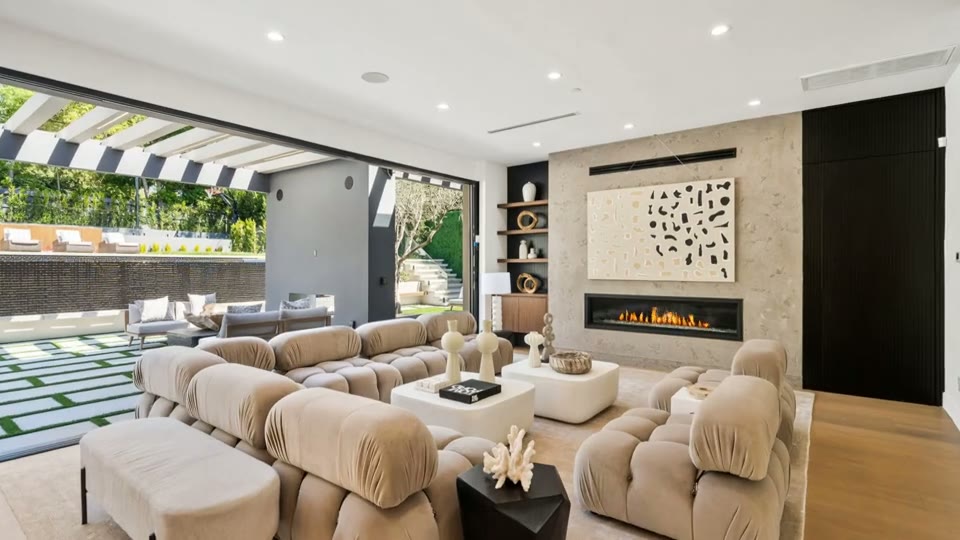



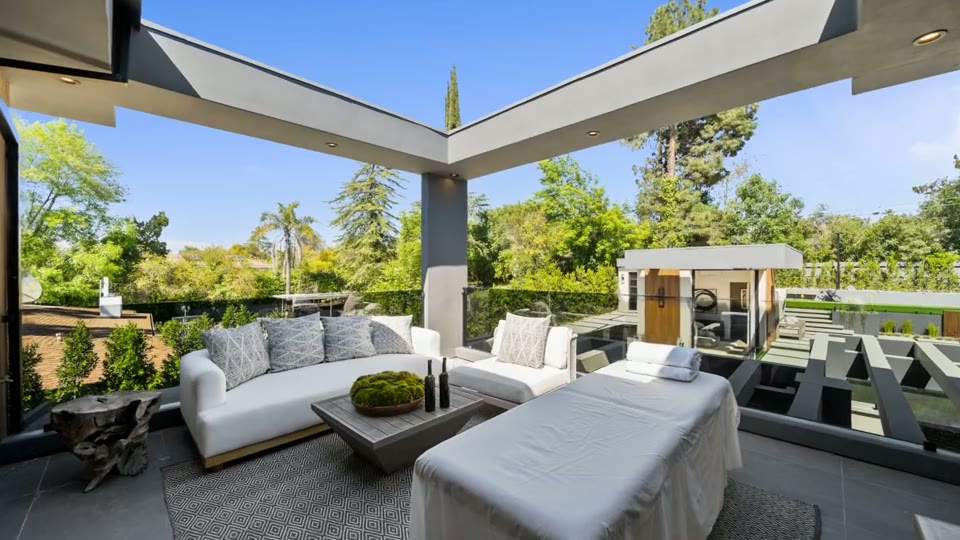
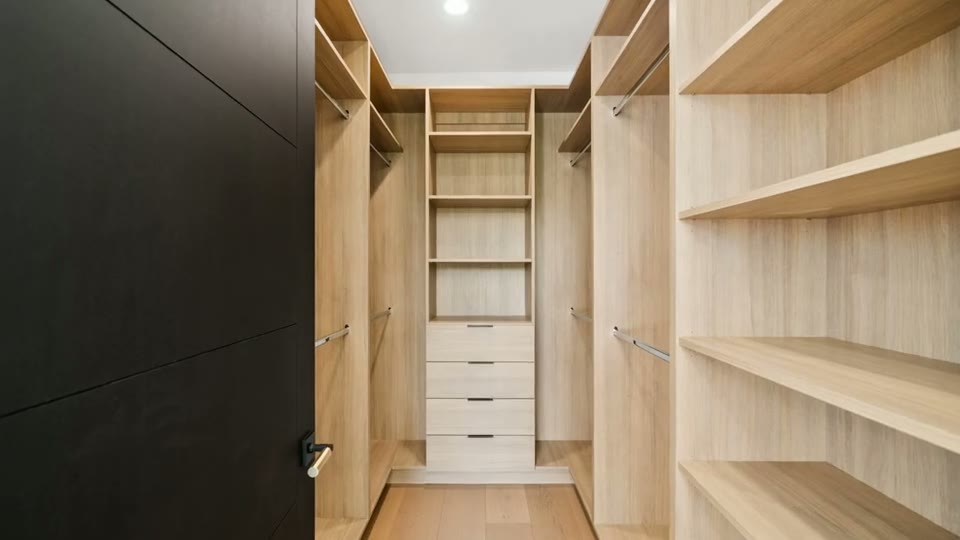
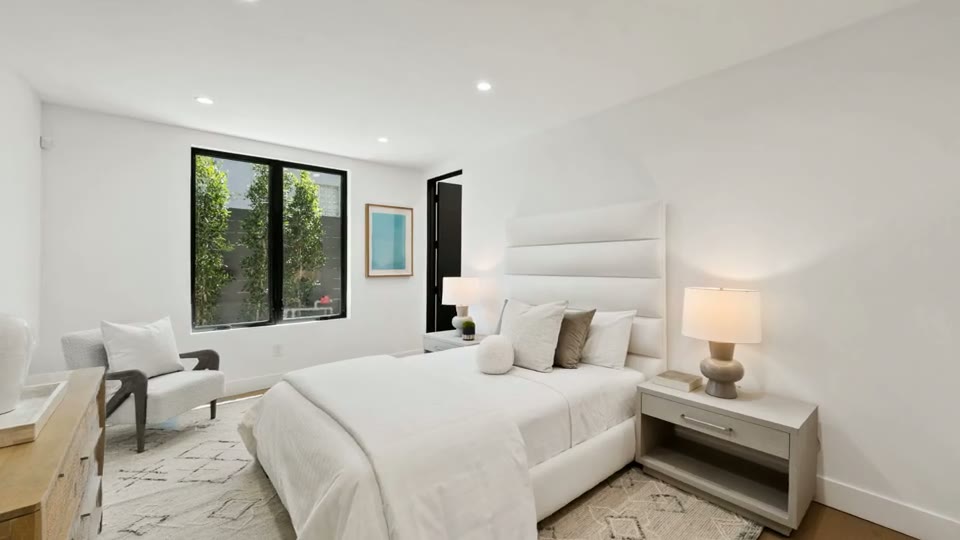

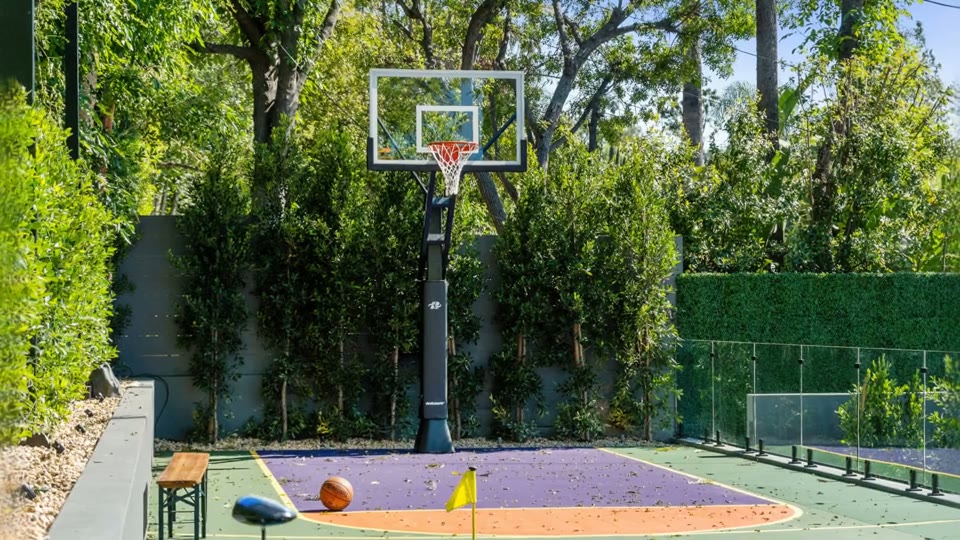



02Voiceover and captions
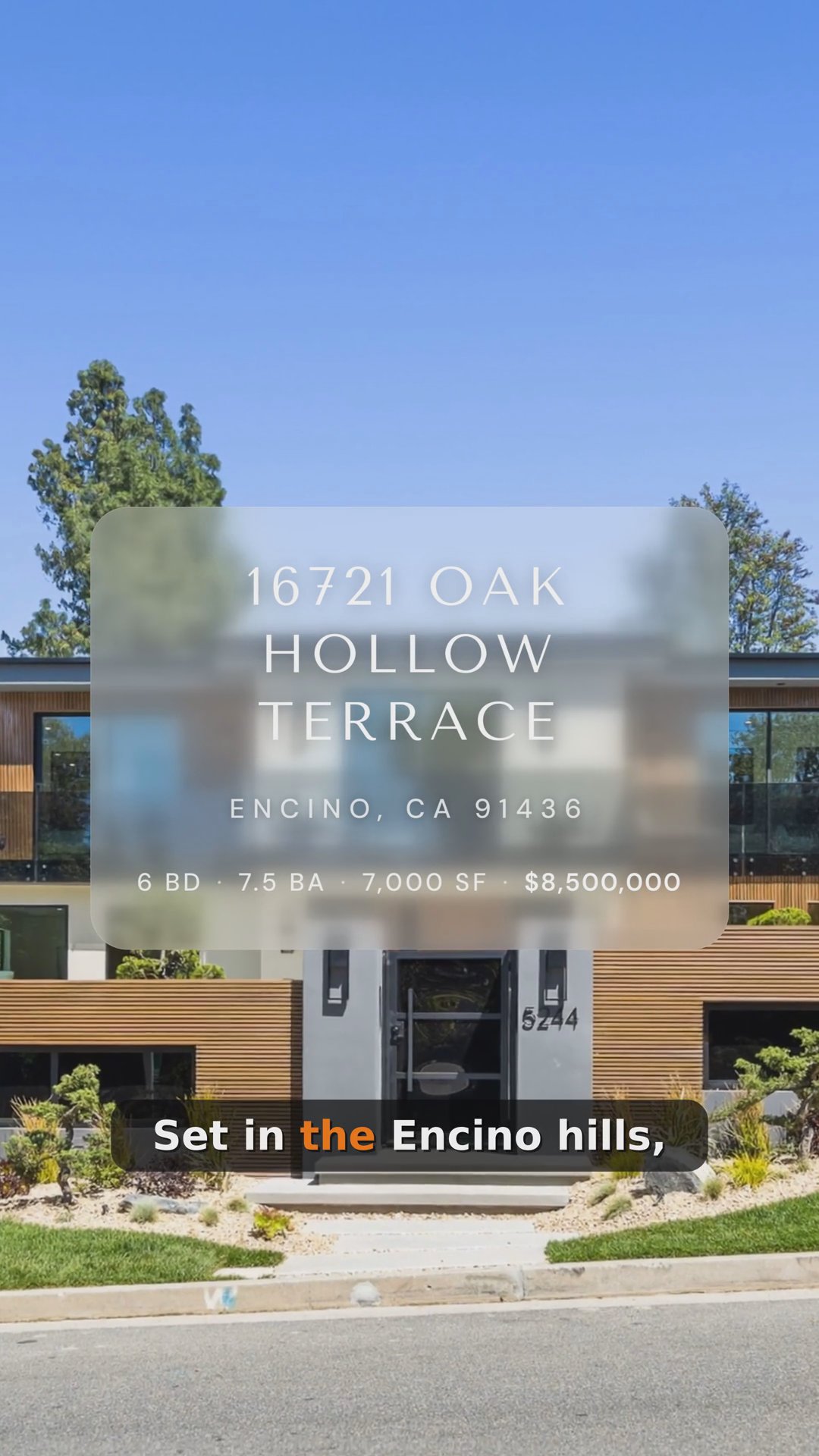
Captions for silent scrolling
Most social viewers watch on mute, so captions render into every delivered format.
03Voiceover and captions
Music makes room for words
The soundtrack drops under narration and comes back up between sections, with nothing to mix.
Common Questions
Yes. Reel-E watches the finished cut, writes a script that follows the shots, reads it in a natural AI voice and places each section on the clip it describes.
Yes. Record the script yourself in Keylight Studio, or upload a recording, and it is placed on the timeline the same way as an AI take.
No. Captions are generated from the narration's word timings and rendered into every delivered format, so the video still works with the sound off.
If the timeline is unchanged, the narration is carried onto the new version automatically. If shots move, you re-time the affected sections with one click.
A set of natural male and female voices in different tones, previewed before you commit, with your own recording as the alternative.
The script is written from the photos and the property details you entered, and you edit any line before it is read.
Yes. The soundtrack ducks under each narration section and returns between sections, with nothing to mix by hand.
Works with
Try it on your next listing
A cinematic video, edited photos and a listing website in 2 minutes. Plans from $44/month.
Free to try · Cancel anytime