

Keylight Studio
Every video, exactly how you'd cut it
A first cut in under 2 minutes. Then change anything, as many times as you like.







Keylight Studio
Watch it work in 60 seconds

01Keylight Studio
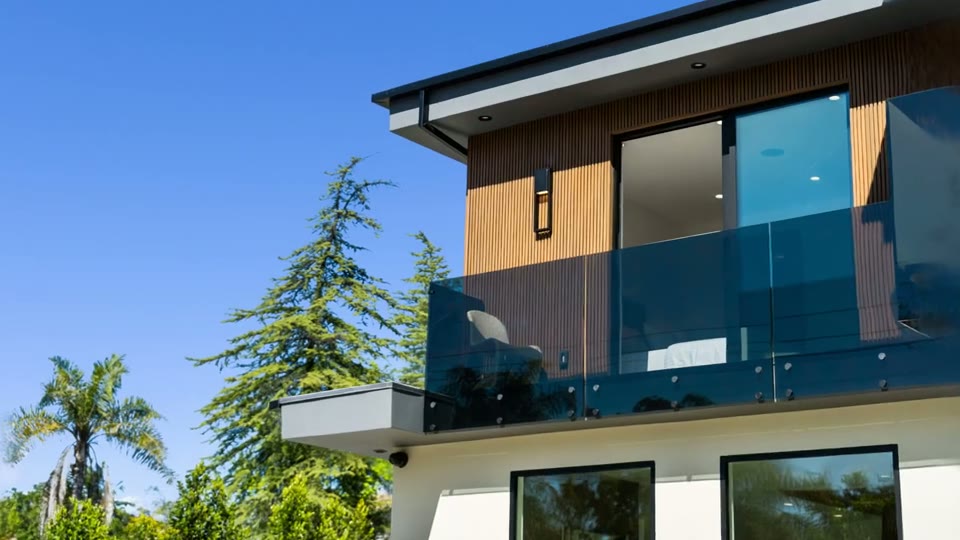
Choose the cut between clips
Tap the gap between two shots for a clean cut, a dissolve or a generated move.
02Keylight Studio
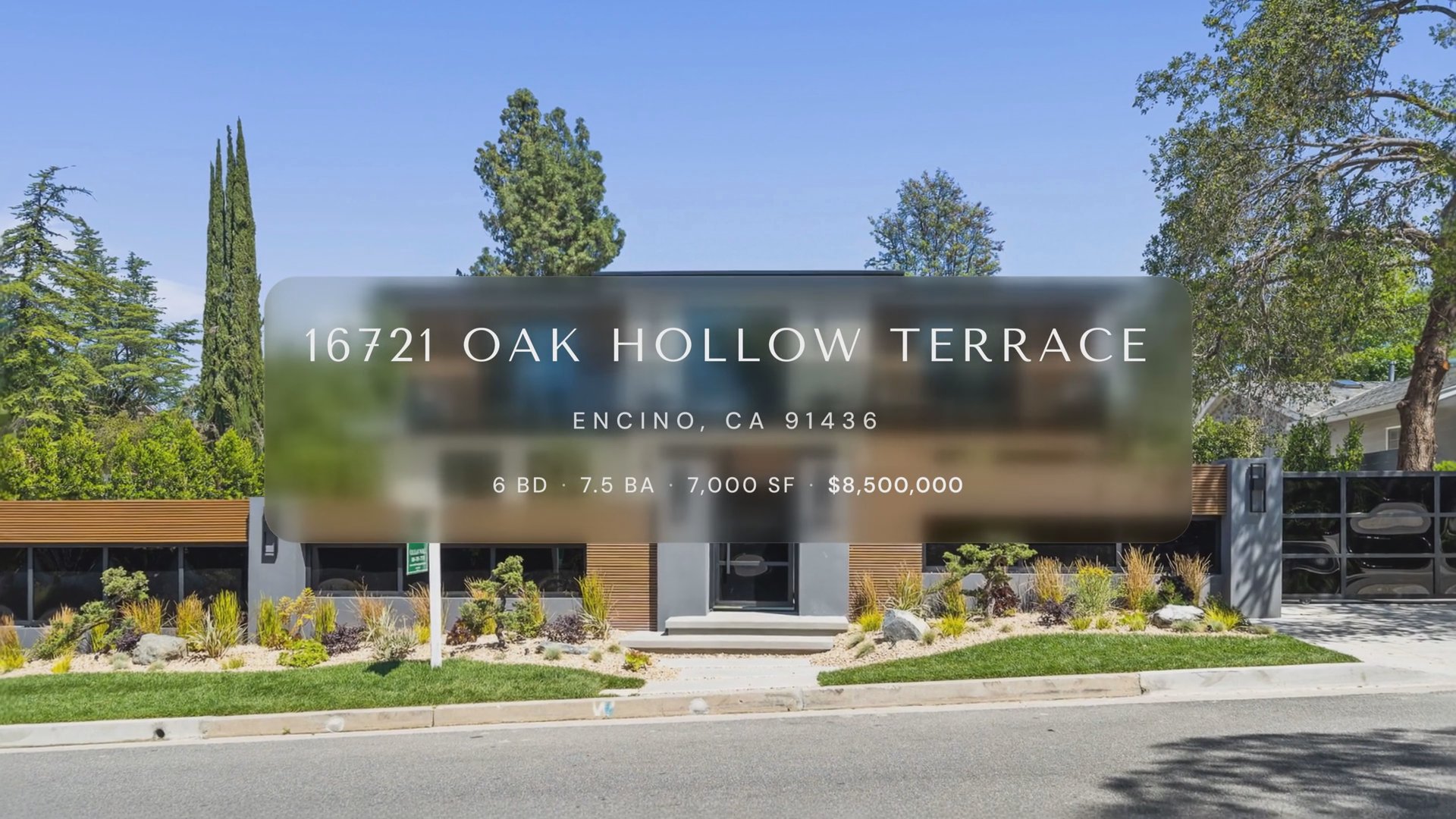
Titles pulled from the listing
The address becomes an opening title you style, scale and drag into place on the real video.
03Keylight Studio
Re-render without a cap
Re-render every format as many times as you like. Every version is kept.

Common Questions
Yes. Keylight opens every video on a real timeline where you reorder, retime, swap and re-render clips, and each change previews instantly. Share puts your latest changes into the video.
No. Reel-E makes the first cut for you, and every control in Keylight is a plain choice, like a cut style or a camera move, with the result shown live on the video.
No. Editing is included in every plan, and you can re-render a listing as many times as you like, so you keep refining until it is right.
Yes, as many times as you like. Every version renders in every format, stays downloadable, and you can step back to any earlier one.
Every version renders horizontal, vertical, and square, each branded and unbranded, so one edit covers YouTube, the MLS, Reels, TikTok, Instagram and Facebook.
Yes. Keylight runs in the browser on a phone with the same tools, and the player and panels adapt to the smaller screen.
Both. It generates the listing video from your photos first, then gives you a real-time editor to shape that cut, so you get automation without giving up control.
Yes. The AI Director sits beside Keylight, and you type the change you want. Every change has an Undo, and credits wait for your yes.
Works with
Keep reading
Try it on your next listing
A cinematic video, edited photos and a listing website in 2 minutes. Plans from $44/month.
Free to try · Cancel anytime