

Photo editing
Real estate photo editing, in plain words
Straighten and brighten a photo, clear the clutter, turn day into twilight, or type the change you want. The original is kept, and the edit goes into the listing video and website.
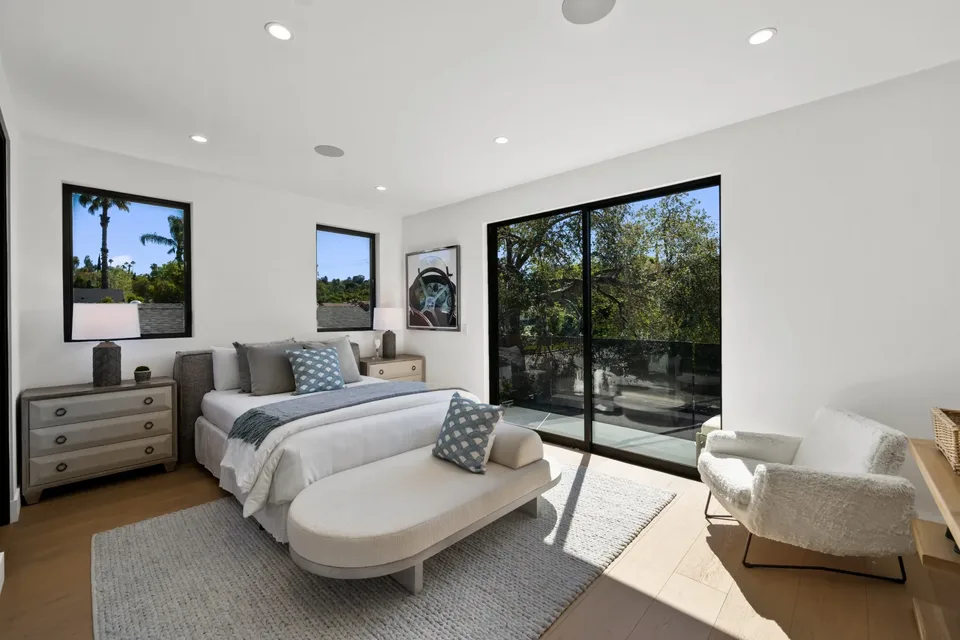
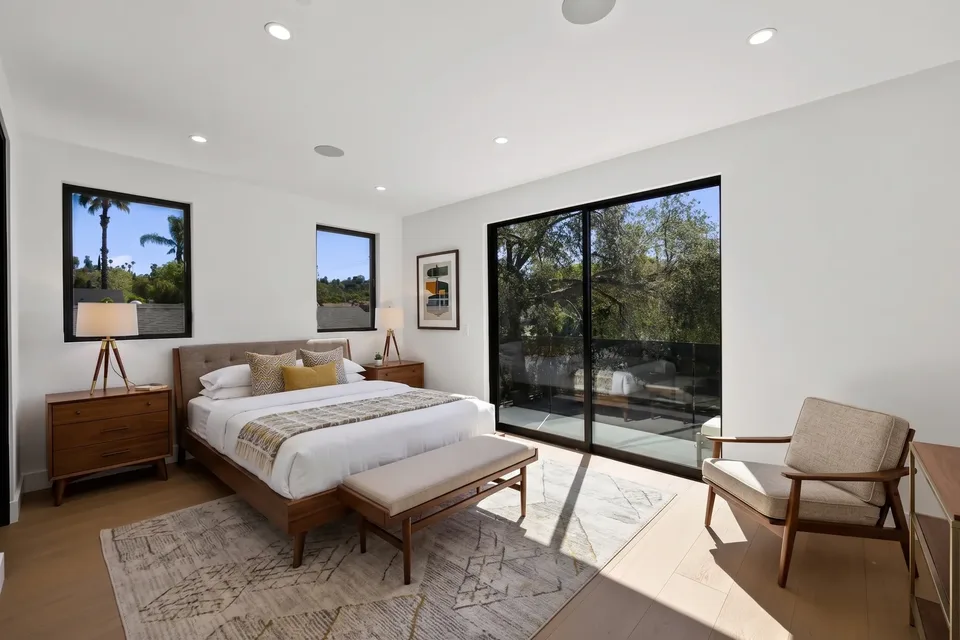
The short answer
What can AI fix on a listing photo?
Reel-E's photo editor makes the edits agents usually send out: a professional touch-up, decluttering, day to twilight, virtual staging, and anything you can describe in a sentence. Each edit takes one credit and keeps the original.
Make it Pro
When a photo needs it, Reel-E offers a fix written for that photo, such as straightening tilted verticals or balancing the exposure.
Twilight and declutter
Make it Twilight turns a daytime exterior into a dusk shot with the lights on. To clear a room, type what to remove, such as papers, dishes, cables or personal items.
Type the change
Describe an edit in your own words, such as removing the car in the driveway. The structure of the home is left as it is.
The original is kept
Every edit is a version in the photo's history. You can go back to the original, or to any earlier version, at any time.
Photo editing
Describe the edit, then compare
Tap a suggestion or type the change. The edited photo appears beside the original, so you judge every result before it is used.
Photo editing
The edits a listing actually needs
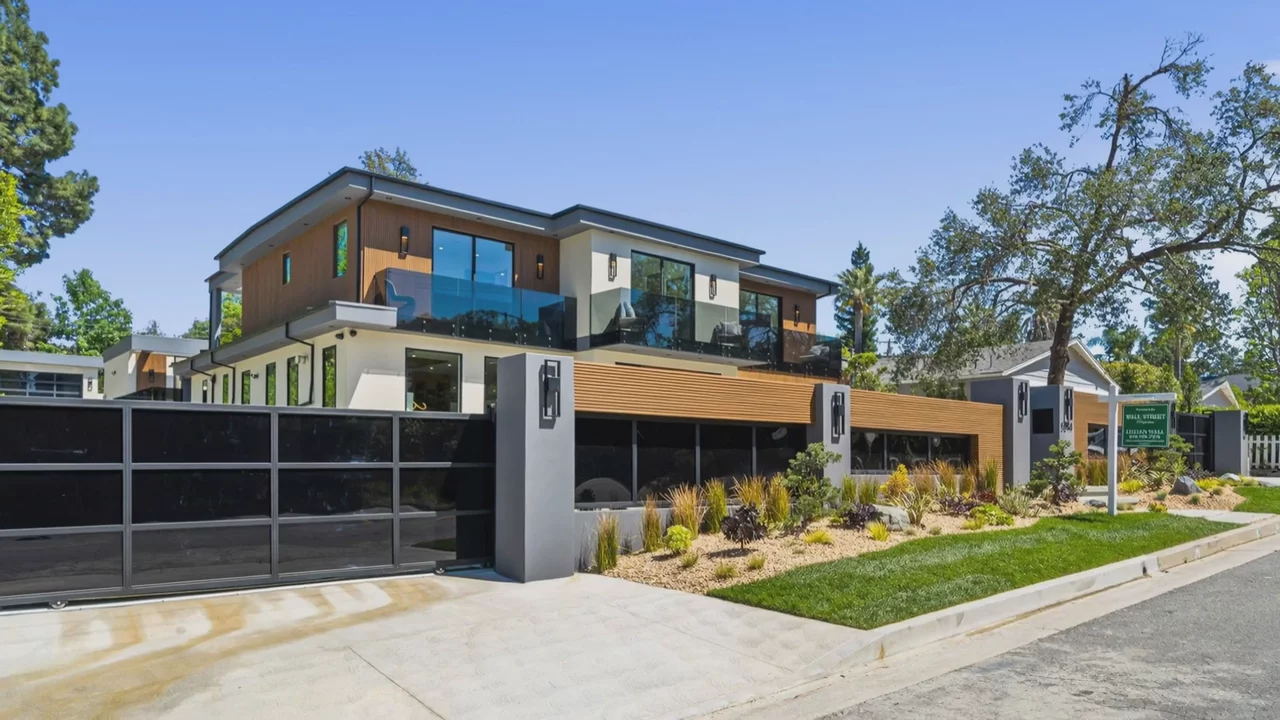
Twilight, decluttering, object removal, a brighter day, a lit fireplace, a restaged room. These are real edits of one listing's photos.


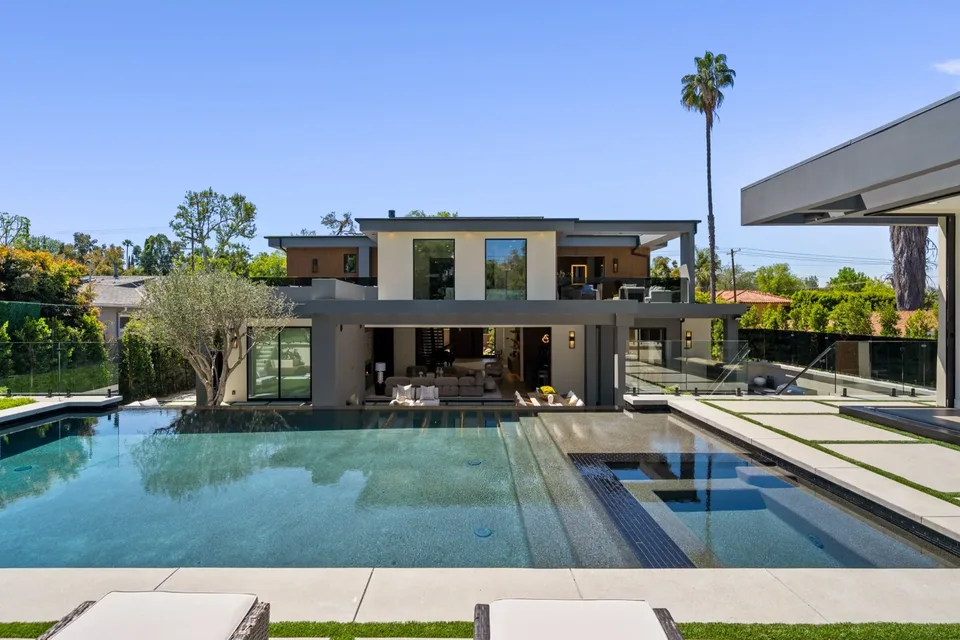
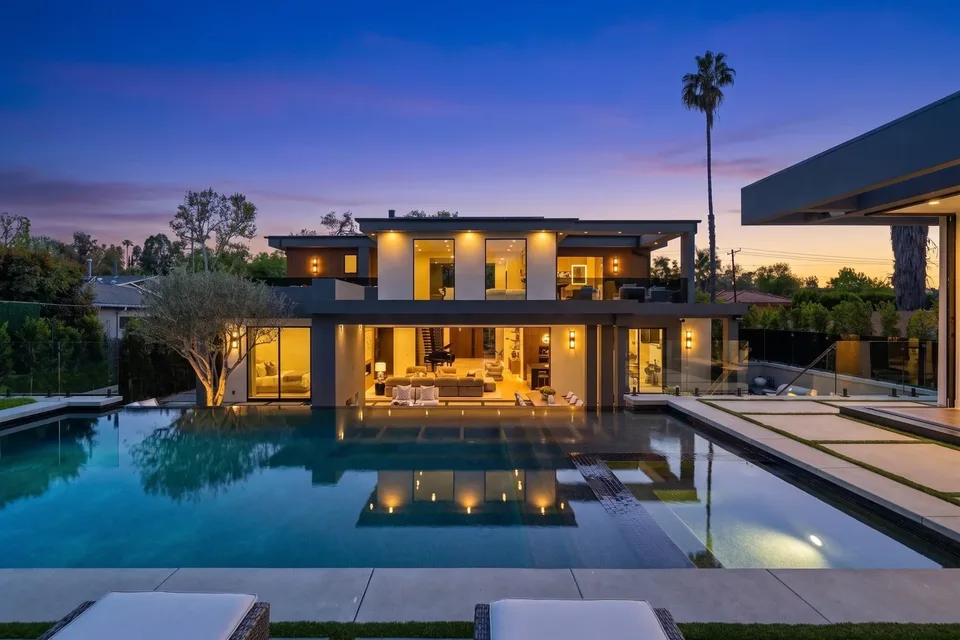


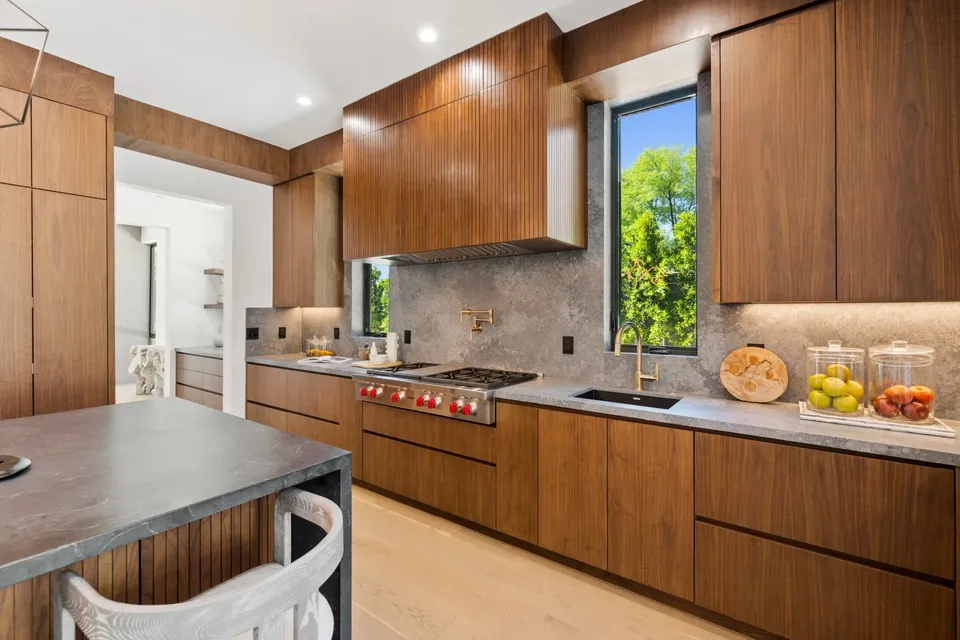
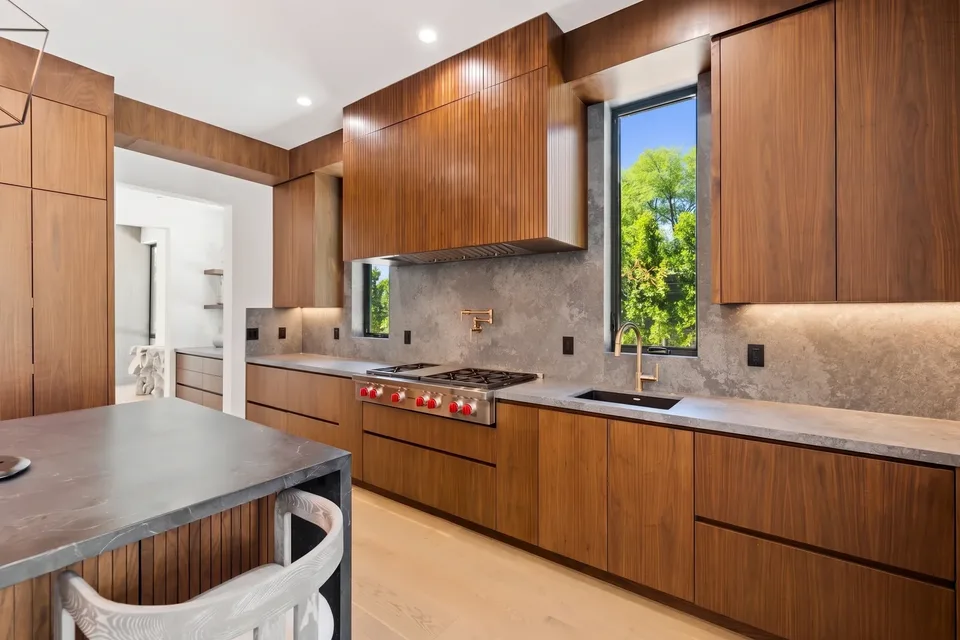
Photo editing
Edit once, and it is fixed everywhere
An edited photo replaces the original in the listing video and, once you share, on the listing website. Nothing is exported or re-uploaded.
01
Which photo edits can Reel-E make?
Reel-E suggests edits for each photo and has a text box for everything else. All of them work on the photos you already uploaded for the listing.
- Make it Pro. Offered when a photo needs it, with instructions written for that photo, such as straightening the verticals or balancing the exposure.
- Declutter. Type what to remove, such as papers, dishes, toys, shoes, cables or personal items.
- Make it Twilight. Offered on daytime photos. Replaces the daytime sky with dusk and turns on the lights of an exterior. Make it Daytime, offered on dusk photos, goes the other way.
- Virtual staging. Furnishes an empty room or restages a furnished one. It has its own page: AI virtual staging.
- Typed edits. Describe the change in up to 500 characters.
02
How do you edit a listing photo in Reel-E?
You edit a photo where it already is: in the listing, not in a separate app.
- Open the photo in the photo editor.
- Tap a suggestion, or type the change you want.
- Compare the result with the original.
- Keep it, edit again, or go back to an earlier version.
You can also edit photos while you are still creating the listing, before the video is made.
03
Do you keep the original photos?
Yes, always. Every edit is saved as a new version in the photo's history, and the original sits at the start of it. You can return to the original or to any earlier version at any time.
Edits are written to keep the property truthful: the instruction every edit runs under tells the model to leave the structure of the home as it is. You see the before and after side by side, so the decision to use a photo is yours.
04
Can edited photos be labelled on the listing website?
Yes. The listing website has a setting that labels photos edited in Reel-E: “Virtually staged” for staged photos and “Digitally altered” for the rest. Each label links to a page that shows the edited photo beside its original.
It is on by default for California addresses and off elsewhere, and you can change it for any listing. What you must disclose is set by your MLS and your state. The label is a tool, not a guarantee of compliance.
05
What does photo editing cost?
Photo editing is included in every plan: 10 to 20 photo edit credits per listing, depending on the plan. One edit or one staging uses one credit, a failed edit uses none, and each new listing starts with a fresh allowance.
Plans start at $44/month on yearly billing and also include the listing video and the listing website. The 7-day trial takes a card up front and includes 5 photo edits. See the pricing page.
Photo edit credits by plan
One credit is one edit or one staging. The 7-day trial includes 5 photo edits.
Common Questions
It is editing a listing photo by tapping a suggestion or describing the change, instead of sending it to a retoucher. Reel-E straightens and brightens photos, declutters rooms, converts day to twilight, stages rooms and applies typed edits.
Make it Pro, make it twilight or daytime, virtual staging, Match photo, and a typed edit of up to 500 characters for anything else, such as decluttering a room or removing a car from the driveway.
Plans include 10 to 20 photo edit credits per listing, shared between edits and staging. The 7-day trial includes 5 photo edits.
Yes. Every edit is a version in the photo's history and the original is always kept. Going back to it does not return the credit the edit used.
Yes. An edited photo replaces the original in the listing video and, after you share, on the listing website. You do not export or re-upload anything.
No. You tap a suggestion or type what you want, and compare the before and after in the browser.
They can be. The listing website has a setting that labels edited photos "Digitally altered" or "Virtually staged" and links to the originals; it is on by default for California addresses. Check your own MLS and state rules.
Works with
Fix the photos on your next listing
A cinematic video, edited photos and a listing website in about 2 minutes. Plans from $44/month.
Free to try · Cancel anytime