

Listing website
A single property website, for every listing
Upload your listing photos and Reel-E builds the property its own website next to the video: gallery, details, map, open house time, floor plans and a contact form that emails you each lead.
The short answer
What is a single property website?
A single property website is a page built for one listing only, with its own link, photos, video, property details and a way to reach the agent. Reel-E creates one for every listing from the photos and address you already entered, and you publish it in one step.
Built from the upload
The photos you upload, the video Reel-E makes from them and the details you entered fill the page. Nothing is typed twice.
Live when you say so
A site stays private until you press Publish website. After that, saved details go live within seconds.
Leads come to you
The contact form emails each inquiry to you with the visitor's address as the reply-to, and keeps it in the listing's Leads panel.
One link for everything
Share the link, print its QR code or a one-page flyer, and turn on a separate MLS link that carries no agent branding.
Listing website
Everything a buyer looks for, on one page
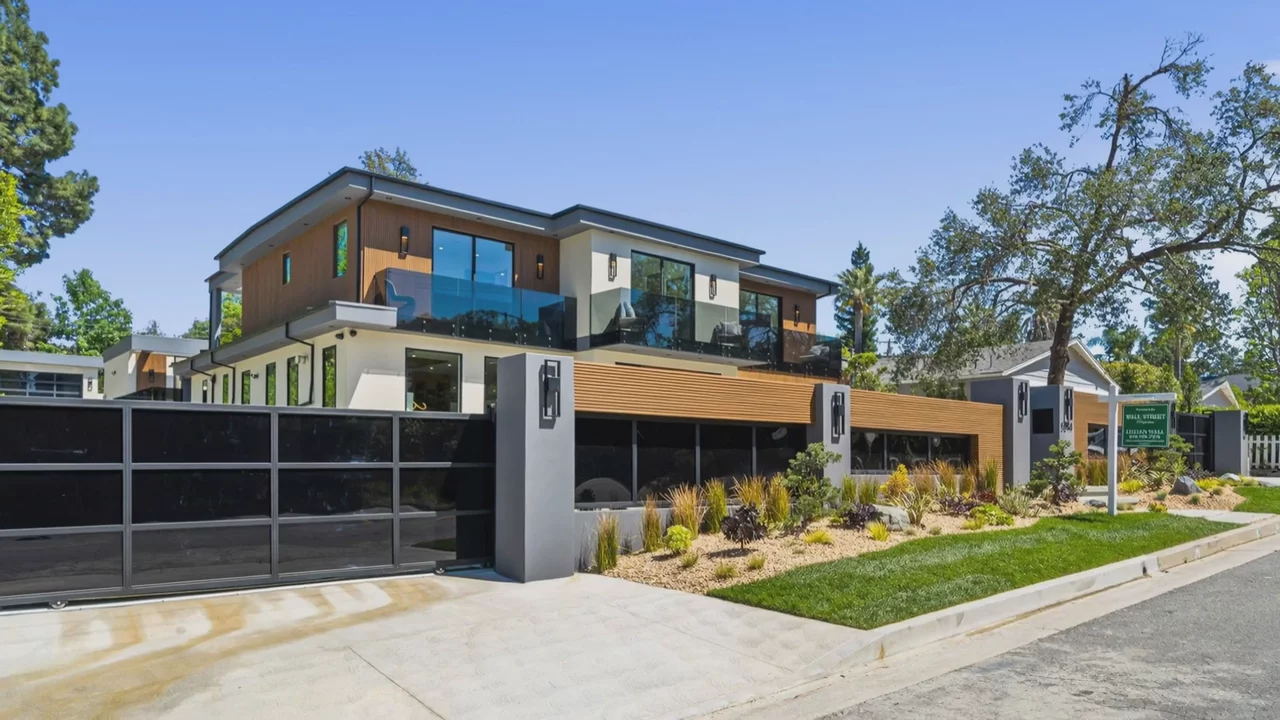
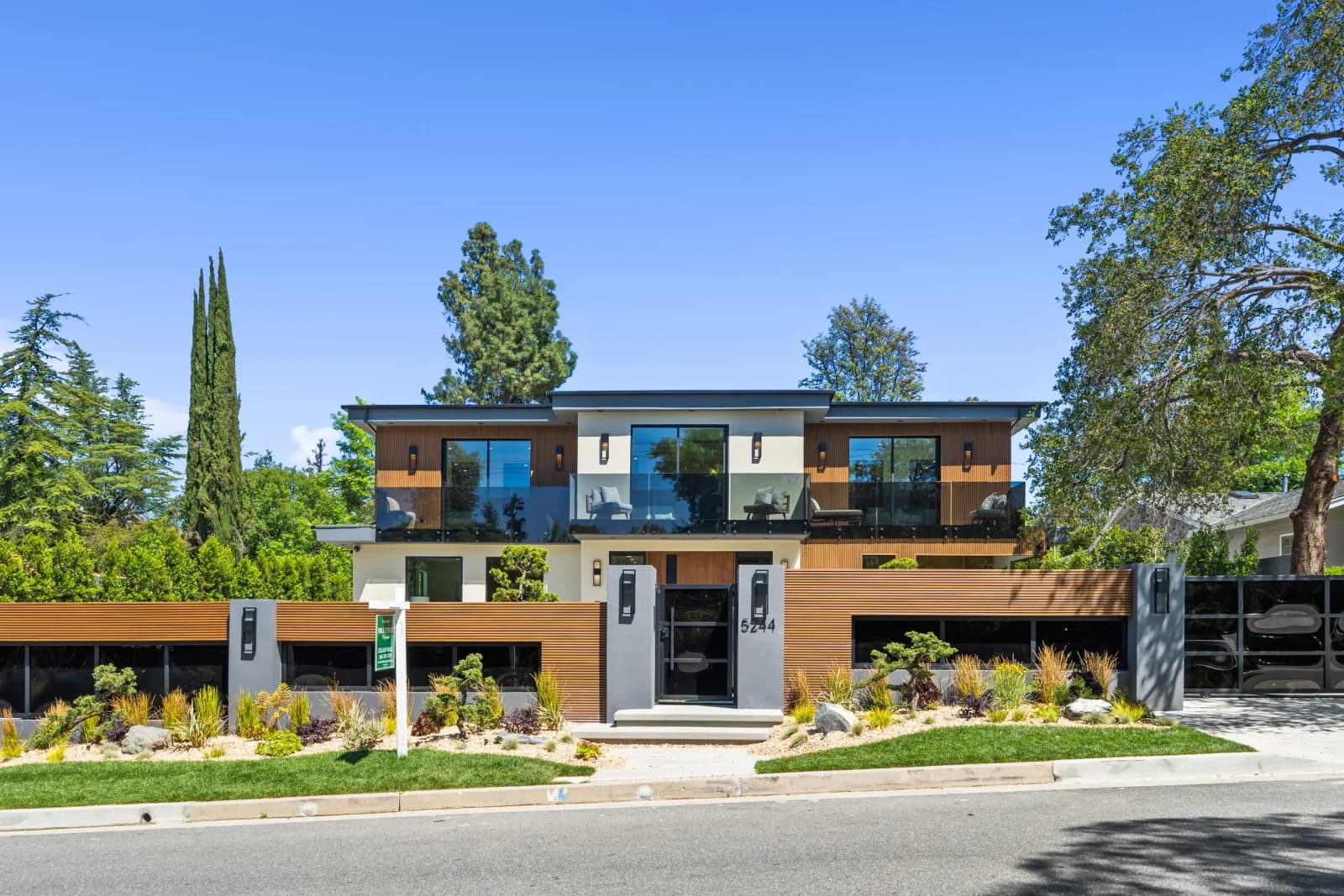
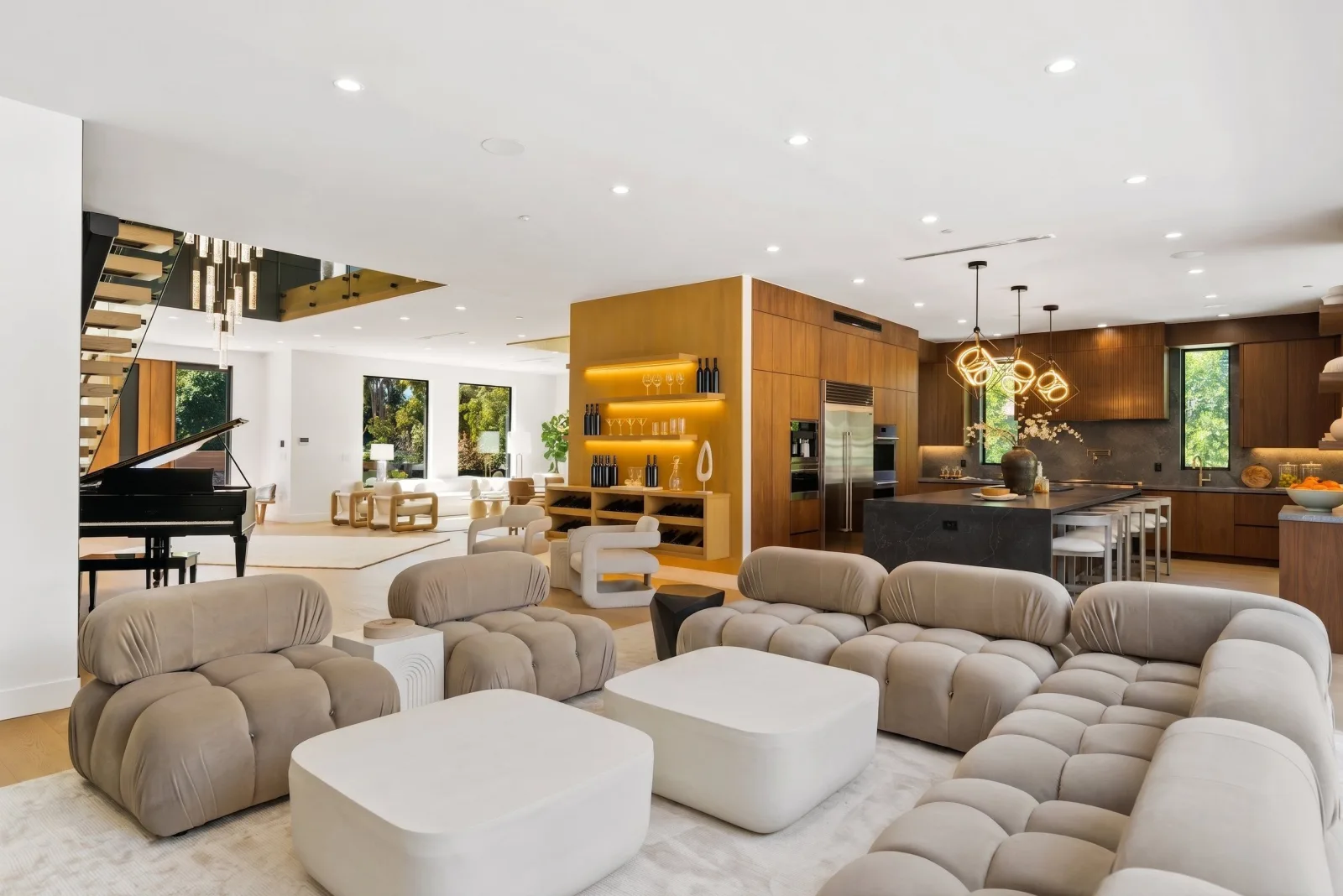
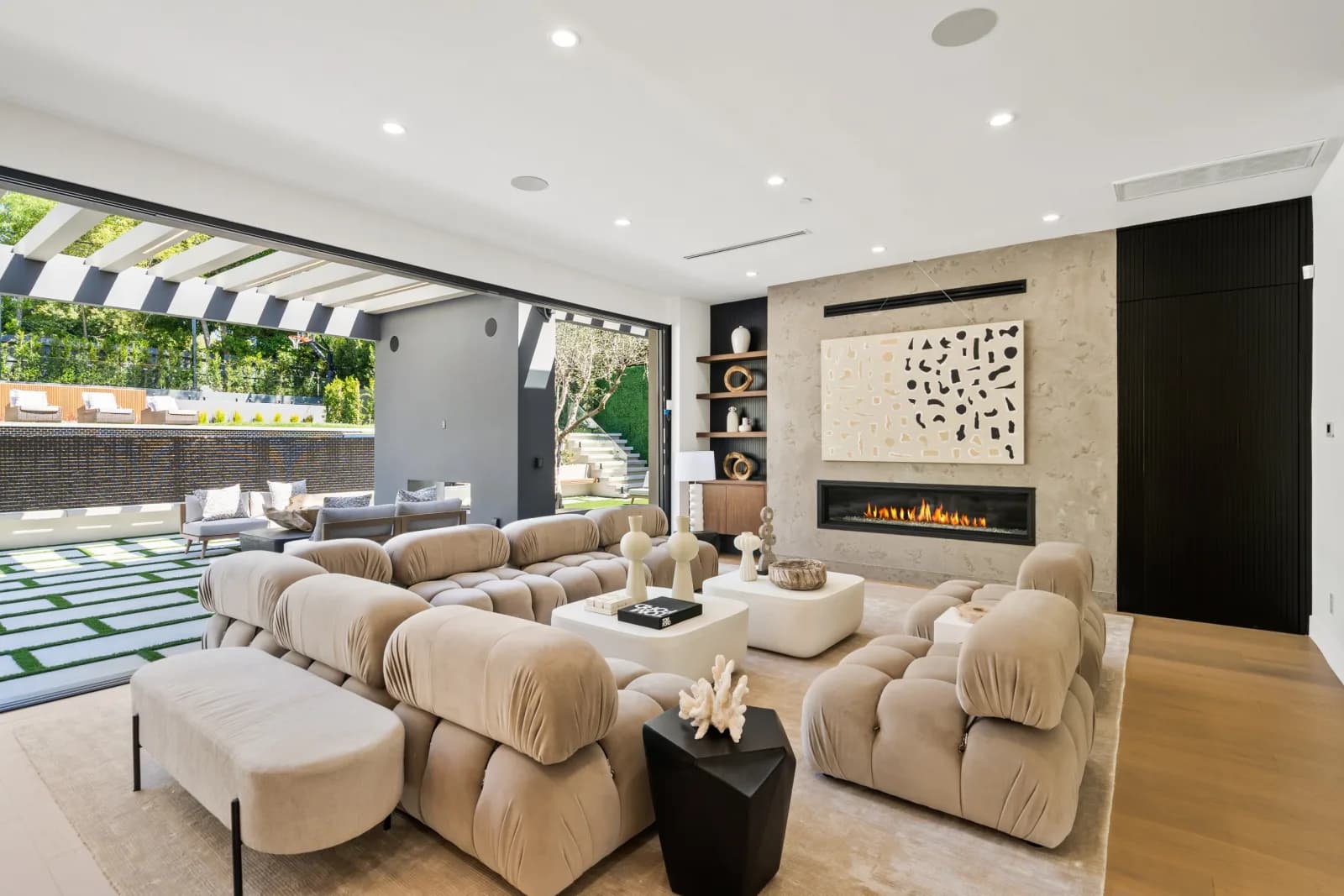
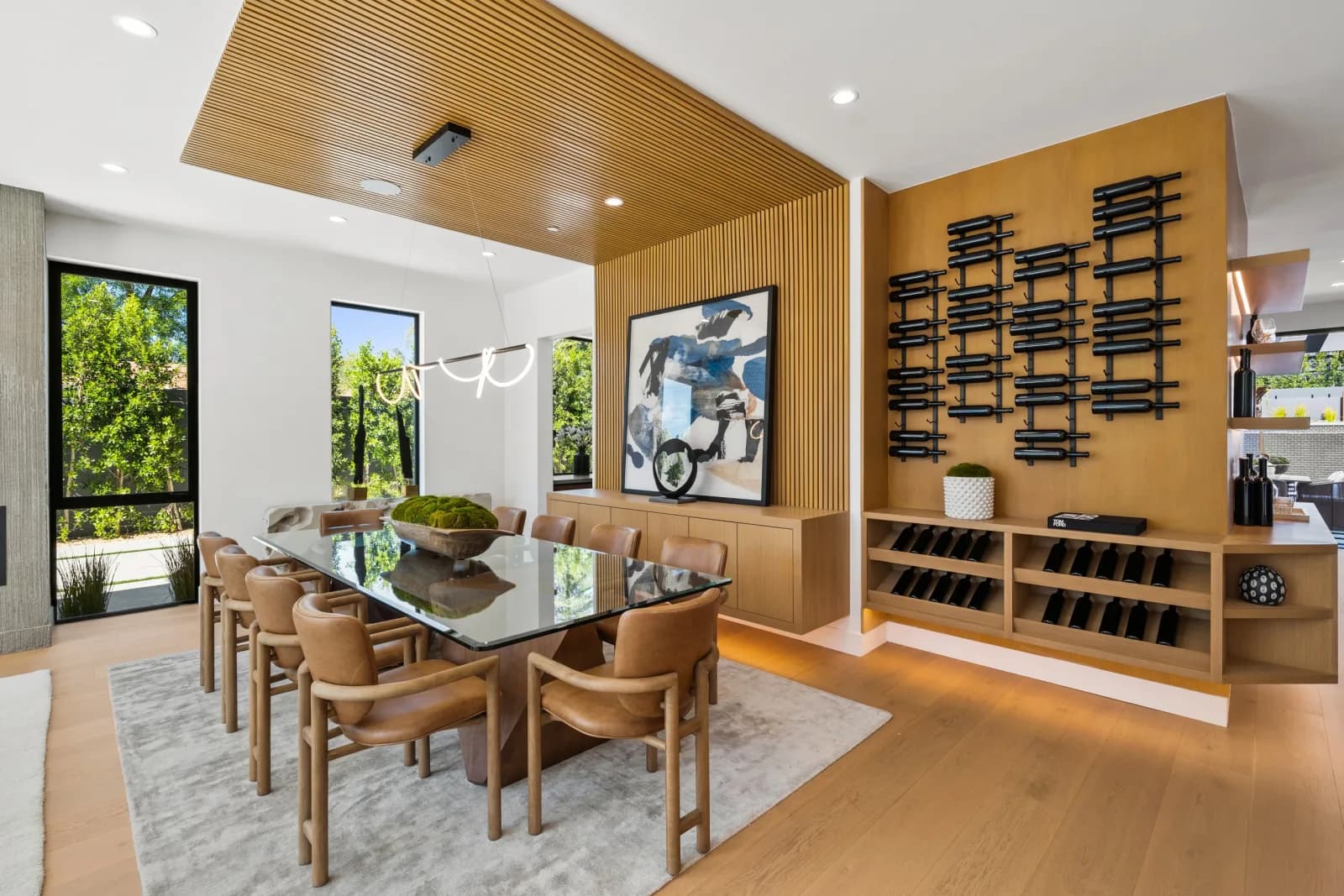
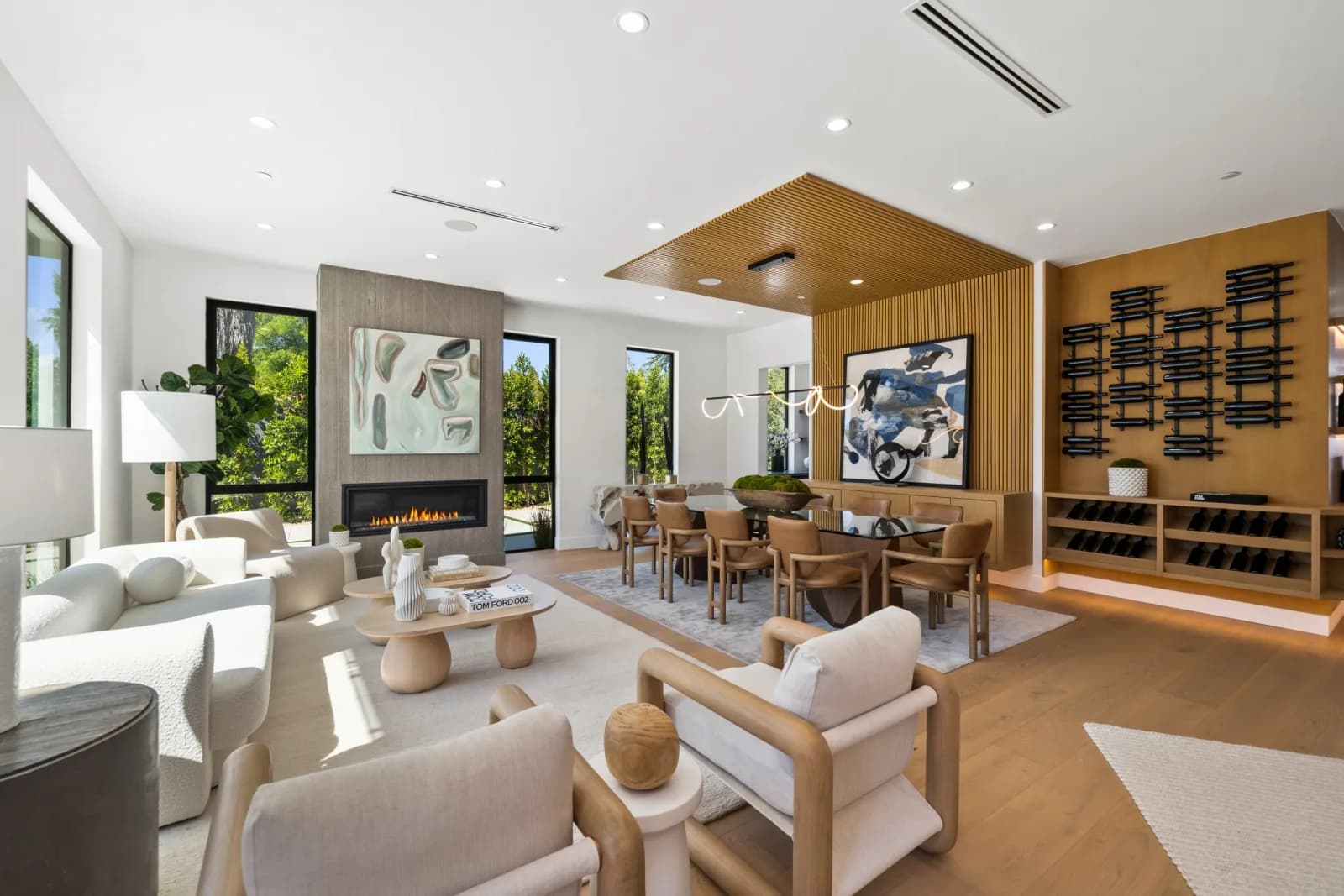
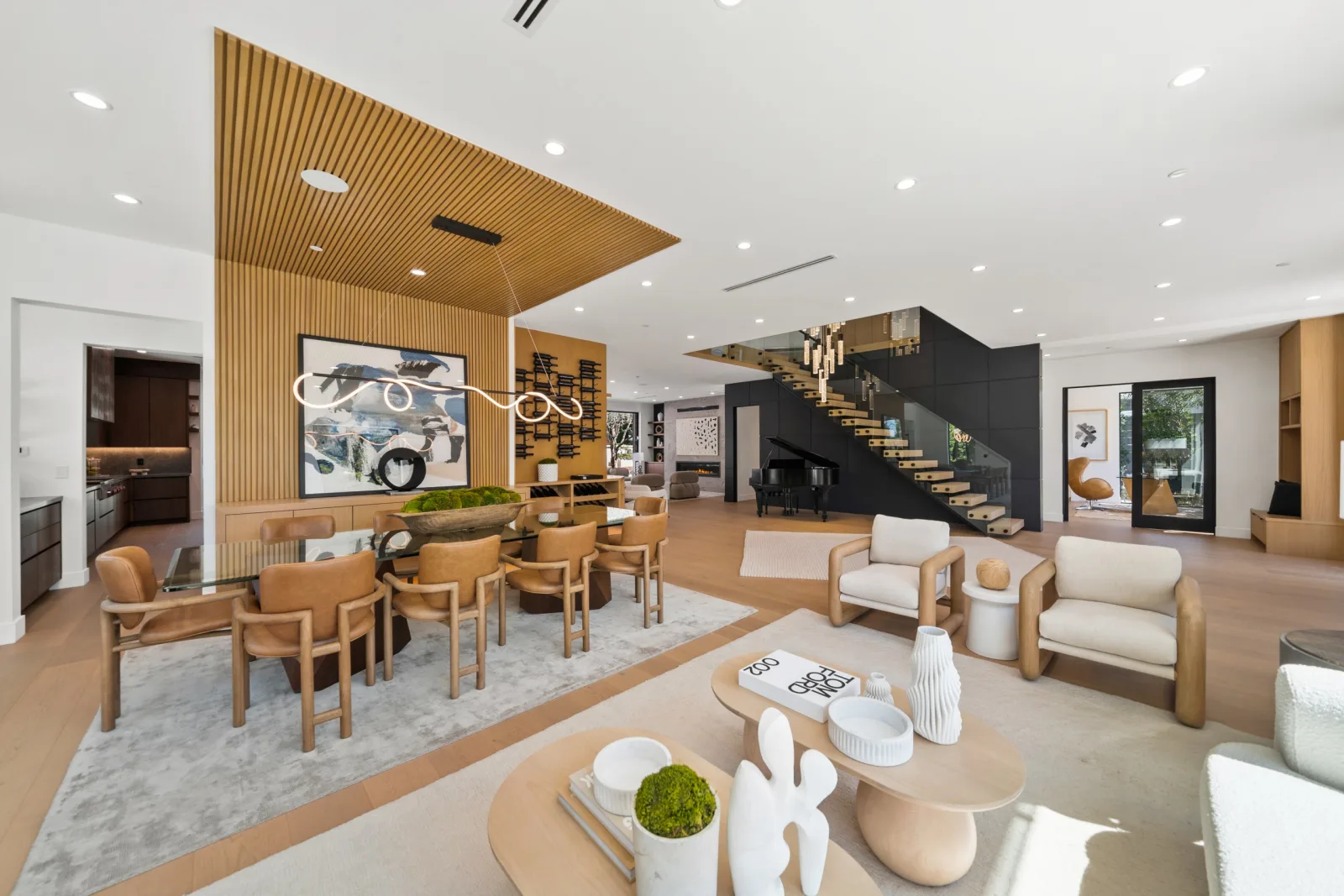
The video or a photo slideshow up top, then the gallery, price, beds, baths and area, the description and features, a map, an open house time, floor plans, an optional 3D tour and your contact card.
Listing website
A contact form that sends leads to you
Each inquiry arrives by email with the visitor's name, email, phone and message, and is saved to the listing. You can turn the form off for any listing.
Listing website
See who visited and where they came from
Each listing shows visits, traffic sources and devices over 7, 30 and 90 days. A report link for your seller shows visits, inquiries and sources, never names or contacts.
01
What does a Reel-E listing website include?
Each listing website is one page for one property, at its own link. It opens on the listing video or a slideshow of the photos, and you choose which.
- The photo gallery, in an order you can rearrange without changing the video.
- Price, beds, baths, interior area, the description and a list of features.
- A map when the address is found.
- An open house date and time, hidden once the listing is pending or sold.
- Floor plans you upload.
- A 3D tour section, from a Matterport, Kuula, CloudPano, iGuide or Zillow 3D Home share link.
- Your contact card and a contact form.
- A status badge: for sale, coming soon, pending or sold.
Rentals work too. Mark the listing as for rent and the price reads as monthly rent, with optional terms such as the lease length, deposit and pet policy.
02
How do you make a single property website with Reel-E?
You make it by creating the listing: there is no separate website builder to learn.
- Enter the address and upload the listing photos.
- Reel-E makes the listing video in about 2 minutes and drafts the website from the same photos and details.
- Check the details, then press Publish website.
- Copy the link, or download the QR code and the one-page printable flyer for the sign and the open house.
For the MLS, Share has a separate MLS link: a page that plays the unbranded widescreen video with no agent branding. Whether a link is accepted is up to your MLS.
03
What happens when the listing changes?
The site follows the listing, so a price change or a new status does not mean rebuilding anything. Saved property details and website settings go live within seconds.
A new cut of the video replaces the old one on the site after you save it in the editor, and the old one keeps playing until the new one is ready. Marking a listing sold shows a sold badge and hides the open house time.
04
Can the website label edited or virtually staged photos?
Yes. A listing has a setting that labels photos edited in Reel-E's photo editor. Virtually staged photos are marked “Virtually staged”, other edited photos are marked “Digitally altered”, and the labels link to a page that shows each edited photo beside its original.
The setting is on by default for California addresses and off elsewhere, and you can change it for any listing. It is a labelling tool, not legal advice: what your listing has to disclose is set by your MLS and your state.
05
What does a listing website cost?
The listing website is included in every Reel-E plan, together with the video and the photo editor, and plans start at $44/month on yearly billing. Every plan starts with a 7-day trial that takes a card up front.
You can publish a site during the trial. Its video carries a Reel-E watermark until the trial converts to a paid plan. The numbers for each plan are on the pricing page.
Listing website by plan
Plans from $44/month on yearly billing. Every plan starts with a 7-day trial.
Common Questions
A single property website is a page built for one listing only, with its own link, photos, video, details and contact form, rather than a page inside a brokerage site. Reel-E creates one for every listing you upload.
Yes. Every plan includes a listing website for each listing, along with the video and the photo editor. There is no separate website fee.
Yes. The 7-day trial takes a card up front and lets you publish. The video on a trial site carries a Reel-E watermark until the trial converts to a paid plan.
Each inquiry is emailed to you with the visitor's name, email, phone and message, and replying to that email replies to the visitor. Inquiries are also saved in the listing's Leads panel.
Reel-E has a separate MLS link for each listing: a page that plays the unbranded widescreen video with no agent branding. Whether your MLS accepts a link in its virtual tour field is up to your MLS.
Yes. You can upload floor plans, the map comes from the address, and you can set one open house date with a start and end time. The open house time is hidden once the listing is pending or sold.
Published sites go offline while the subscription is lapsed. If you resubscribe inside the retention window, the sites that were taken offline are republished automatically.
Works with
Give your next listing its own website
A cinematic video, edited photos and a listing website in about 2 minutes. Plans from $44/month.
Free to try · Cancel anytime