

AI motion and transitions
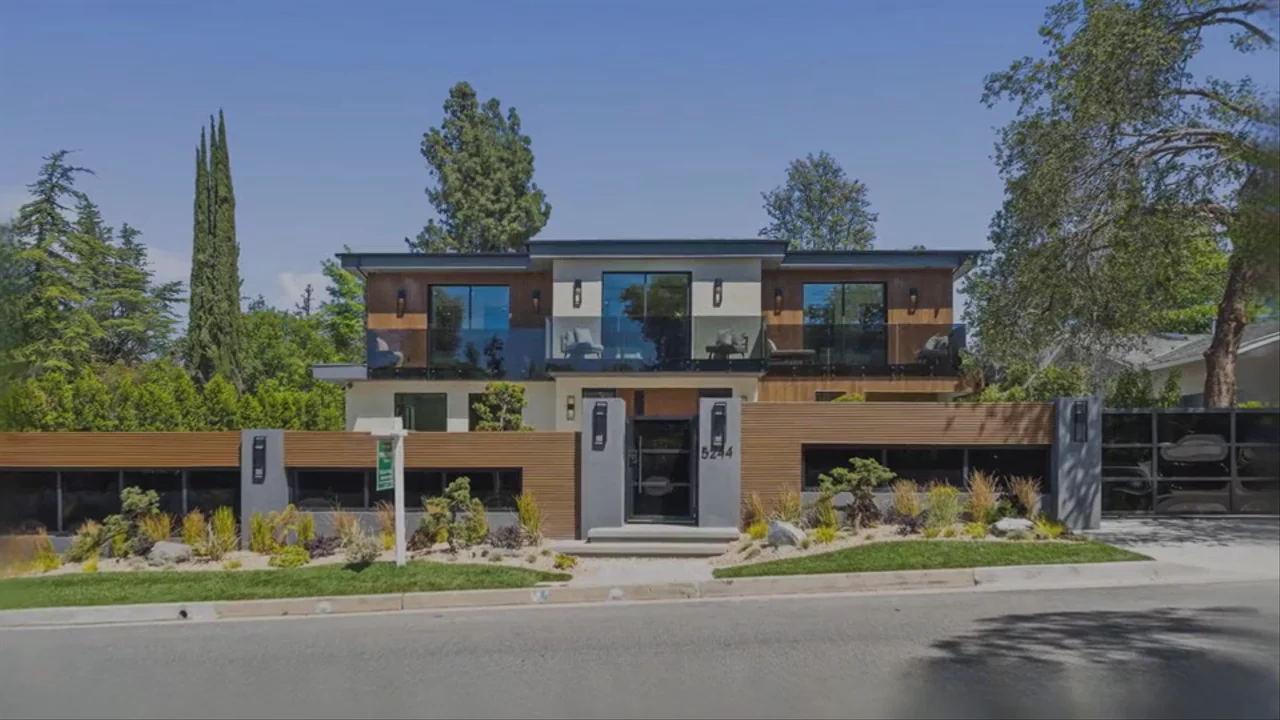
Photos that move like a videographer shot them
Real camera moves from your listing photos, so every home looks filmed, not scrolled.
01AI motion and transitions
AI+ on the hero shots
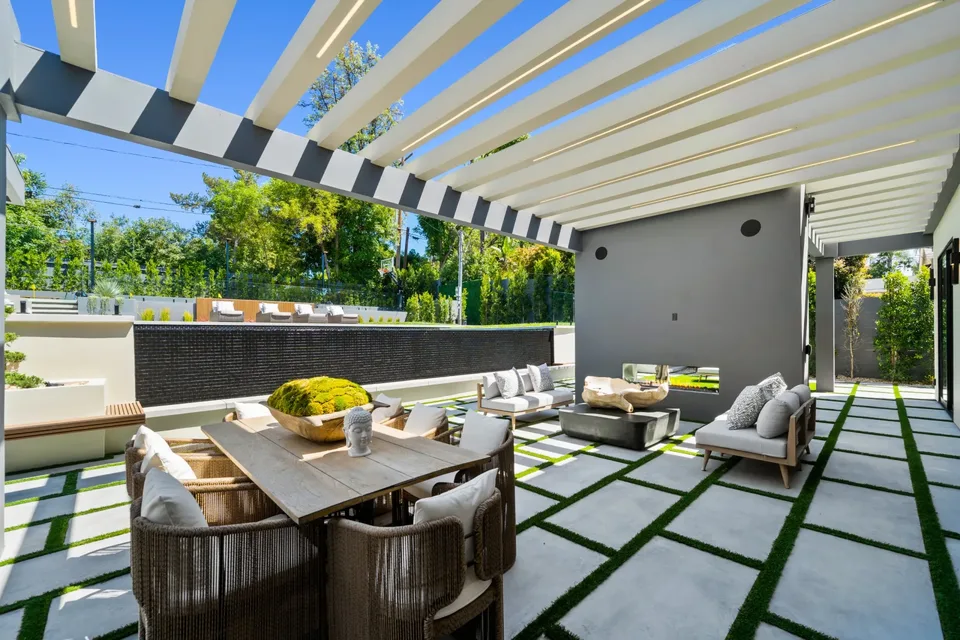
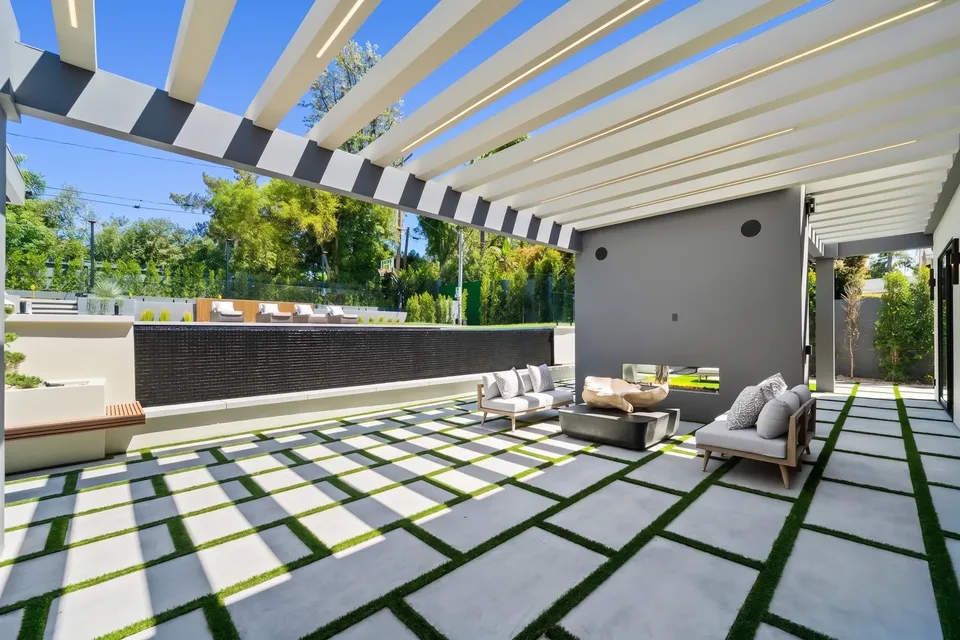
Water shimmers, skies shift and light moves on the few photos that actually sell the home.
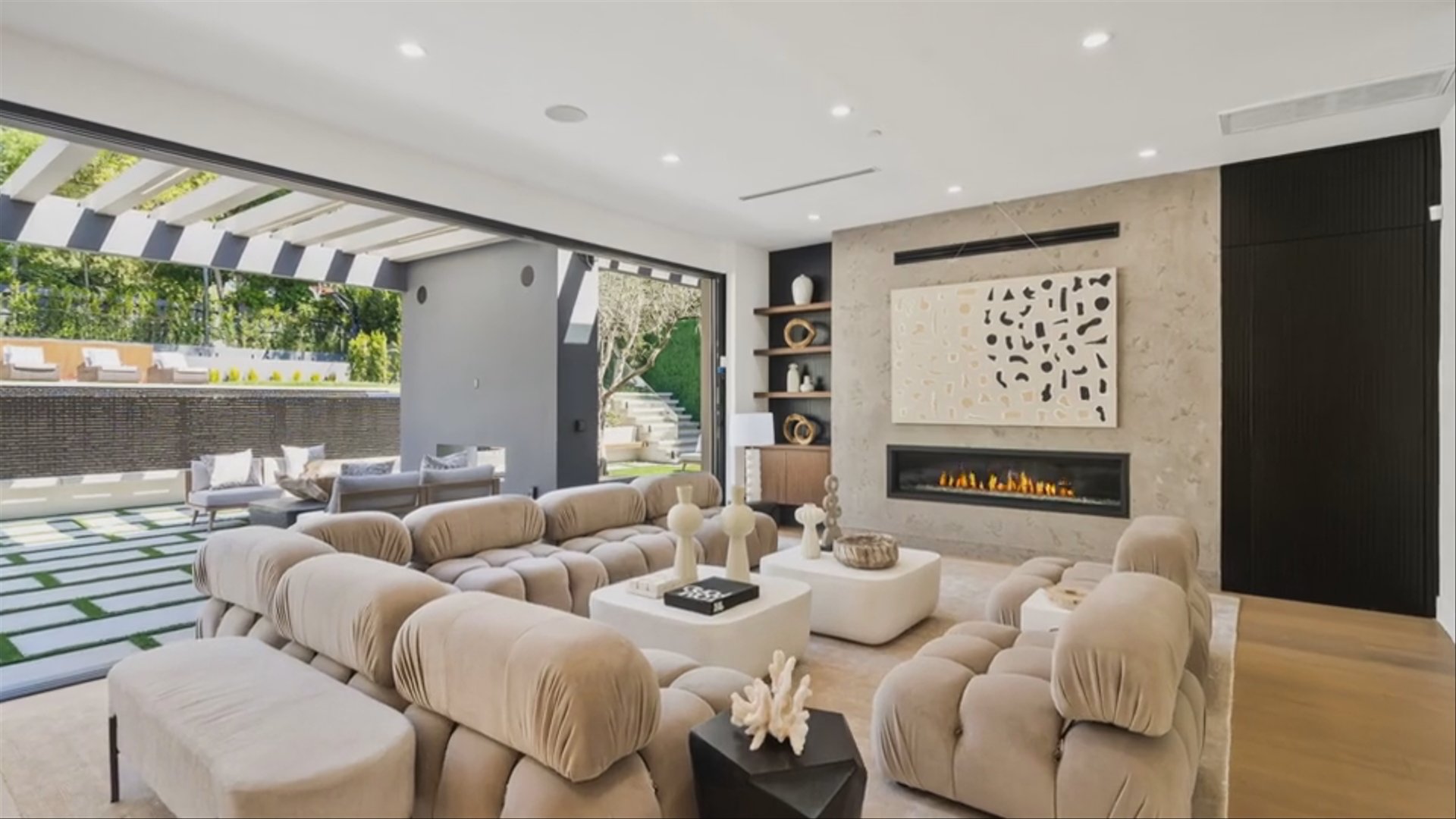
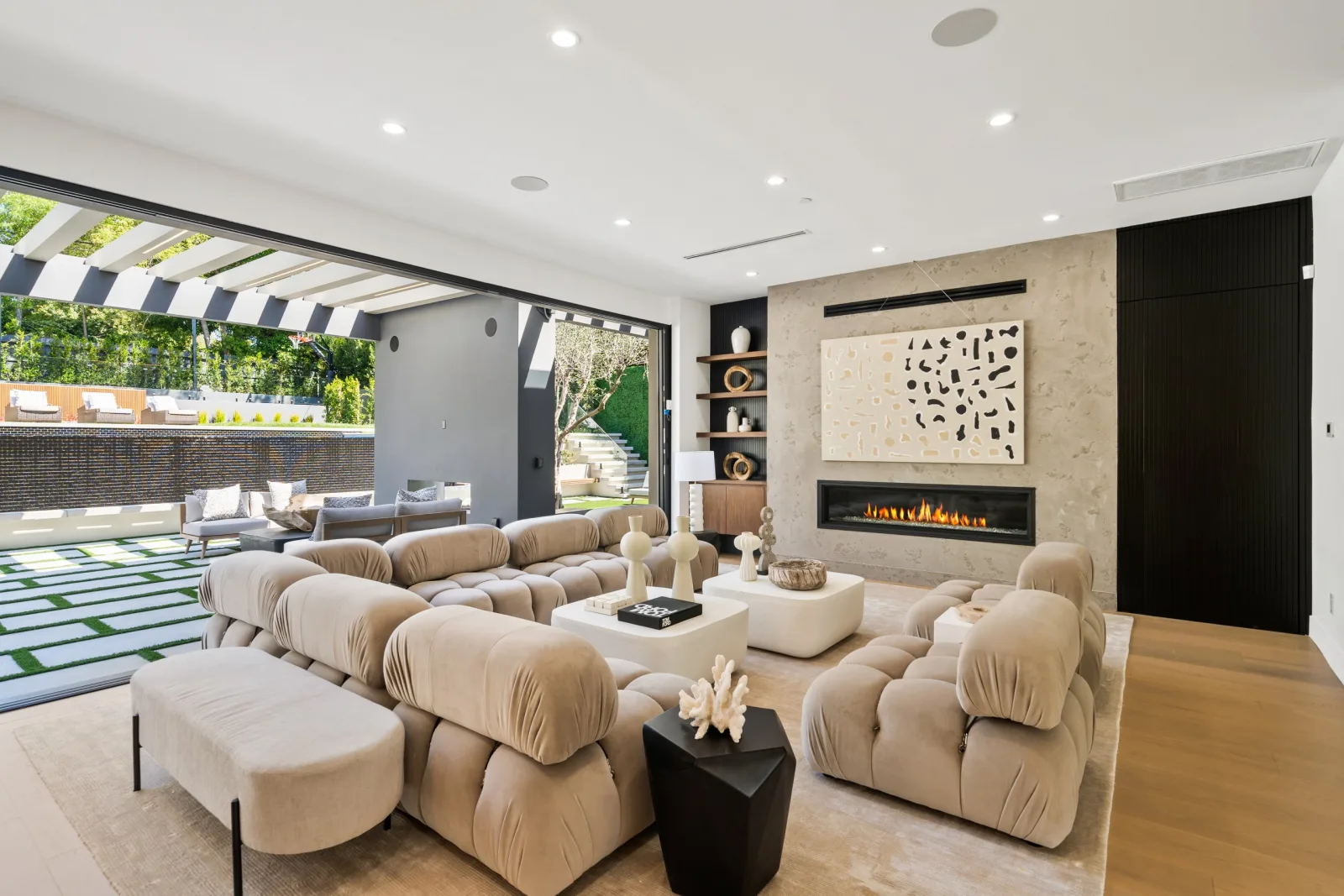 One photo
02AI motion and transitions
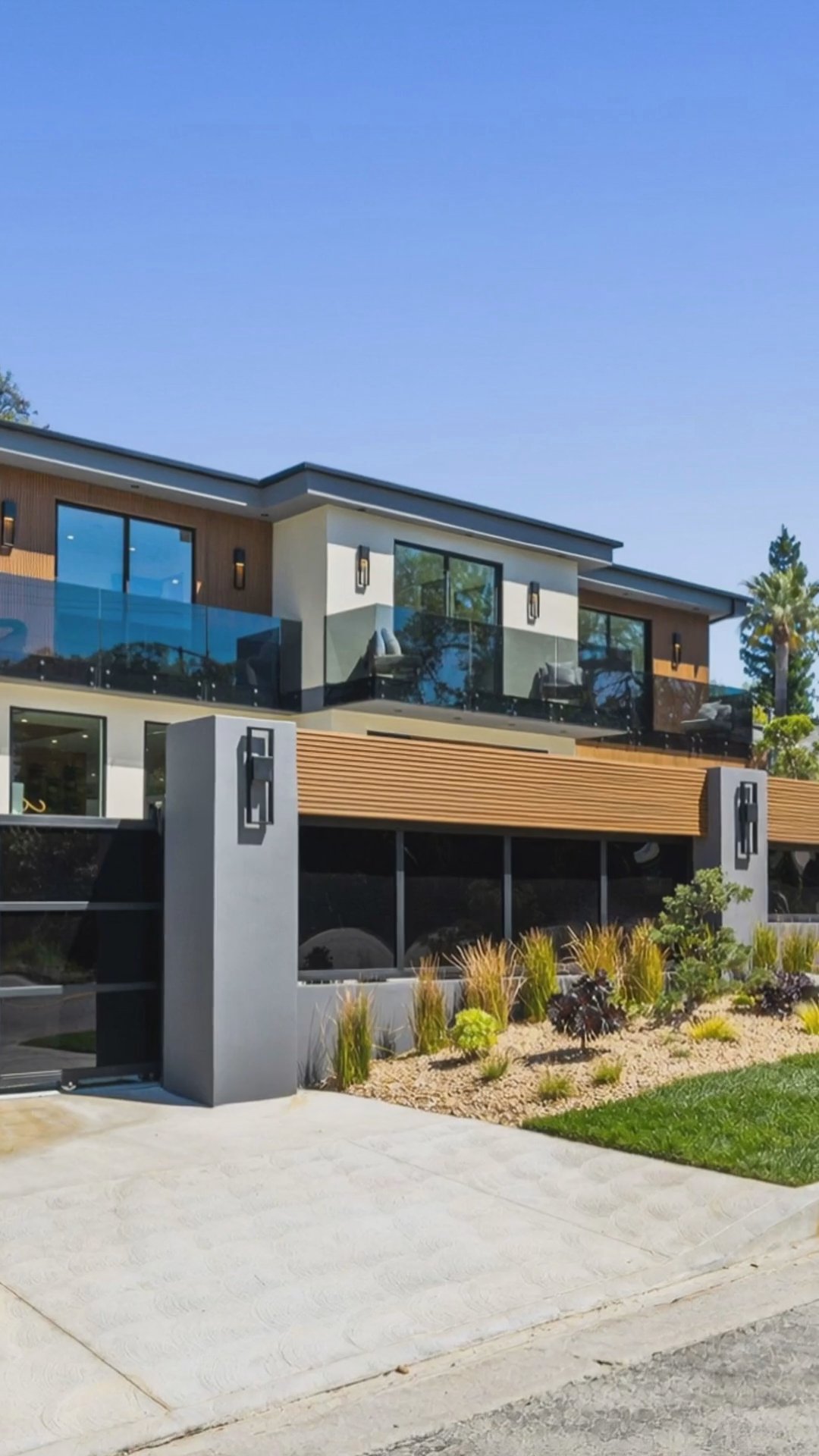
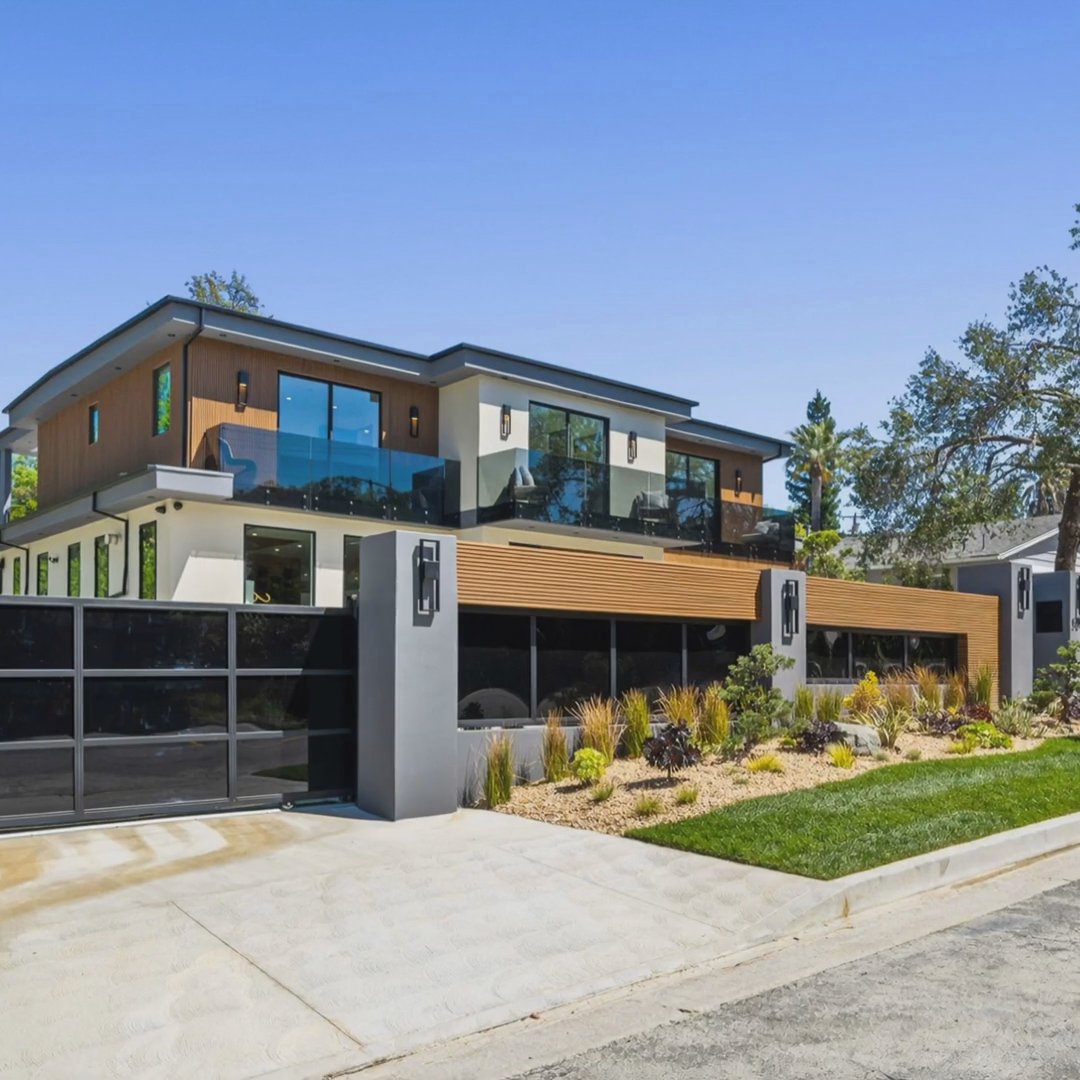
The same move, every ratio
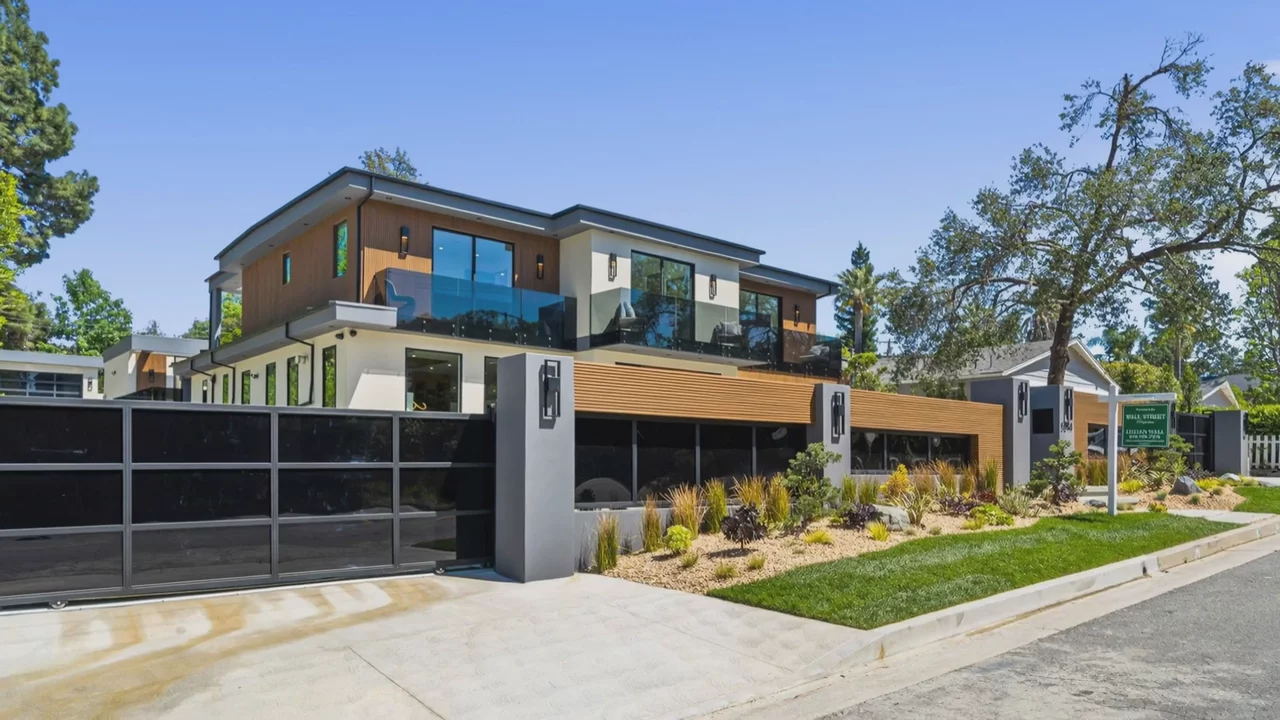
One camera path is reframed for 16:9, 9:16, and 1:1, so nothing important gets cropped out.
03AI motion and transitions
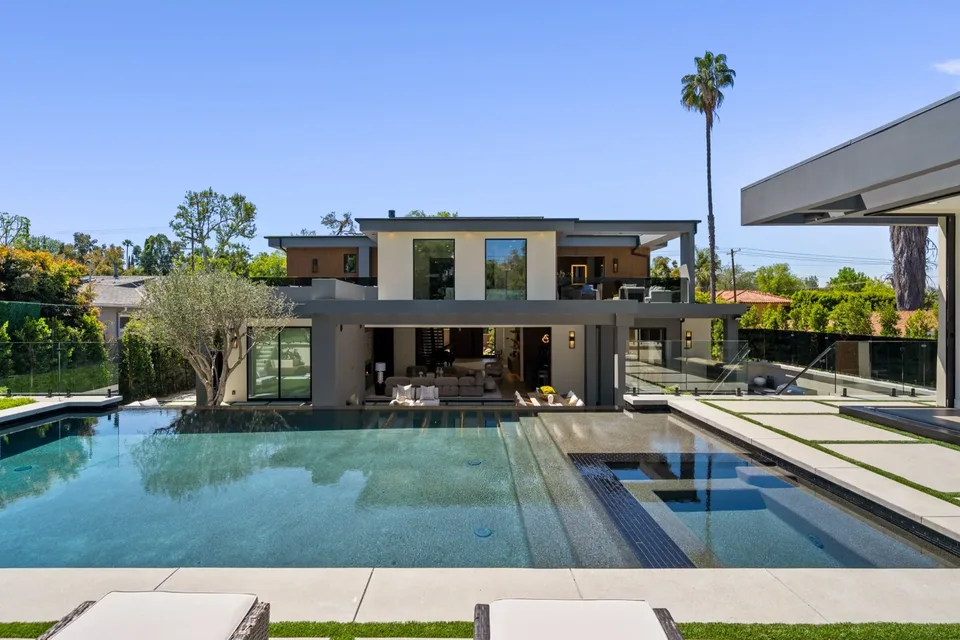
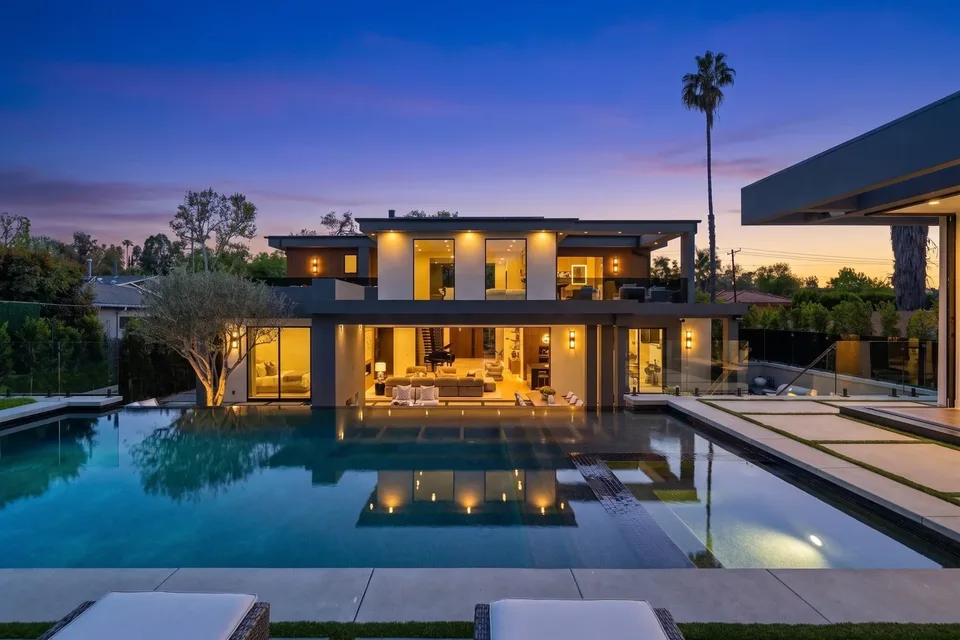
Edit a photo, keep the move
Change a photo in Keylight and its clip regenerates with the same camera path.
AI+ activations per listing
Standard motion and Clean cut, Dissolve and Speed ramp transitions are always included.
Common Questions
Reel-E reads the depth of each photo and renders a real 3D camera move through it, such as a push in, a pull out or an orbit, so the room moves the way a filmed shot would.
Standard motion is the 3D camera move generated for every photo. AI+ goes further on the hero shots, adding motion inside the scene like shimmering water, drifting clouds and shifting light.
It generates one continuous camera move between two photos, so the cut disappears and the video appears to glide from one room into the next.
The cut is deterministic for the same photos, order and music, so re-rendering after an edit changes only what you changed.
Yes. Each listing includes AI+ activations (6 on Essential, 10 on Growth, 12 on Pro), and you choose the shots, usually the exterior, the pool and the view.
No. A Ken Burns effect pans a flat image, while Reel-E's motion moves a virtual camera through the depth of the scene, so foreground and background shift at different speeds like real footage.
It works on standard MLS-quality photos, including phone photos, and looks best on well-lit wide shots of rooms and exteriors.
Works with
Keep reading
Try it on your next listing
A cinematic video, edited photos and a listing website in 2 minutes. Plans from $44/month.
Free to try · Cancel anytime