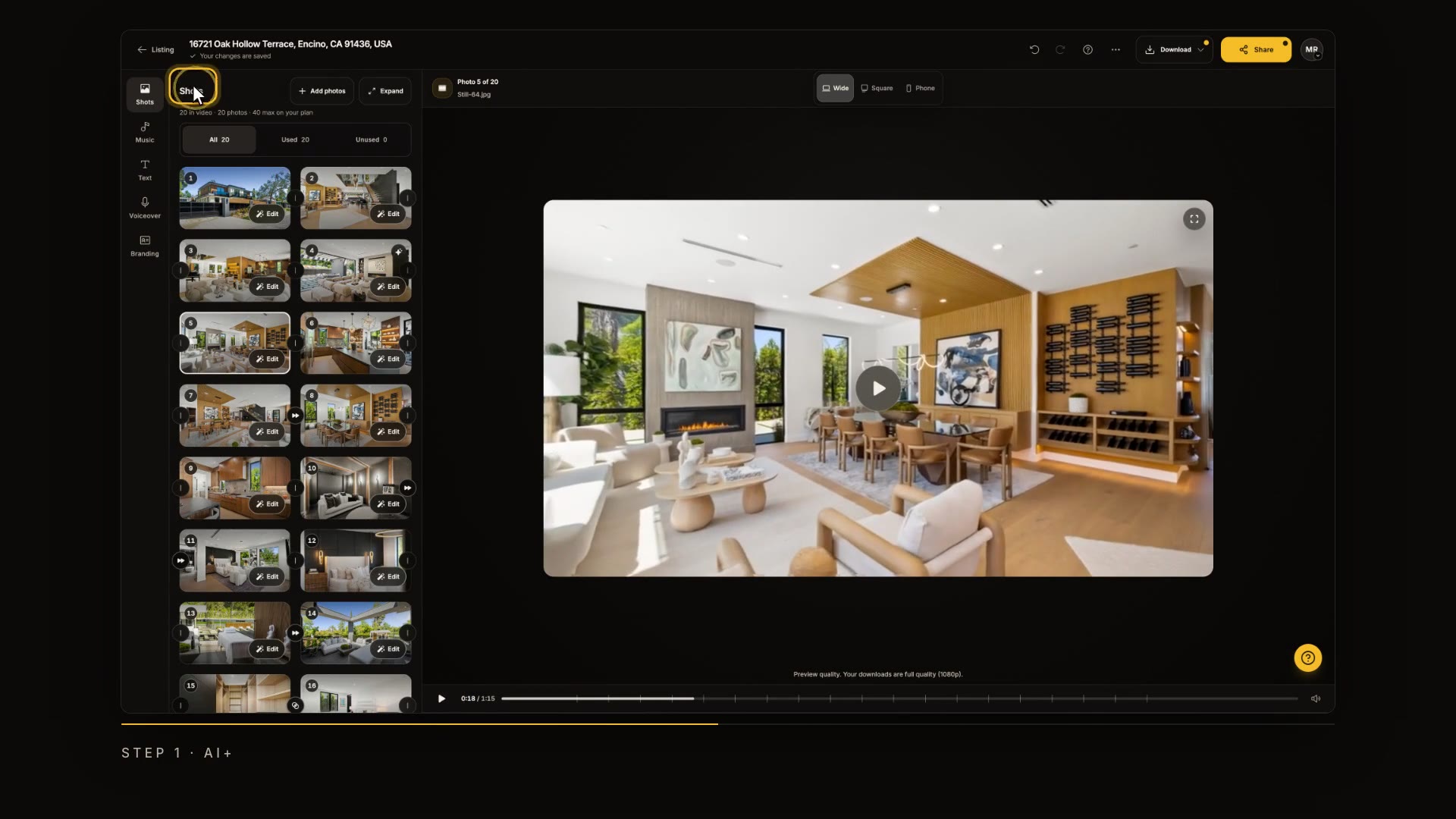
AI+ and AI Seamless
Give a shot cinematic AI motion with AI+, and join two shots into one continuous move with AI Seamless.

Step by step
AI+ brings a photo to life with real movement, and AI Seamless glides the camera from one room into the next. Here's how to use both.
Open the shot
In Keylight Studio, click Edit on the shot you want to bring to life.
In the video at 0:12

Bring a photo to life with AI+
Next to the camera moves, click AI+. Describe what should move, like fire burning in the fireplace, and click Generate. It uses one AI+ credit, and every version you make is saved here.
In the video at 0:18

Watch it play
Press play, and watch the shot come to life.
In the video at 0:33

Join two shots with AI Seamless
AI Seamless replaces a cut with one continuous camera move. Open the transition between two shots, choose AI Seamless, and confirm. It uses one credit too.
In the video at 0:40

Play it back
Play it back. The camera flies from the living room straight into the kitchen.
In the video at 0:53

Keep an eye on your credits
The cuts next to your opening and closing shots always stay clean. Your plan includes AI+ credits, and Reel-E shows how many you have left before you confirm.
In the video at 1:02

Read the transcript
AI+ brings a photo to life with real movement, and AI Seamless glides the camera from one room into the next. Here's how to use both. In Keylight Studio, click Edit on the shot you want to bring to life. Next to the camera moves, click AI+. Describe what should move, like fire burning in the fireplace, and click Generate. It uses one AI+ credit, and every version you make is saved here. Press play, and watch the shot come to life. AI Seamless replaces a cut with one continuous camera move. Open the transition between two shots, choose AI Seamless, and confirm. It uses one credit too. Play it back. The camera flies from the living room straight into the kitchen. The cuts next to your opening and closing shots always stay clean. Your plan includes AI+ credits, and Reel-E shows how many you have left before you confirm. Next up: text, titles and stickers.