

All tutorials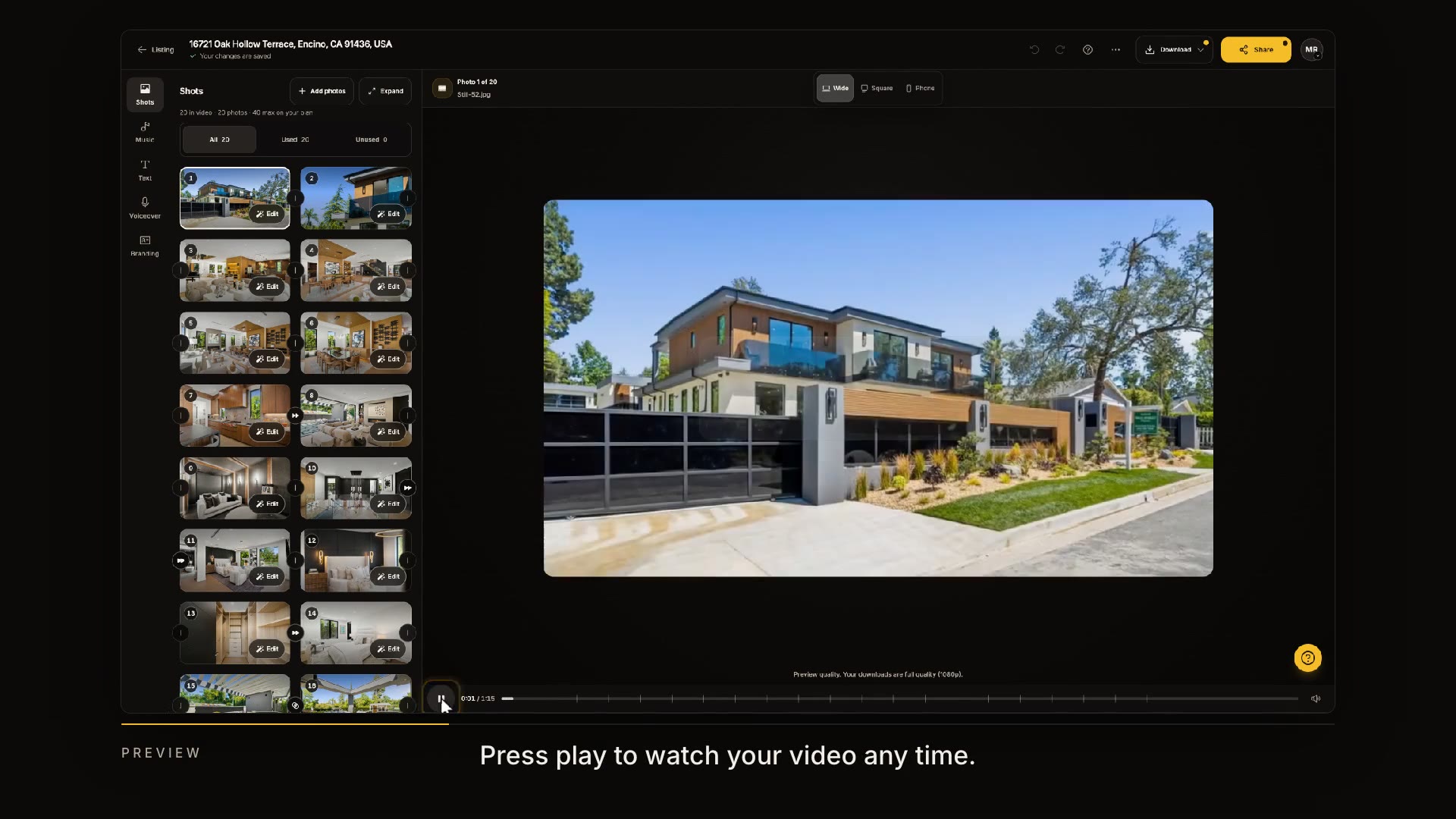
Step 31:51
Editing in Keylight Studio
Reorder, trim and swap shots, change the pacing, and preview every format in Keylight Studio. Edits are unlimited.
0:00/0:00
In this tutorial
Learn how to customize your video in Keylight Studio by reordering shots, applying transitions, and fine-tuning individual clip settings. You will also discover how to preview different video aspect ratios, upload additional photos, and export your completed edit.
Continue learning