Leads from your website
See what happens when a buyer writes through your website, where the lead lands, and how to choose where leads go.

Step by step
Your listing website works for you around the clock. Here's what happens when a buyer gets in touch.
Start on your website
This is your published website, the way a buyer sees it. At the bottom, there's a contact form.
In the video at 0:08

A buyer sends an inquiry
The buyer adds their name, email, phone and a message, and sends the inquiry.
In the video at 0:15

See the lead arrive
On your listing page, the website's lead count goes up right away.
In the video at 0:22

Read your leads
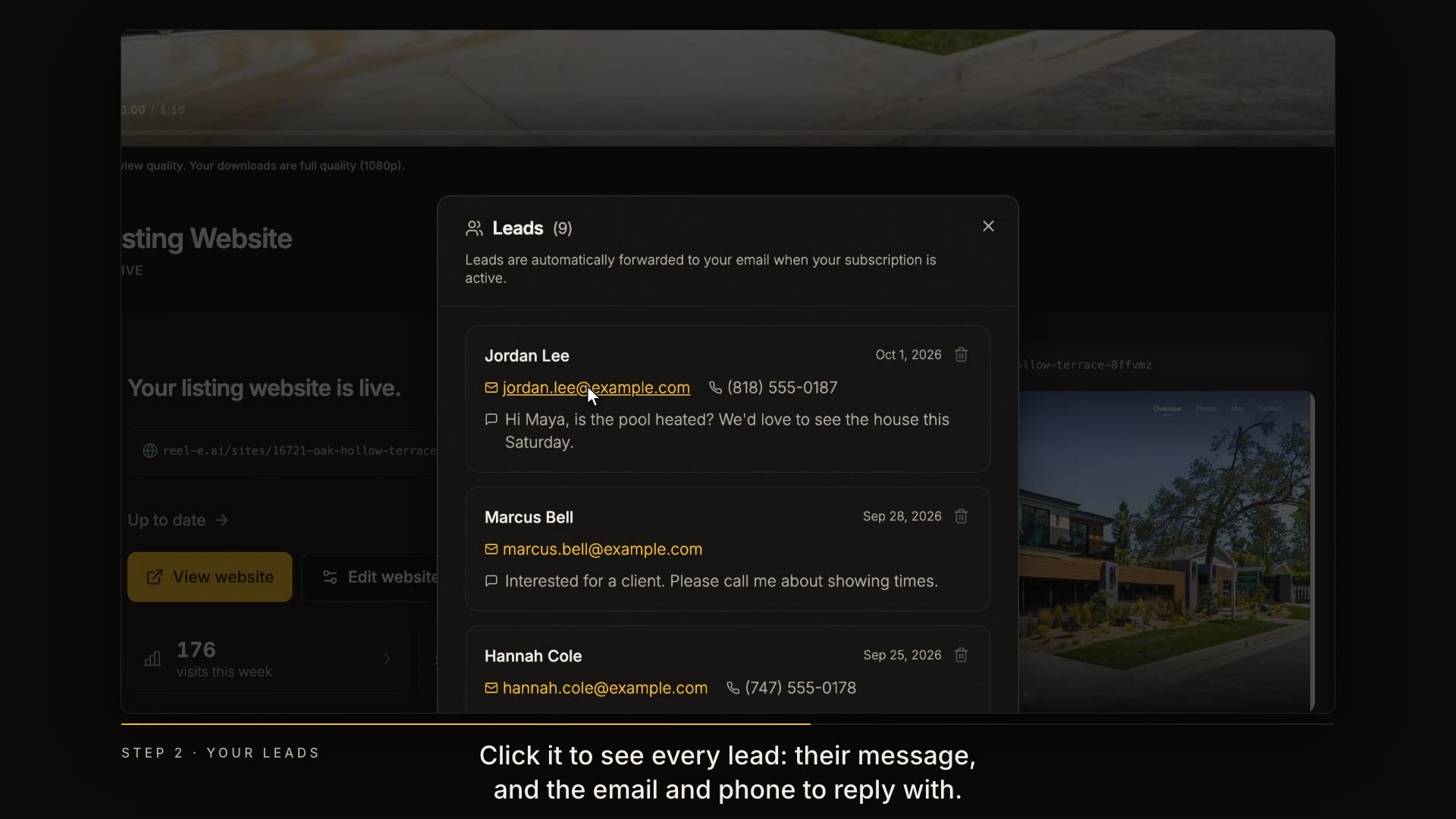
Click it to see every lead: their message, and the email and phone to reply with. Leads are also sent to your email.
In the video at 0:27

Check your visits
Visits opens the website's analytics, with a report you can share with your seller.
In the video at 0:38

Choose where leads go
To change where leads go, or to turn the contact form off, open Edit website, then Sharing.
In the video at 0:45

Read the transcript
Your listing website works for you around the clock. Here's what happens when a buyer gets in touch. This is your published website, the way a buyer sees it. At the bottom, there's a contact form. The buyer adds their name, email, phone and a message, and sends the inquiry. On your listing page, the website's lead count goes up right away. Click it to see every lead: their message, and the email and phone to reply with. Leads are also sent to your email. Visits opens the website's analytics, with a report you can share with your seller. To change where leads go, or to turn the contact form off, open Edit website, then Sharing. Next up: your account, plan and billing.