Short answer. BetterSpace and Reel-E both turn listing photos into video and both include AI virtual staging and AI voiceover. Reel-E makes three things from one upload, edited and staged photos, a cinematic video in up to six versions in about two minutes, and a single-property listing website, priced per listing from $44 a month billed yearly ($59 month to month). BetterSpace prices by monthly credits, from a free plan and $29 a month, and adds a social media scheduler, AI avatars, a Claude and ChatGPT connector and up to 3 team members.
Last checked October 21, 2026. BetterSpace figures come from betterspace.ai, betterspace.ai/pricing and betterspace.ai/faq-ai-real-estate-video on that date; Reel-E figures come from our own product.
What Reel-E includes
- Video: widescreen, vertical and square, each branded and unbranded, so up to six versions per listing. Each photo gets a real camera move (Push In, Pull Out, Orbit Left or Orbit Right), chosen automatically or by you, and the cuts land on the music's beats. About two minutes to a first watchable video.
- Virtual staging: yes. Six styles (Modern Minimal, Scandinavian, Luxury, Coastal, Japandi, Transitional). Reel-E detects the room type, adds furniture and decor only, and never changes walls, windows, doors or room size. Originals are always kept.
- AI photo editing: yes. Declutter, day to twilight, Match photo and typed edits up to 500 characters. Edits and staging share 10 credits per listing on Essential and 20 on Growth and Pro. An edited photo replaces the original in the video and on the website.
- AI voiceover: yes. A narration script written from your video in timed sections, read by one of five AI voices (Miles, Maya, Theo, Grant, Nora) or recorded by you. English and Spanish, with captions synced to the narration.
- Listing website: yes, on every plan. Video hero, gallery, price and details, map, open house date, floor plans, 3D tour link, a contact form that emails the lead to you, visit analytics, QR code and a printable flyer.
- MLS: yes. An MLS link (the unbranded widescreen video on its own page) for the virtual tour field, plus the unbranded widescreen MP4.
- Editing: Keylight Studio, a full-screen editor for shots, order, movement, length, framing per shape, text, music, voiceover and branding. Edits and re-renders are unmetered on every plan.
Key takeaways
- Pick Reel-E if you want the whole listing package from one upload: staged and edited photos, the video in six versions and a listing website, priced per listing.
- Pick BetterSpace if you want a free plan with no card, posting to Instagram and TikTok from the same app, an AI avatar presenter, or two or three people sharing one plan.
- The units differ. BetterSpace sells monthly credits that you spend on videos and staged photos in "your mix"; Reel-E sells listings, and each listing already includes the video versions, the photo credits and the website.
- Speed: Reel-E takes about two minutes to a first video. BetterSpace's FAQ says "most property videos are ready in under 15 minutes."
A Saturday Open House, Two Ways
Picture the listing you photograph on Thursday and open on Saturday. By Friday night you want a vertical reel for Instagram, a clean widescreen file for the MLS, two empty bedrooms staged, and somewhere to send the people who see the reel. That last part is where most photo-to-video tools stop, and it is the part I built Reel-E around, because a reel with nowhere to land is a very pretty dead end.
BetterSpace answers the same Friday night differently. It is strongest at the posting end: it can pull new listings from your website, make the video, and publish it to Instagram and TikTok from the same dashboard. Reel-E is strongest at the landing end: every listing gets its own website with a lead form, so the reel, the MLS link and the yard-sign QR code all point at one page.
Reel-E vs BetterSpace at a Glance
| Reel-E | BetterSpace | |
|---|---|---|
| What you pay for | A listing: up to 6 video versions, photo edits and staging, a listing website | Monthly credits spent on videos, staged photos and other AI outputs |
| Free option | None; free to try for 7 days, card required, cancel anytime | Free plan, no card: 2 videos a month and up to 10 staged photos |
| Paid trial | 7 days, card up front, nothing charged during the trial | 3 days on paid plans; cancel before it ends to avoid a charge |
| Entry paid price | $44/month billed yearly ($530/year) or $59 month to month, 3 listings | Lite $29/month, 100 credits, up to 15 photos per video |
| Middle | Growth: $97/month yearly or $129 monthly, 10 listings, 40 photos per listing | Starter $49/month (200 credits, 20 photos per video); Growth $89/month (400 credits, 2 team members) |
| Top self-serve | Pro: $449/month yearly or $599 monthly, 50 listings, 4K | Pro $159/month, 800 credits, 3 team members |
| Photos per video | 20 (Essential), 40 (Growth, Pro) | 15 (Lite), 20 (Starter, Growth, Pro) |
| Video versions | Widescreen, vertical and square, each branded and unbranded | Social cuts sized for Reels, TikTok, Stories and YouTube Shorts |
| Time to a video | About two minutes | "Under 15 minutes" (FAQ) |
| Virtual staging | Yes; 10 / 20 / 20 credits per listing, shared with photo edits | Yes; up to 20 / 40 / 80 / 160 staged photos by plan |
| AI voiceover and captions | Yes: five voices or your own recording, English and Spanish | Yes, generated automatically with every video |
| AI avatar presenter | No | Yes |
| Listing website | Yes, every plan | Not listed among its products |
| MLS | MLS link plus unbranded widescreen MP4 | Not stated on the pages read |
| Social posting | Post text written for Instagram, Facebook, Email and YouTube; you post it | Social Media Scheduler: publish or schedule to Instagram and TikTok (Growth and Pro) |
| Listing import | Redfin, Compass, Coldwell Banker, RE/MAX and most brokerage links | Paste a Zillow, Rightmove or website link; listing sync on paid plans |
| Users | One login per account | 1 (Free, Lite, Starter), 2 (Growth), 3 (Pro); more on Enterprise |
| Refunds | Nothing charged during the trial | Fees non-refundable once a billing period starts (pricing FAQ) |
BetterSpace figures read on betterspace.ai/pricing, the betterspace.ai homepage and its video FAQ on October 21, 2026. Prices change; check both sites before you buy.
What Each One Costs for a Real Month
Reel-E charges per listing. Essential is $59 a month for 3 listings, or $530 a year, which works out to about $14.72 a listing if you use all 36. Growth is $1,160 a year for up to 120 listings (about $9.67 each). Unused listings bank up to 9, 30 and 150, so a slow month is not money lost.
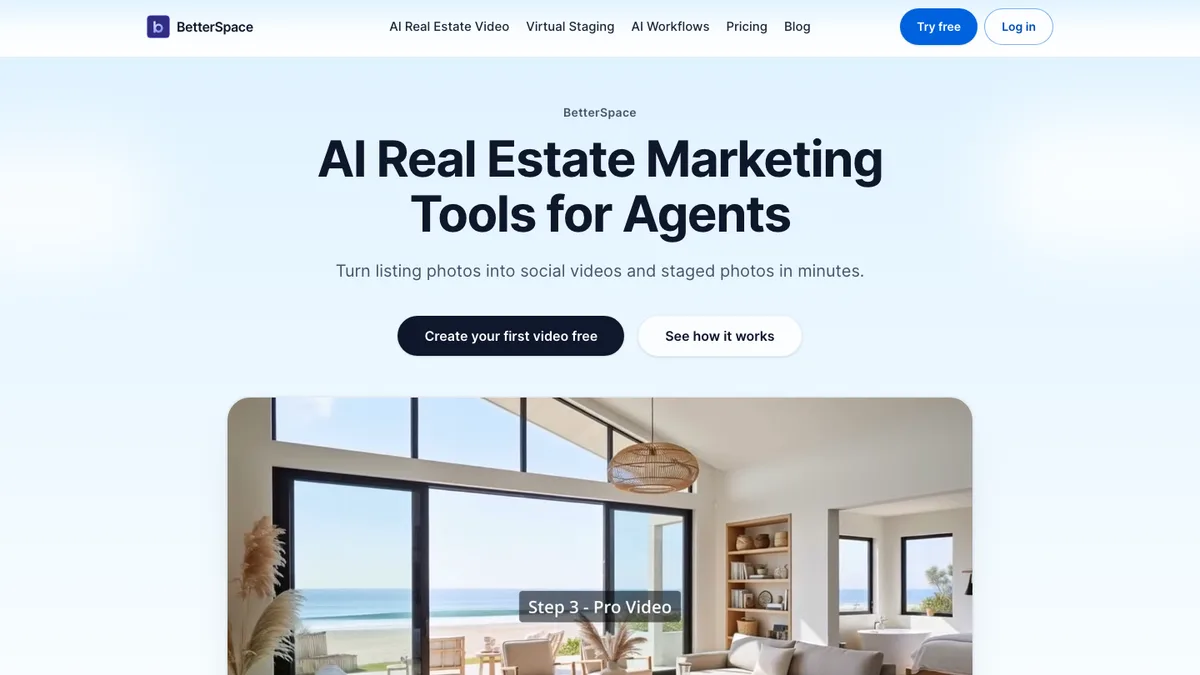
BetterSpace charges per credit: Lite has 100 credits for $29, Starter 200 for $49, Growth 400 for $89 and Pro 800 for $159. Its pricing page says credits are spent "when you generate photos, videos, and other AI outputs" and shows videos as "your mix", but it does not publish how many credits one video or one staged photo costs. So I cannot tell you what one BetterSpace listing costs, and I would not trust anyone who claims to. The fair test is to make one listing on each and count.
Two things that are clear from BetterSpace's own pages: the free plan is real and ongoing (2 videos a month, no card), and paid fees are non-refundable once a billing period starts. Reel-E has no free plan; its trial asks for a card, charges nothing for 7 days, and lets you make 3 listings with watermarked output.
Ready to compare on your own listing? Try Reel-E free for 7 days. Card required, cancel anytime.
Where Each One Is Strong
Where BetterSpace is strong
- A free plan with no card and no end date
- Publishing and scheduling to Instagram and TikTok from the same app (Growth and Pro)
- An AI Avatar Presenter and AI Lifestyle Actors, which Reel-E does not offer
- A Claude and ChatGPT connector, on every plan including free
- Up to 3 team members sharing one credit balance on Pro, with Enterprise for more
Where Reel-E is stronger
- A single-property website for every listing, with a lead form, analytics, QR code and flyer
- Six versions of every video from one upload, including the unbranded widescreen file and the MLS link
- About two minutes to a first video, then unmetered edits in Keylight Studio
- Per-listing pricing you can count in advance, with unused listings banking
- 4K on Pro, and up to 40 photos per listing on Growth and Pro
Staging and Photo Edits, Side by Side
Both tools stage empty rooms. BetterSpace counts staged photos by plan, from 10 on the free plan to 160 on Pro. Reel-E counts per listing: 10 credits on Essential and 20 on Growth and Pro, shared between virtual staging and photo edits such as declutter and day to twilight.
The detail that matters on Reel-E is where the staged photo goes next. It replaces the original in the video and on the listing website automatically, and the original is kept. On California listings, staged and edited photos are labelled "Virtually staged" or "Digitally altered" on the website, with an originals page, which is on by default.
Choose BetterSpace or Reel-E
Choose BetterSpace if
- You want a free plan, with no card, before you pay anything.
- You want to schedule and publish listing videos to Instagram and TikTok without another tool.
- You want an AI presenter on camera, or AI people in the rooms.
- Two or three people need to share one plan.
- You want to ask Claude or ChatGPT to make the video for you.
Choose Reel-E if
- You want staged and edited photos, the video and a listing website from one upload, under one listing price.
- You post the same listing to the MLS, Reels, TikTok and a feed post, and want widescreen, vertical and square, branded and unbranded.
- You want a video in about two minutes, then unlimited edits in Keylight Studio.
- You want buyers who see the reel to land on a listing page that emails you their inquiry.
- You list from Redfin, Compass, Coldwell Banker, RE/MAX or your brokerage's site and want to paste the link.
If you are also weighing AutoReel, the same comparison for it is in Reel-E vs AutoReel. Full plan details are on the pricing page.
See it on your own listing
Upload your photos (or paste a Redfin, Compass or brokerage link) and get staged photos, a video in six versions and a listing website. Free to try for 7 days, card required, cancel anytime.
Try Reel-E freeRelated comparisons
See how other tools compare: Reel-E vs AutoReel · Reel-E vs VibePeak · Reel-E vs Canva.
For the wider field, read our roundup of the best real estate video makers or the best AI real estate video generators.
Learn how Reel-E works, or see what a single-property website includes. Try Reel-E free.