Key Takeaways
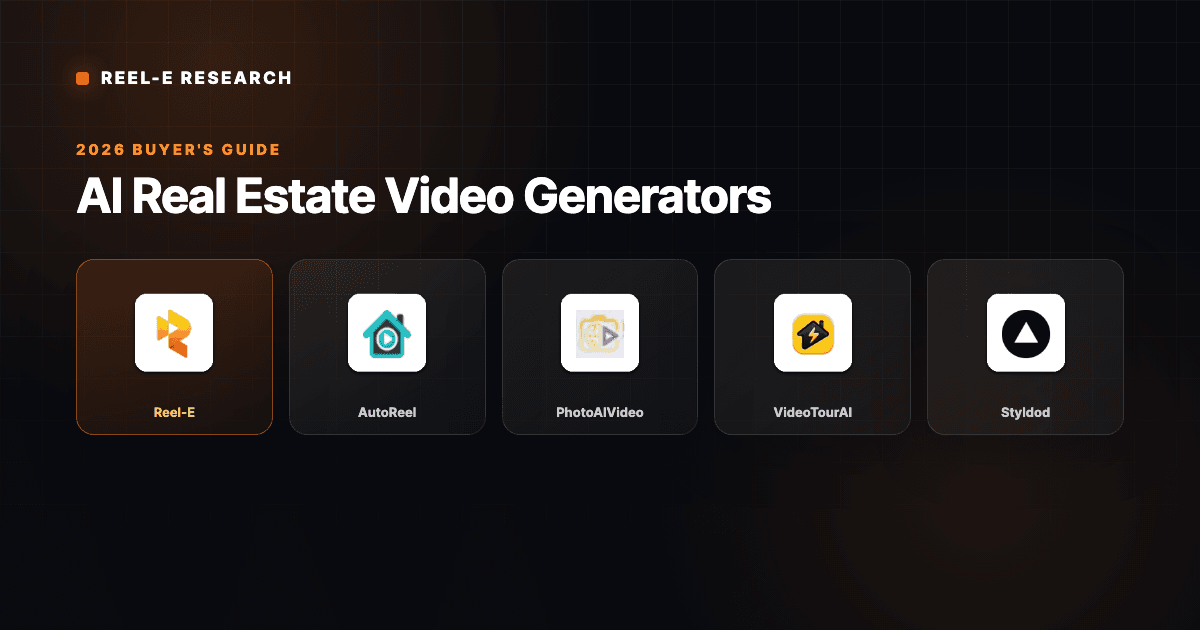
- Best overall for real estate agents: Reel-E. Purpose-built for listings, AI-powered motion, four video variants from one upload.
- Best for drone-style exteriors: AutoReel. Impressive flythrough effects, pulls photos from Zillow.
- Best budget option: PhotoAIVideo. AI voiceover narration at a lower price point.
- Best for speed: VideoTour.ai. MLS-ready slideshows in under 2 minutes.
- We tested all 8 tools by uploading the same 15 listing photos and comparing output quality, turnaround time, and ease of use.
- Price alone does not predict quality. The cheapest option often costs more in wasted time.
Our Top Picks at a Glance
1 Reel-EBest Overall AI Video Generator
4.9
From $44/mo
2
Reel-EBest Overall AI Video Generator
4.9
From $44/mo
2
 AutoReelBest for Drone-Style Flythroughs
4.1
From ~$49/mo
3
AutoReelBest for Drone-Style Flythroughs
4.1
From ~$49/mo
3
 PhotoAIVideoBest Budget AI Voiceover
3.7
From $37.50/mo
4
PhotoAIVideoBest Budget AI Voiceover
3.7
From $37.50/mo
4
 VideoTour.aiBest for Fast MLS Slideshows
3.5
From ~$29/mo
5
VideoTour.aiBest for Fast MLS Slideshows
3.5
From ~$29/mo
5
 AmplifilesBest Pay-Per-Use Model
3.3
$1.50/image
6
AmplifilesBest Pay-Per-Use Model
3.3
$1.50/image
6
 StyldodBest Staging + Video Bundle
3.6
$20/video
7
StyldodBest Staging + Video Bundle
3.6
$20/video
7
 PedraBest for European Agents
3.4
From €29/mo
8
PedraBest for European Agents
3.4
From €29/mo
8
 MomenzoBest for On-Camera Walkthroughs
3.2
From $14/mo
MomenzoBest for On-Camera Walkthroughs
3.2
From $14/mo
The search for the right AI real estate video tool can burn an entire afternoon. I know because I spent the better part of a decade running a traditional real estate media company before building Reel-E, so I have strong opinions about what "good" means when a listing video hits an agent's inbox.
This roundup covers the eight AI real estate video generators worth evaluating in 2026. I tested each one with the same set of listing photos (a $625,000 three-bedroom in Tampa) to keep the comparison honest. Every tool got the same 15 exterior and interior shots, and I timed each workflow from upload to finished export.
Full disclosure: I built Reel-E, so take my #1 ranking with whatever grain of salt you need. But I also genuinely tested every competitor here, and I call out where they win. If you are looking for a specific AI video generator for real estate and want to jump straight to that section, use the comparison table below.
How We Tested Each AI Real Estate Video Generator
Before we get into the rankings, here is the testing methodology. I wanted this to be the roundup I wished existed when I was still evaluating whether to build Reel-E or just recommend an existing tool to agents. Every tool received:
- 15 MLS-ready listing photos (mix of exterior, kitchen, living room, bedrooms, backyard)
- The same property details: 3 bed / 2 bath, 1,850 sq ft, $625,000 asking price in Tampa, FL
- A timer running from first upload click to downloadable video
- Output evaluated on: motion quality, transitions, music sync, branding options, resolution, social-readiness
- Pricing evaluated at the tier a solo agent listing 3-5 properties/month would realistically purchase
I also checked whether each tool actually generates AI motion or just creates slideshows with Ken Burns panning. That distinction matters more than most roundups admit. A "real estate video maker" that just pans across your photos is not the same as one that generates synthetic camera movement with parallax depth. Both have a place, but you should know which one you are paying for.
One more note on methodology: I evaluated each tool's social media readiness. In 2026, a listing video maker that only outputs 16:9 horizontal video is leaving engagement on the table. The Instagram Reels data and TikTok performance data both show that vertical video dominates mobile feeds. I checked which tools natively output vertical (9:16) alongside horizontal, and which expect you to crop or re-edit manually.
The 8 Best AI Real Estate Video Generators Reviewed

1. Reel-E: Best Overall AI Real Estate Video Generator
Editor's Choice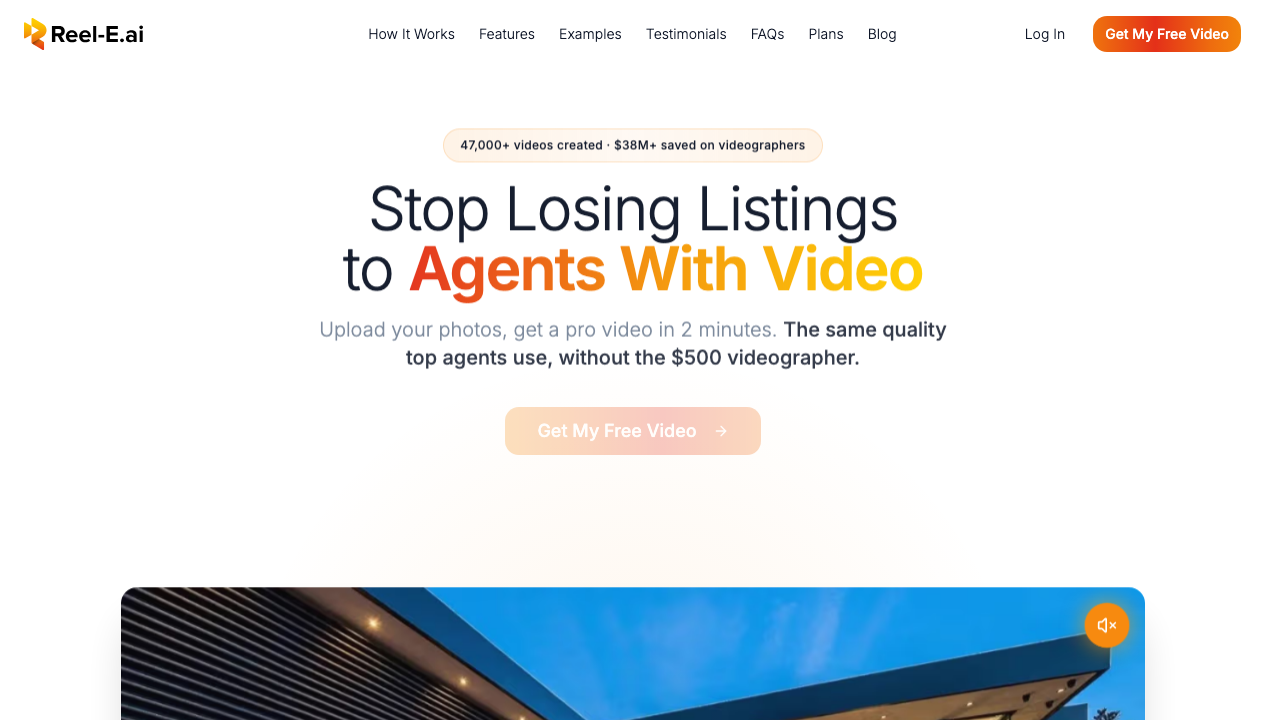
I built Reel-E after a decade of running a production company that served agents like Aaron Kirman and the Oppenheims. The problem I kept seeing: agents needed video for every listing, but traditional production costs $400-$800 per property and takes days. Most agents just skipped it.
Reel-E runs a custom AI inference stack (not off-the-shelf Google Veo or Kling models). That means every video stays inside Reel-E data centers, and we have full control over camera movements, speed ramps, and image stability. You upload photos, pick music, and the system generates four video variants automatically: horizontal branded, horizontal unbranded, vertical branded, and vertical unbranded.
What Sets Reel-E Apart
- 4 video variants from one upload: Horizontal and vertical, branded and unbranded. That covers MLS, Instagram Reels, TikTok, and YouTube in a single batch.
- Beat-synced transitions: The system analyzes music BPM and downbeats, then aligns photo transitions to the rhythm. This is the difference between a video that feels "right" and one that feels like a slideshow with background noise.
- True AI motion effects: Orbit, push-in, pull-out, and Ken Burns zoom. Not just panning across a static image. The camera actually moves through the scene with parallax depth.
- Speed ramps: Adjustable clip-to-clip pacing that gives the video a cinematic rhythm.
- Custom branding: Your logo, contact info, and end cards baked into branded variants.
- Under 2 minutes: From "upload photos" to "download all four videos." I have timed this repeatedly.
Sample Output: Aaron Kirman Listing
Reel-E in Practice: A Real Workflow
Here is what the actual agent workflow looks like. You sign up, upload your listing photos (drag-and-drop or bulk select), choose a music track from the built-in library, add your branding (logo, contact card, colors), and click generate. The system analyzes your music selection, identifies the BPM and downbeats, assigns AI motion effects to each photo, and renders four video variants in parallel on dedicated GPU infrastructure.
Under two minutes later, you have a horizontal branded video for your website, a horizontal unbranded version for MLS, a vertical branded reel for Instagram and TikTok, and a vertical unbranded clip for any platform that restricts agent branding. That is the entire workflow. No timeline editing, no effect selection, no manual music alignment.
For teams and brokerages, the Growth plan ($129/mo) bumps the limit to 10 listings/month with 40 photos per project and adds individual clip downloads. The Pro plan ($599/mo) unlocks 4K output, 50 listings/month, and priority rendering for when you need a video before an open house in two hours.
Pros
- AI-powered cinematic camera motion (not just Ken Burns)
- Beat-synced transitions matched to music
- Four video formats from a single upload
- Under 2 minutes from photos to finished video
Cons
- No drone footage integration (photos only for now)
- Credit card required for the free trial
- The Essential plan caps at 3 listings per month and 20 photos per project
If you need one tool that covers MLS, social, and branded client deliverables from a single photo upload, Reel-E is the most complete AI real estate video solution available. The four-variant output alone saves most agents from juggling two or three separate tools.

2. AutoReel: Best for AI Drone-Style Flythroughs
Best for Exteriors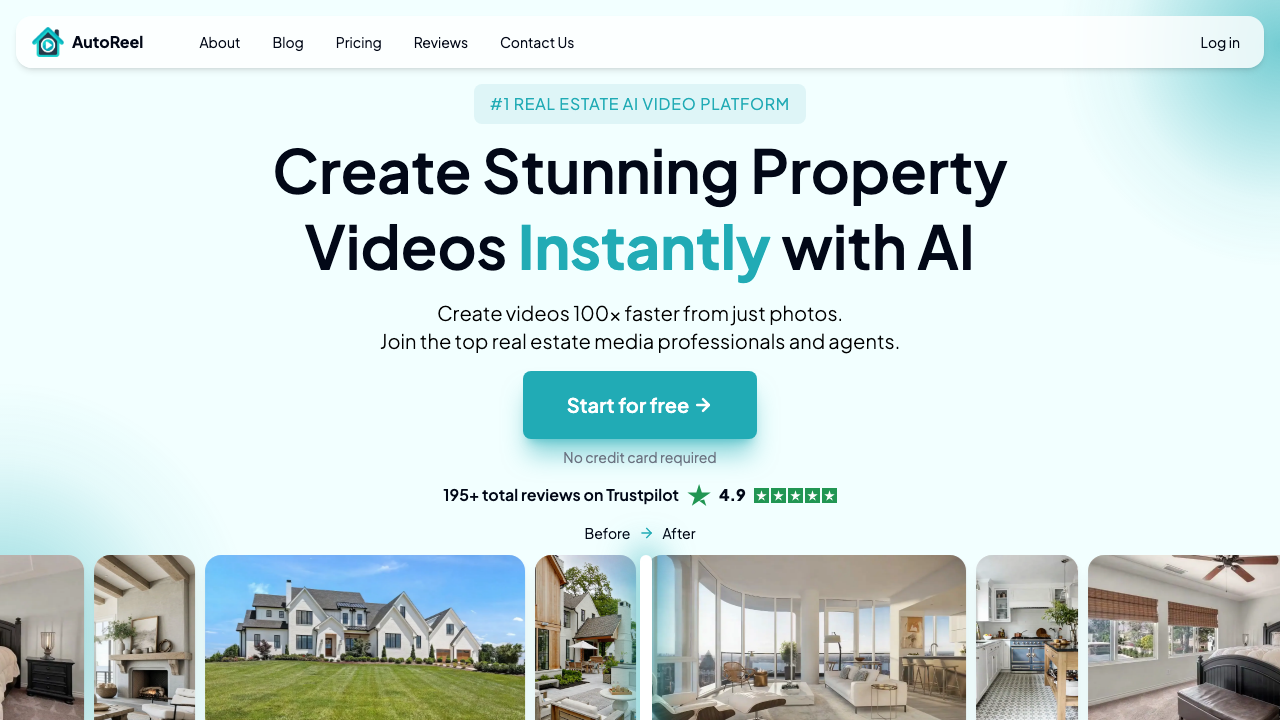
AutoReel is the name you will see at the top of most "best AI real estate video" lists right now. They have invested heavily in SEO and PR, and the product genuinely does some things well. The standout feature is their drone-style flythrough generation: you feed it exterior photos, and the AI produces something that looks like a drone sweeping over a property.
Here is where I get opinionated, though. AutoReel claims "custom AI models," but side-by-side testing shows output that looks identical to Google Veo and Kling. If you have used either of those general-purpose video generators, the visual signature is unmistakable. That is not necessarily a dealbreaker (Veo and Kling produce decent output), but "custom models" is a strong claim.
Pros
- Drone flythrough effect is genuinely impressive for exteriors
- Pulls photos directly from Zillow and Realtor.com
- AI voiceover and avatar options for narrated walkthroughs
- Active development cycle with frequent feature additions
Cons
- Interior motion quality is noticeably weaker than exteriors
- Only 1-2 output formats (no automatic vertical + horizontal variants)
- Annual commitment pricing can feel steep
- AI model provenance is questionable despite "custom" claims
Solid choice if exterior drone-style video is your main need. For full listing coverage across MLS and social formats, you will likely need a second tool. Read our full Reel-E vs AutoReel comparison.

3. PhotoAIVideo: Best Budget Option with AI Voiceover
Best Budget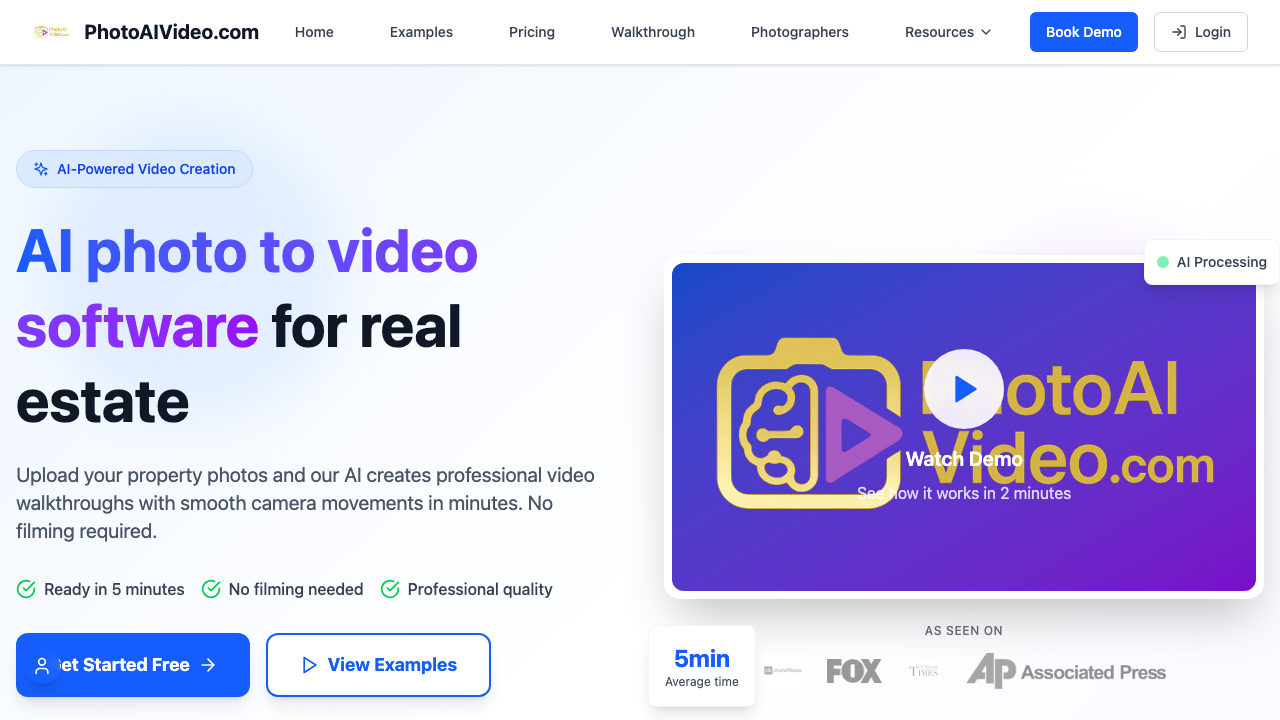
PhotoAIVideo occupies an interesting middle ground. The pricing is lower than most competitors on this list, and the AI voiceover feature is a genuine differentiator. You can have a synthetic voice narrate property highlights while the video plays, which some agents find useful for social media content where captions alone feel flat.
The trade-off is video quality. "HD" sounds good until you realize that most competitors on this list output at full 1080p, and Reel-E offers 4K on the Pro plan. PhotoAIVideo's motion effects are also more basic. The transitions are smooth enough, but you will not see the parallax-depth AI motion that tools like Reel-E or AutoReel generate.
Pros
- AI voiceover in multiple languages (useful for international markets)
- Lower price point than most competitors
- Vertical video creation on the Pro plan
- 4.9-star rating from 2,000+ agents
Cons
- Video quality ("HD") lags behind 1080p competitors
- Annual billing required for the best pricing
- 52-project cap on the Creator plan (~1 video per week)
- Team collaboration locked to Pro tier
Good entry point for agents who want voiceover capability without a large upfront commitment. The video quality gap becomes noticeable on larger screens and MLS presentations. See our Reel-E vs PhotoAIVideo comparison.

4. VideoTour.ai: Best for Fast MLS-Ready Slideshows
Fastest Output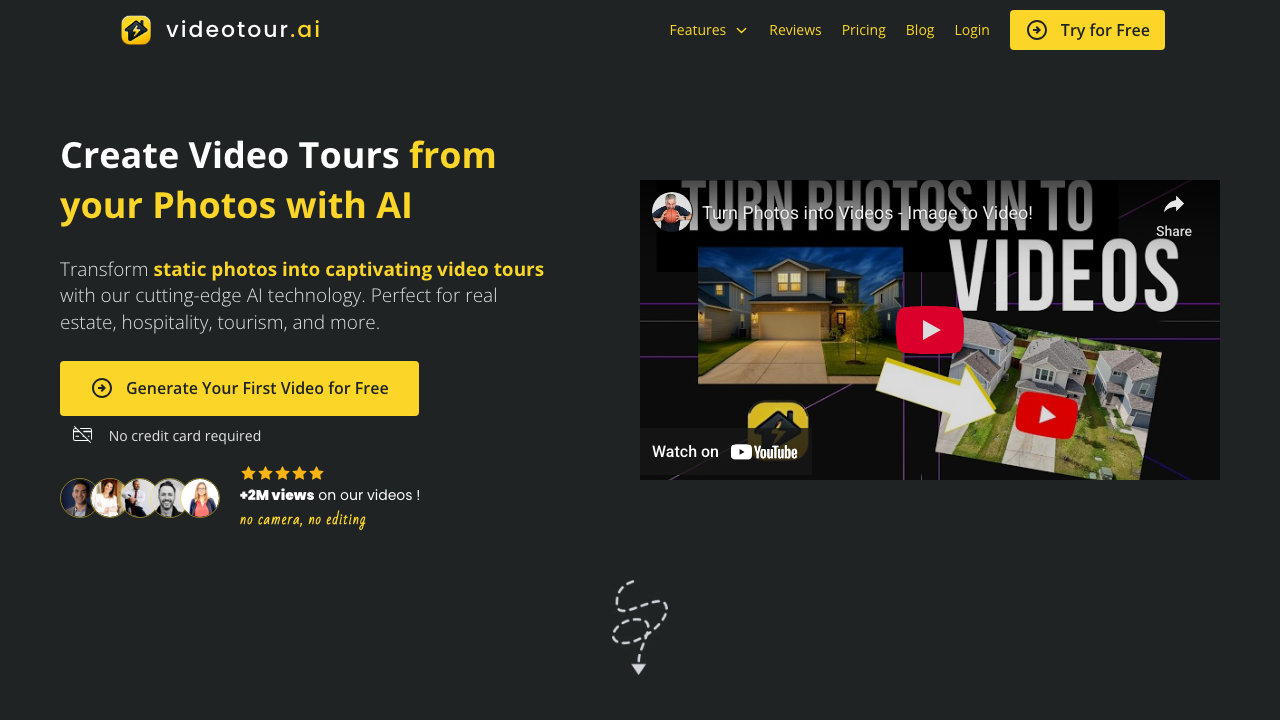
VideoTour.ai is the speed champion of this roundup. If your primary goal is getting a presentable listing video into your MLS feed as fast as possible, this tool delivers. It takes listing photos, adds transitions and licensed music, and outputs a clean, professional-looking slideshow in under two minutes.
I want to be precise about one thing: VideoTour.ai does not generate AI motion in the way that Reel-E or AutoReel do. The photos do not come alive with depth or camera movement. What you get is a well-produced slideshow with smooth transitions, captions, and branding. For many agents, that is perfectly fine. A polished slideshow beats no video at all by a wide margin.
Pros
- Very fast output (consistently under 2 minutes in testing)
- Clean, MLS-appropriate templates
- Affordable pricing for solo agents
- Licensed music library included
Cons
- No true AI motion (transitions only, not generative camera movement)
- Single output format (no automatic vertical/horizontal variants)
- Less impressive on social media where motion-heavy content dominates
- Limited customization compared to full real estate video maker tools
Perfect for agents who want speed and MLS compliance above all else. If social media performance matters to you (and the data says it should), you will want something with actual AI motion effects. Read our Reel-E vs VideoTour.ai breakdown.

5. Amplifiles: Best Pay-Per-Use Model
Pay-Per-Use
Amplifiles takes a different approach to pricing that appeals to a specific type of agent. Instead of a monthly subscription with listing caps, you pay $1.50 per image. A 15-photo listing video costs about $22.50. If you list three properties a month, that is roughly $67/month. If you list one, it is $22.50.
The pay-per-use model is genuinely smart for agents with irregular listing volumes. You are not paying $44 or $129 during slow months. The flip side: if you list consistently (6+ per month), the per-image cost adds up fast and a subscription elsewhere becomes cheaper.
Pros
- True pay-per-use pricing (no waste during slow months)
- AI motion effects (not just slideshows)
- Multilingual voiceovers and captions included
- 1,200 free credits to test without commitment
Cons
- Costs escalate quickly for high-volume agents ($1.50/image x 15 images x 10 listings = $225/mo)
- Single output format (no automatic multi-variant generation)
- 5-minute processing time is on the slower end
- No beat-synced transitions
The best pricing structure for agents who list irregularly. If you consistently close 5+ listings a month, a flat-rate subscription will save you money. Worth testing with the free credits to see if the output quality meets your standard.

6. Styldod: Best for Agents Who Also Need Virtual Staging
Staging + Video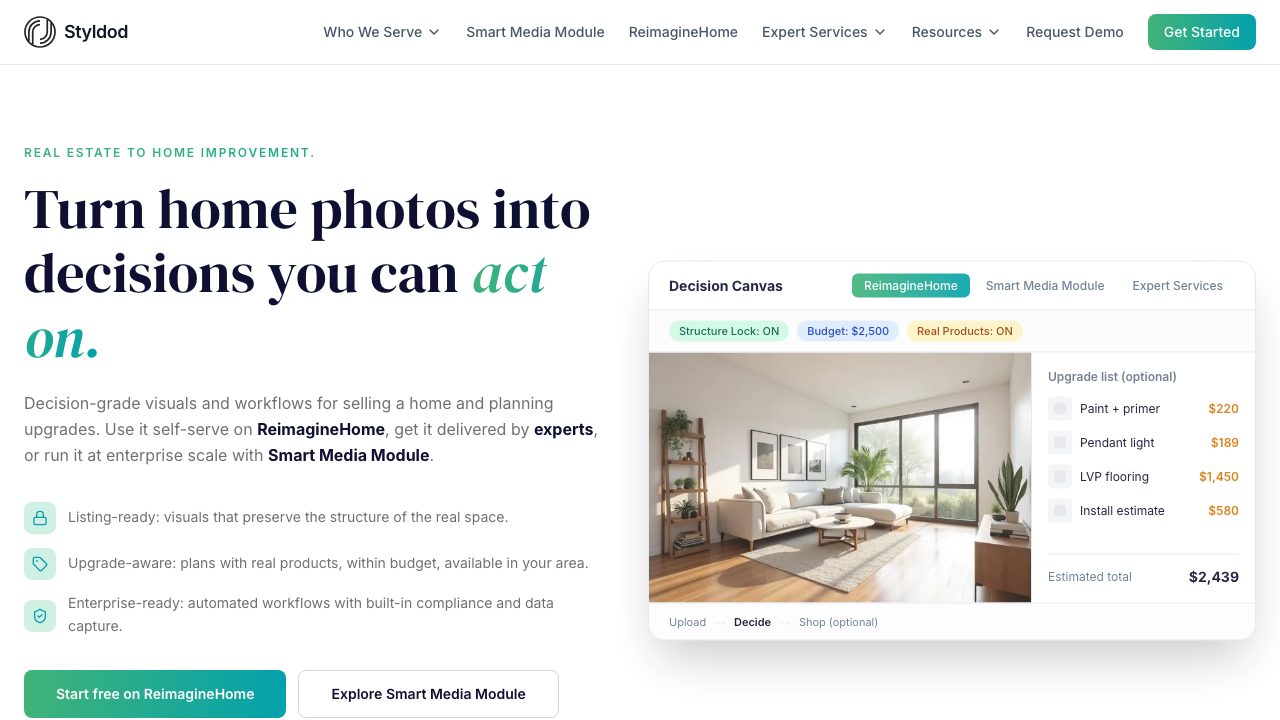
Styldod is a broader real estate marketing platform that includes video as one piece of a larger toolkit. Virtual staging, image enhancement, floor plans, 3D renders, 360-degree tours. The video maker is part of this ecosystem, which means if you already use Styldod for staging, adding video makes strategic sense.
The $20/video price point is straightforward. No subscription math, no credit calculations. You pay when you need a video. The AI version generates a 30-second social-optimized clip in under two minutes. If you want something more polished, their human editing team delivers within 24-48 hours.
Pros
- Bundled with virtual staging, photo enhancement, floor plans
- Simple $20/video pricing (no subscription complexity)
- 50+ templates optimized for different property types
- Human editing available for premium output
Cons
- Template-based motion (not generative AI camera movement)
- The human-edited option takes 24-48 hours
- $20/video becomes expensive at volume ($200/month for 10 listings)
- Video is secondary to their staging business
Makes sense if you are already in Styldod's ecosystem for staging and want to add video without subscribing to a separate platform. As a standalone AI listing video tool, the template-based approach lags behind generative AI competitors. See our detailed comparison.

7. Pedra: Best for European Markets
Best for Europe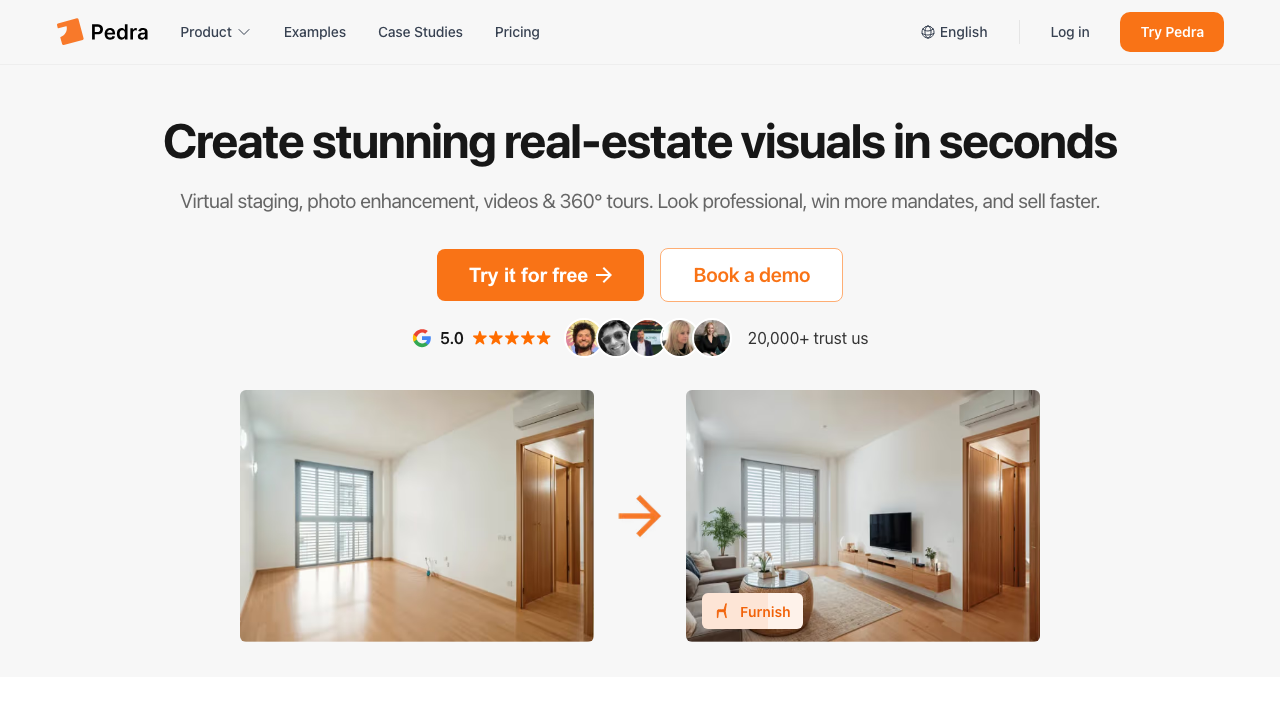
Pedra is a Spanish-based platform that combines virtual staging, photo enhancement, and video generation into a credit-based system. For European agents, the euro-denominated pricing and GDPR-conscious infrastructure are meaningful differentiators. The platform also handles floor plan rendering, social media automation, and 360-degree virtual tours.
On the video side, Pedra generates both horizontal and vertical exports (one of the few competitors here that does). The motion is transition-based rather than generative AI, but the output is clean and the auto-captioning, music, and branding features are well-executed.
Pros
- Horizontal + vertical video exports
- Unlimited video generation (credits only consumed by staging/enhancement)
- Euro pricing with GDPR-aligned infrastructure
- All-in-one: staging, enhancement, video, floor plans, 360 tours
Cons
- Basic transitions rather than AI-generated motion
- Credit system means staging and video compete for the same budget
- Smaller template library than Styldod
- Less established brand recognition in North American markets
The strongest option for European agents who want staging + video in one platform. North American agents will find better video quality and motion effects from tools purpose-built for real estate video marketing. Full details in our Reel-E vs Pedra comparison.

8. Momenzo: Best for Agent-Filmed Walkthrough Videos
Best Walkthroughs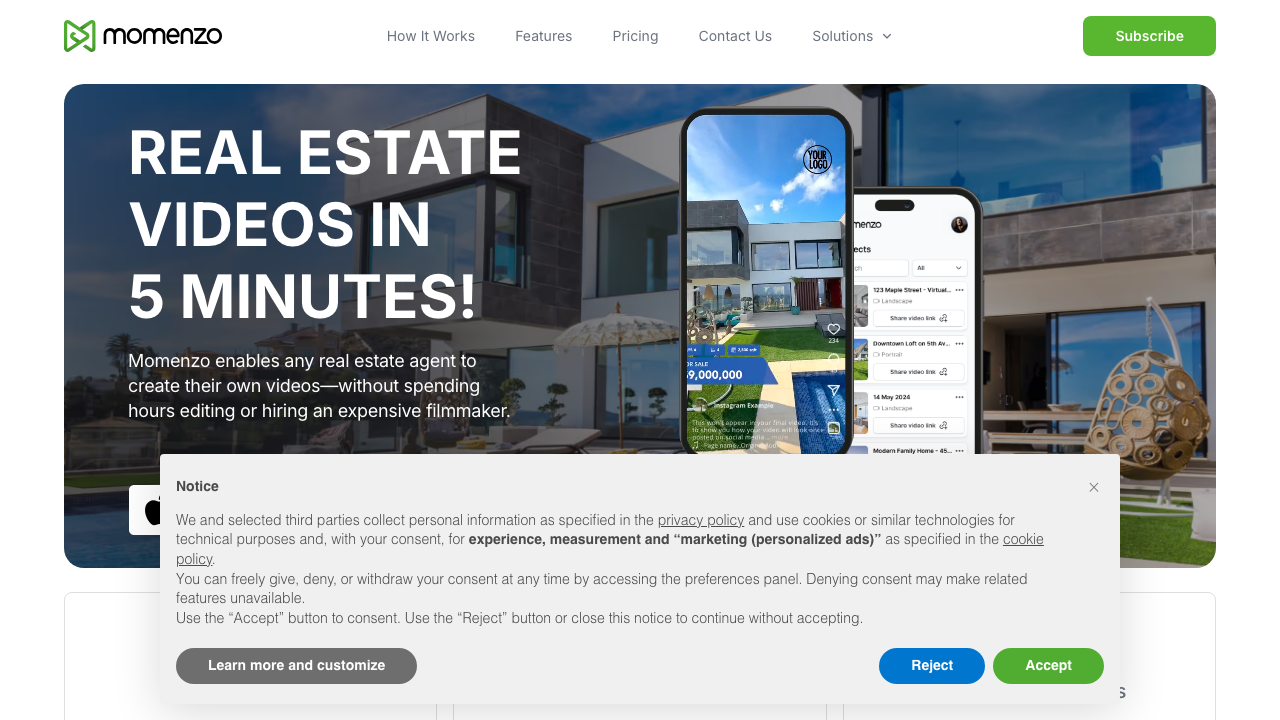
Momenzo is fundamentally different from every other tool on this list. It is not a photo-to-video generator. It is a mobile app that guides you through filming a property walkthrough, then automatically edits the footage into a polished video with branding, subtitles, and transitions.
This makes Momenzo the only tool here that produces footage of you, the agent, actually walking through the property. For agents who want to build personal brand and show personality in their listings, that is a real advantage. The teleprompter feature keeps you from blanking on camera, and the guided walkthrough ensures you capture the right rooms in the right order.
Pros
- Agent-on-camera walkthrough (builds personal brand)
- Built-in teleprompter with property-specific scripts
- Automatic subtitles for social media
- 50+ MLS-compliant templates
- Very affordable at $14/month
Cons
- Requires you to physically visit the property and record
- No AI motion effects or generative video from static photos
- Video quality depends on your phone camera and lighting
- 5-10 minute workflow is slower than photo-upload alternatives
- Mobile-only (no desktop workflow)
If you want to be on camera in your listing videos, Momenzo is the best guided-recording app for agents. Many agents use Momenzo for walkthrough content and a separate AI real estate video generator for polished listing videos. See our side-by-side comparison.
What Actually Matters When Choosing an AI Real Estate Video Generator
After testing all eight tools, here are the factors that actually separate good from great:
1. AI Motion vs. Slideshow Transitions
This is the single biggest quality differentiator. Some tools generate genuine AI camera movement (the image gains depth and the virtual camera orbits, pushes in, or pulls out). Others apply Ken Burns panning or basic crossfades to static images. Both are "video," but the visual impact is dramatically different.
True AI motion: Reel-E, AutoReel, Amplifiles
Transition-based: VideoTour.ai, Styldod, Pedra, PhotoAIVideo
Self-filmed: Momenzo (different category entirely)
2. Output Variants
A listing needs at minimum: one horizontal video (MLS, YouTube, website) and one vertical video (Instagram Reels, TikTok, YouTube Shorts). Ideally, you also want branded and unbranded versions (branded for your social channels, unbranded for MLS where broker branding rules vary).
Reel-E is the only tool tested that automatically generates all four variants (horizontal + vertical x branded + unbranded) from a single upload. Pedra does horizontal + vertical. Everyone else outputs one format and expects you to manually reformat.
3. Music Synchronization
Watch any two listing videos back-to-back: one with transitions that hit on the beat, and one where they land randomly. You will immediately feel the difference even if you cannot articulate why. Beat-synced transitions make a video feel professionally edited. Random timing makes it feel automated.
Reel-E is the only tool in this roundup that analyzes music BPM and aligns transitions to downbeats. Other tools let you pick a track and overlay it, but the transitions are time-based (every 3 seconds, every 4 seconds) rather than beat-matched.
4. Privacy and Data Handling
Your listing photos contain information about your clients' homes. Where those photos get processed matters. Tools that use third-party AI APIs (like Google Veo or Kling) send your images to those providers' servers. Tools with proprietary infrastructure keep everything in-house.
Reel-E processes all video generation on dedicated infrastructure (Modal.io GPU clusters) and never sends listing photos to third-party AI providers. If your brokerage has data handling requirements (increasingly common post-NAR settlement), this is worth asking about for any tool you evaluate.
5. Total Cost of Ownership
The sticker price on a pricing page rarely tells the full story. Here is the real math for an agent listing 5 properties per month with 15 photos each:
| Tool | Monthly Cost (5 listings) | Videos Produced | Cost per Video |
|---|---|---|---|
| Reel-E Essential | $44/mo | 20 (4 variants x 5) | $2.20 |
| AutoReel | ~$49/mo | 5-10 | $4.90-$9.80 |
| PhotoAIVideo Creator | $37.50/mo | 5 | $7.50 |
| VideoTour.ai | ~$29/mo | 5 | $5.80 |
| Amplifiles | ~$112.50 | 5 | $22.50 |
| Styldod | $100 | 5 | $20.00 |
| Pedra Pro | ~$32/mo | 10 (H+V x 5) | $3.20 |
| Momenzo | $14/mo | 5 | $2.80 |
Reel-E's per-video cost is lowest when you factor in the four automatic variants. Two of those variants (the vertical ones) would normally require re-editing in a separate tool, which most agents either skip or pay extra for.
Head-to-Head: AI Motion Quality Compared
Since "AI motion" is the defining feature separating premium tools from basic slideshow generators, it deserves a closer look. I exported videos from the three tools that claim generative AI motion (Reel-E, AutoReel, Amplifiles) and compared them frame-by-frame against the same kitchen interior photo.
Reel-E produced a smooth orbit effect where the virtual camera appeared to arc around the kitchen island. The parallax between the foreground countertop and background windows felt natural. Depth was consistent, and there were no obvious warping artifacts on cabinet edges. The motion lasted the full clip duration with consistent speed.
AutoReel generated a push-in effect on the same photo. The motion was smoother than a basic Ken Burns zoom, with some depth separation between foreground and background. However, straight lines along cabinet edges showed visible wobbling, a telltale sign of general-purpose video models that were not specifically trained on architectural interiors. Exterior shots fared better.
Amplifiles applied a subtle drift effect. The motion was gentler than both Reel-E and AutoReel, which means fewer artifacts but also less visual impact. For agents who prefer understated motion over dramatic camera sweeps, this might actually be preferable. The trade-off is that the video feels closer to an enhanced slideshow than a cinematic production.
The remaining tools (VideoTour.ai, Styldod, Pedra, PhotoAIVideo) apply transition effects between photos rather than generating per-frame motion within each photo. The transitions are smooth and professional, but the photos themselves remain static. That is not a quality problem; it is a category difference. Know which one you are buying.
The Real Cost of Skipping Video Entirely
Before you decide between these tools, consider the alternative: not using video at all. Research consistently shows that listings with video receive 403% more inquiries than those without. Homes with video sell for 6% more on average. The latest real estate video statistics show that 73% of homeowners prefer to list with agents who use video.
At $625,000 (our Tampa test property), a 6% premium is $37,500. Even the most expensive tool on this list pays for itself many times over if video helps close one additional sale per year.
The question is not whether to use an AI real estate video generator. It is which one fits your workflow and budget. Every tool on this list will produce something better than no video at all.
Which AI Real Estate Video Generator Should You Choose?
After testing all eight, here is how I would sort the decision:
- Best overall (video quality + speed + variants): Reel-E. Four variants, beat-synced transitions, true AI motion, under 2 minutes. Start at $44/mo.
- Best for drone-style exteriors: AutoReel. The flythrough effect is impressive for curb appeal content.
- Best budget option: PhotoAIVideo at $37.50/mo, especially if you want AI voiceover narration.
- Best for speed-only MLS compliance: VideoTour.ai. Fast, clean, affordable slideshows.
- Best pay-per-use: Amplifiles. Smart model for irregular listing volumes.
- Best staging + video bundle: Styldod. Makes sense if you already use their staging services.
- Best for European agents: Pedra. Euro pricing, GDPR infrastructure, staging + video combo.
- Best for on-camera walkthroughs: Momenzo. Different category, but the best guided-filming app for agents.
For most agents reading this, the decision comes down to: do you want true AI-generated motion, or are polished slideshows good enough? If motion matters, the field narrows to Reel-E, AutoReel, and Amplifiles. If fast-and-cheap slideshows are fine, VideoTour.ai and Pedra both deliver.
How to Get the Most from Any AI Real Estate Video Generator
Whichever tool you pick, these tips apply across the board. I have watched hundreds of agents onboard onto various AI video platforms, and the ones who get the best output consistently follow the same patterns.
Photo Selection Matters More Than the Tool
Every AI real estate video generator performs better with well-lit, properly composed photos. The single biggest quality lever you control is which photos you feed the system. Include a variety of wide-angle interior shots, a strong exterior hero, and at least one lifestyle shot (pool, patio, view). Avoid dark photos, extreme close-ups of fixtures, and heavily HDR-processed images where the sky looks radioactive. For a complete breakdown, our guide on making real estate video from photos covers the ideal photo set.
Music Choice Affects Perceived Quality
The background track changes how buyers experience a listing video more than most agents realize. Upbeat tracks work for family homes and starter properties. Slower, more ambient tracks suit luxury and architectural listings. Avoid anything with lyrics. If your tool offers beat-synced transitions (currently only Reel-E does this automatically), pick a track with clear rhythmic structure. Sparse ambient tracks produce less satisfying sync points.
Post to Multiple Platforms from One Video
The agents who get the highest ROI from real estate video marketing do not post one video to one platform. They take the horizontal version and post it to YouTube, their website, and MLS. They take the vertical version and post it to Instagram Reels, TikTok, and YouTube Shorts. They send the branded version to the seller as a deliverable. One batch of photos generates content for five or six channels. That is where the math starts to work overwhelmingly in favor of AI video over traditional production.
Branding Consistency Compounds Over Time
The agents with the strongest video presence are the ones who brand every single listing video identically. Same logo placement, same color scheme, same end card with contact information. After 20 or 30 listings, their video feed looks like a professional media operation. This is much easier to achieve with tools that automate branding (Reel-E, AutoReel, Momenzo) versus tools where you manually add branding each time.
How the AI Real Estate Video Market Has Changed in 2026
"AI real estate video" has grown 425% year-over-year as a search term. That is not just idle curiosity. It reflects a genuine shift in how agents think about listing marketing. Two years ago, "real estate video" meant hiring a videographer. Now it increasingly means uploading photos to an AI tool.
Three trends are driving this:
- Social media algorithms favor video. Instagram, TikTok, and even LinkedIn prioritize video content. Agents without video are increasingly invisible on these platforms.
- NAR settlement fallout is squeezing budgets. Commission changes mean agents are looking harder at where every marketing dollar goes. AI video at $44/mo replaces a $400-$800/listing expense.
- AI quality has crossed the "good enough" threshold. Two years ago, AI-generated video looked obviously synthetic. The best tools now produce output that is indistinguishable from professionally edited footage to the average buyer scrolling Instagram.
The category is still early. By 2027, I expect we will see better integration between AI video tools and MLS systems, automatic property description overlays, and multi-listing batch processing. The tools that survive will be the ones that treat video as part of a complete real estate video marketing workflow, not a novelty feature.
For agents evaluating which real estate video maker to invest in, the best move is to pick one tool, commit to using it on every listing for 90 days, and measure the response. Most agents who try AI video once and drop it did not give it enough volume to see the compounding effect. Your 15th listing video will perform better than your first, partly because you will get better at selecting photos and partly because your brand presence builds recognition over time.
The broader market for real estate video marketing tools includes general-purpose editors like Canva, Adobe Premiere, and InVideo. Those tools are powerful but require manual editing skill and time that most agents do not have. The AI real estate video generators on this list exist specifically because agents need a "photos in, video out" workflow that takes minutes, not hours. If you want a comparison of Reel-E against those general-purpose tools, we cover Reel-E vs Canva, Reel-E vs InVideo, and Reel-E vs Lumen5 in separate posts.
Plan the Media Before You Pick the Tool
The best generator cannot rescue a confused brief. Decide what the audience needs, organize the source material, and give the finished video somewhere useful to go.
Frequently Asked Questions
What is the best AI real estate video generator in 2026?
Based on our testing, Reel-E offers the best combination of AI motion quality, speed (under 2 minutes), output variants (4 per project), and value ($44/mo on the Essential yearly plan). AutoReel is a strong alternative if you prioritize drone-style flythrough effects for exterior footage.
How much does an AI real estate video generator cost?
Prices range from free (with watermarks and limits) to $599/mo for enterprise-level plans. Most solo agents will spend $29-$66/month. Pay-per-use options like Amplifiles start at $1.50/image, which works out to about $22 per 15-photo listing video.
Can AI-generated listing videos replace a professional videographer?
For 80-90% of listings, yes. AI tools produce MLS-ready and social-ready video from photos alone, at a fraction of the traditional videography cost. Luxury properties ($2M+) with unique architectural features may still benefit from a dedicated shoot. Most agents find they can use AI for everyday listings and reserve videographers for premium properties.
Do AI real estate videos actually help sell homes faster?
The data says yes. Listings with video receive 403% more inquiries, sell up to 6% above asking price, and spend less time on market. Video also gives agents a significant advantage in listing presentations, since 73% of sellers prefer agents who use video marketing.
What is the difference between AI motion and slideshow transitions?
AI motion uses generative models to create depth and camera movement from a 2D photo (orbit, push-in, pull-out, parallax). Slideshow transitions apply panning, zooming, or crossfades to static images. AI motion looks cinematic. Slideshows look like a PowerPoint presentation with music.
Which AI video generator works best for Instagram Reels and TikTok?
You need a tool that outputs vertical video (9:16 aspect ratio) natively. Reel-E automatically generates vertical variants for every project. Pedra also exports horizontal and vertical. Most other tools output horizontal only, requiring manual reformatting for Reels and TikTok.
Is it worth paying for AI real estate video when free options exist?
Free tiers are useful for testing, but they come with watermarks, lower resolution, and severe limits (typically 1-2 videos/month). If you are using video for client-facing listing marketing, the watermark alone disqualifies free plans. The paid entry point ($14-$44/mo) pays for itself if video helps close even one additional deal per year.
Can I use AI-generated listing videos on MLS?
Yes. All tools on this list output in formats accepted by major MLS systems. Reel-E, VideoTour.ai, and Styldod specifically mention MLS compatibility. Unbranded video variants (offered by Reel-E and some others) are helpful for MLS platforms that restrict agent branding. Check your local MLS guidelines for specific video requirements around MLS video requirements.
Do I need both horizontal and vertical video?
In 2026, yes. Horizontal video is standard for MLS, YouTube, websites, and email marketing. Vertical video is essential for Instagram Reels, TikTok, YouTube Shorts, and Facebook Stories. Agents posting only horizontal video to social platforms see significantly lower engagement because the content does not fill the mobile screen.
How long should a real estate listing video be?
For MLS and YouTube: 60-90 seconds. For Instagram Reels and TikTok: 15-30 seconds. For a deeper breakdown of real estate video length by platform, we have a dedicated guide. Most AI tools generate videos in the 30-60 second range by default, which works well for social media.
What photos work best for AI real estate video?
Well-lit, high-resolution photos produce the best AI motion effects. Include a mix of: wide exterior shots, kitchen and living room interiors, bedrooms, bathrooms, and outdoor living spaces. Avoid dark photos, extreme close-ups, and images with heavy HDR processing. For a complete guide on turning listing photos into video, we cover the ideal photo set in detail.
Are there AI disclosure requirements for real estate video?
Regulations vary by state. California's AB 723 requires disclosure of AI-generated content in real estate marketing under certain circumstances. Most MLS systems do not yet require AI disclosure for listing videos, but this is changing. Check our guide on California AB 723 AI disclosure requirements for current rules.