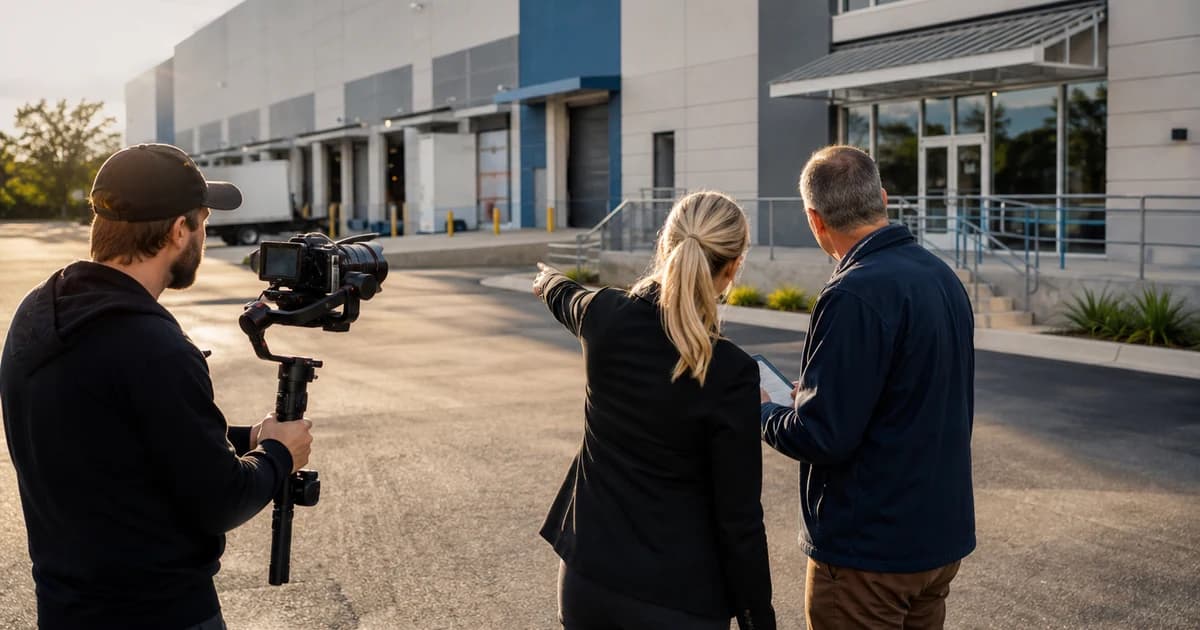
Commercial property video fails when it tries to impress every stakeholder in the same order. An industrial occupier wants access, loading, clear height, circulation, and power context. An investor may care first about location, tenant story, condition, and plan. The edit has to know who is watching before the gimbal starts moving.
Commercial property video sits directly inside my production background. I have filmed complex assets for brokers, owners, builders, and institutional clients, and the recurring lesson is simple: the camera should follow the stakeholder's decision, not the route the operator happened to walk.
Who this is for: commercial brokers, owners, and production teams briefing video for office, retail, industrial, land, and investment assets.
Research note: Researched vertical operating framework using current fair-housing and video-practice sources where applicable. Local rules, asset facts, platform terms, and performance claims require project-specific verification.
Choose the Story Order by Stakeholder
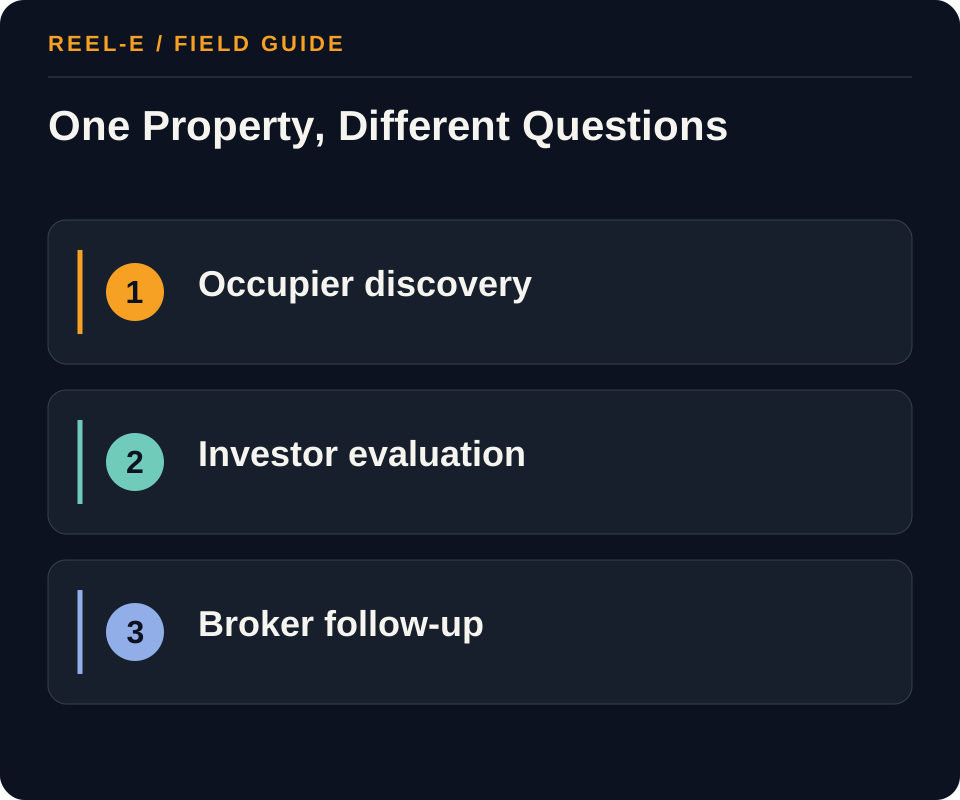
Name the asset type and primary viewer before writing the shot list. An occupier, investor, broker, and lender can all need video, but they do not need the same facts in the same order.
| Path | Use It When | Reconsider It When |
|---|---|---|
| Occupier Discovery | This audience is the constraint on qualified deal-page engagement, tours, broker conversations, and proposals and the team has proof and response capacity for it. | The same creative and destination are being used for a different stakeholder journey. |
| Investor or Buyer Evaluation | investor or buyer evaluation is the constraint on qualified deal-page engagement, tours, broker conversations, and proposals, and the team can prove interior condition and improvements plus plans and verified dimensions at the owned destination. | occupier discovery and investor or buyer evaluation still share one generic promise, response queue, or campaign page. |
| Broker and Stakeholder Follow-Up | broker and stakeholder follow-up depends on longer-cycle trust, permissioned amenity or operational context, and a response path through listing networks or presentations. | The commercial-property video team cannot maintain amenity or operational context or identify the owner who advances broker and stakeholder follow-up. |
Occupier Discovery
- Best Fit: This audience is the constraint on qualified deal-page engagement, tours, broker conversations, and proposals and the team has proof and response capacity for it.
- Pause If: The same creative and destination are being used for a different stakeholder journey.
- Review: Share of the commercial-property video audience taking the defined action that advances qualified deal-page engagement, tours, broker conversations, and proposals within occupier discovery, investor or buyer evaluation, or broker and stakeholder follow-up. Improve the promise, exterior/site context, destination, or qualification for the weak commercial-property video journey.
- Control: Generic Cinematic Footage. Tie each shot to an occupier, investor, or broker question.
Investor or Buyer Evaluation
- Best Fit: investor or buyer evaluation is the constraint on qualified deal-page engagement, tours, broker conversations, and proposals, and the team can prove interior condition and improvements plus plans and verified dimensions at the owned destination.
- Pause If: occupier discovery and investor or buyer evaluation still share one generic promise, response queue, or campaign page.
- Review: Time and conversion between named commercial-property video stages under a consistent cohort and source definition. Fix the owner, access, parking, loading, or circulation, or handoff between occupier discovery, investor or buyer evaluation, and broker and stakeholder follow-up.
- Control: Incorrect Boundaries, Dimensions, Access, or Claims. Use an approved fact sheet, verified labels, and separate diligence.
Broker and Stakeholder Follow-Up
- Best Fit: broker and stakeholder follow-up depends on longer-cycle trust, permissioned amenity or operational context, and a response path through listing networks or presentations.
- Pause If: The commercial-property video team cannot maintain amenity or operational context or identify the owner who advances broker and stakeholder follow-up.
- Review: Contribution toward qualified deal-page engagement, tours, broker conversations, and proposals compared with production, deal page distribution, and response cost. Change the commercial-property video channel, scope, or audience instead of optimizing impressions alone.
- Control: Drone and Property-Access Risk. Use qualified operators and documented permissions/safety decisions.
How I Build a Commercial Property Story
Evidence Has an Order
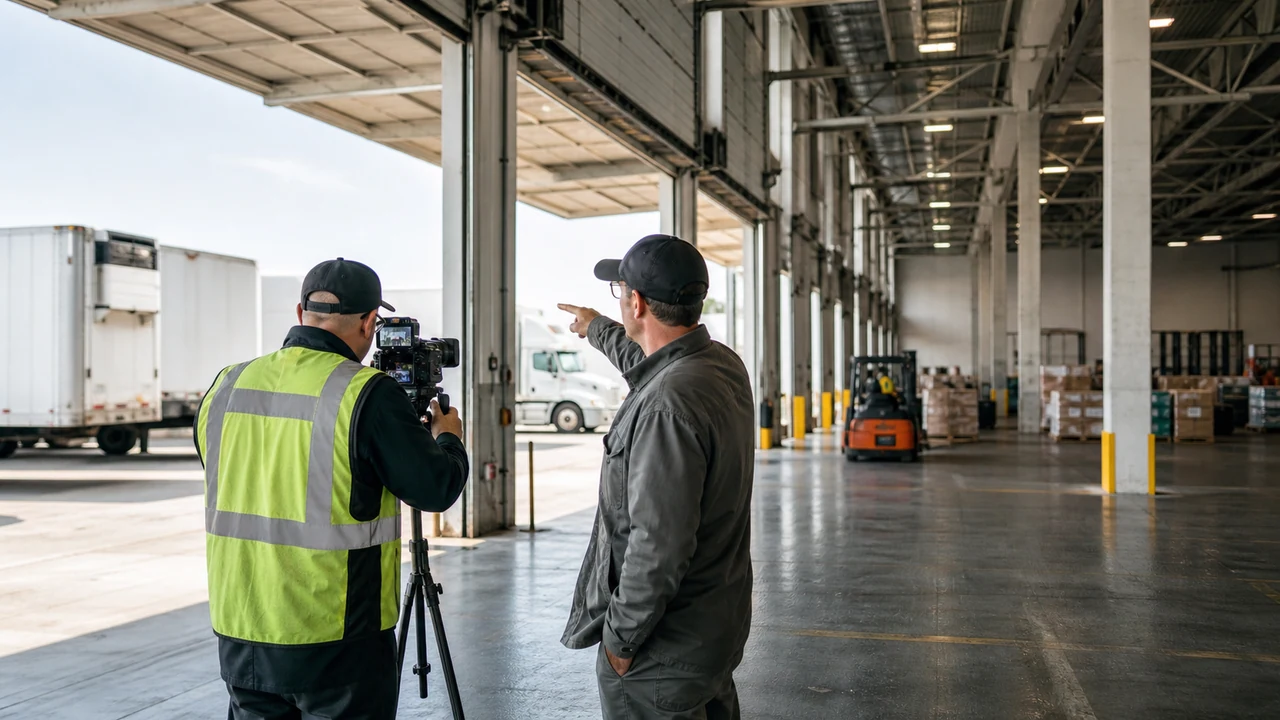
Industrial may begin with access, loading, circulation, clear height, and power. Office may lead with arrival, common areas, workspace, and location. Retail and land have different questions again. Sequence is part of accuracy.
Scale Needs a Reference
Wide frames and aerials can make an asset impressive while making dimensions harder to judge. Pair visual scale with approved plans, labels, ground context, or narration where the claim is important.
One Capture Can Support Several Cuts
A controlled evidence library can support occupier, investor, broker, and short social versions. The versions still need separate claims, priorities, graphics, and approvals. Recutting is not permission to improvise facts.
The First Question in the Edit
What Does This Viewer Need to Understand in Ten Seconds?
Use the answer to choose the opening sequence, then remove shots that delay it without adding evidence. The exact ten-second rule is not sacred. The discipline is. A commercial viewer should know what kind of asset and decision the video serves before the edit asks them to admire the production.
Build Asset-Specific Shot Maps
Choose Stakeholder and Asset Story First
An office occupier, retail tenant, industrial user, land buyer, investor, lender, and broker evaluate different evidence. Define transaction, stakeholder, top uncertainties, approved claims, and next action. Then order the story. Avoid a universal drone, lobby, hallway, and logo sequence. Cinematic quality matters only after the video helps the relevant person understand the asset and move to a controlled destination.
Approve stakeholder, transaction, evidence, and action before shots.
Use Asset-Specific Evidence Order
Office may require arrival, lobby, suite flow, light, amenities, transit, and context. Retail may require frontage, visibility, access, parking, neighbors, and interior. Industrial may require truck route, loading, clear height, infrastructure, yard, office, and regional access. Land may require verified orientation, access, topography, utilities context, and boundaries. Investment video should direct detailed evaluation to approved materials.
Customize one asset-type route instead of copying a style reel.
Control Claims, Versions, and Four-Lane QA
Attach an approved source to measurements, labels, routes, access, boundaries, distances, amenities, tenant names, use references, and market claims. Plan property-page, broker email, vertical, presentation, partner, captioned, thumbnail, and still versions with owners. Check facts, rights, captions, crop, audio, mobile playback, page speed, tracking, inquiry routing, data-room path, and retirement after any deal fact changes.
Use source-backed overlays, a version matrix, and dated QA.
From Approved Facts to Deal-Page Video
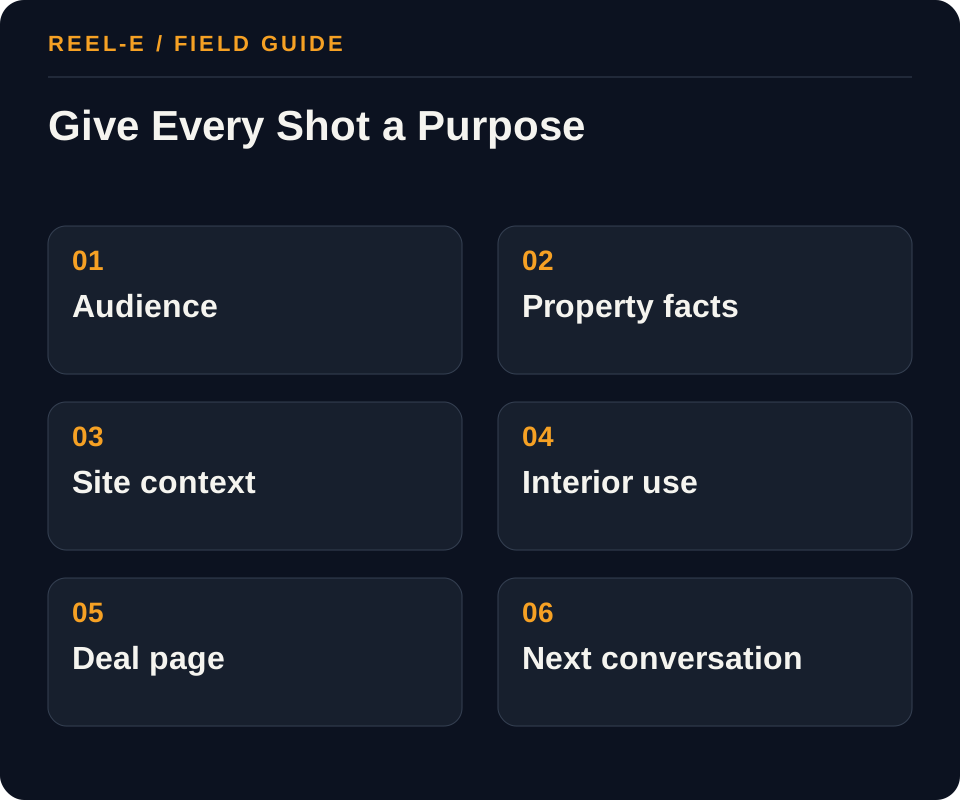
Start with approved facts and the stakeholder route, then build the shot map, access plan, versions, deal-page placement, and four-lane QA. The camera work should be the visible end of a clear brief.
1. Separate the Journeys
Map occupier discovery, investor or buyer evaluation, and broker and stakeholder follow-up independently. For each, record the triggering event, core uncertainty, required facts, people involved, typical objections, destination, conversion action, response owner, and sales or leasing stage.
- Record: Asset and Transaction in the CRE Video Brief
- Control: Tie each shot to an occupier, investor, or broker question.
- Review: Share of the commercial-property video audience taking the defined action that advances qualified deal-page engagement, tours, broker conversations, and proposals within occupier discovery, investor or buyer evaluation, or broker and stakeholder follow-up. Improve the promise, exterior/site context, destination, or qualification for the weak commercial-property video journey.
2. Create the Verified Proof Set
Assemble current, permissioned evidence such as exterior/site context, access, parking, loading, or circulation, interior condition and improvements, plans and verified dimensions, amenity or operational context, approved financial/location evidence. Date time-sensitive facts, disclose renderings or staged imagery, distinguish aspiration from delivered condition, and remove any asset that cannot be licensed or substantiated.
- Record: Maps and Dimensions in the Commercial Video QA
- Control: Use an approved fact sheet, verified labels, and separate diligence.
- Review: Time and conversion between named commercial-property video stages under a consistent cohort and source definition. Fix the owner, access, parking, loading, or circulation, or handoff between occupier discovery, investor or buyer evaluation, and broker and stakeholder follow-up.
3. Build the Owned Destination
Give the commercial-property video campaign an owned page or sales asset that combines exterior/site context, access, parking, loading, or circulation, and interior condition and improvements with the current status, next action, accessibility, and analytics needed for qualified deal-page engagement, tours, broker conversations, and proposals. Posts in deal page and broker email should route to this source rather than carry every changeable detail.
- Record: Top Questions in the CRE Video Brief
- Control: Use qualified operators and documented permissions/safety decisions.
- Review: Contribution toward qualified deal-page engagement, tours, broker conversations, and proposals compared with production, deal page distribution, and response cost. Change the commercial-property video channel, scope, or audience instead of optimizing impressions alone.
4. Plan Capture and Derivatives
Write the commercial-property video media brief from unanswered questions in occupier discovery and investor or buyer evaluation. Capture exterior/site context, access, parking, loading, or circulation, interior condition and improvements, then produce horizontal, vertical, still, thumbnail, presentation, or email derivatives only for named jobs in deal page, broker email, LinkedIn, listing networks. Label exceptions that affect broker and stakeholder follow-up instead of hiding them in cinematic coverage.
- Record: Captions and Audio in the Commercial Video QA
- Control: Keep one verified commercial-property video asset library, but give occupier discovery, investor or buyer evaluation, and broker and stakeholder follow-up distinct messages, destinations, and actions.
- Review: Share of the commercial-property video audience taking the defined action that advances qualified deal-page engagement, tours, broker conversations, and proposals within occupier discovery, investor or buyer evaluation, or broker and stakeholder follow-up. Improve the promise, exterior/site context, destination, or qualification for the weak commercial-property video journey.
5. Assign Channel Roles
Use deal page, broker email, LinkedIn, listing networks, presentations, target-account follow-up selectively. Label each as discovery, proof, nurture, retargeting, sales enablement, or retention; set owner, cadence, spend, audience rule, destination, and stop condition.
- Record: Shot Order in the CRE Video Brief
- Control: Define the qualified action, movement toward qualified deal-page engagement, tours, broker conversations, and proposals, and source economics before launching through deal page.
- Review: Time and conversion between named commercial-property video stages under a consistent cohort and source definition. Fix the owner, access, parking, loading, or circulation, or handoff between occupier discovery, investor or buyer evaluation, and broker and stakeholder follow-up.
6. Run the Operating Review
For the commercial-property video program, review exterior/site context completion and response through deal page weekly, movement toward qualified deal-page engagement, tours, broker conversations, and proposals biweekly, and source economics monthly. Diagnose whether occupier discovery, investor or buyer evaluation, or broker and stakeholder follow-up is constrained by proof, destination, channel, or follow-up before concluding that demand is weak.
- Record: Mobile and Page in the Commercial Video QA
- Control: Tie each shot to an occupier, investor, or broker question.
- Review: Contribution toward qualified deal-page engagement, tours, broker conversations, and proposals compared with production, deal page distribution, and response cost. Change the commercial-property video channel, scope, or audience instead of optimizing impressions alone.
A Worked Example: Commercial-Property Video Campaign with Three Stakeholder Journeys
The situation: The team has credible property assets but one generic brochure and campaign currently attempts to serve occupier discovery, investor or buyer evaluation, and broker and stakeholder follow-up. Engagement is reported, but nobody can show which journey advances.
The approach: The team creates separate messages and destinations, reuses one verified media library, and shows exterior/site context, access, parking, loading, or circulation, interior condition and improvements only where each is relevant. deal page, broker email, LinkedIn receive distinct hooks and next actions, while one owner handles every qualified response.
The result to review: Reporting now shows which journey contributes to qualified deal-page engagement, tours, broker conversations, and proposals. The team can improve the weak stage without replacing the entire campaign or publishing more generic content.
The asset feels more useful on screen because the edit answers the viewer in the order they think. That is a more durable advantage than adding another slow-motion lobby shot.
Track Qualified Engagement Through the Deal Cycle
Review starts, completion, qualified clicks, document requests, meetings, and deal-stage use by version. A commercial video can assist a long decision without being solely responsible for it.
| Metric | Definition | How to Use It |
|---|---|---|
| Commercial-Property Video Qualified Next-Action Rate | Share of the commercial-property video audience taking the defined action that advances qualified deal-page engagement, tours, broker conversations, and proposals within occupier discovery, investor or buyer evaluation, or broker and stakeholder follow-up. | Improve the promise, exterior/site context, destination, or qualification for the weak commercial-property video journey. |
| Commercial-Property Video Stage Velocity | Time and conversion between named commercial-property video stages under a consistent cohort and source definition. | Fix the owner, access, parking, loading, or circulation, or handoff between occupier discovery, investor or buyer evaluation, and broker and stakeholder follow-up. |
| Commercial-Property Video Contribution Economics | Contribution toward qualified deal-page engagement, tours, broker conversations, and proposals compared with production, deal page distribution, and response cost. | Change the commercial-property video channel, scope, or audience instead of optimizing impressions alone. |
Tools You Can Use
CRE Video Brief
Translate stakeholder questions into an asset story.
- Asset and Transaction: Current fact, source, owner, approval date, effect on separate the journeys, and fit with occupier discovery.
- Stakeholder: Current fact, source, owner, approval date, effect on create the verified proof set, and fit with investor or buyer evaluation.
- Top Questions: Current fact, source, owner, approval date, effect on build the owned destination, and fit with broker and stakeholder follow-up.
- Approved Facts: Current fact, source, owner, approval date, effect on plan capture and derivatives, and fit with occupier discovery.
- Shot Order: Current fact, source, owner, approval date, effect on assign channel roles, and fit with investor or buyer evaluation.
- Maps and Drone: Current fact, source, owner, approval date, effect on run the operating review, and fit with broker and stakeholder follow-up.
- Versions: Current fact, source, owner, approval date, effect on separate the journeys, and fit with occupier discovery.
- Destination: Current fact, source, owner, approval date, effect on create the verified proof set, and fit with investor or buyer evaluation.
- Next Action: Current fact, source, owner, approval date, effect on build the owned destination, and fit with broker and stakeholder follow-up.
Commercial Video QA
Protect facts, rights, playback, and routing.
- Facts and Labels: Current fact, source, owner, approval date, effect on create the verified proof set, and fit with investor or buyer evaluation.
- Maps and Dimensions: Current fact, source, owner, approval date, effect on build the owned destination, and fit with broker and stakeholder follow-up.
- Rights: Current fact, source, owner, approval date, effect on plan capture and derivatives, and fit with occupier discovery.
- Captions and Audio: Current fact, source, owner, approval date, effect on assign channel roles, and fit with investor or buyer evaluation.
- Crops and Versions: Current fact, source, owner, approval date, effect on run the operating review, and fit with broker and stakeholder follow-up.
- Mobile and Page: Current fact, source, owner, approval date, effect on separate the journeys, and fit with occupier discovery.
- Inquiry and Data Room: Current fact, source, owner, approval date, effect on create the verified proof set, and fit with investor or buyer evaluation.
- Retirement: Current fact, source, owner, approval date, effect on build the owned destination, and fit with broker and stakeholder follow-up.
Where This Usually Breaks
Verify access, drone conditions, dimensions, boundaries, tenant or operational privacy, claims, graphics, and every stakeholder version. Commercial footage can look authoritative before the facts have earned that confidence.
| Risk | Practical Control |
|---|---|
| Generic Cinematic Footage | Tie each shot to an occupier, investor, or broker question. |
| Incorrect Boundaries, Dimensions, Access, or Claims | Use an approved fact sheet, verified labels, and separate diligence. |
| Drone and Property-Access Risk | Use qualified operators and documented permissions/safety decisions. |
| One Creative for Every Commercial-Property Video Stakeholder | Keep one verified commercial-property video asset library, but give occupier discovery, investor or buyer evaluation, and broker and stakeholder follow-up distinct messages, destinations, and actions. |
| Commercial-Property Video Vanity Measurement | Define the qualified action, movement toward qualified deal-page engagement, tours, broker conversations, and proposals, and source economics before launching through deal page. |
Generic Cinematic Footage
- Control: Tie each shot to an occupier, investor, or broker question.
- Review Stage: Separate the Journeys
- Early Warning: Share of the commercial-property video audience taking the defined action that advances qualified deal-page engagement, tours, broker conversations, and proposals within occupier discovery, investor or buyer evaluation, or broker and stakeholder follow-up.
- Response: Improve the promise, exterior/site context, destination, or qualification for the weak commercial-property video journey.
Incorrect Boundaries, Dimensions, Access, or Claims
- Control: Use an approved fact sheet, verified labels, and separate diligence.
- Review Stage: Create the Verified Proof Set
- Early Warning: Time and conversion between named commercial-property video stages under a consistent cohort and source definition.
- Response: Fix the owner, access, parking, loading, or circulation, or handoff between occupier discovery, investor or buyer evaluation, and broker and stakeholder follow-up.
Drone and Property-Access Risk
- Control: Use qualified operators and documented permissions/safety decisions.
- Review Stage: Build the Owned Destination
- Early Warning: Contribution toward qualified deal-page engagement, tours, broker conversations, and proposals compared with production, deal page distribution, and response cost.
- Response: Change the commercial-property video channel, scope, or audience instead of optimizing impressions alone.
One Creative for Every Commercial-Property Video Stakeholder
- Control: Keep one verified commercial-property video asset library, but give occupier discovery, investor or buyer evaluation, and broker and stakeholder follow-up distinct messages, destinations, and actions.
- Review Stage: Plan Capture and Derivatives
- Early Warning: Share of the commercial-property video audience taking the defined action that advances qualified deal-page engagement, tours, broker conversations, and proposals within occupier discovery, investor or buyer evaluation, or broker and stakeholder follow-up.
- Response: Improve the promise, exterior/site context, destination, or qualification for the weak commercial-property video journey.
Commercial-Property Video Vanity Measurement
- Control: Define the qualified action, movement toward qualified deal-page engagement, tours, broker conversations, and proposals, and source economics before launching through deal page.
- Review Stage: Assign Channel Roles
- Early Warning: Time and conversion between named commercial-property video stages under a consistent cohort and source definition.
- Response: Fix the owner, access, parking, loading, or circulation, or handoff between occupier discovery, investor or buyer evaluation, and broker and stakeholder follow-up.
Verify current primary guidance for the actual jurisdiction, platform, campaign, property, and professional relationship. This researched guide is not individualized legal, aviation, financial, privacy, or compliance advice.
My Bottom Line
Choose the viewer, order the evidence around their decision, and make every impressive shot do useful work. A slow-motion lobby can stay, but it no longer gets to answer the truck-turning question.
Sources and Research Notes
Open the source ledger- FAA guidance for commercial small-drone operations. Primary source for Part 107 and controlled-airspace context; verify current local requirements before a flight. Accessed August 12, 2026.
- NAR video marketing practice article. Industry practice source for concise, audience-centered real-estate video planning. Accessed August 12, 2026.
- FAA commercial drone operators. Primary federal source for commercial aerial responsibilities. Accessed August 12, 2026.
- Adobe media accessibility resources. Primary product guidance for captions and accessible video delivery. Accessed August 12, 2026.
- SharpLaunch CRE video guide. Format and coverage reference. Strong media benchmark and examples; opportunity is current asset-type brief, approved facts, accessibility, and QA. Accessed August 12, 2026.
- Barnes Creative CRE video. Format and coverage reference. Provider portfolio and service framing with strong visuals, but not a neutral operating guide. Accessed August 12, 2026.
- Vidyard real estate video. Format and coverage reference. Broad sales-video perspective; less commercial asset-type and diligence specificity. Accessed August 12, 2026.
Sources support only the claims described in their notes. Reopen current primary sources before a purchase, launch, or compliance decision.