Short answer. HomeReel and Reel-E both turn listing photos into cinematic video and both offer AI virtual staging. Reel-E makes three things from one upload, edited and staged photos, a video in widescreen, vertical and square, each branded and unbranded, in under 2 minutes, and a single-property listing website, priced per listing from $44 a month billed yearly ($59 month to month); staging is included on every plan. HomeReel prices per video, from $39.99 a month for 4 videos of up to 8 photos, with staging on its $79.99 Pro plan.
Last checked October 21, 2026. HomeReel figures come from homereel.app, homereel.app/pricing, homereel.app/faq and homereel.app/blog/homereel-vs-reel-e on that date, with homereel.app and its pricing page rechecked on November 1, 2026; Reel-E figures come from our own product.
What Reel-E includes
- Virtual staging: yes, on every plan. Six styles (Modern Minimal, Scandinavian, Luxury, Coastal, Japandi, Transitional). Reel-E detects the room type, adds furniture and decor only, and never changes walls, windows, doors or room size. Originals are always kept. Staging and photo edits share 10 credits per listing on Essential and 20 on Growth and Pro (5 on the trial).
- AI photo editing: declutter, day to twilight, Match photo (carries one room's staging look to other rooms) and typed edits up to 500 characters. An edited photo replaces the original in the video and on the website.
- Video: widescreen, vertical and square, each branded and unbranded, so at least three finished videos per listing, six with your branding, in under 2 minutes to a first video.
- Camera motion per photo: Push In, Pull Out, Orbit Left or Orbit Right, chosen automatically or by you; transitions Cut, Fade, Ramp or AI Seamless; cuts on the music's beats.
- Edits and re-renders: unmetered on every plan and the trial, in Keylight Studio.
- Unused listings bank on every plan: up to 9 on Essential, 30 on Growth, 150 on Pro.
- Listing website on every plan, an MLS link and the unbranded widescreen MP4, AI voiceover (AI voices or your own recording, English and Spanish, captions).
- Listing import: paste a Zillow, Redfin, Trulia, Compass, RE/MAX, Realtor.ca or most brokerage listing link and the photos come in.
Key takeaways
- Reel-E is the pick for staging on every plan, up to 40 photos per listing, every video shape, branded and unbranded, and a listing website from one upload.
- What HomeReel is: short listing videos from 8 to 12 photos, from $39.99 a month for 4 videos, with 10-second transformation clips (Twilight, Golden Hour, seasons) on its $149.99 Super Pro plan only (checked Nov 1, 2026).
- Photos per video differ a lot: HomeReel includes 8, 10 or 12 photos per video by plan, with extras at $1.99 up to 15; Reel-E takes 20 photos per listing on Essential and 40 on Growth and Pro.
- Trials differ: HomeReel gives one free watermarked video with no card, and its paid plans run 3 days free with a card; Reel-E's trial runs 7 days with 3 listings.
The Empty Condo Problem
The listing that makes agents shop for a new tool is usually the empty one. Vacant condo, white walls, six rooms that photograph like a dentist's waiting room. You need staged photos for the MLS, a reel for Instagram, and you need both to show the same staged rooms.
That is the job I would test both tools on. HomeReel stages through its Stage It style on the Pro plan and uses the staged photos as scenes in the video. Reel-E stages in the photo editor on every plan, and the staged photo replaces the original everywhere at once: in every video version and on the listing website, with the original kept. On California listings Reel-E labels those photos "Virtually staged" on the website, on by default.
Once the rooms are staged, the video still has to tell the story in the right order. Every Reel-E video opens in Keylight Studio, where you can drag the staged living room to the front, give it a longer push-in, or add a narrated tour written from the video and read by one of our AI voices or by you. Rather type than click? The AI Director (beta) makes the same edits from a request like "open on the staged living room", with Undo on every change.
Reel-E vs HomeReel at a Glance
| Reel-E | HomeReel | |
|---|---|---|
| What you pay for | A listing: every video version, photo edits and staging, a listing website | A video |
| Monthly price | $59 / $129 / $599 for 3 / 10 / 50 listings | $39.99 / $79.99 / $149.99 for 4 / 10 / 15 videos |
| Yearly price | $530 / $1,160 / $5,390 ($44 / $97 / $449 a month) | $399.99 / $799.99 / $1,499.99 |
| Photos per video | 20 (Essential), 40 (Growth, Pro) | 8 / 10 / 12 included; extra photos $1.99 each, up to 15 |
| Extra videos | Unused listings bank up to 9 / 30 / 150 | $19.99 per extra video (FAQ) |
| Trial | Free 7-day trial, 3 listings, cancel anytime | One free watermarked video (up to 4 scenes, no card); paid plans need a card, no charge for 3 days (pricing page) |
| Refunds | Nothing charged during the trial | "All sales are final; no refunds" |
| Virtual staging | Every plan; 10 / 20 / 20 credits per listing shared with photo edits | Pro and Super Pro (Stage It), six styles |
| Video versions | Widescreen, vertical and square, each branded and unbranded | Paid plans reframe a video to 9:16 or 16:9 |
| Camera moves | Push In, Pull Out, Orbit Left, Orbit Right, per photo | Walkthrough, Pan Around, Reveal, Crane Up, Glide, per shot |
| Effects | AI+ and Studio Effects (Day to dusk, Starry night, Season change and more), 6 / 10 / 12 per listing | Super Pro: Twilight, Starry Night, Golden Hour, Season Shift and more |
| Editor | Keylight Studio on every plan, unmetered edits | "Edit right in HomeReel: trim, reorder, add your brand overlay" listed on Super Pro |
| Resolution | 1080p (Essential, Growth), 4K (Pro) | "HD downloads" |
| AI voiceover | AI voices or your own recording, English and Spanish, captions | Not stated on the pages read |
| Listing website | Yes, every plan | Not listed among its features |
| Listing import | Zillow, Redfin, Trulia, Compass, RE/MAX, Realtor.ca and most brokerage links | Zillow, Redfin and Realtor.com links |
HomeReel figures read on homereel.app, homereel.app/pricing and homereel.app/faq on October 21, 2026; prices and plans rechecked November 1, 2026.
HomeReel Pricing: What a Typical Listing Costs
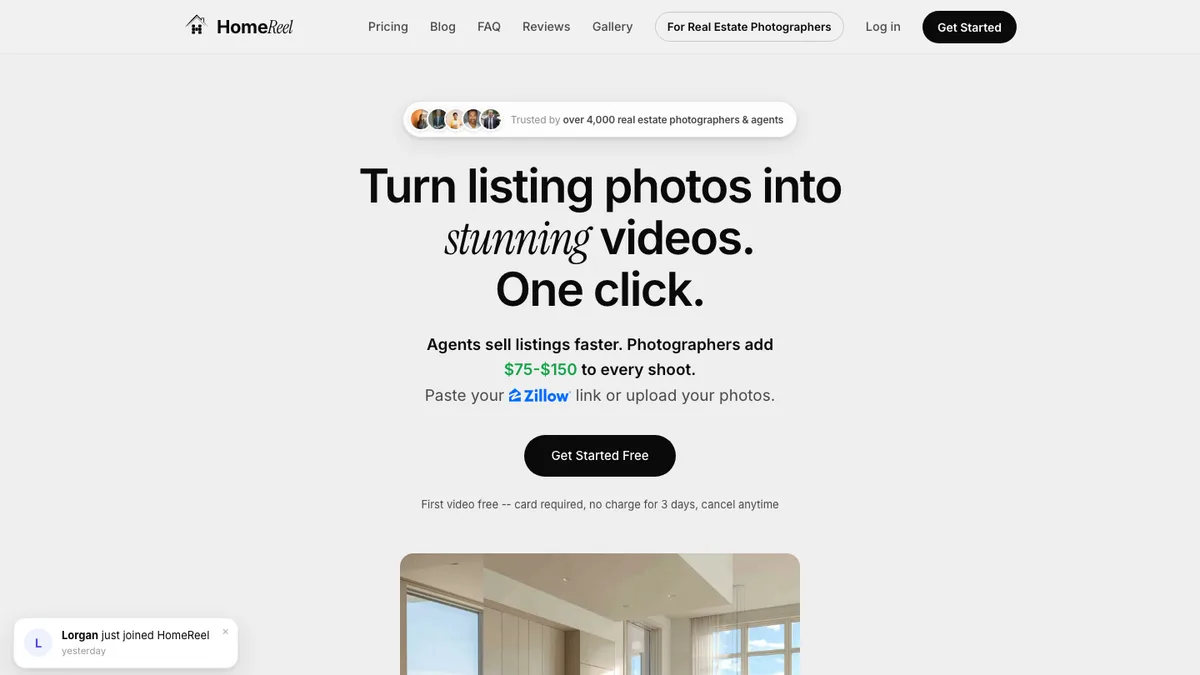
HomeReel's Starter is $39.99 a month for 4 videos, which HomeReel puts at $10 a video, with 8 photos included in each. A 15-photo video adds 7 extra photos at $1.99, about $13.93, so roughly $24 for that one video. Staging needs the $79.99 Pro plan (10 videos, 10 photos each).
Reel-E Essential is $59 a month for 3 listings of up to 20 photos, or $530 a year, $14.72 a listing if you use all 36. Each listing includes staging and photo edits (10 credits), every video version and the website. Growth billed yearly is $9.67 a listing, with 40 photos and 20 edit credits.
HomeReel prices the video; Reel-E prices the listing, and each listing delivers at least three finished shapes plus photo edits, staging and a website. Once you want a full photo set, staging and more than one shape, Reel-E's listing price covers the work.
Try it on your empty listing. Start Reel-E free for 7 days. Cancel anytime.
What HomeReel's Comparison Gets Wrong About Reel-E
HomeReel's page is friendly and fair in places, and it is right that Reel-E delivers branded and unbranded versions automatically and offers 4K on Pro. A few of its facts are out of date:
- Staging. Reel-E has AI virtual staging on every plan, including Growth, plus photo edits such as declutter and day to twilight.
- Formats. It's widescreen, vertical and square now, each branded and unbranded, so six with your branding, not four.
- Revisions. There is no revision limit. Edits and re-renders are unmetered on every plan and the trial.
- Rollover. Unused listings bank on every plan, Essential included (up to 9).
- Trial. Reel-E's trial is 7 days, charges nothing during the trial and includes 3 listings.
- Zillow links. Both work from a Zillow link: paste it into Reel-E and the listing's photos come in, and Redfin, Trulia, Compass, RE/MAX, Realtor.ca and most brokerage links work the same way.
- Motion. Each photo gets its own camera move, chosen automatically or by you, not one style per listing.
HomeReel AI vs Reel-E: What Each One Does
What HomeReel does
- Short listing videos: $39.99 a month for 4 videos of up to 8 photos (checked Nov 1, 2026)
- Staging on Pro ($79.99); cinematic effects and 10-second transformation clips on Super Pro ($149.99)
- Five named camera moves
- A watermarked first video that comes off clean if you subscribe
Where Reel-E is stronger
- Staging on every plan, flowing into the video and the website
- Up to 40 photos per listing, and every shape, branded and unbranded, from one upload
- A single-property website with lead form, analytics, QR code and flyer
- AI voiceover in English and Spanish, or your own voice
- Unmetered edits, and unused listings that bank on every plan
Why Agents Pick Reel-E
What HomeReel is: short listing videos from 8 to 12 photos, from $39.99 a month for 4 videos, with 10-second transformation clips (Twilight, Golden Hour, seasons) on its $149.99 Super Pro plan only (checked Nov 1, 2026).
Why agents pick Reel-E
- You need staging on every plan and want the staged rooms to appear in the video and on the website automatically.
- You shoot full photo sets (20 to 40 photos) and want them all in the video.
- You want widescreen, vertical and square, branded and unbranded, plus an MLS link, from one upload.
- You want narration, in English or Spanish.
- You want a listing website that sends you the buyer's inquiry.
Comparing more tools? See Reel-E vs AutoReel, or check plan details on the pricing page.
See it on your own listing
Upload your listing photos and get staged photos, a video in every shape and a listing website. Free to try for 7 days, cancel anytime.
Try Reel-E freeRelated comparisons
See how other tools compare: Reel-E vs AutoReel · Reel-E vs BetterSpace · Reel-E vs Animoto.
For the wider field, read our roundup of the best real estate video makers or the best AI real estate video generators.
Learn how Reel-E works, or see what a single-property website includes. Try Reel-E free.