

Account settings
Your name, how you sign in, which emails and texts you get, your saved brand, and deleting your account.
- Time
- 2 minutes
- Where
- Avatar (top right) > Account & Billing
- Who
- Account owner
- Cost
- Included
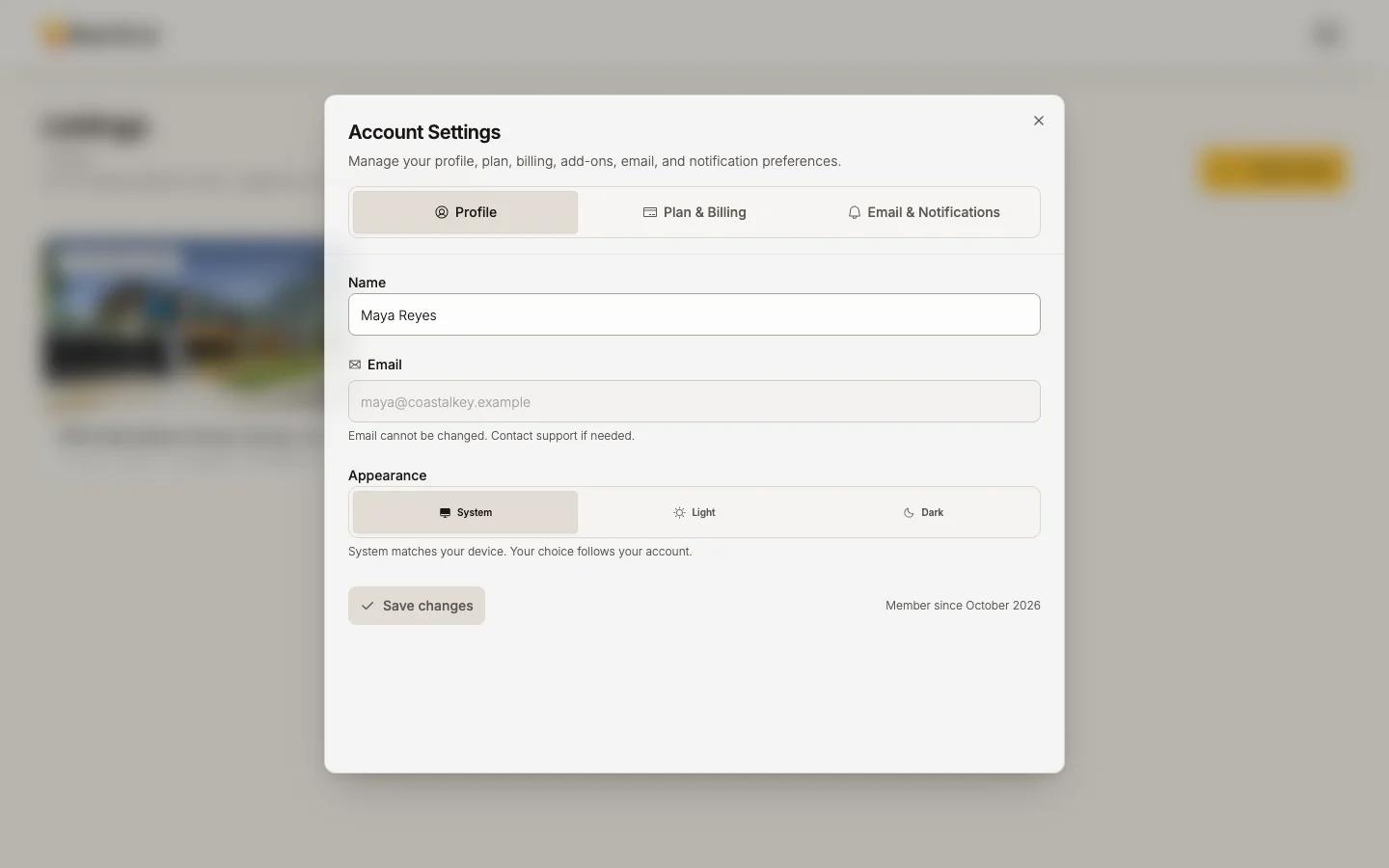
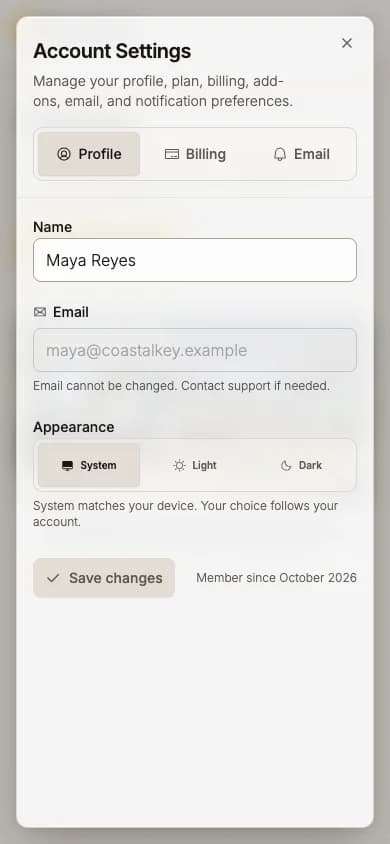
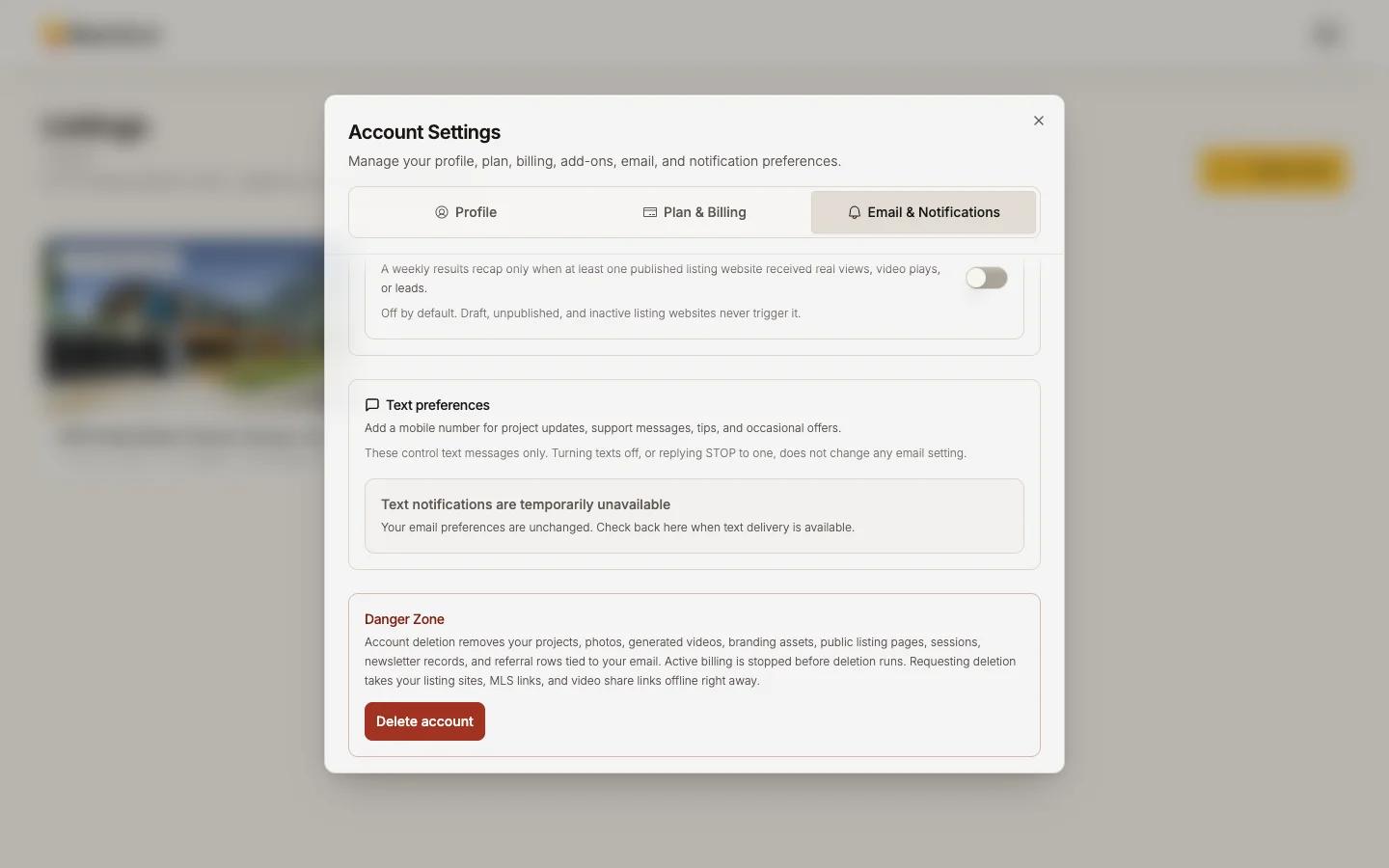
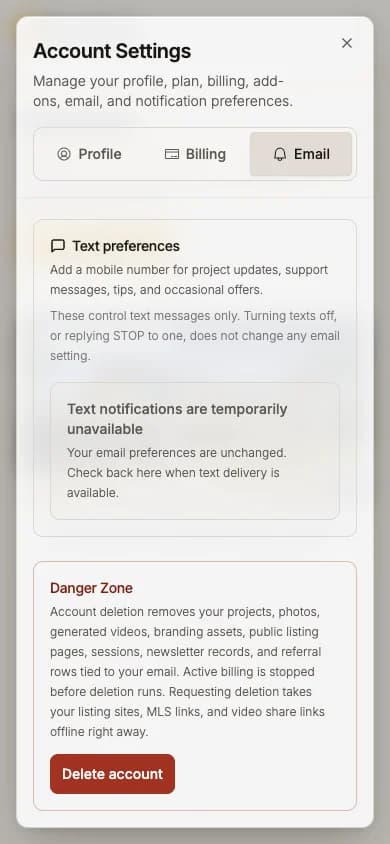
Open your avatar, then Account & Billing. Account Settings has three tabs: Profile, Plan & Billing and Email & Notifications (on a phone, Billing and Email).
Profile
- Name: change it and press Save changes.
- Email cannot be changed here: "Email cannot be changed. Contact support if needed."
- Appearance: System, Light or Dark. System follows your device.
- Connected apps lists anything you connected, with Disconnect.
Signing in
Reel-E has no passwords. Sign in with Continue with Google, or enter your email and the 6-digit code we send.
- A code works for 10 minutes. Asking for a new one cancels the older ones, so use the newest email.
- No code? Check spam, and that the address is the one you signed up with.
- You stay signed in for up to 14 days (7 days without use).
Email and texts
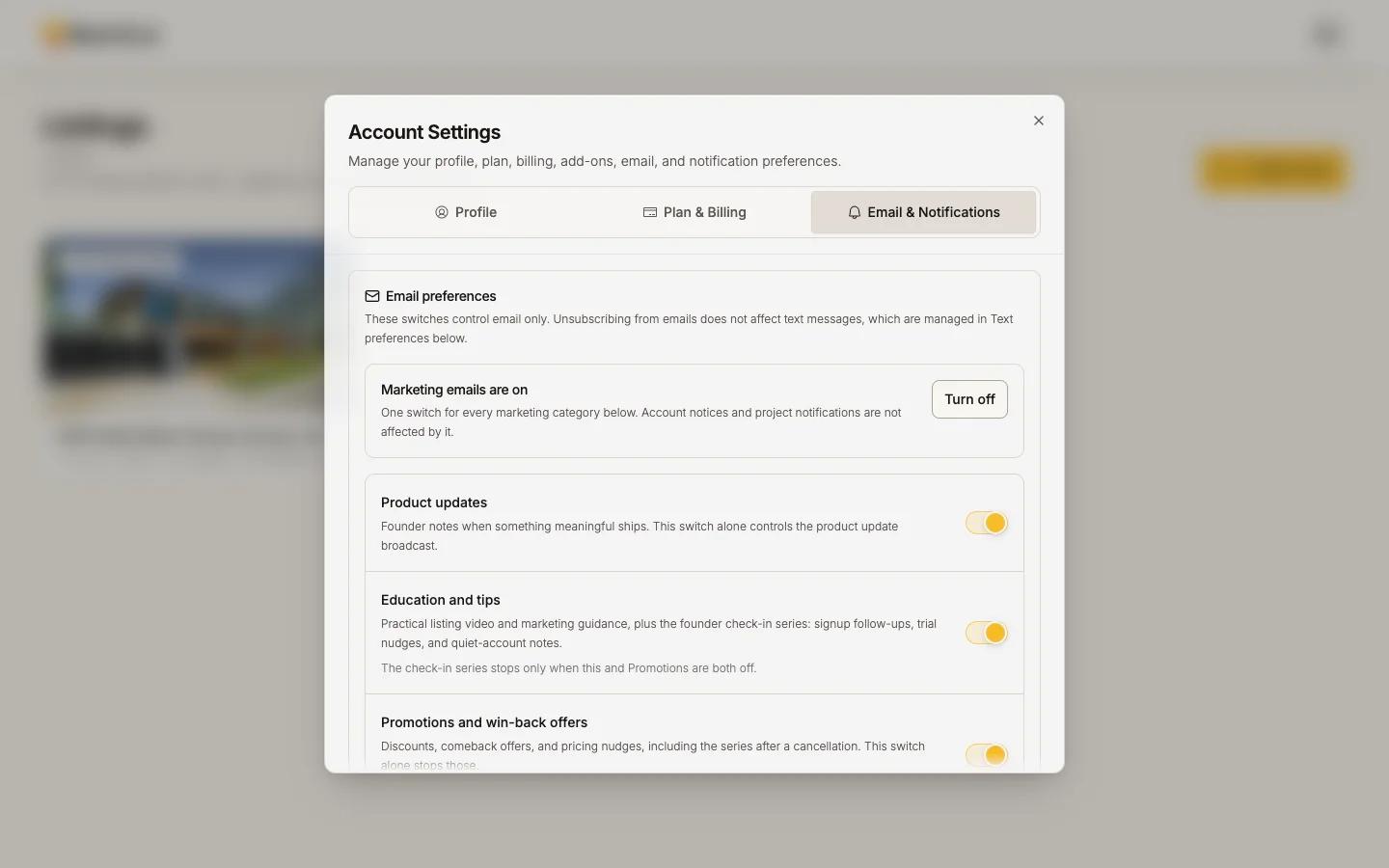
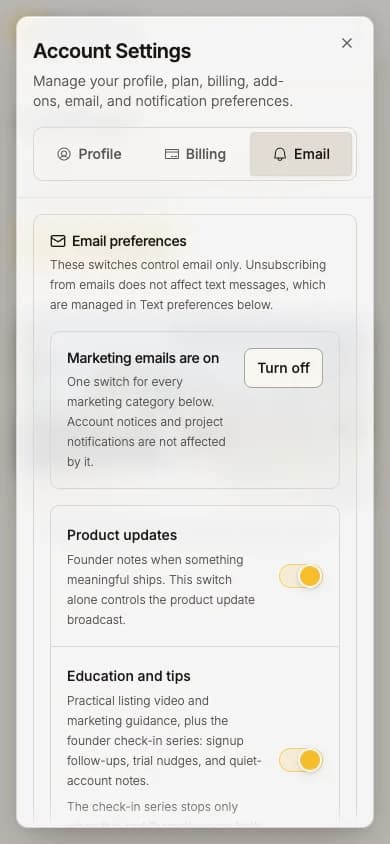
Email & Notifications > Email preferences:
- Switch each kind of email on or off: Product updates, Education and tips, Promotions and win-back offers, Referral reminders, Project and render notifications (the "your video is ready" email), Weekly listing performance.
- One switch turns all marketing email off. Every marketing email also has an unsubscribe link.
- Billing emails, sign-in codes and legal notices are always sent.
Text preferences: add your mobile number with Verify & enable texts. Reply STOP to any text to stop them at the carrier; only replying START from that number turns them back on. Reply to a text with a question and it reaches support.
Your brand, saved once
Your contact card, Headshot and logo are saved as brand templates in Keylight Studio's Branding, not in account settings. Mark one Set as default and every new listing starts with it. See Branding: contact card and logo.
One person, one account
Accounts are for one person. There are no team seats or shared logins, and a sign-in code should never be forwarded.
Delete your account
At the bottom of Email & Notifications, under Danger Zone:
Cancel your plan first
With a live subscription the section says "Cancel your membership before deleting your account" and offers Cancel membership first. See Change, pause or cancel.
Press Delete account and confirm
Type what it asks for to confirm.
Press Revoke access and schedule deletion
Access ends at once, your websites and links go offline, and everything is permanently deleted 30 days later.
There is no undo in the app. Within the 30 days, support can review a recovery request.