

Your trial and the watermark
Free to try · Cancel anytime. Make real listings for 7 days; trial videos carry a Reel-E watermark until your plan starts.
- Time
- 2 minutes to read
- Where
- Starts at checkout in the create flow; Account & Billing > Plan & Billing
- Who
- New accounts, once per account
- Cost
- Nothing during the trial. A card is required to start
Reel-E is free to try for 7 days. A card is required to start, nothing is charged during the trial, and if you cancel before it ends you are never charged. We email you 48 hours before the trial ends.
How the trial works
- You pick a plan (Essential, Growth or Pro) and monthly or yearly billing at checkout. That is what the trial turns into.
- Nothing is charged or held during the trial.
- When the trial ends, the card on file is charged for the plan and billing you chose. Your statement reads REEL-E.
- Cancel before it ends and the card is never charged. See Change, pause or cancel.
- One trial per account.
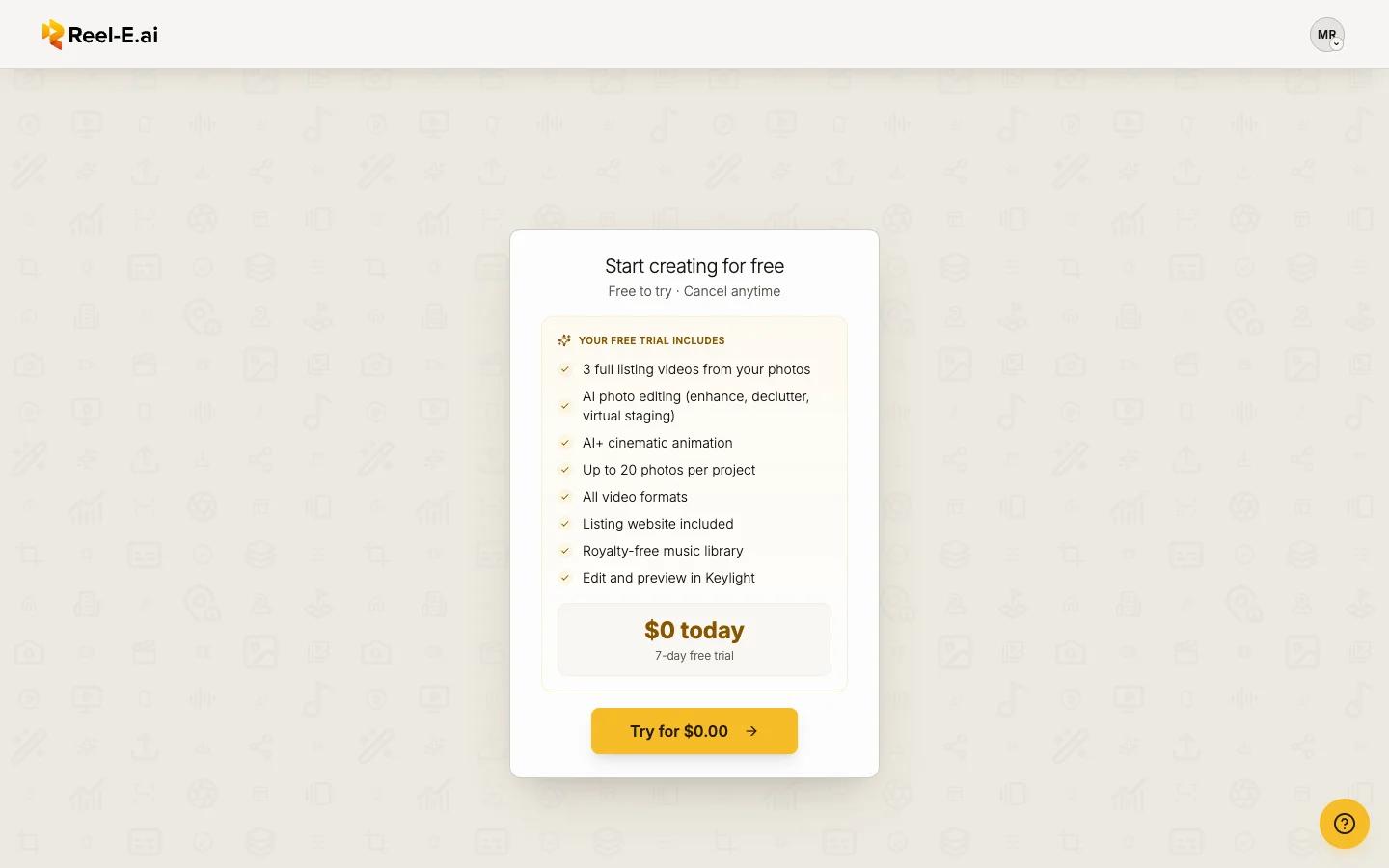
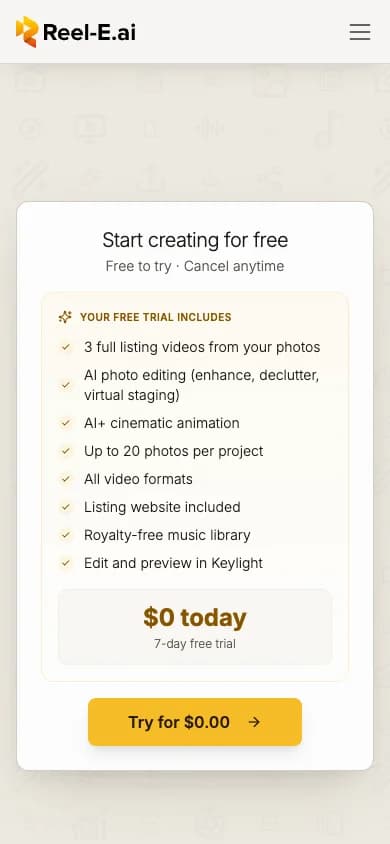
What the trial includes
The same limits whichever plan you picked:
| Limit | Trial |
|---|---|
| Listings | 3 |
| Photos per listing | 20 |
| Video edits in Keylight | As many as you like |
| Photo edits and staging | 5 |
| AI+ motion | 2 |
| Voiceover scripts / voice reads | 6 / 15 |
| Video quality | 1080p |
| Listing website | Yes, with the watermarked video |
| Clip downloads, add-ons | Start with your plan |
Your full plan limits start when the plan does. Listings made during the trial do not count against your first paid month.
The watermark
Trial videos carry the Reel-E logo in the bottom-right corner for the whole video, sized to stay readable on phones, and end on a Reel-E card. Every download, link and website from a trial plays this version. That is expected, not an error.
Start your plan early
Press Remove watermark in Keylight
On a phone On a phone it is under More.
Read Upgrade Now
It explains "Upgrading ends your free trial and charges you today." Change plan lets you pick another plan first.
Press Review the charge
The exact amount for today shows. Tick the confirmation, then press the button that ends the trial and pays that amount now. Nothing changes until you confirm.
After your plan starts
- The watermark comes off. Clean files are made as you need them: the next download, link or website update is clean, at your plan's quality. Nothing is re-rendered in bulk.
- A file you saved during the trial keeps its watermark. Download it again and the clean file replaces it (see Download your video).
- A published website swaps to the clean video by itself.
If the trial ends without a plan
If you cancel during the trial, you keep it until its scheduled end. Then trial websites and links go offline, and your trial listings stay in your account for at least 180 days, so subscribing later picks up where you left off.