

Branding: contact card and logo
End every video with your contact card and your logo. Save them once and use them on every listing.
- Time
- 3 minutes the first time, seconds after
- Where
- Keylight Studio > Branding
- Who
- Trial and every plan
- Cost
- Free
In Keylight Studio, open Branding. It has two tabs, Contact card and Logo. Both play at the end of the video: the contact card first, then the logo. A green dot on a tab means it is on.
Contact card
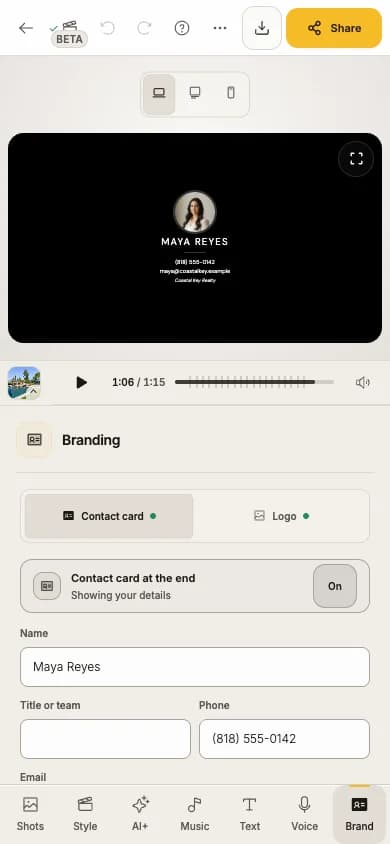
Turn on Contact card at the end
Fill in your details
Name, Title or team, Phone, Email, Brokerage and License. The card shows once it has a name. Phone numbers outside the US start with + and the country code.
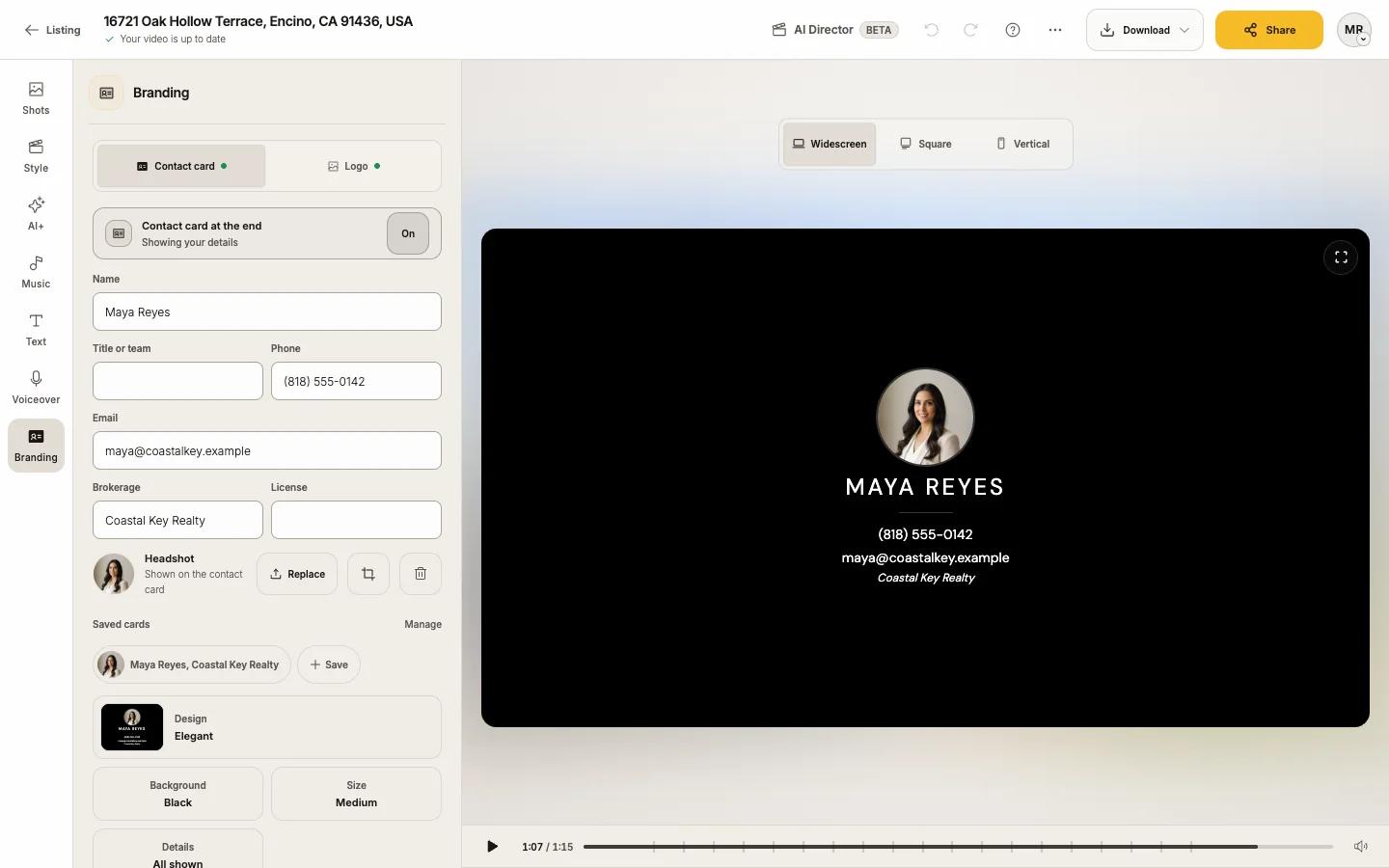
Add your Headshot
Press Upload (PNG, JPG or WebP, up to 5 MB). Crop headshot opens Frame headshot to position it.
Style the card
Design (Elegant, Business card, Full photo, Film credits, Yard sign and more), Font, Background (White, Black or Brand color), Size and Details (the intro line such as "Presented by" or "Listed by", a website, and which fields show). California listings show "Required on California listings" next to the license number.
Logo
Open Logo and turn on Logo at the end
Press Upload
PNG, JPG or WebP, up to 5 MB; a transparent PNG looks best. SVG is not accepted. It shows as Using this logo; Replace or the bin icon change or remove it.
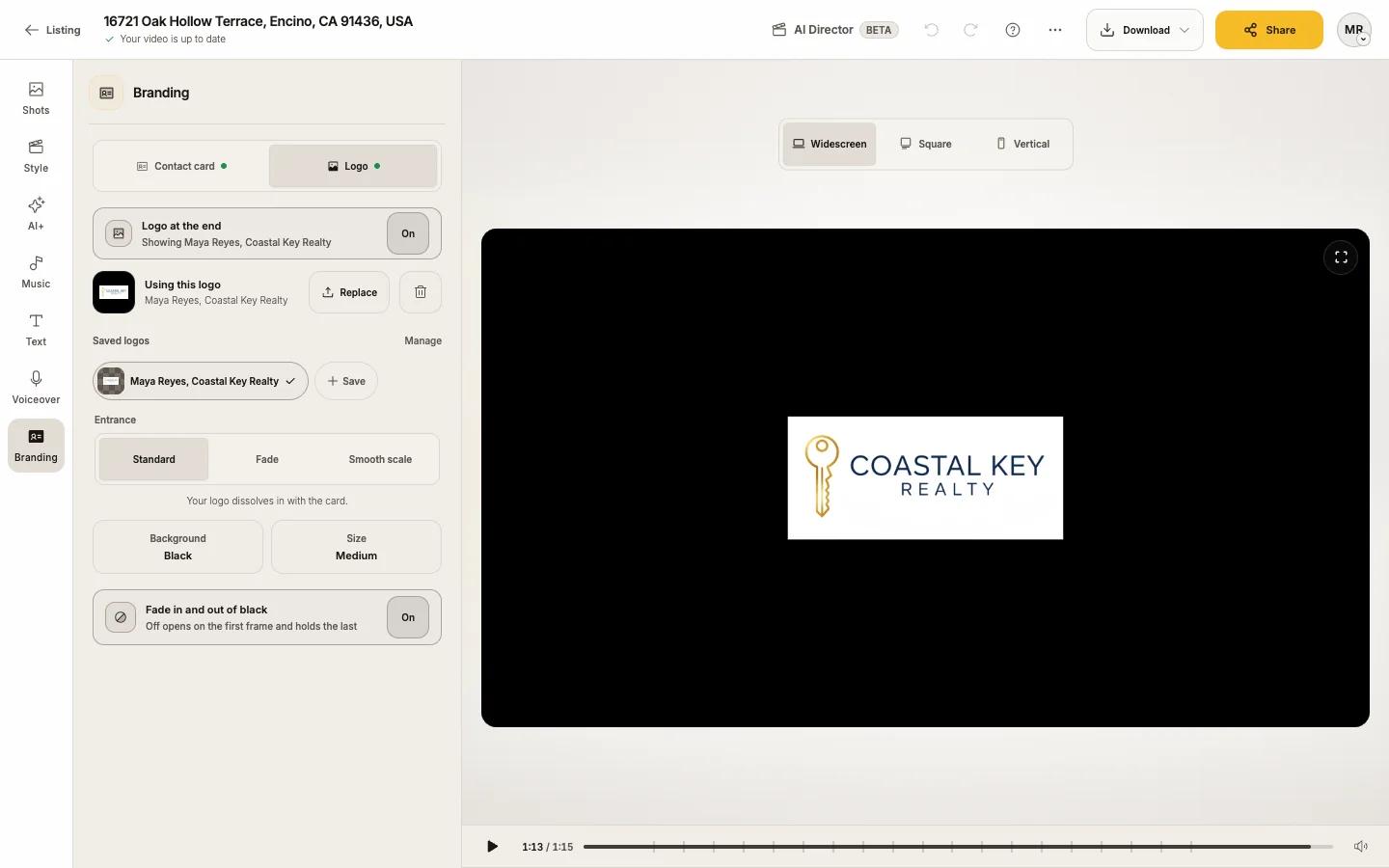
Pick an Entrance
Standard, Fade or Smooth scale.
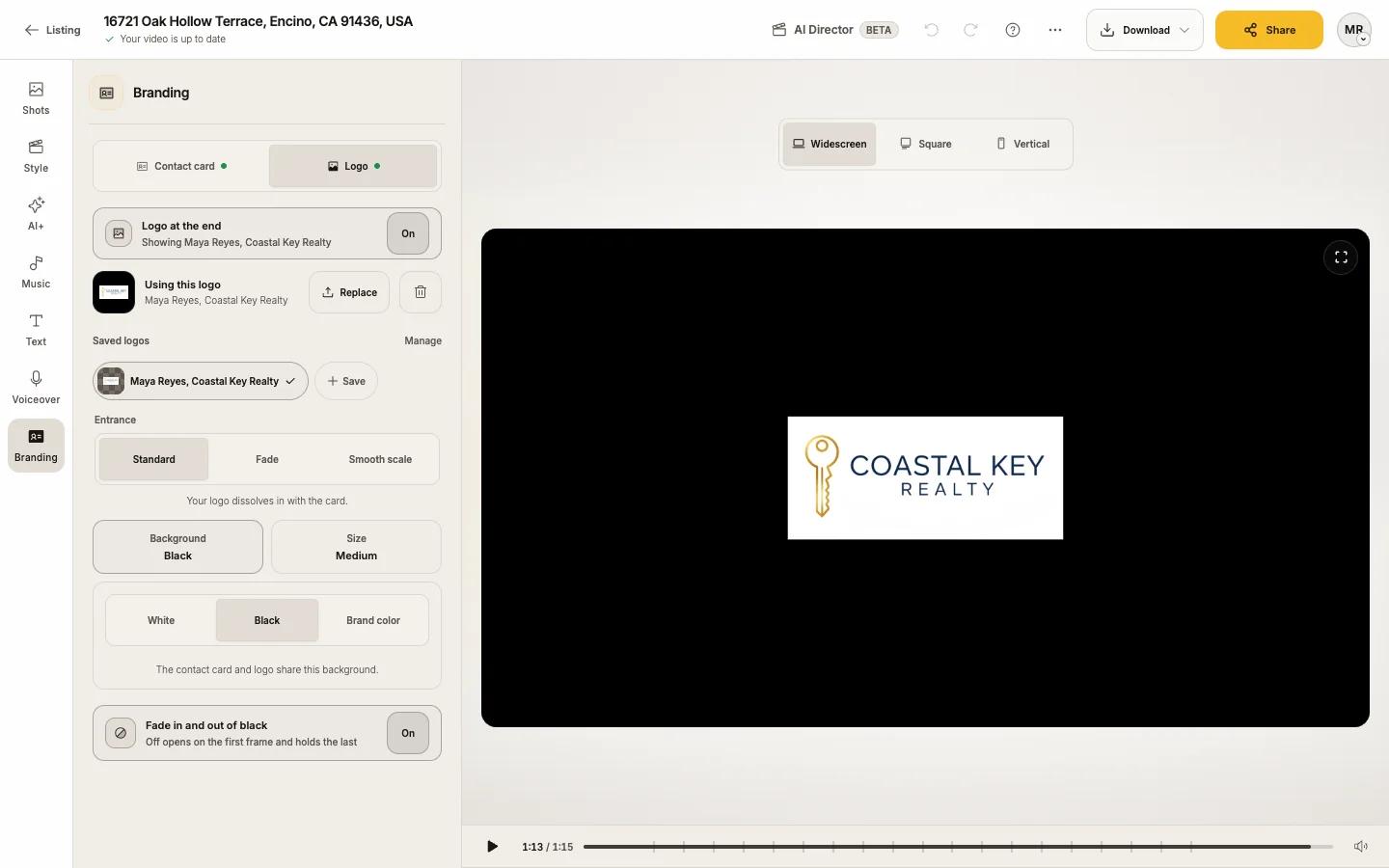
Set the Background and Size
The contact card and logo share one background: White, Black or Brand color.
Save your brand for every listing
Under Saved cards and Saved logos, press + Save and name it. Next time, pick it from the list, or choose Use my saved brand in the create flow. Update saves changes to a saved card; Manage saved cards lets you use, rename or delete one. Deleting a saved card never changes videos you already made.
Branded and unbranded files
Every format comes With branding (opening title, contact card, logo) or Without. MLS rules often require unbranded video, and the MLS link is always unbranded. Choose at the top of the Download menu. That is why a listing has up to six video versions: three formats, each with and without branding. A format with no title, card or logo has only the unbranded one.
Tips
- Upload a wide, transparent logo; it scales for each format.
- The opening title is edited in Text; Branding links there with Edit opening title in Text.