

Titles, text and stickers
The opening title introduces the home. Add your own lines of text, and stickers like Just Listed or Open House.
- Time
- 2 minutes
- Where
- Keylight Studio > Text
- Who
- Trial and every plan
- Cost
- Free
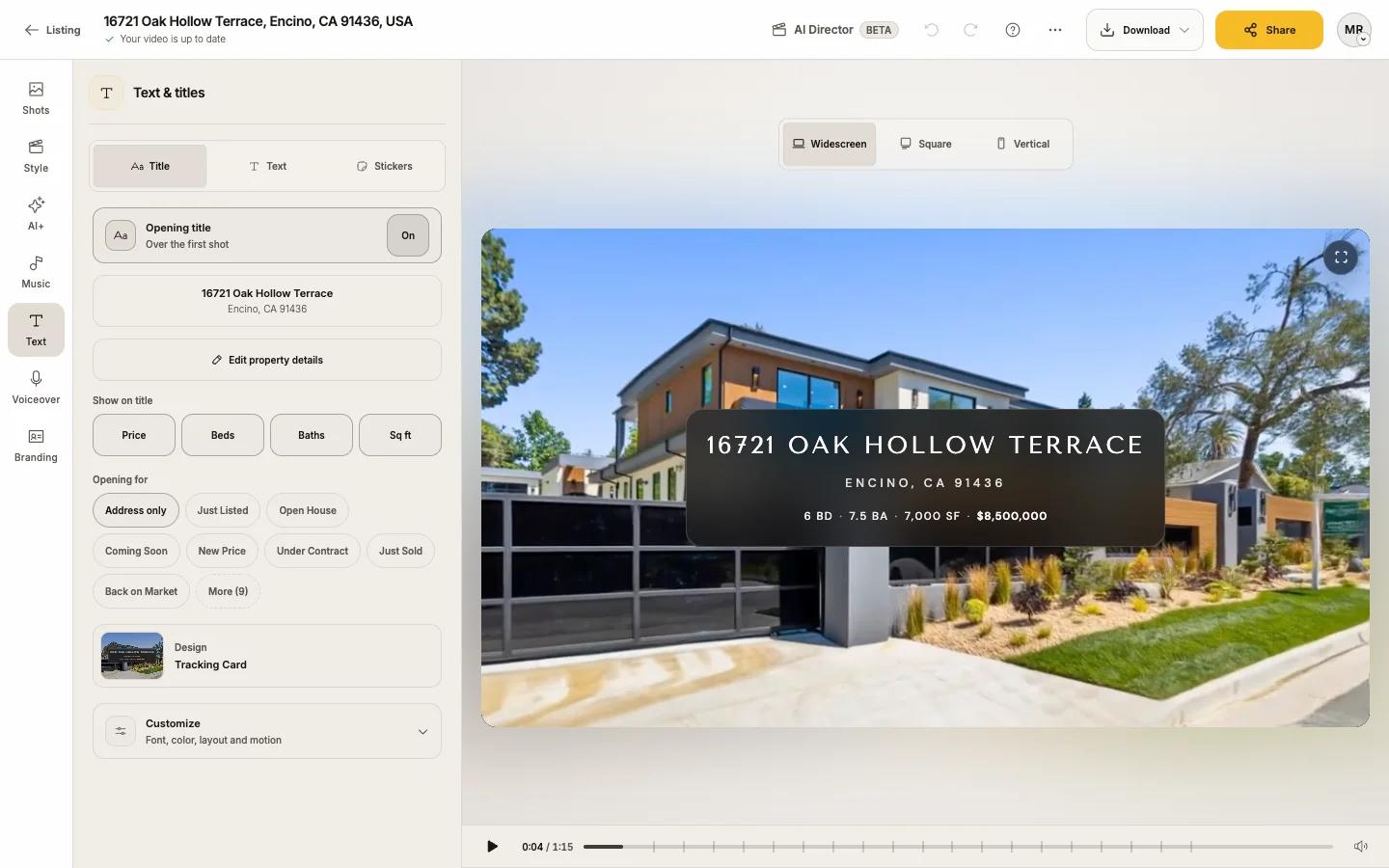
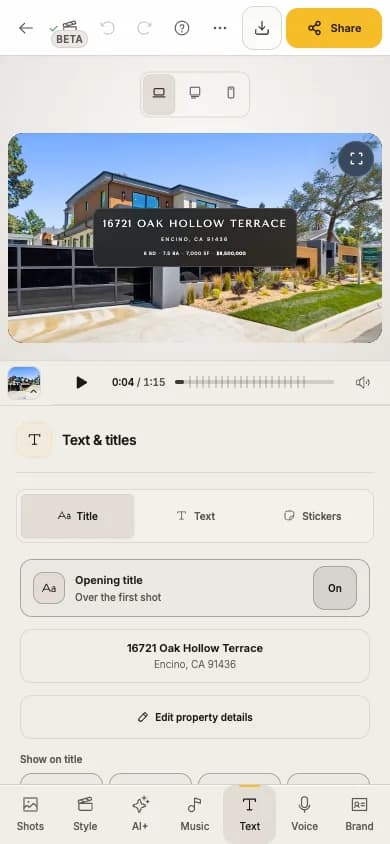
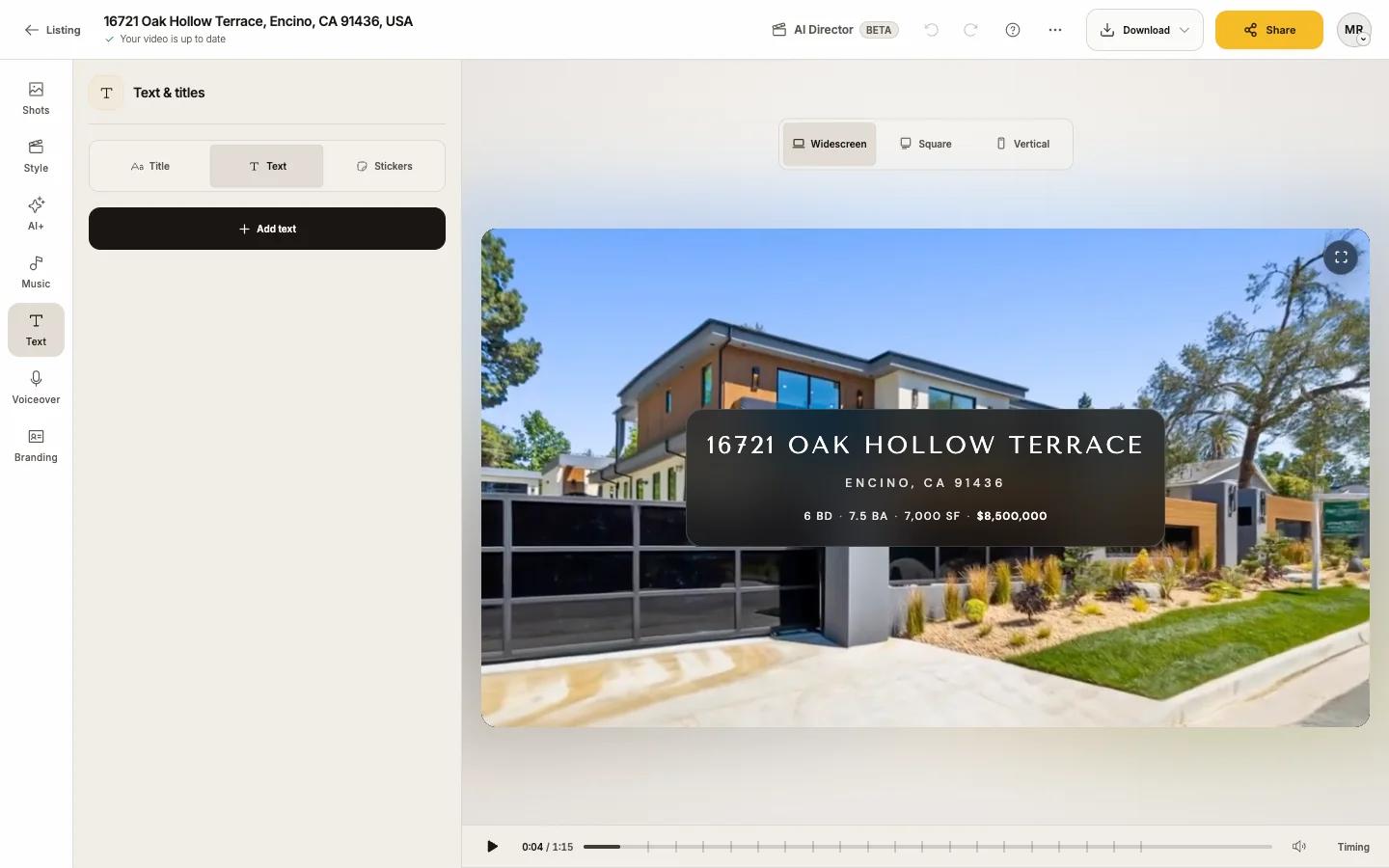
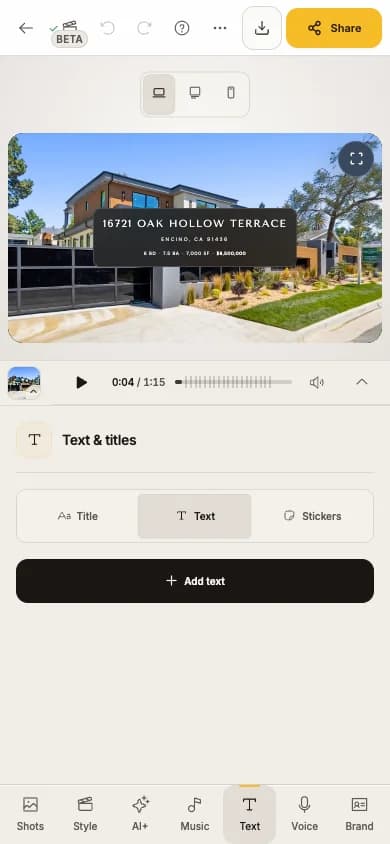
In Keylight Studio, open Text. Text & titles has three tabs: Title, Text and Stickers. Captions for narration live in Voiceover.
Opening title
Turn the Opening title on or off
It plays over the first shot.
Check the words
They come from the address: the street on the first line, then city, state and ZIP. To change them, press Edit property details. If the listing name differs from the address, you can choose which one the title uses.
Choose what to Show on title
Turn Price, Beds, Baths and Sq ft on or off. A fact you have not added shows a + to add it.
Add a tag under Opening for
Such as Just Listed, Open House, Coming Soon, New Price, Under Contract, Just Sold or Back on Market (More shows the rest). Open House asks for the date and time.
Pick a Design
Save as favorite keeps one handy.
Customize it
Font weight, background (None, Blur or Solid), position on a 9-point grid, scale and motion. Reset to design defaults undoes your tweaks.
To move the title, press Change position and drag it on the video; each format keeps its own position.
Your own text
Open the Text tab and press Add text
Type your Message
Up to 160 characters.
Style it
Design (Classic, Strong, Label, Accent, Cinema, Type), Color (the text color, and a background of None, Band or Pill), Motion (None, Fade, Pop, Slide up) and Size & position.
Set its Timing
Set Start and End, or drag its block on the Text lane under the player.
Up to 8 lines of text per video. Delete text removes one.
Stickers
Stickers are badges like Just listed or Open house. They sit on top of your text and can be timed like it.
Open Stickers and press Add sticker
Style and time it
Choose its Design, Color, motion, Size & position and timing, or Whole video.
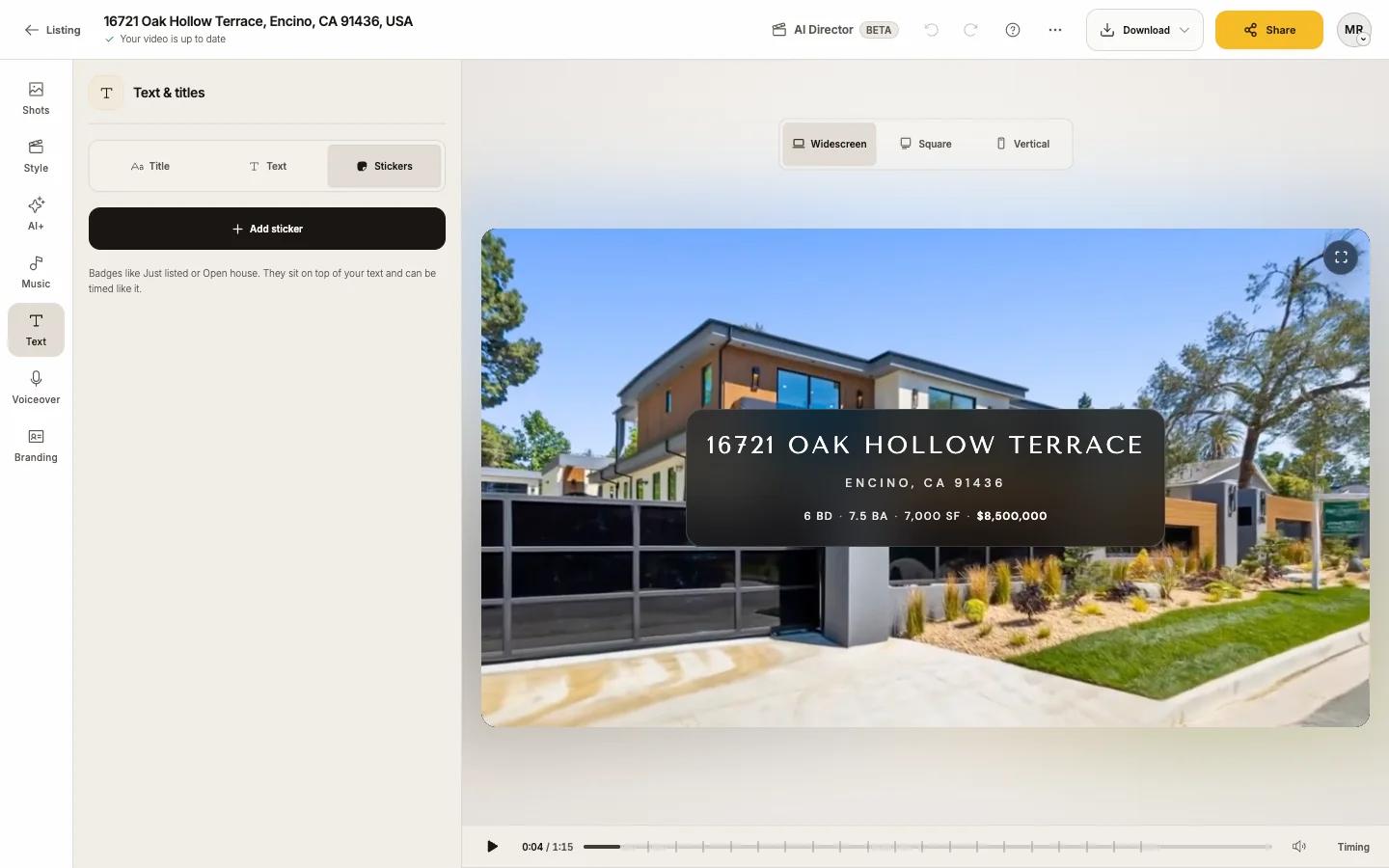
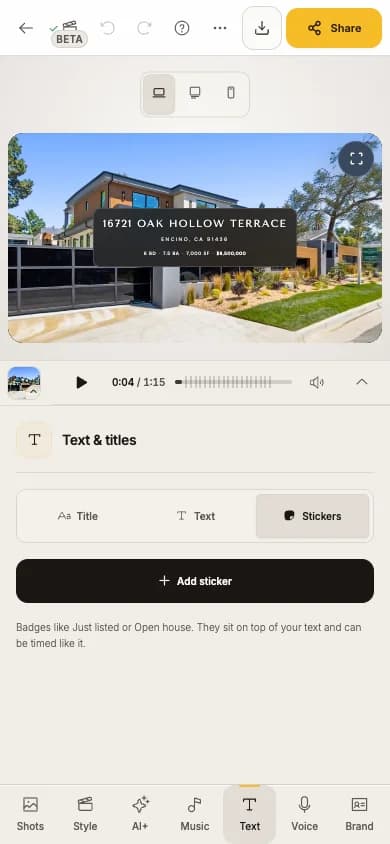
Up to 12 stickers. Delete sticker removes one.
With or without text in your files
When you download, With branding includes the opening title, contact card and logo; Without gives a clean video for the MLS. See Download your video.