

Day to dusk and twilight
Two ways to get the evening look: a twilight photo for your listing, or a Day to dusk shot that changes on screen in your video.
- Time
- About a minute for a photo, about two minutes for a video shot
- Where
- Photo: Keylight > shot > Photo > Edit. Video: Keylight > AI+ > Day to dusk
- Who
- Trial and every plan
- Cost
- Twilight photo, 1 photo edit credit. Day to dusk, 1 AI+ credit
| Compare | Twilight photo | Day to dusk (video) |
|---|---|---|
| What you get | A still photo at twilight, lights on | A shot where the sky fades to twilight and the lights come on as it plays |
| Where it shows | Video, listing website, photo downloads | The video only; the photo stays as it was |
| Where you make it | Photo editor, Edit tab | AI+, Day to dusk look |
| Cost | 1 photo edit credit | 1 AI+ credit |
Make a twilight photo
Open the outside shot's Photo tab and choose Edit
See Edit a photo for how to open a photo.
Tap Make it Twilight, then Apply edit
On a daytime photo, Make it Twilight shows under Suggestions. You can also write it yourself under Instructions, for example "Twilight, warm lights in every window, keep the lawn green."
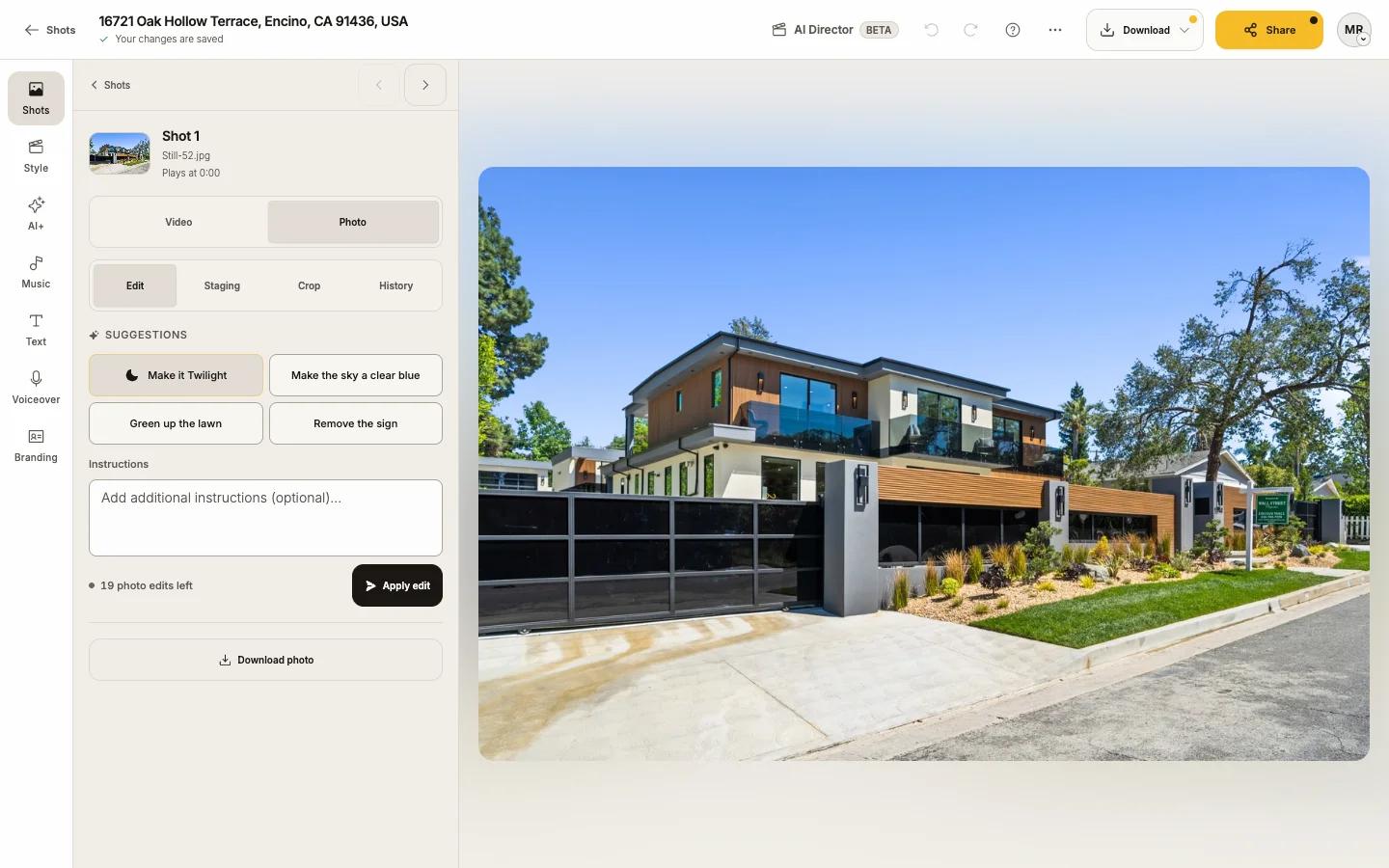
The twilight photo replaces the daytime one everywhere
Use original brings daytime back.
A twilight photo offers Make it Daytime the other way round.
Make a Day to dusk shot
Open AI+ and pick Day to dusk
Pick an outside shot
The shots marked Good fit work best.
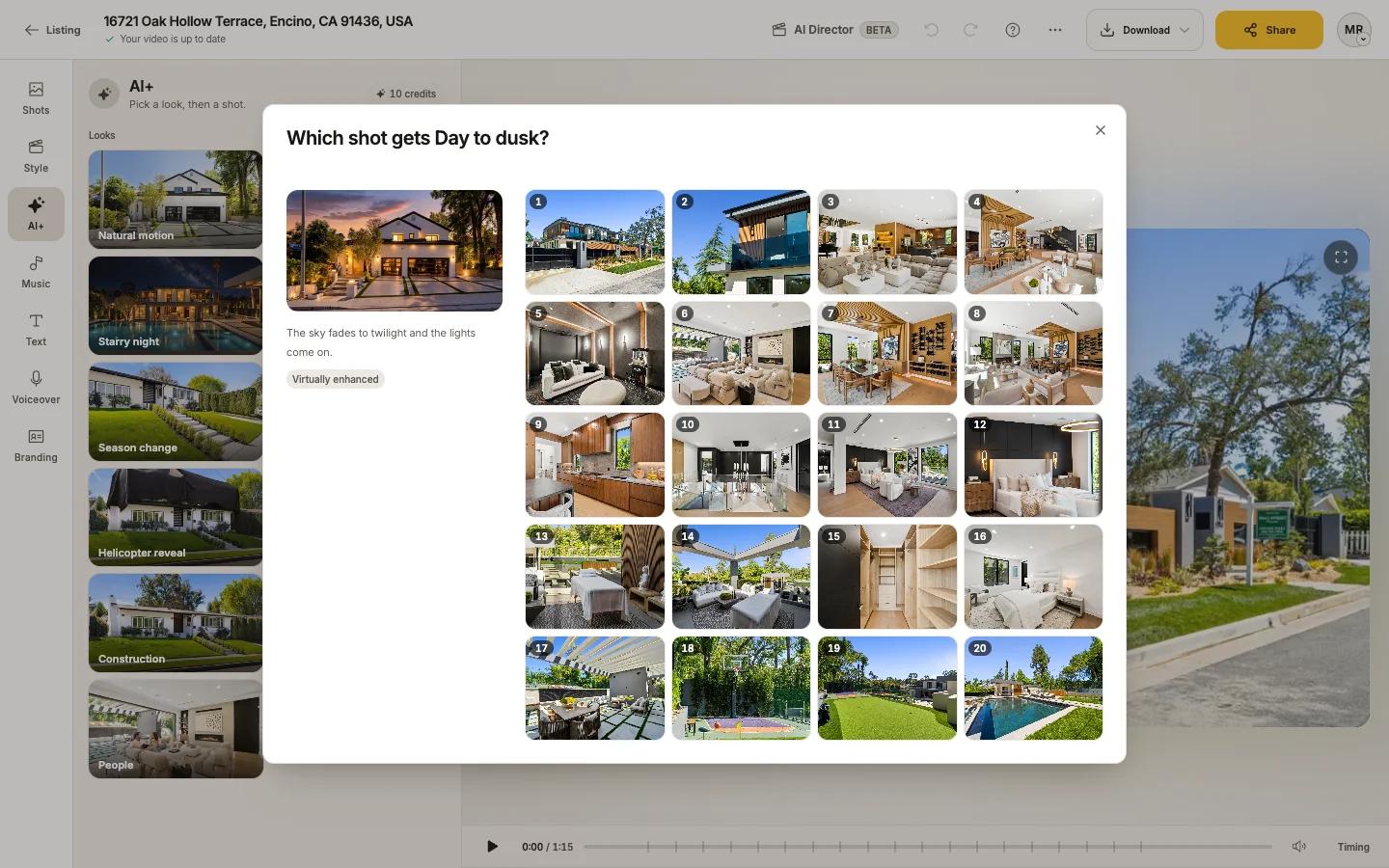
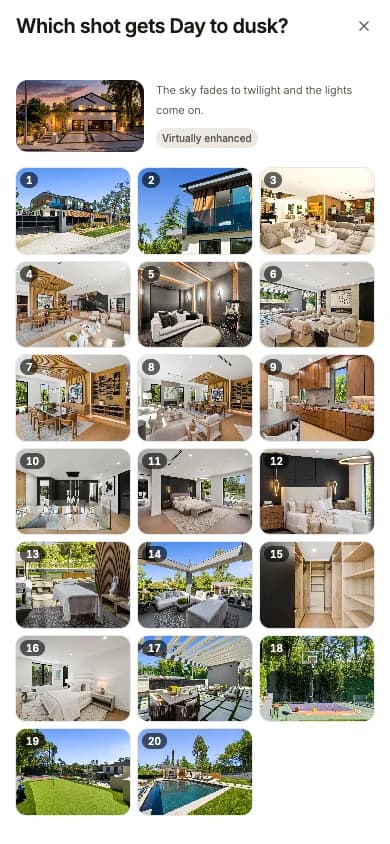
Press Make Day to dusk
It takes about two minutes and drops into your video by itself.
Full steps: AI+ motion and looks.
Which one?
- For the listing's hero photo, the MLS and print, use a twilight photo.
- For a video moment that makes people stop scrolling, use Day to dusk, often as the last shot.
- You can use both: a twilight photo in the gallery and Day to dusk on the front of the home in the video.