

Links, MLS link and embed
Send a link that plays your video, put the MLS link in the virtual tour field, or embed the video on your own site.
- Time
- 1 minute
- Where
- Listing page > Send a link > Get links; Keylight > Share > Video link
- Who
- Trial and every plan
- Cost
- Included
Open Share in Keylight Studio (or press Get links on the listing page's Send a link card). The sheet reads "Send your video, publish your website or post it."
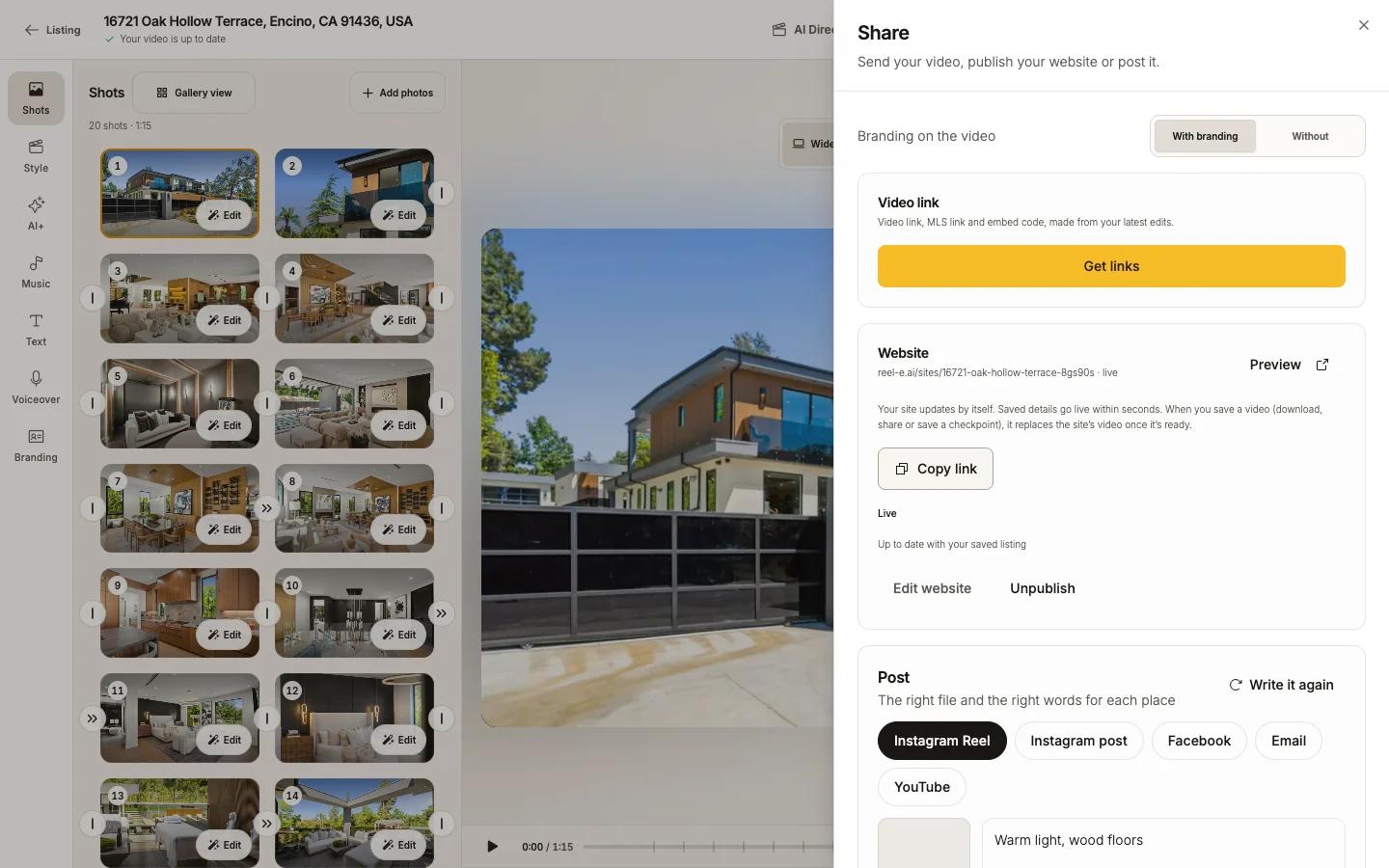
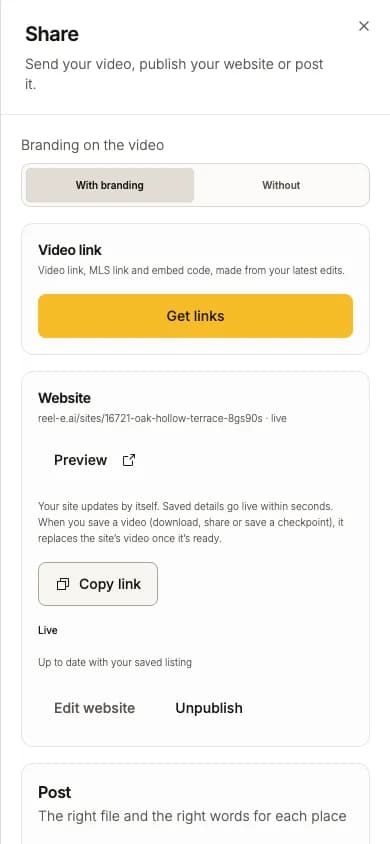
Get links
Choose With branding or Without
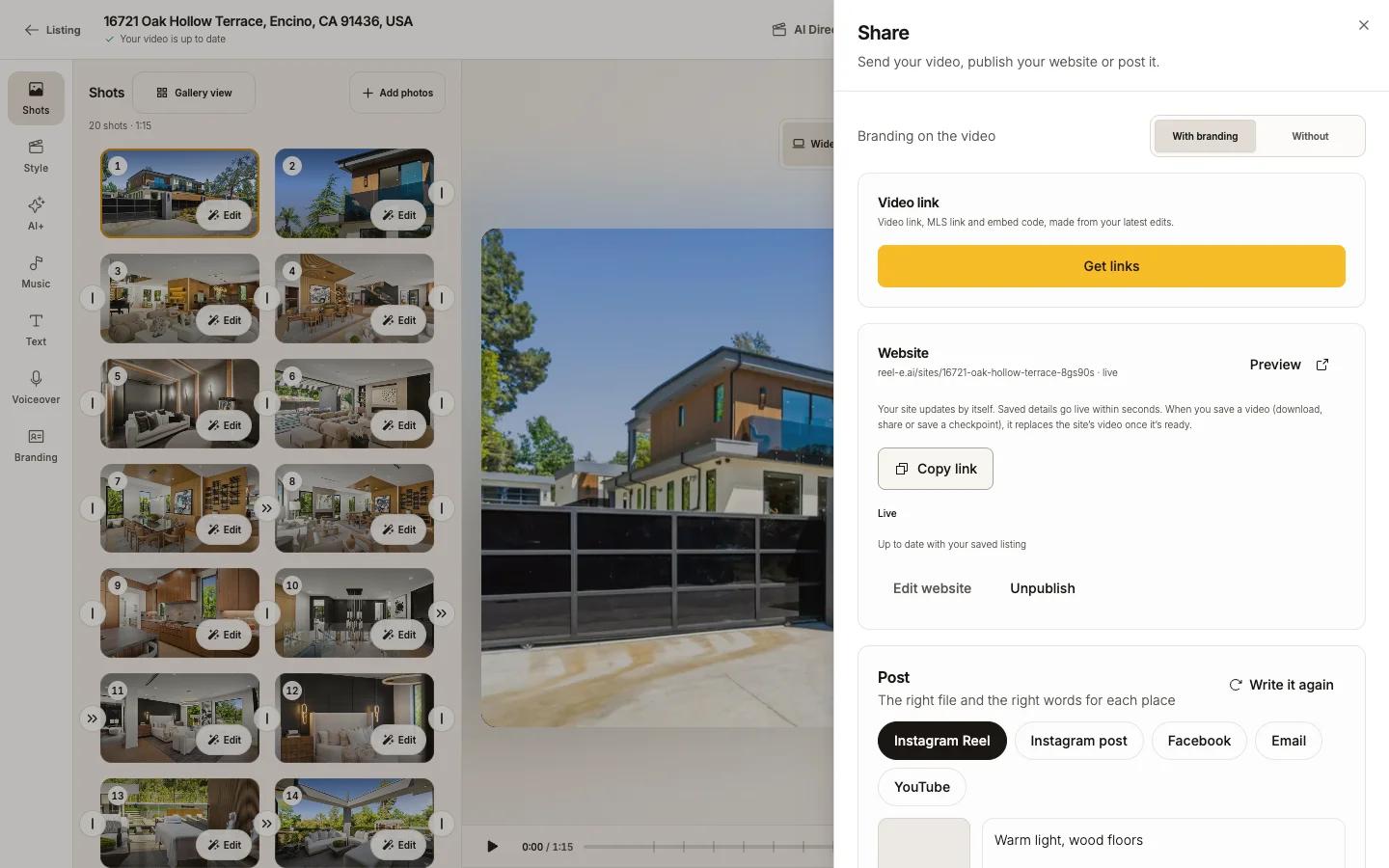
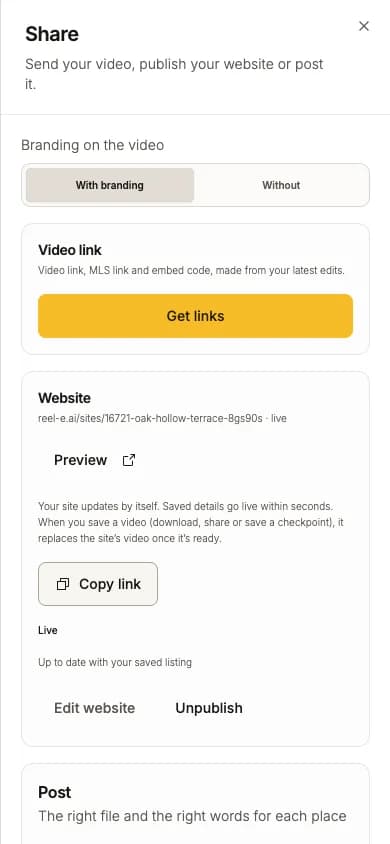
Branding on the video at the top of Share sets which version links and downloads use.
Press Get links
Reel-E publishes the current video and gives you three things, each with a copy button.
| Link | What it is | Copy |
|---|---|---|
| Video link | A page that plays the video. When the video is branded it shows your name, with Call, Email and See the listing website. | Copy video link |
| MLS link | Press Turn on MLS link first. A page with the property and the video, always unbranded and Widescreen, as MLS rules ask. Paste it in your MLS's virtual tour field. It needs a listing website to be set up. | Copy MLS link |
| Embed code | A player to paste into your own website. | Copy embed code |
Keep links current
Links keep playing the video you published. After you edit, press Update video link. "Your current links stay available until the replacement is ready." Then everyone with the link sees the new video, with no new link to send.
The MLS link follows the latest published video (from a video link or your website). It never publishes anything itself.
Turn a link off
Disable link stops the video link and the embed ("Disable this video link?"). Anyone who already has it stops seeing the video. Turn off MLS link does the same for the MLS page.
Good to know
- A link pasted into a social post shows a preview picked by that platform. To play the video in the post, download the file and upload it (Vertical for Reels, Shorts and TikTok). See Post to social.
- If a preview shows the Reel-E logo instead of the home, the link you copied was the Reel-E homepage, not the video or listing link.
- Zillow takes listing updates from your MLS, not from a video upload. Put the MLS link in your MLS's virtual tour field.
- On the trial, links play the watermarked video until you start your plan.