

Post to social
Reel-E writes the post for each platform and saves the right video shape with it. You post it from your own account.
- Time
- 1 minute per post
- Where
- Listing page > Post; Keylight > Share > Post
- Who
- Trial and every plan
- Cost
- Included
Write and save a post
Press Post
On the listing page, or open Share > Post in Keylight Studio.
Pick where it goes
Instagram Reel, Instagram post, Facebook, Email, YouTube or Open house. The text is written from your listing for that place.
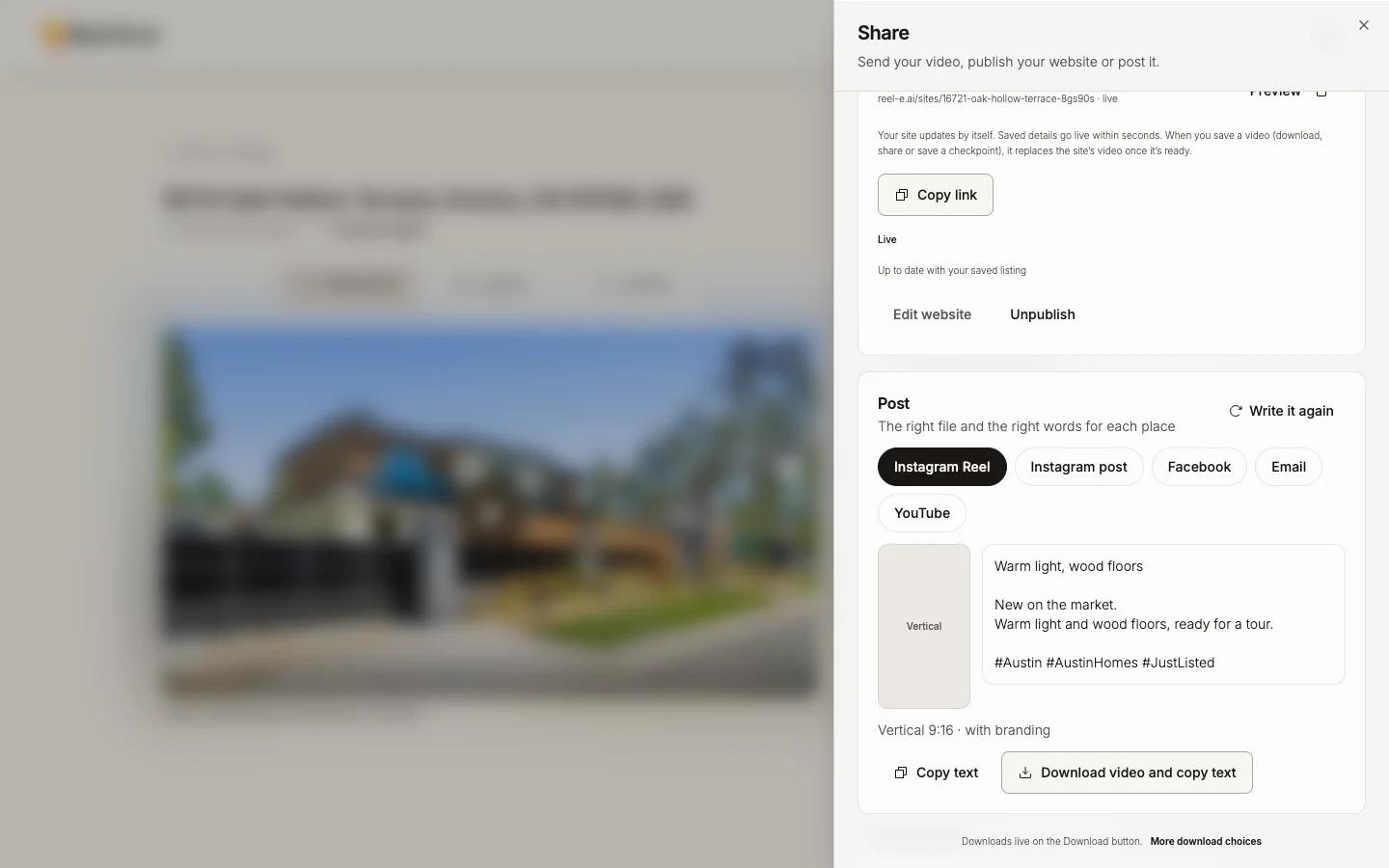
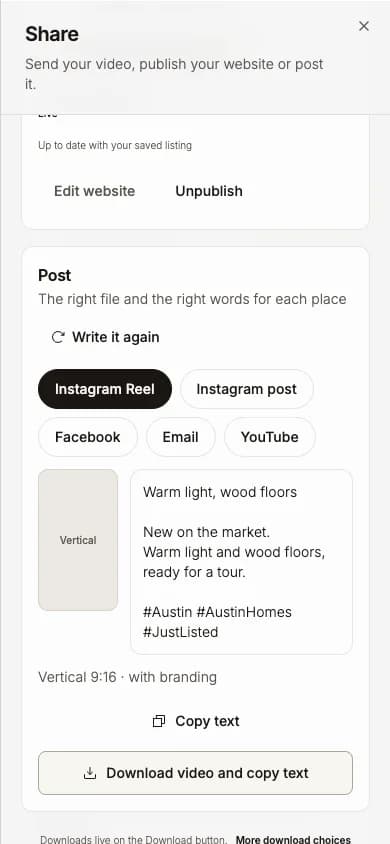
Press Download video and copy text
You get the matching shape (Vertical for a Reel, Square for a feed post, Widescreen for email and YouTube) and the text on your clipboard.
On a phone On a phone the button is Save video and copy text.
Post it from the app
Open the app, add the video, paste the text, and post.
Write it again gives you a new version. If you changed the listing details after the text was written, Reel-E says so: "Listing details changed since this was written. Write it again to match."
Good to know
- Posts are written in English.
- Reel-E never posts for you and does not connect to your social accounts.
- Upload the video file rather than a link; a link does not play inside a post.