

Formats: Widescreen, Vertical, Square
One edit, three shapes. Each format can come with your branding or without, so a listing has up to six video versions.
- Time
- 2 minutes to read
- Where
- The format switch above the video, in Keylight and on the listing page
- Who
- Everyone
- Cost
- Included
| Format | Shape | Best for |
|---|---|---|
| Widescreen | 16:9 | MLS, YouTube, your website, email |
| Vertical | 9:16 | Instagram Reels, TikTok, YouTube Shorts, Stories |
| Square | 1:1 | Instagram and Facebook feed |
Switch formats above the video to see each one. Every edit you make applies to all three.
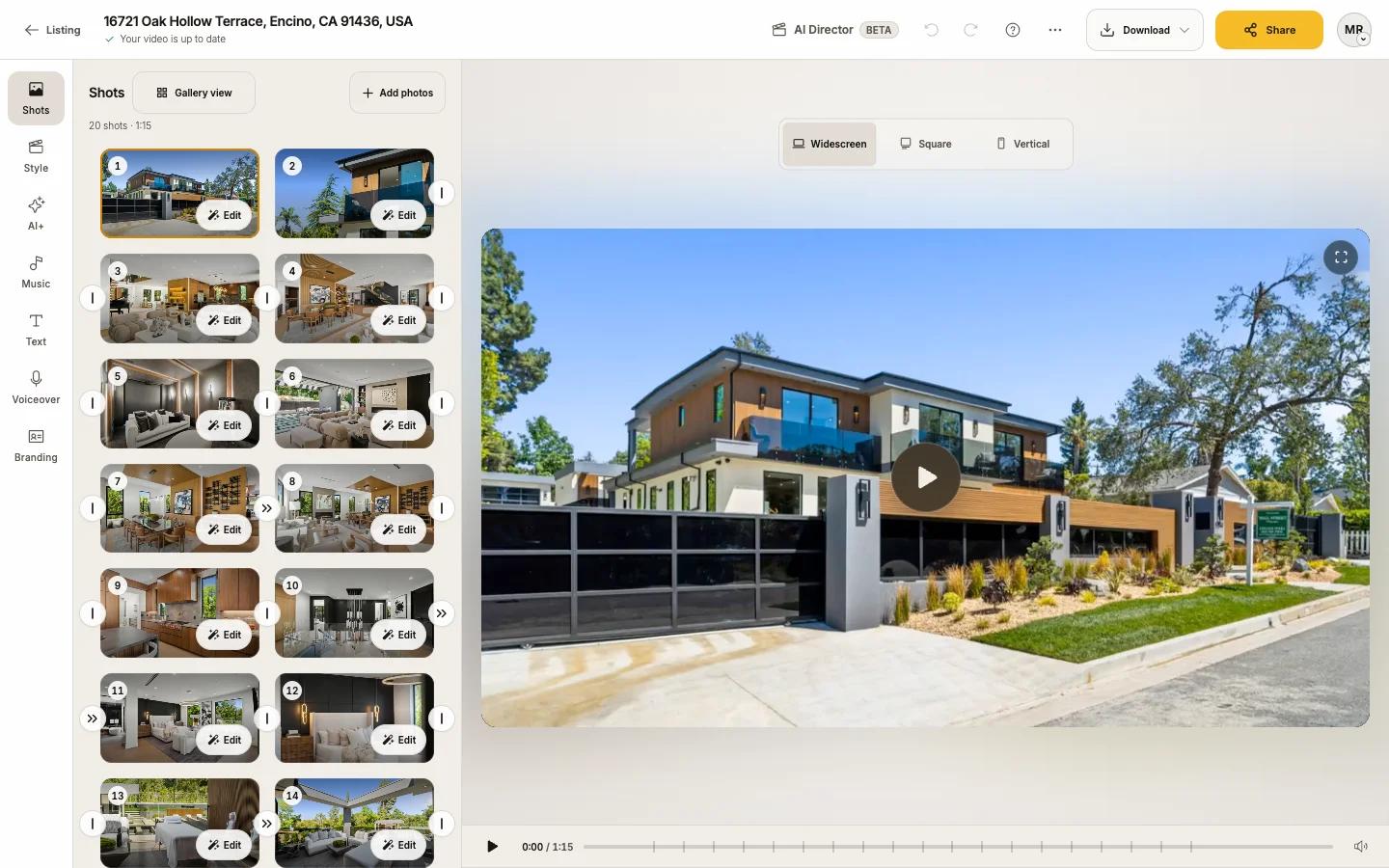
Up to six video versions
Each format comes With branding (opening title, contact card, logo) or Without:
- The three versions without branding are always there.
- A version with branding exists for a format once it has a title, a contact card or a logo.
- So a branded listing has six versions; a listing with no branding at all has three.
- On the trial, the three formats are watermarked instead.
You choose the one you want when you download (see Download your video). The MLS link always plays the unbranded Widescreen version.
Framing for each format
A wide photo has to be cropped for Vertical and Square. Reel-E aims each shot for you. To change it, open the shot (Edit), then Video framing, and position it on the Vertical or Square tab. See Camera movement and framing.
Text, stickers, the contact card and the logo are sized for each format by themselves.